Specs are compiled from manufacturer listings and verified buyer reviews and can change over time — please confirm the key details on the product page before buying.
Most people plug a console into the first screen with an HDMI port and then wonder why fast games look smeary. The fix is simpler than it sounds: a 1080p screen with a high refresh rate — how many times per second the screen redraws — and an HDMI input the console accepts. This guide covers the nine screens that actually make sense for an Xbox One, sorted by what each one does best.
This guide is built by comparing the manufacturers’ published specifications and the patterns across verified customer reviews, so you get each pick’s real strengths and trade-offs instead of marketing spin.
Below you’ll find plain-English specs, a comparison table, and trade-offs for each screen. Every entry here pairs 1080p resolution with an HDMI input, so whether you are chasing a smoother frame rate or just want clearer picture, this is the shortlist worth reading for a monitor for xbox one.
Top Picks
How To Choose The Best Monitor for Xbox One
An Xbox One caps output at 1080p, so the wrong panel mostly shows up as smeared motion rather than a resolution mismatch. The console outputs up to 1080p, so a 1080p screen matches it one-to-one with no stretching. From there, three specs decide how the picture actually feels in motion.
Refresh Rate Beats Resolution Here
Refresh rate is how many times per second the panel updates — 240Hz means 240 redraws a second, 120Hz means 120. A higher number makes fast turns and sprinting look smoother. One catch: on an Xbox One the console caps the frame rate it sends, so a 120Hz or 240Hz panel is headroom, not a promise of that many frames.
Response Time and Panel Type
Response time measures how fast a pixel changes color — a 1ms figure means very little trailing behind a moving object. IPS panels (a type of LCD that keeps color steady from the side) give you accurate color at wide angles. The trade-off is that IPS can look dimmer than other panel types, which shows up in bright rooms.
Adaptive Sync, Ports, and the Stand
FreeSync and G-SYNC Compatibility are adaptive-sync standards — they match the screen’s refresh to the frame flow so you don’t see tearing. On a console, HDMI is the cable you’ll use, so confirm an HDMI port exists (every pick here has one). Stand adjustability matters too if you sit close to the screen for long sessions.
Side-by-Side Comparison
| Model | Best For | Refresh Rate | Response Time | Panel / Sync | Amazon |
|---|---|---|---|---|---|
| Dell SE2726H 27″★ Best Overall | Big-screen all-rounder | 144Hz | 1ms MPRT | IPS / FreeSync | Amazon |
| LG 24G411A-B 24″Budget Speedster | Fast panel on a budget | 144Hz (O/C) | 1ms MBR | IPS / G-SYNC Compatible | Amazon |
| Dell SE2426HG 24″Fastest Panel | Competitive shooters | 240Hz | 0.5ms | IPS / FreeSync Premium | Amazon |
| Sceptre E255B-FWD240 | Built-in speakers | 240Hz | 1ms BR | LED / FreeSync Premium | Amazon |
| AOC 24G42HE 24″ | Wide color on a budget | 200Hz | 0.3ms | IPS / FreeSync | Amazon |
| Acer KB272 G0bi 27″ | Mixed office and gaming | 120Hz | 1ms VRB | IPS / FreeSync Compatible | Amazon |
| ASUS TUF VG249QM5A 24″ | Serious frame chasers | 240Hz | 0.3ms (min) | Fast IPS / G-SYNC Compatible | Amazon |
| ViewSonic VS2747-H 27″ | Long desk sessions | 100Hz | — | IPS / FreeSync | Amazon |
| ASUS VA249QG 24″ | Eye comfort and value | 120Hz | 1ms MPRT | IPS / FreeSync | Amazon |
Detailed Reviews
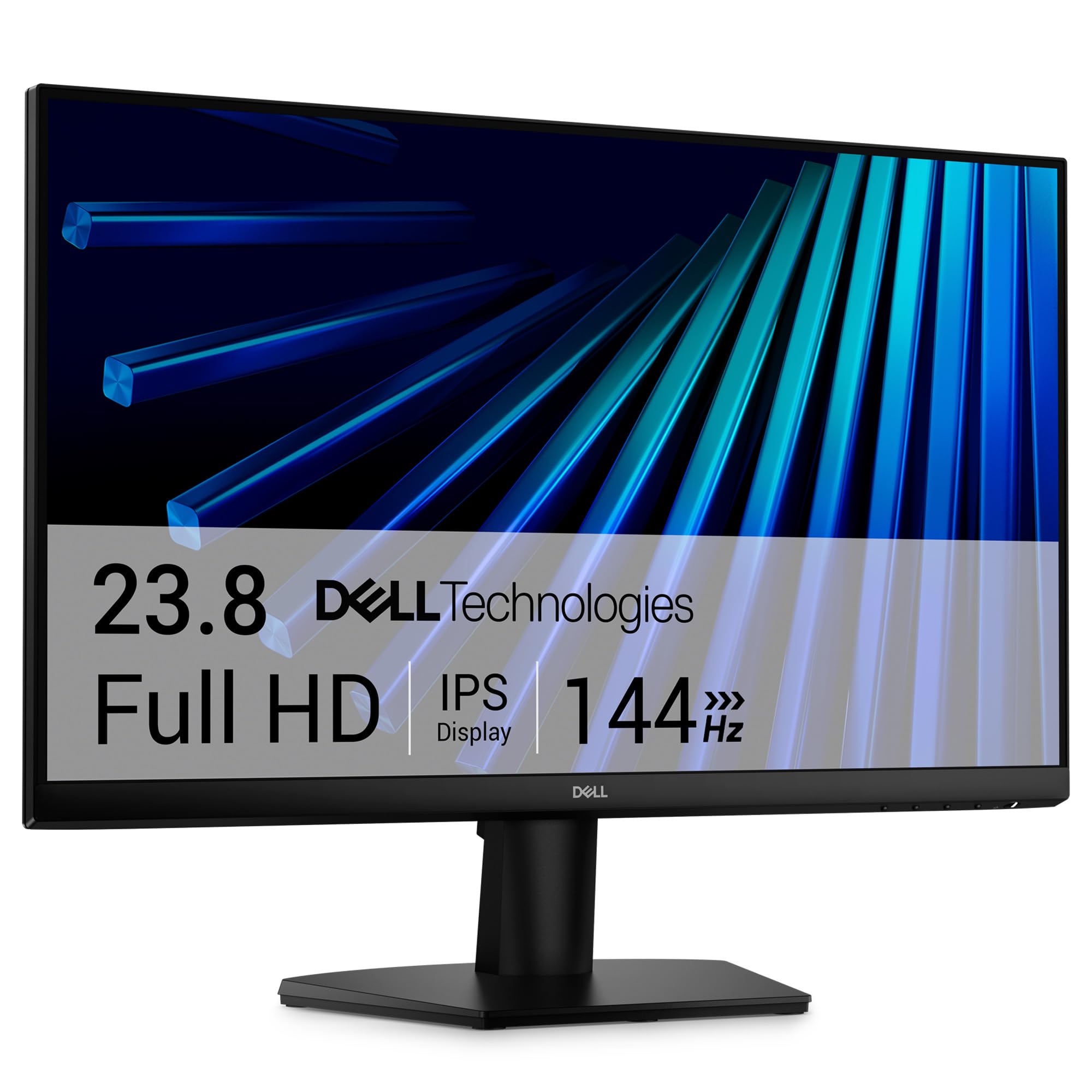
1. Dell 27 Monitor – SE2726H – 27-inch FHD 144Hz IPS
Our pick — 4.5+★ from 800+ verified ratings; the strongest balance of quality and price.
A 27-inch screen that keeps color steady from any seat and motion smooth at 144Hz
The Dell SE2726H is the easiest recommendation here because it does the big-picture things right. You get a 27-inch 1920 x 1080 panel, which is the native resolution the Xbox One outputs, so nothing gets stretched or softened. The 144Hz refresh rate and 1ms MPRT response (a blur-reduction measure) keep fast camera pans clean instead of smeared.
Where it beats the 24-inch Dell below is color and contrast at the same time. This panel carries a 1,000:1 contrast ratio and a 72 color gamut figure, and it spreads both across a 178°/178° viewing angle, so the picture does not wash out when you sit off to one side. A 300 brightness rating helps it hold up in a lit room, and Dell adds a TÜV Rheinland 3-star eye-comfort certification that trims blue light without wrecking the color.
Build quality is the most-praised trait of this screen by a wide margin, with value close behind. Setup is quick: the box includes a 1.8m HDMI cable, the stand, and the power cable, so you can be playing in minutes. The honest catch is the stand — it tilts but does not raise, so if your desk sits high you may want a riser or a VESA arm. FreeSync handles the adaptive-sync duty, and the anti-glare screen shrugs off overhead lighting.
What earns it the top spot
- 27-inch 1920 x 1080 panel matches the console’s output exactly
- 144Hz with 1ms MPRT keeps fast pans free of smear
- 178°/178° IPS viewing angle holds color across the room
- Anti-glare screen plus a 300 brightness rating for lit rooms
- HDMI cable, stand, and power cable in the box
Where it asks you to compromise
- Stand tilts only, with no height adjustment
- FreeSync only — no G-SYNC compatibility listed
Buy this one if: you want the largest, most forgiving all-rounder for a living-room or desk setup and queued up just to play.
Think twice if: you need to raise the screen off the desk — this stand won’t do it.
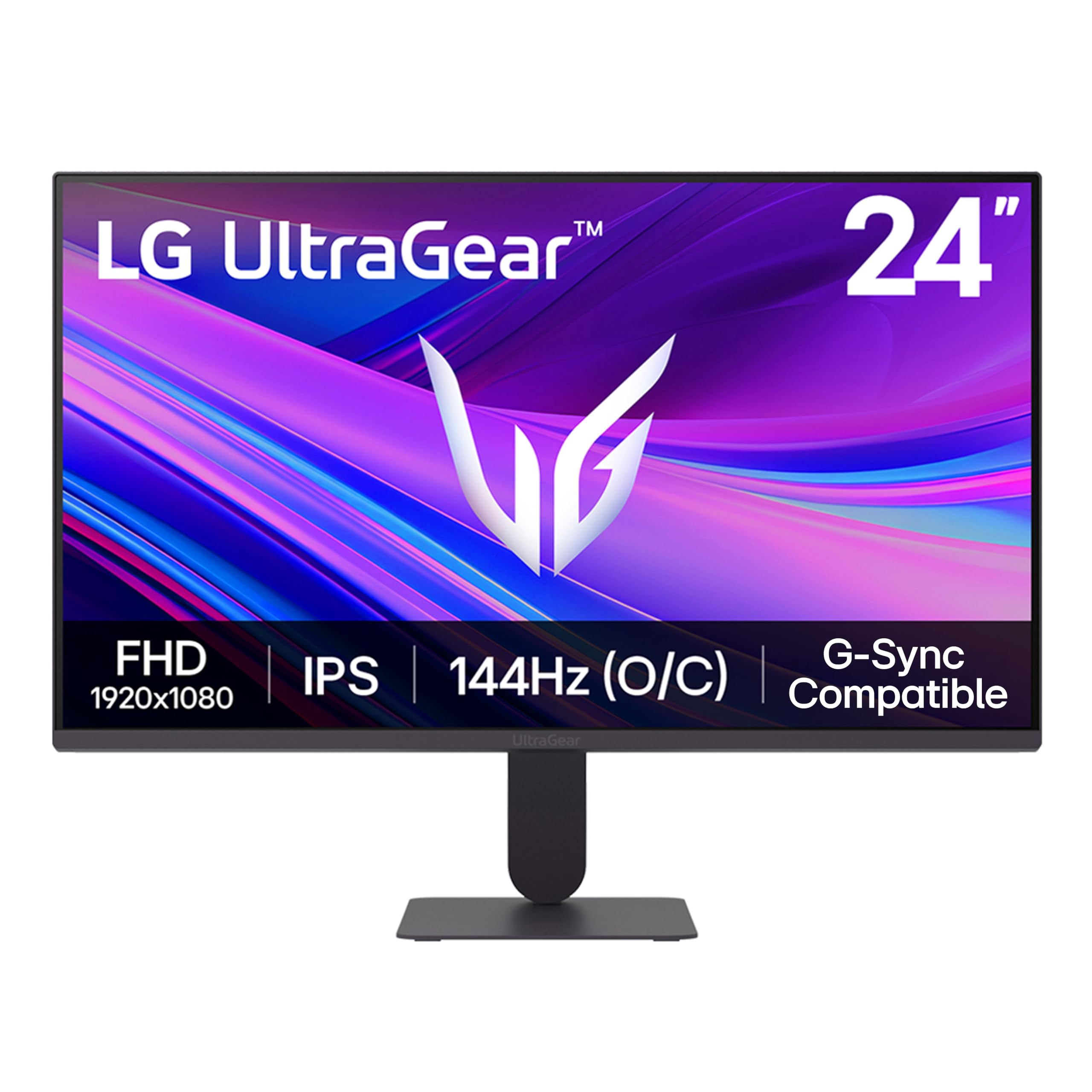
2. LG 24G411A-B 24-inch Ultragear FHD IPS Gaming Monitor
The 24-inch that overclocks to 144Hz and keeps both major sync camps happy
Here is a panel that covers both adaptive-sync standards at once: NVIDIA G-SYNC Compatible and AMD FreeSync. That matters if you ever move the screen between a console and a gaming PC. The refresh rate starts at a 120Hz native and jumps to 144Hz when overclocked, and the 1ms MBR response trims the ghosting that trails fast-moving objects.
Color is where this LG punches above its size. The IPS panel covers up to 99% sRGB (a color range standard that covers most game art) and adds HDR10, so explosions and shadowed corners read richer than you’d expect from the spec sheet. Contrast sits at 1500:1 — higher than the 1,000:1 of the 24-inch Dell below — which gives dark scenes a bit more depth. LG also tucks in a Switch app that splits the screen into as many as 6 sections, handy if the same monitor doubles as your work screen.
Brightness is the mixed bag: at a 250 candela-per-square-meter rating, some find it fine and others want more, so a room with strong afternoon sun is the wrong home for it. The stand also draws complaints on stability and has no height adjust. What does land well, again and again, is the overall quality and the value — this is the strongest case for a small secondary screen in the lineup.
Black-frame edge: Black Stabilizer lifts the shadows in dark scenes so threats don’t hide in the murk, and Dynamic Action Sync cuts input lag so your button press lands sooner.
Reach for this if: you want 144Hz and dual sync support without stepping up a size.
Look elsewhere if: your room is bright — 250 candela per square meter is modest.
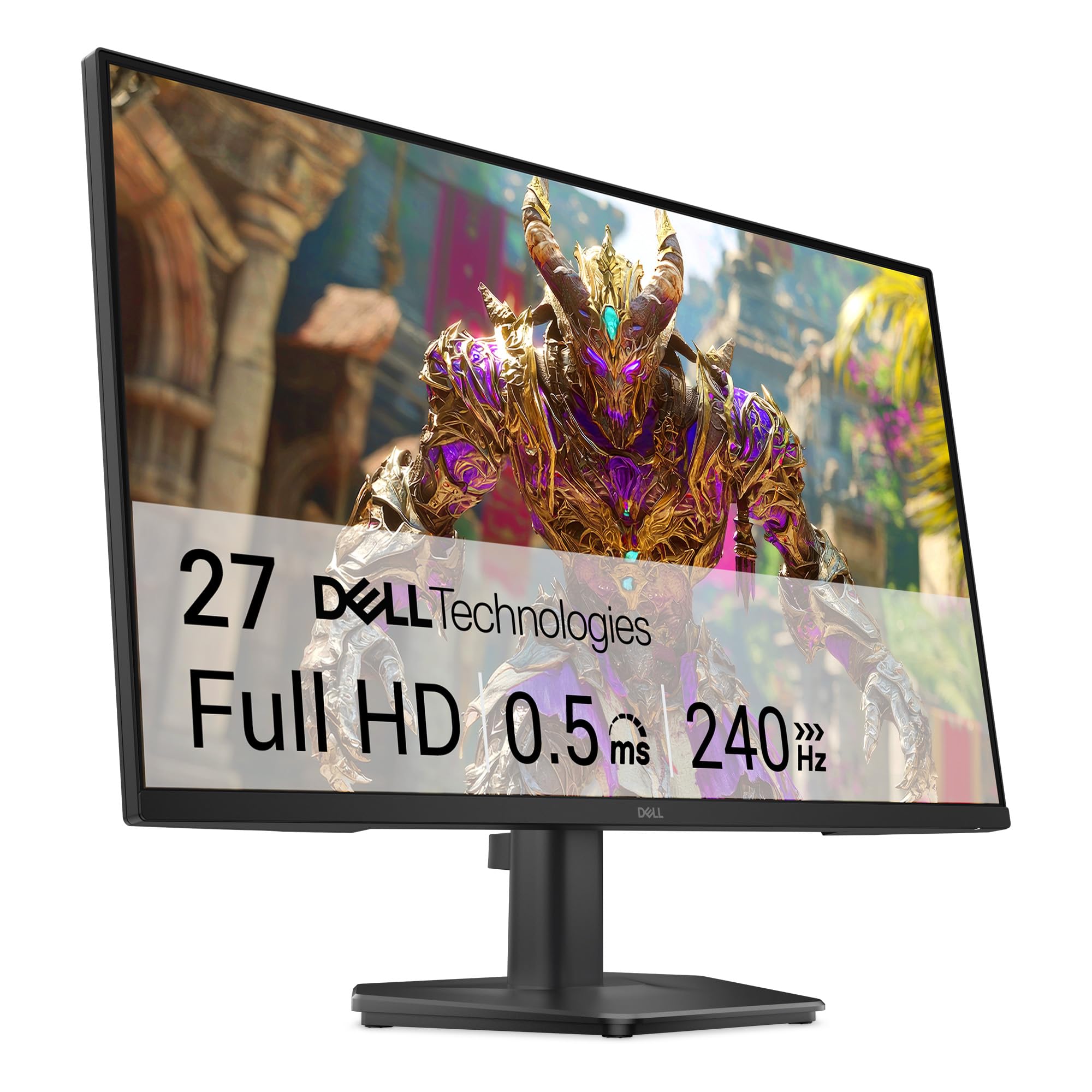
3. Dell 24 240Hz Gaming Monitor – SE2426HG
A 240Hz screen with a 0.5ms response — speed first, comfort close behind
The number that defines this Dell is the refresh rate: 240Hz, paired with a 0.5ms response time. That is double the 120Hz the console caps at, which means the panel has plenty of headroom to render every frame the console sends without straining. FreeSync Premium plus HDMI VRR (variable refresh rate, which syncs the screen to the frame flow) kills tearing, so hard corners stay smooth.
Unlike the 27-inch Dell up top, this one leans on its Fast IPS panel for color rather than size. It covers 99% sRGB and hits a 300 brightness rating, with the same TÜV Rheinland 3-star eye-comfort treatment on blue light. The box ships with a 1.8m HDMI 2.0 cable, so the console plugs straight in.
Picture and color get consistent praise, and the value read is strong for what you get. Two compromises show up: the screen lacks height adjustability, and the stand can feel tippy if you bump the desk. Neither is a deal-breaker for a fixed desk setup — just keep it out of foot traffic.
The motion case: the combination of 240Hz and 0.5ms is the fastest spec pairing in this lineup without jumping to the TUF below.
Sized for a desk: at 23.8 inches it fits tighter setups than the 27-inch picks, which some prefer sitting close to the action.
Pick this when: smooth motion is your priority and you don’t need to raise the screen.
Skip the upgrade if: you count on height adjustment — this stand doesn’t offer it.
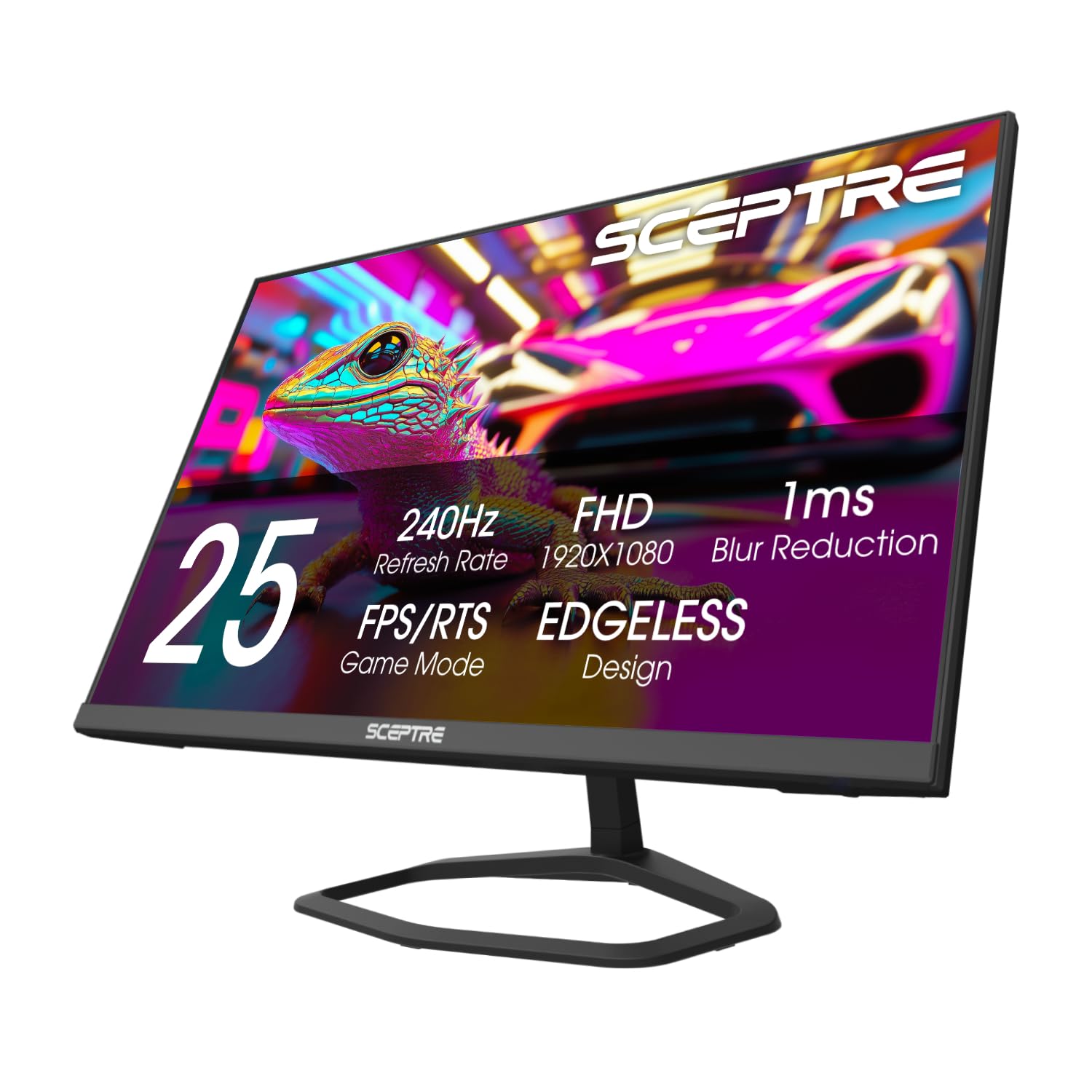
4. Sceptre 24.5-inch Gaming Monitor 240Hz
The one that skips the soundbar — speakers built right into the frame
Sceptre solves a problem most other panels here leave open: audio. Speakers are built into the monitor, with an audio-out jack as a backup, so you can skip the soundbar and keep the desk clean. The panel matches the Dell’s speed at 240Hz with a 1ms BR response, and it carries a 2000:1 contrast ratio — double the 1,000:1 of the Dell SE2426HG — which gives dark scenes more punch.
Connectivity is unusually generous: two HDMI ports and two DisplayPorts, all capable of the 240Hz refresh rate, so switching between a console and a PC is a cable swap away. Color heads toward saturation at 100% sRGB, and Blue-Light Shift trims eye strain for long sessions. FreeSync Premium handles adaptive sync.
The trade-off worth flagging is image consistency — some find the picture and colors grainier than expected, so it’s a better fit for gameplay than for color-critical photo work. The frame-rate and setup side draws steady praise, and the value read holds up. At 4.54 kg it’s a solid, desk-filling panel rather than a featherweight.
Choose it for: a one-screen desk where the monitor supplies the sound too.
Fine to pass if: you already run external speakers and want the most color-pure panel.
5. AOC 24″ Gaming Monitor FHD 200Hz IPS
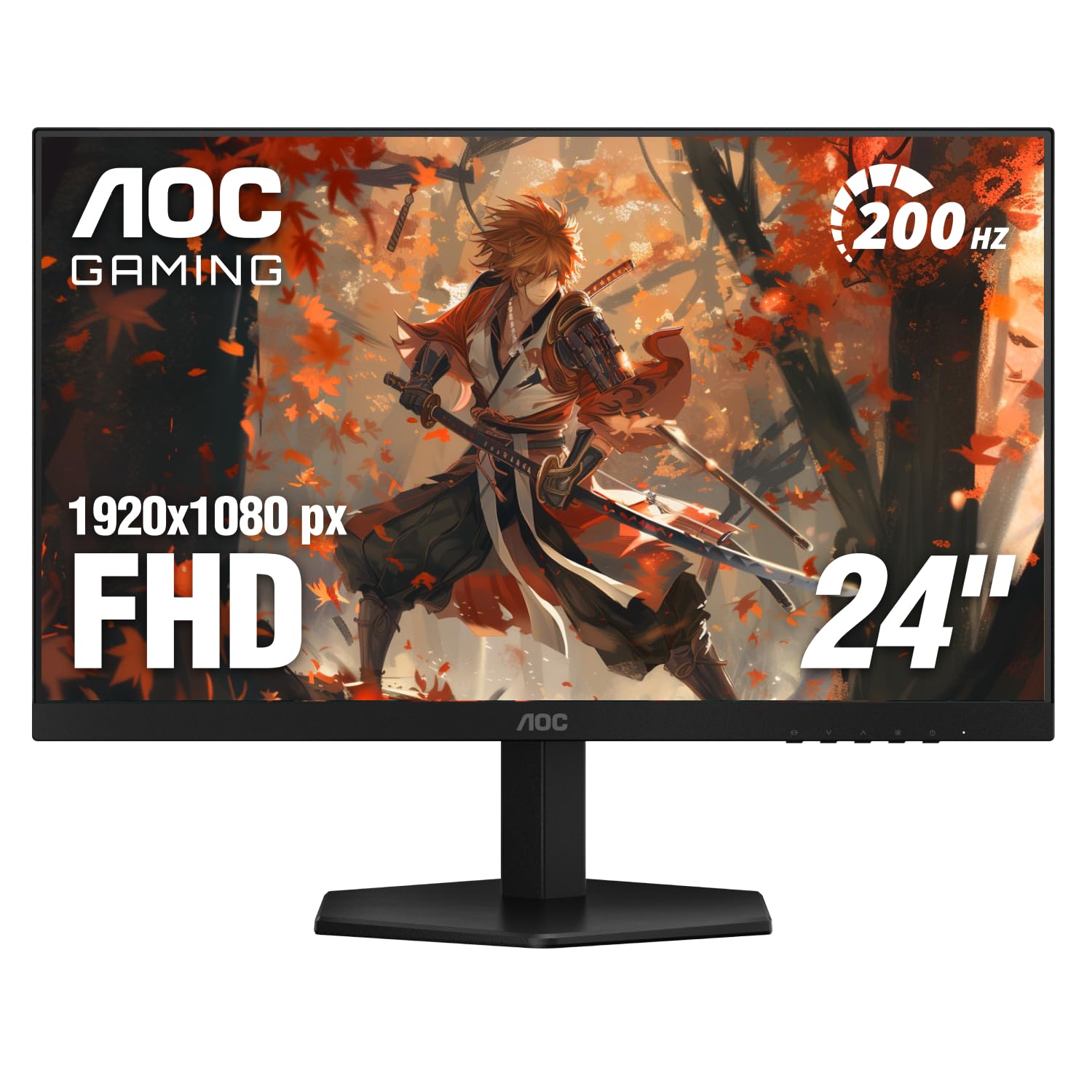
A 0.3ms panel with color range that runs past the rest of the roster
The headline here is response speed: a 0.3ms figure. Against the 1ms on the Sceptre above, that is the sharpest pixel-change spec in the budget half of this list — less trailing behind fast-moving targets. The 200Hz refresh sits between the 144Hz and 240Hz picks, fast enough to stay smooth without pushing the price tier up.
Color is the other draw. This IPS panel reaches 116% sRGB, the widest gamut in the entire lineup, and it’s HDR ready. The 1920 x 1080 resolution with a 300 cd/m² brightness rating keeps the picture crisp and readable. AOC also builds in a low-input-lag mode aimed squarely at console play, and the three-sided frameless design is made for stacking two screens side by side.
Size, sharpness, and color all draw praise, and the value read is the recurring theme — sharp Full HD visuals without a premium price tier. The one physical note: at 7.03 inches deep it takes up more desk space than the slimmest picks here. Adaptive-Sync keeps frames tear-free.
Console-minded: AOC tunes a low-latency mode for consoles specifically, which is exactly the kind of detail that matters on an Xbox One feeding frames over HDMI.
Best fit for: someone who wants the punchiest color and quickest pixel response in the mid tier.
Consider the depth: measure your desk — this one is deeper than the slim-stand options.
6. Acer 27in FHD 1920×1080 IPS 120Hz Gaming Monitor

A 27-inch panel that swallows a whole desk without overwhelming it
If you want the bigger 27-inch canvas but don’t need the fastest motion, the Acer KB272 G0bi is the sensible middle. It pairs 1920 x 1080 resolution with a 120Hz refresh rate — matching what the console tops out at — and a 1ms VRB response that keeps fast transitions free of smearing. Adaptive-Sync (FreeSync Compatible) handles tear-free pacing with the console.
It is built as much for the desk as the couch. The IPS panel gives 99% color coverage and a 250 nits brightness rating, and ViewMode-style clarity lands on the full 1920 x 1080 field. The package includes the HDMI cable, power cord, and stand, so nothing extra to buy. Its popularity is the tell — it’s the most-reviewed screen here, and ease of setup and a clear, vivid picture are the steady themes.
One limitation to know up front: there are no built-in speakers, so plan on the TV’s audio or a headset. The VGA port is there for legacy gear but won’t help a modern console — you’ll be on HDMI. For a dual-purpose office-and-console screen, the size-to-clarity balance is the reason it earns its place.
Good match for: a mixed home office where the same screen does documents by day and games by night.
Heads up: no speakers built in — audio comes from your TV or headset.
7. ASUS TUF Gaming VG249QM5A 24 Inch 1080p 240Hz
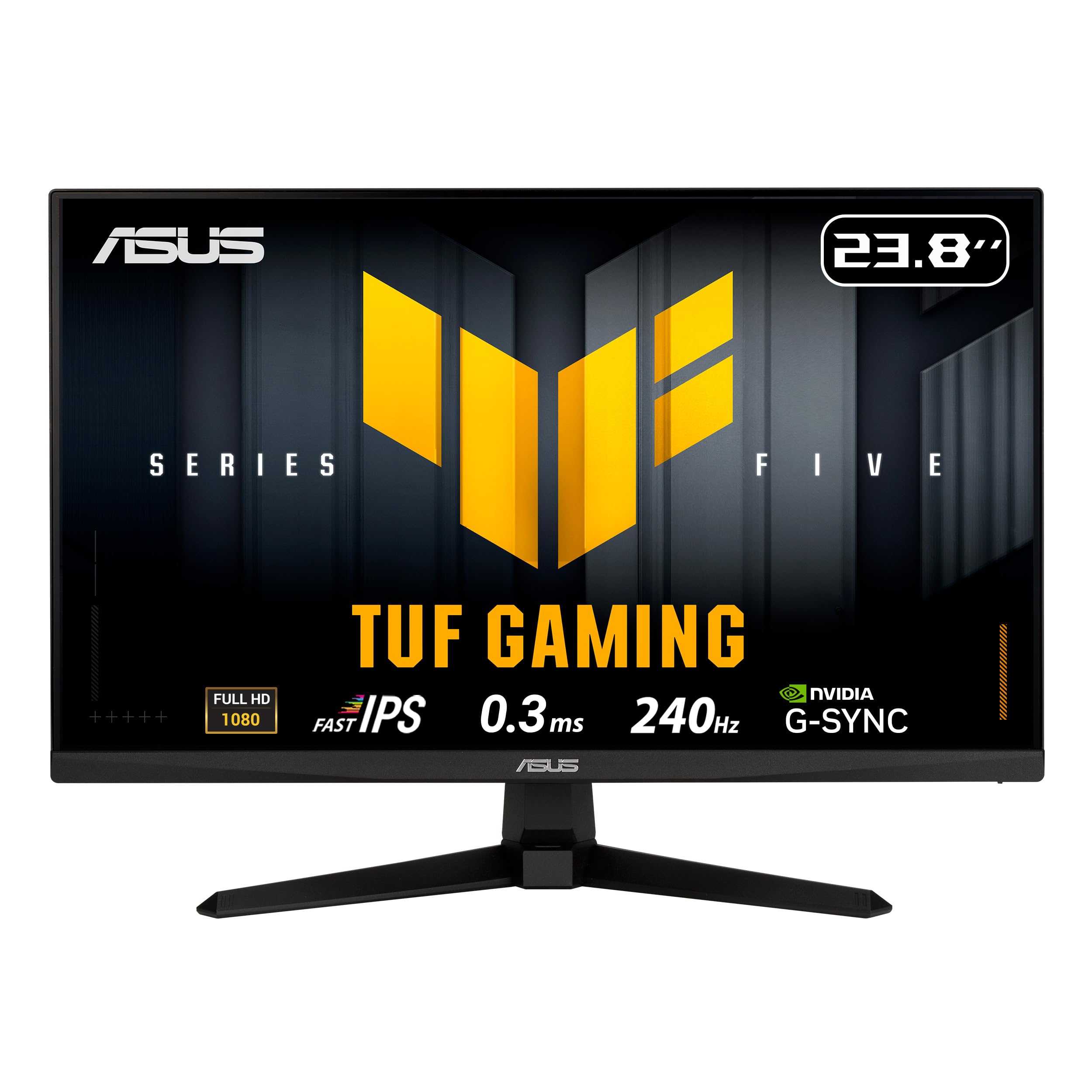
The competitive pick — 240Hz, a 0.3ms Fast IPS panel, and dual sync
For raw speed, this ASUS TUF is the one to beat. It pairs a 23.8-inch Fast IPS panel at 1920 x 1080 with a 240Hz refresh and a 0.3ms minimum response time. It carries both FreeSync Premium and G-SYNC compatibility, so adaptive sync works whichever side of the fence you’re on. ELMB Sync adds motion blur reduction that runs alongside variable refresh — the combination that keeps high-speed action sharp.
You get more extras around the screen than the AOC above. DisplayWidget Center lets you change the on-screen settings with a mouse instead of fiddling with buttons, so tweaking brightness or color takes seconds. TUF Gaming A.I adds software-side gaming helpers. Color covers 99% sRGB (a color range standard, so reds and greens look close to real life in games and photos). The bundle also includes a 3-year manufacturer warranty and a free 3-month Adobe Creative Cloud subscription. In the box you get a DisplayPort cable (a video cable for monitors) and an L-shaped screwdriver.
The panel earns its keep for gaming — the quality and gaming-suitability notes run strong. Screen consistency is the honest caveat: a rare unit can show a scattered pixel defect, so check yours carefully in the first session. For fast-paced shooters, the speed-to-price ratio is the draw.
Speed-first verdict: 240Hz and 0.3ms put it in the same league as any flagship motion spec here, while DisplayWidget Center and a 3-year warranty add day-to-day convenience.
Reach for this if: competitive play is the main job and you want the quickest panel with the best control tools.
Give it a once-over if: you’re pixel-picky — inspect the panel early and use the warranty.
8. ViewSonic VS2747-H 27 Inch 1080p IPS 100Hz
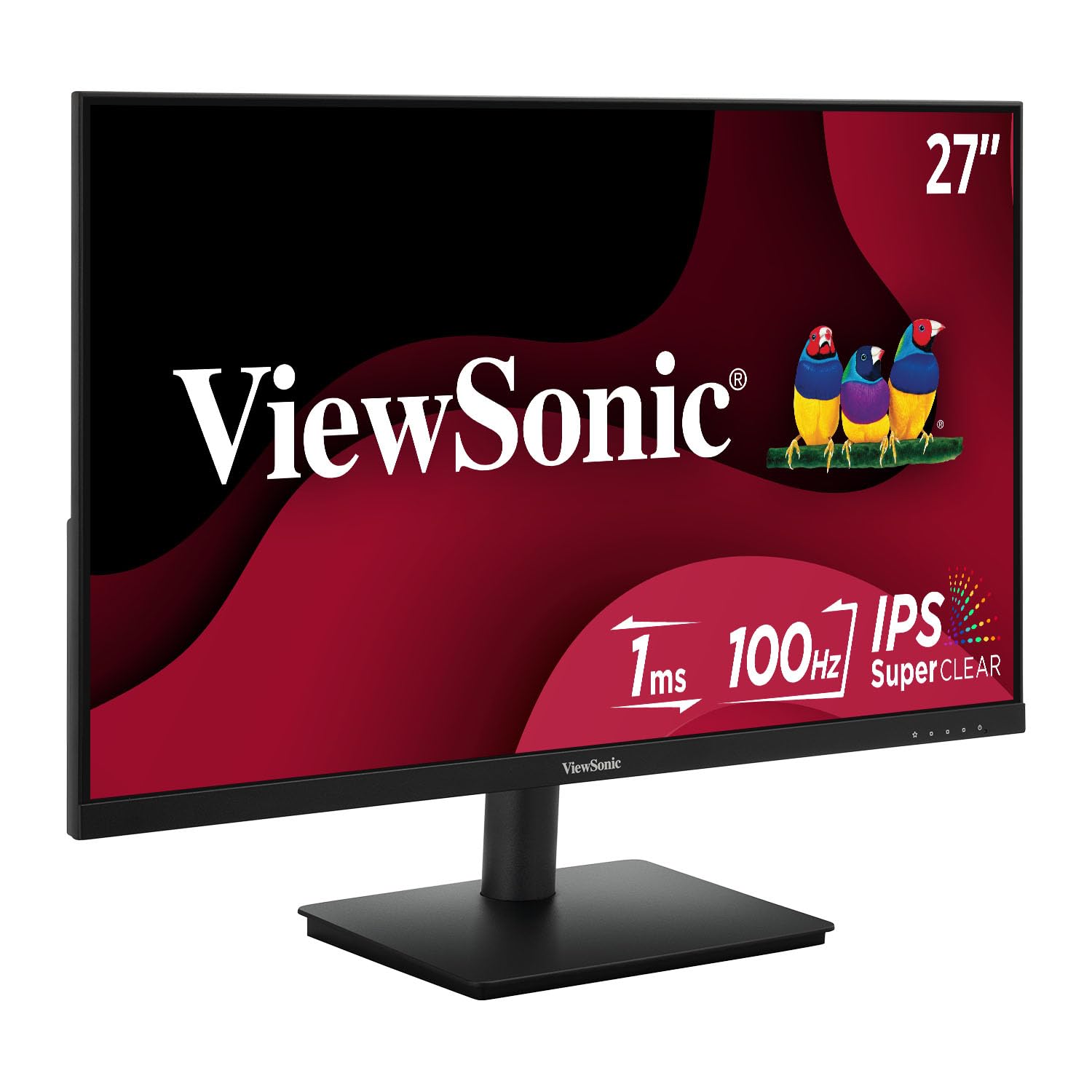
A 27-inch comfort panel — color that holds from the sofa, eyes kept fresh
This ViewSonic trades top-end motion for size and eye comfort. The 27-inch 1920 x 1080 IPS panel runs a 100Hz refresh — smooth for scrolling and casual play, but not the frame-chasing speed of the 240Hz picks. Where it shines is consistency: SuperClear IPS holds color and brightness across wide viewing angles, so two people on a couch see the same picture.
Comfort is the design goal. Flicker-Free tech and a Blue Light Filter work to take the strain out of long sessions, and ViewSonic’s ViewMode presets switch the gamma, contrast, and brightness between Game, Movie, Web, Text, and Mono in a click. It covers 0.72 color gamut, and the frameless design keeps a tight two-screen setup tidy. FreeSync keeps frames tear-free.
The steady praise lands on picture quality and easy setup, and the size is a frequent compliment. A couple of quirks to plan around: the built-in speakers get mixed reviews and some report no sound, so keep a headset handy; and the controls are a known annoyance. The 100Hz ceiling is the real limit if you want competitive speed.
Buy it for: a big, easygoing screen for story games, streaming, and desk work where eye comfort leads.
Look past it if: you need built-in sound you can count on — that’s the weak link.
9. ASUS VA249QG 24 Inch 1080P 120Hz Eye Care Monitor

A 24-inch all-rounder that keeps the picture bright without stinging the eyes
The VA249QG is the value play of the premium-tier group: a 24-inch 1920 x 1080 IPS panel at 120Hz, with a 1ms MPRT response and Adaptive-Sync for tear-free play. It covers 99% sRGB with a frameless design, so color is consistent whether it sits alone or beside a second screen.
The eye-care side is the standout. ASUS TV-certified Flicker-Free and Low Blue Light are built in to ease long sessions, and the picture stays bright without feeling harsh. Speakers and a VESA mount come built in, so you can wall-mount it and skip the soundbar. Ports are generous — HDMI, DisplayPort, and VGA — with HDMI the path your console will use. A 3-year warranty with advanced replacement adds a year of coverage over most.
Functionality and reliability draw steady praise, and the picture holds up over months of use. The honest gaps: adjustability is mixed, and sound quality is the weak spot — the speakers are fine for menu clicks but not for game audio, so a headset earns its keep. The 1000:1 to 3000:1 contrast range is the least predictable spec in the set.
The everyday read: it does nothing flashy but gets the basics right — bright, clean 1080p at 120Hz, built-in sound in a pinch, and a warranty that spans three years.
Worth it if: you want an affordable secondary screen that won’t tire your eyes during long sessions.
Plan around: the small built-in speakers — lean on a headset for real game audio.
Know the Specs
Refresh Rate (Hz)
Refresh rate is how many times per second the panel redraws the picture. A 144Hz screen redraws 144 times a second; a 240Hz screen, 240. More redraws mean smoother motion, but an Xbox One caps the frame rate it sends, so a high-refresh panel gives you headroom rather than a guarantee of that many frames. Anything at 120Hz or above stays smooth for console play.
Response Time (ms)
Response time measures how fast a pixel shifts from one color to another. A 1ms figure means very little lag trails behind a moving object; a 0.5ms or 0.3ms figure trims it further. Watch for the suffix — MPRT and MBR describe blur-reduction tricks, while a bare millisecond figure is the raw pixel change. It is separate from input lag, which is how long your button press takes to reach the screen.
Adaptive Sync: FreeSync vs G-SYNC
Adaptive sync matches the screen’s refresh to the frame flow so you don’t see tearing or stutter. FreeSync and G-SYNC are the two standards; some panels list both, others only one. On a console the difference rarely bites, but if you also game on a PC it pays to check which side your graphics card supports.
Panel Type and Color Gamut
IPS is a type of LCD that keeps color and brightness steady across a wide viewing angle — good for a couch full of people. The trade-off is that IPS tends to trade some brightness for that consistency. Color gamut, measured in sRGB coverage, tells you how wide the color range is; 99% and 100% sRGB cover most game art, and a figure past 100% pushes toward more saturated color.
Common Questions
Do I need a 4K monitor for an Xbox One?
Will a 240Hz monitor make my Xbox One run at 240 frames per second?
What is the difference between 1ms MPRT and 0.3ms response time?
Can I connect my Xbox One with a DisplayPort cable instead of HDMI?
Is a 27-inch 1080p monitor too pixelated to sit close to?
Do these monitors have built-in speakers for game audio?
Does FreeSync work with an Xbox One?
How long should a gaming monitor last for a console setup?
Why does my monitor look dim compared to my TV?
Should I pick a 24-inch or 27-inch monitor for an Xbox One?
The Bottom Line
For most setups, the monitor for xbox one that gets it right is the Dell SE2726H — a 27-inch 144Hz IPS panel with a 178° viewing angle, a 300 brightness rating, and an HDMI cable in the box. It is the crowd favorite here, the most-loved screen in the set, and it balances size and motion better than any single competitor. If you need every frame as sharp as possible and want the quickest panel, the ASUS TUF VG249QM5A brings 240Hz and a 0.3ms Fast IPS response. Want built-in speakers so the desk stays clean? The Sceptre E255B-FWD240 puts them in the frame. Whatever you pick, confirm the HDMI port fits your console and the stand height suits your desk.
How we choose
We do not accept paid placement. Every pick is matched to a real buyer and a real use-case; we do not hands-on test units.
Sources
Specifications: manufacturer listings and product documentation. Review insights: verified customer reviews, as of November 2026. Pricing: not shown on this page (it changes often); check the current price via the retailer link.
As an Amazon Associate, Tactical Gear Guy earns from qualifying purchases. This does not affect which products we feature.