Specs are compiled from manufacturer listings and verified buyer reviews and can change over time — please confirm the key details on the product page before buying.
You want a floor-standing screen that keeps showing your menu, promo, or wayfinding map all day without you babysitting it. Here is the short answer: buy on three things — brightness in nits (how hard the screen fights glare), the resolution your content actually needs, and whether the unit can push updates to you remotely. Everything else on a kiosk spec sheet is decoration. This guide walks through six freestanding units that cover a small shop counter, a bright airport concourse, and a moving food-truck pitch.
This guide is built by comparing the manufacturers’ published specifications and the patterns across verified customer reviews, so you get each pick’s real strengths and trade-offs instead of marketing spin.
Most buyers overpay for pixels they never display and underpay for the one spec that decides whether anyone can read the ad in daylight. Below you get the head-to-head numbers, the honest gripes, and a plain verdict on each of the six kiosks worth shortlisting for kiosk digital signage.
Top Picks
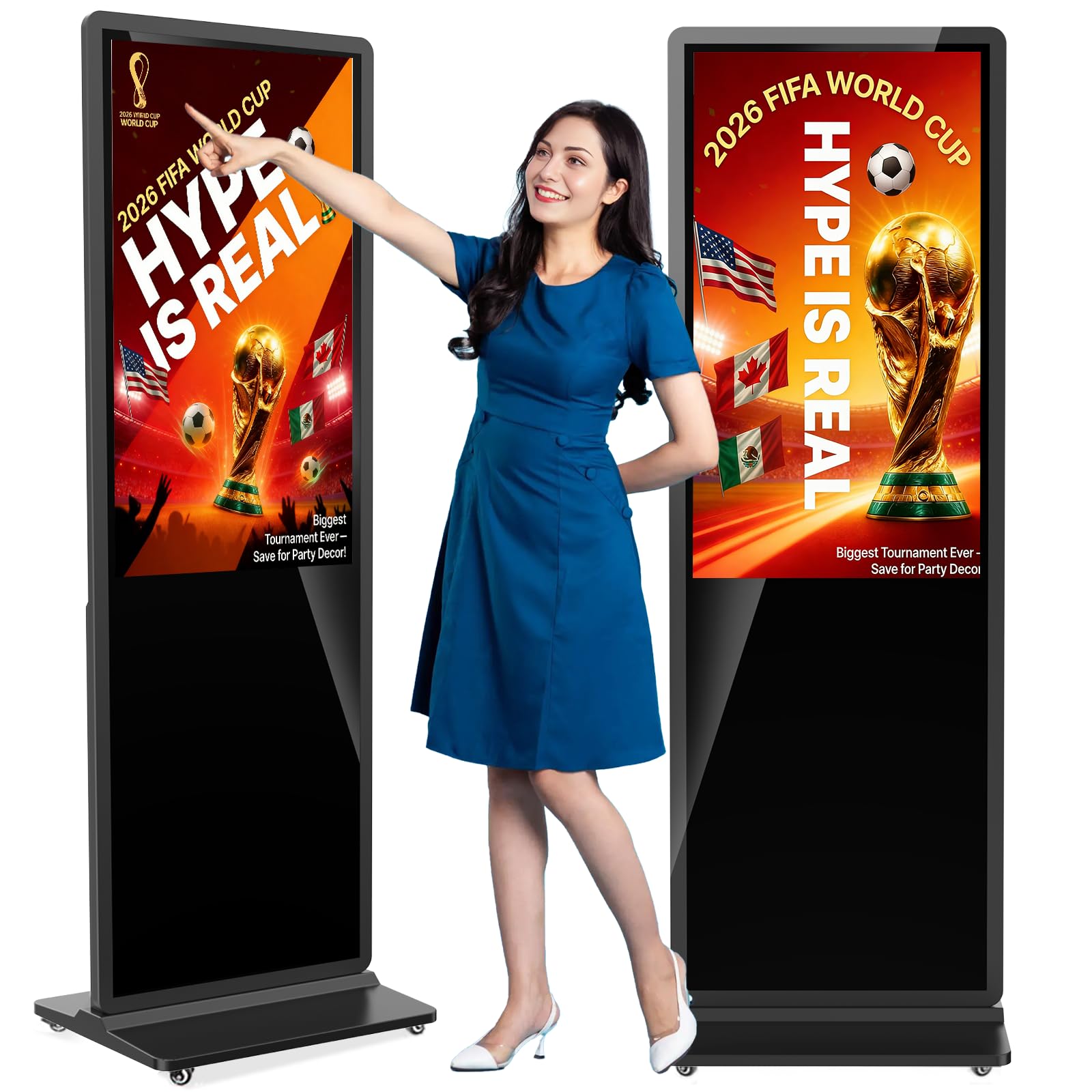
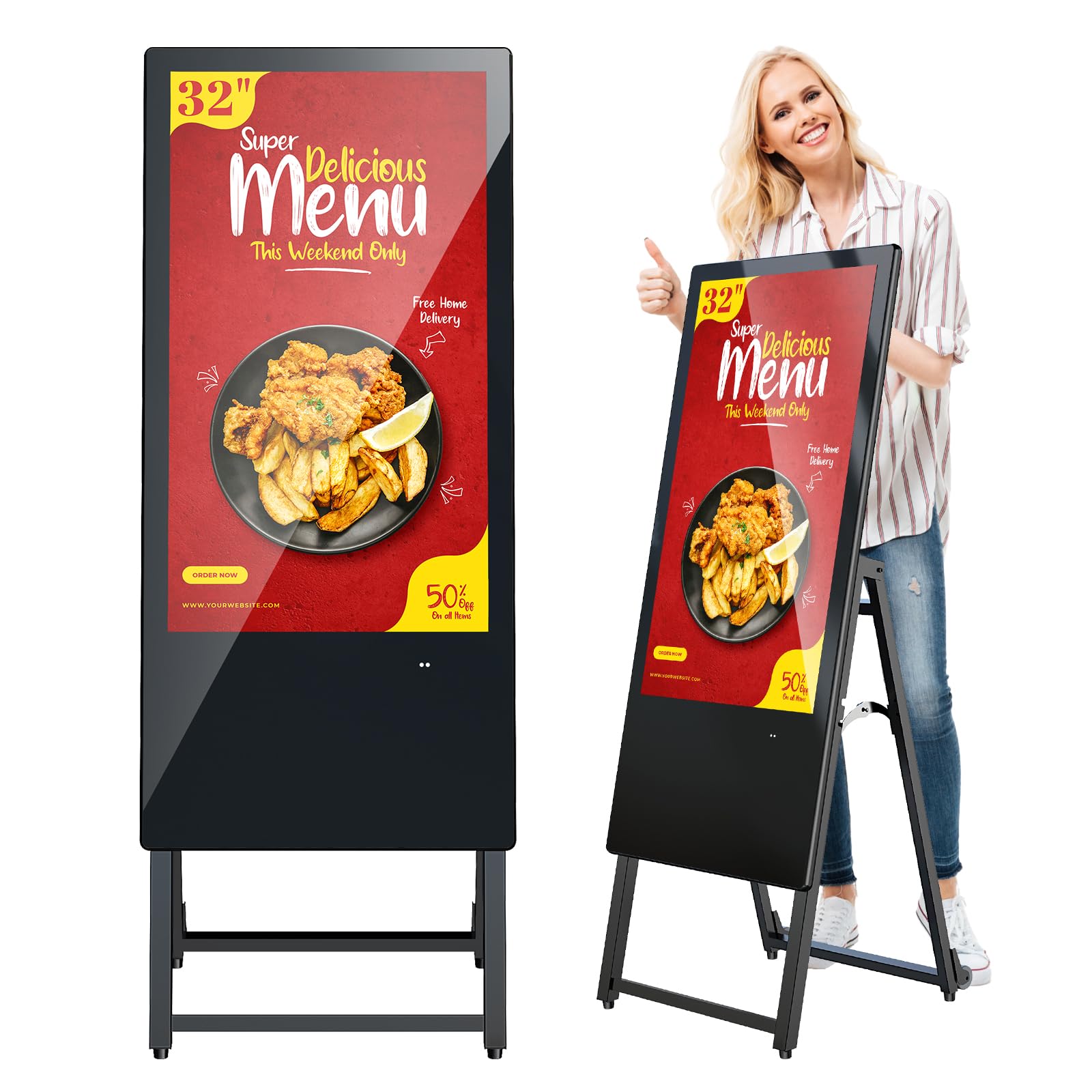
How To Choose The Best Kiosk Digital Signage
A kiosk is a buy-once, live-with-it-for-years purchase. So the question is not which screen has the longest feature list. It’s which one survives the room it will stand in. Start with the light in that room, then work backward to the display.
Brightness in nits is the first filter
A nit measures how much light a screen throws per square meter. Most indoor monitors top out at 250 to 350 nits. Push a screen like that into a glass-walled lobby or an outdoor pitch and the ad washes out to a grey smudge. A 600-nit panel holds up in a bright retail floor, and a 2500-nit panel is built for direct daylight. If the kiosk faces a window, buy at least 600 nits.
Touch or non-touch changes the job
A non-touch kiosk is a poster that plays video — you set the loop and walk away. A touchscreen kiosk becomes a self-service tool where customers tap through a catalog, a store map, or an order form. Both are shown in this list, and the touch hardware costs more because there is more to build.
How you update the content matters more than you think
The cheapest way to run a kiosk is a USB stick you swap by hand. The better way is a CMS (content management system) that lets you push a new poster from a laptop or phone. If your promotions change weekly, pick a unit with CMS so you are not walking to the screen every Monday morning. Check the input list too — HDMI, USB, Wi-Fi, and Ethernet appear in different combinations across these six.
Match the size to the sightline
A 32-inch kiosk works at close range — a counter, a doorway, a queue point. A 43-inch or 75-inch unit works when people see it from across a room. Bigger panels also weigh more, so measure the doorway and the floor path before delivery.
Side-by-Side Comparison
| Model | Best For | Screen Size | Brightness | Resolution | Amazon |
|---|---|---|---|---|---|
| 43 inch Indoor Digital Signage Touchscreen (YCKJNB)★ Best Overall | Touch self-service in retail | 43 inch | 480 nits | 1920 x 1080 | Amazon |
| MWE 32 Inch Indoor Digital Signage DisplayMost Portable | Popup and event setups | 32 inch | — | 1920 x 1080 | Amazon |
| 32 Inch Digital Signage Display Kiosk (JASZDOT) | Bright high-traffic halls | 32 inch | 600 nits | 1920 x 1080 | Amazon |
| JIYANG 43 Inch Indoor Digital Signage | Branded kiosk with free logo | 43 inch | — | 1920 x 1080 | Amazon |
| 75 Inch Full Screen Indoor Floor Stand (YIXZSWD) | Big-store 4K poster wall | 75 inch | — | 3840 x 2160 | Amazon |
| 43 Inch Outdoor Digital Signage A-Frame (YIXZSWD) | Outdoor food-truck pitch | 43 inch | 2500 nits | 1920 x 1080 | Amazon |
Detailed Reviews
1. 43 inch Indoor Digital Signage Touchscreen
Our pick — 4.5+★ from 70+ verified ratings; the strongest balance of quality and price.
A touch kiosk big enough for a catalog and small enough for a shop floor
This is the pick for a retailer who wants customers to walk up, tap a screen, and browse — not just watch a looping video. The 43-inch IPS panel (IPS is a screen type that keeps colors and contrast steady when you view it from an angle) runs at a 1920 x 1080 resolution, so text and product photos come up sharp. If your store or clinic has a queue, that touch layer turns dead waiting time into a sales or information channel.
What makes this one stand out is running two things at once. Split-screen mode plays a video and an image side by side, so a promo clip can run next to a static price poster without two machines. You also get HDMI input plus an internal bay for an external player box, so a media player you already own can drive the screen. The 178° viewing angle (the picture stays readable when you stand off to the side) keeps it clear from a side aisle. And the front panel can be customized with your logo or poster art for free — a real bonus for a small brand that wants a storefront look without a separate print job.
Two 8Ω 5W speakers handle the sound, and the software supports USB plug-and-play, Android app installs, and timed on/off. The catch is brightness. At 480 nits (a measure of screen brightness) this is an indoor-first screen, so keep it away from a wall of west-facing glass or the picture will fight the glare. It weighs 35 kg, which is a two-person job to position even on its base. Buyers report it as a professional-grade unit that goes together quickly and looks the part on the floor — 4.5+ stars across 70+ owners at the time of writing, with the touch interaction and clean look leading the praise.
Where this kiosk earns its floor space
- Touch-based 43-inch IPS panel at 1920 x 1080, so customers can tap through your catalog instead of just watching
- Split-screen playback lets a promo clip and a still poster run together in one frame
- 1080p-res noise? None — the resolution matches the panel size cleanly
- Free logo and poster customization on the front panel for a branded look
- HDMI plus USB plus Wi-Fi plus a bay for an external player box
The honest trade-offs
- 480 nits is indoor-grade — direct window light washes it out
- 35 kg means two people to reposition even on a wheeled base
- You still need your own content workflow to feed the CMS
Reach for this if: you run a shop, clinic, or showroom and want customers to physically tap your screen.
Look past it if: the kiosk faces an outdoor pitch — the 480-nit panel wants indoor light.
2. MWE 32 Inch Indoor Digital Signage Display Monitor
The kiosk that folds flat and rolls into the van between shows
Most floor kiosks are furniture — heavy, fixed, and awkward to move. This MWE unit is built the opposite way: it folds and moves on built-in wheels. At 21.55 kg it is the lightest of the floor-standing picks here, and its folded footprint is 1.06″D x 18.15″W x 48.87″H. If your kiosk only needs to perform two days a week at a market stall, a trade show, or a hotel lobby, that portability is the reason to pick it over a heavier 43-inch cabinet.
The 32-inch IPS screen runs FHD (full HD, 1920 x 1080) at a 178° viewing angle, so a small crowd around the kiosk sees a clean picture. Content can come from a USB stick for plug-and-play, from HDMI, or over Wi-Fi, and the display supports automatic loop playback and split-screen so you don’t have to babysit it. Owners especially value the professional finish and quick setup, and a common thread in the reviews is that it looks good once standing. What owners keep coming back to is the overall build and appearance — the unit feels like serious kit, not a consumer display.
The 3-year warranty covers quality defects and there’s an online technical team behind it. The real caveat is that this is not the screen for a bright window; it’s a compact indoor unit aimed at close viewing. It’s also built to a 32-inch frame — fine for a counter or doorway, short of reach for a crowd seated thirty feet away. If you need a kiosk you can roll into a van after a show, this is the most practical of the six.
The touring pick: foldable, wheeled, and 21.55 kg — far easier to move than the 43.09 kg JASZDOT unit in this list.
Room to plan for: a 32-inch panel and no stated brightness figure means this is an indoor, close-viewing kiosk — don’t drop it in a sunlit foyer.
Pick it for: a portable event, market, or hotel display that needs to move after the show.
Leave it for later: a fixed bright-aisle installation where a 600-nit panel would sweat less.
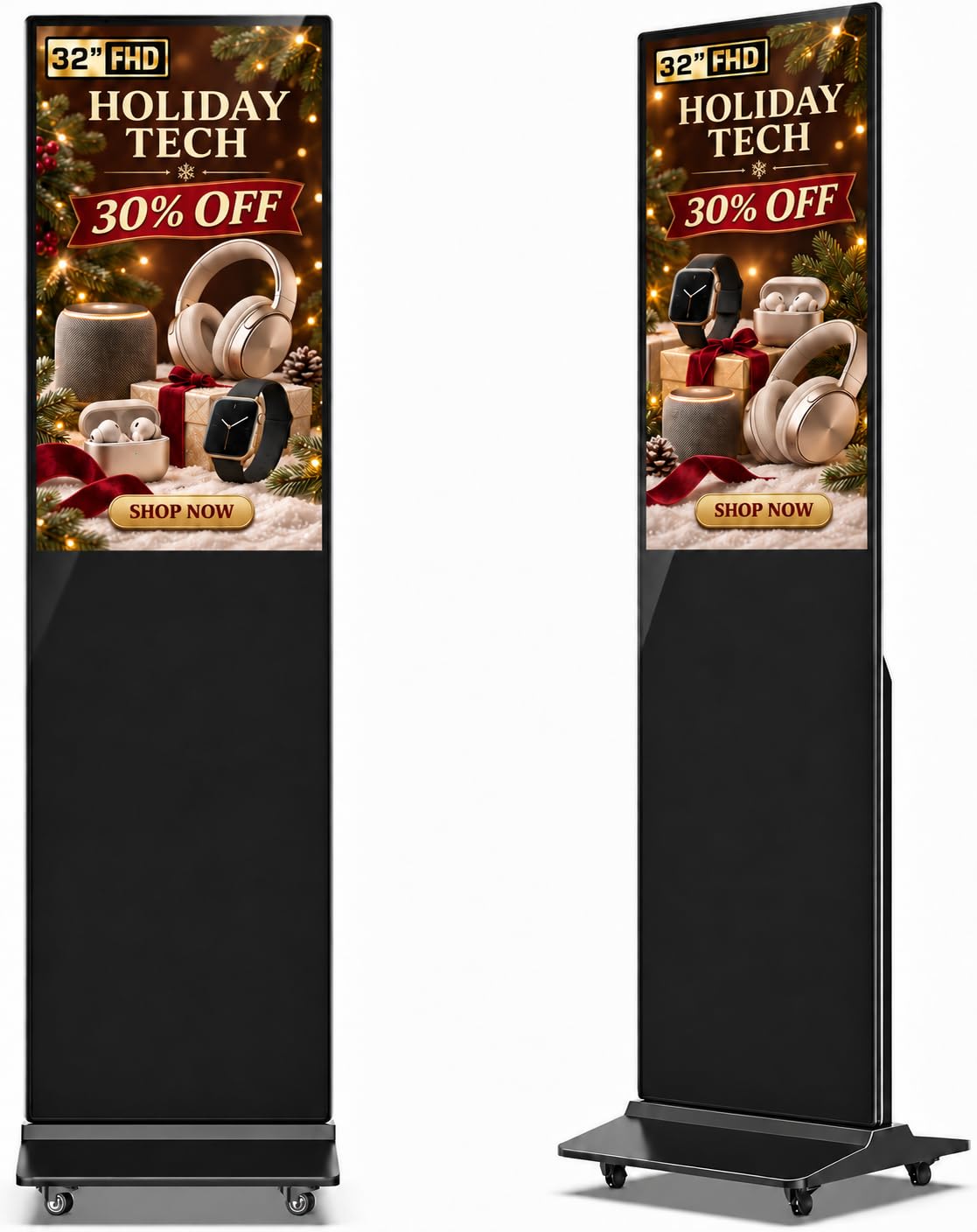
3. 32 Inch Digital Signage Display Kiosk JASZDOT
A 600-nit touchscreen that holds its picture in a bright hall
This one earns its spot on brightness. The 600-nit panel is twenty-five percent brighter than the 480-nit YCKJNB touchscreen above — that gap keeps your ad readable when you push the kiosk past a wall of glass or into a busy mall atrium. The rest of the package matches: a 32-inch IPS touchscreen at 1920 x 1080 (Full HD, so text and photos stay crisp), a 2500:1 contrast ratio (how far apart the brightest white and darkest black sit — higher means punchier images), and a 178° viewing angle.
Android runs under the touch layer, so you can install apps and update images, text, and video without unplugging the kiosk. The split-screen function lets a video, an image, and scrolling text share one display — useful when a single screen has to do the job of three posters. Content paths include USB, HDMI, 5G Wi-Fi, and Google apps, so a media player, a laptop, or the cloud can all feed it.
The trade-off is weight. At 43.09 kg this is the heavy end of the 32-inch class — nearly twice the 21.55 kg of the MWE above — so it isn’t a unit you trundle between venues. It’s built to stand still in a high-traffic hall, and the freestanding cabinet is sized for exactly that. The 3-year warranty and lifetime technical support back it up for buyers who want a fixed installation they don’t have to think about.
Why it earns its place: 600 nits plus 2500:1 contrast in a touchscreen that shops, airports, and hospitals can leave running.
What to weigh: 43.09 kg of cabinet means it stays put — plan a permanent spot before delivery.
Best matched to: a bright, fixed installation where customers tap through content daily.
Not the pick for: a popup market where you roll the kiosk in and out each weekend.
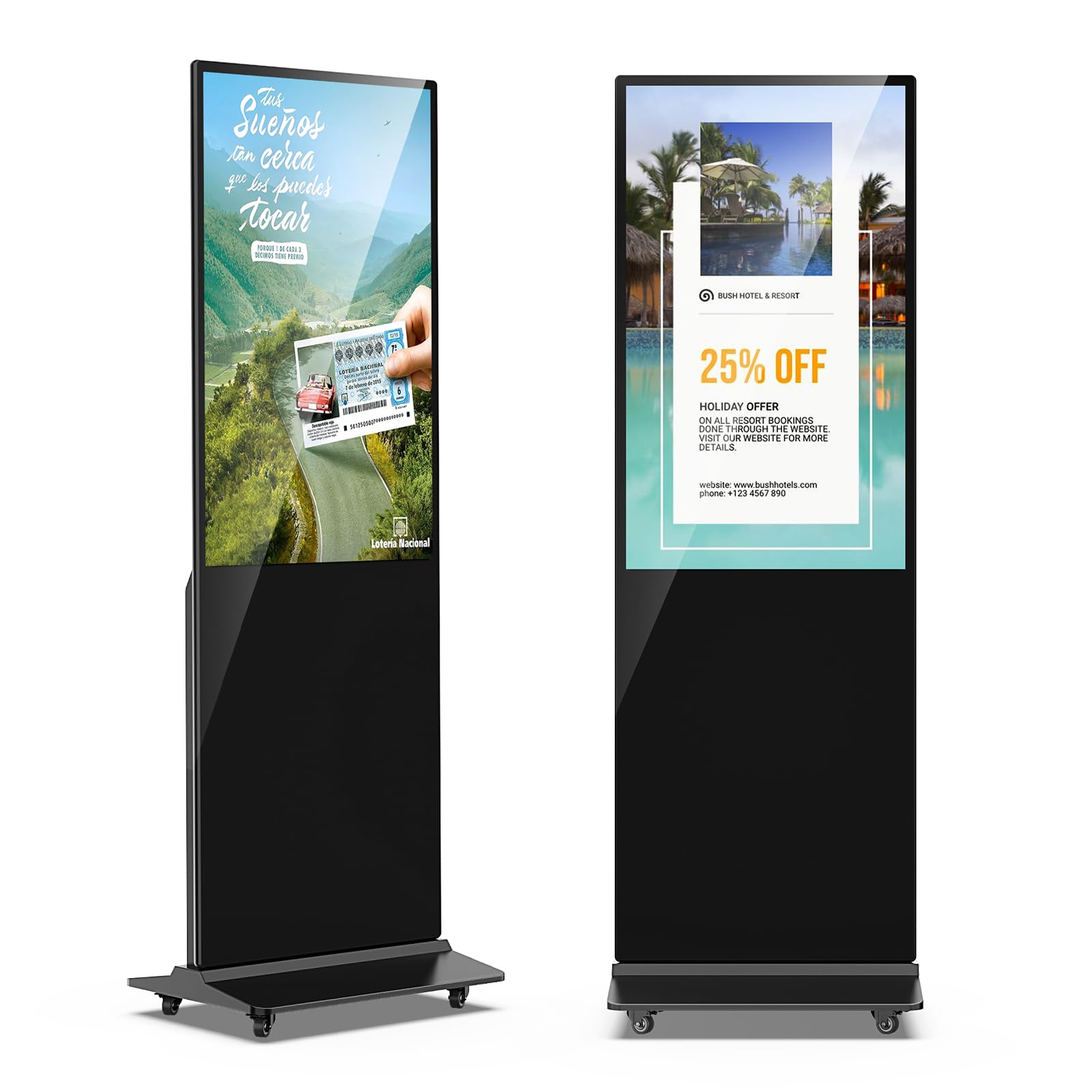
4. JIYANG 43 Inch Indoor Digital Signage Floor Standing Kiosk
A big 43-inch kiosk that ships with your logo on the front
Here is a kiosk that starts from the brand, not just the screen. The front panel takes a customized logo, so the unit reads as part of your store’s identity rather than a generic sign. Behind that panel is a 43-inch IPS display at up to 1920 x 1080 with a 178° viewing angle, bright enough for text and video to hold up in a retail or restaurant setting.
The software covers the practical loop: automatic playback, USB plug-and-play, remote control, Wi-Fi or network connectivity, and CMS support (a content management system, so you edit and publish from a distance). An internal compartment measuring 220*215*40mm holds a media player box, and the unit streams HDMI in from a PC or player. Automatic looping and scrolling text are both built in, so you set the sequence and let it run. The install kit comes in the box — body and base, power cord, remote, USB stick, wheels, and the screws and tooling to assemble it — and JIYANG offers on-site repair service within the United States for faults its engineers can’t talk you through.
Two caveats. At 100.8 pounds it’s heavy and needs two people to stand it on its base. And the spec sheet lists Ethernet as its connectivity technology while the marketing calls out Wi-Fi — check the exact port layout if a wired-only network is what you need. Otherwise this is the pick for a small chain that wants a repeatable, logo-branded display across several locations.
What makes this kiosk a brand fit
- Free logo customization on the front panel
- 43-inch IPS display at 1920 x 1080 with a 178° viewing angle
- CMS for remote editing plus auto loop and scrolling-text support
- Internal media-player bay and HDMI input in one cabinet
- On-site repair service within the United States
Time to think about before you buy
- 100.8 pounds — plan for two people and a stable base
- Connectivity is listed as Ethernet but marketed as Wi-Fi, so verify the ports
The case for it: you want a 43-inch kiosk that looks like your store from the second it’s unboxed.
The catch to check: confirm whether the unit in stock has the wired link you plan to run.
5. 75 Inch Indoor Floor Stand Digital Signage Kiosk
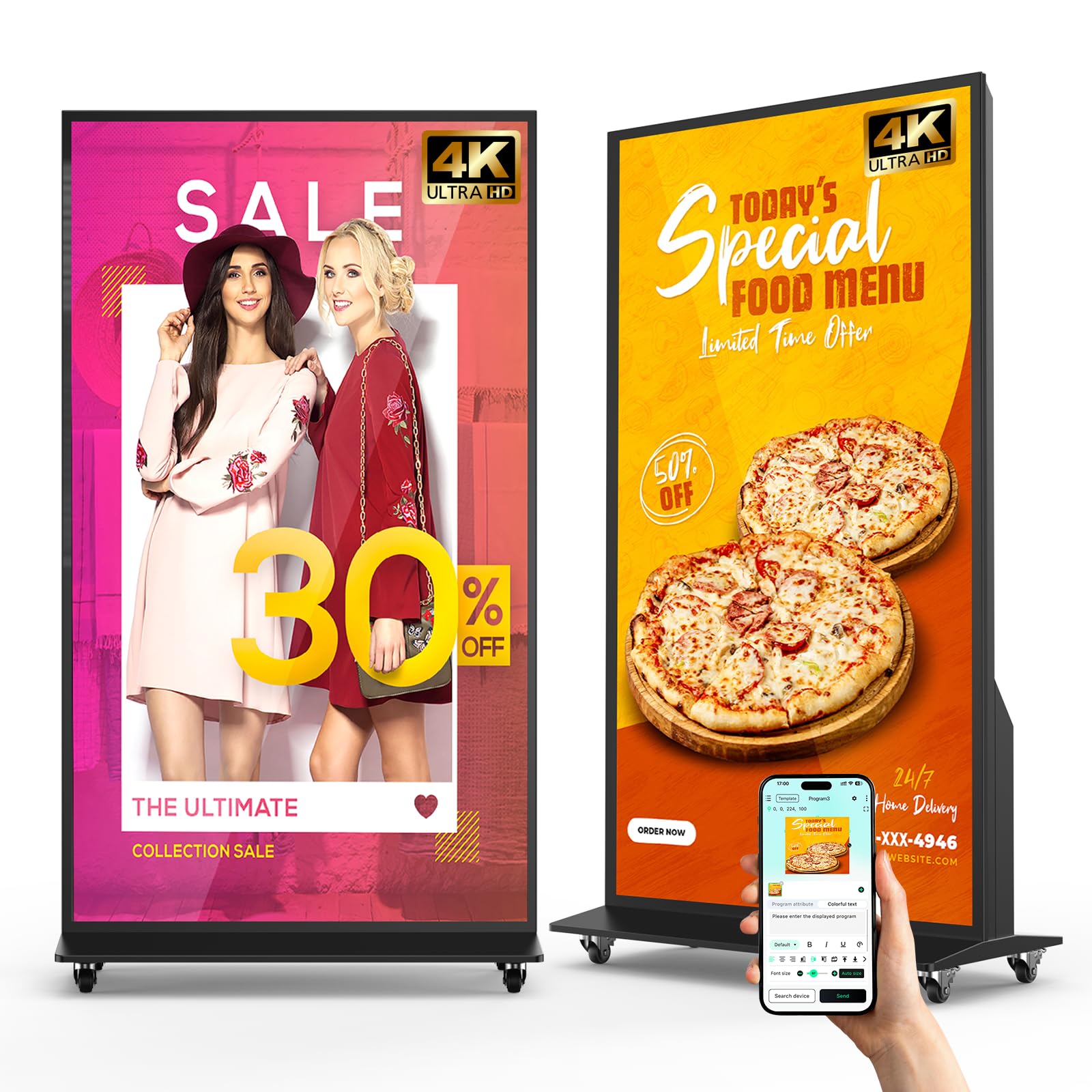
A 75-inch 4K poster that reads across a whole store
Buy this one when the kiosk has to shout across a room. The 75-inch panel runs at 4K UHD — 3840 x 2160, which is four times the pixel count of the 1920 x 1080 panels elsewhere on this list — so detailed photos, fine text, and small QR codes stay readable at distance. The 178° viewing angle keeps that image consistent from the door to the checkout.
Android 11.0 sits underneath, and the CMS (content management system) lets you upload ads, set split-screen layouts, and schedule content in real time from a PC or phone. There’s an internal bay for an external player box and support for HDMI, USB, Wi-Fi, and wired network, plus a one-click split-screen option that shows video, pictures, ad text, schedules, and QR codes in the same frame. An energy-saving timer matches on/off routines to your business hours, so the panel isn’t glowing at 2 a.m. for nobody.
The screen is non-touch, which is the right call for a huge poster-style kiosk — nobody wants to touch a 75-inch wall unit anyway. The trade-off is bulk. It stands 70 inches tall and needs a large, clear floor footprint, so it’s for a store or showroom, not a tight corridor. The 3-year warranty covers the investment, and the build is aimed at fixed indoor retail and exhibition use.
The reason to stretch to 4K: at 75 inches the 3840 x 2160 resolution is what keeps small text and QR codes crisp from across the room.
Before you commit: it’s non-touch and it’s tall — measure the floor slot and the door it has to come through.
Made for: a large retail or exhibition space that needs one big, high-resolution display.
Shop elsewhere if: you need customer taps — the 75-inch unit is a poster, not a touchscreen.
6. 43 Inch Outdoor Digital Signage A-Frame Display

A battery kiosk that keeps the menu lit in the rain and the sun
Every other kiosk here needs a wall outlet. This one doesn’t. A high-capacity battery carries the screen for ten hours after a seven-hour charge, and the unit rides on wheels with a hand actuator (a hand crank that moves it) so one person can walk it into place at a food truck, a farmers market, or a bar patio. The battery ships separately from the machine, so expect two deliveries and a check-in before your first event.
The outdoor engineering is the point. The 2500-nit screen is the brightest on this list by a wide margin, and it auto-adjusts to the outside light — frosted glass fights reflections so passers-by can read the menu in direct sun. An IP65 rating means the enclosure is sealed against dust and water spray, and the cabinet is built from galvanized steel and tempered glass for weather duty. It also handles ambient temperatures from -22 to 131°F, so a winter food pitch and a summer festival both work.
Playback is a USB plug-and-play loop with split-screen support and Wi-Fi or wired connectivity, and a battery compartment key lock protects your data and the battery itself. The A-frame design is the honest limit — it’s built to face one direction across a walkway, not to be a giant poster in a lobby. It also arrives pre-assembled, so you plug in and go rather than wrestle a flat pack.
what separates it: a 2500-nit auto-dimming screen (it brightens and dims itself to match the light) plus IP65 sealing (a weatherproof rating that keeps out dust and water jets) — the only weather-rated, battery-run kiosk here.
The real catch: battery and machine ship in separate boxes, so plan for two deliveries.
Built for: a food truck, patio bar, or outdoor event that needs a screen with no outlet nearby.
Skip the idea if: you need a big indoor poster — the A-frame is a one-direction outdoor sign.
Know the Specs
Brightness in nits
The nit is the unit that predicts whether your ad survives its room. A 480-nit indoor panel like the YCKJNB touchscreen holds up in a shop but fades near a window. A 600-nit panel like the JASZDOT fights a bright concourse. A 2500-nit outdoor panel like the A-frame is built for direct daylight. Match the number to the light facing the screen, not to the brochure’s biggest figure.
Resolution and pixel count
1920 x 1080 is full HD and reads crisply on 32- and 43-inch kiosks at normal distance. 3840 x 2160 is 4K UHD, and on the 75-inch unit it keeps fine text and QR codes sharp from across a room. Pick the resolution by viewing distance, not by counting pixels — a 32-inch kiosk rarely shows the extra detail of 4K.
CMS and remote content
A CMS (content management system) lets you push new posters and schedule content from a laptop or phone instead of walking a USB stick to the kiosk. Both the YCKJNB and MWE units list CMS support, and the 75-inch YIXZSWD unit adds scheduled layouts. If your promotions change weekly, CMS support saves you a walk to the screen every Monday.
Touch versus non-touch
A touchscreen turns the kiosk into a self-service tool — customers tap a catalog, a map, or an order form. A non-touch display is a playing poster. Touch costs more and adds a screen layer to care for. Choose touch only when customers actually need to tap through a catalog, map, or order form.
Common Questions
Will a digital signage kiosk work without internet access?
Do these kiosks need a special power circuit?
Can I update the screen content remotely?
How bright does a kiosk need to be for a window-facing spot?
Is a 32-inch kiosk big enough for a store entrance?
Can the outdoor kiosk stay outside in the rain?
What does split-screen playback actually let me show?
How heavy are these kiosks to move?
Can I put my own logo on the kiosk?
Which resolution should I buy for a large display?
The Bottom Line
For most buyers the best pick is the 43 inch YCKJNB touchscreen — a 43-inch IPS panel at 1920 x 1080, split-screen playback, and a free logo, with the touch layer that turns a passive sign into a self-service station. If your kiosk moves between events, grab the MWE 32 inch — it folds and rolls at 21.55 kg. And for an outdoor pitch with no outlet, reach for the A-frame, with a 2500-nit auto-dimming screen and IP65 sealing.
If the installation is bright and fixed, the 600-nit JASZDOT 32 inch is worth a hard look for the extra brightness over the YCKJNB’s 480 nits. If the kiosk is a brand asset, the free-logo JIYANG 43 inch earns its spot. And if you need one big, sharp poster across a showroom, the 4K 75 inch YIXZSWD carries the size.
How we choose
We do not accept paid placement. Every pick is matched to a real buyer and a real use-case; we do not hands-on test units.
Sources
Specifications: manufacturer listings and product documentation. Review insights: verified customer reviews, as of November 2026. Pricing: not shown on this page (it changes often); check the current price via the retailer link.
As an Amazon Associate, Tactical Gear Guy earns from qualifying purchases. This does not affect which products we feature.