Specs are compiled from manufacturer listings and verified buyer reviews and can change over time — please confirm the key details on the product page before buying.
If your eero network has a dead zone — a garage, a back bedroom, a porch — the fix is not a bigger router. It is an eero add-on extender, and each unit in this list is rated to add up to 1,500 sq. ft. of Wi-Fi 6 coverage to a network you already own. The catch most buyers miss is that every one of these needs an existing eero system to join. Buy one expecting a standalone router and it will sit there doing nothing.
This guide is built by comparing the manufacturers’ published specifications and the patterns across verified customer reviews, so you get each pick’s real strengths and trade-offs instead of marketing spin.
Because pairing is the whole story, this guide walks through which add-on fits which eero setup, what the coverage numbers really mean, and where each unit earns its place. Every pick below is a genuine eero extender, and reading the differences carefully is the fastest route to choosing the right eero wi-fi extender.
Top Picks

How To Choose The Best Eero Wi-Fi Extender
The first question is not which extender is best — it is whether you already own an eero router. Every eero extender on this page requires an existing eero mesh wifi system to join. Without that base, none of them will broadcast a network. Once that is settled, the decision narrows to three things: how much square footage you need to fill, how many devices you are pushing through the network, and whether the extras bundled with one model are worth having.
Start with coverage, not speed numbers
Each extender here adds up to 1,500 sq. ft. of Wi-Fi 6 coverage, so the coverage math itself is identical across the three. What differs is how those units handle traffic. One is rated for speeds up to 900 Mbps and 75+ devices, which is the figure that matters if you have a busy household with a 1 Gbps plan. A weaker link in the chain drags the whole mesh down, so match the extender’s rated speed and device count to the plan you actually pay for.
Understand what TrueMesh is doing for you
TrueMesh is eero’s traffic-routing software — it decides in the background which node handles each connection. The practical result is fewer drop-offs when you walk from the living room to the kitchen mid-video-call. Plain repeaters rebroadcast a signal and halve throughput doing it; a mesh node hands your device off cleanly instead. That clean handoff is what separates a TrueMesh add-on from a bargain range extender sitting in a wall socket.
Decide whether the bundled subscription earns its place
One option in this list ships with a month of eero Plus, the paid layer that adds threat protection, content filters and ad blocking. It auto-renews after that month, so treat it as a trial rather than a permanent freebie. If parental controls or ad blocking were already on your wish list, the trial is a genuine reason to pick that model. If not, ignore it and choose on the hardware.
Side-by-Side Comparison
| Model | Best For | Added Coverage | Rated Speed | Device Support | Amazon |
|---|---|---|---|---|---|
| Like-New Amazon eero 6 mesh wifi add-on extender★ Best Overall | Filling a dead zone on a budget | Up to 1,500 sq. ft. | — | — | Amazon |
| Amazon eero 6 mesh wifi extender with 1-month free eero Plus | Trying eero Plus security features | Up to 1,500 sq. ft. | — | — | Amazon |
| Amazon eero 6+ mesh wifi extender | Busy homes on a 1 Gbps plan | Up to 1,500 sq. ft. | Up to 900 Mbps | 75+ devices | Amazon |
Detailed Reviews
1. Like-New Amazon eero 6 mesh wifi add-on extender
Our pick — 4.5+★ from 2,500+ verified ratings; the strongest balance of quality and price.
A certified refurb that arrives looking new and pairs in minutes — the easiest coverage fix here.
If you are extending an eero network you already own, this is the one to start with. It adds up to 1,500 sq. ft. of Wi-Fi 6 coverage — the same headline figure as the other two picks — so you are not giving up reach to save money. Wi-Fi 6 is the current wireless standard, and on a mesh it means more devices share the airwaves without tripping over each other. Buyers report the dead spots across the house simply disappearing once this node joins the mesh.
What wins people over is how little work the install is. The eero app walks you through adding the extender step by step, and it is backwards compatible with older Wi-Fi generations, so an aging tablet or printer still finds the network. Once it is in, TrueMesh — eero’s traffic-routing software — decides which node serves which device, which is why the drop-offs fade rather than just the signal bars climbing.
Here is the honest trade-off. The listing says “Like-New” because the device is refurbished — tested and certified to work like new, with the same limited warranty as a new unit, but it may arrive in a plain Amazon-branded box rather than retail packaging. It also requires an existing eero mesh wifi system, which is not included. If you were hoping for a standalone router, this will not do that job. Judged as what it is — a certified add-on node for an eero network — the value is hard to argue with.
What earns it the top slot
- Adds up to 1,500 sq. ft. of Wi-Fi 6 coverage to an existing eero network
- Setup is the stand-out — the eero app talks you through pairing in minutes
- Backwards compatible with previous Wi-Fi generations
- Same limited warranty as a new device despite the refurbished status
- Automatic updates keep the node current without you touching it
What you should know before buying
- Requires an existing eero mesh wifi system — sold separately
- Refurbished unit ships in a generic Amazon-branded box
- Speed gains are the least predictable part; a few find them modest
Worth grabbing if: you already run an eero network and just need one room or one floor filled in without paying new-unit money.
Give it a miss if: you do not yet own an eero router, because nothing here will broadcast a network on its own.
2. Amazon eero 6 mesh wifi extender with 1-month free eero Plus

The same 1,500 sq. ft. of added Wi-Fi 6 reach, bundled with a month of eero’s paid security layer.
This is the crowd favorite of the three — 4.0+ stars across roughly 29,000+ owners, the largest review base on this page — and reviewers consistently describe a network that just works once it is in. The hardware brief matches the top pick almost line for line: up to 1,500 sq. ft. of added Wi-Fi 6 coverage, TrueMesh routing behind the scenes, and the eero app handling setup. Where the numbers diverge is here — the newest 6+ model in this list is rated for 75+ devices and up to 900 Mbps, and this unit carries no published figure on either count.
The reason people reach for this version is the eero Plus bundle. For the first month you get threat protection on your connected devices, parental controls that let you set wifi schedules and age-appropriate content filters, plus ad and tracker blocking. That is software, not hardware — but it is the layer parents actually end up using. Hand it to a household with kids and a smart TV and the ad blocking alone changes how the evening browsing feels.
The catch is the auto-renew. After that free month, the subscription continues on its own unless you cancel it — so it is a trial, not a permanent inclusion. The other recurring gripe is connectivity: the network is steady for most households, but a minority report devices dropping off and rejoining unexpectedly. Wired-backhaul placement or simply repositioning the node tends to settle it. Free support is available seven days a week if it does not.
The bundle that justifies it: a month of eero Plus adds device threat protection, wifi scheduling and age-based content filtering, and ad and tracker blocking — the parental-controls layer most families want and never get around to buying separately.
Watch the renewal clock: the subscription renews automatically once the free month ends, so mark the cancel date if you only wanted the hardware.
Reach for this if: you want the safety and parental-control extras switched on from day one and you would rather trial eero Plus than commit blind.
Look elsewhere if: you already run your own security software and would just be cancelling the subscription anyway.
3. Amazon eero 6+ mesh wifi extender
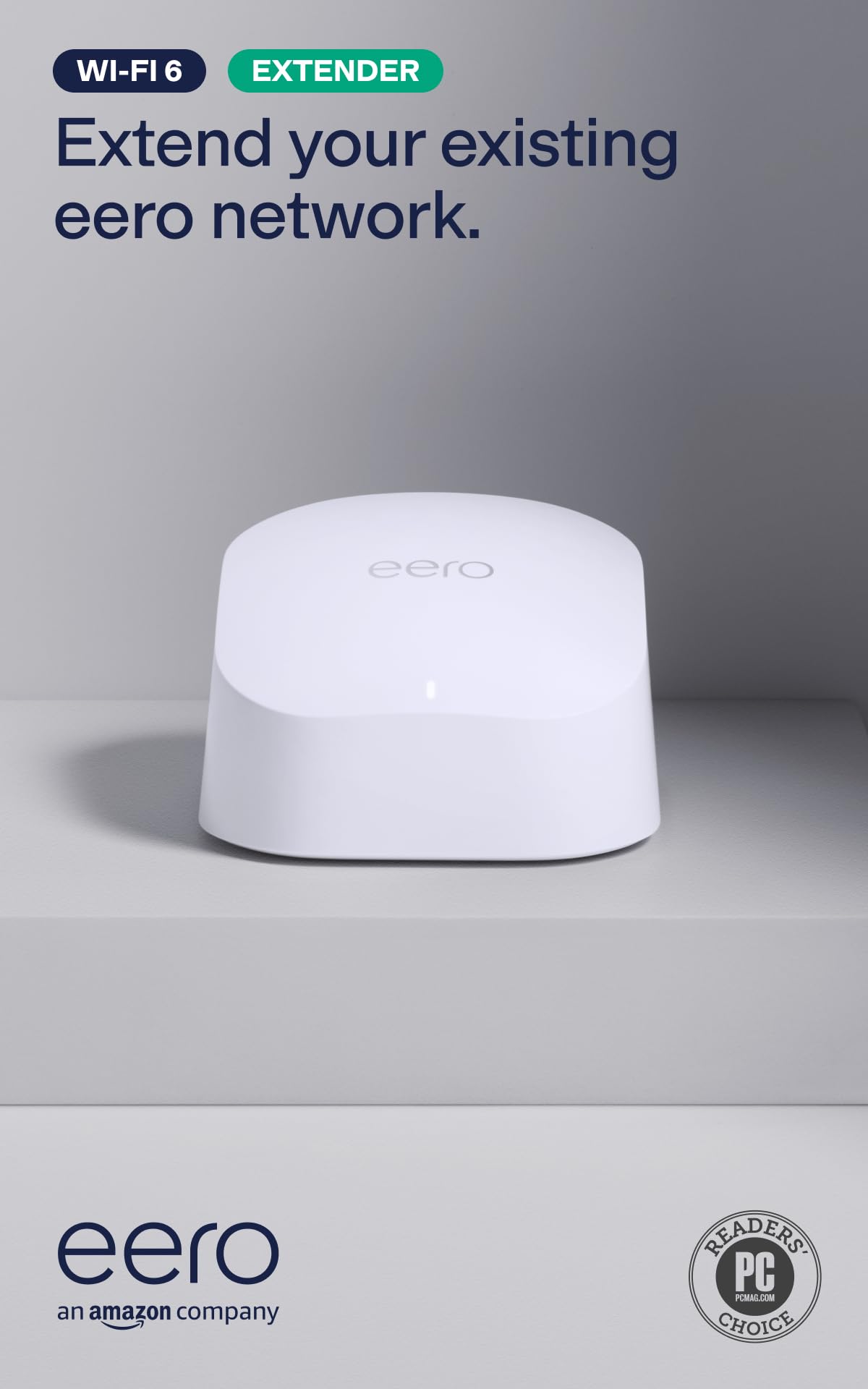
The only pick here with published throughput and device numbers — built for a packed, fast household.
Not every extender in a mesh line is created equal, and this 6+ model is where the numbers actually show up. It is rated for wireless speeds up to 900 Mbps and supports 75+ devices, figures the older eero 6 add-ons in this list do not publish at all. It is aimed at internet plans up to 1 Gbps — so if you are paying for gigabit service, this is the node that will not throttle it at the far end of the house.
Coverage stays put at up to 1,500 sq. ft. per unit, the same as the other two, and it ships as a single add-on that needs an existing eero network to join. You can add as many 6+ extenders as you need to blanket the whole property, and TrueMesh handles which node serves which device. Setup gets the most praise of any single trait by a wide margin — nearly 1,000 owners single it out — and the eero app lets you manage the whole network from anywhere once pairing is done. A one-year warranty backs it.
The honest limit is reliability. Signal strength that reaches garages and entire houses is standard, but a share of buyers hit constant disconnections and crashes, and value-for-money feedback is genuinely split. Some of that traces back to placement — a node tucked behind a cabinet will drop devices no matter which model you buy. An occasional faulty unit does turn up, and the one-year warranty plus seven-day support is the backstop. For a busy home on a fast plan, the headroom here is the reason to pay more.
The throughput argument: only this extender publishes a speed rating — up to 900 Mbps — and a device count of 75+, which is the pair that matters when every phone, laptop and smart plug in the house is competing for airtime.
The friction to plan around: connectivity is the most-discussed weakness in the feedback, so place this node in the open and near the devices it serves before you blame the hardware.
Pick this one if: your internet plan runs toward 1 Gbps and you want the extender least likely to become the bottleneck.
Think twice if: you are on a modest plan — the older eero 6 add-ons in this list will cover the same square footage for less.
Know the Specs
Added coverage (up to 1,500 sq. ft.)
This is the floor area one extender is rated to light up — up to 1,500 sq. ft., which is roughly a large open-plan living space plus the rooms off it. It is an addition to your existing network, not a replacement for it. Two units do more than one, and you can add as many eero 6 or eero 6+ extenders as you need to cover a whole house.
Rated speed and device count
Speed ratings describe how much throughput a node can push, and device count says how much of the household it can carry at once. Only the eero 6+ extender in this list publishes them — up to 900 Mbps and 75+ devices. If you are on a slow plan those headroom numbers are wasted; on a gigabit plan they are the difference between a fast far room and a slow one.
Wi-Fi 6 and backwards compatibility
Wi-Fi 6 is the current wireless generation, built to share airtime among many devices without everything crawling. eero extenders stay backwards compatible with previous Wi-Fi generations, so older gear still connects. Your network will not run faster than your oldest bottleneck, but new devices benefit fully.
TrueMesh and automatic updates
TrueMesh is the routing software that hands your device to whichever node serves it best — that is what cuts the drop-offs. Automatic updates push new features, performance fixes and security patches without interrupting your wifi, so the hardware keeps improving after you plug it in.
Common Questions
Can I use an eero extender without an existing eero network?
How many eero 6 extenders can I add to one network?
Does the eero 6+ work with older eero 6 units?
What internet plan speed does the eero 6+ extender suit?
Will an eero extender fix buffering on 4K video and video calls?
Is a refurbished Like-New eero 6 extender worth buying?
Does the free month of eero Plus renew automatically?
What do I do if devices keep dropping off my eero network?
Should I buy the eero 6 or the eero 6+ extender?
The Bottom Line
For most homes extending an existing eero network, the eero wi-fi extender worth grabbing first is the Like-New Amazon eero 6 add-on — it adds the same up to 1,500 sq. ft. of Wi-Fi 6 coverage as the rest of the list, sets up through the eero app in minutes, and is the best value of the three. If parental controls and a security layer matter to you, the eero 6 with the eero Plus trial is the one to reach for, and just set a reminder to cancel the auto-renewal. And if you are on a gigabit plan with a house full of devices, the eero 6+ is the only pick that publishes a 900 Mbps rating and 75+ device support, which is where that extra spend goes.
How we choose
We do not accept paid placement. Every pick is matched to a real buyer and a real use-case; we do not hands-on test units.
Sources
Specifications: manufacturer listings and product documentation. Review insights: verified customer reviews. Pricing: not shown on this page (it changes often); check the current price via the retailer link.
As an Amazon Associate, Tactical Gear Guy earns from qualifying purchases. This does not affect which products we feature.