Specs are compiled from manufacturer listings and verified buyer reviews and can change over time — please confirm the key details on the product page before buying.
You want more room for games without deleting the ones you love. The short answer: a USB hard drive lets you keep a whole library on your shelf, but only Xbox One titles actually launch from it. Newer Xbox Series X|S games have to be copied back to the internal drive before they will run, so the drive becomes a holding pen, not a second console. The picks below sort out which drives handle that job cleanly and which ones make you wait.
This guide is built by comparing the manufacturers’ published specifications and the patterns across verified customer reviews, so you get each pick’s real strengths and trade-offs instead of marketing spin.
Capacity gets all the attention, but transfer speed is what you feel every single time you shuffle a big game. Below you’ll find plain-English notes on how each drive behaves, so you can grab the right one in a few minutes rather than a few hours. These are the drives that make the most sense if you are shopping for the Best Xbox External Hard Drive today.
Top Picks


How To Choose The Best Xbox External Hard Drive
The first fork in the road has nothing to do with brands. It has to do with which Xbox you own and which games you actually want to keep around. Get that right and the rest of the decision gets easy.
Know what each drive can play
You can play Xbox One games straight off a USB external drive — plug it in and launch. Xbox Series X|S games work differently: you must copy them to the console’s internal storage before you can play. A drive still earns its place for Series X|S titles as an archive, because copying from a drive sitting next to you beats re-downloading over your connection. So decide up front: do you want more games you can play right away, or a backup locker?
Watch the transfer speed, not the capacity badge
Speed shows up as MB/s, or megabytes per second — how fast data moves between the drive and your console. A drive rated at 130MB/s moves a game noticeably quicker than an older 120MB/s unit, and both beat waiting on a download. Capacity decides how many games fit; speed decides how long you stare at a progress bar. Buyers chasing the biggest number often forget the second one.
Pre-formatted is a real convenience
Several drives here ship pre-formatted for Xbox, which means the console recognizes them on first plug-in without a format step. Others arrive set up for Windows. Know which one you are buying, because reformatting wipes whatever is on the drive and takes a few minutes.
Side-by-Side Comparison
| Model | Best For | Capacity | Transfer Speed | Enclosure | Amazon |
|---|---|---|---|---|---|
| WD_BLACK 5TB P10 Game Drive★ Best Overall | Big libraries, gaming-first build | 5 TB | Up to 130MB/s | Metal top | Amazon |
| SP Silicon Power Armor A60 2TBRugged Pick | Rough handling and travel | 2 TB | 5000 megabits per second | Plastic / rubber | Amazon |
| Toshiba Canvio Gaming 2TBLiving Room Fit | Quiet console storage, no fuss | 2 TB | 5 gigabits per second | 2.5-inch | Amazon |
| Seagate Portable 5TB | Family media and game backups | 5 TB | 5120 megabits per second | Portable shell | Amazon |
| WD_Black 2TB P10 Game Drive | Smaller library, same gaming build | 2 TB | Up to 130MB/s | Metal top | Amazon |
| Seagate 5TB Game Drive for Xbox | Xbox-certified look and recovery plan | 5 TB | 120 megabytes per second | Aluminum | Amazon |
| GAZELLE 1TB Ultra Slim | Mixing PC, Mac, and console use | 1 TB | 120 megabytes per second | Compact shell | Amazon |
| Avolusion HD250U3-WH 1TB | Entry-level Xbox One expansion | 1 TB | 5 gigabits per second | Aluminum | Amazon |
| 1TB USB 3.0 Portable Gaming Drive | Cheapest path to extra space | 1 TB | 5 gigabits per second | 2.5-inch | Amazon |
Detailed Reviews
1. WD_BLACK 5TB P10 Game Drive
Our pick — 4.5+★ from 25,000+ verified ratings; the strongest balance of quality and price.
Five terabytes of shelf space in a metal-topped brick that sits quietly beside your console.
The WD_BLACK P10 is the pick that takes the storage problem off your plate entirely. It holds 5 TB — and the maker’s own figure is that this can hold up to 150 games, which for most people means never uninstalling anything to make room again. It reads and writes at speeds up to 130MB/s, so pulling a large game off the drive takes minutes, not a whole evening. That is the number that separates it from the older 120MB/s class of drives below: 130MB/s versus 120MB/s, a modest but real gap when you are moving a full library around.
It feels like gaming gear, not a plastic office accessory, because the top is metal. The format is 2.5-inch (the small laptop-drive size), and it is light enough to toss in a bag for a friend’s place. It is designed around the Xbox Series X|S and PlayStation 5, and it handles the archive job on both: you store Series X|S games on it and copy them back to the internal drive to play, while Xbox One games launch straight from the drive. Western Digital backs it with a 3-year limited warranty — a longer safety net than the 1-year or 2-year coverage on several cheaper options here.
Here is the catch worth knowing before you order: the vast majority of the praise lands on capacity and how easy setup is, not on raw speed. A 5 TB mechanical drive is a warehouse, not a race car. If you expect instant load times on a Series X|S title you copied across, the internal SSD is still doing that work. The P10 is the place you keep things, and it is excellent at that.
What Sells It
- 5 TB holds up to 150 games by the manufacturer’s own estimate, so nothing gets deleted for space
- Up to 130MB/s moves a big game across faster than the 120MB/s drives in this list
- Metal top and 2.5-inch build feel substantial without being bulky
- 3-year limited warranty beats most of the value picks here
Where It Treads Water
- Xbox Series X|S games only archive here — they must be copied back to internal storage to play
- Mechanical drive, so the internal SSD still handles real load times
Buy this if: your library has outgrown the console and you want the biggest, sturdiest bucket in the room.
Look past it if: you only own a handful of games — a 2 TB drive covers that for less.
2. SP Silicon Power 2TB Armor A60
A drive built to survive being thrown in a backpack, with a wrap-around cable slot so nothing goes missing.
Most external drives live on a shelf and never move. This one assumes the opposite. The Armor A60 carries military-grade shockproof protection and an IPX4 water-resistance rating — that rating means it shrugs off splashes, not a dunk in a lake. The shell is plastic and rubber, and there is a cable-carry design that tucks the USB 3.0 cable into the body so it does not get lost between trips.
Behind the armour sits 2 TB of space — enough for a large game library — and a data transfer rate the listing gives as 5000 megabits per second, so big game files move quickly. Xbox compatibility is stated for Xbox One, Xbox 360, PS4, PS4 Pro, and PS4 Slim. One detail to sort out before you order: the drive arrives pre-formatted as NTFS (the standard Windows file format), so Mac users will need to reformat. Shockproof shell, IPX4 splash resistance, and a built-in cable slot at 2 TB make it the best value here for a drive that leaves the house.
Durability is what wins people over — buyers report years of trouble-free service on the review pages, and the performance comments read the same way. The honest footnote is compatibility: it plays Xbox One games directly and works well as a PC drive, but some owners hit snags on the newer Series X|S flow. That is a limit of the Xbox system itself, not the drive. Treat it as a travel-friendly Xbox One library and a general-purpose backup drive, and you will be very happy.
The durability argument: shockproof protection plus IPX4 splash resistance plus a built-in cable slot makes this the one drive here you can genuinely carry without a padded case.
Set-up caveat: NTFS from the start, so Mac owners must reformat before first use.
Reach for this if: your drive travels between house, school, and a friend’s console.
Think twice if: you need Series X|S games playable straight off the drive — none of these can do that.
3. Toshiba Canvio Gaming 2TB
A console-first drive with a firmware tweak that keeps it awake so your games library answers fast.
Toshiba built this one specifically for gamers, and the giveaway is a firmware-customized “Always-On” mode. In plain terms, the drive does not doze off between uses, so when you open your library it responds right away instead of making you wait for the platter to spin up. It is a small thing that you notice every single session.
The capacity maths are easy to follow: 2 TB, and Toshiba’s own estimate is that this stores up to 50 games, based on a 36 GB-per-game assumption. It is compatible with Xbox Series X|S and PlayStation 5, with the same rule that applies across this whole category — you play and store Xbox One games from it, and you archive Xbox Series X|S games on it. It reads at 5 gigabits per second, and its 2.5-inch package is compact enough that it does not fight your console for shelf space. A 2-year manufacturer’s limited warranty covers it.
Owners mention steady transfer speeds with no stutter, so the drive doesn’t feel like a downgrade from internal storage. Ownership feedback on capacity is just as warm, and the small footprint gets called out because it tucks away behind a TV without being seen. The one boundary to hold in mind is that PS5 games will not run from it — again a system rule, not a fault. If your shelf is Xbox One era plus a growing archive, this is a clean, quiet fit.
Why it earns the shelf: an Always-On firmware mode keeps the drive responsive, and the 2 TB size holds up to 50 games by Toshiba’s own estimate.
Know before you buy: PS5 titles will not launch from this drive.
The right call for: a console in the living room where the drive should vanish behind the TV and just work.
Not the right call for: anyone who wants one drive to serve a mixed Xbox and PlayStation household for playable games.
4. Seagate Portable 5TB External Hard Drive
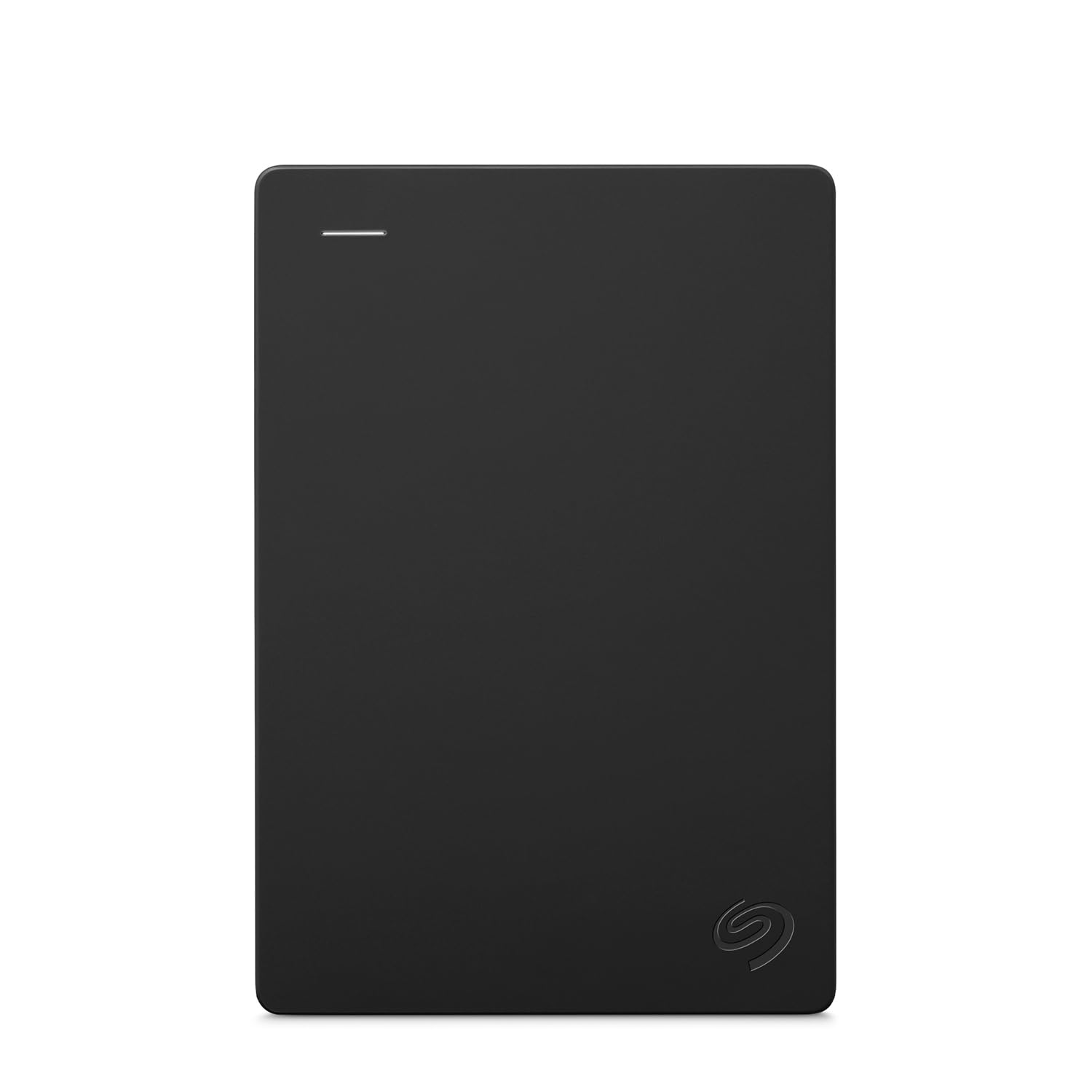
A pocket-sized 5 TB slab that backfills your Xbox library and the family photo archive in one go.
This is the drive that does not advertise itself as gaming hardware, and that is exactly why it works for a lot of households. It brings 5 TB of space, plugs into Xbox 360, Xbox One, Xbox Series S, Xbox Series X, and PS4, and moves data at 5120 megabits per second over USB 3.0. The drag-and-drop simplicity on Windows or Mac makes it the obvious pick for someone who wants one dock for game backups and every family media file at once.
The footprint is the quiet win. Owners describe a compact design that genuinely fits in a pocket, and the 18-inch USB 3.0 cable in the box is short enough to keep cable clutter down behind the console. Seagate also bundles a 1-year Rescue Service, which is a data recovery plan rather than just a warranty — useful insurance if the drive ever fails with years of saves on it. Against the WD_BLACK above, this gives you the same 5 TB for a general-purpose job instead of a gaming-specific one, and the two sit in different lanes because of that.
The word of caution is speed and long-term reliability. The speed picture is genuinely split — plenty of owners call the performance phenomenal for everyday transfers, while others find it slow when moving very large files. There is also a loud contingent of complaints about drives giving out over time, which is the nature of a high-volume mechanical product: with this many units in the world, some will fail. If your library is untouchable, keep a second copy elsewhere. If you want a big, affordable, pocketable bucket, this is a strong one.
Why It Sells
- 5 TB at a friendly price covers both game backups and general files
- Works across Xbox 360, Xbox One, Series S, Series X, and PS4
- 1-year Rescue Service gives you a data recovery plan, not just hardware cover
- Compact enough to fit in a pocket, with an 18-inch USB 3.0 cable included
The Honest Trade-offs
- Speed feedback splits sharply — fine for most files, slower on very large transfers
- Some units fail over years of use, so keep a second copy of anything irreplaceable
The strongest case: a family drive that handles game archives and media without needing two devices.
Worth knowing: no gaming-specific firmware or metal shell here — this is a general-purpose drive first.
5. WD_Black 2TB P10 Game Drive
The same metal-topped P10 shell at 2 TB instead of 5 TB, for a library that never got out of hand.
If the 5 TB P10 above felt like overkill, this is its smaller twin. Same metal top, same 2.5-inch form, same up-to-130MB/s transfer rating, but sized at 2 TB. That speed is the reason to pick it over the 120MB/s value drives lower down the list — when you copy a chunky game back to internal storage, the extra headroom shaves real minutes off the wait. It handles the Xbox Series X|S and PlayStation 5 archiving job the same way everything here does.
Owners praise the metal-topped build and steady transfer speeds. The compact size earns its own share of the goodwill, since it takes up barely any room next to the console. Three-year limited warranty is the same cover as the bigger model, which is a nice thing to have on a drive that holds a whole library.
The honest caveat is durability and speed: a portable mechanical drive still needs gentle handling, and 130MB/s won’t match the internal SSD. The metal top is genuinely nice, but a mechanical drive in a portable shell is still a mechanical drive — set it down gently and don’t drop it. And if you expect the up-to-130MB/s figure to feel like the internal SSD, it won’t; it’s a storage drive, not a load-time miracle. For most people with a modest game collection, the 2 TB size is the right amount of room.
Where it shines: a metal-topped gaming build at up-to-130MB/s in a smaller footprint, so it fits neatly beside a Series S.
Where it caps out: 2 TB fills faster than the 5 TB version if your library keeps growing.
Pick this when: you want the P10 feel and speed but know your library stays modest.
Pass if: you already juggle dozens of large titles — the 5 TB version has more room.
6. Seagate 5TB Game Drive for Xbox | USB 3.0 (STKX5000403)
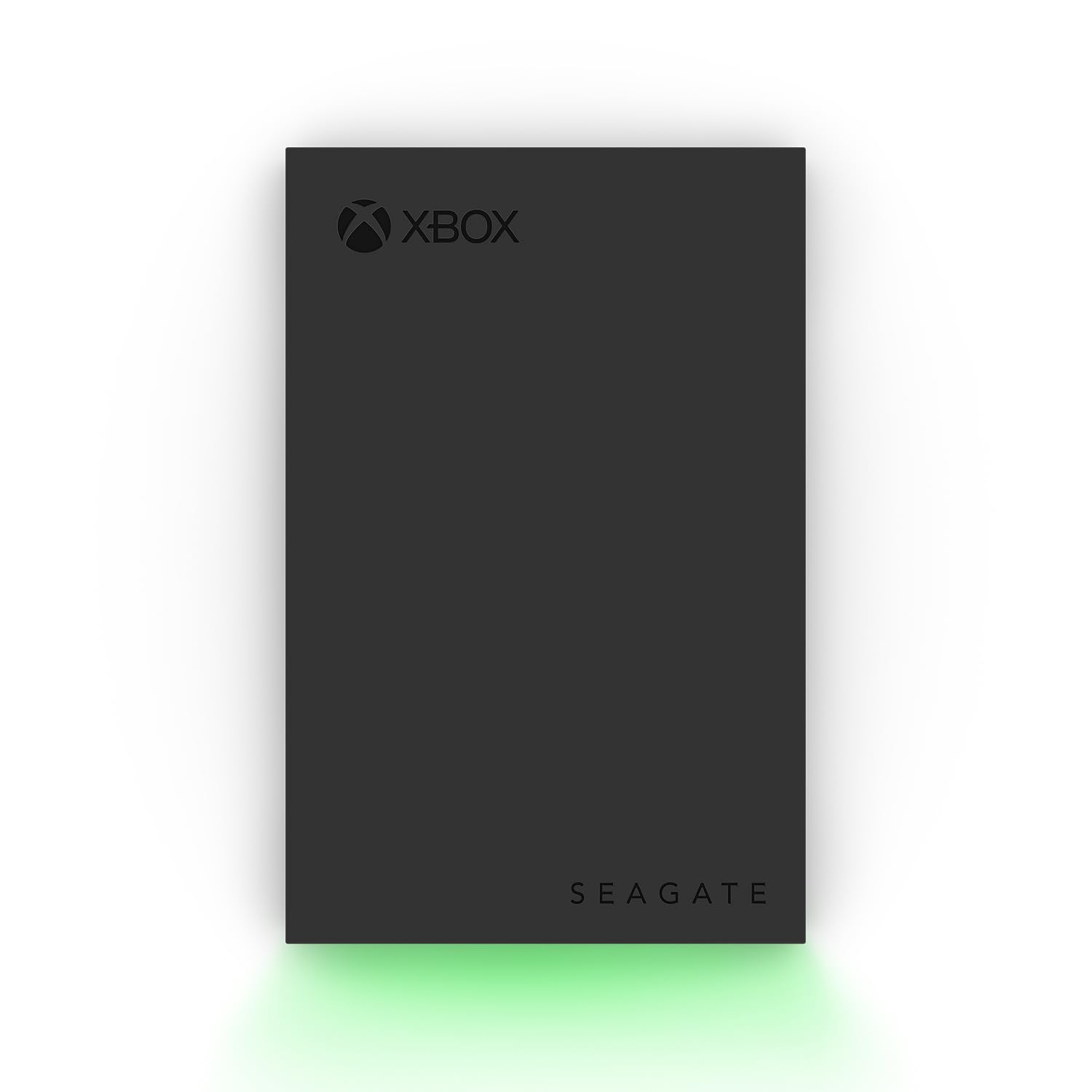
The one drive on the list that looks like it belongs next to an Xbox, down to the green LED.
Seagate built this for the Xbox shelf and it shows. It carries an Xbox-certified badge for the Series X, Series S, and every generation of Xbox One. There is a built-in LED bar that glows Xbox green, and the aluminum enclosure is styled to match the console rather than hide from it. If the drive is going to sit in the open under your TV, this is the one that doesn’t look like a leftover office accessory.
Inside you get 5 TB of vault space for a large library, and Seagate layers on both a 3-year Rescue Data Recovery Services plan and a 1-year limited warranty. Transfer speed is listed at 120 megabytes per second, which is a step under the 130MB/s of the WD_BLACK P10 above — you’ll feel that difference on big copies, though both are quick enough for everyday archiving. The 2.5-inch mechanical build is the same foundation every drive here uses.
The 5 TB capacity and 2.5-inch footprint make it easy to live with — a large library in a small slot on the media unit. The speed question is where the opinions differ; some find it plenty quick, others want more. That’s a fair complaint to carry into a purchase decision, since this is the slower of the two 5 TB Seagate-family drives here on paper. If you want the certified, matching look and the recovery plan, the trade-off is a little less pace.
The aesthetic angle: Xbox-certified for every current console generation, with a green LED bar and aluminum shell built to sit visibly by the console.
The speed note: 120MB/s trails the 130MB/s leader, so expect a few extra minutes on large transfers.
Best suited to: an open media unit where the drive is on display and you want the certified look and recovery plan.
Think twice if: raw transfer speed is your top priority over styling.
7. GAZELLE 1TB Ultra Slim Portable External Hard Drive
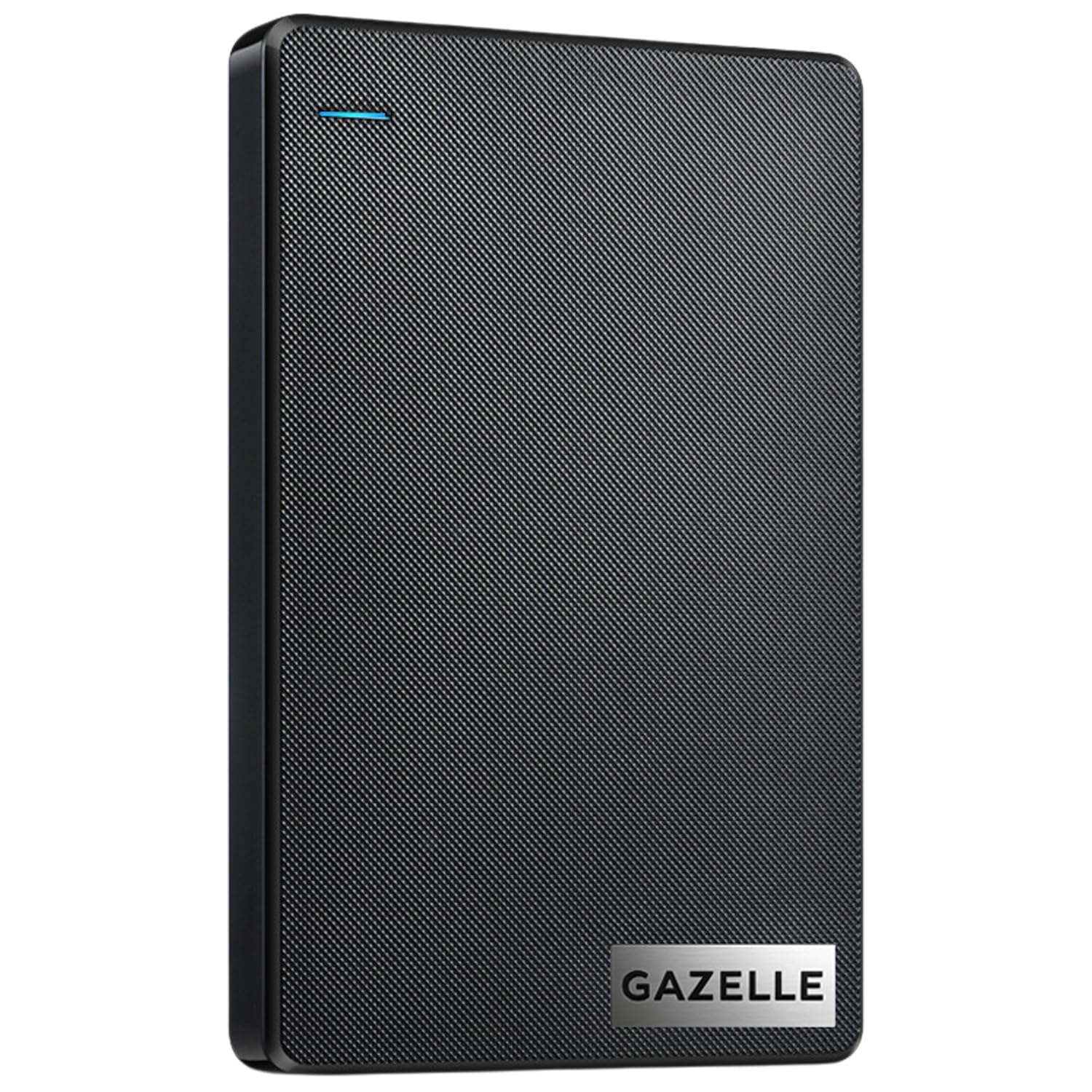
The drive that hops between your console, laptop, and phone thanks to a dual USB-C and USB 3.0 connection.
What makes this one different is the connector situation. It ships with a USB 3.0 cable plus a Type-C adapter, so you can move it from an Xbox to a modern laptop or a phone without hunting for the right lead. It is rated for Xbox Series S, Series X, and PS4, and it also works with Windows, macOS, Linux, and Android. The included LED indicator tells you when data is moving, which is handy when you are shuffling files between devices and want confirmation the drive is awake.
The shell is small and light — the maker quotes a compact build at about 150g, which slips into a laptop bag without adding real weight. Capacity is 1 TB and the data transfer rate is listed as 120 megabytes per second. Setup is genuinely nothing: it is plug-and-play, so you connect it and it works without installing software. For a multi-device user this flexibility is the whole point, and it does that job cleanly.
The thing to weigh is consistency, especially on PC. As customers note, “others report it’s really slow and keeps disconnecting from PCs every 10 minutes.” That’s a real risk on some machines, even though plenty of owners find it fast and easy with phones and tablets. In other words, it is happiest with console and mobile use and less predictable as a PC workhorse. If your main job is squirreling games away and shifting files between devices, it does fine; if you need a rock-solid desktop backup drive, look at the Seagate above instead.
Where it wins: a USB-C adapter plus USB 3.0 cable means one drive bridges Xbox, laptop, and phone without a dongle hunt.
The wobbly part: a subset of owners hit slow speeds and PC disconnects, so it’s best treated as an on-the-go drive.
Go for it if: you want one 1 TB drive that plugs into a console and a phone.
skip it if: your priority is a permanent, always-connected PC backup.
8. Avolusion HD250U3-WH 1TB

An honest entry-level drive with a white aluminum shell and no need for a wall plug.
The point of this drive is simplicity and a low price of entry. It ships as 1 TB, pre-formatted in an Xbox console, and it draws power over USB — no separate AC adapter to find a socket for. That bus-powered design makes it the easy addition to a crowded TV stand. The white aluminum chassis is a little nicer than the price would suggest, and it is rated for Xbox One S, X, original, and Series X|S.
Avolusion is refreshingly direct about the Xbox rule in its own listing. Series X|S games must play from the internal SSD; the drive stores them as a buffer, and copying from it back to the console is faster than re-downloading. Xbox One games play straight off the drive. Knowing that up front saves a lot of frustration — half the one-star reviews on drives like these stem from expecting the wrong thing.
The 1 TB of extra space is the whole point of this drive. Owners treat the extra room as the win, and it does the basic job of holding a library without fuss. The honest caveat is long-term reliability — some units have stopped working after a few months, which is the classic story for budget mechanical drives. For a low-cost way to free up console space, this is a reasonable pick. If your library is precious, pay more for a drive with a longer track record and a recovery plan.
What it does for you: 1 TB of extra space with USB power and an aluminum shell, no AC adapter in sight.
What to watch: budget-drive fragility means backing up anything critical.
A sensible buy for: a first expansion drive on a tight budget.
Better to spend up if: you keep saves you can’t replace on it.
9. 1TB USB 3.0 Portable External Gaming Hard Drive

The cheapest doorway into extra Xbox space, pre-formatted so the console sees it on day one.
If the goal is simply to stop deleting games, this drive answers the call with as little fuss as possible. It brings 1 TB of capacity, arrives pre-formatted on the console, and plugs in with no setup step. The spec sheet lists a 5 gigabits-per-second data transfer rate, a 2.5-inch mechanical drive, and a 2-year warranty card in the box. Compare that 1 TB with the 5 TB WD_BLACK up top and you can see the trade-off plainly: that drive holds 5 TB versus this one’s 1 TB.
The listing names Xbox One, One S, One X, and original generation as compatible, so it is a solid fit for the older console sitting in a second room. It is light and portable, and the plug-and-play promise means you are playing with more room in minutes rather than fiddling with format screens.
The real question is reliability: some units hold a library for years, others fail early or balk at the newest Xbox consoles. Opinions are genuinely split — some units work perfectly and hold a library for years, while others don’t play nicely with the newest Xbox consoles. Some buyers also flag that the usable storage doesn’t quite reach the advertised 1 TB. That’s normal for formatted drives but worth knowing before you count on every gigabyte. As a low-cost overflow drive for Xbox One games, it earns its place; as your only copy of a huge library, it does not.
Why buyers pick it: pre-formatted 1 TB for Xbox One at the lowest cost of entry here.
The honest catch: reliability is mixed and the usable capacity sits under the headline number.
Worth it for: a cheap second-room overflow drive for Xbox One games.
Not the right fit if: you need guaranteed compatibility with a Series X|S or a huge library on a single drive.
Know the Specs
Capacity (TB)
Capacity in terabytes (TB) tells you how many games fit — 1 TB holds a modest library, while 5 TB is a warehouse for a whole collection. The trade-off is that a bigger drive costs more, so match capacity to if you want a shelf for a decade or just space to free up the console.
Transfer Speed (MB/s)
Speed, in megabytes per second (MB/s), is how quickly data moves between the drive and your console. It decides how long you wait when you copy a game back to play it. Higher is better, but a mechanical drive never matches the internal SSD — think of it as a storage locker, not a load-time upgrade.
Pre-Formatted vs Reformat
A pre-formatted drive is set up for Xbox from the start, so it’s recognized on first plug-in. A drive set up for Windows needs a reformat before the console will use it, and reformatting wipes existing data. Always confirm which you’re buying.
Enclosure and Warranty
The shell decides how well the drive survives trips and knocks — rubber or shockproof shells are the ones to carry. Warranty length tells you how long the maker stands behind the hardware, and a rescue plan adds data recovery if the drive fails.
Common Questions
Can I play Xbox Series X|S games directly from an external hard drive?
Will a 1 TB drive be enough for my Xbox library?
Do these drives work with both Xbox and PlayStation?
Do I need to reformat a drive before using it on Xbox?
Does transfer speed really matter on an Xbox external drive?
What does the IPX4 rating on a drive mean?
Can an external hard drive be carried in a backpack?
What does Xbox-certified mean on a game drive?
Is a faster drive or bigger capacity more important?
The Bottom Line
If you want one drive that ends the space problem, the WD_BLACK 5TB P10 Game Drive remains the pick to beat — the 5 TB size holds a full collection, and the up-to-130MB/s speed moves a library around without dragging. If your drive travels and takes knocks, the SP Silicon Power Armor A60 gives you a shockproof shell and a splash rating for a bag-and-backpack life. And for a pocket-sized bucket that also backs up the family photos, the Seagate Portable 5TB is the one to reach for. Match the drive to your console: 5 TB if you hoard a full library, a shockproof shell if it travels, a pocketable 5 TB if it doubles as a family backup.
How we choose
We do not accept paid placement. Every pick is matched to a real buyer and a real use-case; we do not hands-on test units.
Sources
Specifications: manufacturer listings and product documentation. Review insights: verified customer reviews, as of July 2026. Pricing: not shown on this page (it changes often); check the current price via the retailer link.
As an Amazon Associate, Tactical Gear Guy earns from qualifying purchases. This does not affect which products we feature.