Specs are compiled from manufacturer listings and verified buyer reviews and can change over time — please confirm the key details on the product page before buying.
If you already own an AM4 motherboard, the smartest upgrade you can make is a Zen 3 chip — and the Ryzen 7 5700X is the one most people should buy. It runs 8 cores and 16 threads on the same socket you already have, so you keep your board, your DDR4 memory, and your Windows install, and you swap only the processor.
This guide is built by comparing the manufacturers’ published specifications and the patterns across verified customer reviews, so you get each pick’s real strengths and trade-offs instead of marketing spin.
Zen 3 is AMD’s 5000-series desktop generation, and every chip here drops straight into a Socket AM4 board. Below you’ll find the picks that make the most sense for gaming, for rendering, and for upgrading an older tower — a full breakdown of the best zen 3 cpu options for your AM4 build.
Top Picks

How To Choose The Best Zen 3 CPU
The first question isn’t which chip is fastest. It’s what your motherboard will actually accept. Zen 3 processors use the AM4 socket, which has been around across several generations of AMD boards, but the older the board, the more likely you need a BIOS update before the new chip will even post.
Check your socket and chipset first
Every processor in this guide drops into a Socket AM4 board, so you can keep your existing motherboard in many cases. The chipsets (the board’s support chip that sets which features you get) named in the data are A520, B450, B550, X470, and X570, and they cover the realistic range. PCIe 4.0 (a faster version of the slot your graphics card plugs into) shows up on X570 and B550 boards, so a graphics card that can use the faster lane gets the extra speed.
Before you buy anything, find your board’s model number and check whether it needs a firmware update. A chip that won’t boot is a chip you can’t use.
Decide whether cache or threads matter more to you
Two specs push frame rates in different ways. L3 cache is a pool of fast memory the chip keeps close, and a big pool keeps games from stuttering when they swap data. Core count and thread count decide how well the chip chews through rendering and video work.
Gaming builds lean on cache. Editing and streaming rigs lean on threads. If you do both, the 8-core chips with large cache pools are the safest middle ground.
Work out if you need a cooler in the box
Some Zen 3 processors include a stock cooler — the Wraith Stealth or the Wraith Prism with RGB lighting. Others ship bare and expect you to bring your own. Factor that into your budget before you compare two chips by price alone.
If a listing says a high-performance or liquid cooler is recommended, take it seriously. A hot chip throttles, and a throttled chip wastes the money you just spent on it.
Do not forget the memory and the graphics card
These chips support DDR4-3200 memory, which is the speed to aim for. And unless a listing names built-in Radeon graphics, you need a discrete graphics card in the system or you get no display at all.
Side-by-Side Comparison
Detailed Reviews
1. AMD Ryzen 7 5700X Processor
Eight cores and a 36 MB cache pool that turns an aging AM4 tower into a gaming machine again.
For an existing AM4 owner who wants more frames without rebuilding the whole system, this is the chip to buy. It carries 8 cores and 16 processing threads on the Zen 3 design, which means background apps, Discord, and a browser full of tabs no longer steal frame time from the game. The 4.6 GHz max boost (the top speed one core can reach when the rest idle) is open up for overclocking, so you can push it further if you know what you are doing.
The number that quietly does the heavy lifting is the 36 MB cache. Games lean on that close-to-the-chip memory to keep action smooth, and 36 MB is a healthy pool that puts it far ahead of the 19 MB the Ryzen 5 5600GT carries. AMD rates it for 100+ FPS in popular titles when paired with a discrete graphics card — and that phrase matters, because there is no graphics hardware built into this one. Pair it with your existing card and it works.
What wins people over on the review pages is pure performance; that subject dominates the conversation by a wide margin, with value for money sitting a clear second. It also runs cool in normal use, with owners repeatedly reporting temperatures below 60 degrees. The one honest catch: no cooler ships in the box, so add a decent air cooler to your total. Worth knowing too that the reliability thread carries a mixed verdict, so keep an eye on a stable power supply rather than a dramatic overclock.
Where it earns its keep
- 8 cores and 16 threads on Socket AM4, so it drops into the board you already own
- 36 MB of cache keeps games smooth under load
- Supports DDR4-3200 memory and PCIe 4.0 on X570 and B550 boards
- Runs cool in everyday use, with temperatures below 60 degrees
Budget for this
- Cooler not included — factor in an aftermarket air cooler
- No integrated graphics, so a discrete graphics card is mandatory
- The reliability aspect reads mixed rather than unanimous
Buy this one: an AM4 owner with a working graphics card who wants a straight performance lift for gaming and general desktop work.
Plan around it: the missing cooler — the box has a processor and nothing to keep it cool.
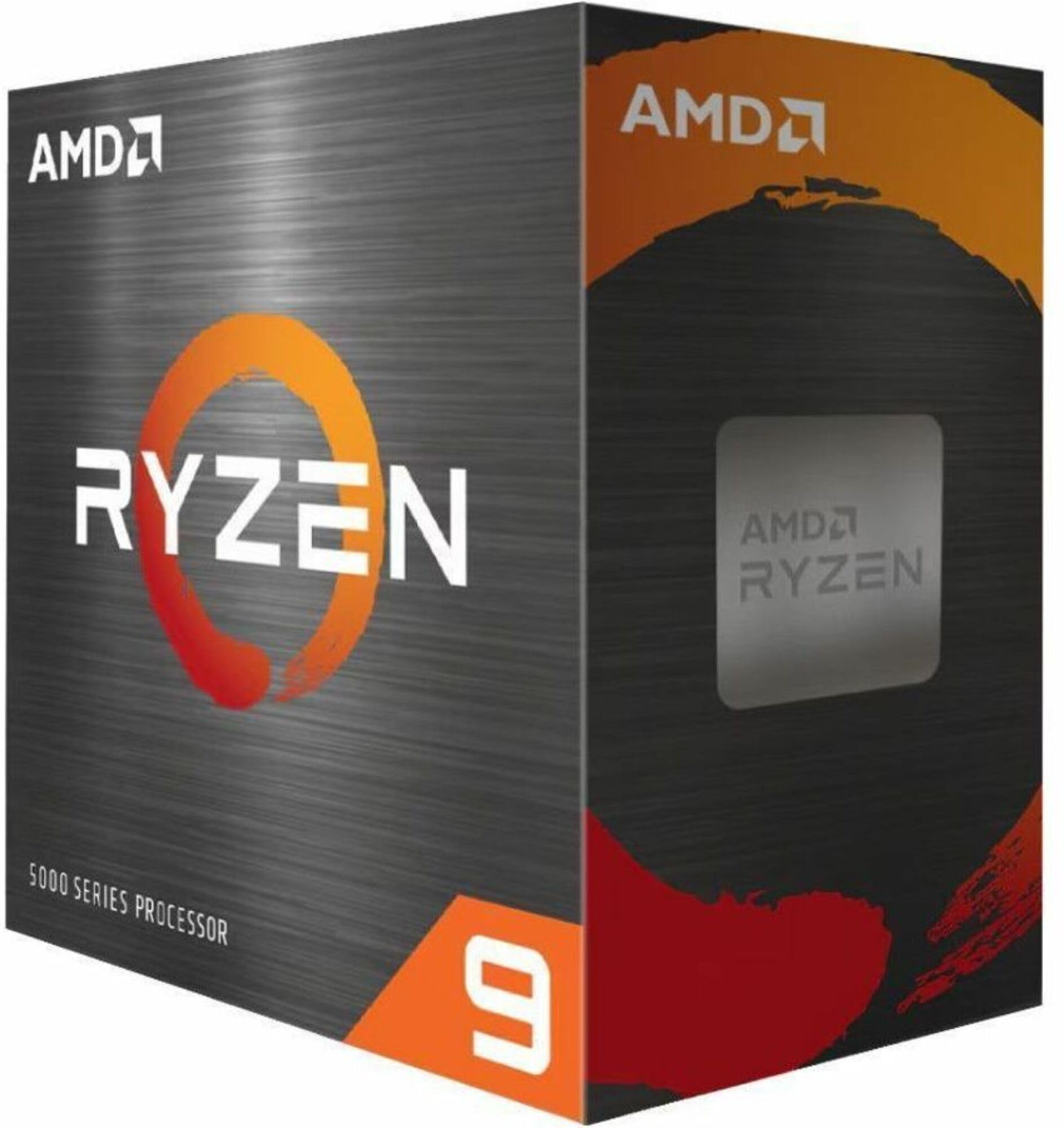
2. AMD Ryzen 9 5900XT Processor
Sixteen cores on an old socket — the render-queue killer that keeps your AM4 board in service.
Video editors, 3D artists, and anyone who streams while gaming hit a wall with 8 cores. This chip clears it with 16 cores and 32 processing threads, which is 16 cores and 32 threads against the 6 cores and 12 threads of the Ryzen 5 5600XT. That is twice the cores and twice the threads for your export queue, your render farm, and your encoder all running at once.
The clock speed backs that up. The 4.8 GHz max boost is the highest figure in this whole group, a step above the 4.4 GHz the Ryzen 5 5600X3D reaches. Add 72 MB of cache and DDR4-3200 support, and you have a chip that handles large project files without constant trips out to system memory. Socket AM4 with PCIe 4.0 support means it fits the boaemperatures below 70°C and an easy install. The listing is blunt about cooling — no cooler included, and a liquid cooler is recommended, which is a stronger ask than the air-cooled siblings make. If you have a spare AIO or a big tower cooler in the parts bin, this chip makes a lot of sense; if you have neither, add that cost to the plan.
What the cache buys you: 96 MB of L3 with 8 cores and 16 threads, delivering the frame-rate lift people buy 3D-cache chips for.
The honest cost: a 4.1 GHz boost that trails every other 8-core here, plus a liquid-cooler recommendation and no cooler in the box.
Best fit: a gamer with an AM4 board and a cooler already on hand who wants big cache without the top-shelf ask.
Think twice if: you are starting from zero on cooling — the liquid-cooler recommendation adds a real line to your parts list.
3. AMD Ryzen 5 5600GT 6-Core, 12-Thread Desktop Processor

Six cores carrying a 96 MB L3 pool — cache-heavy gaming without paying for eight cores.
Most gaming workloads cannot use eight cores well, which makes this 6-core, 12-thread chip with 96 MB of L3 cache a smart fit. It pairs 3 MB of L2 cache with that large L3 pool, so games get the fast memory they lean on while you skip the cost of extra cores you would not use. Buyers describe smoother desktop performance and games running without stutter.
The boost clock is 4.4 GHz, which trails the 4.8 GHz on the Ryzen 9 5900XT — a gap you will notice in a benchmark and largely not in a game. It supports 128 GB of DDR4-3200 memory, runs PCIe 4.0, and fits the A520, B450, B550, X470, and X570 chipsets, which covers most AM4 boards in circulation.
Two things to square away before ordering. First, there is no heatsink in the box, so cooling is on you. Second, the TDP is listed at 105W, which is the heat load your cooler needs to move. People who pair it with a competent cooler describe it as good value; go cheap on the cooling and the chip has nowhere to put its heat.
Why gamers gravitate here
- 96 MB of L3 cache in a 6-core, 12-thread package
- Fits A520, B450, B550, X470, and X570 boards
- Supports 128 GB of DDR4-3200 memory and PCIe 4.0
- Smoother game performance without the cost of extra cores
Before you click buy
- No heatsink included
- 105W TDP needs a cooler that can actually move that heat
- 4.4 GHz boost trails the top clockers in this group
Fits you: a gamer on AM4 who wants big cache and does not need eight cores for anything else.
Skip the pairing: a stock cooler on a 105W chip — bring a real cooler or the cache advantage gets eaten by heat.
4. AMD RYZEN 5 5600XT 6-Core, 12-Thread Processor
L3 Cache
The L3 cache is a pool of fast memory on the chip itself. When a game needs data quickly, it reaches for the cache instead of slower system memory. A larger pool means fewer stalls, which is why chips with 96 MB or 100 MB of cache fly in games even at a lower boost clock. 3D V-Cache stacks extra cache on the die to fit more in the same space.
Max Boost Clock
The boost clock is the top speed a single core reaches when conditions allow. 4.8 GHz is faster than 4.1 GHz, but only if the game or app is pushing one core. During a long render, the chip settles to a lower all-core speed and cooling becomes the limiting factor. Treat the boost figure as a ceiling, not a promise.
Socket, Chipset, and Cooler
Every Zen 3 chip here uses Socket AM4, so the same board supports all of them. The chipset — A520, B450, B550, X470, or X570 — determines whether you get PCIe 4.0. Check the cooler situation too: some listings include the Wraith Stealth or Wraith Prism, and others ship bare, so plan the cooler into the build.
Common Questions
Will a Zen 3 CPU fit my existing AM4 motherboard?
Do I need a graphics card with a Zen 3 CPU?
Is more cache better than more cores for gaming?
Do any of these CPUs include a cooler in the box?
What memory speed should I pair with a Zen 3 CPU?
Is PCIe 4.0 available on every AM4 board?
Will a 6-core Zen 3 CPU bottleneck my graphics card?
Is the 5700X3D worth it over the 5800X3D?
How long will a Zen 3 CPU stay useful?
The Bottom Line
For most AM4 owners, the best zen 3 cpu is the AMD Ryzen 7 5700X — 8 cores, 16 threads, and 36 MB of cache on the board you already own. If you render or stream, the Ryzen 9 5900XT hands you 16 cores and 32 threads. And if you want a working desktop with no graphics card purchase at all, the Ryzen 5 5600GT is the one to grab. Whichever you pick, check that cooler line twice — several of these chips arrive with nothing to keep them cool.
How we choose
We do not accept paid placement. Every pick is matched to a real buyer and a real use-case; we do not hands-on test units.
Sources
Specifications: manufacturer listings and product documentation. Review insights: verified customer reviews, as of November 2026. Pricing: not shown on this page (it changes often); check the current price via the retailer link.
As an Amazon Associate, Tactical Gear Guy earns from qualifying purchases. This does not affect which products we feature.