Specs are compiled from manufacturer listings and verified buyer reviews and can change over time — please confirm the key details on the product page before buying.
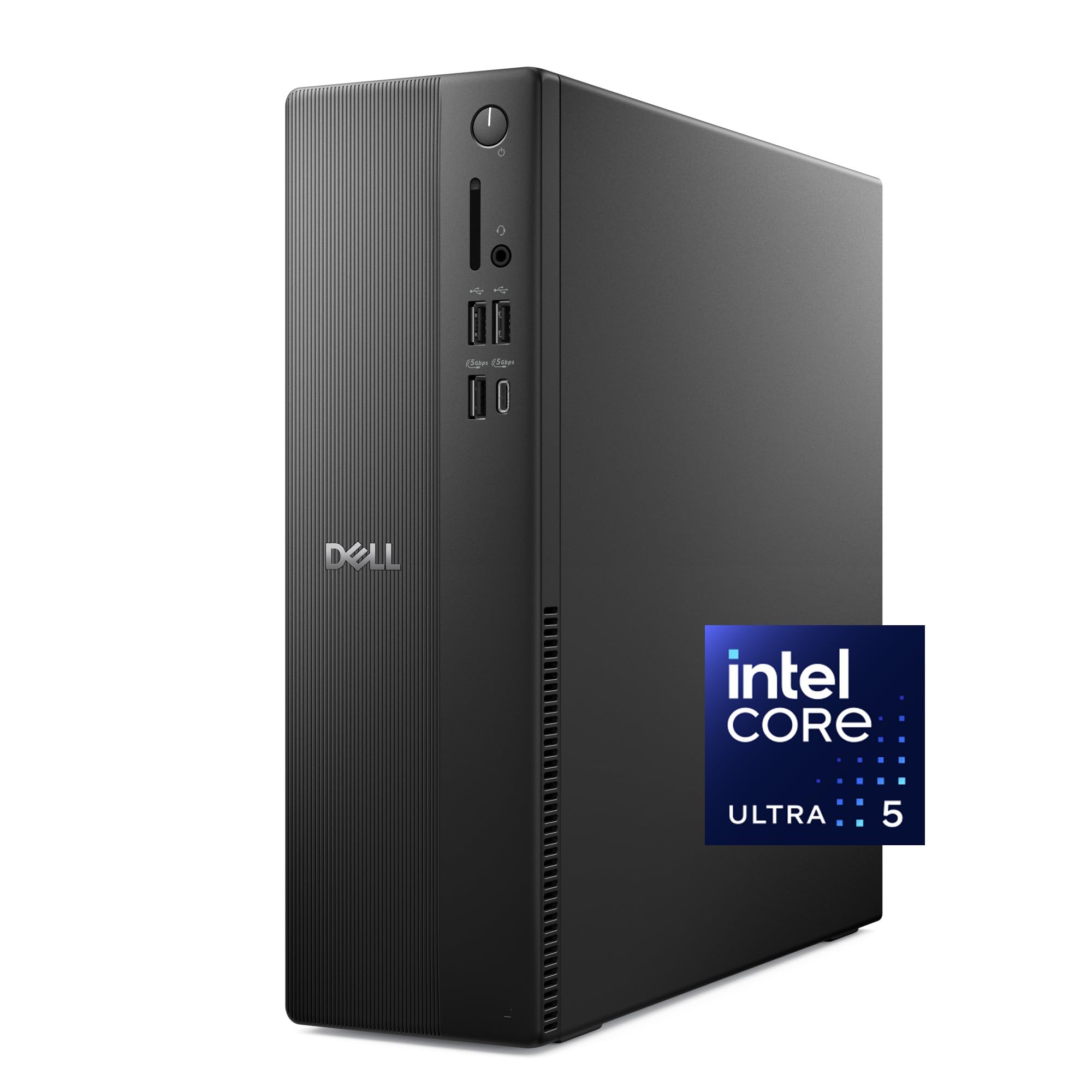
If you want the short answer: the Dell Slim Desktop with the Intel Core Ultra 5-225 is the one to buy, because it is the fastest, quietest, most modern machine on this list and it still costs less than most of the premium towers here. The rest of this list exists because “work desktop” covers a huge range of jobs — a bookkeeper running a browser and a spreadsheet needs something very different from a video editor pushing three 4K screens. Every pick below is a real desktop tower or small-form-factor box with a real processor, real memory, and a real SSD, and each one earns its place for a specific kind of work.
This guide is built by comparing the manufacturers’ published specifications and the patterns across verified customer reviews, so you get each pick’s real strengths and trade-offs instead of marketing spin.
You will see the same three numbers repeated in every entry — processor, memory, and storage — because those three decide whether a machine feels instant or sluggish in year three. The list runs from a modern small-form machine down to refurbished business towers that trade polish for horsepower, and each entry says plainly who it fits. Here is the honest ranking of the best work desktop PC for getting real office work done without overspending.
Top Picks


How To Choose The Best Work Desktop PC
The mistake most people make is shopping for the biggest processor number they can find. In an office machine, memory and storage speed decide how the machine feels day to day, and the processor only matters when you push heavy work like video editing or large data sets. Rank memory first, then storage speed, then processor, and you will not overspend.
Start with memory, not megahertz
Memory (RAM) is the desk space a PC uses to keep programs open at once. With 8GB you will feel the machine grind the moment you open twenty browser tabs beside a spreadsheet. With 32GB you can keep a browser, a video call, a PDF, and a spreadsheet all open without any of them stuttering. If your work is email and documents, 16GB is comfortable. If you juggle several apps all day, aim for 32GB.
Insist on an SSD, and prefer NVMe
An SSD (solid-state drive) stores your files with no moving parts, so it opens programs in seconds instead of the long wait you remember from old hard-drive machines. NVMe is the faster style of SSD that plugs directly into the board. Any tower on this list with an M.2 NVMe drive will boot and load apps noticeably quicker than a machine with an older drive, and that speed is what you feel every single morning.
Count the monitor ports before you buy
Look at how many DisplayPort and HDMI outputs the tower actually has. If you run two screens, you need two outputs — a splitter cable is not the same thing and often will not work at full resolution. If you run three or four, check the listing carefully, because multi-monitor support is the single most common place where a cheap tower quietly falls short.
Understand what “renewed” gets you
Many of the strongest values here are renewed business desktops — machines built for corporate fleets, wiped, tested, and resold. You get a serious processor and plenty of memory for a mid-range figure, and the trade-off is usually cosmetic wear and the occasional connectivity quirk rather than performance. Buy from a seller that states a warranty and check the Wi-Fi and Ethernet behavior in the first week.
Side-by-Side Comparison
| Model | Best For | Processor | Memory | Storage | Amazon |
|---|---|---|---|---|---|
| Dell Slim Desktop (Core Ultra 5-225)★ Best Overall | Everyday office work, quiet and modern | Intel Core Ultra 5-225, up to 4.9 GHz | — | 512GB SSD | Amazon |
| Dell OptiPlex 7070 SFF (Renewed)Quiet Operator | Office workstation with many peripherals | Intel i7-9700, up to 4.7 GHz | 32GB DDR4 | 1TB NVMe M.2 SSD | Amazon |
| Lenovo IdeaCentre Business Tower | Business tower with DDR5 memory | Intel Core i3-13100, 4.4 GHz Turbo | 16GB DDR5 | 756GB (256GB SSD + 500GB HDD) | Amazon |
| HP Premium Business Desktop Tower | Maximum memory and ports for a team | Intel Core i5, up to 4.3 GHz | 32GB RAM | 1TB PCIe SSD | Amazon |
| Acer Aspire Business Desktop | General office and school work | Intel Core i3-13100, 4.4 GHz Turbo | 16GB DDR5 | 1TB Storage (512GB SSD + 500GB HDD) | Amazon |
| HP OmniDesk (Ryzen 7 8700G) | Music production and creative work | AMD Ryzen 7 8700G, 4.2 GHz | 32GB DDR5 | 1TB PCIe Gen4 NVMe SSD | Amazon |
Detailed Reviews
1. Dell Slim Desktop
Our pick — 4.5+★ from 250+ verified ratings; the strongest balance of quality and price.
The small, quiet, modern tower that quietly outruns every refurbished machine below it.
The Dell Slim Desktop runs on an Intel Core Ultra 5-225 processor that reaches 4.9 GHz, and that is the highest clock speed on this entire list. In plain terms, the processor (the chip that does the actual thinking) finishes each task faster than the older i7 chips in the refurbished towers here — and it does it on a newer design with built-in AI acceleration. On a busy spreadsheet-and-browser day you will not notice a difference. On a day full of large files and heavy tabs, this one keeps moving while older machines start to lag.
Memory is where you need to set expectations. The listing for this configuration does not publish a memory figure, so I will not pretend it does — check the exact listing before you buy, because memory is what decides how many programs you can keep open at once. The 512GB SSD (the fast storage where your files and programs live) is a solid working size for office documents, and the tool-less side panel means adding more storage later takes minutes and no screwdriver.
What owners consistently bring up is how much this machine simply works without fuss: it boots, it stays quiet, and it fits on a desk without swallowing the whole surface. It is also the most flexible display machine here — Dell lists support for up to four FHD monitors through DisplayPort 1.4a with daisy chaining, or two 4K displays through HDMI 2.1 and DisplayPort 1.4a. Business security is covered by a hardware TPM chip (a small chip that stores your encryption keys) plus a built-in lock slot.
Where this tower earns first place
- The fastest processor here at up to 4.9 GHz, and the only Core Ultra chip on the list.
- Runs up to four FHD monitors or two 4K monitors, which beats the dual-screen limits on the refurbished towers.
- Tool-less entry and a removable side panel make storage or memory upgrades a five-minute job.
- Hardware TPM chip plus a lock slot for anyone handling sensitive client files.
- Comes with a wired keyboard and mouse, so it is ready the moment it arrives.
The honest catches
- The listing does not state a memory figure, so confirm the RAM before ordering.
- Windows 11 Home rather than Pro, which matters if you need BitLocker or Remote Desktop.
- No fingerprint reader, so sign-in stays password-based.
Reach for this if: you want a modern, quiet small-form machine for office work and you would rather not nurse a used tower.
Think twice if: your work needs Windows 11 Pro features or you cannot confirm the included memory figure.
2. Dell OptiPlex 7040 SFF
An older chip paired with enormous memory, for buyers who count every dollar.
This is the cheapest way onto the list to get 32GB of RAM and a 1TB M.2 NVMe SSD in one box. The processor is an Intel Core i7-6700 running at 3.4 GHz, which is the slowest chip here — the Dell Slim Desktop above reael i7 at up to 4.6 GHz and 32GB of DDR4 memory handling the multitasking. HP also lists 4K support and Intel HD 630 graphics, which is enough for photo work and light video editing on a single screen at a time.
The headline number is the 1TB SSD — double the 512GB in the OptiPlex 7060, and it is the difference between “I have room for my project files” and “I am deleting last month’s work to fit this month’s.” Compared with the OptiPlex 7060’s 512GB drive, this doubles your local storage for only a modest step up in cost. That doubling is the whole reason this machine is here.
Ports lean toward the practical: six USB 3.0, four USB 2.0, one USB Type-C, two DisplayPort, and four internal SATA connections for future drives. Buyers describe it as arriving in like-new condition, performing well straight away, and booting quickly. The catch to weigh is the graphics: Intel HD 630 is integrated, not a dedicated editing card, so heavy 4K rendering or 3D work will want something more.
The storage argument: double the drive of the SFF OptiPlexes, in a tower case with four internal SATA connections — the only pick on this list that treats “where do I put my media library” as a first-class question.
The limitation: integrated Intel HD 630 graphics is fine for photos and light edits, not for serious 3D rendering.
For the media desk: creators who want a terabyte of room and ports to spare without paying premium-tier prices.
Not for: anyone doing heavy 3D or GPU-accelerated rendering — the integrated graphics will hold you back.
3. Dell OptiPlex 5070 Desktop
Plenty of USB on the front and back, for desks with a printer, scanner, and then some.
Not every desk needs the fastest chip — some need somewhere to plug everything in. The OptiPlex 7070 answers that with five USB 3.1 ports, four USB 2.0 ports, and two DisplayPort outputs, plus a wireless keyboard and mouse. The 8-core i7-9700 processor reaching 4.7 GHz and 32GB of DDR4 memory keep the machine responsive, and the new 1TB M.2 NVMe SSD keeps boot times short.
The core count here is above the 6-core i7-8700 in the OptiPlex 7060, which means the 7070 has more room to juggle simultaneous jobs. Windows 11 Pro is preinstalled, so remote access and file encryption are handled from the start. Buyers describe fast startup, easy setup, and solid value across the board.
One thing to know before you buy: the internal storage layout is limited, with no provision for 3.5-inch or 5-inch drives. If you planned to drop in a big spinning drive for an archive, this case will not take it — plan on external storage instead. If your file library lives on a network drive or in the cloud, that limitation costs you nothing.
Who this suits: the desk with a printer, a scanner, a card reader, and a couple of phones on the same table — nine USB ports on a small-form machine is more connection room than most of this list offers.
The caveat: no bay for a 3.5-inch or 5-inch drive, so large archives need to live on external storage.
For the peripheral-heavy desk: buy this if you have lots of USB devices and want Pro-level software features.
Look elsewhere if: you want to expand with a big internal drive later — the case does not support it.
4. Lenovo IdeaCentre Business Tower
A current-generation business tower where the draws are DDR5 memory and stable networking.
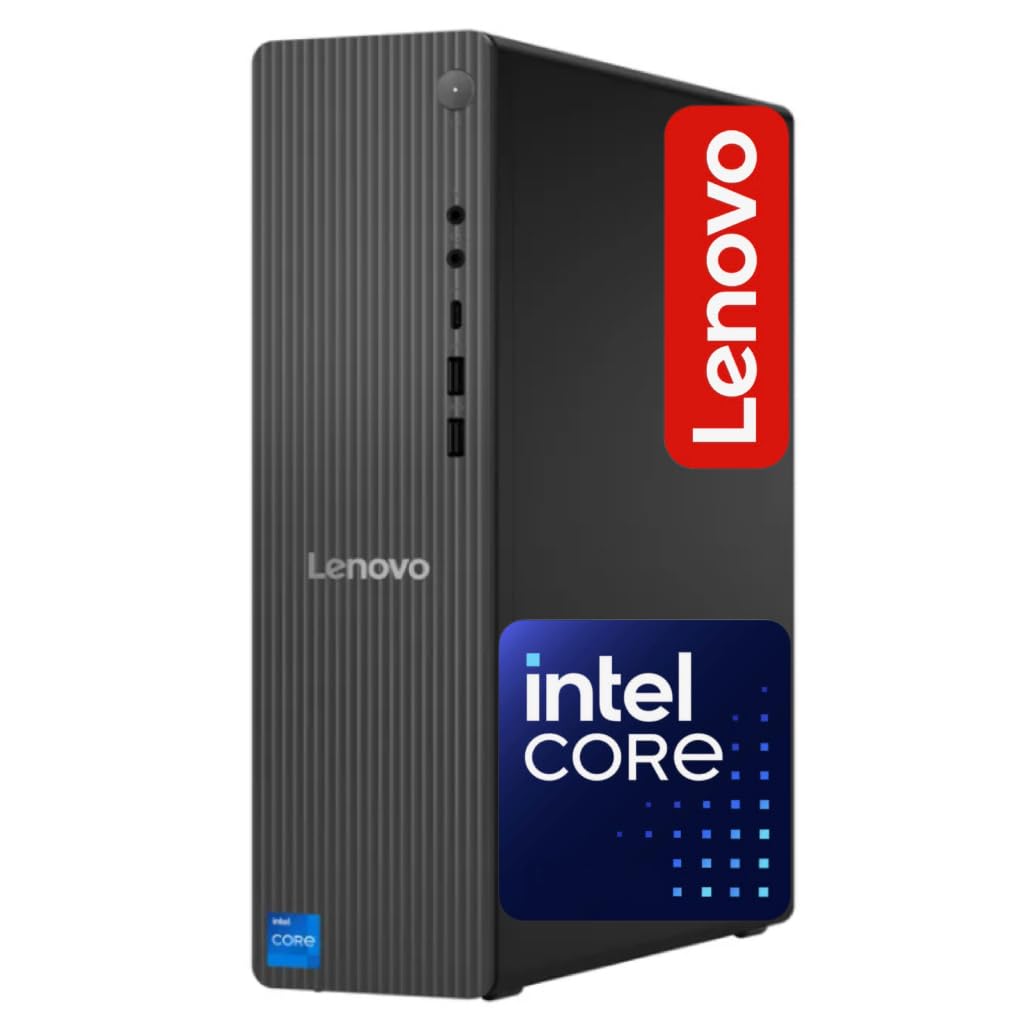
The Lenovo IdeaCentre is the first new-generation pick to appear after the refurbished pack, and its defining quality is modern memory. It runs 16GB of DDR5 — a newer, faster memory standard than the DDR4 in every refurbished tower above — paired with an Intel Core i3-13100 processor that reaches 4.4 GHz through Turbo Boost. It is a 4-core chip, so it trades core count for modern architecture. That is a fair trade for everyday office work and web-based tools.
Storage is an unusual split: 756GB total, made up of a 256GB SSD for the system (fast boot) and a 500GB HDD for bulk files. That means your operating system and daily programs run at SSD speed, while large archives live on the bigger mechanical drive — a smart split for an office machine. Networking keeps pace, with Wi-Fi 6E (the 802.11ax 2×2 standard, a newer generation of Wi-Fi than most refurbished towers offer), Gigabit Ethernet, and Bluetooth 5.2.
The ports cover the modern desk: front USB-C and USB-A 3.2, multiple rear USB-A, HDMI 2.1, and an RJ-45 ethernet jack. The price of this machine is worth it when you want DDR5 and modern ports. Buyers describe it as a solid mid-range computer that is good value for the money. The catch is the 4 cores — for heavy video editing or 3D, you would want more.
Why the split storage wins: a 256GB SSD boots the system fast while a 500GB HDD holds the files, so you get speed where it matters and room where it counts.
The trade-off: a 4-core processor at 4.4 GHz Turbo, which leaves less headroom than the 8-core towers above for heavy creative work.
Pick this for: a new-generation tower with DDR5 memory and modern Wi-Fi that is easily expandable for the next few years.
Skip if: your work is heavy multitasking or video editing, where the 4-core chip runs out of headroom.
5. HP Premium Business Desktop Tower
Twelve processing threads and a full 32GB of memory for a team that multitasks all day.
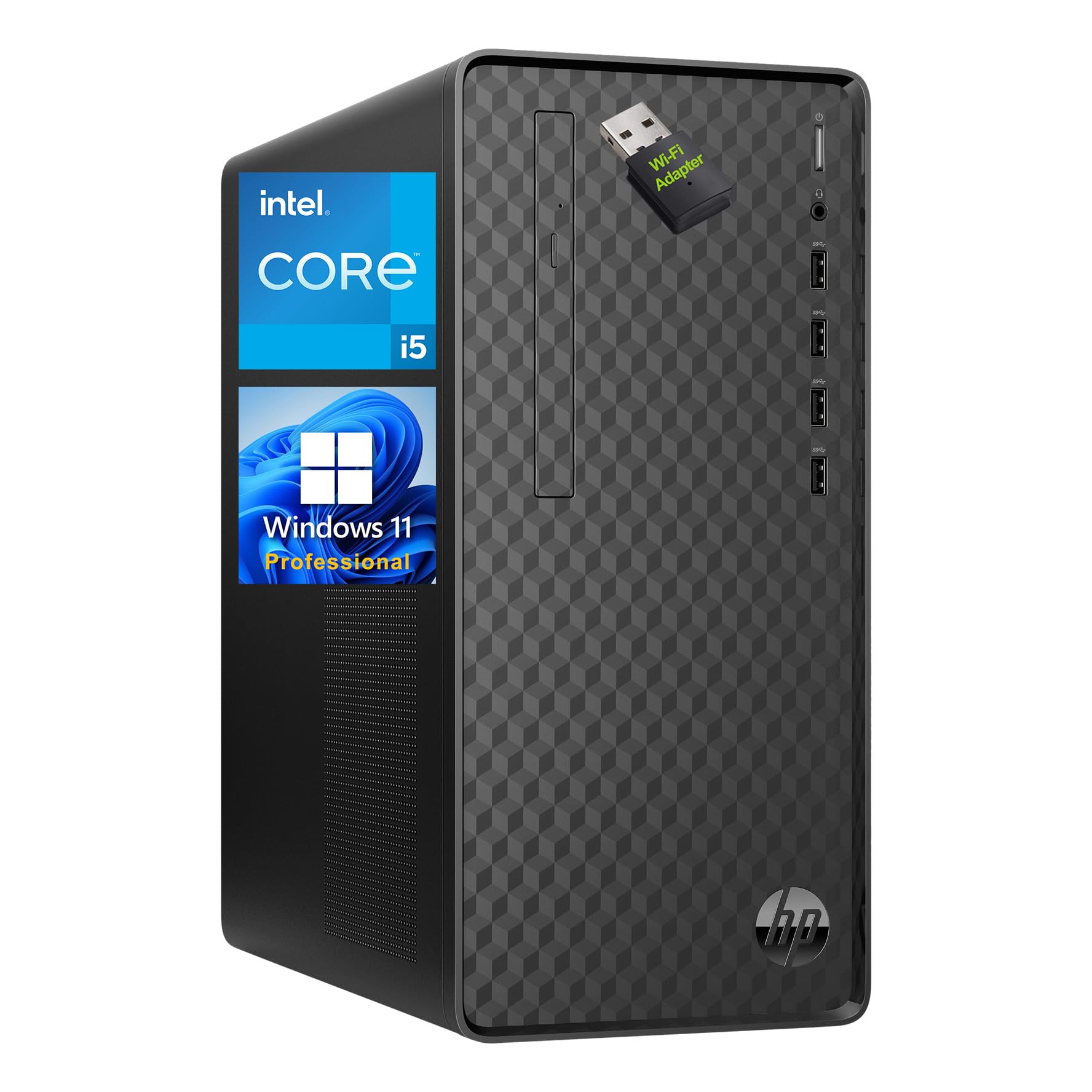
A 6-core Intel Core i5 running at 2.90GHz base and up to 4.30GHz through Turbo Boost, with 12 threads and 12MB cache — that is the engine of the HP Premium Business Desktop. The thread count matters because each thread is one task the processor can juggle simultaneously, so 12 threads keeps a messy browser, a video call, and a data spreadsheet running without stalls. Paired with 32GB of RAM, it has more memory than most of the list, which is exactly what a data-heavy office needs.
Storage is a 1TB PCIe SSD, which is plenty for client files and a year of documents without opening the case. The connectivity is where this tower pulls ahead of the crowd: four front-facing USB 3.2 Gen 2 Type-A ports plus the usual headphone/mic jack, and on the back, RJ-45 Ethernet, VGA, DVI-I, HDMI 2.0, four more USB Type-A ports, and dual audio inputs and outputs. That port set means you can connect almost any monitor your office already owns — even older VGA and DVI screens. A USB Wi-Fi adapter fills in if you are not near a cable.
The desk footprint is compact at 13.2 by 11.9 by 6.1 inches and 9.26 lbs, with a full keyboard and mouse included. Buyers describe it as fast and quick to set up, and praise the storage room. The trade-off is that its processor runs at a lower base speed than the higher-clock i7 chips elsewhere on this list, so for the heaviest single-thread work it will feel slower than the Dell Slim Desktop.
What earns it the memory crown: matching the 32GB of RAM seen on some refurbished towers but in a brand-new machine with a 1TB PCIe SSD and the broadest port set here — enough for three monitors plus a stack of peripherals.
The honest edge case: a multi-threaded i5 at 2.90GHz base will not match the peak clock speed of the i7 towers for single-task heavy lifting.
For the busy team desk: pick it if you want 32GB of memory and a pile of legacy monitor ports in a brand-new tower.
Where it falls short: single-task speed lags the higher-clock i7 machines, so this suits multitasking more than heavy individual jobs.
6. Acer Aspire Business Desktop
Modern wireless and split storage, aimed at the everyday office-and-school machine.
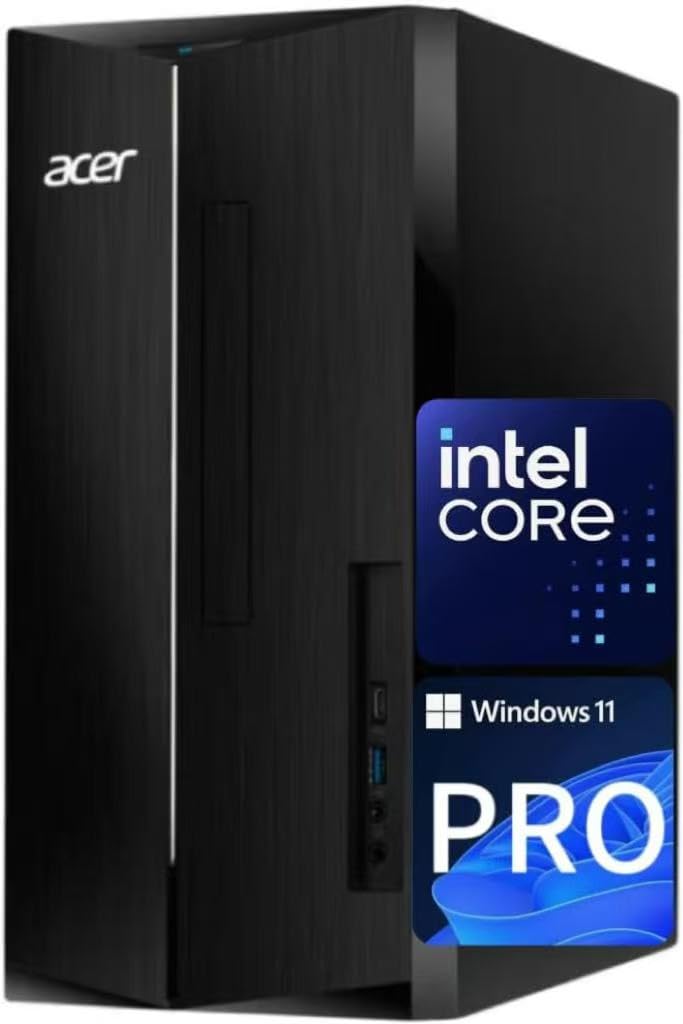
The Acer Aspire Business Desktop runs on the same Intel Core i3-13100 as the Lenovo IdeaCentre above — a 4-core chip with 4.4GHz Turbo Boost — and pairs it with 16GB of DDR5 memory at 4800 MT/s. That memory speed is the number that matters for snappy everyday work, because DDR5 moves data faster than the older DDR4 in the refurbished towers. It clears a background video call alongside a full spreadsheet without complaint.
Where this one separates itself is wireless. The Intel Wi-Fi 6E AX211 card supports dual-stream Wi-Fi across the 2.4GHz, 5GHz, and 6GHz bands, including UL MU-MIMO, plus Bluetooth 5.3 and a 10/100/1000 Gigabit Ethernet jack. That is a modern network stack from a mid-priced tower, so your video calls stay stable even on a busy home network. The USB-C port on the front is a quick way to connect newer peripherals without an adapter.
Storage is the 756GB split again: a 512GB SSD for the system and apps, plus a 500GB HDD for the archive. One HDMI 1.4b and one HDMI 2.0 output covers ordinary single-screen work without fuss. Buyers describe the machine as solid mid-range value. The trade to weigh is graphics — Intel integrated, not dedicated.
What you are buying: a modern wireless stack and a DDR5 memory platform at the general-office tier, which keeps it smooth for a few years of routine tasks.
The trade: 4-core performance and integrated graphics mean heavy creative or 3D work is out of reach.
Made for the everyday desk: students and office workers who mostly live in the browser, email, and documents with the occasional video call.
Not built for: anything graphically heavy — the integrated chip leaves no headroom for rendering or editing.
7. HP OmniDesk Desktop
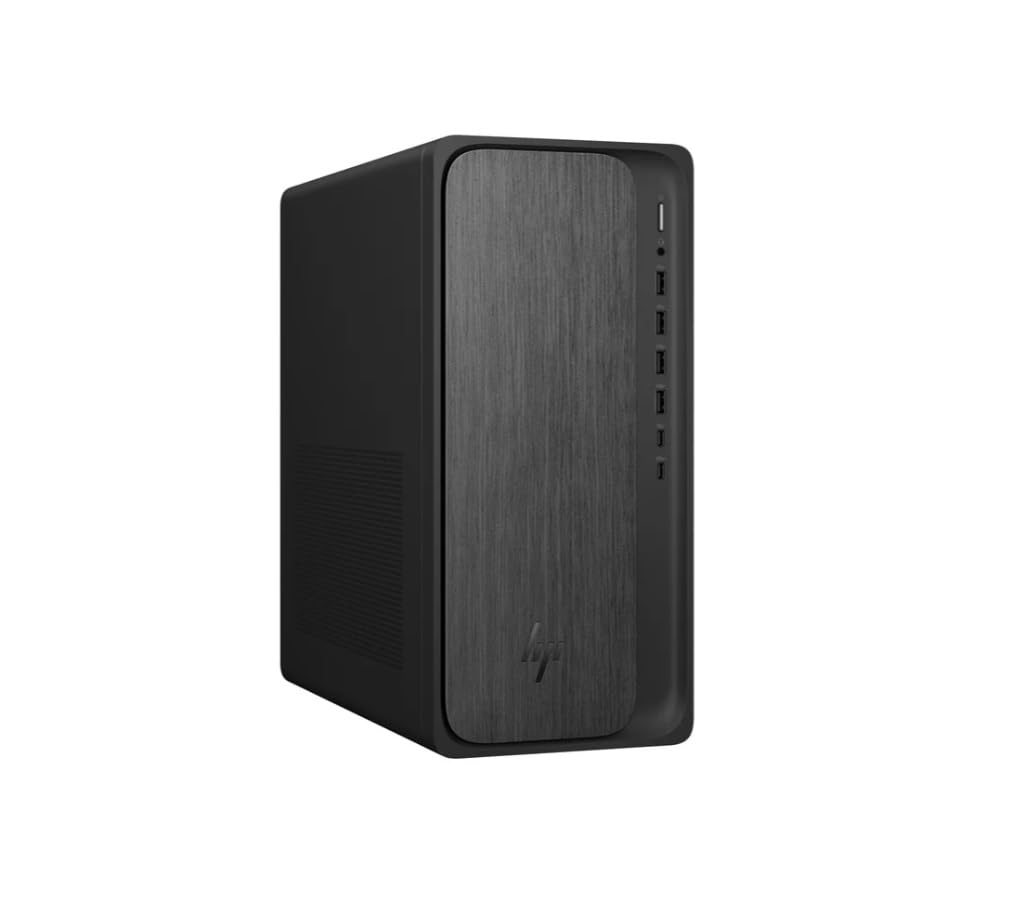
A Ryzen chip with genuine graphics muscle, for music and content creators.
This is the only AMD machine on the list, and that matters. The Ryzen 7 8700G runs at 4.2 GHz and brings Radeon 780M graphics with 8GB of graphics memory — far more graphics capability than the integrated Intel chips in the towers above. If your work includes music production, light video, or graphics-heavy tools, that is the spec to care about. Paired with 32GB of DDR5 memory at 5200 MT/s and a 1TB PCIe Gen4 NVMe SSD, the whole system skips through large files and heavy sessions.
The storage and memory combination here is the most current on the list: Gen4 NVMe is the newest drive generation, and 5200 MT/s DDR5 is the fastest memory speed here. It ships with a keyboard and mouse and runs Windows 11 Home, and HP lists the processor with 16 NPU TOPS — a measure of the dedicated AI processing built into the chip, which matters for newer AI-assisted tools.
The catch is the operating system tier and the price of this capability — it is the premium pick, and you pay for the graphics headroom. Windows 11 Home lacks Pro features like BitLocker and Remote Desktop, so if you manage shared machines, that is a gap. For a solo creator, the trade is clear: you get the best graphics and fastest memory here, and you accept a more consumer operating system.
The creator’s argument: Radeon 780M graphics with 8GB of graphics memory plus the fastest memory and newest drive on this list, in a package that also includes keyboard and mouse.
The honest gap: Windows 11 Home rather than Pro, so encryption and remote access tools need separate handling for managed offices.
The one for creators: music producers, video editors, and graphics workers who need real graphics muscle from a single purchase.
For an office insteadof a solo creator: the Windows 11 Home tier and premium positioning mean managed offices should budget for Pro separately.
Know the Specs
Processor: cores versus clock speed
The processor is the chip that does every calculation, and it is described by two numbers that are easy to confuse. Clock speed (measured in GHz) is how fast any one task finishes — a 4.9 GHz chip feels quicker on a single heavy job than a 3.4 GHz one. Core count is how many tasks it can handle at the same time — an 8-core chip juggles more open programs than a 4-core one. For documents and browsing, either is fine. For many programs at once, cores matter more. For one huge task, clock speed wins.
Memory: the desk space for open programs
RAM is the short-term workspace a PC uses to hold programs while they are open; it empties when you switch off. 8GB is tight for modern office work. 16GB handles email, documents, and a reasonable number of browser tabs comfortably. 32GB is what you want if you keep many heavy windows open at once. DDR5 is the newer, faster standard and DDR4 is the older one — DDR5 moves data quicker, but plenty of fast office machines still run DDR4 quite well, so read the capacity first and the generation second.
Storage: SSD, NVMe, and what a “split” means
An SSD has no moving parts, so files open in moments rather than after a long wait. NVMe is the fastest style of SSD, connecting straight to the motherboard. Some towers use a split layout — a smaller SSD for the system and a larger mechanical HDD for bulk files — which gives you fast booting plus space for an archive. Check the drive type carefully: two machines with the same storage number can feel very different if one uses NVMe and the other does not.
Monitor outputs: DisplayPort, HDMI, and how many
DisplayPort and HDMI are the two cables that carry video from the tower to a screen. Count the outputs before you buy, because a tower with two outputs can run two monitors and a tower with four can run four. Watch for daisy chaining, which lets one DisplayPort output drive several screens in a chain, and for HDMI 2.1, which is the newer, higher-bandwidth version. If you run 4K screens, check that the outputs support 4K before you commit.
Wi-Fi generations: what 6 and 6E mean
Wi-Fi 6 is a newer wireless standard than Wi-Fi 5, and Wi-Fi 6E adds the 6GHz band — an extra lane of wireless traffic that is often less crowded than the 2.4GHz and 5GHz bands most devices use. A tower with a Wi-Fi 6E card can take advantage of that cleaner band if your router supports it. Bluetooth works alongside Wi-Fi for keyboards, mice, and headsets, with Bluetooth 5.2 and 5.3 being newer versions than 5.1.
Refurbished versus new: what changes
A renewed desktop is a used machine that has been wiped, tested, and resold, often from corporate fleets. You usually get a stronger processor and more memory than a new machine at the same tier, because business PCs are built for heavy use. What you give up is the latest generation of components and the fresh-out-of-box certainty. Reputable sellers state a warranty and a return window, which is what turns a used machine into a sensible one.
Common Questions
Will a work desktop run two or three monitors at the same time?
Is a renewed desktop reliable enough for daily office work?
How much memory do I actually need for office work?
Do I need a separate graphics card for video editing?
What is the difference between an SSD and an NVMe drive?
Will Windows 11 Home be enough or should I choose Pro?
How long will a workstation like this stay fast enough?
Can I upgrade the memory or storage later?
Will WiFi 6E give me a faster connection at home?
Does a compact chassis suffer thermal issues compared to a full tower?
The Bottom Line
For most office workers, the work desktop pc that makes the most sense is the Dell Slim Desktop, because it is the fastest and quietest tower here at 4.9 GHz, it fits on any desk, and it drives more screens than anything else on the list. If a lower-cost entry is the priority, the Dell OptiPlex 7040 is the cheapest way to pair 32GB of memory with a 1TB NVMe drive. And if your work needs real graphics power for music or video, the HP OmniDesk is the one to reach for, with its Radeon 780M graphics and 32GB of DDR5.
The two things that decide your pick are how many monitors you need to drive and how much memory your busiest day demands. Get those right, and any tower here will carry you through years of solid work.
How we choose
We do not accept paid placement. Every pick is matched to a real buyer and a real use-case; we do not hands-on test units.
Sources
Specifications: manufacturer listings and product documentation. Review insights: verified customer reviews, as of November 2026. Pricing: not shown on this page (it changes often); check the current price via the retailer link.
As an Amazon Associate, Tactical Gear Guy earns from qualifying purchases. This does not affect which products we feature.