Specs are compiled from manufacturer listings and verified buyer reviews and can change over time — please confirm the key details on the product page before buying.
You want to cut wood, not babysit a machine that scorches edges or stalls halfway through a project. A woodworking laser cutter earns its place in your shop when it can slice clean through a board in one pass, hold tight tolerances across hours of work, and vent smoke out of your breathing space. The tricky part is that wattage labels lie by omission — a 20W diode and a 45W CO2 tube behave like completely different animals on 12mm plywood, and bed size decides whether you are making keychains or cabinet doors. This guide separates the machines that genuinely cut wood from the ones that only engrave it.
This guide is built by comparing the manufacturers’ published specifications and the patterns across verified customer reviews, so you get each pick’s real strengths and trade-offs instead of marketing spin.
From enclosed home units to desktop CO2 powerhouses, we break down the specs that matter — laser wattage, bed size, cutting speed, and safety class — so you can pick with confidence. Below are eleven machines ranked by what they actually cut, how they vent, and who they suit.
Top Picks


How To Choose The Best Woodworking Laser Cutter
A 20W diode in a production shop and a 130-pound CO2 unit in an unvented garage are both the wrong machine for the room. A hobbyist buying a 130-pound CO2 unit for a garage with no exhaust will hate it. A small-business owner buying a 20W diode for production work will outgrow it in a month. Match single-pass depth to your stock thickness and safety class to your space, and the spec sheet stops being a guessing game.
Diode vs CO2: Start Here
A diode laser (a bank of solid-state laser diodes focused into one beam) handles wood, leather, acrylic, and coated metal at a fraction of CO2 cost and footprint. It’s the right starting point for most woodworkers cutting up to 15mm–20mm of pine or plywood. A CO2 laser (a sealed gas tube that produces invisible infrared light at 10.6 microns) cuts thicker acrylic and hardwoods faster and cleaner, but the tubes have a finite service life and the machines are heavy and large.
Wattage: Read the Optical Output, Not the Big Number
Look for “optical output” or “laser power” — that’s the energy actually hitting your wood. A 45W CO2 tube cuts 10mm acrylic and 8mm wood with ease, while a 20W diode handles 15mm pine in a single pass but needs multiple passes for 25mm. Ignore marketing numbers that describe the machine’s total electrical draw rather than the laser’s cutting power — those are not the same thing.
Bed Size and Passthrough
The work area determines your project ceiling. A 12″×8″ bed is perfect for small signs, jewelry, and business cards. A 23.93″×15.16″ bed lets you run door signs or batch engrave dog tags in one pass. Passthrough technology extends that to materials 118 inches long — critical if you plan to do signage or furniture inlays rather than small crafts.
Safety Class and Enclosure
Class 1 means the machine is fully enclosed and safe to operate without goggles — the enclosure filters the laser light. Class 4 means the beam is exposed during operation and requires eye protection and a controlled workspace. For a home shop with kids or pets nearby, Class 1 is worth paying for. For a dedicated workshop, Class 4 is workable with proper caution and ventilation.
Side-by-Side Comparison
| Model | Best For | Laser Power | Work Area | Safety Class | Amazon |
|---|---|---|---|---|---|
| xTool S1 40W★ Best Overall | All-around workshop centerpiece | 40W (40,000mW) | 23.93″ x 15.16″ | Class 1 | Amazon |
| Creality Falcon 10WBudget Entry | Budget entry with rotary | 10000mW | — | Class 4 | Amazon |
| ATOMSTACK A20 Pro V2Precision Picker | Precision engraving on a budget | 20000mW | — | — | Amazon |
| Longer RAY5 20W | Fastest entry-level cutting | 20W | 15.75″ x 14.37″ | — | Amazon |
| OMTech K40+ 45W | CO2 power on a mid budget | 45W | 12″ x 8″ | — | Amazon |
| Longer Laser B1 48W | Speed and air assist together | 48W | 450 x 440mm | — | Amazon |
| xTool M2 20W | Home crafters wanting enclosure | 20W (20000mW) | — | Class 1 | Amazon |
| Creality Falcon A1 Pro | Touchscreen ease of use | 20W | — | Class 1 | Amazon |
| WECREAT Vision Pro 45W | Big-bed batch production | 45W (45000mW) | 22.83″ x 15.75″ | Class 1 | Amazon |
| LaserPecker LP5 | Portable dual-laser versatility | 20W | — | — | Amazon |
| xTool P2S 55W | CO2 powerhouse for pros | 55W (55000mW) | 26″ x 14″ | Class 4 | Amazon |
Detailed Reviews
1. xTool S1 40W Laser Cutter and Laser Engraver
Our pick — 4.5+★ from 250+ verified ratings; the strongest balance of quality and price.
The 40W diode that slices 18mm cherry wood in a single pass — while the lid stays shut.
With 40W optical output and a 23.93″ x 15.16″ bed, the xTool S1 cuts 18mm cherry in one pass and leaves room to grow into door signs. Its 40W (40,000mW) laser cuts through 18mm cherry wood in a single pass, and the 23.93″ x 15.16″ bed swallows door signs or a batch of 119 dog tags in one run. A 600mm/s engraving speed keeps turnaround tight on repeat batches.
What wins people over beyond raw power is the fit-and-finish. The enclosure filters 99% of laser light, so you can run it without goggles, and it blocks the smoke and noise that make open-frame lasers a nuisance in a shared space. Five built-in flame sensors halt operation if a flame appears, and the lid-open stop and emergency button round out the safety net. The 3mm aerospace-grade aluminum frame keeps the whole rig rigid, which matters when you are chasing sharp corners on thin plywood.
The setup story is genuinely friendly: auto-focus plus xTool Creative Space (XCS) software comes pre-loaded with parameters for over 400 materials, and the AI design tool turns a typed phrase into a cut file. Owners consistently describe it as faster than expected in both cutting and engraving, and the “cuts like butter” comparison is one that shows up again and again. The trade-off is the enclosure itself — it caps you to the bed size, and while AutoPassthrough extends projects up to 118 inches (3000mm), you are paying a premium for that sealed, kid-and-pet-safe design compared to an open-frame diode.
40W power ceiling
- 40W optical output cuts 18mm cherry wood in a single pass — no multi-pass babysitting
- Class 1 enclosure filters 99% of light so goggles are not needed
- 23.93″ x 15.16″ bed with AutoPassthrough to 118 inches for long signs
- 600mm/s engraving speed and pre-tested parameters for 400+ materials
- Five flame sensors plus lid-open stop and emergency button
heavier power demands
- The enclosed footprint eats bench space and is heavier than an open-frame diode
- Rotary work for tumblers depends on the bundle configuration you choose
- Premium price tag reflects the sealed design and safety hardware
high power cutting: woodworkers who want to cut 18mm stock safely indoors without a dedicated laser room.
budget wattage: your projects are all small flat engravings — an open-frame diode does that for far less.
2. CREALITY FALCON 10W Laser Engraver with Air Assist
A first laser that cuts 12mm wood in one pass and ships with a rotary for tumblers.
At 10000mW and 20.1 pounds, the Falcon 10W is the cheapest way to test whether laser cutting fits your workflow. Its 10000mW output cuts a 12mm wood board or 3mm black acrylic in a single pass at up to 10000mm/min, which covers small signs, gift boxes, and hobby parts without demanding a dedicated shop. The rotary kit is the standout extra: it clamps cylinders from 1-110mm outside, props objects 25-75mm from the inside, and handles spheres and rings — so a tumbler or a mug becomes a project, not a workaround.
Value is what buyers talk about most, and ease of use comes right behind it. Assembly runs 10-20 minutes, and the anti-UV filter on the laser module plus an emergency stop and a tilt/flip/drop cut-off give you a real safety layer for an open-frame machine. The adjustable air pump clears smoke and dust, which keeps the laser energy stable and stops edges from over-burning — a detail that shows up in cleaner cuts and longer module life.
Quality is where the story gets more grounded than glowing: it’s the most-discussed topic on this unit, and the picture is a mixed one. Some machines run fantastically and others arrive with issues, which is the honest reality of an entry-priced open-frame kit. The 0.06mm laser spot and stated repositioning accuracy are legitimately fine for this tier, but the Falcon is heavy at 20.1 pounds versus the Longer RAY5 at 11.03 pounds — a real difference if you plan to move it between workbenches. For a first machine with a rotary bundled in, that trade is reasonable.
air assist rotary: a 4-in-1 kit that takes cylinders, spheres, and rings from the start is unusual at this tier — most entry machines charge extra for that capability.
modest cut depth: 12mm wood and 3mm black acrylic in one pass; go thicker and you are into multiple passes and longer burn times.
round object work: a first-time buyer who wants rotary capability and air assist without a large commitment.
thick stock: consistency on arrival matters more to you than the bundled rotary — this is a kit-tier machine where QC varies.
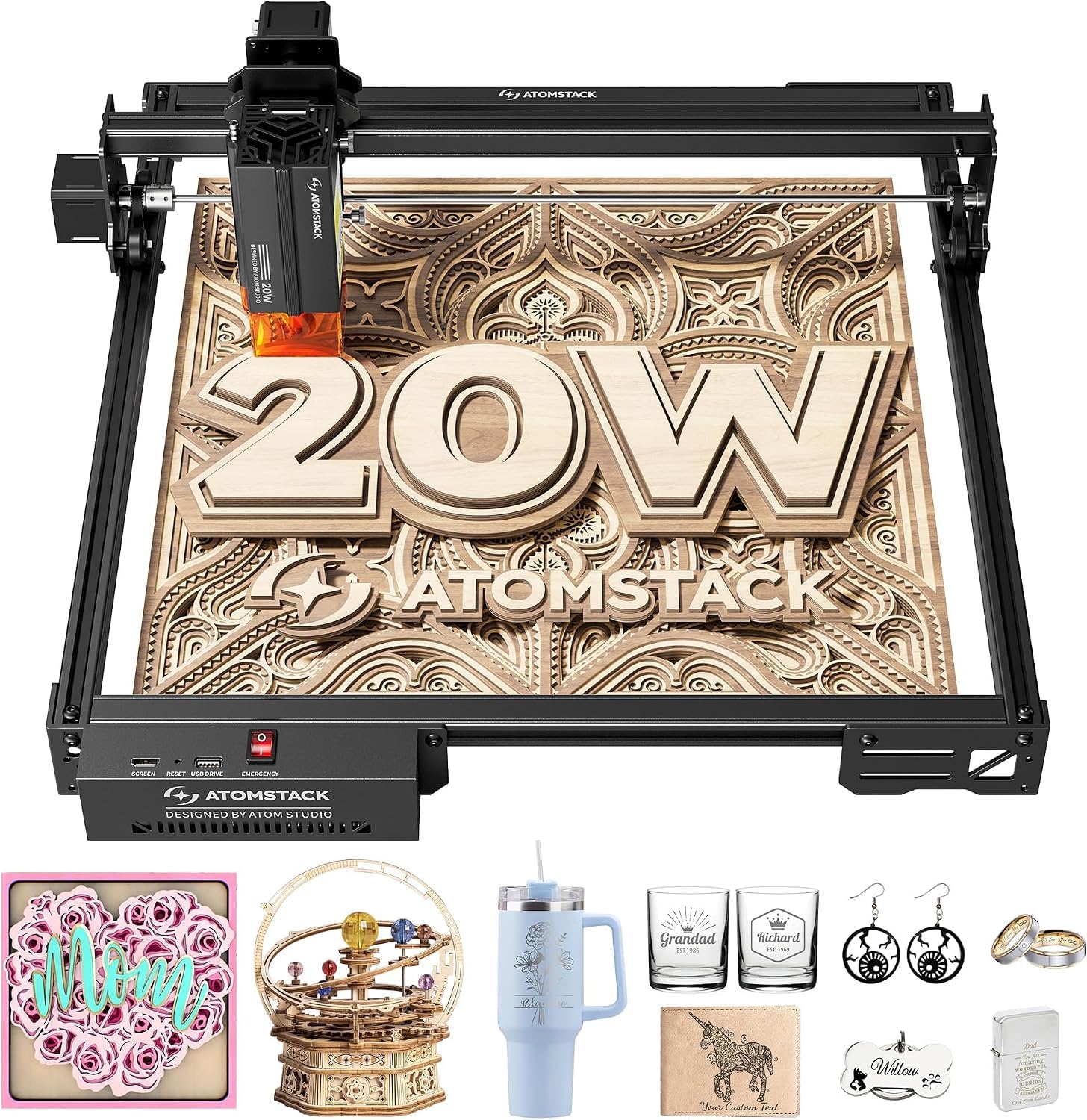
3. ATOMSTACK 20W Laser Engraver, A20 PRO V2
A linear-guide frame built for repeatable detail on gifts, cards, and small runs.
The A20 Pro V2 is the pick for woodworkers who care more about clean detail than raw throughput. Its 20000mW output handles high-energy cutting on wood, acrylic, and metal, and the engraving speed tops out at 400mm/s — noticeably slower than the xTool S1 at 600mm/s, but plenty for personalized gifts, business cards, and small production batches where finish quality beats cycle time.
What makes it feel solid is the integrated linear guide motion structure. That design assembles quickly, keeps the beam path precise, and extends the machine’s working life versus the belt-driven frames common at this tier. The aluminum alloy frame and modular layout reduce flex, and built-in limit switches plus a cross-line light help you align work accurately. The removable magnetic protective cover and included safety glasses add a real safety buffer, and a tilt-angle beep kicks in past 15 degrees — a sensible guard if the machine gets bumped.
Support matters on a purchase this size, and Atomstack backs the A20 Pro V2 with a stated lifespan of up to 10000 hours, 24/7 customer service, lifetime technical support, and free replacements for faulty parts. Connectivity is versatile too — Type-C or USB stick, plus the ATOMSTACK App, LightBurn, and LaserGRBL. One honest limit: at 400mm/s it is not a production speed machine, and users wanting to run hundreds of pieces per day will feel that ceiling.
wide flat jobs: detail work where accuracy and repeatability outrank speed, backed by strong after-sales terms.
fume control: the 400mm/s ceiling makes it a poor fit for high-volume batch engraving.
4. Longer New Upgrade RAY5 Laser Engraver Cutter
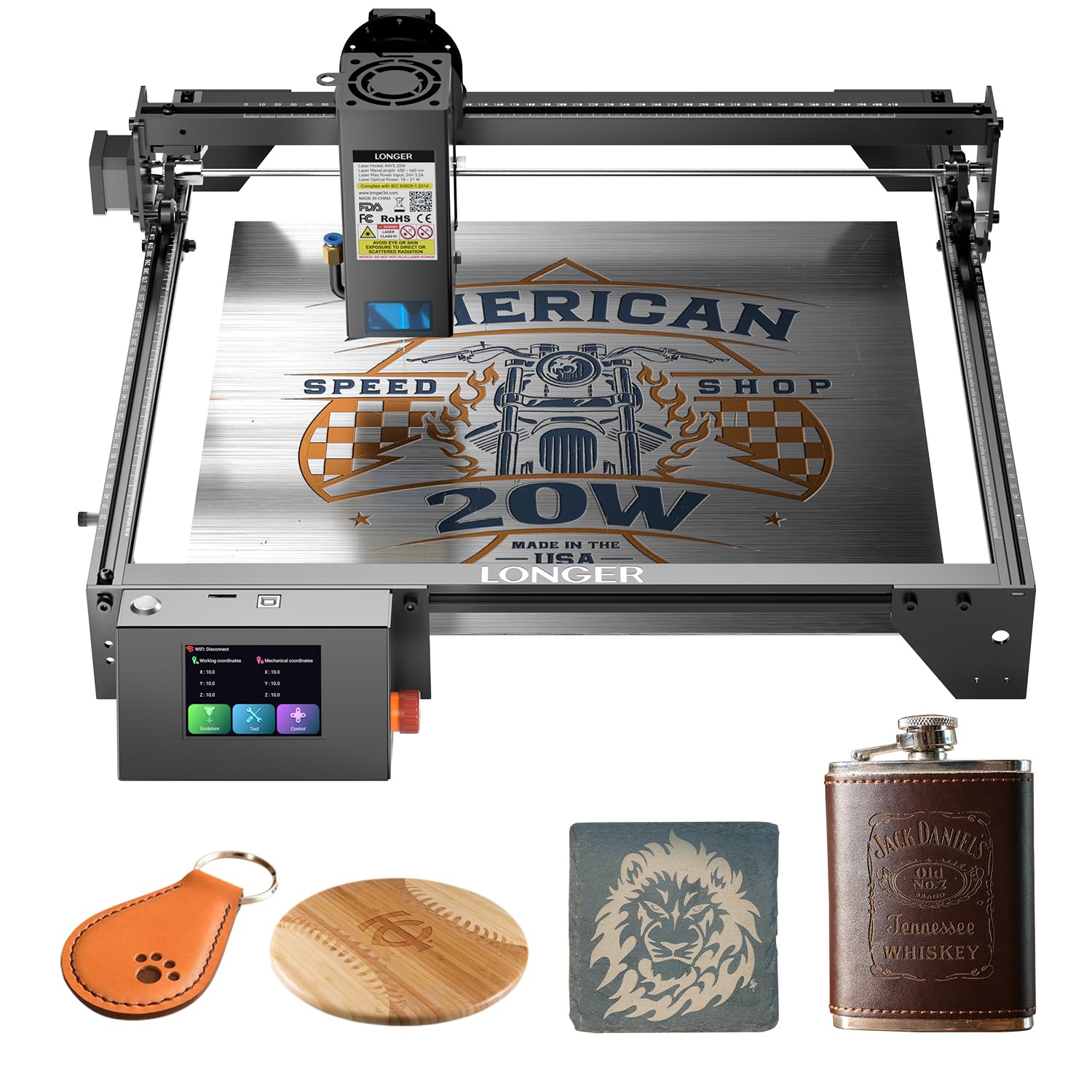
The fastest entry-tier cutter here — 24,000 mm/min versus the Creality Falcon’s 10,000mm/min.
Speed is the RAY5’s headline. Dual-beam technology pushes it to 24,000 mm/min, versus the CREALITY FALCON 10W’s 10000mm/min — the difference between a project that finishes before dinner and one that drags into the evening. The 20W optical output backs that up on real stock: buyers report it can cut 0.59″ (15mm) pine wood and 0.31″ (8mm) acrylic in a single pass, and up to 25mm wood and 35mm acrylic with multiple passes.
The detail story is strong for the tier. A LONGER self-developed 32-bit chipset motherboard keeps motion smooth, and the built-in 256-bit color scale paired with a 0.08 * 0.1mm focus area delivers finer, higher-contrast engraving than most entry competitors offer. An air-assisted interface is reserved, so you can add a pump for cleaner surfaces without buying a new module. Connectivity is unusually flexible — USB, TF card, WiFi, and app — and offline operation means you can cut without a laptop chained to the machine.
Uptime and safety get real attention: the RAY5 supports 7×24 continuous operation and can control multiple engraving machines from one device, which suits a small shop running batches. Protective glasses, move protection, thermal protection, and an emergency stop round out the safety package. The honest catch is that 7×24 capability still depends on the material and cooling setup you run, and the 20W module is happiest on stock under 25mm even with multiple passes.
solid cut numbers: 24,000 mm/min speed plus a 15.75″ x 14.37″ bed gives you fast, roomy cutting for cabinet inlays, signs, and box work.
everyday cutting: a woodworker who wants entry-tier pricing but will not tolerate slow cut times.
premium extras: anyone cutting stock thicker than 25mm wood or 35mm acrylic — that is the module’s stated multi-pass ceiling.
5. OMTech K40+ 45W Desktop CO2 Laser Engraver & Cutter
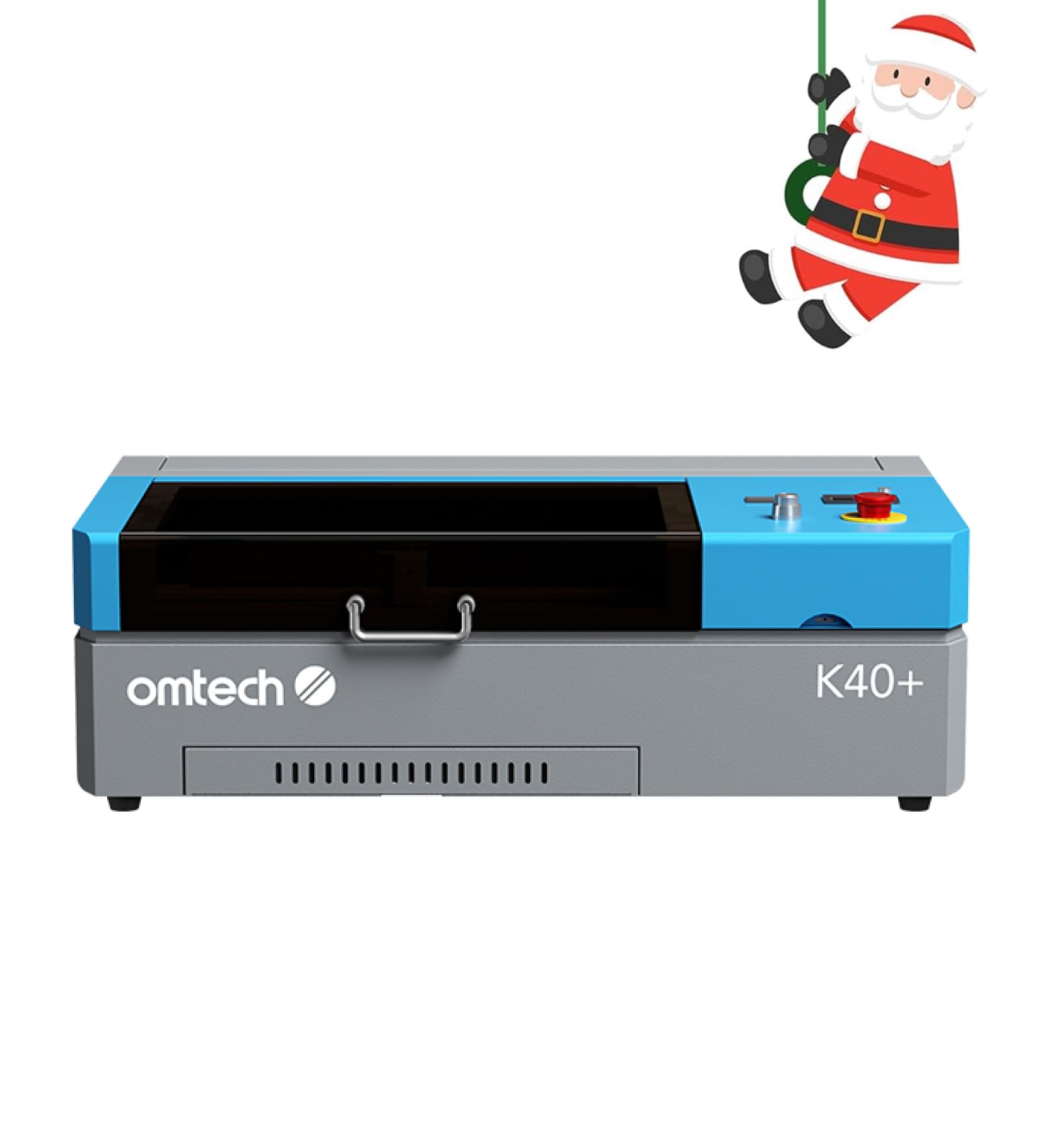
A true CO2 tube in desktop form — 45W of gas-laser cutting power nobody expects at this size.
This is the machine that answers a different question: can you get real CO2 cutting without a floor-standing unit? The K40+ runs a 45W CO2 tube that slices 0.4″ (10mm) acrylic and 0.31″ (8mm) wood with ease — versus the Longer RAY5’s 20W diode. CO2 light is absorbed far more efficiently by acrylic and hardwood than diode light, so the cut quality on clear acrylic in particular is noticeably cleaner than a diode at any wattage.
Upgrading to 45W over the original K40 spec bumps cutting speed, and the integrated 45° air assist auto-adjusts airflow with laser power — clearing smoke, protecting the lens, reducing carbonization on wood, and lowering fire risk during high-power jobs. The honeycomb bed handles flat stock, while the detachable base and optional rotary axis open up cylinders and taller objects. Engraving runs up to 300 mm/s, and it plays nicely with LightBurn and LaserGRBL.
The catch is bed size. A 12″×8″ work area is compact — great for jewelry, small signs, and detail work, limiting for anything approaching cabinet-panel scale. It is also a weighty machine at 81.8 pounds, so plan its spot before it arrives. OMTech backs it with 2 years of comprehensive service and 24/7 global support including local demos by appointment, which softens the learning curve considerably for a first CO2 machine.
acrylic cutting: acrylic cutting and clean CO2-quality engraving are your priority and the small bed suits your projects.
small spaces: the 12″×8″ workspace will feel tight the moment you want to cut door signs or large panels.
6. Longer Laser B1 Laser Engraver and Cutter, 48W
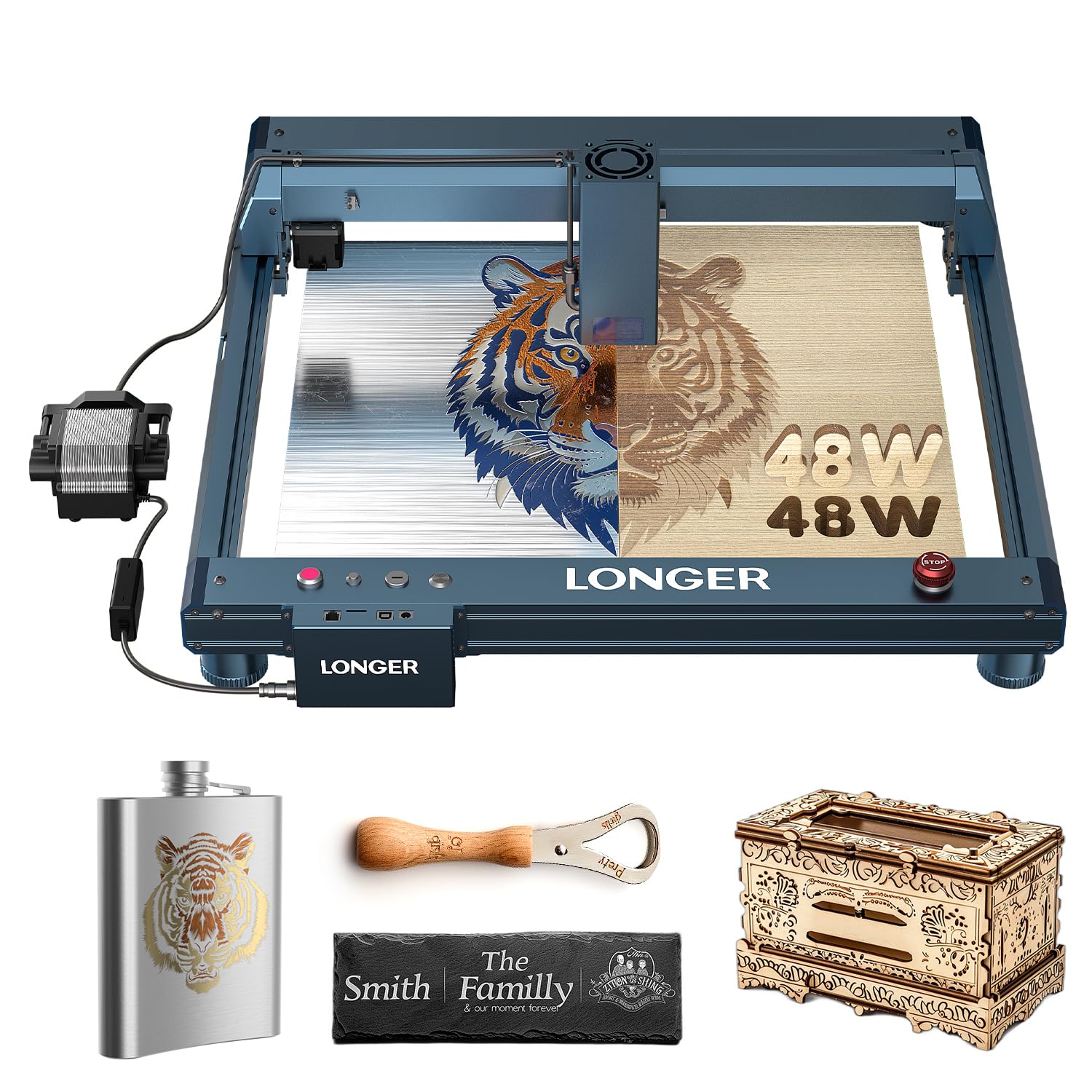
48W of cutting muscle with air assist software-managed — and 36,000 mm/min of travel speed.
For production-minded woodworkers, the Laser B1’s 48W laser and 36,000 mm/min cutting velocity put it in a class of its own at this tier. The 450 x 440mm work area adds 23.75% more space than its rivals, which means larger boards and fewer repositioning passes. Automatic air-assist control through LightBurn software keeps the airflow dialed to each cut, which translates to cleaner edges and less rework over the course of a long session.
The safety package is unusually thorough for a diode machine: eight critical features — move, flame, offline, motionless, security lock, eye protection, emergency stop, and zero reset — cover most of the failure modes that lead to messy burns or worse. The LaserBurn app adds WiFi connectivity, motion control, drawing creation, and parameter tweaking from your phone, which is handy when you are setting up a cut without walking back to a laptop.
One honest framing: a 48W-rated laser and 36,000 mm/min speed are the kind of numbers that invite overpromising, so measure expectations against thick hardwood. It handles wood, metal, acrylic, glass, leather, and paper across its material list, and the auto air assist is genuinely useful at higher power. If fast, large-format diode cutting with phone-based control is the goal, this is a strong pick.
48W production speed
- 36,000 mm/min cutting velocity keeps long jobs moving
- 450 x 440mm work area with 23.75% more space than rivals
- Automatic air assist managed through LightBurn software
- Eight safety features including flame and security lock
large footprint
- Higher wattage numbers can oversell real depth on dense hardwoods
- App and software workflow takes a session to learn
shop throughput: a shop doing larger boards and long runs where cut speed and area beat portability.
hobby bench: buyers who want a minimal, laptop-free machine — this one leans on software for its best features.
7. xTool M2 20W Laser Engraver with Dual Cameras

A sealed, camera-guided 20W laser for home crafters who want zero guesswork.
The M2’s Class 1 enclosure and dual cameras suit a home shop that shares a wall with a living room. Its 20W (20000mW) diode sits inside a Class 1 enclosure that protects your family, and the built-in dual cameras show a real-time preview of your workspace — a “Place & Go” experience that kills the guesswork and wasted material that plague open-frame lasers. If you are engraving wood, leather, felt, fabric, paper, or cardstock, that workflow is genuinely faster to learn than grid-and-measure alignment.
What sets the M2 apart is the dual-mode architecture. A CMYK inkjet module (sold separately) turns it into a print-and-cut machine for full-color work across 300+ materials, and a 3W IR laser (also sold separately) adds fine metal and plastic engraving. xTool Studio brings hundreds of ready-to-use templates and an AI image generator, so a typed idea becomes a finished personalized gift in minutes. The capability here is unusually broad for a single enclosed footprint — most enclosed lasers ask you to choose between cutting and color printing.
What buyers find is that it just works once you start: projects come together right away without a steep setup curve. The honest catch is the add-on model — the CMYK module and RA3 Lite rotary are not in the standalone box, and full versatility costs extra. For a hobbyist whose primary work is engraving and cutting wood on flat stock, though, the 20W diode plus cameras covers a lot with no goggles and no open beam.
dual camera align: dual cameras plus xTool Studio’s templates mean the first project is measured in minutes, not evenings of calibration.
camera price bump: full-color printing and metal engraving require separately sold modules — factor that into the total spend.
precise placement: home craft and gift-making where an enclosed, camera-guided machine keeps the family safe.
tight budgets: you need to cut thick hardwood — a 20W diode is the limiter here.
8. Creality Falcon A1 Pro 20W Laser Engraver
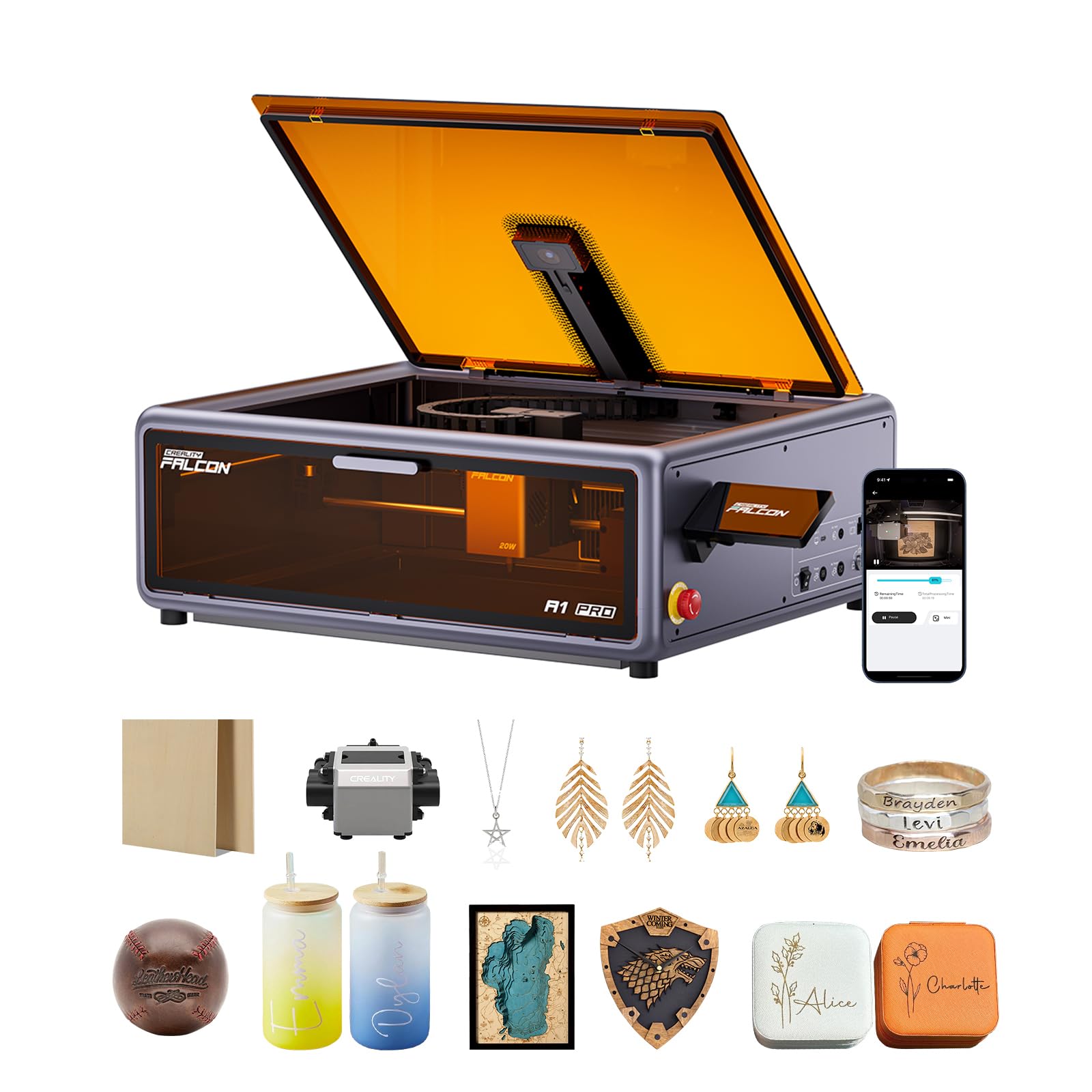
The smartphone-style touchscreen laser that runs cable-free from your countertop.
Creality’s A1 Pro makes the case that a laser cutter shouldn’t require a laptop chained to it. A smartphone-style touchscreen handles cable-free operation, and app control lets you monitor a run from the couch — a real comfort for hobbyists whose laser lives on the kitchen counter. It arrives 80% pre-assembled and hits 600 mm/s, cutting 10mm basswood and 8mm black acrylic at that full speed.
Safety is a strong suit: dual protective covers filter 99% of light so goggles aren’t needed, the enclosed design blocks smoke and noise, and an internal fan speeds smoke removal. Emergency stop and lid-open halt complete the package. The HD camera previews the full workspace for positioning, and a red-dot ranging laser plus Z-axis auto-lift achieve autofocus in 3 seconds. The 20W blue laser does the cutting and engraving, while an optional 2W infrared module (sold separately) handles fine metal and plastic work with a 0.03 mm spot.
Owners praise how it functions, its build quality, and how easy it goes together — this is a machine that turns on and does the job without a shakeout week. The mixed notes come from smoke control and size, both of which are realistic gripes for an enclosed desktop unit. Note too that the Falcon A1 Pro only fits 460 × 346mm honeycomb panels, which limits third-party accessories.
safer engraving: a hobbyist or small business that wants touchscreen simplicity and app monitoring without learning a software stack.
big panels: you want a large flat bed — this is a compact enclosed unit with a specific honeycomb panel requirement.
9. WECREAT Vision Pro 45W Laser Engraver and Cutter
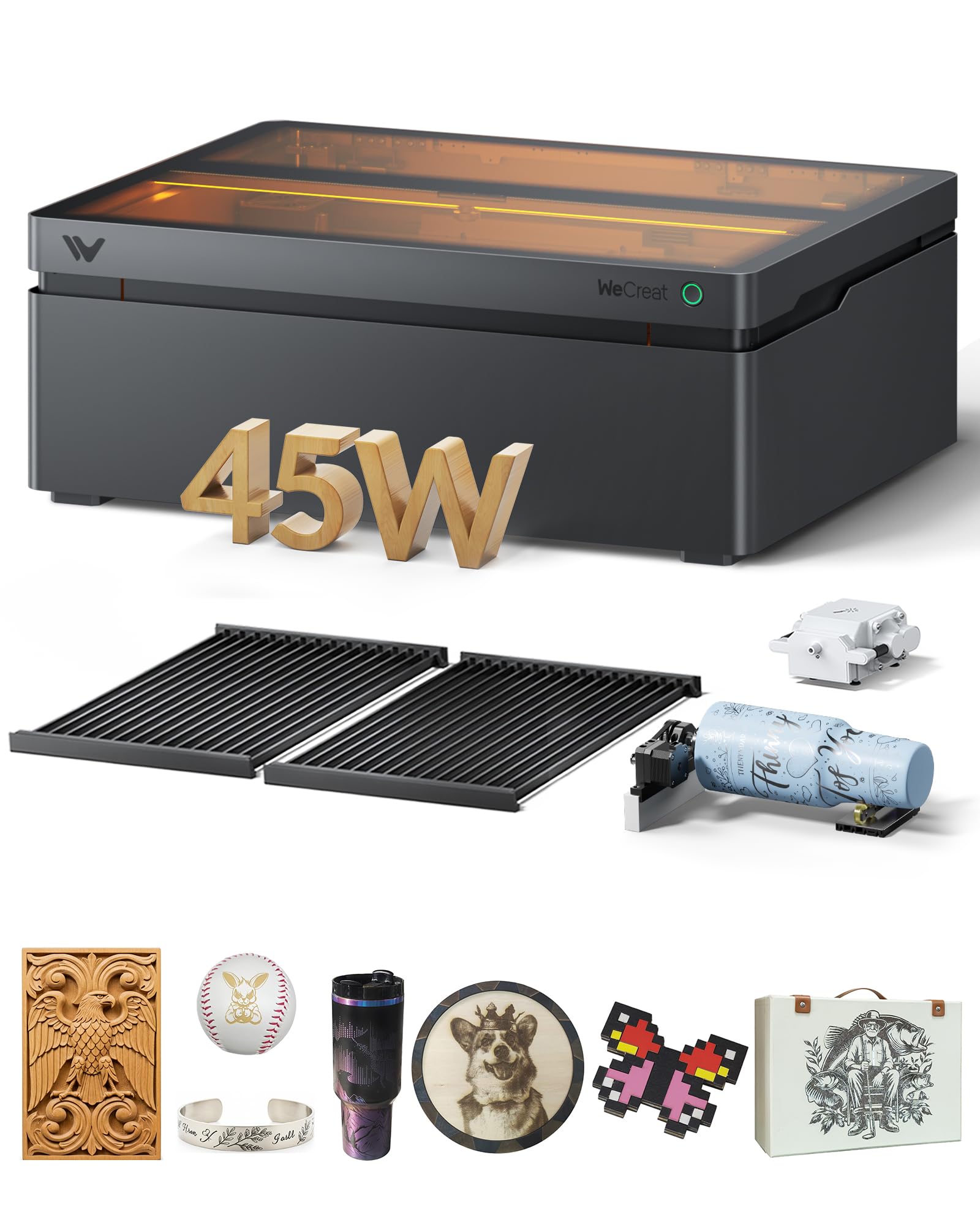
45W that behaves like 60W on thick stock, with auto-lifting for anything 1mm to 140mm tall.
The Vision Pro is aimed at woodworkers scaling into batch work. Its 45000mW output with BeamFocus technology delivers cutting power the maker describes as 60W-like, cutting 25mm wood and 20mm black acrylic in one pass. The 22.83″ x 15.75″ bed adds 42% more workspace than other laser engravers, and the 600mm/s speed lets you batch 200+ dog tags in one run. LiDAR-powered auto-focus holds accuracy stated to 0.001″, so thick and thin stock don’t demand manual resets.
The auto-lifting system is the differentiator: it adapts to materials from 1mm to 140mm without extra riser bases, and the Rotary Pro lets you engrave full-wrap 40 oz tumblers in one pass. A 0.08mm spot size keeps detail tight, the 45W diode and separately sold 2W IR modules cover 300+ materials, and an auto passthrough feeder extends the workspace to 18.11″ x 137″ for long projects. AirGuard Ultra is stated to maintain a 99% odor removal rate even when cutting acrylic.
The honest picture is that build quality and cutting performance draw real praise — buyers describe it as a nice step up, with 3-8mm plywood cutting easily — while reliability is the most-discussed topic and gets mixed reactions. It’s a heavy, substantial machine at 35 kg, and the Class 1 enclosure with auto-stop lid is a genuine asset in a home or workshop with kids and pets around.
45W deep cuts: 25mm wood and 20mm black acrylic in one pass is a real step above diode-tier cutting, and the auto-lifting system removes the riser-base tax.
steep learning curve: a handful of units arrive with issues — the fit varies — so buy with service access in mind.
thick material work: your project list includes thick stock, tall objects, or high-volume batches that need fast throughput.
casual users: you want the very top reliability record — this is a newer platform whose track record is still forming.
10. LaserPecker LP5 20W Fiber & Diode Dual Laser Engraver

A 6kg dual-laser that engraves metal and wood — then rides in your trunk to a craft fair.
Where every other machine here stays put, the LP5 is built to travel. At 6.02kg it is about half the weight of similar engravers, and the maker describes its setup as 92% faster at craft fairs versus 12kg machines — which is the difference between a back-breaking load-in and a kiosk that opens on time. The dual-laser system pairs a 20W diode (cuts 20mm wood and 15mm acrylic) with a fiber laser that slices 0.5mm brass and titanium, so jewelry metals and thick crafts both live on the same machine.
Precision is the other selling point. The system engraves at up to 10,000mm/s with a stated 0.0027mm accuracy, and the LDS 3D grayscale function creates depth-controlled coins and relief art. A Material Test Array is described as cutting 80% of test runs, which is meaningful for a shop trying to dial in settings fast. The result for a maker selling in person is engraved keychains and phone cases while a customer waits — no pre-setup time between sales.
The mixed signal is ease of use: quality draws solid praise, but the app side of things sparks both fans and complaints. Portability also means a smaller working envelope than a fixed desktop machine, so this is a poor choice for large flat panels. For a jeweler, mall kiosk operator, or mobile craft seller, though, the fiber-plus-diode combo in a 6kg body is a uniquely useful tool.
metal and wood: mobile sellers and jewelers who need metal engraving in a machine that fits in a car trunk.
wood only: your work is large flat panels — this portable form factor trades bed size for travel weight.
11. xTool P2S 55W CO2 Laser Cutter

55W of true CO2 power that cuts 20mm acrylic and 18mm walnut in a single pass.
The P2S is the machine for a woodworker who has outgrown diodes entirely. Its 55W (55000mW) custom CO2 tube cuts through all colors of acrylic up to 20mm thick and black walnut up to 18mm in a single pass — a class of cut that no 20W or 40W diode here can touch. Engraving runs up to 600mm/s, and upgraded smart fill batch processing handles serial numbers, names, and custom designs in one go.
The workstation hardware reflects the pro price. Dual 16MP cameras give real-time previews, a LiDAR Ranging System drives precise 0.001″ autofocus, and the 26″ x 14″ bed plus Auto-Passthrough for materials up to 118″ and a Riser Base for objects up to 8.4″ high covers long, wide, and tall projects. 3D Curve Engraving handles cylinders, and RA2 Pro Rotary compatibility opens up tumblers, mugs, and rings. Stronger exhaust fans with a dual-cylinder air pump push 233.3 CFM of airflow, which shows up as sharper cuts and cleaner edges.
Quality and precision earn top marks, and users note that no calibration was needed from the start. Reliability and ease of use draw mixed reactions — some machines perform well and are beginner-friendly, others report initial startup failures and setup difficulty. At 130.7 pounds this is a permanent-bench machine, and it requires Class 4 safety handling with proper ventilation. For a serious workshop ready for CO2, that trade is the price of professional output.
55W CO2 output
- 55W CO2 tube cuts 20mm acrylic and 18mm walnut in one pass
- Dual 16MP cameras and 0.001″ LiDAR autofocus
- 26″ x 14″ bed with Auto-Passthrough to 118 inches and Riser Base to 8.4″ tall
- 233.3 CFM exhaust for cleaner cuts and safer air
pro tier price
- Mixed reports on initial setup — some units need troubleshooting before first use
- Class 4 safety and 130.7 pounds mean permanent placement and ventilation planning
- Pro-grade price to match pro-grade output
volume production: a serious shop cutting thick acrylic and hardwood daily where only CO2 will do.
starter setups: you are new to lasers and want a plug-in-and-go experience — the setup curve is real.
Know the Specs
Laser Power (Wattage)
Laser power is the optical output hitting your material, expressed in watts (W) or milliwatts (mW). Higher wattage cuts deeper and faster, but it isn’t everything: a 45W CO2 tube cuts thick acrylic far cleaner than a 40W diode because CO2 light is absorbed differently. When comparing machines, make sure you are reading the optical output figure, not a machine’s total electrical draw.
Cutting Speed (mm/min vs mm/s)
Cutting speed determines how fast the laser head travels across the work. A machine rated at 24,000 mm/min completes a project much faster than one at 10,000mm/min, but speed alone doesn’t equal quality — beam focus and power matter just as much. For production work, speed and power together decide how many pieces you can finish in a session.
Work Area and Passthrough
The work area (bed size) is your project ceiling. Small beds handle jewelry and cards; large beds handle door signs and cabinet panels. Passthrough systems extend the work area for long materials by letting stock feed through the machine, which effectively removes the length limit — useful for signage and furniture inlays.
Safety Class and Enclosure
Class 1 means the laser is fully enclosed and safe to operate without goggles; the machine’s cover filters the harmful light. Class 4 means the beam is exposed during operation and requires eye protection and careful workspace control. For a home with kids or pets, Class1 is worth the premium. Class 4 machines (like the OMTech K40+ and xTool P2S) deliver more raw cutting power but demand a controlled workspace, proper ventilation, and goggles.
Air Assist and Fume Extraction
An air-assist system blows a focused stream of air at the cut point to clear smoke and debris, which keeps the laser energy stable and produces cleaner edges. Fume extraction with a high-CFM exhaust fan clears smoke from the workspace. Both matter for cut quality and for keeping your shop air breathable during long sessions.
Diode vs CO2 Laser Types
A diode laser uses solid-state diodes focused into a beam and handles wood, leather, acrylic, and coated metal affordably. A CO2 laser uses a sealed gas tube producing infrared light that’s absorbed very efficiently by acrylic and hardwood, cutting thicker stock faster but with a larger, heavier machine and a tube that has a finite service life.
Common Questions
Can a diode laser cutter cut through 1-inch hardwood?
Is a CO2 laser better than a diode laser for cutting wood?
Do I need goggles with an enclosed laser cutter?
How thick can a 20W laser cutter cut in one pass?
Can a woodworking laser cutter engrave cylindrical objects like tumblers?
What is the difference between Class 1 and Class 4 laser safety ratings?
How long does a laser module or CO2 tube last?
Do laser cutters work with LightBurn software?
How much workspace do I need for a desktop CO2 laser cutter?
Can I run a laser cutter in a garage or spare room?
The Bottom Line
For most woodworkers, the woodworking laser cutter that balances power, safety, and room to grow is the xTool S1 40W. It cuts 18mm cherry wood in a single pass, keeps the beam sealed behind a Class 1 cover that filters 99% of the light, and gives you a 23.93″ x 15.16″ bed with AutoPassthrough to 118 inches — a combination that serves a hobbyist and a small business equally well. If raw cutting speed on a budget is what you want, grab the Longer RAY5 20W and its 24,000 mm/min dual-beam travel. And for thick acrylic or hardwood where only a CO2 tube will do, the xTool P2S 55W is the one to reach for — it cuts 20mm acrylic and 18mm black walnut in a single pass, provided you can plan for a Class 4 setup. Whichever you pick, check the single-pass depth against the stock you actually cut — 18mm cherry on the S1, 15mm pine on the RAY5, 18mm walnut on the P2S.
How we choose
We do not accept paid placement. Every pick is matched to a real buyer and a real use-case; we do not hands-on test units.
Sources
Specifications: manufacturer listings and product documentation. Review insights: verified customer reviews, as of November 2026. Pricing: not shown on this page (it changes often); check the current price via the retailer link.
As an Amazon Associate, Tactical Gear Guy earns from qualifying purchases. This does not affect which products we feature.