Specs are compiled from manufacturer listings and verified buyer reviews and can change over time — please confirm the key details on the product page before buying.
You already know the feeling: you go to install a game and the console asks you to free up space, so you start deleting something you paid for. An external drive fixes that permanently, because it lets you keep far more titles installed than the internal drive ever could. The catch is that not every drive behaves the same on an Xbox One S, and a few of the cheap ones make you reformat before they work at all. Below are the drives that actually plug in, get recognized, and stay reliable.
This guide is built by comparing the manufacturers’ published specifications and the patterns across verified customer reviews, so you get each pick’s real strengths and trade-offs instead of marketing spin.
Some drives arrive ready for Xbox and others need a quick reformat first, which is the single biggest surprise for new buyers. Here is the honest shortlist for the best Xbox One S storage.
Top Picks

How To Choose The Best Xbox One S Storage
An external drive for your Xbox One S is a simple idea, but the details decide whether it works in thirty seconds or wastes an evening. The Xbox One S has USB ports on the back and front, so any of these drives plugs straight in. The differences that matter are capacity, whether it is pre-formatted for Xbox, and whether it spins (a mechanical hard drive, or HDD) or has no moving parts (a solid state drive, or SSD).
Pre-formatted versus reformat-it-yourself
A drive sold as “pre-formatted for Xbox” arrives in the Xbox file system, so you plug it in and the console offers to use it for games right away. A general-purpose drive often ships in a Windows format, and the Xbox will ask you to erase and reformat it before it accepts games. That is not a defect — it is just one extra step, and it wipes whatever came on the drive.
Capacity: how many games fit
Capacity is measured in terabytes (TB), where 1TB is roughly a thousand gigabytes. Modern games run large, so a 1TB drive adds meaningful breathing room, while a 2TB or 5TB drive lets you stop managing space entirely. Buyers should know that Windows and the Xbox report a 1TB drive as slightly less than 1TB, because they count in a different way — this is normal, not a shortfall.
Hard drive versus solid state drive
A spinning hard drive is the budget-friendly choice and gives you the most space for the money. A solid state drive has no moving parts, so it is more resistant to knocks and can load games faster. For Xbox One games played from an external drive, an SSD can shorten load times, which is the main reason to pay more for one.
Side-by-Side Comparison
| Model | Best For | Capacity | Drive Type | Connection | Amazon |
|---|---|---|---|---|---|
| Seagate Portable 1TB★ Best Overall | Everyday plug-and-play expansion | 1 TB | Mechanical HDD | USB 3.0 | Amazon |
| Avolusion 1TB (Xbox Pre-Formatted)Zero-Setup Pick | Zero-setup Xbox gaming | 1 TB | Mechanical HDD | USB 3.0 | Amazon |
| Caraele 1TB PortableBudget Contender | Budget-friendly mixed use | 1 TB | Mechanical HDD | USB 3.0 | Amazon |
| Kosbees 1TB External | Light carry and backups | 1 TB | Mechanical HDD | USB 3.0 | Amazon |
| YOTUO 1TB | Rugged everyday carry | 1 TB | Mechanical HDD | USB 3.0 & USB-C | Amazon |
| Avolusion HDDGear 2TB (Renewed) | Big space on a budget | 2 TB | Mechanical HDD (7200RPM) | USB 3.0 | Amazon |
| Seagate 5TB Game Drive | Whole-library storage | 5 TB | Mechanical HDD | USB 3.0 | Amazon |
Detailed Reviews
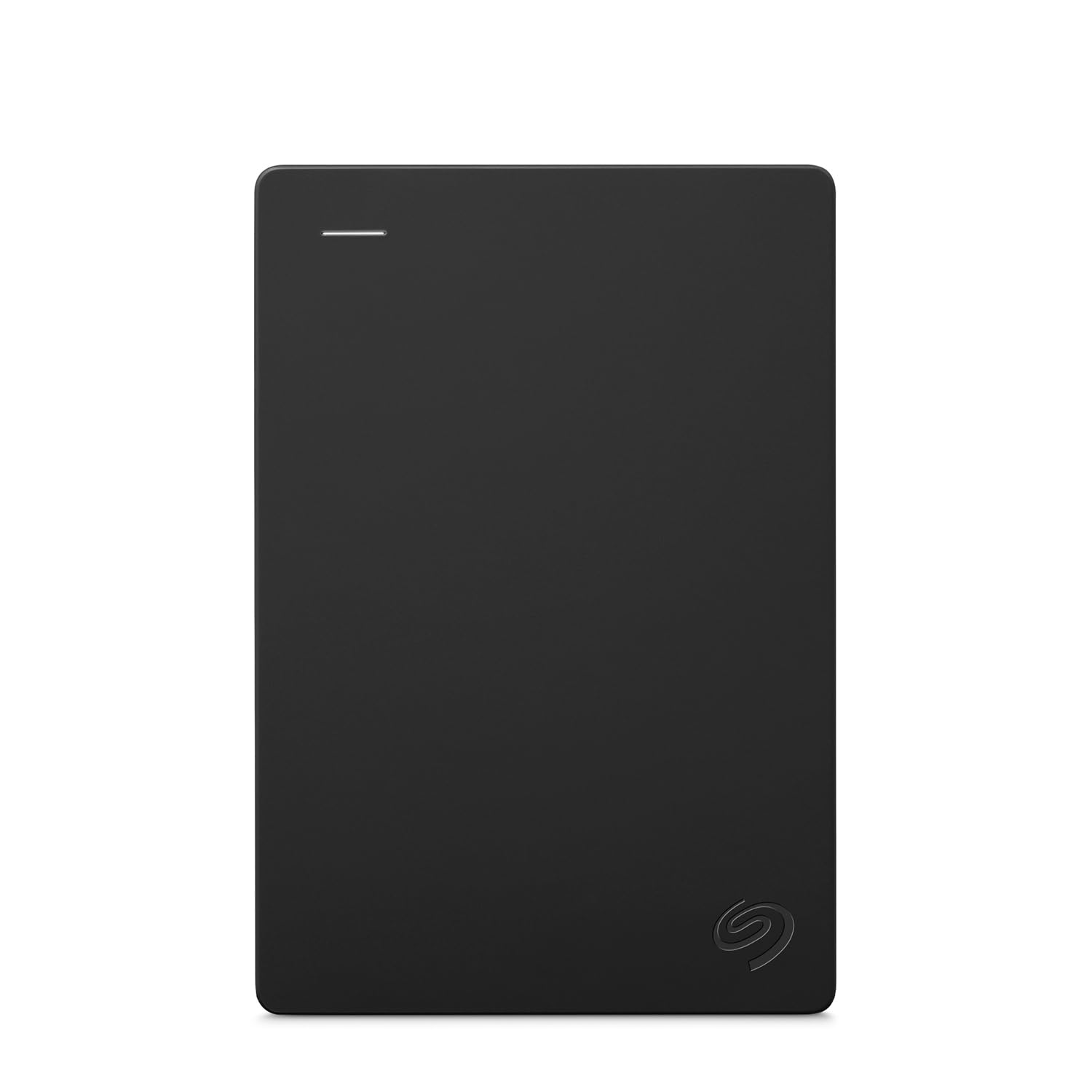
1. Seagate Portable 1TB External Hard Drive HDD
Our pick — 4.5+★ from 59,000+ verified ratings; the strongest balance of quality and price.
A 1TB USB 3.0 drive the Xbox One S recognizes on first plug-in, with no software to install.
This is the pick most people should start with. You get 1TB of extra room, which is roughly a thousand gigabytes for game installs, and it connects over USB 3.0 for the faster port standard. Setup is genuinely drag-and-drop easy: the console recognizes it with no software to install, so you are not hunting for drivers before you can play.
The build is the plain, pocketable kind that tucks behind the console or slides into a bag. Seagate also bundles a 1-Year Rescue Service, which is a data-recovery plan if the drive ever fails, so your game saves and captures are not left hanging. That 1-Year Rescue Service plan is one reason this 1TB drive sits at the top.
Reasons it earns the top spot
- 1TB of space for a growing library
- USB 3.0 for faster transfers
- No software — plug and play
- Includes a 1-Year Rescue Service
What to keep in mind
- It is a spinning drive, not an SSD, so load times are steady rather than quick
- Mac owners may need to reformat before use
Solid starting point: a no-fuss 1TB upgrade for anyone who just wants more room on their Xbox One S without reading a manual.
Think twice if: you specifically want the faster load times a solid state drive can bring — that is a different pick below.
2. Avolusion 1TB USB 3.0 Portable External Gaming Hard Drive
Built for Xbox from the start so you skip the reformat step entirely.
Here is the detail that matters for an Xbox One S owner: this drive ships pre-formatted in the Xbox file system. That means you plug it into the console and it is ready for games, with no computer and no erasing first. The 1TB capacity gives you the same room as the top pick, but without that setup step.
It is a slim, lightweight 2.5-inch drive that slips behind the console or into a pocket. Data moves over USB 3.0, which the spec sheet rates at 5 gigabits per second. Avolusion also backs it with a 2-year warranty, double what the Seagate above offers, which sweetens the deal for anyone worried about longevity.
The honest note is long-term durability: it is a mechanical drive, and a few buyers report one failing after a stretch of use. The drive is mechanical, and while most owners get solid service, a few report one that stopped working after a stretch of use. Treat it gently and keep your most precious saves on the console’s internal drive as a backup, and it does its job.
Why gamers like it: no format screen, no computer, no waiting — the Xbox sees it as storage immediately, which is exactly what a quick-compare buyer wants.
Reach for this if: you want the fastest possible setup and a longer 2-year warranty covering the drive.
Look elsewhere if: you need the biggest space possible — 1TB is generous but the 2TB and 5TB drives go further.
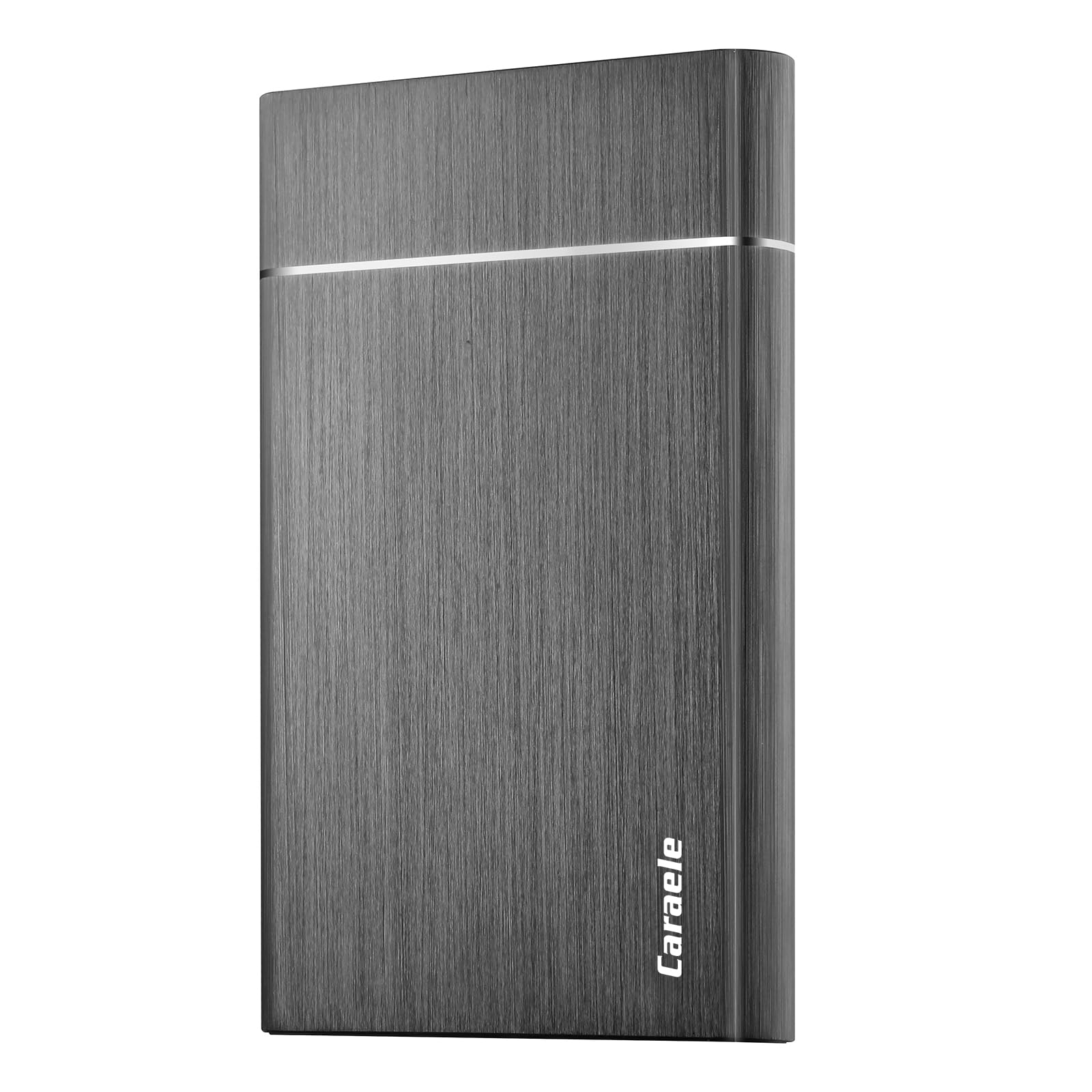
3. Caraele 1TB Portable External Hard Drive USB 3.0
A palm-sized 1TB drive that covers Xbox duty and laptop backups in one go.
If you want one drive that hops between your console and your computer, this one is built for exactly that. It arrives with both a USB 3.0 cable and a USB-to-USB-C adapter in the box, so it plugs into an older laptop or a newer port without buying anything extra. The 1TB capacity handles a healthy install list, and it is rated for USB 3.0 speeds up to 5 Gbit/s.
The case is sturdy and pocket-sized, meant to survive a commute in a bag rather than sit permanently on a shelf. Plug-and-play setup means no software, and Caraele adds a 3-year warranty with free technical support, a generous term for this tier.
The catch for Xbox owners is formatting. It ships ready for PC use, and the Xbox will need to reformat it before it takes games, so slot in five minutes for that. After that it works fine on the Xbox One, with functionality and performance being the things people tend to be happiest with.
Best use case: a multi-device owner who wants one slim drive for console games and work files, and does not mind the one-time formatting.
Worth it for: value-seeking buyers who want a 3-year warranty and a USB-C adapter in the box.
Skip if: you want zero setup and immediate Xbox recognition — grab a pre-formatted drive instead.
4. Kosbees 1TB External Hard Drive
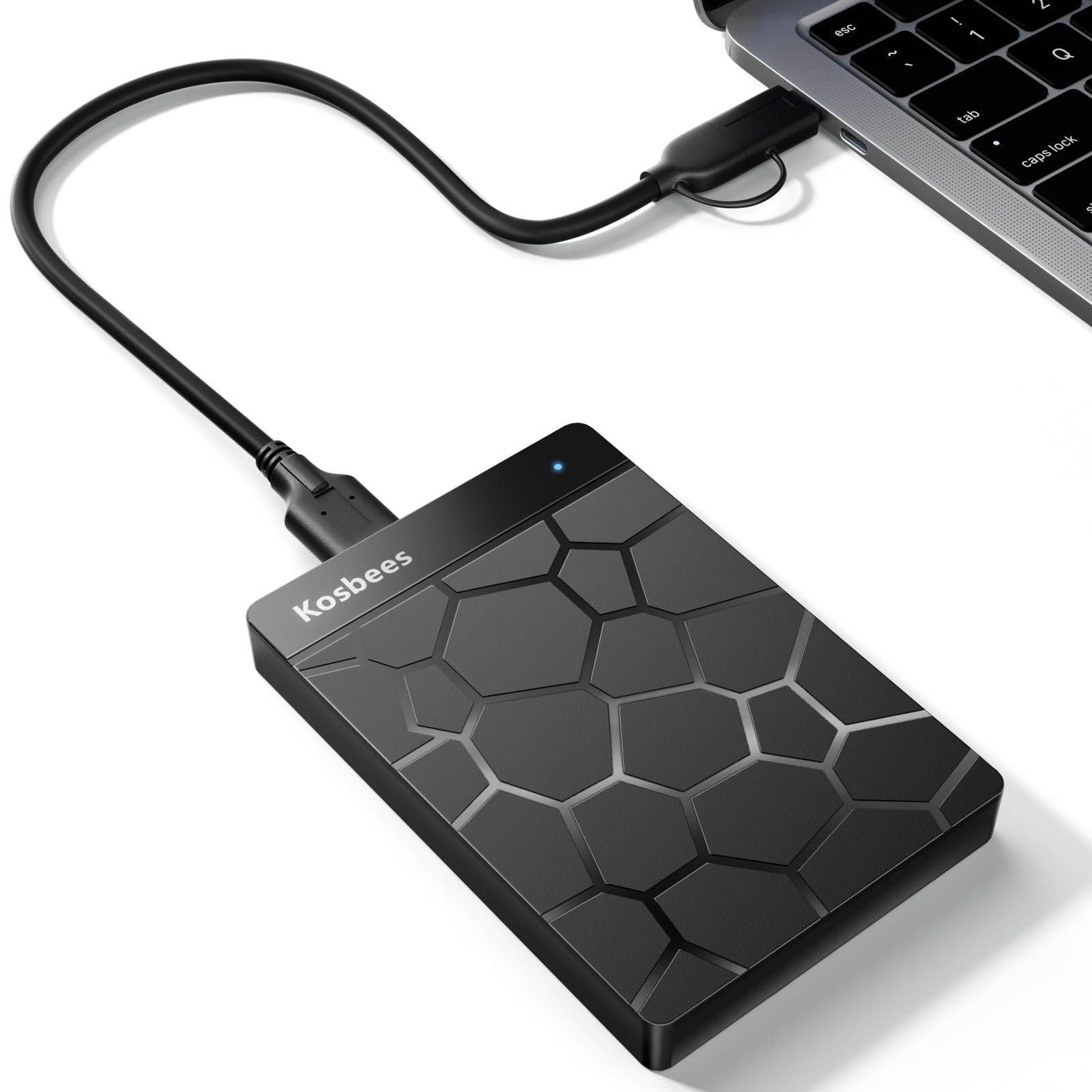
Featherweight at 0.6 lbs, with transfer speeds spelled out up front.
What sets this drive apart is that the maker actually publishes its transfer numbers. It lists read speeds of 110MB/s to 133MB/s and write speeds up to 103MB/s, so you know roughly what to expect when moving a large game download rather than guessing. The 1TB capacity gives you real room, and at 0.6 lbs it is easy to carry between rooms or toss in a bag.
Setup is plug-and-play in Windows with no software, though Mac owners are told to format first. Kosbees also gives you a 2-year warranty, which is a reassuring term for a drive you plan to lean on.
One thing to know before you buy: the maker’s own note says you can play Xbox One games directly from an external drive, but current-gen titles have to be copied to internal storage first. On an Xbox One S that is not a worry — the games you play are the ones this drive is built for. On an Xbox One S, where your games run straight from the drive, it delivers.
Where it shines
- 0.6 lbs, easy to travel with
- Published read speeds of 110MB/s–133MB/s
- 2-year warranty
Where it asks a little
- Mac needs a format before use
- Current-gen games must be copied to internal storage, per the maker’s own note
Good match for: a student or commuter who wants a light drive and likes seeing real transfer numbers before buying.
Less ideal for: anyone who wants the fastest SSD load times — this is a spinning drive.
5. YOTUO 1TB External Hard Drive

A built-in silicone sleeve that cushions the drive against the knocks of daily carry.
Most portable drives are a bare plastic shell, so a drop is bad news. This one wraps the body in a patented silicone sleeve that cushions it against bumps and falls, which is a real difference if the drive lives in a backpack. The 1TB capacity handles a solid install list, and it is a genuinely light 0.16 kg — lighter than a can of soda, as the maker puts it.
It connects over USB 3.0 at speeds up to 5Gbps, so large game files move quickly. There is also a USB-C angle: YOTUO positions it for computers, consoles, and phones, so it is more of a one-drive-for-everything pick than a console-only accessory. Setup is plug-and-play across Windows, Mac, and Linux.
The honest trade-off is again formatting. It does not arrive pre-formatted for Xbox, so you reformat once and then it works with your Xbox One. And like every budget drive on this list, it spins rather than sits on flash memory, so expect steady load times rather than the snappiest possible ones.
The protection story: that silicone sleeve is not marketing filler — it is the practical reason to choose this over a bare case if the drive travels a lot.
Pick this one if: clumsiness or constant travel is your reality, and you want a drive that shrugs off a knock.
Pass if: you want the console to accept it instantly — a pre-formatted model saves the reformat.
6. Avolusion HDDGear 2TB USB 3.0 External Gaming Hard Drive

Double the space of the 1TB crowd, with a 7200RPM drive inside and a factory-tested case.
If you are tired of choosing which games get to stay, this jump to 2TB is the point where that stops being a problem. It pairs a brand-new external case with a refurbished 7200RPM enterprise hard drive — the kind of drive built to run continuously — and the maker says it has passed factory quality tests with zero bad sectors. For an Xbox One S owner who wants room to spare, that is a meaningful step up.
It comes in the Xbox file system and is pre-formatted, so it is plug-and-play on an Xbox One X, S, or original model with no case opening and no setup screen. The 7200RPM spin speed is the reason it feels responsive, and it connects over USB 3.0. A 2-year warranty covers the drive.
The honest caveat is that the capacity can be misread. A few buyers expected a full 2TB and found Windows reports drives lower than the advertised number, which is normal for all drives but stings on a refurbished unit. It is also a 3.5-inch desktop-size drive, so it is larger than the slim portables above — plan a spot for it rather than a pocket.
Refurb reality check: the enclosure is new, but the drive inside is refurbished — that is how it hits the 2TB tier, so judge it as a value play, not a brand-new unit.
Reach for this if: you want the most room for the least outlay and do not mind a refurbished drive inside a fresh case.
Think twice if: you need a pocket-sized drive — at 3.5 inches this one wants a desktop spot.
7. Seagate Game Drive for Xbox 2TB Portable HDD
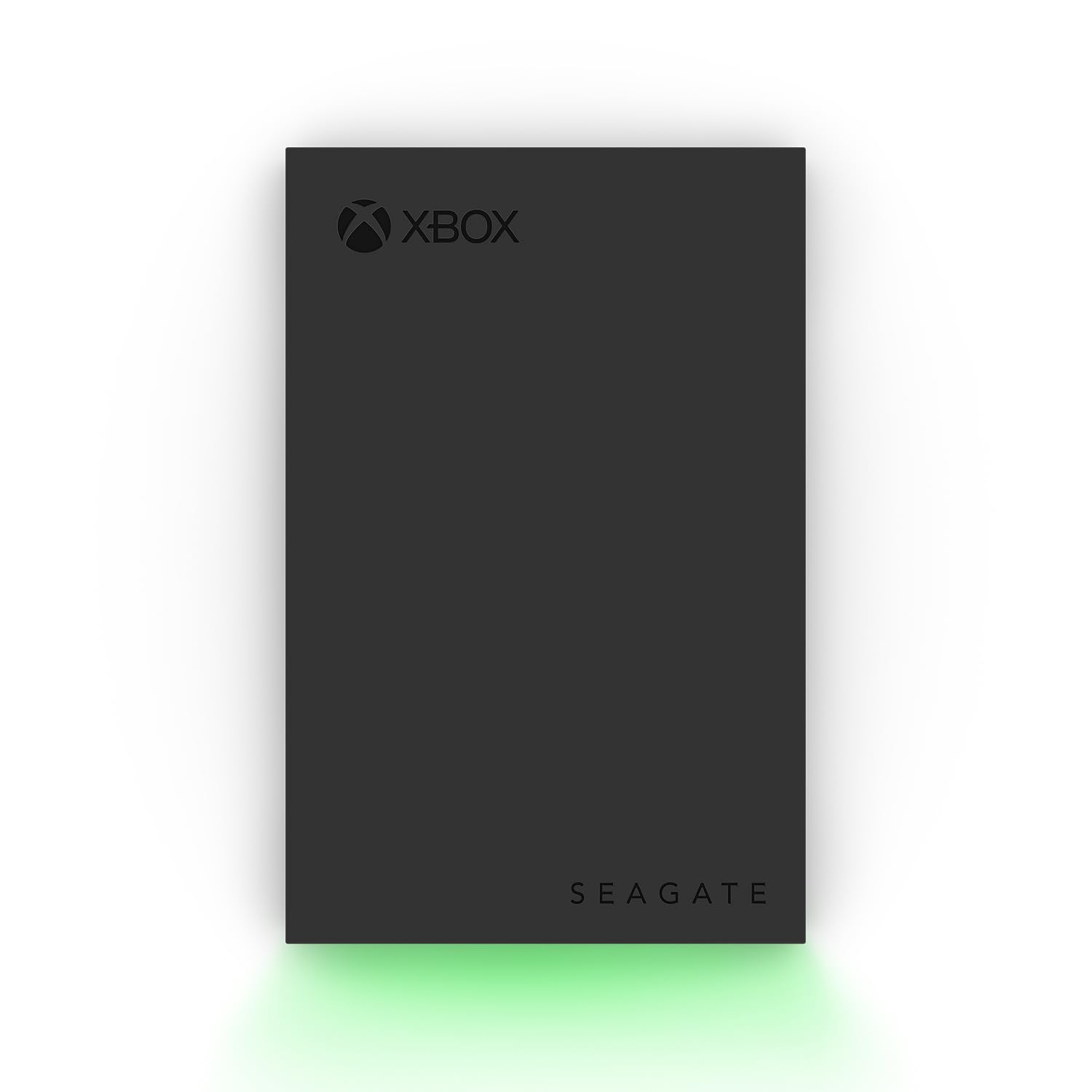
5TB — the largest vault here — with an Xbox-certified seal and a green LED bar.
For anyone who has ever run out of room mid-library, this is the answer: 5TB, which is five times the space of the 1TB drives on this list. Seagate certifies it as Xbox-compatible across the Series X, Series S, and all generations of Xbox One, so your One S is squarely in its lane. The built-in LED bar glows Xbox green as a small touch that lights up your setup.
The case is aluminum, which looks and feels more substantial than the plastic shells around it. You also get 3-year Rescue Data Recovery Services plus a 1-year limited warranty, a notably longer support package. The spec sheet lists a 120 megabytes-per-second transfer rate for moving files in and out of your internal storage.
One thing the maker states plainly: games cannot be played directly off of the external hard drive on the newer consoles — it is built for storing and moving your library. For Xbox One S games that is handled by the console itself, so it works as intended. Speed is the honest variable: most owners find it plenty quick, while a few wish transfers were faster, so set expectations on that front.
What you get in the box
- 5TB — the most space here
- Xbox-certified for Series X, Series S, and all Xbox One generations
- Aluminum enclosure and a green LED bar
- 3-year Rescue Data Recovery Services plus a 1-year limited warranty
The honest limits
- Games cannot be played directly off it — it stores and moves your library
- Transfer speed is adequate rather than rapid for a few owners
Built for: the serious collector with a huge library who wants one drive to hold everything and a long support package.
Skip if: 1TB or 2TB already covers your shelf — this is a lot of drive for a light install list.
Know the Specs
Capacity in terabytes (TB)
Capacity is how much game data the drive holds, measured in terabytes — 1TB is roughly a thousand gigabytes. A 1TB drive adds a meaningful chunk of room, while 2TB and 5TB let you stop deleting games to make space. Note that Windows and the Xbox report a drive as slightly less than its advertised number, because they count a gigabyte differently. That is normal across every brand, not a defect.
Hard drive versus solid state drive
A mechanical hard drive (HDD) spins a disk to read data and gives you the most space for the money. A solid state drive (SSD) stores data in flash memory with no moving parts, so it resists shocks and can load games faster. On an Xbox One S, an SSD’s main payoff is quicker load times; an HDD’s main payoff is more room per drive. Choose based on which you value more.
USB 3.0 and transfer speed
USB 3.0 is the connection standard your Xbox One S uses for external drives, and it is the faster USB standard compared with the older USB 2.0. A USB 3.0 drive moves game files and downloads more quickly than a USB 2.0 one. Look for USB 3.0 on the spec sheet; it is the baseline for smooth external-game performance.
Pre-formatted versus reformat
A drive sold as “pre-formatted for Xbox” arrives in the Xbox file system, so it is recognized immediately with no setup. A general-purpose drive often ships in a computer format, and the console asks you to erase and reformat it before storing games. Either way works — one simply saves you the five-minute step.
Common Questions
Will any of these drives work with my Xbox One S?
Do I have to reformat an external drive before the Xbox One S will use it?
Can I play games directly from an external drive on the Xbox One S?
Is a 1TB drive enough, or should I go bigger?
Does an SSD load games faster than a hard drive on the Xbox One S?
Why does my 1TB drive show less than 1TB on the Xbox?
What is a Rescue Data Recovery Service?
Do these drives need a separate power cable?
Can I move a drive between my Xbox and my computer?
Are refurbished external drives worth considering?
The Bottom Line
For most Xbox One S owners, the xbox one s storage pick is the Seagate Portable 1TB. It gives you 1TB of real room, USB 3.0 speed (the fast USB standard that moves data quickly), and true plug-and-play (it works the moment you plug it in) — plus a Rescue Service plan on top. If setup speed matters most to you, grab the Avolusion 1TB pre-formatted drive and skip the reformat entirely. For a whole library without space anxiety, reach for the Seagate 5TB Game Drive. A sensible next step: pick the 5TB drive for maximum room, or the 1TB SSD if faster load times matter more.
How we choose
We do not accept paid placement. Every pick is matched to a real buyer and a real use-case; we do not hands-on test units.
Sources
Specifications: manufacturer listings and product documentation. Review insights: verified customer reviews, as of November 2026. Pricing: not shown on this page (it changes often); check the current price via the retailer link.
As an Amazon Associate, Tactical Gear Guy earns from qualifying purchases. This does not affect which products we feature.