Specs are compiled from manufacturer listings and verified buyer reviews and can change over time — please confirm the key details on the product page before buying.
If you are building or upgrading a desktop PC, the safest purchase you can make is matching the processor to your motherboard socket first and your actual workload second. A fast chip that will not seat in your board is just expensive metal. This guide covers nine 64-bit x86 processors that all use the modern x86-64 instruction set (the 64-bit code standard every current Windows version runs on). Each pick below has a clear job it is best at, from budget office builds to gaming chips with stacked cache.
This guide is built by comparing the manufacturers’ published specifications and the patterns across verified customer reviews, so you get each pick’s real strengths and trade-offs instead of marketing spin.
Here is the honest breakdown of the best X64 bit processor for every kind of build.
Top Picks


How To Choose The Best X64 Bit Processor
The first question is not “which chip is fastest.” It is “which chip fits my board.” Modern desktop processors drop into a specific socket, and the socket is fixed by your motherboard. Buy a processor for a different socket and it simply will not seat. So check your socket, then compare.
Match the socket before anything else
AMD’s recent gaming chips in this list use AM5, while several AMD value chips use the older AM4 or AM3+ platforms. Intel’s 14th Gen chips here use the LGA1700 socket and pair with 600-series or 700-series chipsets. The listing for each Intel part notes that a BIOS update may be needed on older boards, so confirm your board supports the chip before you buy.
Why cache matters more than you think
Cache is a small, very fast pool of memory built into the processor. When a game or app needs data again and again, it pulls from cache instead of slower system memory. AMD’s 3D V-Cache chips pile on extra cache, which is why they hold high frame rates in games. You will see cache sizes like 96 MB and 100 MB on those chips, far above the 8 MB to 20 MB of budget parts.
Core count for work, clock speed for feel
More cores help when you render video, stream, or run several apps at once. Higher clock speed (measured in GHz, or billions of cycles per second) helps tasks that lean on one or two threads. A hybrid chip blends fast P-cores for heavy single tasks with efficient E-cores for background work. Check the core and thread count against what you actually do.
Side-by-Side Comparison
| Model | Best For | Cores / Threads | Max Clock | Cache | Amazon |
|---|---|---|---|---|---|
| AMD Ryzen 7 7800X3D | Gaming-first AM5 builds | 8 / 16 | 4.20 GHz | 104 MB | Amazon |
| AMD Ryzen 7 9800X3D | Top-tier gaming, no compromise | 8 / 16 | 5.2 GHz | 96 MB L3 | Amazon |
| Intel Core i5-14600K | Gaming plus creative work | 14 / 20 | 5.3 GHz | 152 MB | Amazon |
| Intel Core i5-14400F | Balanced mid-range builds | 10 / 16 | 4.7 GHz | 20 MB | Amazon |
Detailed Reviews
1. AMD Ryzen 7 7800X3D 8-Core, 16-Thread Desktop Processor
The chip that stacks cache high enough to make frame rates jump without a monster power bill.
For a gamer building fresh on AM5, this is the processor to beat. It holds 104 MB of total cache (8 MB L2 plus 96 MB L3), which is the big memory pool that keeps frames flowing when a game reuses the same data. That cache is the reason it stays smooth in games that punish lesser chips. The 5 nm process (the manufacturing scale that determines how densely transistors are packed) keeps efficiency tight — buyers report it sips power under load, drawing less than half the energy of rival chips doing similar work.
It runs 8 cores and 16 threads at a 4.20 GHz clock speed. Paired with a strong graphics card, this chip keeps up without breaking a sweat, and it drops into AM5 boards with no fuss. Owners also note it runs 15-20°C cooler than expected, and its integrated AMD Radeon graphics output a display before you add a dedicated card.
Gamers on the AM5 platform (AMD’s current CPU socket) rate this chip 4.5+ stars across thousands of reviews. Its 96 MB L3 cache (fast memory built into the chip that games lean on) is stacked and tuned for gaming, not general throughput. The Intel i5-14600K carries 152 MB of L2/L3 cache, which dwarfs this chip’s total, and the older FX-8300 has just 8 MB. So the Ryzen wins on how the cache is used, not on raw cache size.
What gamers cheer for
- 96 MB L3 cache keeps demanding games running smooth
- 8 cores and 16 threads at 4.20 GHz base clock
- Power-sipping design pulls low wattage under load
- Integrated Radeon graphics for a display before a GPU
What to weigh first
- Needs an AM5 motherboard — no drop-in upgrade from AM4
- Cache-heavy design helps games more than heavy rendering
Built for: gamers on AM5 who want smooth frame rates and low heat without overspending on a flagship.
Look past it: if you are on an older AM4 board or need raw core count for rendering, where the Ryzen 9 5900XT’s 16 cores pull ahead.
2. Intel® Core™ i5-14600K Desktop Processor
A hybrid chip that swings from high-refresh gaming to heavy workloads without a second thought.
The number that stands out here is 14 cores — a split of 6 P-cores for demanding tasks and 8 E-cores for background work, running 20 threads between them. That hybrid layout (two different core types sharing the load) lets the processor prioritize what matters: games and foreground apps get the fast cores, while background jobs ride the efficient ones. Max Turbo frequency climbs to 5.3 GHz, the highest boost clock on the Intel side of this list.
On paper that cache edge helps it handle large game worlds and big creative files at once. Owners describe it as a fast, no-drama chip that hits high frame rates and stays stable, and the value read is positive for the performance it returns. Integrated Intel UHD Graphics 770 means you get a picture before you install a dedicated card.
Built with DDR4 and DDR5 memory support, it flexes to whatever platform you already own. Cooling is the honest gray area — some builds report it stays reasonably cool, others find it runs warm and want a good cooler. Pair it with a solid one and that concern disappears.
Where it pulls ahead
- 14 cores and 20 threads handle gaming plus creative work
- 5.3 GHz Max Turbo leads the Intel pack here
- 152 MB cache is the largest on this list
- Works with DDR4 or DDR5 boards
The fine print
- Runs warm under load in some builds — budget for a cooler
- Older 600-series boards may need a BIOS update
The case for it: builders who want one chip for 1440p gaming and video editing without buying two machines.
Think twice if: you want cool-and-quiet with no extra cooling spend, where the 7800X3D’s efficiency wins.
3. AMD Ryzen 9 5900XT Processor
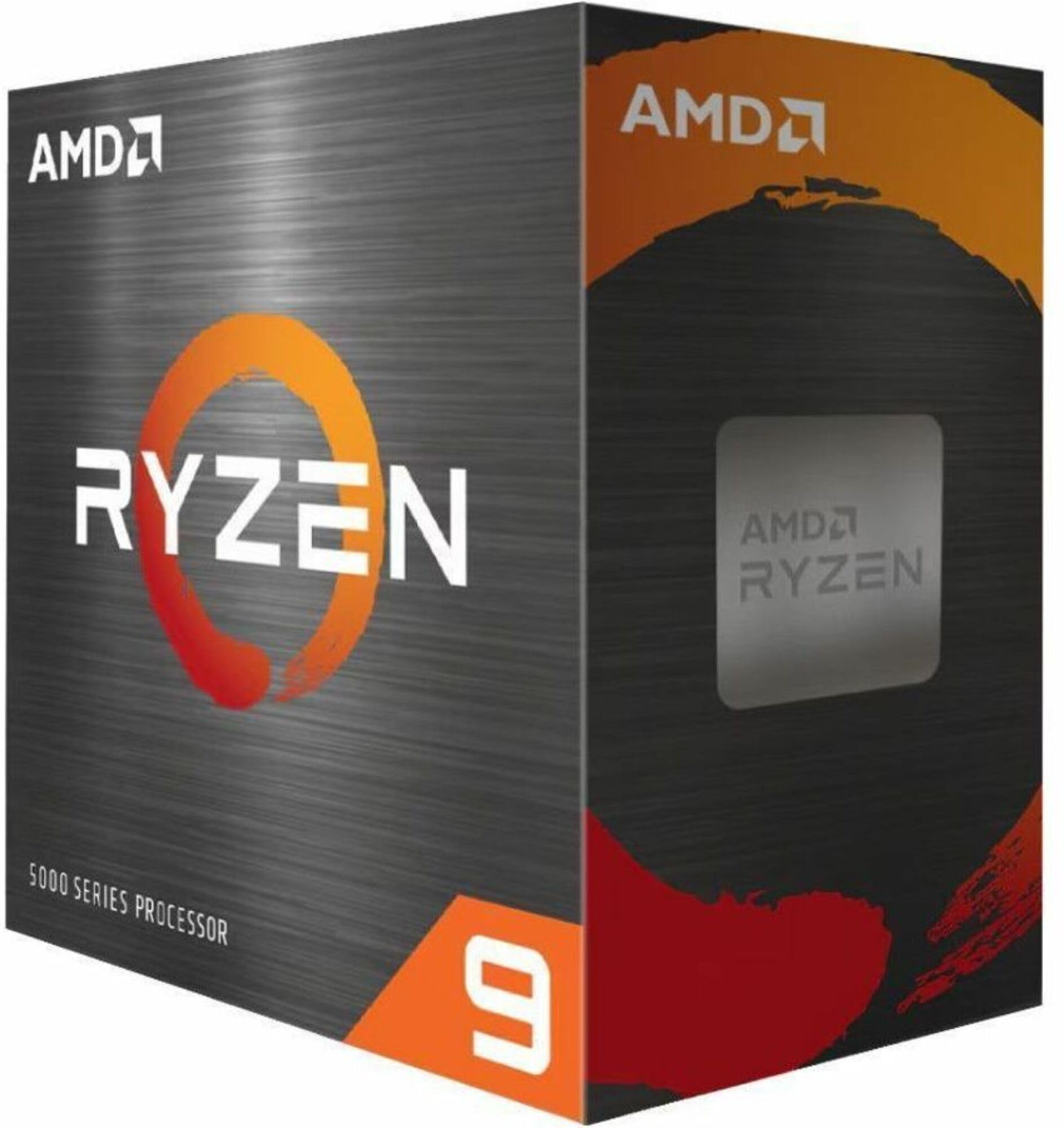
Double the cores of the value chips, and it drops into a proven AM4 board.
If you render video, compile code, or stream while you play, cores are your currency — and this chip carries 16 of them, running 32 threads. That is four times the core count of the Intel i3-14100F. It is also four times the thread count: 32 here versus 8 there. Built on AMD’s Zen 3 architecture, it boosts to 4.8 GHz and is open up for overclocking, with 72 MB of cache and ustomers note high frame rates with low average power draw, even under sustained gaming. That combination — big cache, high clocks, modest power — is exactly why it sits at the top of the AM5 gaming heap. Compare its 5.2 GHz boost to the 3.3 GHz of the FX-8300 and the generational leap is plain.
The honest limit: no cooler ships with it, so you supply your own, and its premium price means you are paying for the last few percent of gaming headroom. It is drop-in ready for AM5 boards, so the platform itself is not a hurdle.
The wins
- 96 MB L3 cache with second-gen 3D V-Cache
- 5.2 GHz boost clock on Zen 5
- Low power draw even under sustained load
- Drop-in ready on AM5
The trade
- No cooler included — add one to your budget
- Premium cost for gains aimed squarely at gamers
Made for: high-refresh gamers who want the strongest AM5 chip and will pay for it.
Not worth it if: you game at a modest refresh rate — the cheaper 7800X3D covers most of the same ground.
4. AMD Ryzen 7 5800X3D 8-core, 16-Thread Desktop Processor
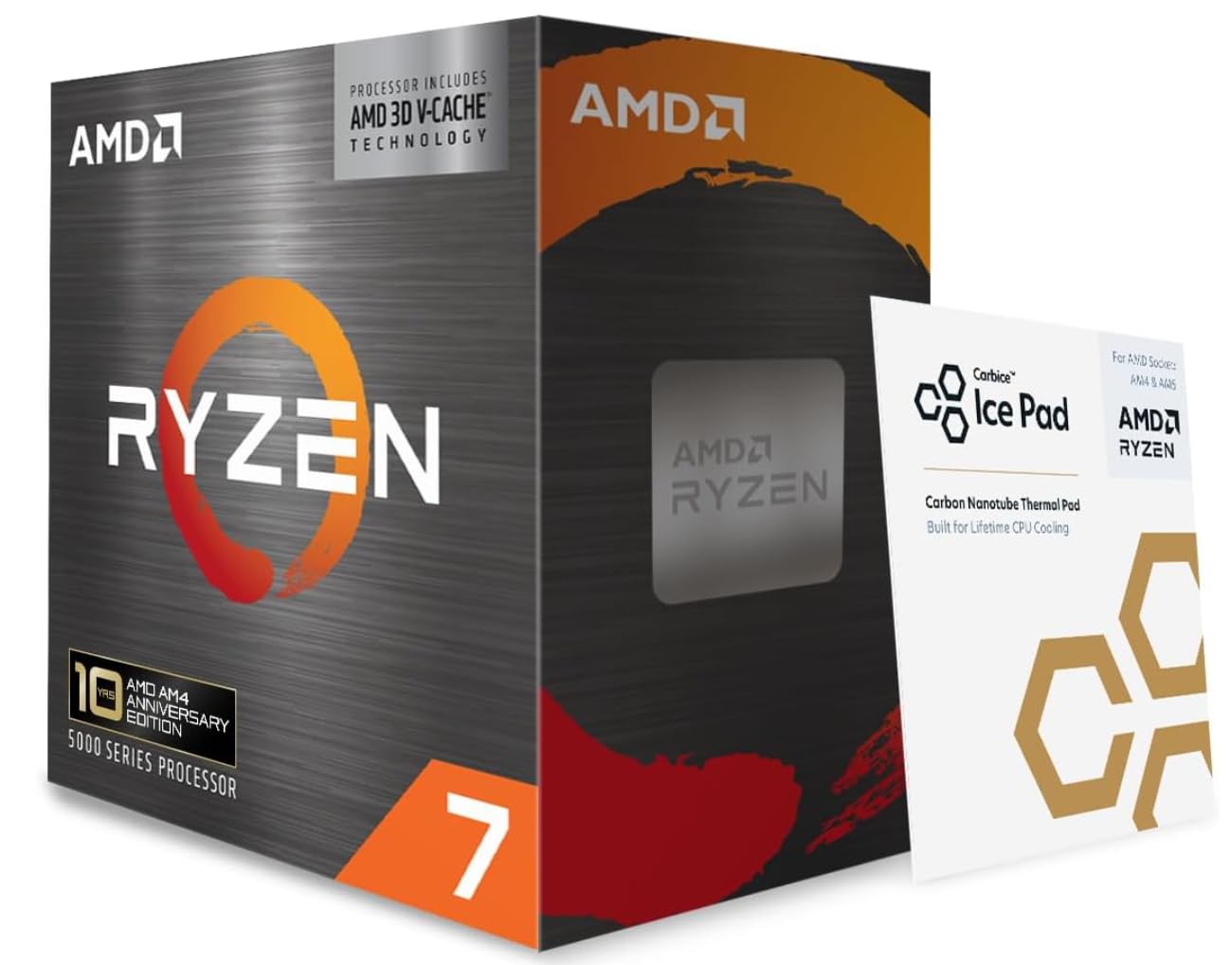
The AM4 refresher that turns a tired gaming rig into something that keeps pace again.
If you already own an AM4 board and a graphics up: 10 cores made of 6 P-cores plus 4 E-cores, running 16 threads, boosting to 4.7 GHz, with 20 MB of cache. That hybrid mix means it juggles a game and background apps without dropping either — the efficient cores quietly handle the small stuff while the fast cores handle the action.
Shoppers say stable performance in gaming PCs, with games and apps running noticeably smoother. The value story lands well too — buyers feel the performance-to-price ratio is strong for a mid-range chip. It supports DDR4 and DDR5 memory, so it fits whichever platform you build on.
For a build that is mostly gaming with some everyday work, this is the level-headed choice. It carries the same 4.7 GHz boost as the i3-14100F but doubles the cores, giving it room to grow if your workload gets heavier. One note: it requires a discrete graphics card, so this is not a chip for a no-GPU office machine.
Where it fits: 10 cores and 16 threads give you a genuine step up over entry-level chips for gaming and light editing, with a cool and stable reputation among owners.
One requirement: there is no built-in graphics, so you must pair it with a dedicated card to get a display.
Pick this one: if you are building a mid-range gaming PC and want more cores than a budget chip offers.
Move on if: you need integrated graphics for a display without a separate card.
5. Intel® Core™ i3-14100F Desktop Processor 4 cores
L3 Cache
L3 cache is the shared pool of very fast memory on the chip. When a game or app reuses the same data, it grabs it from cache instead of slower system memory. Bigger cache, especially AMD’s 3D V-Cache designs, keeps frame rates steady in games that otherwise stall. Budget chips here carry 8 MB to 20 MB, while the cache-heavy gaming chips reach 96 MB and 100 MB.
Clock Speed
Clock speed is measured in GHz and shows how many cycles per second a processor runs. Higher clocks help tasks that lean on one or two threads, like some games and everyday apps. But a chip with a lower clock and more cores or cache can still beat a higher-clocked one in the right workload — so read the clock together with core count and cache, never alone.
Socket and Platform
The socket is the physical connection on your motherboard, and it decides which chips you can install. AM5 and AM4 are AMD platforms, LGA1700 with 600- or 700-series chipsets is Intel’s, and AM3+ is the oldest here. Confirm your board’s socket and chipset before you buy, and note that some Intel boards need a BIOS update to support the newest chips.
Common Questions
Will a Ryzen 7 7800X3D fit my older AM4 motherboard?
What does 64-bit x86 mean for a desktop processor?
Do these processors come with a cooler?
Why do X3D chips run games faster than a higher-clocked chip?
Is the Ryzen 9 5900XT better than the Ryzen 7 5800X3D for creative work?
Can I use DDR5 memory with the Intel i5-14400F?
Do I need a graphics card with the i3-14100F?
How many cores do I need for gaming versus streaming?
Can I overclock these processors?
Will a modern chip run cooler than an older one like the FX-8300?
The Bottom Line
Building an AM5 gaming PC? The Ryzen 7 7800X3D is the x64 bit processor most buyers should get. Its 104 MB cache and 8 cores keep frame rates smooth at a sensible power draw, which is what a gaming build needs. Want the highest boost clock (the top speed a core can hit) plus a hybrid core layout (fast cores paired with smaller efficient ones) for creative work too? Then pick the Intel Core i5-14600K, with 14 cores and 5.3 GHz. Already own an AM4 board? The Ryzen 7 5800X3D upgrades your existing build without a full rebuild.
How we choose
We do not accept paid placement. Every pick is matched to a real buyer and a real use-case; we do not hands-on test units.
Sources
Specifications: manufacturer listings and product documentation. Review insights: verified customer reviews, as of November 2026. Pricing: not shown on this page (it changes often); check the current price via the retailer link.
As an Amazon Associate, Tactical Gear Guy earns from qualifying purchases. This does not affect which products we feature.