Specs are compiled from manufacturer listings and verified buyer reviews and can change over time — please confirm the key details on the product page before buying.
Your 13-inch MacBook Pro still runs everything you need — until it hits 40% and shuts down without warning. Shutdowns at 40%, the “Service Battery” warning in the menu bar, and a laptop that only runs on the charger all point to one cause: a worn-out lithium-polymer pack. This guide sorts the seven realistic options by which MacBook they actually fit and how they hold up day to day.
This guide is built by comparing the manufacturers’ published specifications and the patterns across verified customer reviews, so you get each pick’s real strengths and trade-offs instead of marketing spin.
Match the model number on the underside of your MacBook to the battery code before you order anything, and the swap becomes a screwdriver job rather than a gamble. Here is what separates the macbook pro 13 inch battery replacement options that actually fit from the ones that sit in a drawer.
Top Picks
How To Choose The Best MacBook Pro 13 Inch Battery Replacement
Buying the wrong battery for a 13-inch MacBook Pro is almost always a model-number mistake, not a quality mistake. Apple used at least four different battery assemblies across the 13-inch line between Late 2016 and 2020, and they are not swappable. Once the model code matches, choosing between capacity, bundled tools and warranty terms is straightforward.
Find your model code before anything else
Flip the laptop over and read the small print near the hinge. You are looking for a code that starts with the letter A, such as A1708 or A1989, plus an EMC number. A1708 covers the Late 2016 and Mid 2017 non-Touch Bar 13-inch. A1706 covers the Late 2016 and Mid 2017 models with the Touch Bar. A1989 covers the Mid 2018 and 2019 Touch Bar machines. If your code does not appear in a listing’s compatibility list, that battery will not fit, no matter what the title claims.
Touch Bar versus non-Touch Bar is a hard split
The two body styles take physically different packs with different connectors. A battery built for the Touch Bar A1706 will not seat in an A1708 chassis, and the reverse. Many listings bundle several compatible part numbers into the title, which makes them look universal — read the compatible-models section instead of the headline.
Read the watt-hour figure, not just the milliamp-hours
Capacity is quoted two ways. Milliamp-hours (mAh) measures the charge the pack holds; watt-hours (Wh) combines that with voltage to show total stored energy. Because every battery here runs at roughly 11.4 to 11.41 volts, the Wh figure is the fairest comparison between listings. Higher Wh generally means more runtime per charge, though cell quality inside the pack matters as much as the number on the box.
Check what tools come in the box
Some replacements include the two screwdrivers you need to open the bottom case and free the battery screws. Others ship the battery alone. If you do not already own a pentalobe driver, a kit with tools saves you a separate order and a few days of waiting.
Side-by-Side Comparison
| Model | Best For | Fits (Model Code) | Capacity | Voltage | Amazon |
|---|---|---|---|---|---|
| Egoway A1819 (A1706)★ Best Overall | Touch Bar 13-inch owners | A1706 / A1819 (Late 2016, Mid 2017) | 4320 mAh | 11.41 V | Amazon |
| BRTONG A1713Most Reviewed | Non-Touch Bar Late 2016 / Mid 2017 | A1708 / A1713 | 4781 mAh | 11.4 V | Amazon |
| ASUNCELL A1708/A1713 | Widest model coverage with tools | A1708 / A1713 / A2159 / A2289 / A2338 | 5100 mAh | 11.4 V | Amazon |
| Jalaxbeat A1713 | Cold-weather daily use | A1708 / A1713 / A2159 / A2289 / A2338 | 4781 mAh | 11.4 V | Amazon |
| Futurebatt A1713 | Non-Touch Bar 13-inch, no nonsense | A1708 / A1713 | 54.5 Wh | 11.4 V | Amazon |
| NDWQGFS A1819 | Late 2016 / Mid 2017 Touch Bar | A1819 / A1706 (EMC 3071, 3163) | 4300 mAh | 11.41 V | Amazon |
| Futurebatt A1964 (A1989) | 2018–2019 Touch Bar 13-inch | A1989 / A1964 (EMC 3214, 3358) | 58 Wh | 11.41 V | Amazon |
Detailed Reviews
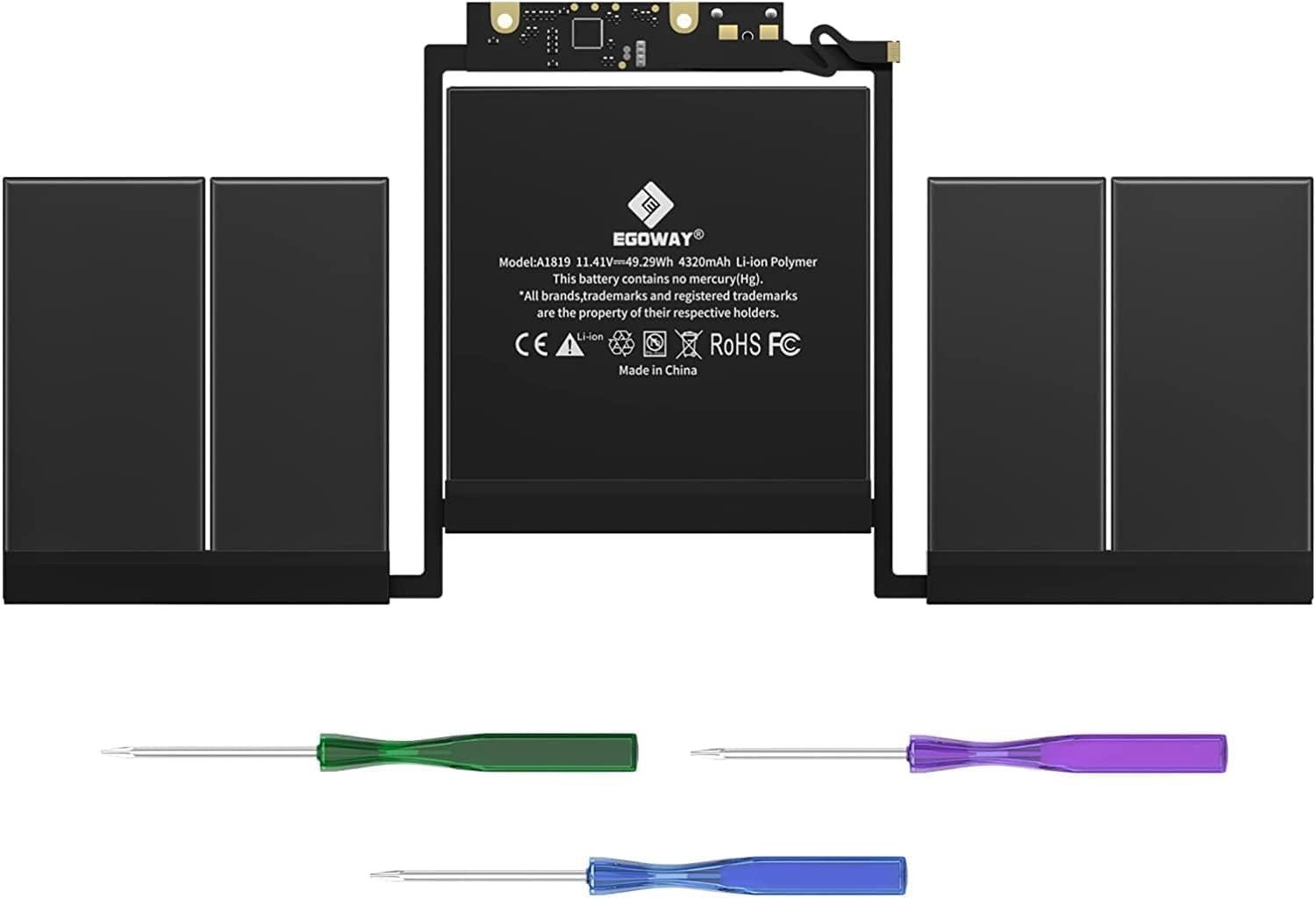
1. Egoway A1819 Replacement Battery
Our pick — 4.0+★ from 150+ verified ratings; the strongest balance of quality and price.
The Touch Bar 13-inch pack that fits the first time and installs without a fight.
If your 13-inch MacBook Pro has the little touch strip above the keyboard and was made in Late 2016 or Mid 2017, this is the one to put in the basket. It is built for the A1706 body — also sold as the A1819 part number — and it holds 4320 mAh at 11.41 V. Compared with the Futurebatt A1713 for the non-Touch Bar chassis, it stores less charge, but it is also a much lighter part: 220 g against that battery’s 400 g. Less mass sitting under the trackpad means the bottom case sits flat and the keyboard does not feel any different after the swap.
What wins people over is the build quality of the cells themselves, and that shows in how often installation goes smoothly. The listing itself opens with a blunt instruction to check your Mac’s model and year before ordering, and that is the real gate on this product — get the A1706 model code right and the job goes well. The screwdrivers are not included here, so budget for a pentalobe driver if you have never opened this laptop.
The catch is battery life, which is the most-discussed topic on this listing and genuinely split. Some A1706 buyers report a steady four hours of mixed use; others see the pack fall from full to 6% in ten minutes. That spread is the honest picture with any third-party pack, and it is why this one is best treated as a solid, affordable restoration rather than a guarantee of original-Apple runtime.
Where it earns its keep
- Purpose-built for the A1706 Touch Bar 13-inch, Late 2016 and Mid 2017
- 220 g keeps the chassis weight and case fit exactly where they were
- 4320 mAh at 11.41 V is a close match to the original spec
- Installation consistently reported as straightforward
What to weigh first
- Runtime reports vary widely, from about four hours to very short sessions
- No screwdrivers in the box, unlike some rivals here
- Touch Bar models only — it will not seat in an A1708 non-Touch Bar body
Reach for this if: your underside sticker reads A1706 and you want the classic Touch Bar 13-inch back to normal battery health.
Look elsewhere if: your Mac is the non-Touch Bar A1708 — the connector is different and this will not fit.
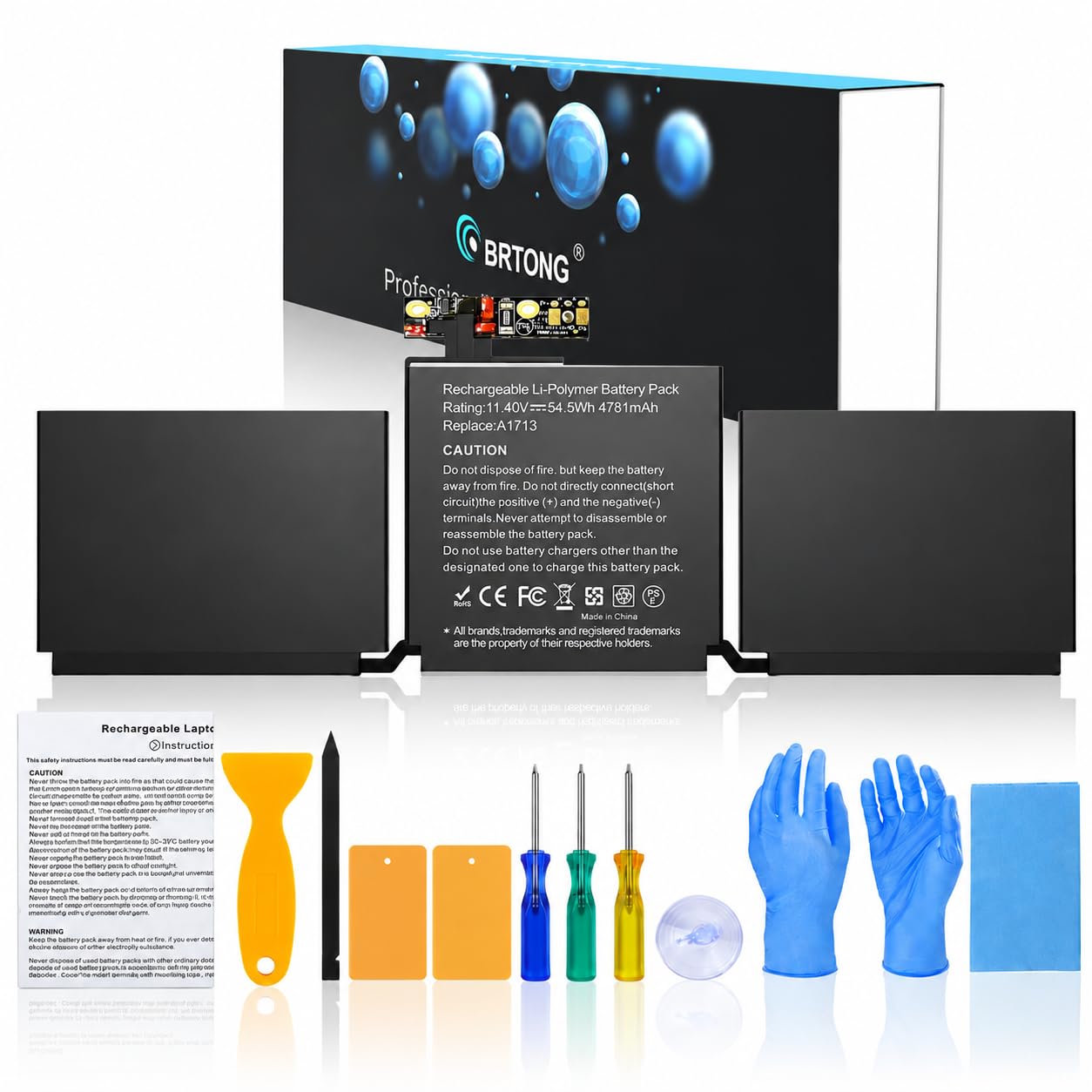
2. BRTONG A1713 Battery Replacement
The veteran of the group, and the one most 13-inch owners have already tried.
Here is a simple fact worth knowing: this A1713 pack is the most-reviewed battery in this lineup, with an installed base several times larger than the Egoway above. That volume matters because it means the feedback you read comes from a genuinely large pool of MacBook Pro 13-inch owners rather than a handful of early buyers. The battery pushes 4781 mAh at 11.4 V, which is a higher charge figure than the Egoway’s 4320 mAh — the trade-off is that it serves the A1708 chassis, not the Touch Bar A1706.
Owners keep coming back to the same two things: the runtime holds up, and the cell quality feels like a real part rather than a knock-off. The compatibility list is unusually thorough — it covers the A1708 in both Late 2016 and Mid 2017 guises, and it names the part numbers MLL42LL/A, MPXQ2LL/A, MLUQ2LL/A, MPXR2LL/A, MPXU2LL/A and MPXT2LL/A so you can cross-check the box your Mac came in. The 30-day return window and 12-month warranty give you a sensible safety net if the unit you receive does not hold charge.
The downside is small but real: the battery arrives on its own, so you need a screwdriver set on hand. There is also the usual third-party caveat that not every unit lands perfectly — a small number of owners mention a pack that fades faster than expected. For the price tier, though, a well-documented fit and a long warranty make it a low-risk way to revive a non-Touch Bar 13-inch.
Best matched to: A1708 owners who want the model with the deepest track record behind it.
Reason to pause: it ships without tools, so plan the install around a pentalobe driver you already own.
3. ASUNCELL A1708/A1713 Battery Replacement
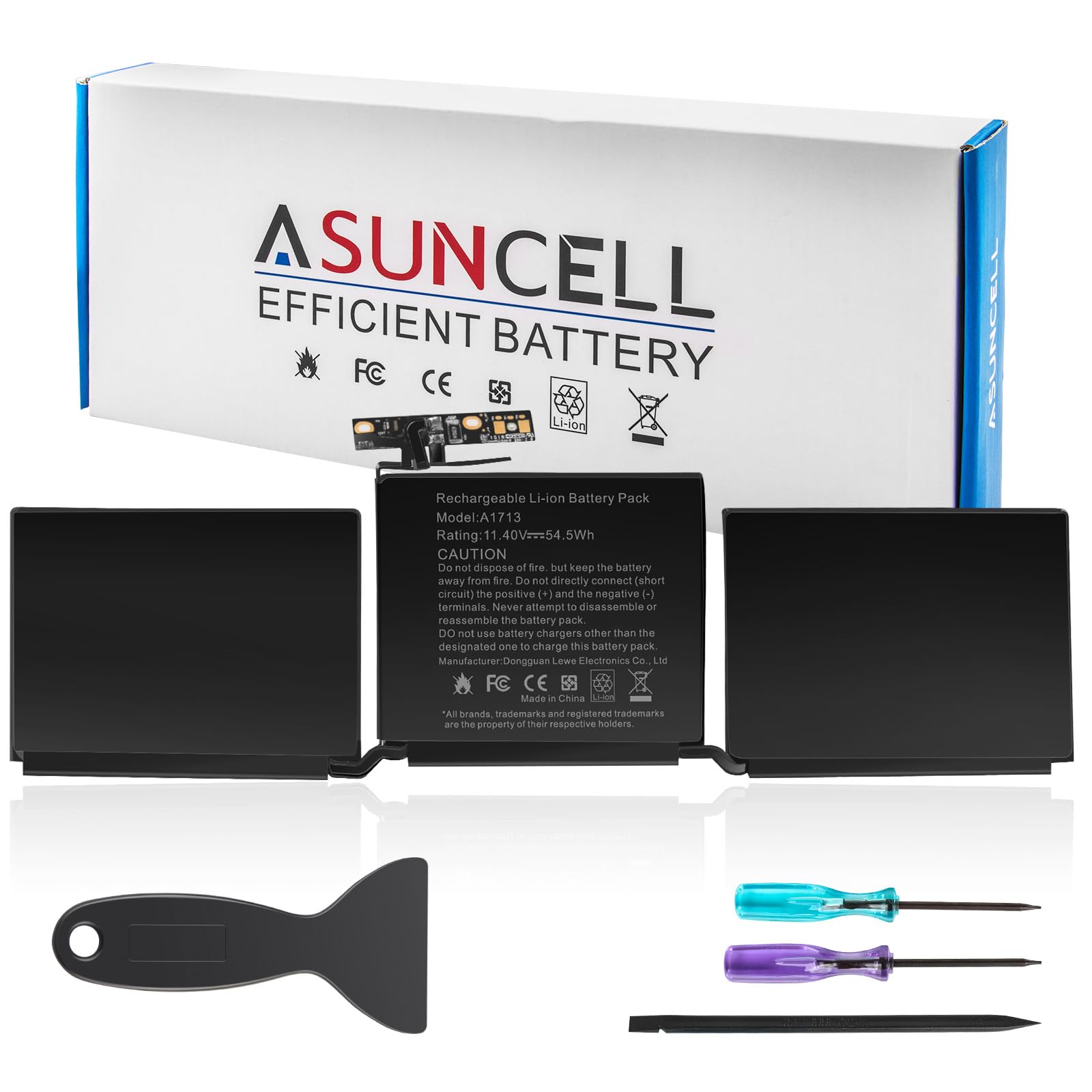
One pack that spans four model years of the 13-inch, tools included.
Capacity is the headline: 5100 mAh at 11.4 V makes this the highest milliamp-hour pack in this group, ahead of the BRTONG’s 4781 mAh. That extra charge is the reason it can advertise coverage across A1708, A1713, A2159, A2289 and A2338 — the non-Touch Bar Late 2016 and Mid 2017 machines, plus the 2019 and 2020 13-inch models that use the later connector. The battery weighs 300 g, which is heavy enough that you notice the difference only if you are handling both packs side by side.
The things buyers value most here are reliability and cell quality, and the second-highest-scoring topic is the fit itself — a tight seat matters on a machine where the battery sits directly under the trackpad. The kit ships with two screwdrivers, so opening the bottom case and releasing the battery is a complete job from the start. It is also covered by UL, CE, FCC and RoHS certification and the maker lists short-circuit, overheat and overload protections, plus a 12-month free exchange.
Where the review pages get honest and thorny is runtime. Some customers note the pack holding charge well and improving responsiveness; others find it drains faster than they would like. The other thing to plan for is which of those five model codes you actually own — this is the most versatile battery here, but versatility only helps if you read the underside sticker correctly before ordering. Treat the tools and the broad fit as the wins, and keep expectations realistic on how many hours you will squeeze out.
Verified numbers: 5100 mAh and 11.4 V, the biggest charge figure in this seven-pack lineup, with a 300 g weight to match.
The honest read: the included screwdrivers and multi-year fit are a genuine convenience, and the runtime is the part to keep realistic.
Worth it when: your model code sits in the wide A1708-to-A2338 list and you want the tools in the same box.
Think twice if: you are chasing guaranteed all-day runtime — pack life here splits between strong and short.
4. Jalaxbeat A1713 A1708 Battery Replacement
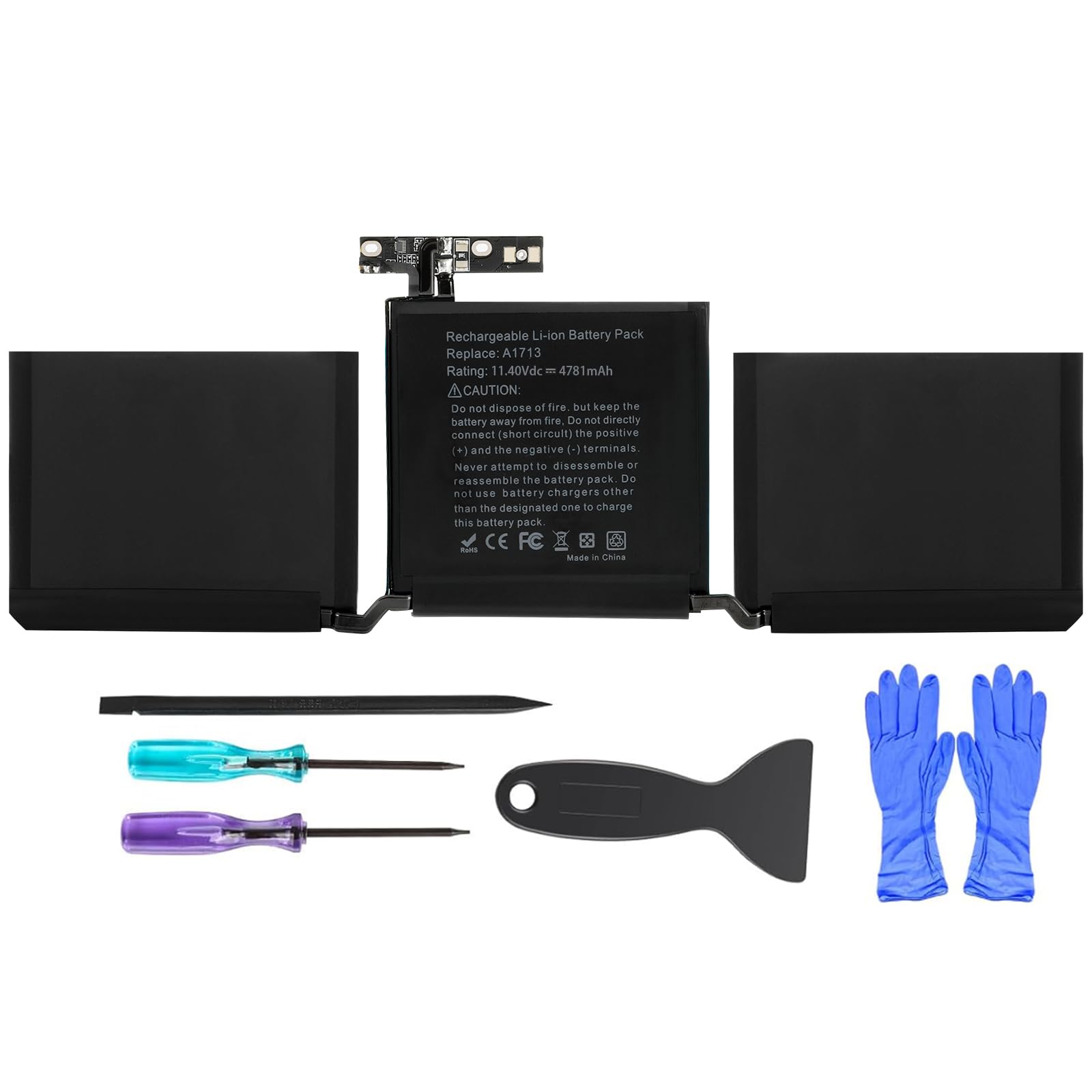
Built around temperature control, which is exactly what a battery hates to fight.
Most listings in this category talk about capacity and stop there. This one adds a smart chip that regulates temperature during daily use, and the maker specifically calls out high performance in cold conditions. That is a real consideration for anyone who leaves a MacBook in a cold car or works in an unheated room — the pack’s 4781 mAh at 11.4 V is the same charge figure as the BRTONG, so the temperature handling is the actual differentiator.
The cell is a lithium-polymer unit at 235 g, which keeps the chassis handling natural after installation. Two screwdrivers come in the box, so you can complete the swap without a second purchase. The safety spec is broad: overcharge, overcurrent, overheat and short-circuit protection, plus FCC, ROHS and CE certification, and a one-year warranty on top.
The blunt caveat is charging behaviour. This is the topic buyers discuss most, and it leans split — some units charge normally and boot consistently, while others have been reported not to recharge at all or to take noticeably longer waking from sleep. It is not the reason to avoid the product, but it is the reason to keep the warranty paperwork. Fit and installation feedback, by contrast, is consistently good, which is the harder half to get right on a 13-inch.
The practical upside
- Temperature-control chip aimed at steady performance and cold weather
- 4781 mAh at 11.4 V in a 235 g pack
- Screwdrivers included, plus a one-year warranty
- Fit and installation feedback is consistently positive
The trade-offs to know
- Charging behaviour is the most-discussed issue and clearly mixed
- Occasional reports of slow wake from sleep
- Not the highest-capacity option if runtime is your top priority
Choose it for: A1708 MacBooks used in cold rooms or vehicles where temperature swings are part of the day.
One caution: if the unit will not take a charge, use the warranty early rather than living with it.
5. Futurebatt A1713 A1708 Battery for MacBook Pro 13 inch
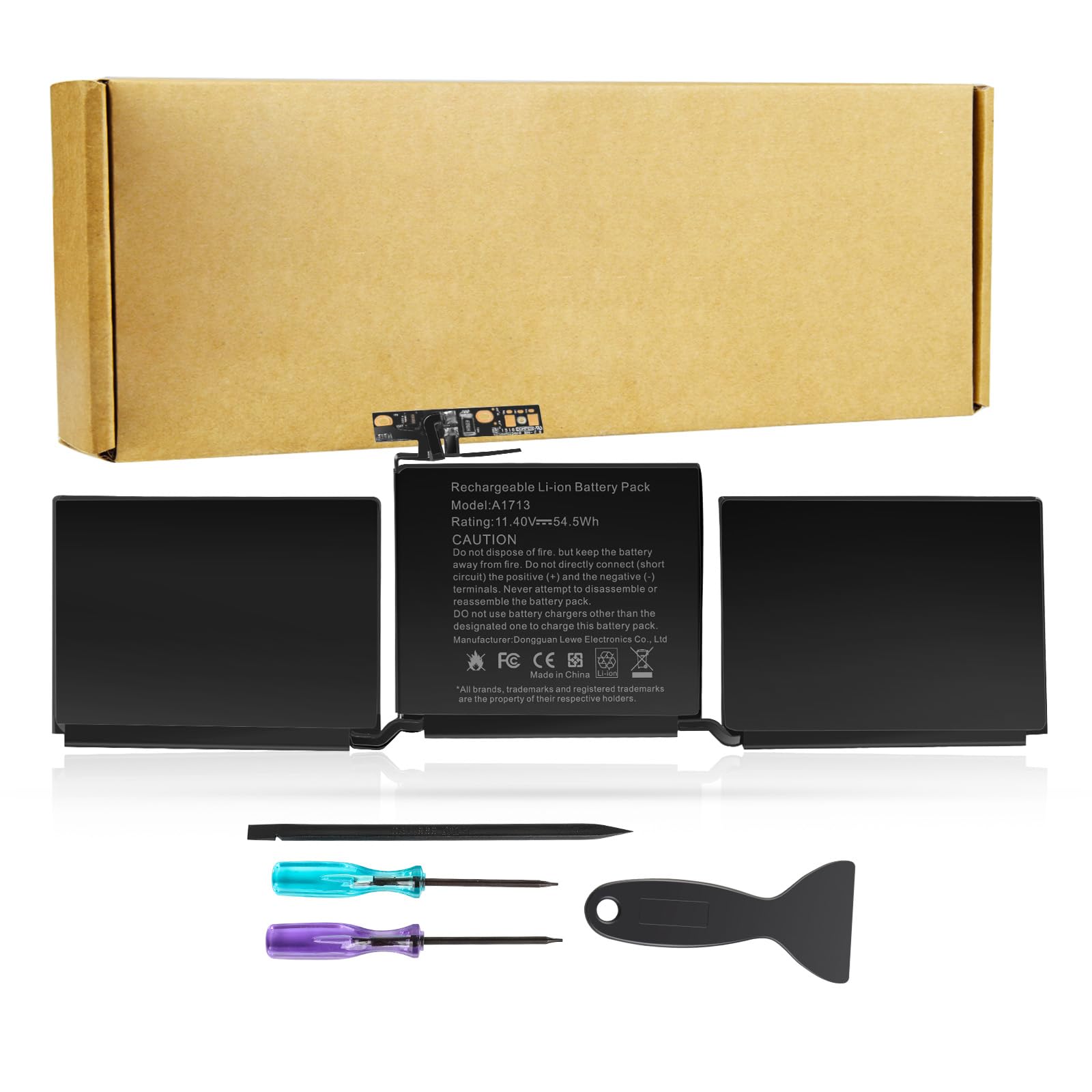
The non-Touch Bar pack the widest group of owners has actually put through its paces.
Two numbers tell the story before anything else. This Futurebatt pack is rated 54.5 Wh at 11.4 V, and it carries the largest feedback pool in the entire lineup by a wide margin. That combination — a full-size energy rating and a big crowd of A1708 owners behind it — is why it lands so high here despite the weight. At 400 g it is the heaviest battery in this article, heavier than the Jalaxbeat’s 235 g, and heavier still than the Egoway’s 220 g Touch Bar pack. The upside of that mass is a full-capacity cell; the downside is a slightly denser bottom case.
What wins people over is the pure function. Owners describe the laptop waking up like new, powering on straight from the start with no fuss, and the battery quality meets expectations across the board. The compatibility list is exhaustive — it names the full array of A1708 Late 2016 and Mid 2017 part numbers, so matching your machine is a simple check. Backed by a 30-day refund and a 12-month replacement, it is a low-drama purchase.
The most-discussed topic is battery life, and that is where honesty matters. Some A1708 reviewers point out eight hours of runtime; others see the pack fall off a cliff within thirty minutes. That is the reality of aftermarket cells, and it lands on the harshest side here. If you want the safest bet on a non-Touch Bar 13-inch, the breadth of the feedback is your best guide — but read the fit note about the Asus R500V model that appears in some reviews, since that is not a MacBook at all and points to a listing that attracts mistaken buyers.
By the numbers: 54.5 Wh at 11.4 V and 400 g — the largest energy rating and the heaviest pack here.
Fair warning: runtime is genuinely split, from eight hours on a good unit to very short on a bad one.
Pick this one for: a non-Touch Bar A1708 where you want the option with the biggest review history.
Keep an eye on: some listings attract owners of other machines, so confirm the A1713 code matches before ordering.
6. NDWQGFS A1819 Replacement Battery
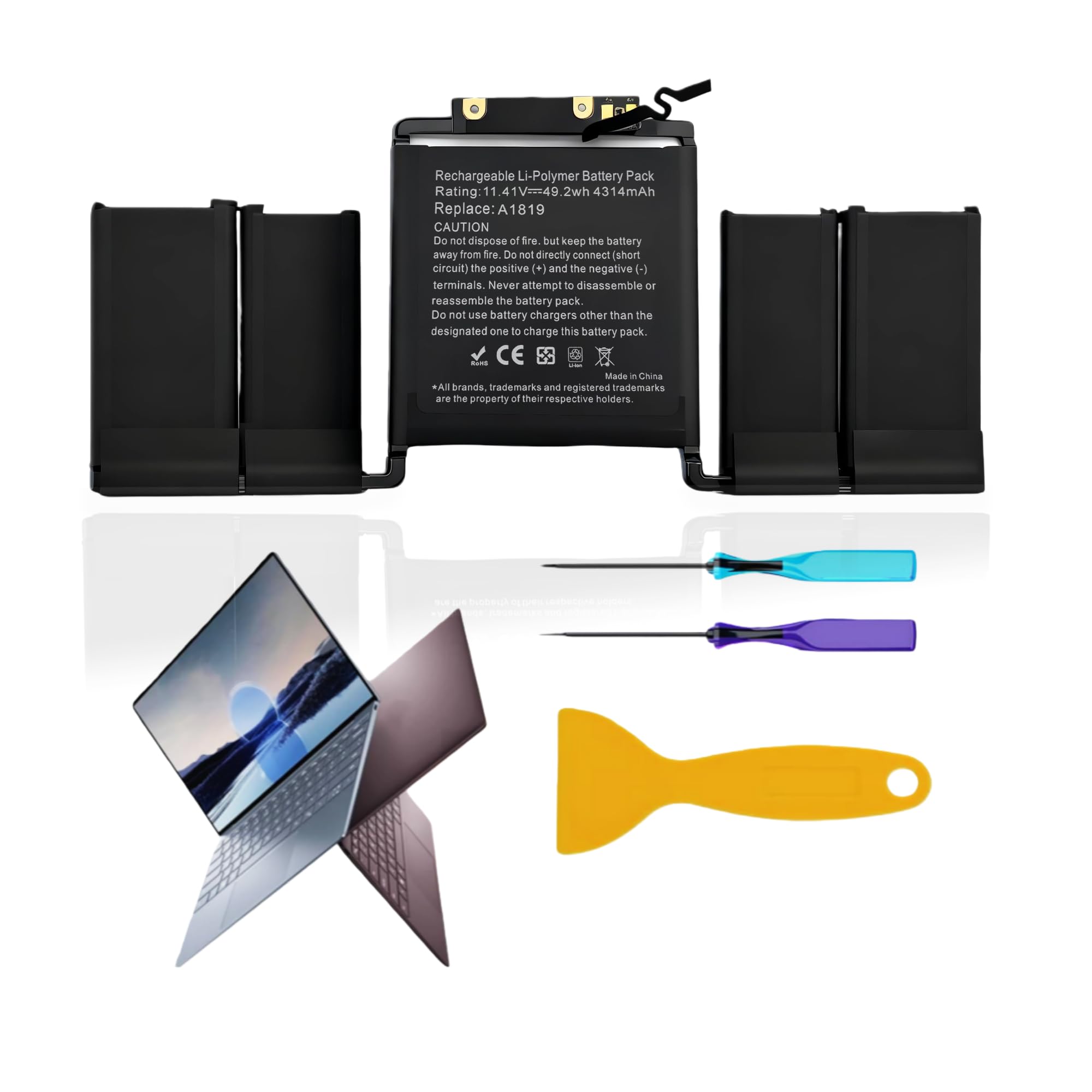
The narrower Touch Bar pick, aimed at EMC 3071 and EMC 3163 bodies only.
Here is a precise fit story. This battery is built for the 13-inch Touch Bar machines carrying EMC 3071 (Late 2016) or EMC 3163 (Mid 2017), with a 4300 mAh capacity at 11.41 V. That is almost identical in voltage to the Egoway A1819, but with slightly less charge and a gap in how many owners have reported on it — 450+ ratings against the Egoway’s 173. The capacity is close to the maker’s stated target, which is important on a Touch Bar machine where the strip and keyboard draw continuously.
Good value, a snug fit and an easy install come up repeatedly, and the maker ships the necessary screws and tools. The safety spec is strong for the tier — over-charge, over-discharge, over-temperature and short-circuit protection, with PSE, CE, FCC, UL and RoHS certification. The pack is also rated for up to 500 recharge cycles, a lifespan figure worth comparing across aftermarket listings. At 6.4 ounces it sits comfortably between the lightest and heaviest packs in this article.
Battery life and quality are the two topics that split, and that is the honest boundary of this product. Some owners find it holds charge and works immediately; others report it not holding properly or fading over months. It is not a bad battery — the fit and value feedback is solid — but if maximum runtime certainty is your goal, the larger feedback base on the other Touch Bar option gives you more to compare against.
Go with this if: your Mac’s EMC number is 3071 or 3163 and you want screws and tools bundled in.
Consider the alternative if: you want a bigger pool of Touch Bar owner feedback before committing.
7. Futurebatt A1964 A1989 Battery
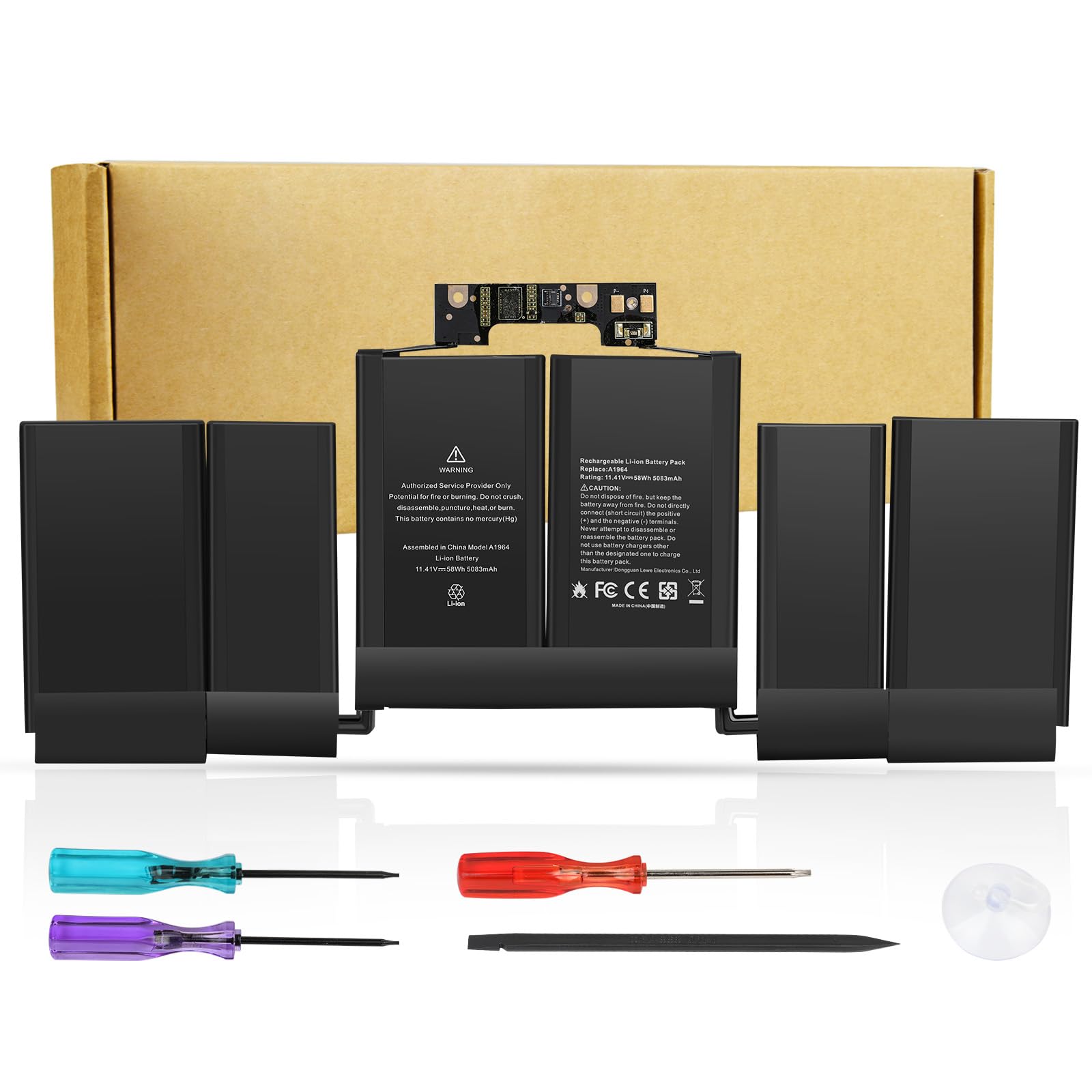
The biggest energy rating here, for the 2018 and 2019 Touch Bar generation.
If your 13-inch has the Touch Bar and dates from 2018 or 2019, this is the only pack in this article built for your chassis — the A1989 in EMC 3214 or EMC 3358 form. It carries 58 Wh at 11.41 V, which is the highest watt-hour figure on this list, ahead of the ASUNCELL’s 5100 mAh pack and the Futurebatt A1713’s 54.5 Wh. The maker also points to a real-time temperature-control core and PC flame-retardant materials in the cell construction. It is a heavy pack at 420 g, the heaviest of the seven, which you will feel only when handling the bare part.
What buyers like most is straightforward: this is a good replacement that seats properly and installs in minutes, and the value for the money is consistently noted. It ships with a 30-day refund window and a 12-month replacement, plus 24-hour email support. For a 2018–2019 MacBook Pro whose original battery has already had a long service life, it is the correct first move.
Here is the part where honesty earns its keep. Battery life is the most-discussed topic and clearly mixed, and capacity is flagged as slightly short of what some owners hoped. Charging performance splits too — some say it charges like new, others see it stuck or showing zero. The reading is that this is a strong fit and a good value, but not a guarantee of all-day runtime. Given it is the largest cell here, the realistic expectation is a solid, serviceable restoration of your daily battery.
Why it stands out
- 58 Wh — the highest energy rating in this lineup
- Designed for the A1989 / A1964 (2018–2019) Touch Bar 13-inch
- Temperature-control core and flame-retardant cell materials
- 30-day refund and 12-month replacement backing
What to keep in mind
- Runtime and charging performance both split in owner feedback
- At 420 g it is the heaviest pack reviewed here
- Some owners feel the delivered capacity runs a touch under expectations
Best fit for: 2018–2019 Touch Bar 13-inch MacBooks that need the 58 Wh A1989 form factor.
Do not expect: exact original-Apple runtime — the charge behaviour varies from unit to unit.
Know the Specs
Milliamp-hours (mAh) vs watt-hours (Wh)
Milliamp-hours count the charge a battery can hold, like the size of a fuel tank. Watt-hours fold that in with voltage to show total stored energy, which is the number that actually converts to runtime. On a 13-inch MacBook Pro running at 11.4 to 11.41 volts, a 5100 mAh pack and a 54.5 Wh pack are close cousins — but you cannot compare a 4320 mAh battery from a different voltage directly. When two listings share the same voltage, the Wh figure is the fair comparison.
Model codes and EMC numbers
The sticker on the underside of the laptop carries a model code (A1708, A1706, A1989) and an EMC number (2978, 3164, 3214, 3358). Both matter. A1708 with EMC 2978 is the Late 2016 non-Touch Bar 13-inch; A1708 with EMC 3164 is the Mid 2017 version. A1989 with EMC 3214 is Mid 2018; EMC 3358 is Mid 2019. Buying a battery whose compatibility list names your code and EMC number is the single biggest way to avoid a return.
Why the Touch Bar split matters so much
MacBook Pro 13-inch models with the Touch Bar and models without it take physically different battery assemblies. The connector shape and the mounting differ, so a pack for the A1706 will not seat in an A1708 chassis and vice versa. That is why some listings cram multiple model numbers into the title — most are legitimate, but you still need to confirm the one code that matches your laptop before you buy.
Safety circuitry and cycle ratings
Good aftermarket batteries include overcharge, over-discharge, overheat and short-circuit protection. Some listings carry PSE, CE, FCC, UL and RoHS certifications, and at least one states a lifespan of up to 500 recharge cycles. These are the details worth reading because they tell you whether the manufacturer has taken the cell seriously. Cycle count, plus a warranty of 12 months, are the most dependable markers of how a pack will hold up over time.
Common Questions
How do I know which MacBook Pro 13 battery I need?
Can I use an A1706 battery in an A1708 MacBook?
What is the difference between 4781 mAh and 5100 mAh batteries here?
Does the replacement battery come with the screwdrivers I need?
Why does my new battery still show “Service Battery”?
How long should a replacement 13-inch battery last before it degrades?
Is it safe to use a third-party MacBook Pro battery?
Will a higher-Wh battery make my MacBook run hotter?
My MacBook is from 2018 or 2019 — can I use the A1708 battery?
Do these batteries arrive pre-charged?
The Bottom Line
For most 13-inch MacBook Pro owners facing a dead battery, the macbook pro 13 inch battery replacement winner is the Egoway A1819 because it fits the A1706 Touch Bar body precisely and installs without a struggle. If your Mac is the non-Touch Bar A1708, the BRTONG A1713 is the largest-track-record pick with the widest compatibility list, while the ASUNCELL A1708/A1713 is the one to reach for if you want the highest mAh figure and screwdrivers bundled together. Match the model code on the underside of your laptop to the product data, and remember that the biggest crowdsourcing pool is the BRTONG’s — the practical safety net is buying the one whose fit list names your exact EMC number.
How we choose
We do not accept paid placement. Every pick is matched to a real buyer and a real use-case; we do not hands-on test units.
Sources
Specifications: manufacturer listings and product documentation. Review insights: verified customer reviews, as of November 2026. Pricing: not shown on this page (it changes often); check the current price via the retailer link.
As an Amazon Associate, Tactical Gear Guy earns from qualifying purchases. This does not affect which products we feature.