Specs are compiled from manufacturer listings and verified buyer reviews and can change over time — please confirm the key details on the product page before buying.
Buying the wrong desktop drive usually means one of two things: you run out of room in a year, or you trust a single spinning disk with the only copy of your photos. The short answer for most people is simple — buy a portable drive with capacity headroom, keep a second copy somewhere else, and expect a mechanical drive (a hard disk with a spinning platter inside, not a flash chip) to be a working part, not a permanent vault. This article covers the models worth your attention and the handful of specs that actually change how a drive behaves on your desk.
This guide is built by comparing the manufacturers’ published specifications and the patterns across verified customer reviews, so you get each pick’s real strengths and trade-offs instead of marketing spin.
You’ll see why capacity, USB generation (how fast the drive talks to your computer), and drive format (how the drive is set up to store files) matter more than brand logos when you’re comparing a storage external hard drive. You’ll also see which models make the most sense for backups, game libraries, and desk drawers full of old files.
Top Picks

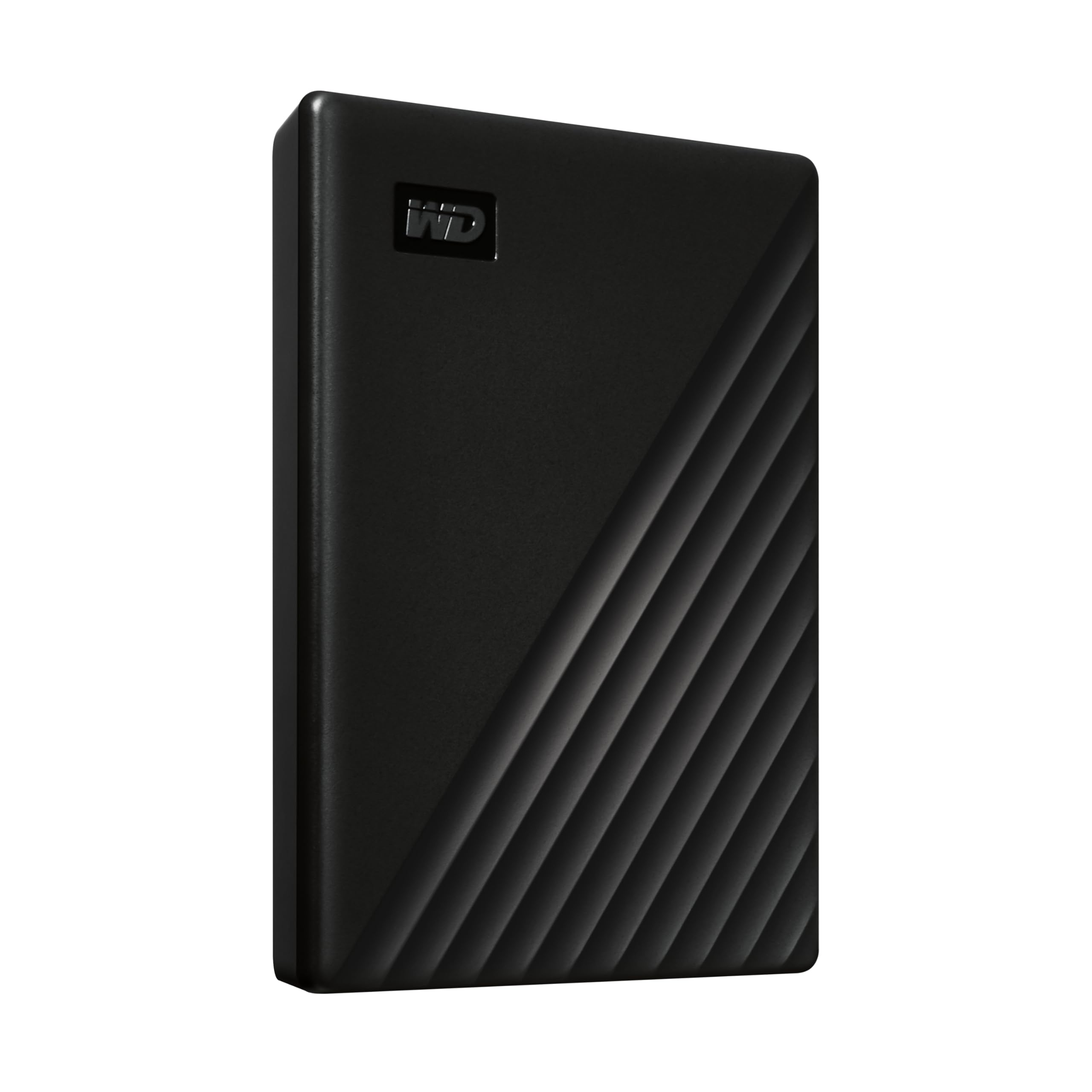
How To Choose The Best Storage External Hard Drive
Most buyers walk in thinking brand is the decision. It isn’t. Capacity, interface, and how you plan to back up are what decide whether a drive serves you for three years or annoys you within a month. Here is what actually moves the needle.
Capacity is the first fork in the road
A 1TB drive (one terabyte — roughly a thousand gigabytes) holds a lot of documents and photos. It holds far less than you think once you start copying game installs or phone video. A 2TB drive gives you room to keep a second copy of your main library without buying another unit. A 5TB drive is the point where a whole photo archive plus a working folder fits comfortably side by side. And an 8TB desktop drive is built for people who treat the machine as a media server rather than a laptop.
Portable versus desktop
Portable drives are the small 2.5-inch kind that draw power from the USB cable. They slip into a bag and need no wall outlet — which is why they dominate the category. Desktop drives use a 3.5-inch mechanism and ship with a power adapter, so they stay put on a desk. That’s a fair trade: more capacity per unit, less grab-and-go convenience.
The interface matters less than you’d think
USB 3.0 and USB 3.2 Gen 1 both move data at 5Gbps (five gigabits per second — the manufacturer-quoted ceiling, not what you’ll see when copying). What limits a mechanical drive far more often is the spinning disk inside, not the cable. What you should check instead is the connector type: USB-A fits older laptops directly, while USB-C-only machines need an adapter or a different cable.
Windows versus Mac formatting
Nearly every drive in this list arrives pre-formatted for Windows. On a Mac you can read it, but writing to it means reformatting — which erases whatever shipped on it. If you work across both operating systems, plan for that up front, or accept that you’ll reformat the drive the day it arrives.
Side-by-Side Comparison
| Model | Best For | Capacity | Interface | Form Factor | Amazon |
|---|---|---|---|---|---|
| WD 2TB Elements Portable★ Best Overall | Everyday backup and game libraries | 2 TB | USB 3.2 Gen 1 (5Gbps) | 3.5-inch | Amazon |
| WD 1TB My PassportTravel-Ready Pick | Password-protected travel drive | 1 TB | USB 3.1 / USB 3.0 | 2.5-inch | Amazon |
| Seagate Portable 1TB | Console expansion on a budget | 1 TB | USB 3.0 | Portable | Amazon |
| Toshiba Canvio Basics 2TB | Freeing up a full PC drive | 2 TB | USB 3.0 | 2.5-inch | Amazon |
| WD 5TB Elements Portable | Large photo and video archives | 5 TB | USB 3.2 Gen 1 (5Gbps) | 2.5-inch | Amazon |
| WD 5TB My Passport | Encrypted bulk storage | 5 TB | USB 3.1 / USB 3.0 | 2.5-inch | Amazon |
| Avolusion PRO-5X 8TB | Desktop backup vault | 8 TB | USB 3.0 | 3.5-inch | Amazon |
Detailed Reviews
1. WD 2TB Elements Portable External Hard Drive
Our pick — 4.5+★ from 139,500+ verified ratings; the strongest balance of quality and price.
The 2TB drive that shows up in File Explorer the second you plug it into a Windows laptop.
If you want a drive you can hand to a family member with zero instructions, this is the one. It arrives pre-formatted, needs no software, and moves data over USB 3.2 Gen 1 at a quoted 5Gbps (five gigabits per second — the interface ceiling, not your real copy speed). That headroom is why copying a folder of phone video feels routine rather than painful. The 2TB capacity is the calm middle ground: enough for a full photo archive plus a working folder, without paying for storage you’ll never fill.
The gap between this and the smaller WD 1TB My Passport in the list is not subtle — it’s 2TB versus 1TB, a five-fold difference in TB terms by the manufacturer’s figures. That matters most for game libraries, where a single modern install can eat a big slice of a 1TB drive before you’ve added anything else. Two terabytes gives you breathing room. The one thing to know before you buy: the enclosure is listed at 3.5-inch, so treat it as a stay-at-home drive rather than a pocket companion.
What wins people over is everyday performance — the drive just shows up in File Explorer and does its job. The honest caveat is reliability: the most-discussed topic among buyers is whether a given unit keeps working long term, and that’s true of every mechanical drive in this category, not just this one. The practical answer is the boring one — keep a second copy of anything irreplaceable on a separate drive. Mac owners should also look elsewhere, because this model is built for Windows and buyers report it doesn’t play nicely with Macs without reformatting.
Where it earns the top spot
- 2TB gives real headroom for games, photos, and working files
- Pre-formatted and genuinely plug-and-play — no software dance
- USB 3.2 Gen 1 at a quoted 5Gbps keeps everyday copies quick
- Compact enough that buyers describe it fitting in a pocket
What to weigh before buying
- Built for Windows — Mac users face a reformat or nothing
- Mechanical drives fail eventually, so keep a second copy
- Listed at 3.5-inch, so plan on a desk, not a backpack
Reach for this if: you’re on Windows and want a no-fuss drive with room to grow for photos, game installs, or a backup of your main machine.
Look instead at: the WD 1TB My Passport if a Mac is your daily machine, or the 5TB Elements if your archive is already bigger than two terabytes.
2. WD 1TB My Passport Portable External Hard Drive
The 1TB drive you can lock with a password before it leaves your desk.
Here’s the feature that decides it for anyone carrying client files or personal documents in a bag: hardware encryption. The data on the drive is scrambled at the drive level, and a password gates access — so if the unit gets lost or lifted, the files inside don’t walk away with it. The included device management software also carries a defense against ransomware, which is the thing that quietly encrypts a backup drive and holds it hostage. That pairing — password protection plus ransomware defense — is what separates this from the cheaper drives in the list.
The form factor is 2.5-inch and slim, and one buyer’s description puts the size in real terms: it’s bigger than a full wallet. That’s a fair warning if you’re hoping to slip it into a jeans pocket. It’s a bag drive, not a keychain drive. Transfer performance is good when the unit is healthy, with quick page turns and fast game downloads noted among the positives. Capacity sits at 1TB, which is the model’s real weak spot — the WD 2TB Elements above holds 2TB against this one’s 1TB, so if raw storage is your priority, you pay for encryption with half the capacity.
The recurring gripe is downtime: some units never worked at all, and the most-discussed topic among buyers is whether a given drive will keep going. That’s the nature of spinning platters. Buy it for the encryption and the three-year limited warranty, then treat your irreplaceable files as needing a second home regardless. One honest nudge: if you don’t need password protection, the 5TB Elements is the better value per terabyte.
Where it shines: hardware encryption plus a ransomware defense puts this ahead of plain portable drives for anyone travelling with sensitive files.
Where it stumbles: 1TB is modest next to the 2TB Elements, and Windows-centric formatting means Mac users reformat or move on.
Best if: your drives ride in a bag and the contents shouldn’t be readable if the thing goes missing.
Skip if: you’re purely chasing storage per unit — the 2TB Elements gives you double the room for less money.
3. Seagate Portable 1TB External Hard Drive HDD
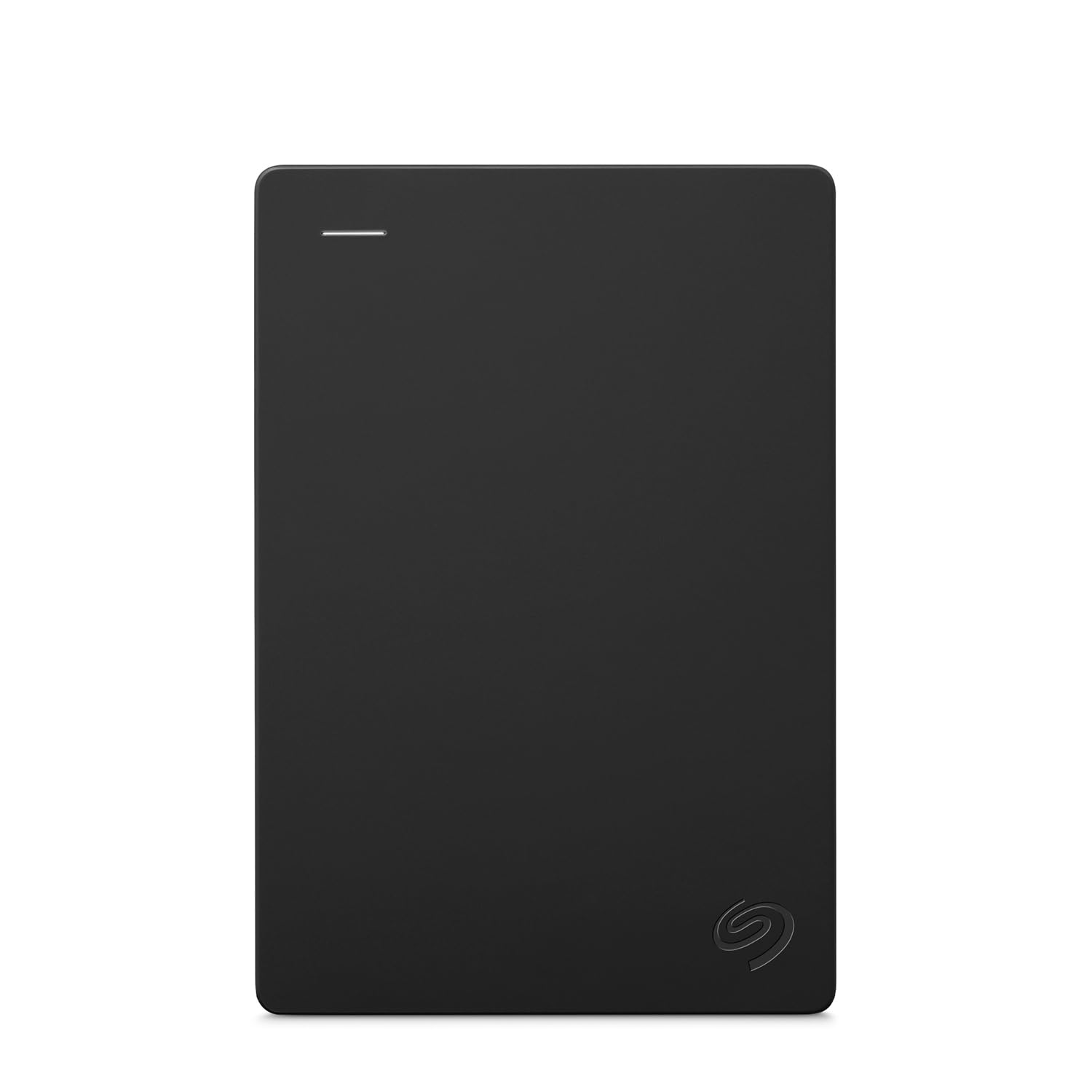
Adds a terabyte to a PlayStation or Xbox with no software install.
This is the drive that shows up when someone needs to add a terabyte to a console. The 1TB capacity is what buyers praise here — it holds a stack of game installs so your console’s internal storage stops screaming for space. Setup is genuinely simple: the included 18-inch USB 3.0 cable goes in, the machine recognises the drive, and you’re done. No software to install, no formatting song and dance. That ease is the main reason this model carries so much goodwill.
Speed is where the picture splits. The manufacturer quotes a data transfer rate of 20 gigabits per second on the spec sheet — four times the WD 2TB Elements’ quoted 5Gbps figure — but real copy speed over that cable lands somewhere else entirely. Some buyers describe it as extremely fast with quick load times, others as slow as hell. Both are true experiences of a mechanical drive’s ceiling. The one-year Rescue Service is the quiet bonus: a data-recovery service thrown in with the drive, which is worth knowing about before something goes wrong.
Compatibility is the honest catch. PlayStation 4, Xbox Series S, and PS5 owners mention it working perfectly. Mac owners don’t, and some PCs stop recognising it after a while. As for reliability, failures get flagged — multiple customers note a drive crashing after a single use — but the far bigger share of the discussion is people getting good long service out of it. The truth is that platter drives are consumable hardware. This one is a solid, easy, budget-friendly terabyte for a console shelf.
What earns it its spot
- 1TB of console expansion with no software install required
- Included 18-inch USB 3.0 cable means it works from the start
- One-year Rescue Service backs up the backup with data recovery
- Reliable enough with PS4 and Xbox Series S that buyers keep recommending it
Honest limits
- Real copy speed varies wildly — some buyers find it slow
- Doesn’t cooperate with Macs
- A few units crash early; keep a second copy of game saves you care about
Built for: console owners who want one terabyte of extra room and the least possible setup fuss.
Not it for: Mac users, or anyone expecting SSD-like snappiness from a spinning disk.
4. Toshiba Canvio Basics 2TB Portable External Hard Drive

A matte 2TB workhorse for a Windows laptop that’s run out of room.
The pitch here is straightforward: 2TB of extra space for a PC that’s straining at the edges, in a 2.5-inch portable body with a matte finish that hides fingerprints. It’s pre-formatted NTFS for Windows — which means Mac owners face a reformat before they can write to it. The USB 3.0 interface (5Gbps on the spec sheet) needs no external power cord, so a single cable does both jobs. The polycarbonate shell keeps the weight down without turning it into a plastic brick.
The reason people buy this specific unit is the freeing-up-space effect. The storage capacity gets praised for exactly that — clearing a cramped PC and taking up almost no room on the desk. Performance lands 92% positive in the topic breakdown, which is the strongest performance read in this entire roundup. Value for money also holds up, with several buyers describing it as one of their best purchases. Against the WD 2TB Elements, this is a straight capacity match at 2TB apiece, so the decision depends on finish, familiarity, and availability at the time you buy.
Durability is the recurring weak signal, and it’s worth being honest about: some units crash within a week, some fail after two years. That’s a striking spread, and it’s the complaint worth knowing before you commit. The fix isn’t a different drive — it’s a discipline. Keep a second copy of anything you can’t lose. Buy this for the clean finish and the 2TB, and set up a scheduled backup rather than hoping.
The case for it: 2TB in a matte, smudge-resistant portable shell for a PC that simply needs more room.
The honest catch: durability reports vary widely, from within-a-week failures to two-year service — back up twice, not once.
Right for: Windows PC owners who want a tidy 2TB portable drive and will actually schedule backups.
Wrong for: Mac users without a reformat plan, or anyone expecting SSD-grade resilience from a mechanical disk.
5. WD 5TB Elements Portable External Hard Drive

Five terabytes in a 2.5-inch body for a photo library that outgrew everything else.
If you shoot video, keep every raw photo, or maintain a media server, this is the drive that stops the constant juggling. Five terabytes against the WD 1TB My Passport’s single terabyte is a five-fold capacity gap by the numbers on the box — and that gap is the entire reason to buy this one. The 2.5-inch body at 5TB is genuinely compact for the room it provides, and USB 3.2 Gen 1 at 5Gbps keeps everyday copies moving without a dedicated dock or power adapter.
Where it earns its keep is straightforward: capacity and performance. Storage headroom is what owners single out, and performance approval is the strongest aspect category here. The mixed side is honest and matters. Reliability split down the middle — some report endless trouble-free service, others a drive that failed after two months. Speed opinions split similarly, with quick transfers in one camp and sluggish loading in the other. That’s what a mechanical drive in a plastic shell is: variable. You are buying capacity and convenience, not a durability promise.
Console support is decent too, with compatibility listed for Xbox 360 and PlayStation 4. For TB of room in a bag, the math works out — but pair it with cloud storage or a second drive for anything irreplaceable. If you need speed rather than volume, look elsewhere. If you need a big, portable pocket of space, this delivers.
Why people buy it
- 5TB in a 2.5-inch portable body — five times the WD 1TB My Passport’s capacity
- USB 3.2 Gen 1 at 5Gbps with no external power required
- Performance approval stands out as the strongest aspect in the feedback
- Works with Xbox 360 and PlayStation 4 alongside PC and Mac (Mac needs reformatting)
What it costs you
- Reliability reports are split, from years of service to a failure after two months
- Speed is not guaranteed — some buyers find it slow to load
- Premium pricing for the capacity, so the value case only works if you’ll actually use the room
The pick for: photographers, videographers, or anyone whose archive has already blown past the two-terabyte mark.
Think twice if: you’re buying partly for speed, or your data is irreplaceable and you haven’t got a second copy sorted.
6. WD 5TB My Passport Portable External Hard Drive

Five terabytes with hardware encryption and a password lock, for archives that carry sensitive material.
This is the drive for the buyer who wants the WD Elements’ five-terabyte capacity but can’t accept an open up disk. Password protection is handled by hardware encryption on the drive itself, and the bundled software adds defense against ransomware — the same feature set as the 1TB My Passport, scaled to bulk storage. It carries a three-year limited warranty, and the slim aluminium-and-glass enclosure keeps it travel-friendly without shouting about it. For a photographer carrying client work, that combination of 5TB and a password is the whole pitch.
Capacity is what owners approve of most — plenty of room for movies, games, and photos without shuffling things around. Set that against reliability, which is split right down the middle: some units run flawlessly from the start, others fail inside four months. Quality opinions split similarly. It’s sobering, and it’s the same story across every mechanical drive in this list — the difference is this one has encryption to protect a lost drive, not a second disk to protect your data.
Value is the other honest question. Some buyers find it well worth the price for the capacity; others feel the loss keenly when a unit dies early. That’s a genuine risk on any big spinning drive. The plan that works here is to buy this for encryption and volume, and keep a separate copy of the files you can’t recreate. It’s the 5TB Elements with a lock on it — and that lock is why the price climbs.
Where it delivers: 5TB of room with hardware encryption and ransomware protection built in, plus a three-year warranty.
Where it falls short: reports split between flawless units and failures within four months, and Mac users must reformat.
Pick it if: your archive is big and sensitive, and you’d rather lose the drive than the data on it.
Pass on it if: you’re price-driven — the unencrypted 5TB Elements offers the same capacity without the lock or the premium.
7. Avolusion PRO-5X Series 8TB USB 3.0 External Hard Drive

Eight terabytes on your desk, with a power adapter and a 7200 rpm platter you’ll hear.
Nobody buys this drive for portability. They buy it because they have eight terabytes’ worth of Windows files and want a single box to hold the backup. It’s a 3.5-inch desktop unit with a 7200 rpm (revolutions per minute — how fast the disk spins) mechanism, a 256MB cache, and a power adapter in the box. That spec combination is why it can swallow an entire Windows system image without complaint. Windows OS desktops and laptops with a USB 3.0 port are the target here — Mac owners are not.
Performance is the aspect buyers approve of most, with the drive described as one of the best they’ve used, and the cost-to-storage ratio getting specific praise. The two-year warranty is shorter than the WD models’ three-year limited warranty, so the real draw here is the 8TB capacity. If you want a backup vault that doesn’t get carried around, it’s the obvious option.
The trade-offs are real and specific. Noise splits badly: 7200 rpm desktop drives make an audible hum, and the negative mentions of noise outnumber the positive ones here. Reliability is also mixed, with some units failing after two weeks. Add the power brick and the 3.5-inch footprint and you have a drive that lives in one place. That’s fine if a desk is where it belongs. Pair it with a second backup and it does the job.
Why it earns the label: 8TB of Windows-friendly storage, a 7200 rpm mechanism, and a 256MB cache for a genuinely large archive or system image.
The trade-off: it hums, it needs a wall outlet, and reliability reports are mixed — but it hands you more room than anything else in this list.
Go for it if: you want a single high-capacity vault for a Windows backup that never leaves the desk.
Rule it out if: noise matters in your workspace or you need to carry the drive between machines.
Know the Specs
Capacity in terabytes
A terabyte (TB) is roughly a thousand gigabytes. On paper, a 1TB drive holds a thousand gigs; in practice, the drive reports slightly less because formatting takes a slice. The number that matters for your decision is headroom — how much space you want left six months from now. If your current photo library sits at 400GB, buying a 2TB drive means you can keep adding without juggling. That’s why capacity is the first spec to lock in, ahead of speed or brand.
USB 3.0 versus USB 3.2 Gen 1
Both are the same 5Gbps interface, renamed over time — the spec sheet may say USB 3.0, USB 3.1, or USB 3.2 Gen 1 and mean the same real-world port. Five gigabits per second is the ceiling that the connection can carry; your actual copy speed is usually lower, because a spinning disk reads slower than the cable can send. The other detail to check is connector type. A USB-A cable fits older laptops directly; a USB-C-only machine will need an adapter.
Hardware encryption and password protection
Hardware encryption means the drive itself scrambles the data before it’s written, rather than software handling it on your PC. In practice, that protects the disk if it’s removed or lost. Some models also bundle ransomware defense in the management software — the point of it being that a backup drive is a common target for ransomware encrypting your safety copy. If your files include client work or personal documents, this feature set is worth the capacity trade-off.
Portable 2.5-inch versus desktop 3.5-inch
A 2.5-inch drive draws its power from the USB cable, so it’s portable and needs no outlet. A 3.5-inch drive spins a bigger platter, ships with a power adapter, and stays put. That’s the honest trade. The portable drive is easier to carry; the desktop drive gets more capacity and a faster mechanism (7200 rpm) for the same outlay. Choose based on whether the drive moves or stays home.
Common Questions
Will a Windows-formatted drive work on my Mac?
How long should I expect a mechanical external drive to last?
Is 2TB enough for a photo and video library?
Does a USB 3.0 drive work on a USB-C-only laptop?
What does hardware encryption actually protect against?
Is a portable drive or a desktop drive better for a Windows backup?
Why do drives of the same capacity cost different amounts?
Can I use these drives for a PlayStation or Xbox?
Do I need to buy a separate power adapter?
Is a 5TB drive worth it over a 2TB drive?
The Bottom Line
For most people, the storage external hard drive that makes the most sense is the WD 2TB Elements Portable. It gives you 2TB of space and plug-and-play simplicity for Windows users, with USB 3.2 Gen 1 (a fast USB connection) at a quoted 5Gbps (gigabits per second, the connection’s top speed). The one honest caveat is that mechanical drives fail, and this list is no exception, so a second copy of anything irreplaceable is the real insurance. If you need password protection with your storage, the WD 1TB My Passport is the pick. If you need maximum capacity and a desk-friendly vault, the Avolusion PRO-5X 8TB handles everything your archive throws at it.
How we choose
We do not accept paid placement. Every pick is matched to a real buyer and a real use-case; we do not hands-on test units.
Sources
Specifications: manufacturer listings and product documentation. Review insights: verified customer reviews, as of November 2026. Pricing: not shown on this page (it changes often); check the current price via the retailer link.
As an Amazon Associate, Tactical Gear Guy earns from qualifying purchases. This does not affect which products we feature.