Specs are compiled from manufacturer listings and verified buyer reviews and can change over time — please confirm the key details on the product page before buying.
Plenty of notebooks advertise 8GB of memory and 1TB of storage, yet feel sluggish on day one. The reason usually depends on the drive: a fast solid-state drive or an old spinning hard disk. This guide separates the two, so you can pick a machine that still feels quick two years from now rather than one that stalls the moment you open a dozen browser tabs.
This guide is built by comparing the manufacturers’ published specifications and the patterns across verified customer reviews, so you get each pick’s real strengths and trade-offs instead of marketing spin.
You will see which models pair that 1TB with a responsive processor, which ones run cool and quiet for classes, and which trade raw speed for a bigger screen. Every pick below matches the same memory and storage footprint, so the real differences come down to drive type, chip, and battery. Here is the honest read on the best notebook with 8GB RAM and 1TB.
Top Picks


How To Choose The Best Notebook with 8GB RAM and 1TB
The memory and storage numbers are the easy part, since every pick here has 8GB of RAM and 1TB of storage. What actually decides whether you enjoy using the machine is the type of drive, the processor behind it, and the screen you stare at all day. Get those three right and the laptop stops being something you notice.
Solid-state drive versus spinning hard disk
A solid-state drive (SSD) stores files on memory chips with no moving parts, so it opens apps and boots the system almost instantly. A hard disk drive (HDD) uses spinning platters and a moving read arm, which is slower to wake up and more sensitive to bumps in a backpack. Both can hold 1TB, but an SSD makes an 8GB machine feel far livelier in daily use.
The processor is what keeps tabs from stalling
A processor’s boost speed (the top speed it can hit briefly when a task demands it) tells you how snappy it feels when you open a heavy page or a big spreadsheet. Cores split the work, so a four-core chip juggles a video call, a browser, and a document better than a two-core one. Pair a modest chip with a fast drive and everyday multitasking stays smooth.
Screen and battery decide how it feels to live with
A full HD panel (1920×1080 or 1920×1200) keeps text crisp, while a lower HD panel is easier on the eye only at a distance. Rated battery life in hours tells you how long you can work untethered before hunting for an outlet. For classes or travel, a lighter body and a fast charger matter as much as raw specs.
Side-by-Side Comparison
| Model | Best For | Processor | Storage Type | Battery (Rated) | Amazon |
|---|---|---|---|---|---|
| ASUS Vivobook 15.6 (i7-1065G7)★ Best Overall | Fast everyday power | Intel Core i7-1065G7 | 1TB HDD + 256GB SSD | — | Amazon |
| Lenovo IdeaPad 320-15ABRBig Screen Value | Budget desktop replacement | AMD A12-9720P | 1TB HDD | 5 hours | Amazon |
| NIMO 15.6 IPS FHD | Students on the move | AMD Ryzen 5 3500U | 1TB PCIe SSD | 9 hours | Amazon |
| Lenovo IdeaPad 3i | Touchscreen flexibility | Intel Core i3-1115G4 | 1TB PCIe SSD | 10 hours | Amazon |
| ASUS VivoBook 16 | Big screen, big power | AMD Ryzen 7 7730U | 1TB PCIe SSD | — | Amazon |
| HP 16″ Touchscreen | All-day battery and touch | AMD Ryzen 5 40 series | — | 14 hr 15 min (video) | Amazon |
Detailed Reviews
1. ASUS Vivobook 15.6 Laptop
Our pick — 4.5+★ from 150+ verified ratings; the strongest balance of quality and price.
Two drives in one laptop means speed where it counts and space where it does not hurt.
The spec that makes this ASUS the one to beat is a 10th Gen Intel Core i7-1065G7 quad-core processor (a chip with four working cores) that tops out at 3.9 GHz in Turbo Boost when a task needs a burst of speed. In plain terms, that is the part that keeps a video call, a spreadsheet, and a browser with a dozen tabs from tripping over each other. It pairs with 8GB of DDR4-3200 memory, the faster flavour of laptop memory, so switching between open apps stays brisk. That is exactly where buyers land the praise — the performance is what wins people over, and the speed gets called out with affection.
Storage is the clever trick here. You get 1TB on a 5400 RPM hard disk (the spinning kind, which is cheap and roomy) for movies and archive folders, plus a 256GB solid-state drive (memory-chip storage with no moving parts) for Windows and the apps you open daily. Put the operating system and your main programs on the solid-state side and boot times feel nearly instant, while the terabyte quietly soaks up everything else. A 15.6-inch Full HD LED display keeps documents sharp, and the full-size keyboard includes a numeric keypad, which is a real convenience if you type numbers all day.
The connectivity is generous for the tier: Wi-Fi 6 and Bluetooth 5 handle the wireless side, and you get 2 USB 3.0 Type-A ports, 1 USB 3.1 Type-C port, and 1 HDMI output for a monitor. The honest catch: the 1TB is a 5400 RPM spinning hard disk, not solid-state — fine for storing files, slower than an SSD for anything you run from it. Keep the heavy lifting on the 256GB solid-state drive and this quietly becomes the best notebook with 8GB RAM and 1TB in this lineup for mixed home-and-work use.
What earns the top slot
- Quad-core Intel Core i7-1065G7 that reaches 3.9 GHz Turbo Boost — ready for real multitasking.
- The only pick with both a 1TB hard disk and a 256GB solid-state drive, so you get speed and room.
- 15.6-inch Full HD screen with a full-size keyboard and numeric keypad.
- Wi-Fi 6, Bluetooth 5, USB-C, and HDMI all present.
Where it asks for a little care
- The 1TB drive itself is a 5400 RPM hard disk, not a full solid-state terabyte.
- 8GB of memory is soldered-tier for most buyers — fine for daily tasks, tight for heavy editing.
Reach for this if: you want one machine that boots fast and still has a terabyte for files, without stepping into premium money.
Look elsewhere if: you expect all 1TB to run at solid-state speed — the speed lives on the 256GB side here.
2. Lenovo IdeaPad 320-15ABR Laptop
The rare notebook that still has a disc drive and lets you add memory later.
Here is the pick that wins on sheer flexibility. The IdeaPad 320 runs an AMD A12-9720P processor at 2.7 GHz with turbo up to 3.3 GHz, and that 2.7 GHz settles well below the 3.9 GHz turbo ceiling on the ASUS at the top of this list — so expect a calmer pace for heavy multitasking. What nudges it ahead for some buyers is the memory: the 8GB of DDR4 SDRAM is expandable to 16GB, meaning you can ease the strain later rather than being locked in. The 1TB 5400 RPM hard drive gives you the promised room for files.
The features that set it apart are old-school in the best way. There is a DVD-RW drive built in, which hardly any modern notebook carries, plus 1 USB Type-C port, 2 USB 3.0 ports, 1 HDMI output, and Bluetooth. The 15.6-inch LED backlit HD display runs at 1366×768, which is a step down in sharpness from the Full HD panels elsewhere here — tolerable for browsing and email, less ideal for detailed spreadsheets. Owners describe it as a tidy-looking grey machine, and the overall build earns the most affection in the listing.
Be honest with yourself about the battery. The rating is 5 hours, and the recurring note from buyers is that this machine really wants to be near a wall outlet — the review pages sum it up plainly: The battery life is concerning, lasting less than 2 hours, and the webcam picture quality is poor. So treat it as a desktop replacement that occasionally travels. It also ships with Windows 10 Home rather than the newer Windows 11, which is worth knowing before you buy.
The value read: you are paying for storage, a disc drive, and the option to expand memory to 16GB — three things that are genuinely hard to find together at this tier.
The tethered truth: plan on keeping it plugged in for long sessions, and the 1366×768 screen is best suited to light tasks.
Suits you when: it will live on a desk, you still use discs, and you want the option to add memory down the road.
Give it a pass if: you need true all-day unplugged work or a crisp full HD display.
3. NIMO 15.6″ IPS FHD Laptop
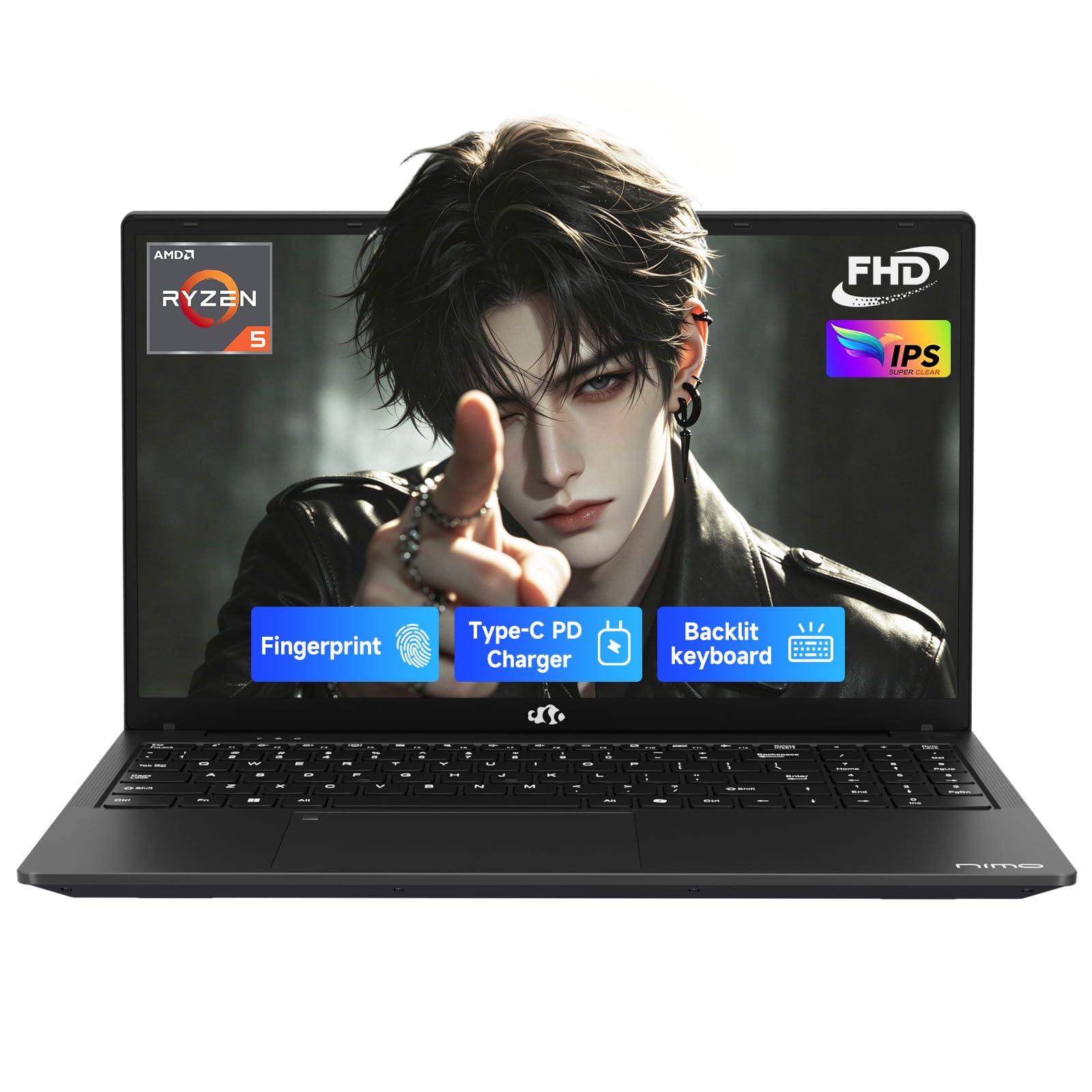
A full solid-state terabyte plus a charger that tops up your phone between classes.
If the terabyte being genuinely fast matters to you, this is the machine that delivers it plainly. The NIMO pairs 8GB of DDR4 memory with a 1TB PCIe SSD — solid-state storage over the PCIe lane, which is the quick, modern way to store files on chips. That is the difference between a terabyte you can actually run programs from and one you just store things on. A 65W USB-C PD fast charger is included, along with a 6.56-foot cable, and the maker states that a 15-minute charge gives up to 2 hours of use — a genuine lifeline on a rushed morning.
At 3.75 lbs with an aluminum top cover, it slips into a backpack without complaint, and it sits a touch under the 4.14 lbs of the ASUS VivoBook 16 further down — a small edge if you haul it campus to café. The 15.6-inch Full HD (1920×1080) IPS anti-glare panel keeps text readable in bright rooms, and a fingerprint sensor on the touchpad lets you skip typing a password. The AMD Ryzen 5 3500U is a four-core chip that reaches up to 3.7 GHz, comfortably above the 2.7 GHz max of the Lenovo IdeaPad 320 above it, which is why everyday office apps and research feel smoother here.
Owners praise the build most — the aluminum shell is the standout, and it holds up to the daily commute. There is also a 2-year manufacturer’s warranty and a 90-day return window, which is longer coverage than the other picks list. The one thing to watch: the listing copy talks about memory and storage upgrades in ways that are a little inconsistent, so confirm the exact 8GB configuration in your order before checkout. For a student on the move, the fast drive, light body, and long warranty add up to a sensible bet.
Why students gravitate here
- A true 1TB PCIe solid-state drive — fast to boot, fast to transfer.
- 65W USB-C charger also powers your phone or tablet, so fewer adapters.
- Light at 3.75 lbs with a metal top cover and a 180° hinge.
- Fingerprint login and a 2-year warranty with 90-day returns.
Worth checking before you order
- Listing copy around memory and storage upgrades is a touch inconsistent — confirm the 8GB spec.
- The Ryzen 5 3500U is quick for schoolwork but not a workstation chip.
The fit: students and commuters who want a genuinely fast terabyte and a charger that doubles as a phone top-up.
The check: verify the 8GB configuration on the listing, since the upgrade wording can read a few ways.
4. Lenovo IdeaPad 3i Laptop

Tap and swipe your way through documents on a screen that responds to a finger.
For anyone who finds a trackpad fiddly, the touchscreen is the headline. The 15.6-inch HD display responds to a finger with narrow bezels around it, so you can scroll a document, zoom a photo, or tap a button directly. Underneath runs an Intel Core i3-1115G4 processor with two cores, a 6MB cache, and a max speed of 4.1 GHz — a chip that handles browsing, email, video calls, and office apps without drama. It is paired with 8GB of DDR4 memory and a 1TB PCIe M.2 solid-state drive, so the whole terabyte is fast memory-chip storage, and bootups and file transfers stay quick.
The battery rating is 10 hours, which is double the 5-hour rating of the Lenovo IdeaPad 320 above — a meaningful jump if you are away from an outlet for a full day of classes or meetings. Wireless is handled by Wi-Fi 6 and Bluetooth 5.1, and the port selection covers 2 SuperSpeed USB Type-A, 1 USB 2.0 Type-A, 1 HDMI, and a headphone/microphone combo jack, plus an SD card reader. Windows 11 Home comes pre-installed, so you are current out of the gate.
The trade-off is the panel resolution: it is an HD touchscreen rather than Full HD, so fine text is a little softer than on the NIMO or the VivoBook 16. Touch and crispness rarely come together at this tier, and here you are choosing touch. It has drawn fewer owner reviews than the other picks, so the feedback is thinner — but what buyers do reward is the tablet-like control a finger gives you on a laptop this size.
The touch payoff: a 4.1 GHz Core i3-1115G4, a full 1TB PCIe SSD, and 10 hours of rated battery make this a capable daily machine that also happens to take taps.
The compromise: the touch panel is HD, not Full HD, so sharpness takes a small hit versus the higher-resolution picks.
Pick it for: fingertip control and a fast solid-state terabyte, with enough rated battery for a full day out.
Think twice if: pin-sharp text matters more to you than touch — the HD panel is the compromise.
5. ASUS VivoBook 16 M1605YA-ES74 Laptop
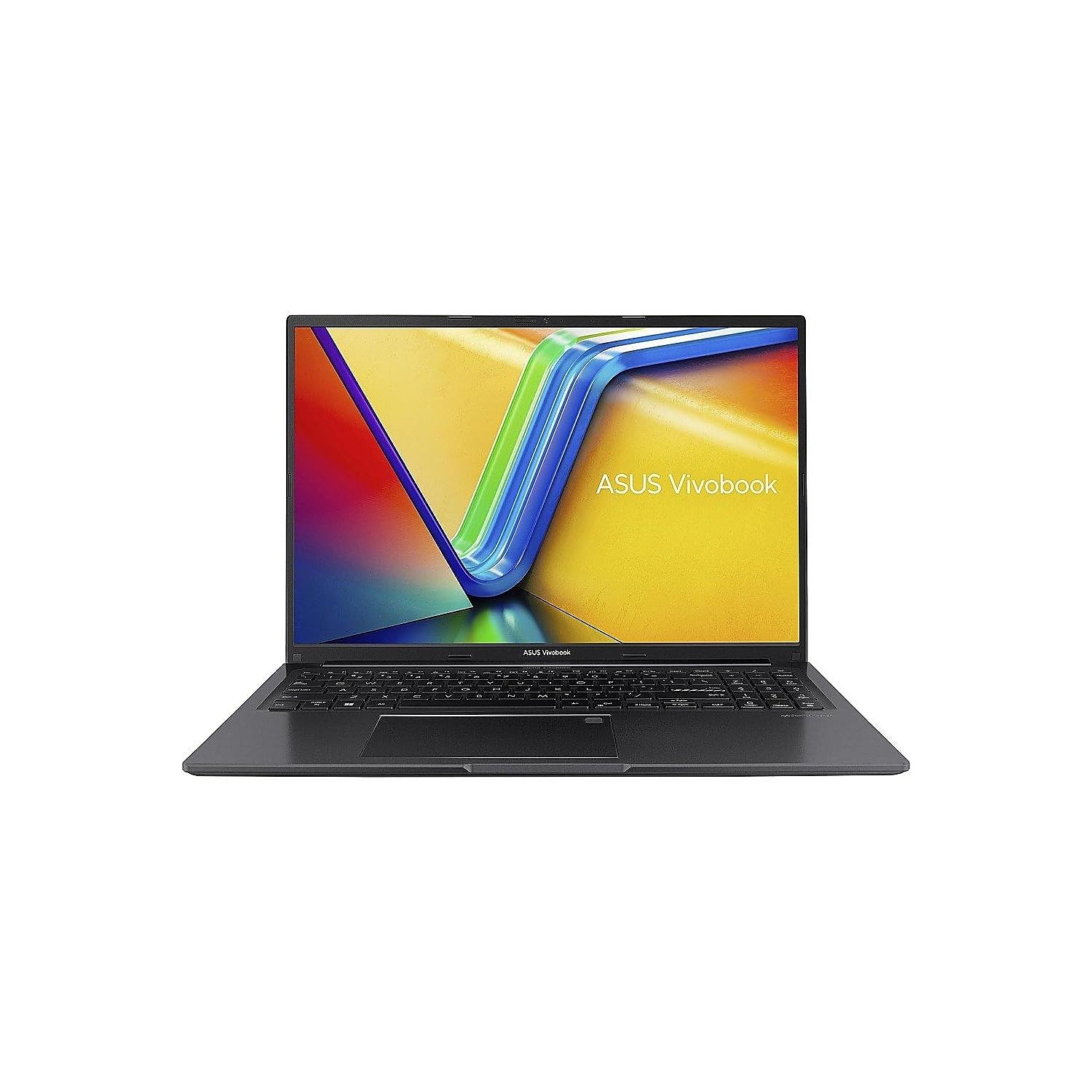
Eight cores, a 4.5 GHz ceiling, and a 16-inch screen built for serious multitasking.
The muscle here is the AMD Ryzen 7 7730U, an eight-core, sixteen-thread processor with 16MB of cache that boosts up to 4.5 GHz. That 4.5 GHz tops the 2.7 GHz ceiling of the Lenovo IdeaPad 320 by a wide margin, and the sixteen threads mean a video export, a browser, and a document can share the load without choking. The same chip is why the performance is what wins people over — buyers find it handles real work well — and it comes bundled with AMD Radeon graphics for lighter creative tasks.
The 16-inch WUXGA display runs at 1920×1200 in a 16:10 shape, which gives you a taller working area so you scroll less through documents and web pages. It carries TÜV Rheinland certification with an 86% screen-to-body ratio, so the frame stays slim around the picture. Storage is a 1TB M.2 NVMe PCIe 3.0 solid-state drive, backed by the same 8GB of DDR4 memory as the rest of the list. Connectivity covers USB 3.2 Gen 1 Type-C, USB 3.2 Gen 1 Type-A, USB 2.0 Type-A, a 3.5mm combo jack, and micro HDMI 1.4, with Wi-Fi 6E and Bluetooth 5 on the wireless side.
It is also built to take a knock, meeting the US MIL-STD 810H military-grade standard, and it measures 0.78 inches thick at 4.14 lbs. That 4.14 lbs sits a hair above the 3.75 lbs of the NIMO above, so it is a touch heavier on the shoulder. The recurring gripe is the speakers — sound is not this machine’s strong suit, so headphones or a small speaker are worth having on hand. Build feel draws some mixed notes too, so give the shell a gentle hand between classes.
Where the power shows
- Eight-core Ryzen 7 7730U with 16MB cache boosting to 4.5 GHz.
- A 16-inch 1920×1200 16:10 panel with an 86% screen-to-body ratio.
- 1TB M.2 NVMe PCIe 3.0 solid-state storage — the whole terabyte is fast.
- MIL-STD 810H durability and a fingerprint sensor via Windows Hello.
The honest footnotes
- The built-in sound is not strong — plan on headphones for video and music.
- At 4.14 lbs it is a touch heavier to carry than the lightest pick.
Made for: buyers who want the fastest chip and a tall 16-inch workspace in one machine.
Not for: anyone who needs strong built-in speakers or the very lightest carry weight.
6. HP 16″ Touchscreen Laptop
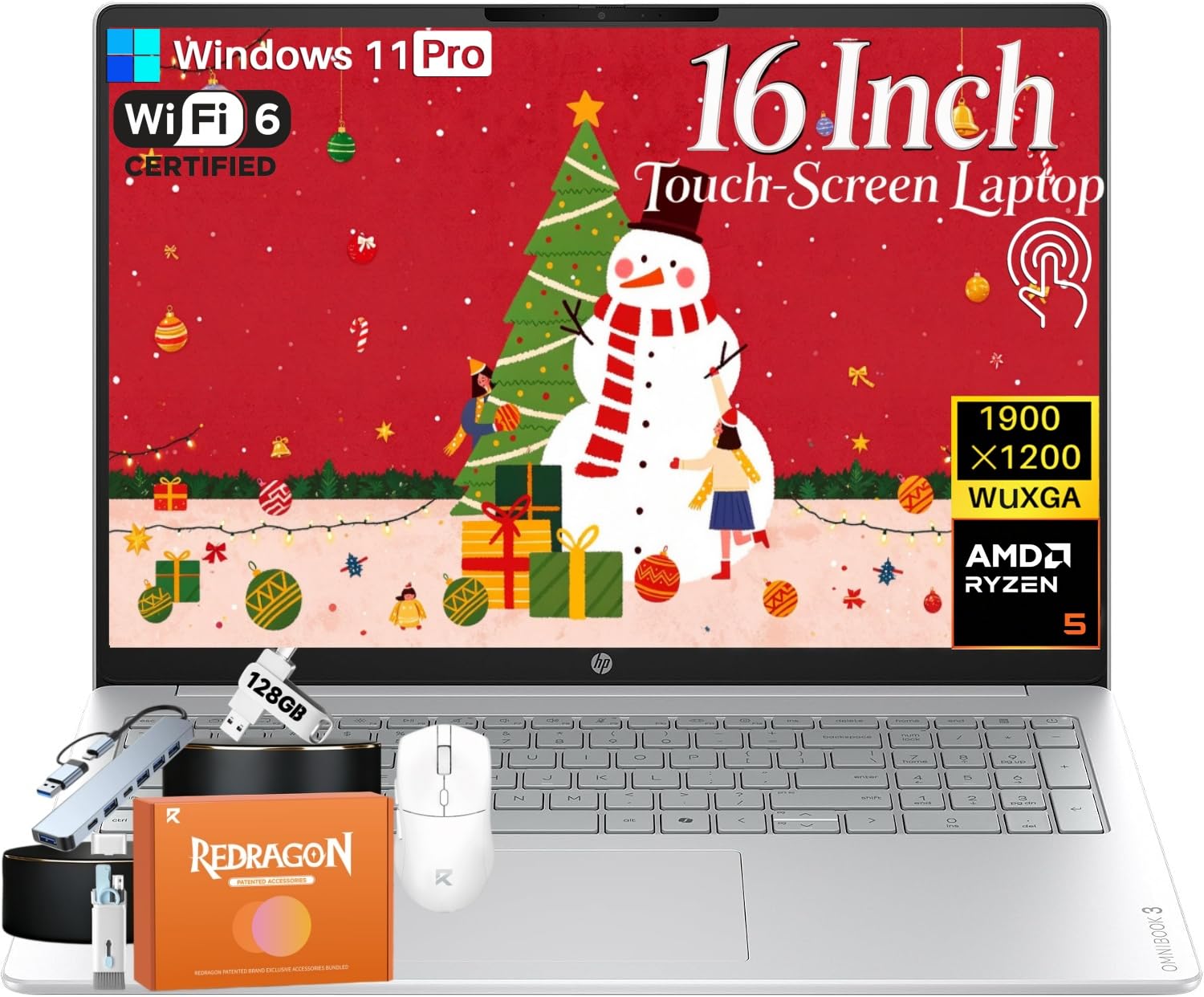
A battery rated to outlast the workday, wrapped around a bright 2K touch display.
If unplugged hours decide your purchase, start here. The HP is rated for up to 14 hours and 15 minutes of video playback, the longest battery figure on this list, so a full day of classes or a cross-country flight fits inside a single charge. Its fast charge adds 0% to 50% in 45 minutes, so a short stop between meetings refills a useful chunk. The screen is a 16-inch 2K WUXGA IPS touch panel at 1920×1200 with 300 nits of brightness and an anti-glare finish, and the 16:10 shape gives you more room for a document or a web page before you have to scroll.
Power comes from an AMD Ryzen 5 40 series processor with AMD Radeon 610M integrated graphics, aimed at office work, online classes, and streaming rather than heavy gaming. The port lineup is generous: 2 USB-A 5Gbps ports, 2 USB-C 10Gbps ports that handle charging, video, and data, 1 HDMI 2.1 for a big monitor or projector, and a 3.5mm audio jack. Wireless is Wi-Fi 6 and Bluetooth 5.4, and a 1080P camera with HDR and dual-mic AI noise reduction keeps video calls clean. It runs Windows 11 Pro from the start with Microsoft Copilot built in.
The body is Glacier Silver and slim at 0.58 inches, light at 3.61 lbs — the easiest of the group to slide into a bag. The catch: the technical specs do not state the storage type, so confirm whether the 1TB is an SSD or HDD before you buy. Owner feedback is also still building with this newer listing, so the track record is shorter than the established picks. The battery and the bright 2K touch screen are the clear reasons to pick this one.
The headline: up to 14 hours and 15 minutes of video playback plus 0%–50% fast charge in 45 minutes, on a 2K IPS touch panel.
The check: confirm the storage type on the listing, since the specs section does not state it, and the review history is still thin.
Grab it when: all-day unplugged battery and a bright touch screen are your top two priorities.
Verify first: the exact storage type, since the technical specs leave it unstated.
Know the Specs
What 8GB of DDR4 memory really does
Memory is the workspace your open apps share, and 8GB of DDR4 is enough for a browser with many tabs, a document, and a video call running together. DDR4 is a generation of laptop memory, and the 3200 figure on some picks is its speed — higher is snappier. If you regularly edit large video files or run many heavy programs at once, an expandable slot (as on the Lenovo IdeaPad 320, expandable to 16GB) gives you room to grow later.
Why the 1TB drive type changes the feel
A solid-state drive stores data on chips and boots in seconds; a hard disk spins platters and takes longer to wake. Both hold 1TB, but a PCIe or NVMe solid-state drive moves files far quicker than a 5400 RPM hard disk. The ASUS Vivobook at the top splits the difference with a 256GB solid-state drive for the system plus a 1TB hard disk for files. Match the drive type to how you work: fast for apps, roomy for archives.
Processor speed and core count explained
Boost speed is the top clock a processor hits briefly for demanding tasks, while cores let it split work in parallel. A four-core chip at up to 3.7 GHz (the NIMO) or an eight-core chip at up to 4.5 GHz (the ASUS VivoBook 16) keeps multitasking smooth, while a two-core chip at 4.1 GHz (the IdeaPad 3i) is fine for everyday browsing and office work. More cores help when several heavy tasks compete at once.
Display resolution and battery ratings
A Full HD or WUXGA panel (around 1920 pixels wide) keeps text and photos crisp, while an HD panel (1366×768 on the IdeaPad 320) is softer but easier to read at a glance. In our list, rated battery runs from a 5-hour figure on the IdeaPad 320 up to 14 hours and 15 minutes of video on the HP. Treat the battery rating as an estimate — real time depends on brightness and workload.
Common Questions
Is a 1TB SSD better than a 1TB HDD in a notebook?
Will 8GB of RAM be enough for a student laptop?
What does PCIe or NVMe mean on a 1TB drive?
Can I upgrade the storage or memory later?
Does a touchscreen notebook with 8GB RAM and a 1TB drive exist?
How long does the battery last on these notebooks?
Should I pick Intel Core or AMD Ryzen for a notebook like this?
What is the difference between HD and Full HD on a 15.6-inch screen?
Can a notebook with 8GB RAM and 1TB run Windows 11?
Is 1TB storage enough for a student or work laptop?
The Bottom Line
For most people, the standout among these is the ASUS Vivobook 15.6 — it pairs a fast Intel Core i7-1065G7 with a dual-drive setup that gives you solid-state speed for apps plus a full terabyte for files, and buyers consistently reward its performance. If fast, all-solid-state storage and a light body for classes matter most, the NIMO 15.6 makes a smart student pick with its 1TB PCIe SSD and 65W USB-C charger. And when you want the longest unplugged runtime on the list, the HP 16″ Touchscreen with up to 14 hours and 15 minutes of video playback is the one to reach for. Match the drive type to how you actually work — SSD for apps you run daily, HDD for archives — and any of these 8GB/1TB picks will hold up for years.
How we choose
We do not accept paid placement. Every pick is matched to a real buyer and a real use-case; we do not hands-on test units.
Sources
Specifications: manufacturer listings and product documentation. Review insights: verified customer reviews, as of November 2026. Pricing: not shown on this page (it changes often); check the current price via the retailer link.
As an Amazon Associate, Tactical Gear Guy earns from qualifying purchases. This does not affect which products we feature.