Specs are compiled from manufacturer listings and verified buyer reviews and can change over time — please confirm the key details on the product page before buying.
Buying a smart photo frame is really a decision about one question: will the person on the other end actually see new photos, or will the frame sit frozen on the same shot for a year? The frames below all connect to Wi-Fi and pull pictures from your phone through an app, so nobody has to hunt for an SD card. The differences that matter are the screen, the storage, and how reliably the frame stays on your home network.
This guide is built by comparing the manufacturers’ published specifications and the patterns across verified customer reviews, so you get each pick’s real strengths and trade-offs instead of marketing spin.
You will see which frames grandparents find genuinely simple, which one gives you a 15.6-inch display, and why the cheapest option here is not the one to grab first. Below is the straight answer on the smart Wi-Fi photo frame worth your money. smart wi-fi photo frame shopping gets a lot easier once you know which specs actually change daily life.
Top Picks
How To Choose The Best Smart Wi-Fi Photo Frame
A smart frame lives or dies on two things: whether it holds a Wi-Fi connection and whether the person receiving photos can figure out the app. Screen size and storage are the easy numbers to compare. The connection is the one that decides whether you smile at this thing or unplug it.
Start with the app, not the screen
Most frames here run on Frameo, a free app that lets an invited circle of people push photos and short videos to the frame from anywhere. Some use their own app, like Skylight’s own service or the Uhale app on the RCA frame. Before you buy, decide who is going to be sending pictures. If it is four family members scattered across three time zones, an app that supports unlimited members saves a lot of group-chat forwarding.
Match screen size to the wall you have
A 10-inch frame sits nicely on a nightstand or a kitchen counter. A 15.6-inch frame needs real wall space and becomes the focal point of a room. Bigger screens also mean bigger files, which is where storage and Wi-Fi speed start to matter more than you would expect.
Know what 2.4GHz-only Wi-Fi means for you
Several frames here connect only to a 2.4GHz Wi-Fi network — an older, slower band that travels further through walls than the faster 5GHz band. That is usually fine for photos, but it can fail if your router splits the two bands into separate network names and you do not know which one to pick. Check your router’s settings before setup day, not after.
Storage is about future proofing
A frame with 16GB of built-in memory holds a healthy library of everyday snapshots. A 32GB or 64GB frame gives you room to leave the slideshow running for years without pruning. Several models also accept a micro SD card or USB drive, which is your escape hatch if you ever want to load a huge batch of older scanned family photos at once.
Side-by-Side Comparison
| Model | Best For | Screen | Resolution | Built-in Storage | Amazon |
|---|---|---|---|---|---|
| Skylight 10″ White★ Best Overall | Gifting to grandparents | 10 inches | 1280×800 | Cloud-based | Amazon |
| NETTIPS Frameo 10.1″Best Value | Budget first frame | 10.1 inches | 1280×800 | 16 GB | Amazon |
| Flyruit Frameo 10.1″Best for Offline Uploads | No-Wi-Fi transfers | 10.1 inches | 1280×800 | 32 GB | Amazon |
| RCA 10.1″ Uhale | Computer uploads | 10.1 inches | 1280×800 | 32 GB | Amazon |
| Dragon Touch 15.6″ | Big screen on a budget | 15.6 inches | 1920×1080 | 32 GB | Amazon |
| BIGASUO Frameo 15.6″ | Long-term library storage | 15.6 inches | 1920×1080 | 64 GB | Amazon |
| KPKUE 15.6″ | Album organization | 15.6 inches | 1920×1080 | 64 GB | Amazon |
| Aura Carver 10.1″ | Premium gift presentation | 10.1 inches | WXGA | Unlimited (free) | Amazon |
| MaxAngel Frameo 32″ | Wall centerpiece | 32 inches | 1920×1080 | 64 GB | Amazon |
Detailed Reviews
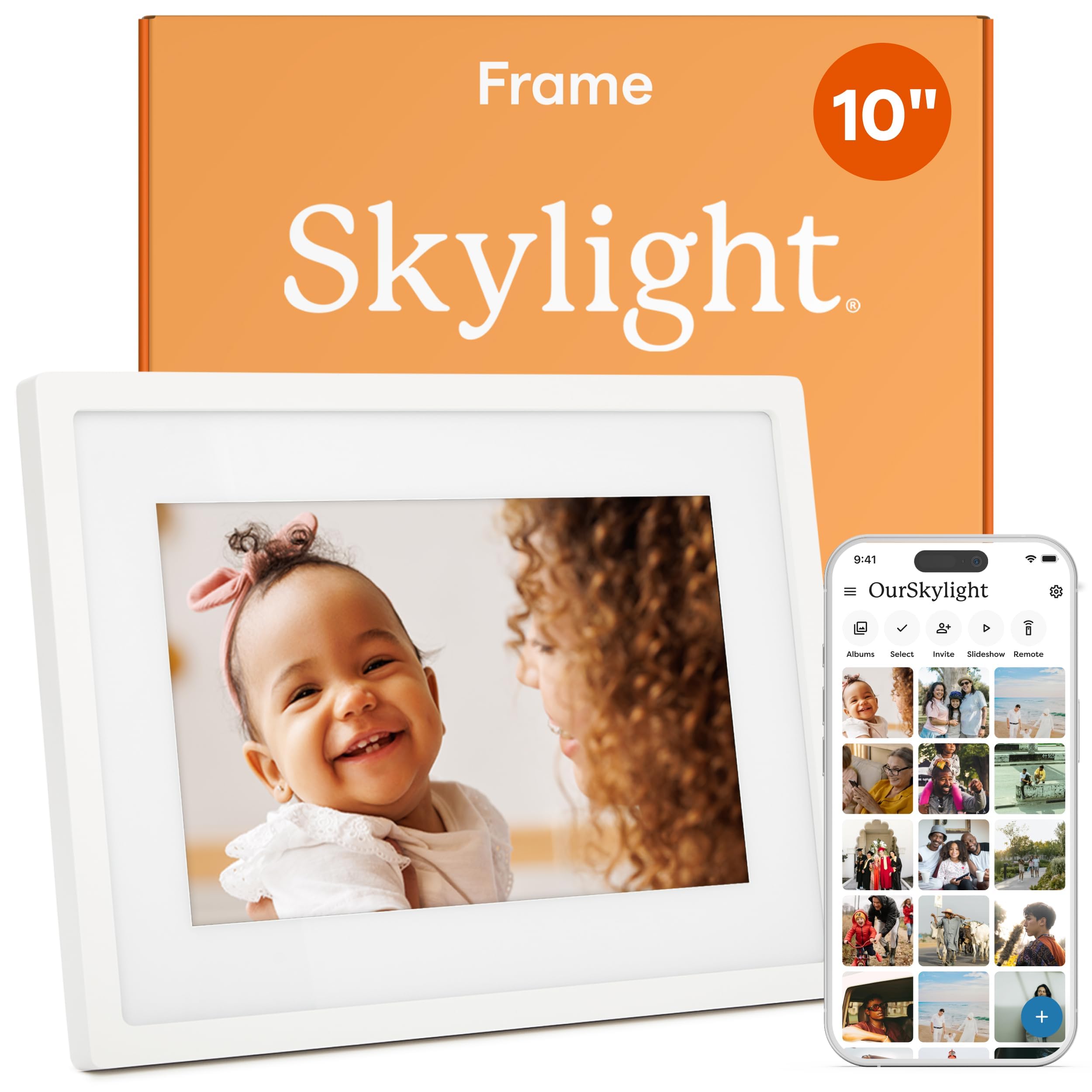
1. Skylight Digital Picture Frame, 10″ White
Our pick — 4.5+★ from 27,500+ verified ratings; the strongest balance of quality and price.
The frame that turns photo-gifting into a weekly habit, not a one-time novelty.
The setup is the headline. You plug the Skylight in, join it to your Wi-Fi, and give it a dedicated Skylight email address — that address is how photos reach it, so anyone you trust can mail a picture with no app, no account, and no explanation required. The 10-inch touchscreen runs at 1280×800 resolution, sharp enough that a face at arm’s length reads clean. Cloud-based storage means there is no SD card to lose, and the frame keeps pulling new photos over the air.
What wins people over is the gifting mechanic. Gift Mode lets you load and personalise the frame before it ever leaves the box, so the recipient opens a finished album instead of a project. That single feature is why this frame turns up so often as a first-smart-frame purchase for a parent or grandparent, and it is the reason the Skylight sits on more nightstands than anything else in this group — the crowd favourite, at 4.5+ stars across 27,000+ owners.
The honest catch is two-sided. There is a recurring gripe about long-term reliability — a frame that runs happily for a year and then will not power on — and the value question comes up too, since the subscription-free design is convenient but you are paying for that convenience. Neither complaint is new or universal, but they are why this is the pick for someone who wants the simplest possible setup on day one, not necessarily the cheapest frame per inch.
Where the Skylight earns its keep
- Email-based photo sending — no app needed, so elderly relatives can receive all day long
- Gift Mode preloads photos before shipping, so the first thing on the screen is a real memory
What to weigh before you commit
- Mixed feedback on long-term reliability, with a small share of units reported as quitting after a while
- No built-in memory spec — photos live in the cloud, so offline mode only shows what is already downloaded
Reach for this if: you are buying for someone who has never touched a photo app and you want zero setup instructions on the receiving end.
Think about storage elsewhere if: you want a big local library that survives the cloud being down.
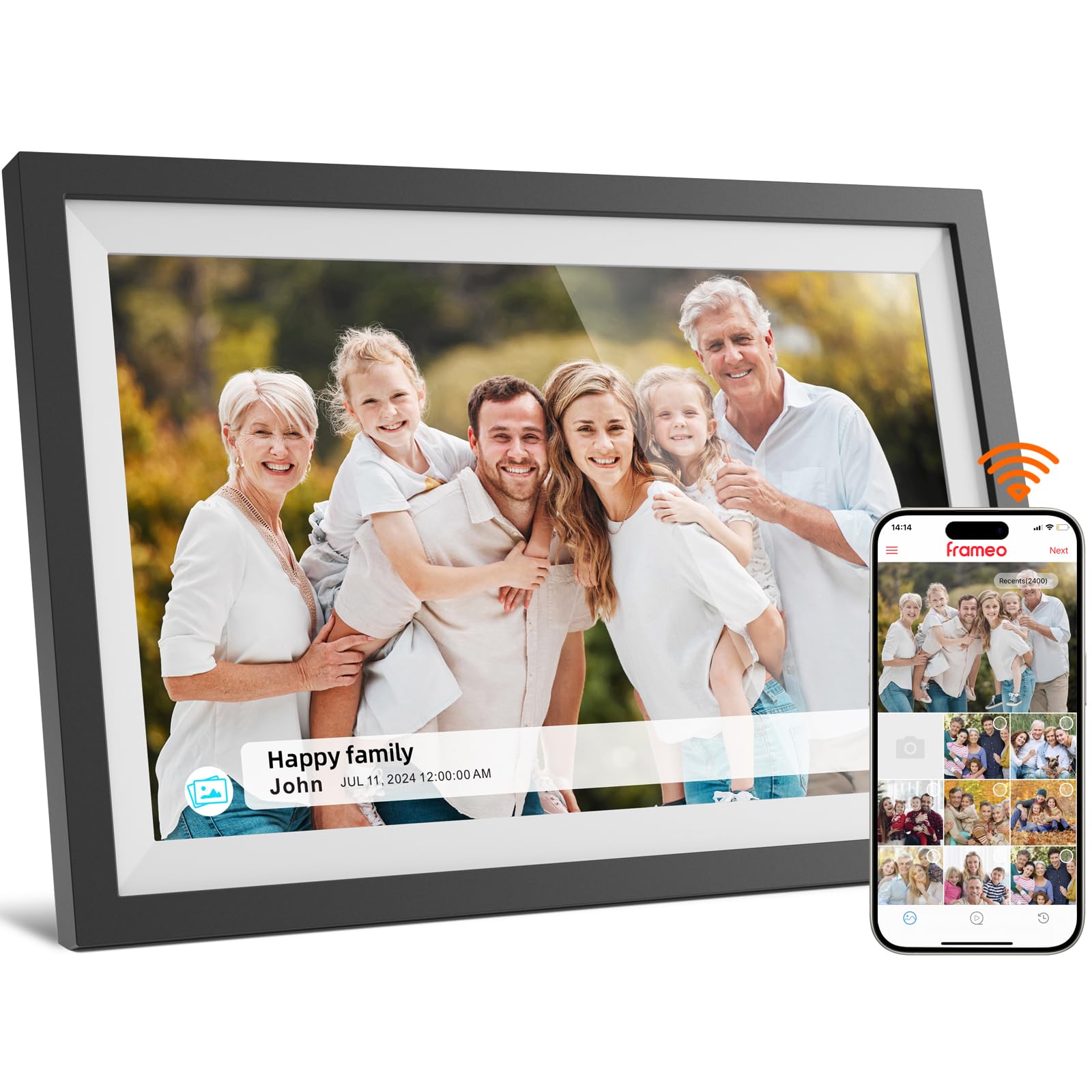
2. Digital Photo Frame, 10.1 Inch Frameo with Auto-Rotate
A 10.1-inch IPS touchscreen with 1280×800 resolution that holds its colours at an angle, rare at this price.
The NETTIPS runs on Frameo — the free app that lets invited family members send photos and videos up to 15 seconds from an iPhone or Android phone, whether they are five miles away or five time zones. The 10.1-inch IPS screen is the part that matters here: 1280×800 resolution with an IPS panel means colours do not wash out or invert when you walk past the frame at an angle, which is exactly what a hallway or kitchen counter placement demands.
Where it falls short of the Skylight is storage perception: 16GB of built-in memory holds roughly 4,000 photos at 3MB each, and it accepts a micro SD card up to 32GB for extra room. That is a real library for a family scrapbook, but not the “send everything forever” capacity of the 32GB and 64GB frames further down this list. The 365-day protection window with 30-day returns and 1-year full replacement warranty is a genuine reassurance on a frame at this end of the market.
What the screen actually buys you: a 10.1-inch panel with 1280×800 resolution and 1.44:1 aspect ratio — a slightly squarer shape than 16:9, so vertical phone shots fill more of the glass instead of sitting inside black bars.
The one thing to plan around: storage tops out at 16GB internally and 32GB on a micro SD card, so if you plan to dump a decade of phone photos in one session, figure out how you will manage it before the frame is already on the wall.
Who it beats: every larger frame here on screen-to-price usefulness if you only need a 10-inch display.
Who it does not: households with several hundred gigabytes of family photo library to migrate.
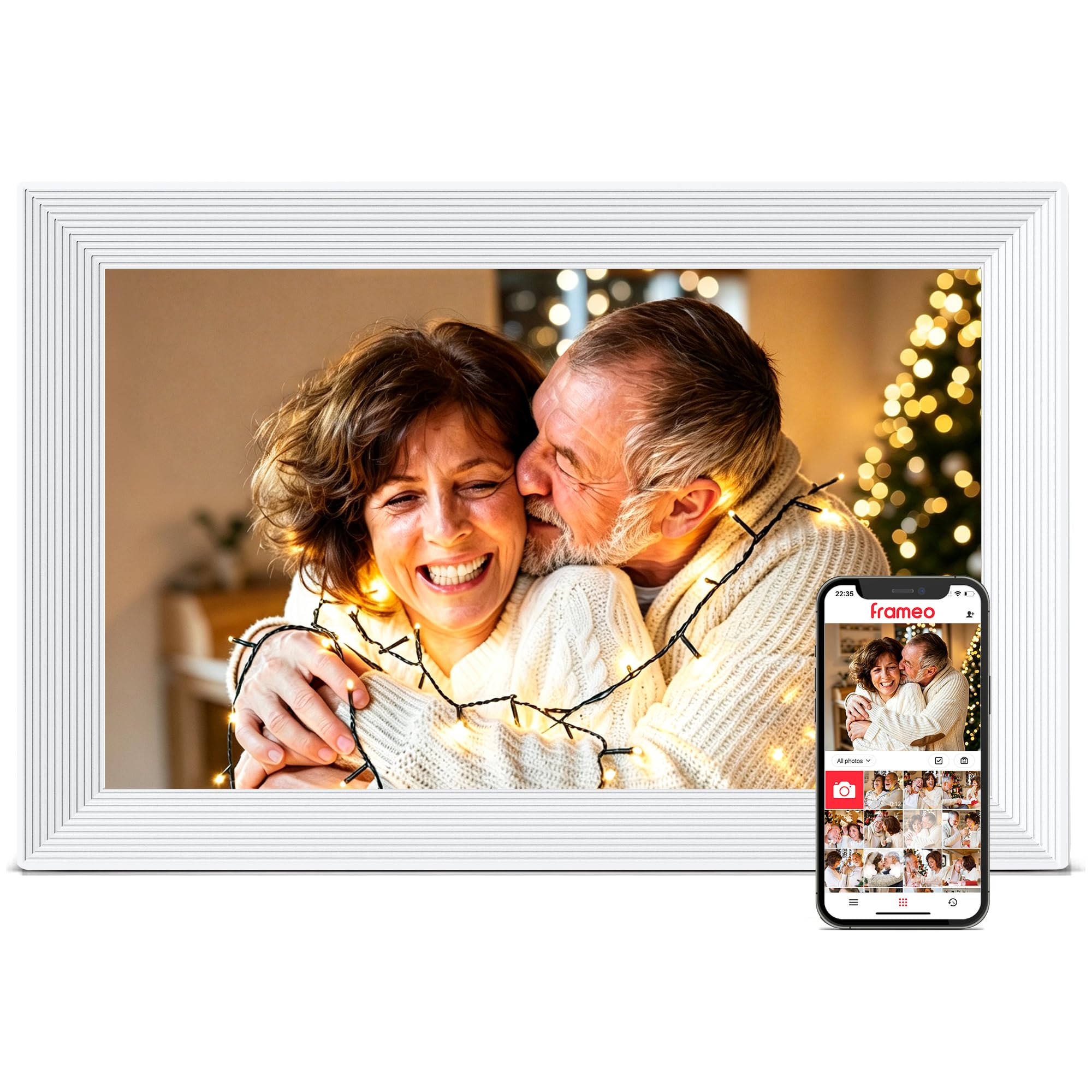
3. Flyruit Frameo 10.1″ Digital Picture Frame, 32GB
The one that keeps working when the Wi-Fi does not, via micro SD, USB-C drive, or USB-C cable.
Most frames here stop being useful the second the network drops. This Flyruit model has a backup route: pop a micro SD card or USB-C drive loaded with photos into the frame, or plug a USB-C cable from a computer, and the images transfer without any wireless connection at all. For a grandparent whose router is set up by someone else, that is the difference between a frame that works and one that sits dark while you troubleshoot long-distance. It reads JPG, JPEG, BMP, PNG stills and MP4 video.
Storage is where this one clearly leads the other 10-inch budget frames: 32GB built-in, expandable with up to 32GB of external storage, rated for 10,000+ photos at 3MB each. That is double the NETTIPS frame’s internal capacity in this same list. The 10.1-inch screen runs 1280×800 with IPS panel technology, so the viewing angle holds up when the frame is off to the side of a sofa rather than straight on.
The trade-off is a connectivity one, and it needs saying plainly. This frame supports 2.4GHz Wi-Fi only, so if your router runs 5GHz as its primary band, you will need to find the 2.4GHz network name before setup. Some owners also report Wi-Fi connection dropouts, which makes the SD-card and USB-C fallback less of a bonus and more of a working feature.
Where it stands out: the ability to operate with no Wi-Fi at all makes it the most forgiving frame in this group for a household where tech support is a phone call away across an ocean.
The pick for: families who want to preload a card of scanned old photos and drop it into a frame at the far end of the house.
Skip if you need: 5GHz Wi-Fi support — this one connects on 2.4GHz only.
4. RCA 10.1″ WiFi Digital Picture Frame, 32GB

A desktop route to the wall: upload through the Uhale website from a PC, no phone required.
RCA’s frame uses the Uhale app, which is free on Android and iOS, and it also lets you upload through the Uhale website directly from a computer. That second path is rare in this price bracket and genuinely useful for the person whose photo library lives in a folder on a Windows PC, not in an iCloud account. Unlimited users can be invited, so the whole extended family can push pictures.
Storage is this frame’s quiet strength over the NETTIPS option. You get 32GB of built-in memory with room to expand by USB or SD card up to 64GB — twice the internal capacity of the 16GB frame in this list, and with double the expansion ceiling on top. The 10.1-inch IPS panel runs 1280×800 resolution, and the frame auto-rotates so portrait phone shots and landscape vacation shots both display the right way up without you fiddling with settings.
The worthwhile knock is reliability. There are enough reports of frames that simply stop turning on after a stretch of working fine that you should buy with a receipt you can find. RCA backs it with inspection at each production stage and a customer service team reachable through Amazon’s message centre, but the mixed long-term reliability picture is the one thing standing between this and a broader recommendation.
Why the specs hold up
- Upload from the web on a PC as well as the app, so no phone is required to fill the frame
- 32GB built-in storage, expandable to 64GB via USB or SD card — twice the expansion ceiling of the 16GB option
- Auto-rotate handles portrait and landscape with no manual flip
Where it asks for patience
- A noticeable slice of long-term reliability complaints around frames that stop powering on
- Hardwired to the wall — it needs the original adapter, so placement is limited to outlets
Buy this one when: your photo archive is on a computer and you want to drag-and-drop into a frame without a phone in your hand.
Less ideal when: you want a frame you can unplug and carry to a dinner table — this is a corded, mostly stationary unit.
5. Dragon Touch 15.6″ Large Digital Picture Frame

A 15.6-inch 1920×1080 touchscreen, the largest full-HD panel here short of the 32-inch MaxAngel.
Dragon Touch goes straight for the wall. The 15.6-inch display runs 1920×1080 native resolution — full HD, meaning twice the vertical pixel count of the 10-inch frames at 1280×800 — and that extra density matters most at this physical size, where a lower-res panel would start to show soft edges on a group photo. The panel is a touchscreen, so you can swipe through albums and pause a slideshow with a finger rather than hunting for a remote.
The sharing side runs on the VPhoto app, with email and cloud storage as extra routes, and up to 20 people can be invited to push photos and videos to the frame. It connects on 2.4GHz Wi-Fi only, so check your network bands before setup. 32GB of built-in memory is the same internal figure as the Flyruit and RCA frames above, though here it is feeding a much larger screen.
Functionality is where the mixed feedback shows up. The display and setup consistently please — the look of the thing is what draws the most positive reaction — but reports of slideshow behaviour going wrong and the app misbehaving mean this is not a frame to buy if you need the slideshow to run perfectly unattended for years. It is the pick for the buyer who wants size and clarity, and is willing to keep an eye on things.
Best for: a living-room wall where a 15.6-inch 1080p display makes the pictures feel like art rather than a gadget.
One real caveat: the slideshow functionality gets mixed feedback, so expect to adjust settings rather than set and walk away.
6. BIGASUO Frameo 15.6″ Digital Picture Frame, 64GB
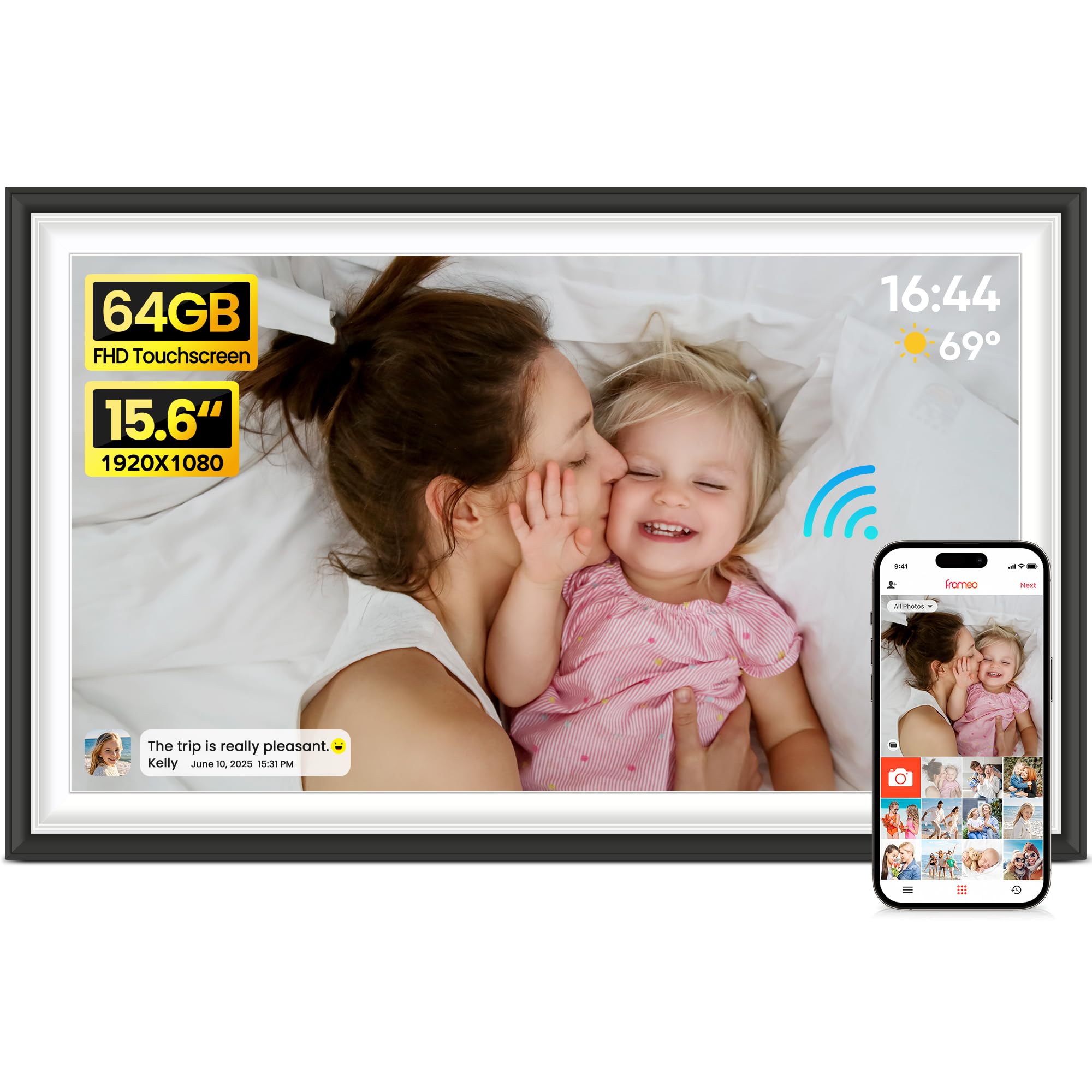
64GB of built-in storage, rated for 100,000+ photos, so you stop pruning your library.
Where the Dragon Touch gives you size, this BIGASUO gives you room to fill it. The 64GB of built-in storage is the largest internal figure on any 15.6-inch frame here — or, put against the NETTIPS 10-inch frame’s 16GB, four times the internal capacity — and the manufacturer rates it for 100,000+ photos. If you have been holding back from uploading the entire family archive because you feared running out of space, this is the frame that removes that worry.
The display is a 15.6-inch IPS panel at 1920×1080, and IPS means the picture holds its colour and contrast from an off-angle seat at the kitchen table, not only head-on. Sharing is through the Frameo app, so anyone invited can send photos and videos from anywhere. Captions are part of the design — you can attach a line of text to a memory, which turns the slideshow into something closer to a caption card than a silent reel.
The recurring gripe is connectivity. Frameo needs Wi-Fi, and there are enough reports of the frame dropping its connection or refusing to stay online to make this the thing you watch. Note also that the SD and USB slots accept cards up to 32GB reliably, with 64GB and 128GB drives sometimes not working — so the internal 64GB is where your library belongs, and the card slot is for smaller imports.
The spec that matters: 64GB internal is a different order of library from a 16GB frame — this is the one to pick if you intend to load the slideshow and leave it running for years.
Keep in mind: the app needs a stable 2.4GHz Wi-Fi signal, and SD cards should be 32GB and FAT32-formatted.
Pick it for: the household that wants a 15.6-inch full-HD frame and no storage anxiety ever again.
Leave it if: your home Wi-Fi is already flaky — this frame depends on it fully.
7. KPKUE 15.6″ Full HD Touchscreen Frame, 64GB
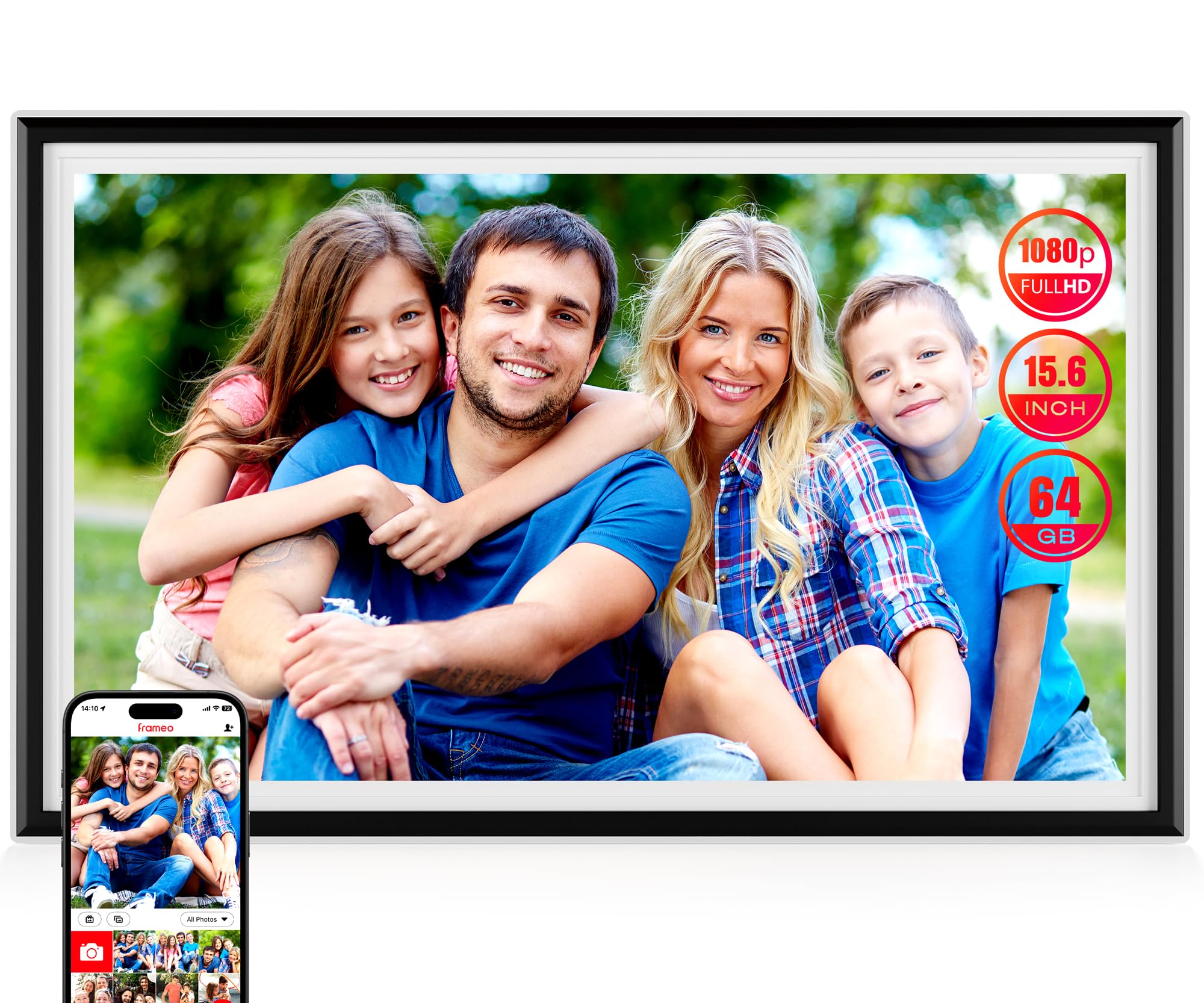
The frame for a household that wants custom albums and auto-collages instead of one endless reel.
Album management is the reason to look at this KPKUE over the BIGASUO it otherwise resembles. You can sort photos and videos into custom albums, build auto-collages, and curate slideshows by category — so the grandchildren’s pictures run in one rotation and the travel photos in another, with the option to hide particular shots from the rotation altogether. That is a different relationship with the frame than “dump everything in and let it shuffle.”
The 15.6-inch IPS panel runs 1920×1080 with adjustable brightness, and the frame is built to take a knock: an impact-resistant ABS frame, a scratch-resistant 1080p FHD screen, a removable stand, and wall-mount hardware with two hanging holes and four anchor points. The 64GB of built-in memory is rated for 10,000+ photos, and USB or SD cards expand it up to 128GB. Dual speakers and a 3.5mm headphone jack are unusual here — you can listen to video audio without disturbing the room.
There is also more to do than look at pictures. Wi-Fi enables live widgets for time, weather, and temperature, and the frame plays feature-length films smoothly, so it can double as a small bedroom TV. A Sleep Mode rests the screen during set hours and photos auto-rotate with the frame’s orientation. The mixed feedback centres on the app occasionally crashing — worth knowing, though the hardware itself gets talked about for its appearance far more than its faults.
What you get beyond a photo frame: 64GB storage expandable to 128GB, a 15.6-inch 1080p IPS screen, dual speakers, a headphone jack, and widgets for time, weather, and temperature.
The honest footnote: a handful of buyers hit app crashes, so treat the software as the weak link rather than the hardware.
Choose it if: you organise your photos into albums and want that structure on the wall.
Less compelling for: someone who only wants one slideshow and will never touch the album tools.
8. Aura Digital HD Picture Frame, 10.1″ Carver Black

The premium frame with unlimited, subscription-free storage instead of a fixed gigabyte cap.
Storage here is not measured in gigabytes, because there is no limit to measure. Aura charges no subscription and lets you add unlimited photos and videos through the free Aura app, plus email, text, iCloud, and Google Photos, and invite family and friends to send pictures from anywhere. That single sentence of the spec sheet is the whole argument for this frame over every 16GB and 32GB option in this group — you never think about library size again.
The display is a 10.1-inch HD panel calibrated for colour, clarity, and saturation, and it adjusts its brightness automatically to the light in the room, so a dim bedroom does not get a glowing rectangle at midnight. Smart features include portrait pairing, adjustable slideshow speed, and automatic on/off, and the frame handles iOS live photos, video up to 30 seconds with sound, and wireless screen mirroring from a Windows PC. Setup is described as a one-minute WiFi connection.
The catch is that none of this comes cheap, and the reviews reflect that tension: reliability and value both draw mixed feedback even while quality and gift appeal sit high. If you are buying for someone who will use this frame daily for a decade, the unlimited storage and the automatic brightness likely justify the premium. If you just want a screen that shows pictures in the spare room, a 32GB frame further up this list does the job.
The case for the Aura
- No storage limit and no subscription — upload as much as you like for as long as you own it
- Automatic brightness adjustment keeps the display comfortable in a dark room
- Preloaded photos, video and a message make it a gift that arrives finished
What you should go in knowing
- Value is the most-debated point — you pay a premium for the storage policy and the presentation
- Reliability feedback is mixed, so a long warranty and a safe return window are worth confirming
Worth the outlay for: a wedding or milestone gift where the packaging and the unlimited sharing are part of the point.
Overkill for: a second frame in a bedroom that only ever shows a rotating set of favourites.
9. MaxAngel Frameo 32″ 64GB Digital Picture Frame
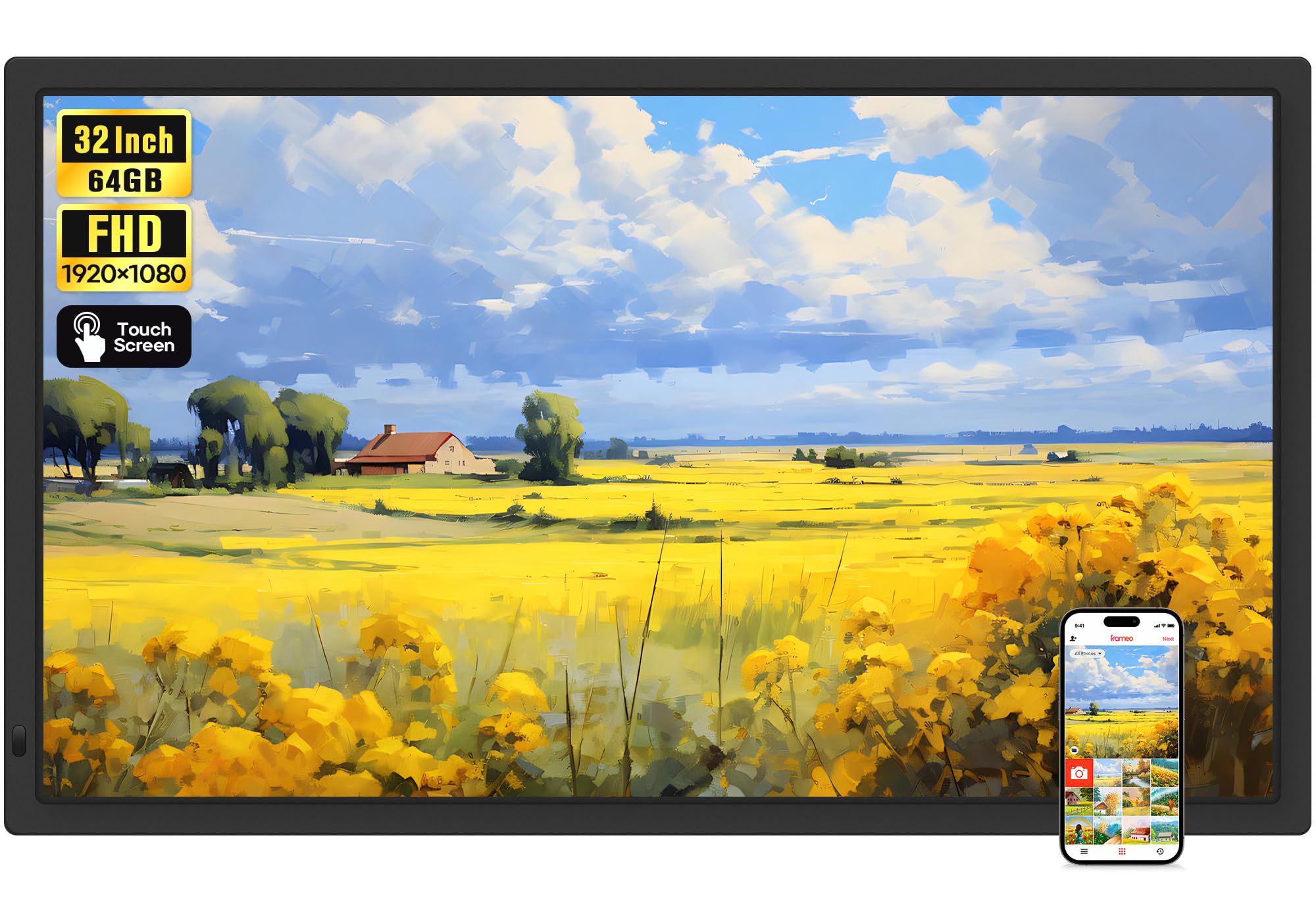
Thirty-two inches of full-HD glass — less a photo frame than a small gallery wall.
This is the one that changes the room. The 32-inch FHD 1080P IPS touchscreen runs 1920×1080 resolution across a genuinely large panel, with an IPS display that keeps colour and clarity from an angle — important when a 32-inch frame is hung high or viewed from a sofa off to the side. Swipe controls sit right on the glass, so you flip through images with a finger. It weighs 19.5 pounds and measures 25 inches by 16 inches, so this is a wall-mounted installation, not a shelf ornament.
The 64GB of built-in memory holds over 160,000 photos, and the SD and USB ports let you bypass the 15-second limit on app-based video by loading longer clips directly. It plays video with audio through a built-in speaker, syncs a calendar, supports collage mode with up to six photos on screen, and includes date, clock, weather, brightness, volume, and custom sleep settings. A two-year replacement service for quality issues and lifetime technical support round out the offer.
The caveat is the same one that dogs every large connected frame: Wi-Fi reliability. Reports of the frame losing its connection and, in a smaller number of cases, stopping working entirely mean this is not the pick for a set-and-forget corner. It is the pick for a buyer who wants the biggest possible canvas and will check in on it. Note also that SD and USB cards work best at 32GB in FAT32 format here, so do not plan on a 128GB drive as your backup.
Built for: a hallway or living-room wall where a 32-inch frame becomes the room’s focal piece rather than an accessory.
Consider twice if: you want a small frame to tuck on a shelf — this one is 19.5 pounds and meant for mounting.
Know the Specs
Resolution and screen size
Resolution is the number of pixels across and down the screen. Every 10-inch frame here runs 1280×800, while the 15.6-inch and 32-inch frames run 1920×1080 — the short-hand for full HD. The pixel count matters more as the screen grows, because the same pixels stretched over a bigger area produce a softer picture. At 10 inches, 1280×800 looks crisp. At 32 inches, 1080p is the minimum you would want to avoid visible fuzz on a portrait.
IPS panel technology
IPS describes how the screen’s pixels are arranged so that colour and contrast hold up when you view from the side. On a frame mounted on a wall and viewed off-axis, an IPS panel keeps faces from washing out. Most frames here list an IPS panel; where a spec sheet does not, assume the viewing angle will be narrower and plan to keep the frame roughly in line with where people sit.
Built-in storage versus cloud storage
Storage capacity is measured in gigabytes (GB) — a rough count of how many photos the frame can hold locally. The frames here range from 16GB to 64GB, with the Skylight and Aura models using cloud or unlimited storage instead. Cloud storage means the pictures live on a server and download to the frame over Wi-Fi. Local storage means the files are on the frame itself, so it can display them even without a connection.
Wi-Fi bands and app requirements
Wi-Fi runs on different frequency bands, and most smart frames here connect on 2.4GHz — the band that travels further through walls but carries less data than 5GHz. Photos are small, so 2.4GHz is fine, but the frame must be able to see your 2.4GHz network. If your router broadcasts separate names for each band, join the frame to the 2.4GHz one. Frameo, Uhale, VPhoto, and Aura’s app all require the frame to stay on the network to receive new photos.
Common Questions
Do I need a subscription to keep using these frames?
Can a family member send a photo from a different country?
What happens to the frame if the internet goes down?
Can an older relative who struggles with apps still use one?
Will my phone photos be cropped on a 16:9 frame?
How do I move a large photo library onto the frame in one go?
Do these frames play video with sound?
Can I hang one on a wall or does it only stand on a surface?
What is the difference between Frameo, Uhale, and VPhoto?
How long should a smart frame last?
The Bottom Line
For most households, the strongest buy here is the Skylight 10″ frame, because email-based photo sharing means nobody has to learn an app and the preload Gift Mode makes it a finished present. If you want a 15.6-inch wall display with storage that will not run out, the BIGASUO 64GB frame is the pick. And for a frame that keeps working when the router is struggling, the Flyruit 32GB frame takes a card or cable instead of Wi-Fi. Start with the frame your recipient can actually operate on day one — that single decision matters more than any spec on the box.
How we choose
We do not accept paid placement. Every pick is matched to a real buyer and a real use-case; we do not hands-on test units.
Sources
Specifications: manufacturer listings and product documentation. Review insights: verified customer reviews, as of November 2026. Pricing: not shown on this page (it changes often); check the current price via the retailer link.
As an Amazon Associate, Tactical Gear Guy earns from qualifying purchases. This does not affect which products we feature.