Specs are compiled from manufacturer listings and verified buyer reviews and can change over time — please confirm the key details on the product page before buying.
Buy the charger that matches your ThinkPad T14’s wattage draw, not the one with the biggest number on the box. Lenovo’s own 140W USB-C adapter is the top pick here because it runs Lenovo’s exclusive fast-charging protocol on T14-class machines, has three ports, and ships with a 240W cable in the box. The other four are 65W and 135W replacements that do the daily job for a fraction of the complexity — and two of them have honest reliability caveats you should read before you click.
This guide is built by comparing the manufacturers’ published specifications and the patterns across verified customer reviews, so you get each pick’s real strengths and trade-offs instead of marketing spin.
Some adapters solder in a cable and some hand you a detachable cord, and only a couple list a genuine wattage ceiling you can verify. That difference decides which one survives a backpack commute, so here’s how the lenovo thinkpad t14 charger options actually sort out.
Top Picks
How To Choose The Best Lenovo ThinkPad T14 Charger
Your ThinkPad T14 charges over USB-C Power Delivery (PD), which is the handshake standard that tells the adapter how much current to send. Two adapters with the same oval connector can send wildly different amounts of power. That is the whole game: match the watts, then pick the build and cable you can live with.
Start with watts, then stop
A 65W adapter is the everyday standard for most T14 generations. It pushes 20V at 3.25A, which is the exact output the Superer, the NDWQGFS, and the COWOOGMZ adapters all list. If you plug a 65W brick into a T14 that expects more, the laptop simply negotiates down and charges slower. No damage, just a longer wait.
Cable ratings and cable ownership
The Lenovo 140W adapter bundles a 4.9ft (240W) USB-C cable, so the cord is rated for more than the brick can output. The Superer and the COWOOGMZ both ship with a separate power cord rather than a captive cable, which means the cable that takes the daily bending is also the part that wears first. A detachable cord is easier to replace; a captive one usually means a new adapter.
Safety listings
The Superer carries a UL listing, which is a third-party electrical safety certification. The NDWQGFS lists UL, FCC, and CE certification, and the COWOOGMZ names over-voltage and short-circuit protection. These listings are not performance claims — they just tell you the brick was built to a recognized safety standard.
Side-by-Side Comparison
| Model | Best For | Max Output | Amperage | Ports and Cable | Amazon |
|---|---|---|---|---|---|
| Lenovo 140W GaN 3-Port★ Best Overall | One adapter for laptop and phone | 140 W | 7 A | 2x USB-C + 1x USB-A, 4.9ft 240W cable included | Amazon |
| FSJTD 135W USB CMost Compatible | Wide ThinkPad and ThinkBook coverage | 135 W | 6.75 A | USB-C, AC adapter plus power cord | Amazon |
| NDWQGFS Slim 65W | Travel and backpack carry | 65 W | 3.25 A | USB-C, AC adapter plus power cable | Amazon |
| COWOOGMZ 65W | Second charger for the office | 65 W | 3.25 A | USB-C, adapter plus power cord plus manual | Amazon |
| Superer 65W | Cheapest reliable daily replacement | 65 W | 3.25 A | USB-C, power adapter plus power cord | Amazon |
Detailed Reviews
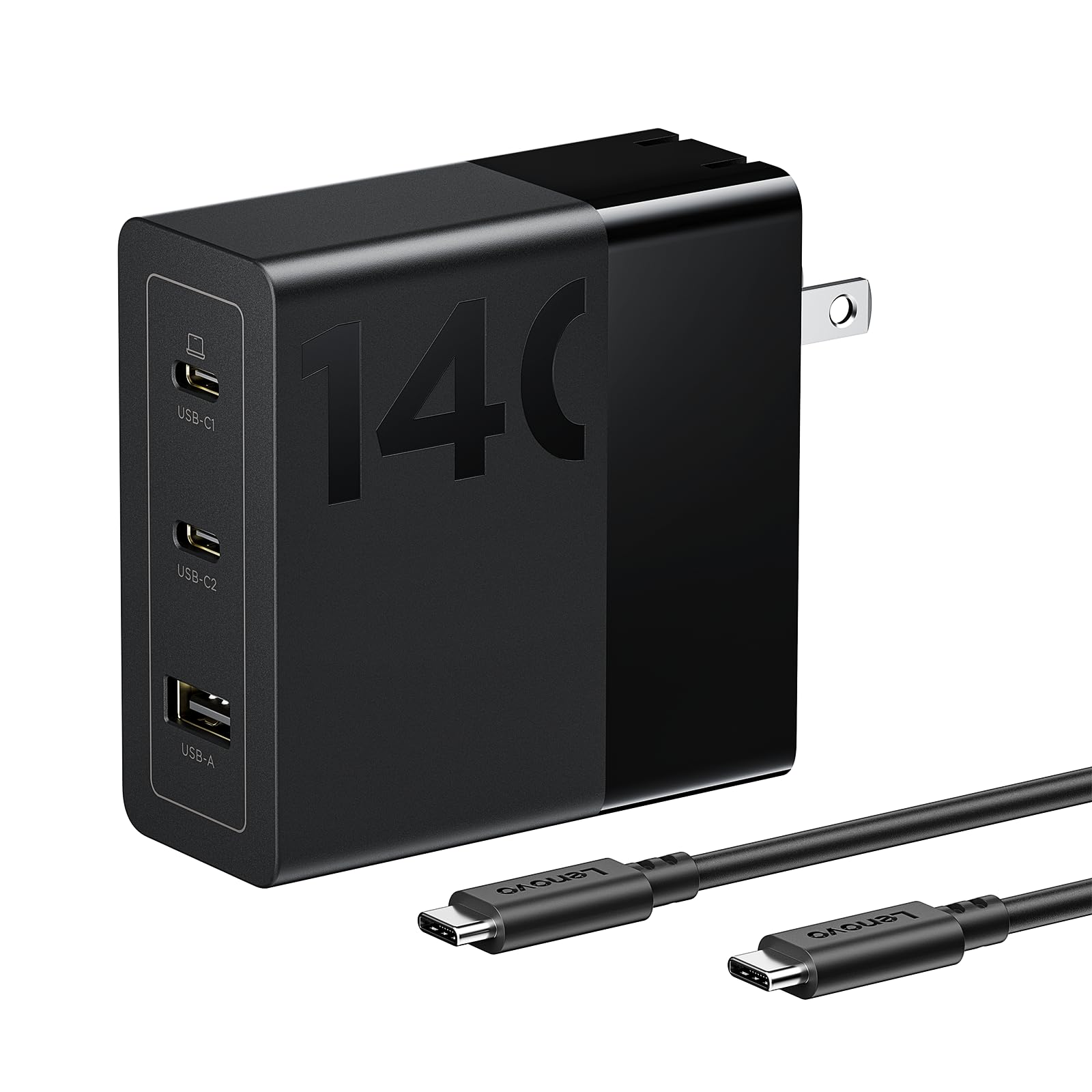
1. Lenovo 140W USB C Charger
Our pick — 4.0+★ from 60+ verified ratings; the strongest balance of quality and price.
One brick that runs your T14 and two other devices at once.
This is the only adapter here that carries more power than your laptop needs and shares it. On a ThinkPad T14P 2024 it holds a 20V/7A output — 140W — using Lenovo’s exclusive fast charging protocol, so the laptop pulls the full amount rather than settling for a generic handshake. The 7A rating is more than double the 3.25A the three 65W adapters cap at, which is why it can top up a laptop and a phone without one starving the other.
Three ports is the real story for a commuter. Two USB-C and one USB-A let you plug the laptop into one C port and a phone or tablet into the others, with the adapter splitting 140W across whatever is connected. The GaN III chip (gallium nitride, a semiconductor that runs cooler and shrinks the internal parts) makes the whole thing roughly 30% smaller than the original laptop charger. The foldable plug means it does not snag the inside of a bag.
What wins people over is charging performance, and the build quality gets nearly the same weight of praise — impressive for an adapter that folds shut. Portability and power come up repeatedly in the same breath, which tracks with a brick that slides into a side pocket. The catch is worth naming plainly: this is the premium end of the group, and the extra watts only pay off if you are actually feeding more than one device or a high-draw T14 model. On a plain 65W T14, you would be buying headroom you never spend.
What Works In Its Favor
- 140W across three ports, so laptop and phone charge together
- Lenovo’s own fast charging protocol pushes 20V/7A on T14P-class machines
- GaN III build is 30% smaller than the stock charger, with a foldable plug
- 4.9ft 240W USB-C cable is in the box, rated above the adapter’s own output
Where It Asks More Of You
- The most expensive pick in this group, by a clear margin
- Three devices share one 140W pool, so heavy multi-device loads split the power
- Overkill if your T14 only ever draws 65W
Reach for this if: you want one adapter in the bag for a T14, a phone, and a tablet.
Spend less elsewhere if: your laptop charges alone at 65W all day and you never travel with a second device.
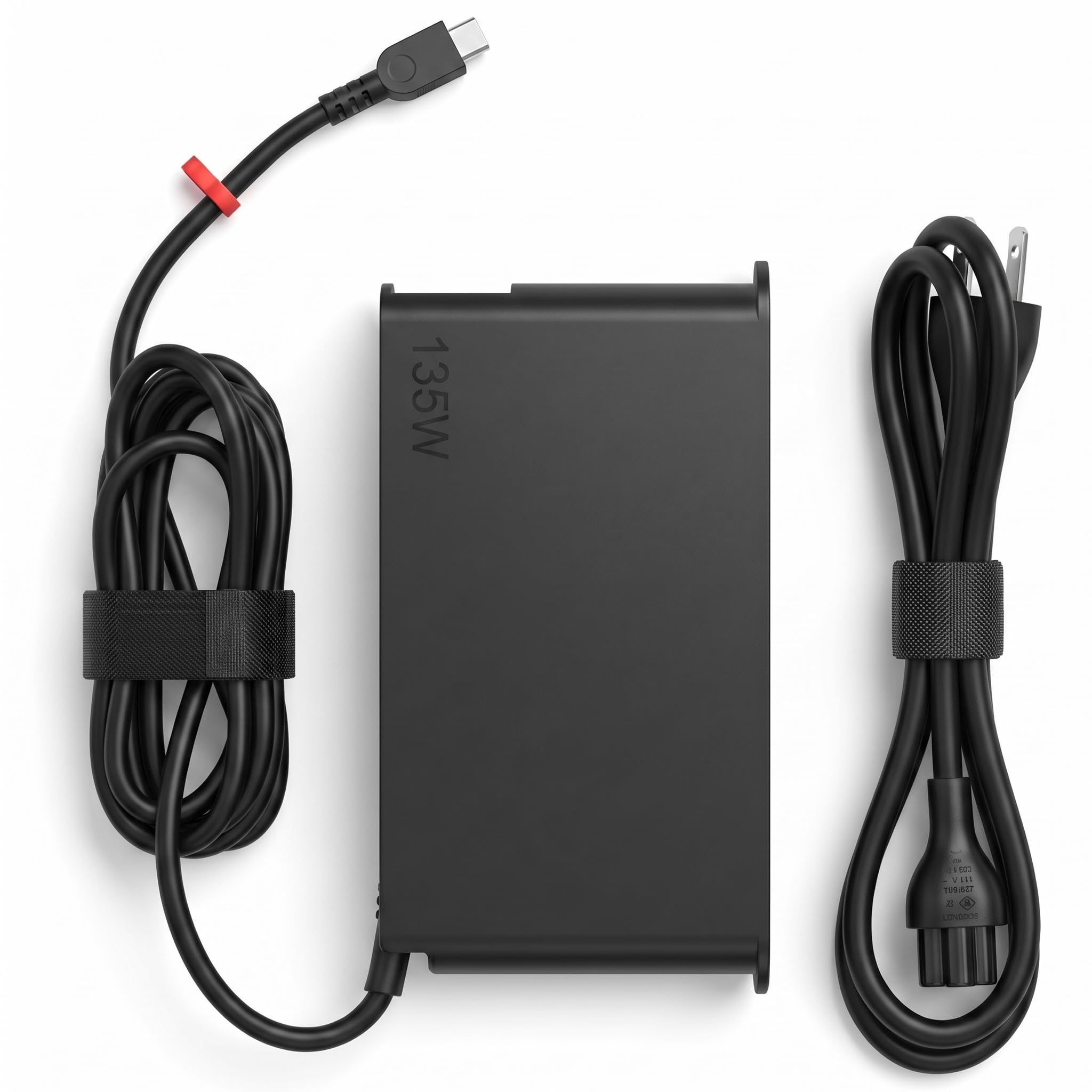
2. FSJTD 135W USB C Laptop Charger
135W of headroom with a replacement-part list longer than most spec sheets.
Where this one earns its place is the paperwork. The output tops out at 20V at 6.75A — 135W — and the listing name-checks your machine specifically, listing T14 Gen 1 through Gen 5 and T14s Gen 1 through Gen 6. It also replaces a long run of Lenovo part numbers including ADL135YSDC3A and SA10R16963, so if your old brick’s sticker starts with “ADL135” or “SA10,” you can match it without guesswork.
Sorting out wattage is where most T14 buyers go wrong. A 135W adapter will not force extra current into a machine that asks for 65W — the laptop negotiates what it needs. What you get instead is a brick that stays inside its comfort zone on the days you dock a monitor and a drive. The input side reads 100-240V at 2.5A max, so it travels outside North America with a plug adapter.
The honest question is coverage versus feedback. This listing has a short review history, which means less of a track record than the Superer’s long, well-documented run. That is not a knock on the hardware — the parts list is the most thorough in the group — it just means you are buying on the specification rather than on years of owner experience. If your T14 is a high-draw generation and you want to stop worrying about the model number, this kills that worry.
The parts-number advantage: matching the original Lenovo part number on the dead adapter is the single fastest way to buy the right replacement, and this listing spells out more than two dozen of them.
What to weigh: a thin review history means fewer people have road-tested it, so treat it as a spec-driven pick for a specific generation, not a crowd favorite.
Best matched to: a T14 Gen 4 or Gen 5 owner replacing a dead 135W original and wanting the same part-number class.
Hold off if: you want a long owner track record behind the purchase — the cheaper 65W options have far more history.
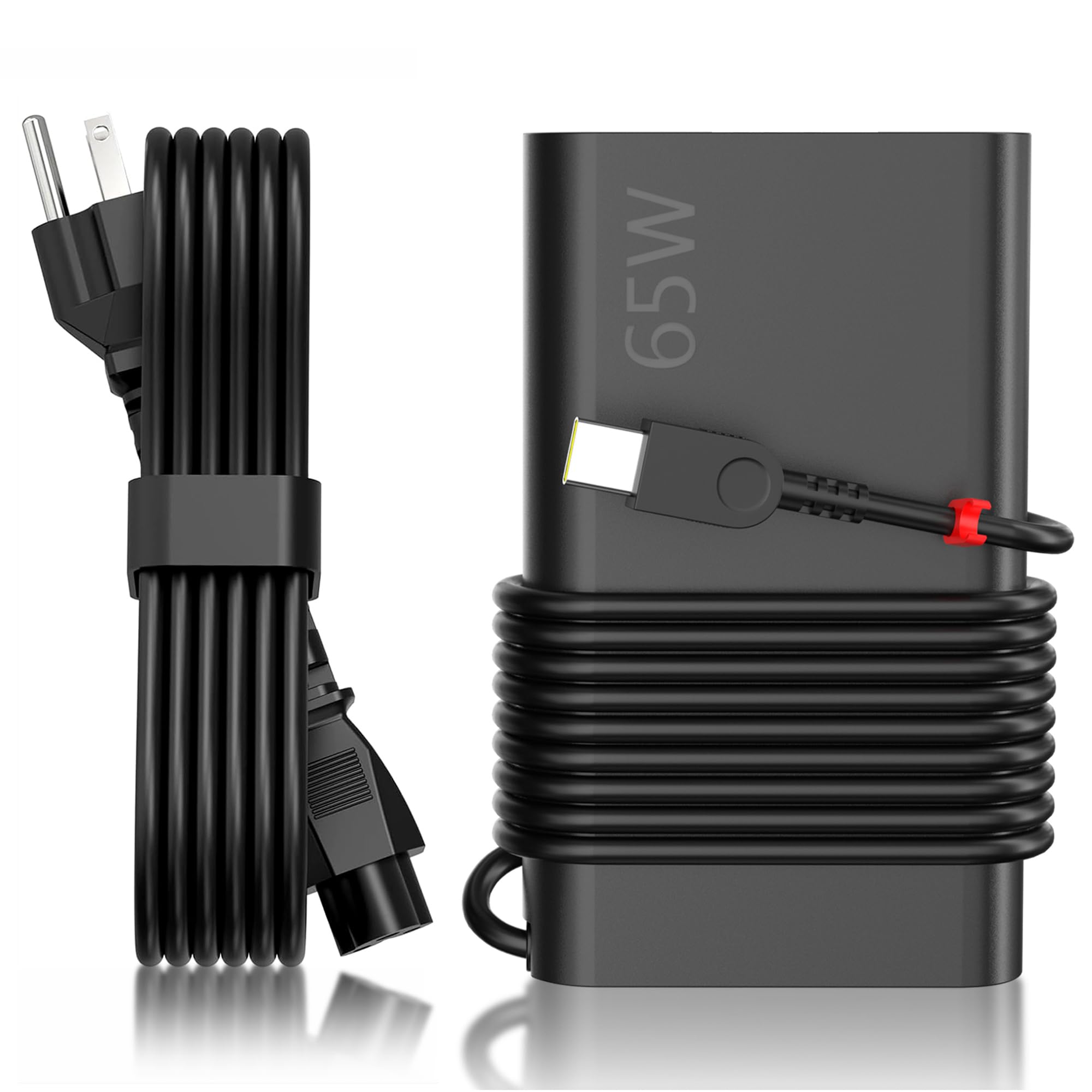
3. NDWQGFS Slim 65W USB C Laptop Charger
Built for the laptop bag, not the desk drawer.
It is 40% smaller than the original Lenovo laptop charger, which is the difference between a brick that bulges against your back and one that disappears into a front pocket. It pushes 65W peak at 20V/3.25A through a USB-C connector and steps down through 5V, 9V, 15V, and 20V outputs so the same brick can charge a phone or tablet on the road.
Compatibility is broad rather than deep. The listing covers ThinkPad T14, T15, T16 and X1 Carbon Gen 12 and 11, plus Yoga 7i and 9i, Chromebook 500e, C340 and S340, ThinkBook and IdeaPad. It replaces Lenovo part numbers ADLX65YLC2A and ADLX65YCC3A along with a dozen other OEM codes. The input range runs 100-240V, so one adapter covers a domestic trip and an overseas one without a voltage converter.
Functionality is the thing people keep returning to in their write-ups — it charges, it keeps charging, no drama — and build quality sits right behind it. That is a good sign for a travel piece, because the failure mode on a slim adapter is a flimsy shell or a wobbly tip. The trade-off you should know about: at 65W it will not push a high-draw T14 generation to its ceiling, and the slim housing has less mass to shed heat than the 140W brick. For a standard T14 and a carry-on, neither matters day to day.
The carry case: 40% smaller than the stock brick with a full 65W output is exactly the combination a commuter wants.
Where it stops: it caps at 65W, so a T14 model that wants more will simply charge at the lower negotiated rate.
Pack it if: your bag space matters and your T14 is a standard 65W model.
Look past it if: you own a high-draw T14 generation that expects more than 65W.
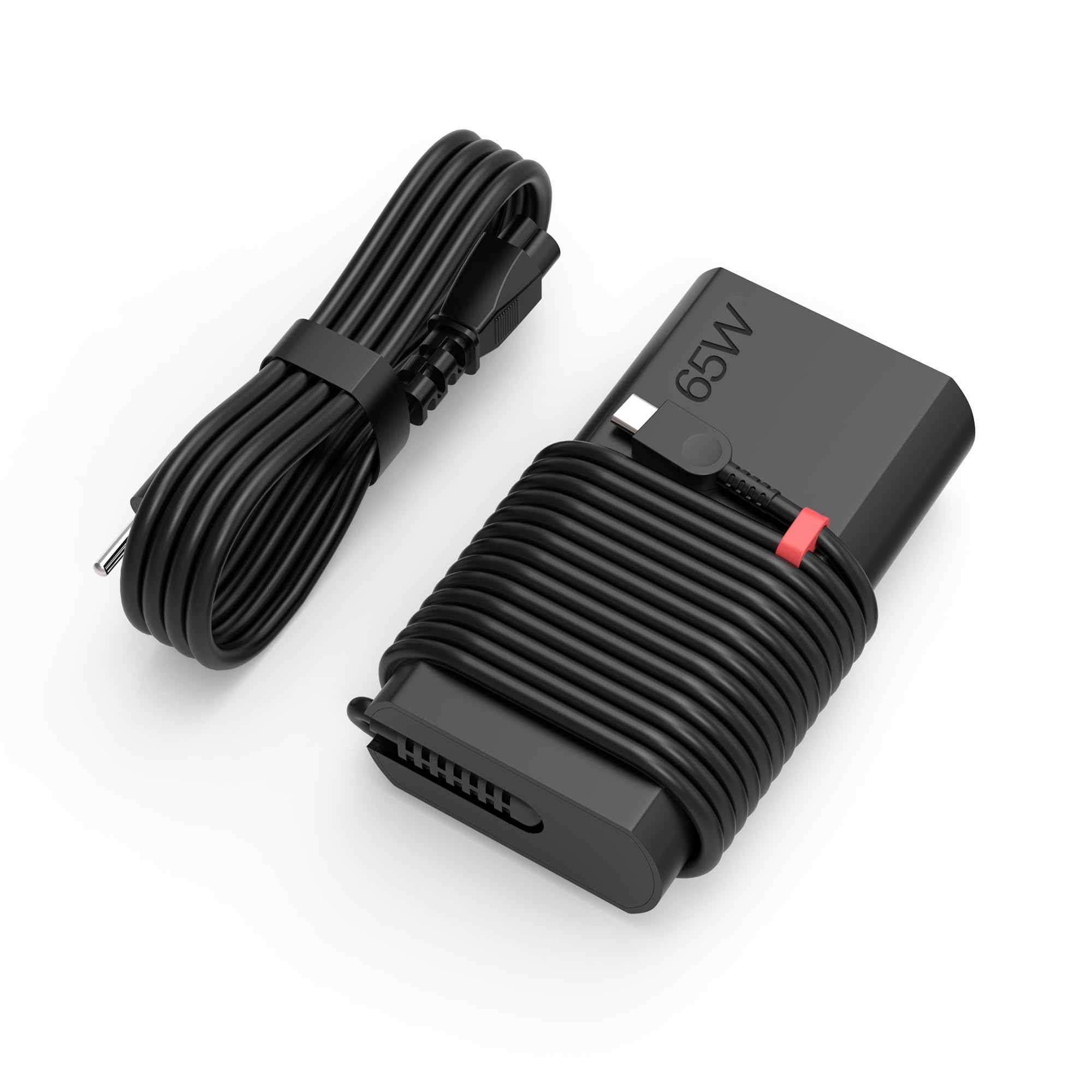
4. COWOOGMZ Slim 65W USB C Laptop Charger
The office-drawer spare that matches Lenovo’s own output exactly.
Buy this as the second charger — the one that lives at work so the original never leaves the house. It delivers 65W at 20V/3.25A, the same figure Lenovo’s own 65W bricks use, and steps across 5V, 9V, 15V, and 20V like the others. The input accepts 100-240V at 1.8A, so it also becomes your travel adapter if you would rather not buy a third.
The protection circuit is the differentiator the listing leans on. It continuously watches temperature, voltage, and current to catch overheating, over-voltage, over-current, and short circuits — the four failure paths that actually kill laptop chargers. You get a full adapter, a power cord, and a user manual in the box, so nothing is assumed about the cable.
Compatibility runs past the ThinkPad line into ThinkBook 13s, 14, and 15 Plus, Yoga 7i and 9i, and the Chromebook 100e through 500e range, with dozens of Lenovo part numbers listed for cross-checking. The downside is plain: this listing carries a very short review history, so there is little owner data behind the safety claims. As a mid-range second charger that never gets asked to do anything exotic, that is a reasonable ask.
The everyday job: 65W at 20V/3.25A is the exact Lenovo standard output, so a T14 treats it like the original.
The honest limit: a short review history means you are trusting the spec sheet and the safety monitoring claim rather than a track record.
Worth adding if: you want a fixed-desk spare that leaves your original brick untouched at home.
Think again if: you prefer to buy on a long, proven owner history.
5. Superer 65W AC Adapter

The cheapest proven way to replace a dead T14 brick.
The readout is simple: 65W at 20V/3.25A on a UL-listed adapter that also handles the 45W machines at 20V/2.25A. Input covers 100-240V at 50-60Hz, so it works on either side of an ocean. Compare that to the Lenovo 140W above and the gap is clear — 2.2x the wattage and 2.2x the amperage on the Lenovo, which is what pays for three-port charging and the foldable plug.
The compatibility list may be the longest here, stretching from ThinkPad X1 Carbon, X1 Nano, and X280 through T480, T490, and E14 and up to ADLX65YCC2D, ADLX65YDC2D, and ADLX65YLC2D parts. It also covers Yoga 730 and C940 and IdeaPad Slim 7, so a household with mixed Lenovo laptops can get by on one spare.
Here is the trade-off you need to hear straight. Reliability is the most-discussed topic in its owner feedback and the verdict is genuinely split — plenty of units run for years, and a portion stop charging within a few months. Cable wear at the Type-C end shows up too. For a budget adapter delivering the exact 65W standard, that is a known risk rather than a surprise, and the light use case — travel backup, desktop spare — is the one where it makes the most sense.
Why It Still Sells
- 65W at 20V/3.25A matches Lenovo’s own standard output exactly
- UL listed, with an input range of 100-240V for travel
- Long compatibility list covering ThinkPad, Yoga, and IdeaPad models
- The lowest entry point in this group for a working replacement
Where It Can Let You Down
- Reliability is the most-discussed point and the feedback splits, with some units failing within months
- Cable fraying at the Type-C end is a recurring wear complaint
- Not the pick for a charger that must survive daily bag abuse
A sensible fit for: a spare that sits on a desk or in a travel pouch and rarely gets yanked.
Not the right call for: your only charger if the laptop goes everywhere with you — go with the Lenovo or the NDWQGFS instead.
Know the Specs
Wattage and amperage
Watts are the total power a charger can supply, and amps are the current it pushes at a given voltage. A 65W adapter delivers 20V at 3.25A; the Lenovo 140W unit delivers 20V at 7A. Your T14 negotiates the figure it wants and ignores the rest, so matching the wattage your model expects is what actually sets charge speed.
USB-C PD and Lenovo’s fast protocol
Power Delivery is the standard that lets a charger and laptop agree on voltage and current. Lenovo’s exclusive fast charging protocol is the vendor-specific version that open up the highest rate on T14P-class machines. A generic 65W brick still charges, just at the standard negotiated rate.
GaN versus standard builds
GaN (gallium nitride) is a semiconductor material that runs cooler and packs tighter than the silicon parts in older adapters. That is how the Lenovo 140W charger fits 140W into a body 30% smaller than the stock brick. Cooler running also means less heat sitting against your laptop bag.
Safety certifications
UL, FCC, and CE are third-party marks confirming an adapter meets recognized electrical safety standards. They cover insulation, heat, and fault behavior — not speed or longevity. A UL listing on the Superer and the FCC and CE marks on the NDWQGFS are baseline proof of construction, nothing more.
Common Questions
Will a 140W charger damage my ThinkPad T14?
Do I need a 65W or 135W adapter for my T14?
Can I charge my phone from the same ThinkPad charger?
What is the difference between PD 3.0 and PD 3.1 here?
Is a UL listed adapter safer than an unlisted one?
Why do some Lenovo chargers ship with a separate power cord?
Will these adapters work on a ThinkPad T14s as well as a T14?
Do I need a voltage converter when traveling with a T14 charger?
Why do 65W adapters stop charging after a few months?
Can a 65W adapter keep a T14 charged while I work on it?
The Bottom Line
The Lenovo 140W USB-C charger is the one worth having if you want a single adapter for the laptop and everything else — 140W across three ports, Lenovo’s own fast protocol, and a 240W cable included. If you only need to replace a dead brick and want years of proven performance behind the purchase, the Superer 65W carries the longest history and a UL listing. For a bag-friendly spare, the NDWQGFS Slim 65W is 40% smaller than the stock charger and still delivers the full 65W your T14 expects.
How we choose
We do not accept paid placement. Every pick is matched to a real buyer and a real use-case; we do not hands-on test units.
Sources
Specifications: manufacturer listings and product documentation. Review insights: verified customer reviews, as of November 2026. Pricing: not shown on this page (it changes often); check the current price via the retailer link.
As an Amazon Associate, Tactical Gear Guy earns from qualifying purchases. This does not affect which products we feature.