Specs are compiled from manufacturer listings and verified buyer reviews and can change over time — please confirm the key details on the product page before buying.
Will your home printer scanner still work when the warranty runs out? The machines worth owning fall into two camps. Laser units burn black-and-white text onto plain paper and barely flinch, while inkjet and tank models handle colour, photos and school projects but ask more attention from you. This guide covers nine all-in-ones that each print, scan and copy, sorted by who they actually suit.
This guide is built by comparing the manufacturers’ published specifications and the patterns across verified customer reviews, so you get each pick’s real strengths and trade-offs instead of marketing spin.
The single biggest decision is toner versus ink, because that one choice shapes your running costs long after you leave the store. Read the specs closely here to find a genuine fit for your desk. These are the recommended home printer scanner picks that earn their space.
Top Picks

How To Choose The Best recommended home printer scanner
Most people walk into this purchase thinking the sticker is the real cost. It is not. The cartridge or toner you buy every few months is where the money actually goes, and that is why the ink choice matters more than the brand name on the lid.
Laser toner versus inkjet versus refillable tanks
A laser printer uses toner (a fine powder) instead of liquid ink, so a page of black text comes out dry and smudge-proof the moment it lands. That makes laser the calmest option if you mostly print forms, invoices and school letters.
Inkjet uses liquid cartridges and gives you colour and photos. A two-cartridge system is the simplest and cheapest to start with, while a refillable tank printer ditches cartridges entirely and pours ink from a bottle instead.
Why the scanner side deserves equal weight
A flatbed scan glass handles a passport, a book page or a receipt without a special tray. An auto document feeder (a top tray that pulls sheets through one at a time) saves you from opening the lid for every page of a long document.
If you sign and return contracts, the feeder is the feature you will notice most. If you scan photos and odd-shaped items, the flat glass wins.
Duplex, paper capacity and connection types
Automatic duplex means the machine flips the sheet itself for two-sided printing, which halves your paper use without you thinking about it. Paper tray capacity decides how often you refill — a smaller tray means more interruptions mid-job.
For connection, dual-band Wi-Fi (both 2.4GHz and 5GHz) is more forgiving in a busy home than a single-band radio. Ethernet and USB give you a wired fallback when wireless misbehaves.
Side-by-Side Comparison
| Model | Best For | Black PPM | Colour PPM | Duplex | Amazon |
|---|---|---|---|---|---|
| Brother HL-L2480DW★ Best Overall | Fast monochrome home office | 36 pages per minute | — | Automatic | Amazon |
| Canon PIXMA TR7120Best Value | Budget colour all-rounder | 14 pages per minute | 9 pages per minute | Automatic | Amazon |
| HP OfficeJet Pro 8125Best for Home Office | Colour documents and flyers | 20 pages per minute | 10 pages per minute | Automatic | Amazon |
| Brother INKvestment 1365 | Low-cost colour volume | 16 pages per minute | 9 pages per minute | Automatic | Amazon |
| HP LaserJet M234sdw | Small teams, black and white | 30 pages per minute | — | Automatic | Amazon |
| HP Envy Photo 7975 | Family photos and homework | 15 pages per minute | 10 pages per minute | Automatic | Amazon |
| Canon Megatank G3290 | Refillable-tank colour printing | 11 pages per minute | 6 pages per minute | Automatic | Amazon |
| Epson WorkForce Pro WF-7840 | Wide-format up to 13×19 | 25 pages per minute | 12 pages per minute | Automatic | Amazon |
| Epson EcoTank ET-4950 | High-volume colour, cartridge-free | 18 pages per minute | 9 pages per minute | Automatic | Amazon |
Detailed Reviews
1. Brother HL-L2480DW Laser Printer
Our pick — 4.0+★ from 650+ verified ratings; the strongest balance of quality and price.
Thirty-six pages a minute, and none of them will ever smudge from a wet fingertip.
This is the one to grab if your printing is documents — invoices, forms, school letters, contracts — and you want to stop thinking about ink. It fires out 36 black-and-white pages per minute, which means a fifty-page report is done before your coffee cools. The first page is ready in 8.5 seconds, so even a one-sheet job does not make you wait.
Yes, it also scans and copies, and the flatbed glass is the useful kind — a passport or a book page sits flat and comes out clean. What wins people over is output quality; that is the most-praised thing about this machine by a wide margin. The second-strongest theme is plain reliability: it works from the start and keeps doing it. Setup is easy and it runs quiet enough to sit beside you while you work.
The honest trade-off is the wireless radio. Some households find the connection to the home network drops off and needs re-pairing, and the touch menus take a little getting used to. If your router sits at the far end of the house, plan to run an Ethernet cable. Also, no colour — this is a black-and-white machine, full stop. It is the crowd favourite here at 4.0+ stars across 650+ owners, and the toner-drum refill route is what keeps that score honest.
Where it runs away with it
- 36 pages per minute black — a whole report batch in one sitting
- 8.5-second first page, so quick jobs stay quick
- 250-sheet paper tray: the biggest on this list by a wide margin against the INKvestment 1365’s 150-sheet tray
- 2.7-inch touchscreen with direct print-to and scan-to Google Drive, Dropbox and OneNote
Where it asks for patience
- Wireless is the mixed spot — wired Ethernet is the steadier option
- Black and white only; colour work means a second machine
- The touchscreen navigation feels less obvious than a plain button panel
Made for: the home office that prints contracts and letters by the ream and wants toner economics.
Look elsewhere if: colour photos or flyers are part of your week.
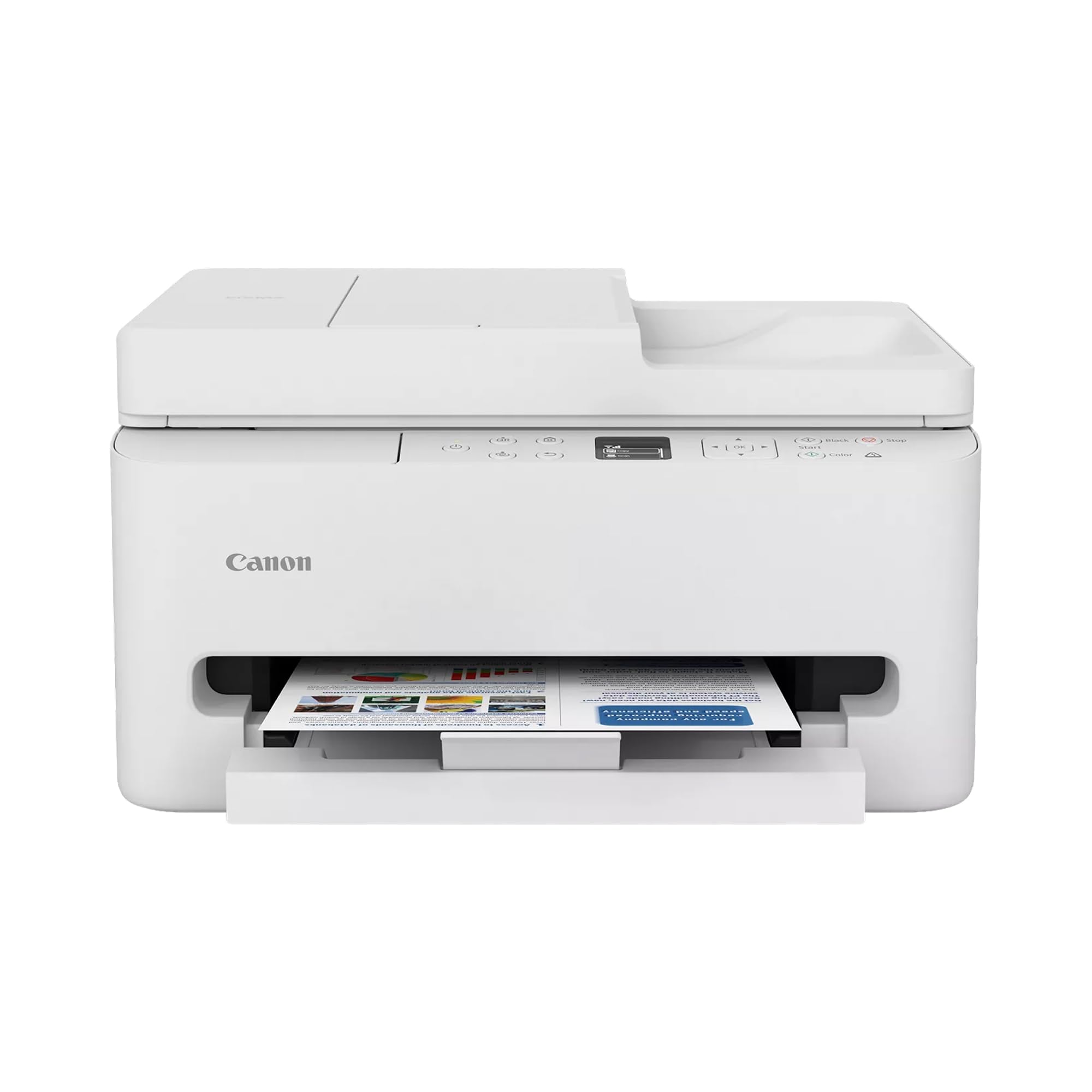
2. Canon PIXMA TR7120 Wireless Color Inkjet Printer
The cheapest route to colour, a document feeder and two-sided printing in the same box.
Pay attention to the 14-pages-per-minute black speed next to this one’s colour figure of 9 pages per minute. That black figure is slower than the Brother laser’s 36 pages per minute, and the gap is real — this is a gentle-paced machine. What you gain is colour, and it comes out on the good side of crisp: documents look clean, photos look vivid enough for the fridge door.
Where it earns its keep is the paperwork that needs scanning. The auto document feeder pulls a multi-page stack through without you opening the lid each time, and the 1.42-inch monochrome OLED screen shows ink levels at a glance. Setup is the second-strongest theme in its feedback — hooking it up to a phone or laptop is quick, and dual-band Wi-Fi gives you both 2.4GHz and 5GHz to choose from. The 2-cartridge hybrid ink system keeps refills simple.
Here is the catch you should weigh before buying. The wireless connection is the shakiest part of the experience, with drops that need re-adding to the network. There is also a divide in how people read the running costs — some find the two-cartridge system easy on the wallet, others the opposite. For a colour machine that scans and duplex-prints in one compact frame, it is a sensible first printer rather than a heavy-duty workhorse.
What it is good at: colour documents and photos, a feeder for multi-page scans, and automatic two-sided printing to stretch paper.
Who it is not built for: anyone with a big monthly black-and-white page count — the colour machine’s slower output will frustrate you.
Reach for this if: you want colour, duplex and a document feeder without paying premium-tier money.
Give it a miss if: you mostly print long monochrome runs — the 14 pages-per-minute pace shows.
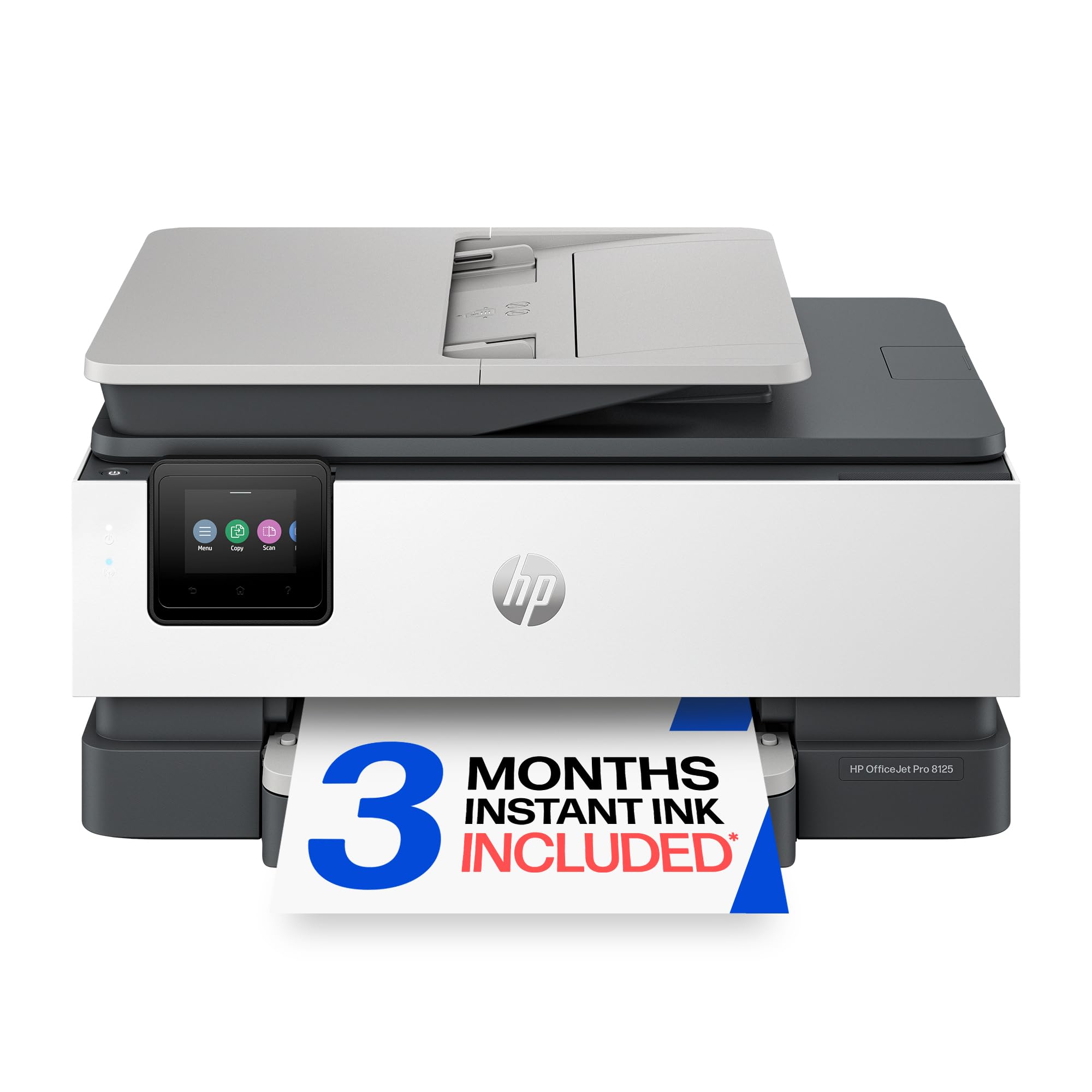
3. HP OfficeJet Pro 8125 Inkjet Printer
Built for the person who prints reports and flyers at home — and needs them two-sided.
Look at the black speed against the Canon above: 20 pages per minute here versus 14 pages per minute on the PIXMA TR7120. Colour runs at 10 pages per minute, one better than the Canon’s 9 pages per minute, so colour documents arrive at a workable pace. The first page is up in 18 seconds, which is not instantaneous but fine for a busy desk.
The feature list is where this earns its office label. A 225-sheet input tray holds a proper ream, the auto document feeder hands you hands-free copying and scanning, and automatic duplex flips pages for you. The 2.7-inch colour touchscreen behaves like a phone, and the app lets you print, scan, copy or fax from your phone. HP also adds a three-month Instant Ink trial, so the first ink delivery works itself out.
The caution is straightforward: this is the least consistent performer in the group on quality, with a meaningful split between people who find round it excellent and those who find the cartridges fussy. Connectivity is the other recurring gripe — a few households struggle to get devices talking to it at all. If you value near-instant first page over fastest colour output, take the Canon. If the feeder, tray and touchscreen matter more, this is the fit.
The reason to buy it: a document feeder, big tray and two-sided printing in one office-ready frame.
Worth knowing: it prints only original HP-chip cartridges and blocks third-party ones, so refill options are narrower.
Best matched to: a home office feeding reports, presentations and flyers through an auto document feeder.
Think twice if: you have had trouble with office-class inkjet wireless before — this one divides people on connectivity.
4. Brother INKvestment 1365 Inkjet Printer
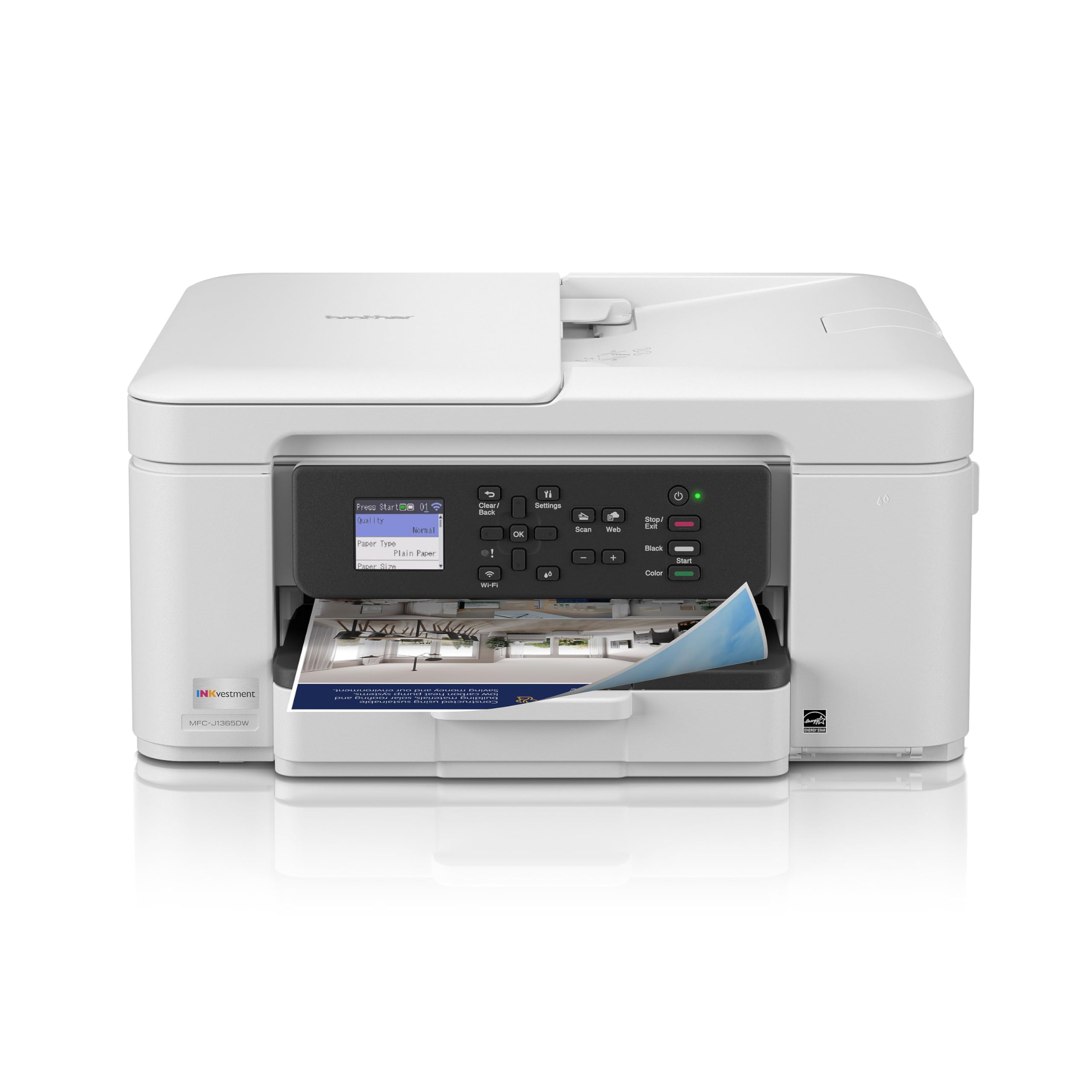
It ships with a 1,200-page black cartridge, so the first months of printing cost nothing extra.
Start with what is in the box. The 1,200-page black cartridge and 500-page cartridges for each colour cover the first few hundred pages from the start. That is the whole pitch, and the value angle is the loudest positive note this machine carries. Print quality is the second, and pages come out sharp.
On paper it is a sensible all-in-one: 16 pages per minute black, 9 pages per minute colour, automatic duplex, a 20-page single-sided document feeder and a 1.8-inch colour display. Wi-Fi Direct is the standout connectivity extra — it lets you print straight from a phone even when there is no network to join. The paper tray is 150 sheets, which trails the larger tray on the Brother laser above.
The recurring gripe is the Wi-Fi handshake. Connecting to the home network and getting the setup steps right is the most-discussed subject, and it splits opinion hard. Setup and general usability divide people the same way. Read that as a fit note rather than a fatal flaw — the machine prints well once it is running. Just budget ten quiet minutes for the install, and keep the phone that matches the display language beside you.
Value ledger: the bundled ink does the heavy lifting on first-year cost, and the feeder adds scan-and-copy convenience.
The friction point: network setup is fussy — the Wi-Fi Direct mode sidesteps some of that headache.
Suits the buyer who: wants colour plus a document feeder and values the ink already in the box.
Not the one for: anyone who wants plug-in-and-print simplicity with zero network fiddling.
5. HP LaserJet M234sdw Monochrome Laser Printer
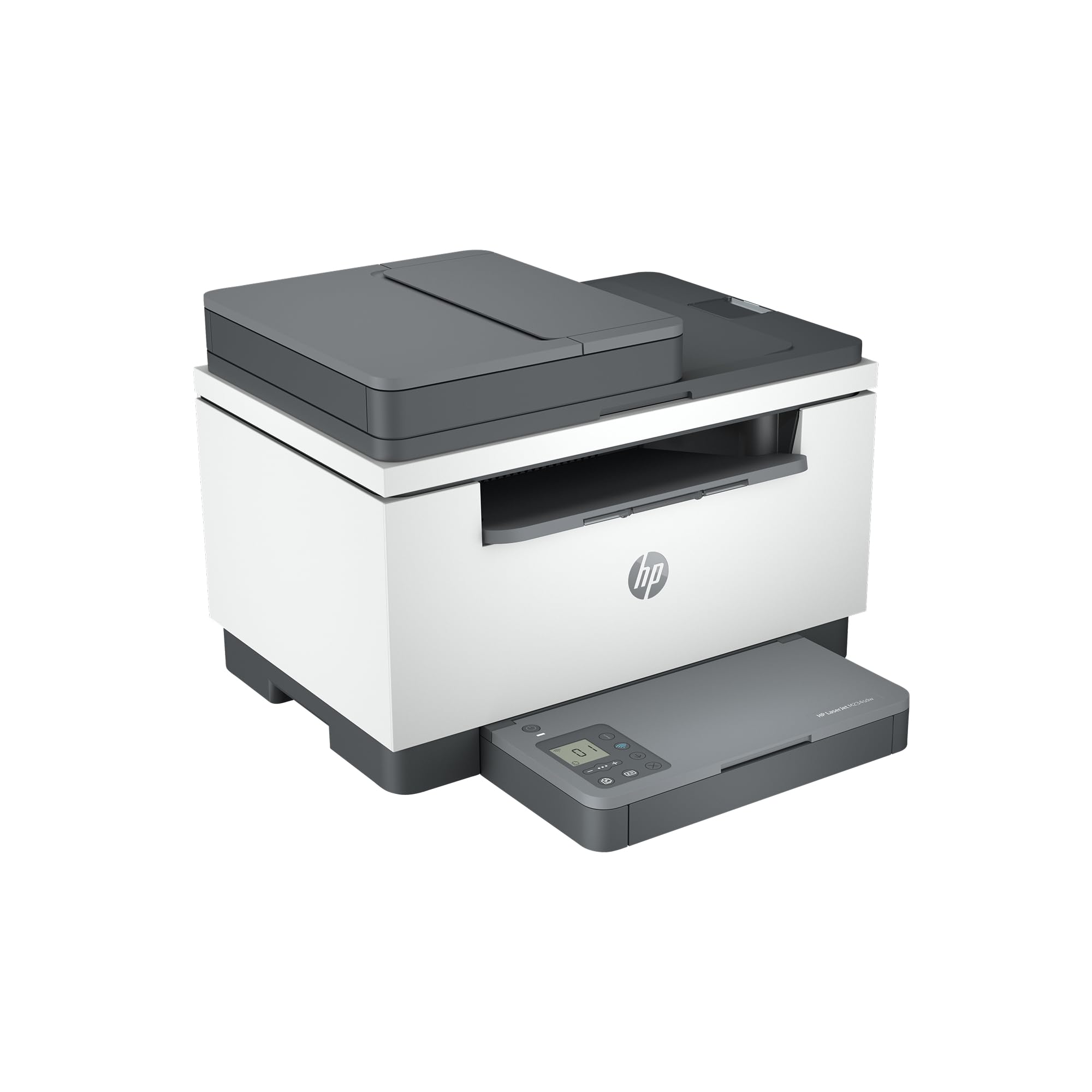
Two-sided black-and-white printing at 19 images a minute, hands-free copying on the side.
The spec to circle is not the 30 pages per minute single-sided figure — it is the 19 black-and-white images per minute on two-sided work, which is what actually happens when duplex is on. That is a fast duplex pace for a small office. Scan and copy run hands-free through the auto document feeder, so a signed packet becomes a clean PDF without lifting the lid.
Crisp, clear black text is the defining strength, and speed is close behind. The HP Smart app walks you through wireless setup, and people who mostly print from a phone find it painless. Dual-band Wi-Fi with a self-reset function is meant to sort its own connection hiccups, and built-in security features watch the network. It handles AirPrint, Android and Chromebook without extra software.
The split in its record is reliability — the feeder and the Wi-Fi link are where the frustration lands, and the value question divides households roughly down the middle. Neither is a dealbreaker at this machine’s scale, but if paper jams on the feeder would ruin your day, that is the risk to price in. For a one-to-five-person office printing black text daily, the speed and text quality carry it.
What buyers would list first
- Crisp, clear black-and-white text on plain paper
- 19 images per minute with duplex engaged — fast double-sided work
- Ethernet, USB 2.0 and dual-band Wi-Fi all on board
- Auto document feeder for stack-at-once scanning and copying
What to plan around
- Reliability is the mixed note — the paper feeder is the usual culprit
- Wireless occasionally needs the self-reset to kick in
- Monochrome only, so no colour coursework or photos
Ideal match: a small home team printing text documents all day and scanning packets on the feeder.
Wrong tool for: colour projects — this one is strictly black and white.
6. HP Envy Photo 7975 Wireless Color Inkjet Photo Printer
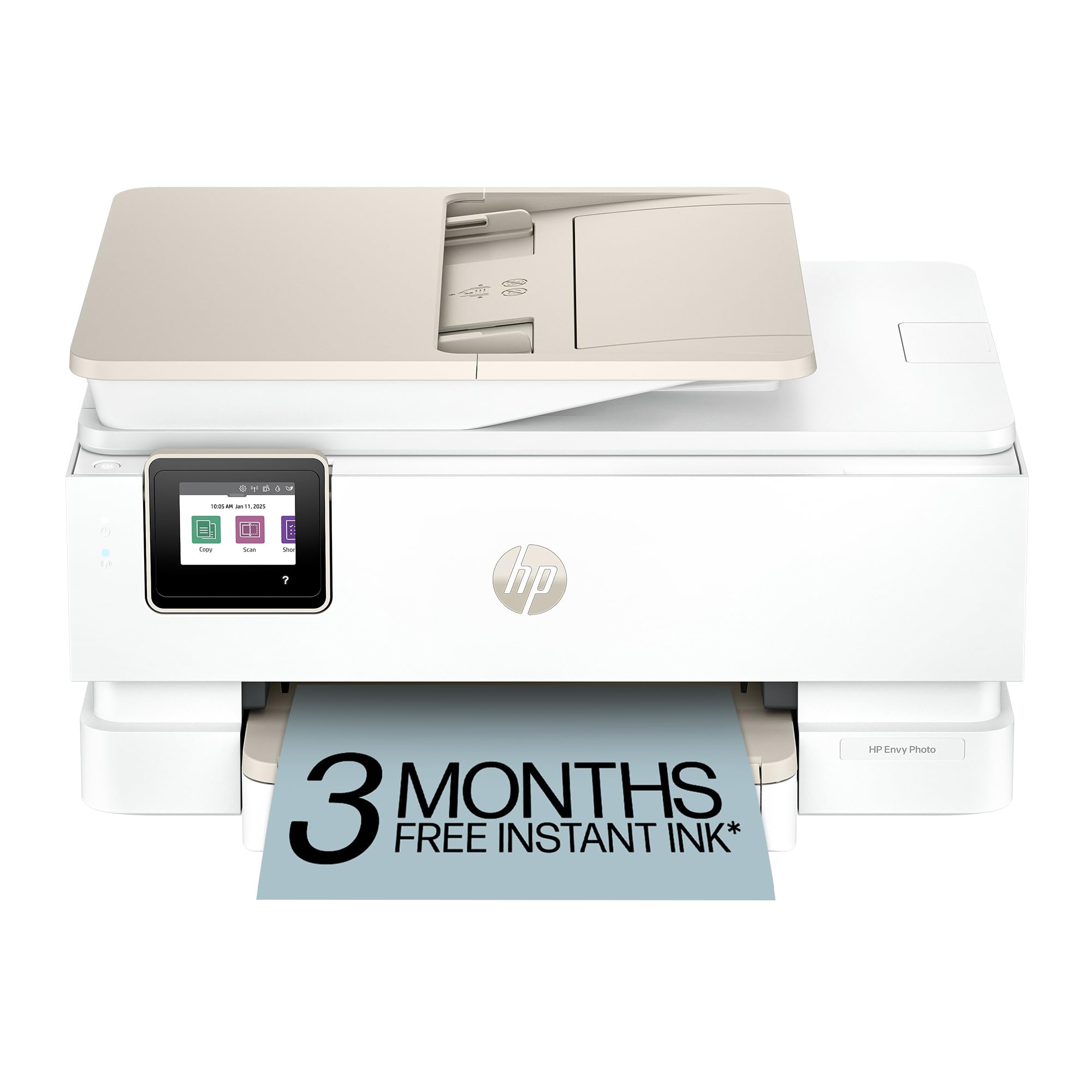
A dedicated photo tray and borderless prints for the household that pins things to the fridge.
Print speed is 15 pages per minute black and 10 pages per minute colour. The first page takes 22 seconds, which is the slowest start-up on this list by a clear margin — set expectations accordingly if you print a single sheet in a rush. Where the machine shines is on glossy photo paper, where pictures come out clear and true to screen, with borderless output in sizes up to letter.
The family-friendly extras stack up nicely: an auto document feeder for homework and forms, automatic two-sided printing, a colour touchscreen and mobile printing. A separate photo tray means you can keep glossy paper loaded while ordinary documents use the main tray. Instant Ink covers the first three months of cartridges.
What splits opinion is reliability and colour consistency — some units keep running happily, others give up early, and colour prints do not always land where buyers expected. Setup is the other variable, with accounts of it taking a half hour to complete. Treat this as a family photo machine that also handles paperwork, not a hard-working office engine.
Why households pick it: dedicated photo tray, borderless printing and a feeder for the school run.
The caveat to hold in mind: 22-second first page and a genuine spread on long-term reliability.
Built for: families printing photos, homework and the odd document, and happy to trade start-up speed for photo quality.
Step past it if: you need a hard-working document engine that runs daily without hiccups.
7. Canon Megatank G3290 All-in-One Wireless Printer
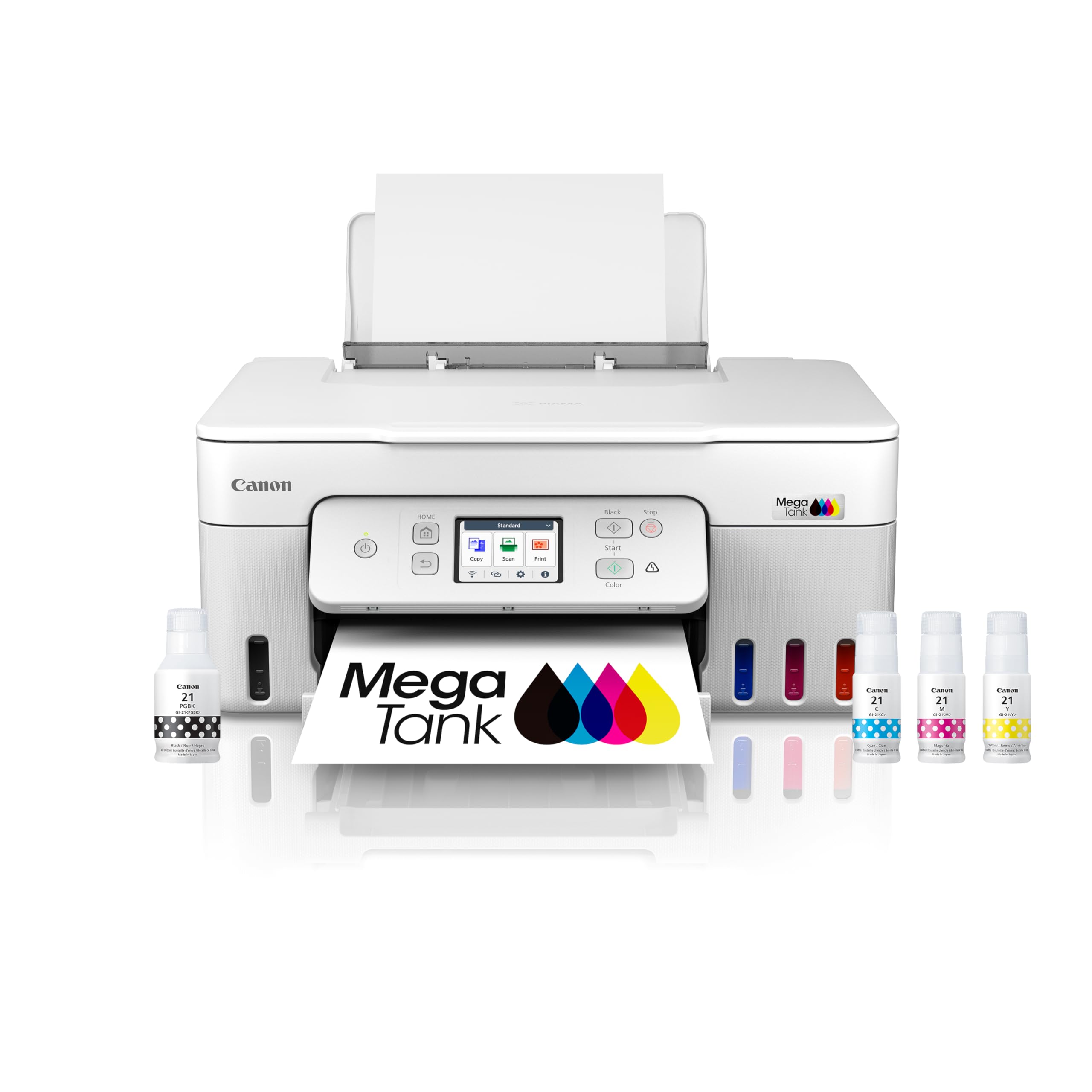
One set of ink bottles is rated for 6,000 black-and-white or 7,700 colour pages.
That page count is the whole argument for a tank printer. You pour ink from bottles into keyed reservoirs instead of clicking in cartridges, and Canon rates the bundled bottles for up to two years of typical printing. The 2.7-inch colour touchscreen handles the menu work and automatic duplex prints both sides.
Print quality is the most-praised thing about this machine, and setup is a close second — instructions are straightforward enough that most people are printing within the hour. Documents and pictures both come out looking good. Speed is the number to note: 11 pages per minute black and 6 pages per minute colour, which is the slowest colour pace in this group.
Two things split opinion here. Wireless is the most-discussed friction point, with a chunk of households fighting to get it onto the network and keep it there. Colour output also divides buyers — some find colours good, others report a green cast creeping into photos over time. The reliability picture is mixed too, with a minority of units failing to print. For the page volume, the running cost argument is strong; for connection patience, less so.
Where your money goes: ink bottles instead of cartridges — 6,000 black and 7,700 colour pages from the first set.
The honest snag: 6 pages per minute in colour is slow, and the Wi-Fi setup is the least forgiving part.
The right pick for: a household or small studio printing colour pages at volume who want cartridges off the shopping list.
Look past it if: you want photo-grade colour consistency or fast colour output.
8. Epson WorkForce Pro WF-7840 Inkjet Printer

It prints up to 13×19 inches — poster-sized sheets a standard printer simply cannot feed.
For a home studio printing presentations, proofs or detailed graphics that will not fit letter paper, this is the only machine here built for the job. The 500-sheet main tray plus a 50-sheet rear tray let it hold a serious volume of paper without you reloading mid-run, and it handles both business documents and frame-ready photo prints up to 8×10 inches at a stated 4800 x 2400 dpi resolution (dots per inch, a measure of print detail).
Speed is 25 pages per minute black and 12 pages per minute colour, with duplex and a document feeder as standard. AirPrint, Android and Mopria printing let a phone or tablet send a job without extra software. The wide-format output is the standout positive, and people printing large sheets find it a fairly quick machine for the size.
The trade-offs are real and worth naming. Ink cost is the most-discussed topic, and it does not flatter the machine. Connectivity and reliability also lean toward the problematic side, with frequent network dropouts. Setup is a coin flip. That does not make it a bad machine — it makes it the specialised tool for wide sheets, best kept on Ethernet if you can run a cable.
The case for the wide format
- Prints up to 13×19 inches — beyond anything else on this page
- 500-sheet main tray plus 50-sheet rear tray for volume runs
- 25 pages per minute black, 12 pages per minute colour
- Send jobs straight from a phone with AirPrint and Mopria
The trade you accept
- Ink cost is the loudest concern in the feedback
- Wi-Fi dropouts are common — wired Ethernet is the safer setup
- Setup outcomes range from painless to frustrating
Choose it when: you need poster-sized or proof-sized prints and a big paper supply.
Do not choose it for: casual home use — the wide-format footprint and ink appetite are overkill.
9. Epson EcoTank ET-4950 Supertank Printer
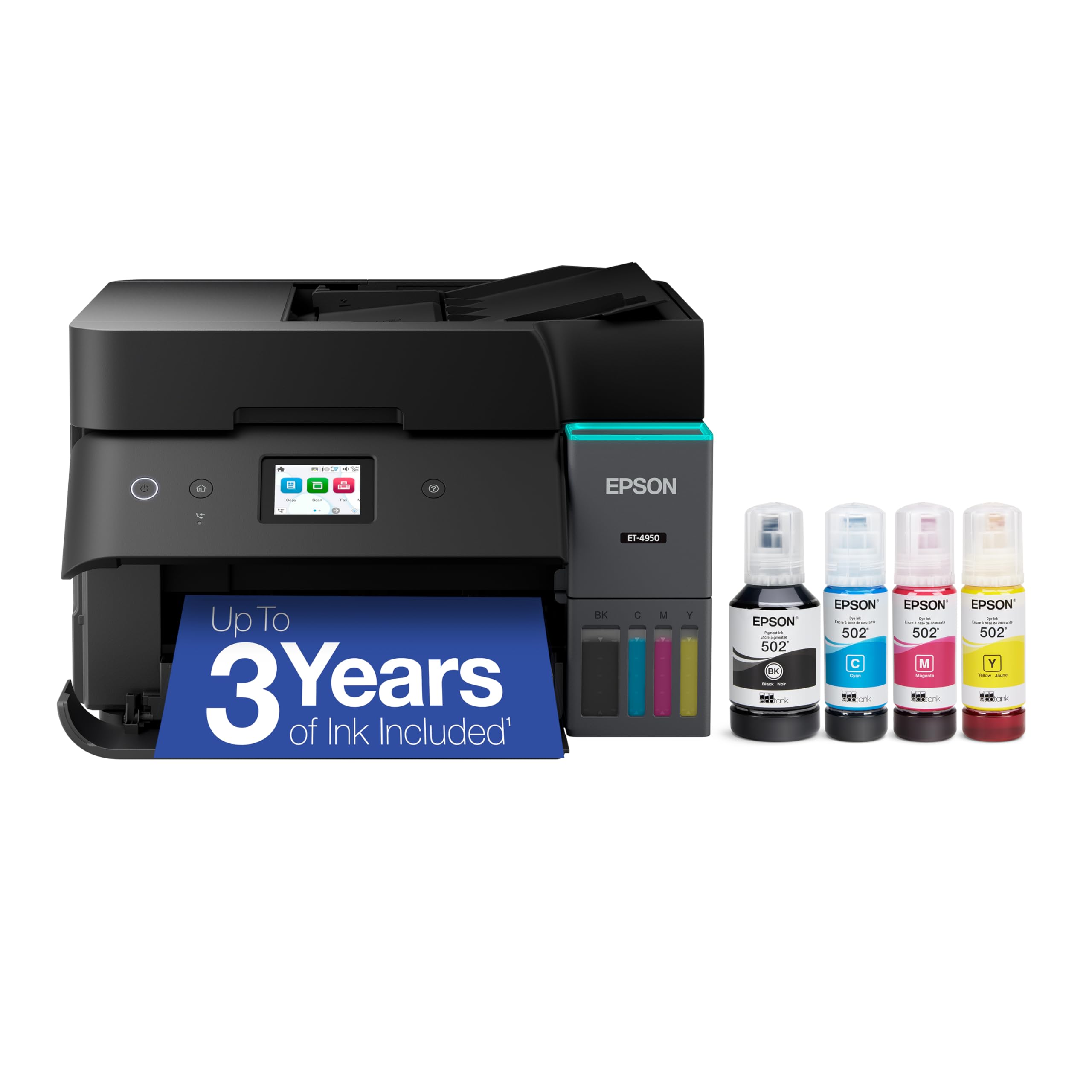
The box holds enough ink for 6,600 black pages and 5,500 colour pages.
That is the headline, and it is a big one for anyone with a high page count. You refill from keyed EcoFit bottles that fit only the correct tank, so there is no colour mix-up and no cartridge to swap. Epson rates each replacement bottle set at roughly 80 cartridges’ worth of ink. While the Epson runs at 18 pages per minute black against the Brother laser’s 36 pages per minute, it brings colour to the table and no toner drum to replace.
The productivity kit is solid: an auto document feeder, fax, a 250-sheet paper tray, automatic duplex for double-sided printing, and a 2.4-inch colour display. Print quality is the most-praised thing here, with clean, crisp text and images, and the stepped setup walks you through the process. It is the premium pick because you are buying years of ink rather than a machine that then demands frequent top-ups.
The failing is connectivity — this is the most-discussed frustration, with the link dropping and reconnecting being a common theme. An occasional unit fails to print cleanly for some households. Neither makes the machine a bad buy, but if your router is flaky already, wire it in via Ethernet. For a busy family or home studio, the huge ink reserve is what you are paying for.
The case for it: 6,600 black and 5,500 colour pages from the first bottles, with 18/9 pages per minute speeds.
What to watch: wireless stability is the weak spot — set it up wired if your network is anything but rock-solid.
Worth it for: high-volume colour printing where ink costs would otherwise dominate your budget.
skip it if: you print a handful of pages a month and want the lowest entry price.
Know the Specs
Pages per minute (ppm)
This is how many full sheets the machine completes in a minute. The number is usually quoted for black-and-white separately from colour, and the two are never the same. A black-and-white laser like the Brother HL-L2480DW at 36 pages per minute is far quicker on text than a colour inkjet running at 14 or 9 pages per minute.
Match the figure to your actual workload. If most of your printing is text, chase a high black number. If colour documents and photos dominate, the colour figure is the one that matters.
Paper tray capacity
This is how many blank sheets the printer holds before you reload it. A 500-sheet tray, as on the Epson WF-7840, means you can run a large job without stopping. A 150-sheet tray, as on the Brother INKvestment 1365, will need refilling sooner.
Tray size changes how you work more than you might think. Big jobs with a small tray mean interruptions, while a bigger tray lets you load a full ream and forget it.
Flatbed scan glass versus auto document feeder
A flatbed glass takes a single item placed face-down and scans it — good for books, receipts and thick items. An auto document feeder pulls a stack of sheets through one at a time so you can scan a whole contract without opening the lid each page.
Most home users want both. Pick a model with an ADF if you deal in multi-page documents, and one with a flat glass if you scan anything odd-shaped.
Toner, cartridges and refillable tanks
A laser printer uses toner powder, which means text lands dry and does not smudge. Inkjet machines use liquid cartridges for colour and photos. Tank printers such as the EcoTank and Megatank skip cartridges and pour ink from bottles into reservoirs.
Toner is economical for high-volume black text. Tanks cut the cost of colour pages at high volume. Two-cartridge inkjets are the simplest starting point for light printing.
Common Questions
Will an all-in-one printer scan to my phone as well as print from it?
Do I need a document feeder if I only scan the odd receipt?
Is a laser printer cheaper to run than an inkjet for black-and-white text?
What does automatic duplex printing actually do?
How many pages will a tank printer print before I refill?
Can I use third-party ink in these printers?
My printer keeps dropping off Wi-Fi — is that normal?
How big a sheet can the Epson WorkForce Pro WF-7840 print?
Do I need Wi-Fi Direct if I already have home Wi-Fi?
Is a monochrome laser a bad idea if I occasionally need colour?
The Bottom Line
For most homes, the winner is the Brother HL-L2480DW because 36 pages per minute of toner means you stop noticing the printer at all. The biggest caveat is simple: if colour is in your plan, skip straight to the Canon PIXMA TR7120, which brings a document feeder (a tray that pulls pages through for scanning or copying) and duplex printing (printing on both sides automatically) without the premium price. And when colour volume is high enough that cartridges start to sting, the Epson EcoTank ET-4950 with its 6,600-page black reserve is the one to reach for. One last nudge: the crowd favourite sits at 4.0+ stars across 650+ owners, which is the strongest confidence signal in the group — and for an appliance that lives on your desk for years, that is the number worth trusting.
How we choose
We do not accept paid placement. Every pick is matched to a real buyer and a real use-case; we do not hands-on test units.
Sources
Specifications: manufacturer listings and product documentation. Review insights: verified customer reviews, as of November 2026. Pricing: not shown on this page (it changes often); check the current price via the retailer link.
As an Amazon Associate, Tactical Gear Guy earns from qualifying purchases. This does not affect which products we feature.