Specs are compiled from manufacturer listings and verified buyer reviews and can change over time — please confirm the key details on the product page before buying.
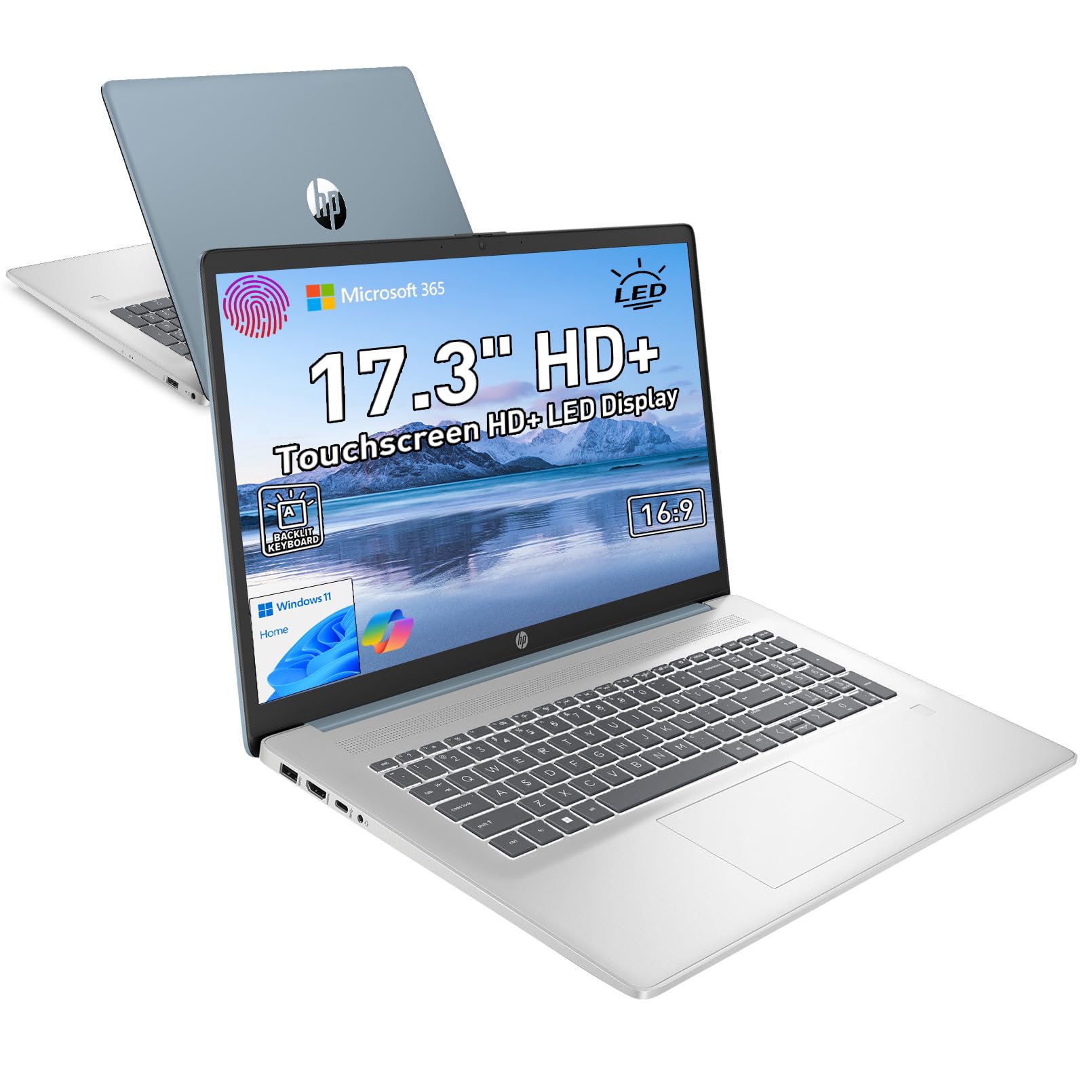
If you want the safest laptop buy on this page, start with the HP 17.3″ Touchscreen — the crowd favorite at 4.5+ stars across 400+ ratings, and the one that gives you the biggest screen for everyday work. But a big screen and a good screen are two different things, and that is exactly where most laptop shopping goes wrong. This guide separates the panels worth paying for from the ones that will leave you squinting, and it tells you which LCD machine fits the way you actually use a laptop.
This guide is built by comparing the manufacturers’ published specifications and the patterns across verified customer reviews, so you get each pick’s real strengths and trade-offs instead of marketing spin.
Every laptop here uses an LCD panel, which is the matte-or-glossy screen type that stays readable in ordinary room light. That single detail matters more than most spec sheets admit, and it is the thread running through this whole list of the best laptop with LCD screen.
Top Picks

How To Choose The Best Laptop with LCD Screen
The screen is the one part of a laptop you cannot upgrade later, so it deserves more of your attention than the processor badge. An LCD panel — the standard screen type built from a backlight and a layer of liquid crystals — comes in a few flavours, and each one changes how the machine looks and feels in daily use. Here is what actually moves the needle.
Resolution and brightness come before everything
A higher resolution means more pixels packed into the same space, so text and spreadsheet cells stay sharp instead of fuzzy. The 1920 x 1200 panels on several picks here give you extra vertical room compared with a 1920 x 1080 screen, which means fewer trips to the scroll bar. Brightness, measured in nits, decides whether you can still read the screen beside a sunny window — 300 nits and up holds up far better than a dim panel.
Refresh rate: 60Hz versus 120Hz
Refresh rate is how many times per second the screen redraws, measured in hertz. A 60Hz panel refreshes 60 times a second, which is perfectly fine for documents and video. A 120Hz screen refreshes twice as often, so scrolling and cursor movement look smoother to the eye. If you spend your day flicking through long web pages or spreadsheets, that extra smoothness is a real comfort upgrade, not a marketing line.
Touch or not, and how the panel is finished
A touchscreen adds a layer you can tap and swipe directly, which is handy for note-taking and quick navigation. The trade-off is that glossy touch glass can catch reflections, so look for an anti-glare finish if you work near lamps or windows. A 2-in-1 with a 360-degree hinge goes further and folds into tablet or tent mode, which suits sketching and presenting.
Memory and storage you will not outgrow
RAM is your laptop’s short-term workspace — the more you have, the more browser tabs and apps stay open without slowing down. Storage is where your files live, and a solid-state drive (SSD) reads and writes far faster than an old spinning disk, so the machine boots quickly. For light everyday use, 8GB of RAM works; for heavy multitasking, 16GB and up keeps everything flowing.
Side-by-Side Comparison
| Model | Best For | Screen | RAM / Storage | Refresh Rate | Amazon |
|---|---|---|---|---|---|
| HP 17.3″ Touchscreen Laptop★ Best Overall | Big-screen everyday work | 17.3″ HD+ LCD touch | 8GB / 128GB UFS | 60Hz | Amazon |
| Acer Aspire Go 15Budget Champion | Budget full-HD value | 15.6″ FHD IPS | 8GB / 128GB UFS | — | Amazon |
| Samsung 12.2″ Chromebook PlusBest for Travel | Travel and note-taking | 12.2″ FHD touch | 4GB / 224GB | — | Amazon |
| Lenovo IdeaPad Slim 3i | Smooth 120Hz multitasking | 15.3″ WUXGA IPS touch | 24GB / 1TB SSD | 120Hz | Amazon |
| HP 15.6″ FHD Touchscreen | All-day Ryzen productivity | 15.6″ FHD IPS touch | 16GB / 512GB SSD | — | Amazon |
| Dell 14 Laptop | Sharp 2K on the move | 14″ 2K LCD | 16GB / — | — | Amazon |
| HP OmniBook 16 Touchscreen | AI-heavy office work | 16″ 2K IPS touch | 16GB / 1TB SSD | — | Amazon |
| Microsoft Surface Laptop | Battery-first portability | 13.8″ PixelSense LCD touch | 16GB / 512GB SSD | — | Amazon |
| Lenovo Yoga 7i 2-in-1 | Convertible creativity | 16″ WUXGA IPS touch | 16GB / 2TB SSD | 60Hz | Amazon |
Detailed Reviews
1. HP 17.3” Touchscreen Laptop
Our pick — 4.5+★ from 400+ verified ratings; the strongest balance of quality and price.
The big-screen desk worker that swallows a spreadsheet whole and puts a number pad where your fingers expect it.
The 17.3-inch screen is the headline for a reason: it is the largest display on this entire list, and the 1600 x 900 HD+ resolution with an anti-glare finish keeps text readable when a lamp is throwing light across your desk. That anti-glare layer is the practical win here — you get a big matte panel, so you are not staring into a reflection of your own ceiling while you work.
Under the hood is an Intel N100 quad-core processor, a six-megabyte cache, and Wi-Fi 6 with Bluetooth 5.4 for a steadier connection than older wireless standards. What wins people over most is everyday performance — owners describe it as performing exactly as advertised — and the whole thing runs Windows 11 Home with a dedicated Copilot key for AI assistance. A fingerprint reader and full-size backlit keyboard with numeric keypad round out the working setup.
Here is the honest catch: at 4.6 lbs for the 17-inch model, this is a laptop you leave on the desk rather than tuck under your arm all day. Reliability gets mixed notes, with a few mentions of random freezing, and the biggest version’s 128GB UFS storage is genuinely tight for a pile of photos or games. HP Fast Charge does take it from 0 to 50% in 45 minutes, so a quick top-up before a meeting is realistic.
Where This One Wins
- 17.3-inch anti-glare screen is the biggest panel in this lineup
- Full keyboard with a numeric keypad suits spreadsheets and budgeting
- Fingerprint reader and backlit keys for fast, low-light logins
- Wi-Fi 6 and Bluetooth 5.4 for a steadier connection
Where It Asks For Patience
- 4.6 lbs means it is a stay-at-home desk machine
- 128GB UFS storage fills faster than you expect
- A small share of owners hit occasional freezing
Made for: Anyone who wants one big, bright, anti-glare screen for browsing, streaming and office work in a fixed spot.
The trade: The 4.6 lb chassis is a fair bit heavier to carry than the slimmer 2.98 lb Samsung Chromebook, so treat it as a desk machine.
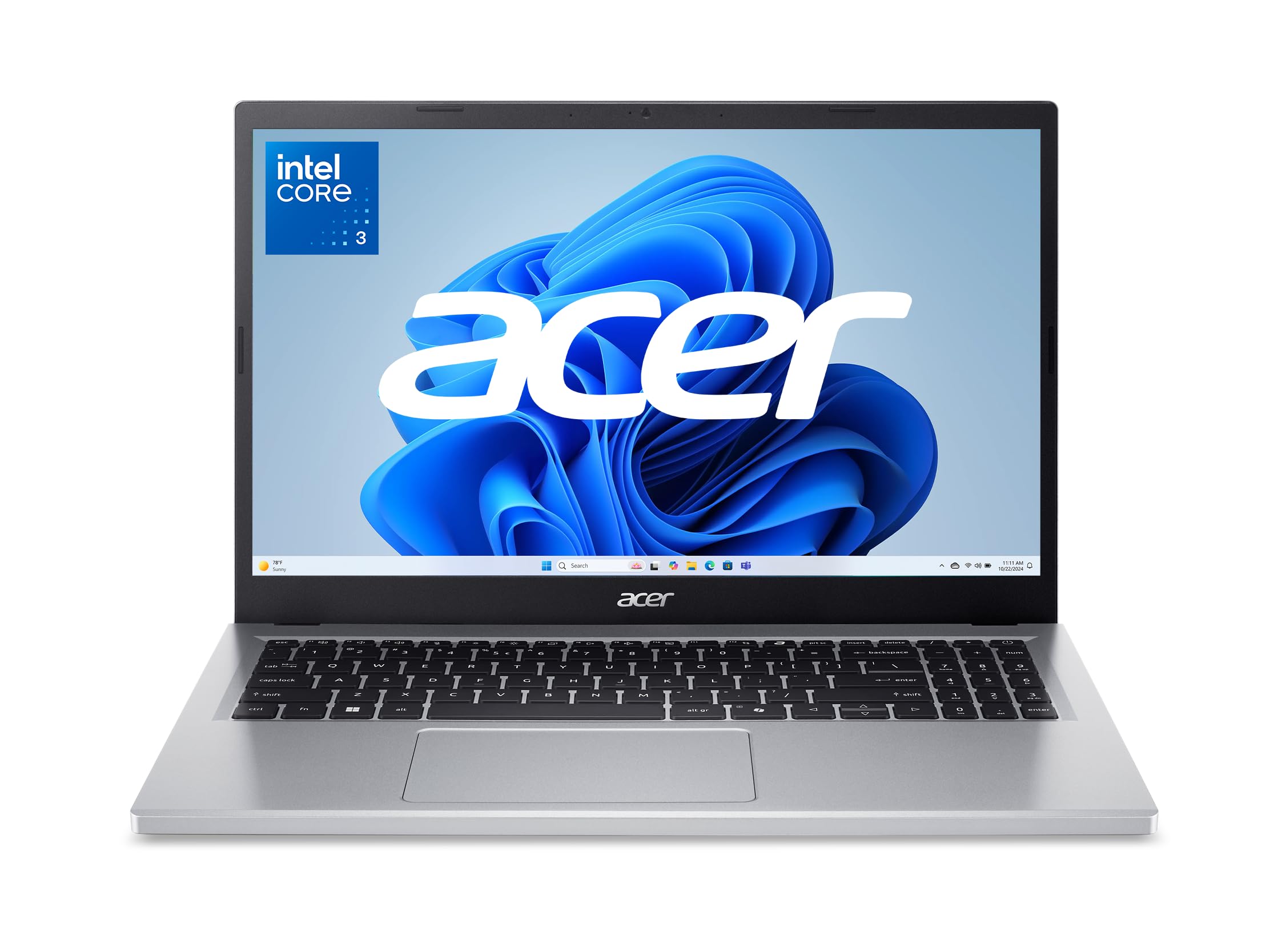
2. Acer Aspire Go 15 AI Ready Laptop
Full-HD IPS clarity at an entry-level price, with a processor that punches well above its sticker.
The Core 3 N355 processor here tops out at 3.9 GHz — a 2.6x jump in maximum clock speed over the Samsung Chromebook’s 1.5 GHz ceiling. That gulf is the whole story for anyone worried about a budget laptop feeling sluggish: this is the machine on the list that stays lively during ordinary browsing and document work without reaching into premium territory.
The 15.6-inch 1080p Full HD IPS panel is the other reason it earns a spot. IPS (in-plane switching) is the LCD style that keeps colours steady when you view from an angle, so the screen does not wash out when someone leans over to look. Add dual full-function USB-C ports, HDMI 2.1, and 8GB of DDR5 memory, and the everyday workload is covered. The value-for-money angle is what buyers respond to most here.
A sensible starting point: Acer BluelightShield dials down blue light for long sessions, and AcerSense puts battery, storage and app controls at a single button press.
The honest limitation: The 128GB UFS storage is on the small side, and Windows 11 Home in S mode restricts you to apps from the Microsoft Store until you switch modes — fine for a student, restrictive for a power user.
Reach for this if: You want a crisp Full HD IPS screen for classes, browsing and streaming without paying more for extras you will not use.
Look elsewhere if: You plan to store large files locally — that 128GB fills quickly.
3. Samsung 12.2″ FHD 2-in-1 Touchscreen Chromebook Plus Laptop
A 2.98 lb convertible that folds into a tablet, throws in a stylus and mouse, and slips into a commuter bag.
Weighing in at 2.98 lbs, this is 54% lighter than the 4.6 lb HP 17.3-inch above — a difference you feel the moment you pick it up, and the exact reason it earns its place for travel. The 360-degree hinge flips it into tablet or tent mode, and the 12.2-inch FHD touchscreen handles natural navigation with a stylus. Size and ease of use are what owners like most, and both are earned.
Storage is the standout on paper at 224GB — a generous figure next to the 128GB on the HP 17.3-inch — though the bundle does the heavy lifting with a 64GB eMMC drive plus a 128GB docking station and a 32GB microSD card. The Intel Celeron 3965Y processor runs at 1.5 GHz and the RAM sits at 4GB, which is genuinely modest for heavy multitasking. Chrome OS brings thousands of apps and built-in virus protection.
Where it shines: The included 7-in-1 docking station, stylus pen and wireless mouse make this a genuinely turn-key travel kit rather than a bare laptop.
The catch to know: That modest processor and 4GB of RAM keep it to web and document duties, and the performance side gets the harshest notes from owners — reporters call it slow and laggy. This is a second machine for notes and browsing, not a primary workstation.
Right for: Students and commuters who want a light convertible with a stylus for note-taking and a bundle of accessories out of one box.
Not for: Heavy multitaskers — 4GB of RAM and a 1.5 GHz processor will strain under big workloads.
4. Lenovo IdeaPad Slim 3i 15.3″ 120Hz Touchscreen Laptop
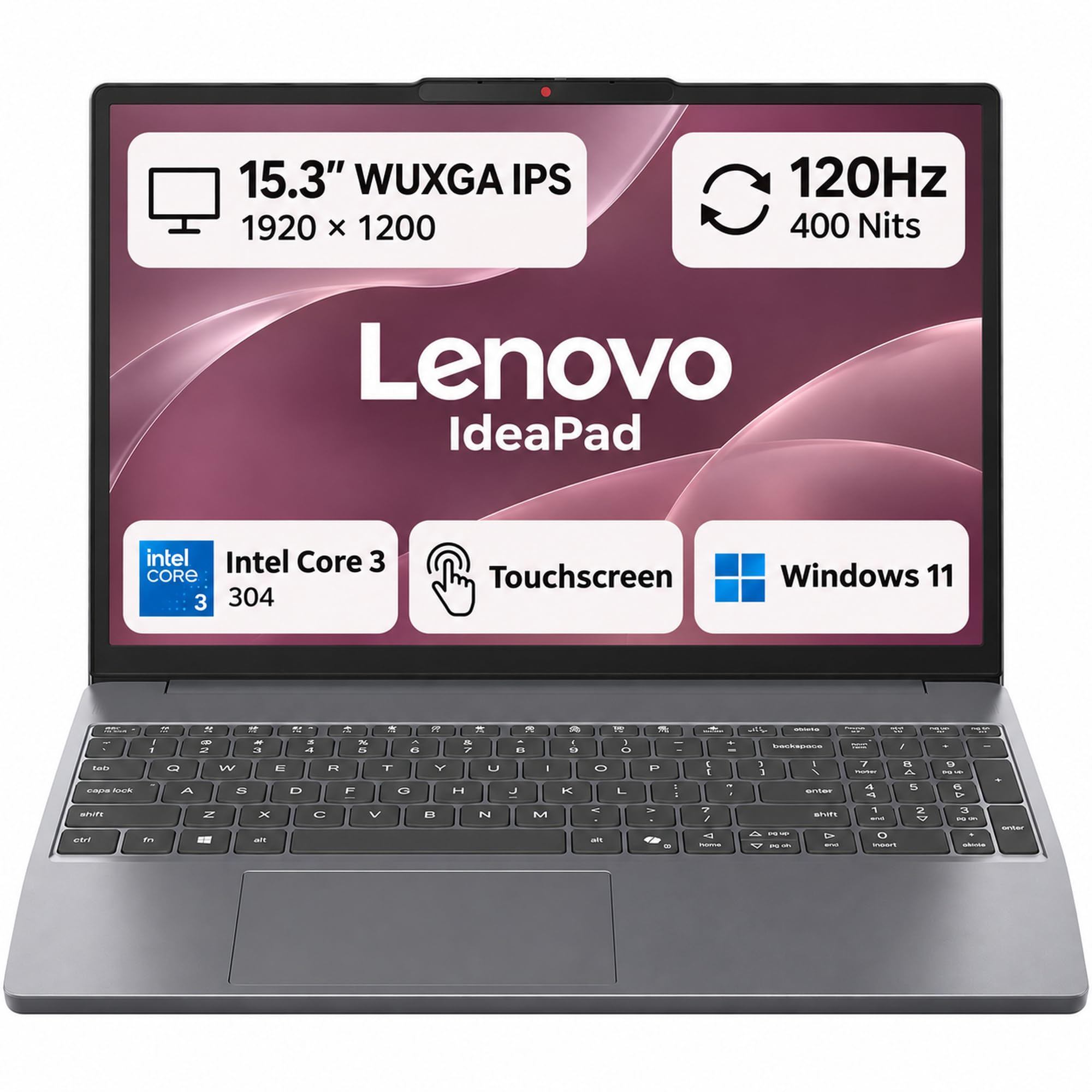
A 120Hz touchscreen that scrolls like flowing water, backed by 24GB of RAM for a dozen tabs at once.
Motion is where this machine separates itself. The 120Hz refresh rate scrolls and swipes at double the fluidity of a 60Hz panel like the one on the HP 17.3-inch — a 2.0x gap — so long web pages and spreadsheets glide instead of stutter. The 15.3-inch WUXGA IPS screen runs at 1920 x 1200, and its 16:10 shape makes room for extra vertical space, handy when you are deep in a document.
Memory is the other headline. With 24GB of DDR5 RAM, this packs six times the 4GB of the Samsung Chromebook, which is the difference between opening a couple of tabs and flinging open a whole workspace. A 1TB SSD holds coursework, presentations and photos without hunting for space, while the 400-nit brightness and anti-glare finish help content stay visible in a bright room. The Intel Core 3 304 processor reaches speeds up to 4.3GHz with a numeric keypad and full port set.
Worth the Climb
- 120Hz screen makes scrolling genuinely smoother
- 24GB DDR5 RAM and 1TB SSD headroom spare you cleanup
- 400-nit anti-glare panel stays readable in bright rooms
- Weighs about 3.5 lbs with a 0.74-inch profile
What To Weigh
- The Core 3 304 is an everyday processor, not a creative-workstation chip
- It runs the older Windows version with a familiar feel, not the Pro edition
Best fit: Heavy multitaskers and students who juggle tabs, documents and streaming and want the smoothest-looking display here.
Give it a pass if: You need top-tier gaming or pro graphics work.
5. HP 15.6″ FHD Touchscreen Laptop
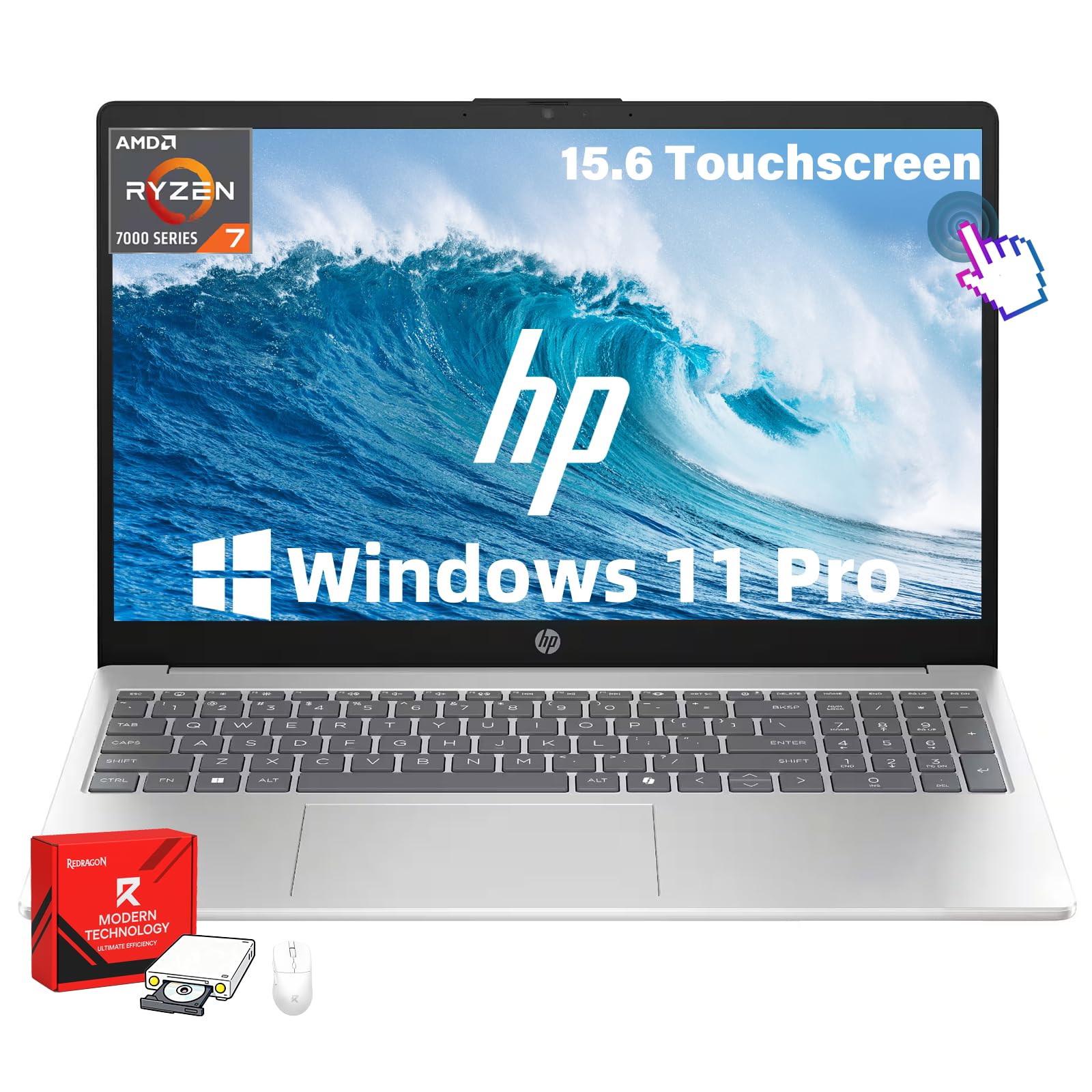
Eight cores, sixteen threads and a battery that keeps going long after most rivals reach for the charger.
The AMD Ryzen 7 7730U processor runs 8 cores and 16 threads at speeds up to 4.5 GHz, and that core count is what makes heavy, mixed work sessions feel calm. Switch from a spreadsheet to a video meeting to research tabs without the stutter you get on entry-level chips. The 15.6-inch Full HD IPS touchscreen keeps content clear from wide angles, and its responsive touch control makes reviewing a presentation feel natural.
The working endurance is the quiet victory: HP rates this at up to 10.75 hours of battery life, so a day away from the outlet is realistic. At 3.52 lbs it moves between home, commute and class without complaint, and the 16GB of RAM with a 512GB NVMe SSD covers multitasking and fast boots. Windows 11 Pro and a full keyboard with numeric keypad round it out for spreadsheet work.
The daily reality: An HD camera with a privacy shutter keeps meetings professional, and Wi-Fi 6 with Bluetooth 5.4 holds the connection steady across a workday.
What to be clear-eyed about: This is the longest-lasting battery on the LCD side of this list, but the Ryzen 7 is a strong all-rounder rather than a gaming chip — plan on everyday productivity, not 3D rendering.
Choose this one for: A professional or remote worker who needs an all-day battery, a full keyboard and enough cores for a heavy workload.
Look past it if: You only surf and write emails — the extra power is more than you need.
6. Dell 14 Laptop
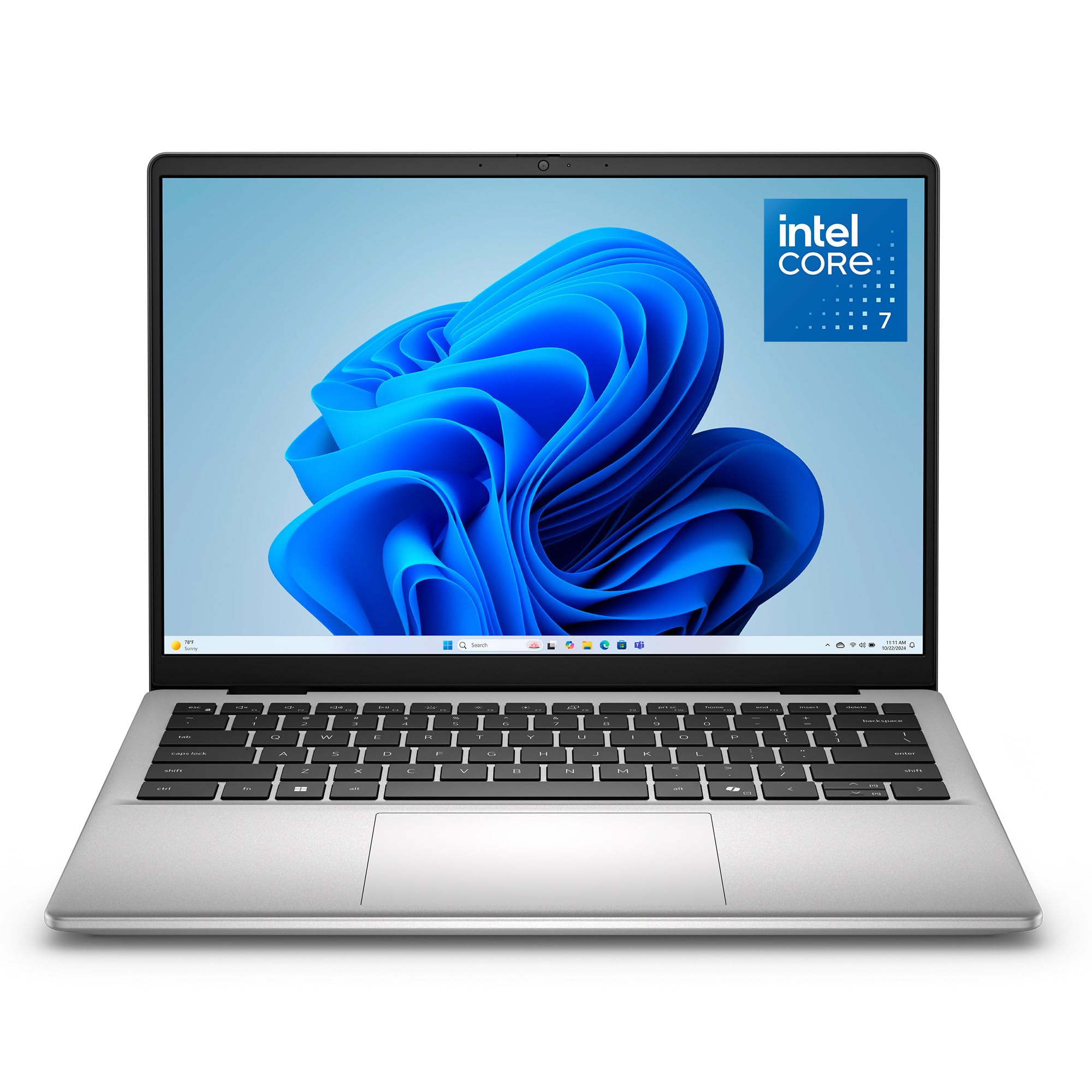
A 14-inch 2K panel that squeezes fine detail into a small frame, then handles the commute with military-grade testing behind it.
Pixel density is the story. The 14-inch 2K screen crams resolution into a smaller footprint, so text and image detail look noticeably tighter than on a standard panel — good news when you are reading long documents or editing a presentation. The Intel Core 7 150U reaches up to 5.4 GHz and 16GB of RAM keeps the switching smooth when you bounce from slides to video calls to email.
Dell says this machine goes through rigorous military-grade testing, so it takes the bumps of a cafe-to-meeting-to-home routine in stride. Adaptive thermals sense when it is on a stable surface and adjust power and heat to run more efficiently, which means a quieter, cooler lap session. A fingerprint reader, Bluetooth 5.3 and 300-nit brightness round out the everyday package.
The commute case: Slim and light enough to live in a bag, with a 65 Watt adapter that recharges on the go and a metal silver finish that shrugs off fingerprints.
The trade-off: 16GB of RAM paired with a 150U processor makes this a strong everyday performer rather than a workstation, and the 300-nit panel is comfortable indoors but not built for direct sunlight.
Fits best: Someone who wants the sharpest possible picture in a compact 14-inch machine they carry every day.
Not the pick if: You need a big screen for multi-window workflows — the 14-inch panel is compact by design.
7. HP OmniBook 16 Touchscreen Laptop AMD Ryzen AI 7 445

A dedicated AI engine, two USB-C ports that power dual monitors, and a 16-inch 2K canvas to spread out on.
There is an NPU (a dedicated neural processing unit built to run AI tasks faster and with less power) pushing 50 TOPS inside the AMD Ryzen AI 7 445. That 6-core chip boosts to 4.6 GHz and lets the machine handle real-time background blur in video calls and AI-assisted content work without dragging down everything else. The 16-inch 2K IPS touchscreen runs at 1920 x 1200 in a 16:10 shape, giving extra vertical room for timelines and tall spreadsheets.
On the connection side, two USB Type-C ports at 10Gbps with Power Delivery 3.1 and DisplayPort 1.4 make dual-monitor docking a dongle-free affair, while HDMI 2.1 pushes 4K to an external screen. A 1080p FHD IR camera enables Windows Hello facial recognition, and the manual privacy shutter means you can physically block the lens. Backlit keys with a numeric keypad, 16GB DDR5 RAM and a 1TB PCIe NVMe SSD complete the toolkit.
Who it serves: Office and data-heavy work — you keep dozens of tabs plus communication and creative apps open comfortably on the DDR5 memory and the fast SSD.
The flip side: It is a big 16-inch machine, so portability takes a back seat, and the AI features need supported software to show their best — a plain document day will not feel dramatically faster.
Worth it for: Professionals running AI tools, dual monitors and heavy multitasking on one screen.
Skip if: You want a light, throw-in-a-tote laptop.
8. Microsoft Surface Laptop
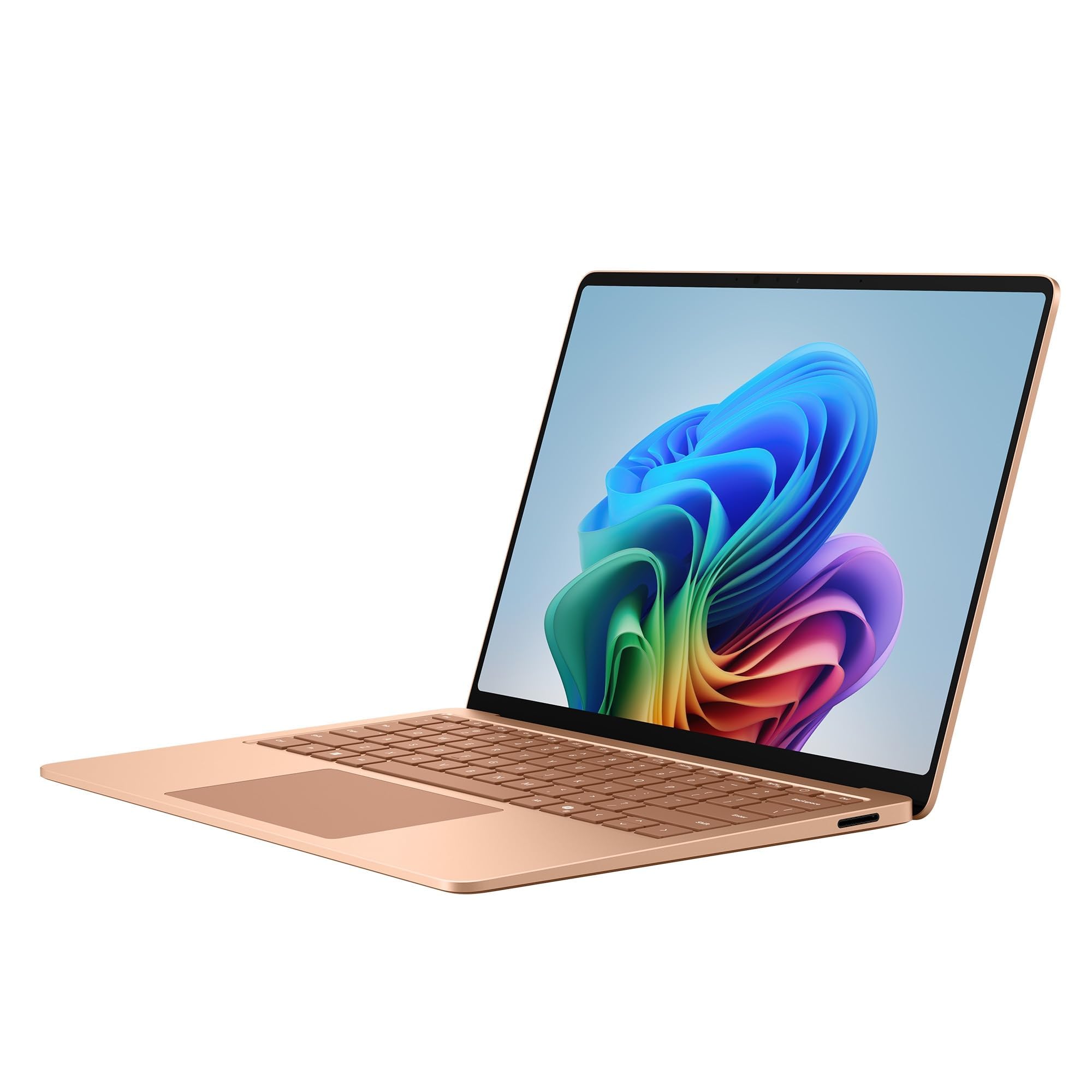
Twenty hours of battery life and a 13.8-inch PixelSense LCD that keeps its color past midnight.
That 20-hour battery figure is the reason this machine exists. A full day of work, streaming and creative tasks runs from morning to night without reaching for the charger — the kind of endurance the other LCD laptops here do not claim. The 13.8-inch PixelSense touchscreen is an LCD panel, and it delivers luminous whites, deeper blacks and richly saturated color across a 2880 x 1920 resolution.
Inside sits a 12-core Snapdragon X2 Elite processor labeled as the most powerful Surface laptop for multitasking and demanding workloads, backed by 16GB of RAM and a 512GB SSD. Two USB-C/USB4 ports handle charging, fast data transfer and a desktop setup, and the aluminum alloy chassis comes in Black, Platinum, Dune and Jade.
Why It Stands Out
- 20-hour battery life keeps you untethered through a full day
- 2880 x 1920 PixelSense LCD is the crispest canvas on this list
- 12-core Snapdragon X2 Elite for fast multitasking
- USB-C/USB4 ports for charging, transfer and docking
Points To Consider
- It carries the highest price tier here
- A 13.8-inch screen is portable but smaller than a 16-inch workstation panel
The right reason to buy: You want to leave the charger behind and trust the machine to last a full workday.
Give pause if: You prefer a larger screen for side-by-side windows — this one keeps things compact.
9. Lenovo Yoga 7i 2-in-1 Laptop
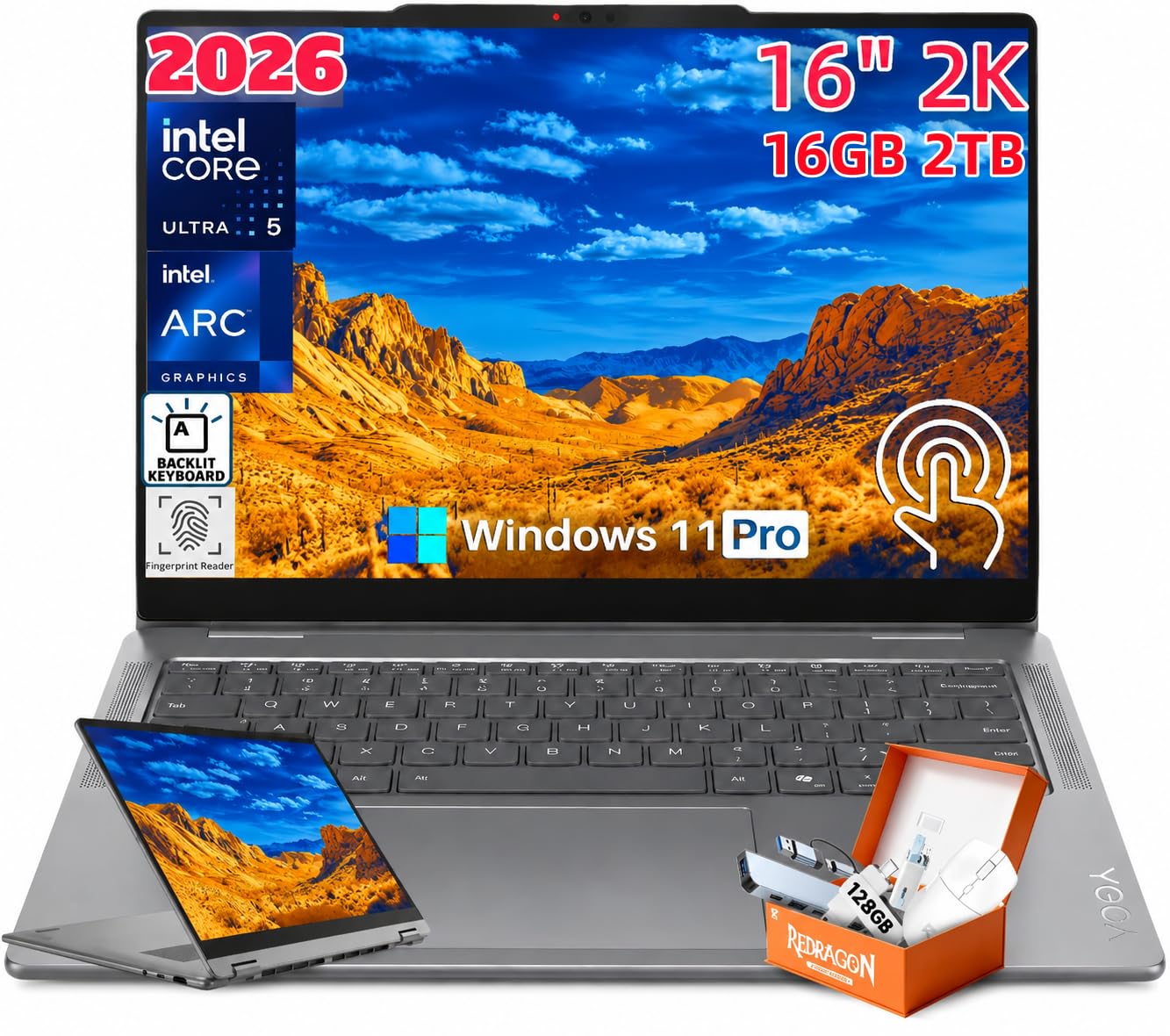
A 16-inch convertible that becomes a tablet, tent or stand, with 2TB of storage to hold every project.
The best-converting machine on this list: the 360-degree hinge lets it fold into tablet, tent and stand modes, and the 16-inch IPS LCD touchscreen runs at 1920 x 1200 with 300-nit brightness and a 60Hz refresh. Paired with the Intel Core Ultra 5 226V’s 8 cores and integrated Intel Arc graphics, it handles multitasking, office apps and streaming without strain, while the built-in NPU delivers up to 40 TOPS of AI processing for supported tasks.
Storage is the biggest on the page at 2TB on a solid-state drive, with 16GB of LPDDR5X memory running at 8533MHz for quick access to files and apps. Four Dolby Atmos-tune speakers, Wi-Fi 7, two Thunderbolt 4/USB-C ports, a fingerprint reader and a 1080p webcam make it a full creative companion, running Windows 11 Pro with a backlit keyboard and numeric keypad.
The Strong Side
- 360-degree hinge for laptop, tablet, tent and stand modes
- 2TB SSD is the largest storage here
- Wi-Fi 7 and two Thunderbolt 4 ports for fast, flexible connection
- Four Dolby Atmos speakers for richer sound
Think It Over
- The highest price tier on this list
- 60Hz refresh is standard rather than the smoother 120Hz
Pick it when: You want one device that morphs from desk work to drawing tablet, and you need serious storage.
Look past it if: A fixed-screen machine at a lower tier would serve you fine.
Know the Specs
LCD, IPS, and PixelSense Explained
LCD stands for liquid-crystal display — the standard panel type with a backlight, and the type every laptop here uses. IPS (in-plane switching) is a refinement of that LCD that keeps colors and contrast steady when you view off-angle, so the screen does not wash out from the side. PixelSense is Microsoft’s name for its own LCD touchscreen, and it still behaves as an LCD panel — bright whites, deep blacks and rich color. The practical takeaway: LCD panels tend to be matte and glare-resistant, which suits bright rooms, and you pay for the extra color depth of a brighter finish where it matters.
Refresh Rate in Hertz
Refresh rate is how many times per second the screen repaints, measured in hertz (Hz). A 60Hz display redraws 60 times a second, which is smooth enough for documents and video. A 120Hz panel redraws twice as often, so scrolling and cursor moves look noticeably more fluid — a real comfort boost if you flick through long pages. Higher refresh also draws a little more power, which is the reason battery-focused models often stay at 60Hz.
Common Questions
Is an LCD screen worse than an OLED for a laptop?
How much does refresh rate matter on a laptop screen?
Can I upgrade the RAM or storage later on these laptops?
Is a 1920 x 1200 screen better than 1920 x 1080?
How many nits do I need to see the screen in daylight?
Is a touchscreen worth it on an LCD laptop?
Do I need 16GB of RAM or is 8GB enough?
What does Windows 11 Home in S mode mean for me?
How long should a laptop’s battery last between models?
Will these laptops run dual monitors through USB-C?
The Bottom Line
For most people, the laptop with lcd screen winner is the HP 17.3″ Touchscreen because it puts the biggest anti-glare screen in this lineup onto a desk for everyday work, streaming and spreadsheets, with a numeric keypad and fingerprint reader to match. If you want the smoothest scrolling and the most RAM, reach for the Lenovo IdeaPad Slim 3i and its 120Hz panel. And for a machine you can leave the charger behind with, the Microsoft Surface Laptop and its 20-hour battery are the one to reach for. Pick the screen that fits your day first — the rest of the laptop follows from there.
How we choose
We do not accept paid placement. Every pick is matched to a real buyer and a real use-case; we do not hands-on test units.
Sources
Specifications: manufacturer listings and product documentation. Review insights: verified customer reviews, as of November 2026. Pricing: not shown on this page (it changes often); check the current price via the retailer link.
As an Amazon Associate, Tactical Gear Guy earns from qualifying purchases. This does not affect which products we feature.