Specs are compiled from manufacturer listings and verified buyer reviews and can change over time — please confirm the key details on the product page before buying.
If you are mounting a projector over a smartboard, the throw ratio decides whether your lesson works or fails. A short-throw or ultra short throw lens sits close to the board, so you stop casting a shadow across your own writing and you stop blinding yourself with the beam. This guide covers eleven projectors that meet that bar, sorted by what they actually do well in a classroom, a training room, or a garage simulator bay. Before you read the picks, one honest note: matching here is flexible by design, so not every unit is the exact model you typed into the search bar. Each one is the nearest same-type short-throw option that serves the same job.
This guide is built by comparing the manufacturers’ published specifications and the patterns across verified customer reviews, so you get each pick’s real strengths and trade-offs instead of marketing spin.
You will see brightness in lumens, throw ratio, and resolution lined up side by side, plus the mounting headaches owners actually hit. Read on for the projector for smartboard picks that keep your image sharp and your board shadow-free.
Top Picks


How To Choose The Best Projector For Smartboard
A smartboard setup puts unusual demands on a projector. You stand at the board while you teach, so the lens has to sit close enough that your body never blocks the light path. That single physical fact rules out most long-throw home theater units before you even look at a spec sheet.
Throw ratio is the first filter, not the last
Throw ratio is the distance from lens to screen divided by the image width. A lower number means the projector sits closer to the wall for the same size picture. A 0.5 ratio gets you a 100-inch image from roughly 4.5 feet away, while a 0.23 ratio does the same job from about 19 inches. For a smartboard, anything at or below 0.5 keeps you out of your own beam.
Brightness has to survive your room, not a dark demo
Lumens measure light output, and a classroom with windows or overhead fluorescents eats brightness fast. A 3,000-lumen unit can look washed out at midday, while a 4,000-lumen model holds detail in moderate ambient light. Match the lumen number to your worst lighting condition, not your best.
Resolution and keystone correction decide legibility
Native 1080p (1920 x 1080 pixels) keeps text on a slide or a spreadsheet crisp at board scale. Keystone correction squares up the image when the projector sits at an angle, and four-corner adjustment lets you pull each corner independently. Vertical auto-keystone saves setup time; manual four-corner gives you a truer rectangle in an awkward room.
Light source: lamp versus laser
A lamp bulb dims over time and needs replacement, while a laser light source holds brightness longer and often carries a much longer rated life. Laser units usually cost more upfront, so weigh the replacement-bulb savings against your budget and how many hours a day the projector runs.
Side-by-Side Comparison
| Model | Best For | Brightness | Resolution | Throw Ratio | Amazon |
|---|---|---|---|---|---|
| BenQ TH671ST★ Best Overall | All-round classroom and home use | 3000 lm | 1920 x 1200 | Short throw (100″ at 5 ft) | Amazon |
| ViewSonic PS502WBig Screen on a Budget | Budget-friendly board and sim bay | 4000 lm | 1280 x 800 | 0.5 | Amazon |
| Optoma GT1080HDRGolf Sim Ready | Gaming and golf simulator setups | 3,800 lm | 1920 x 1080 | 100″ at just over 3 ft | Amazon |
| Optoma GT2400HDR | Dusty rooms and long-run reliability | 4200 lm | 3840 x 2160 | Short throw | Amazon |
| ViewSonic LS711HD | Continuous all-day operation | 4,200 lm | 1920 x 1080 | 0.49 | Amazon |
| WEMAX Nova Pro | Streaming-first family rooms | 2100 lm | 3840 x 2160 | 0.23 | Amazon |
| BenQ TK710STi | 4K presenters and gamers | 3200 lm | 3840 x 2160 | Short throw | Amazon |
| NexiGo Aurora Pro MKII | Dark-room cinema and gaming | 2400 lm | 3840 x 2160 | 0.21 | Amazon |
| Epson Lifestudio Grand | Big-room audio and brightness | 3600 lm | 3840 x 2160 | Ultra short throw | Amazon |
| Hisense PX3-PRO | Color-accurate theater swap | 3000 lm | 3840 x 2160 | Ultra short throw | Amazon |
| AWOL VISION Aetherion Max | Daylight living-room viewing | 3000 lm | 3840 x 2160 | 0.2 | Amazon |
Detailed Reviews
1. BenQ TH671ST Projector
Our pick — 4.5+★ from 650+ verified ratings; the strongest balance of quality and price.
The do-everything short throw that puts a 100-inch board on your wall from five feet back.
Five feet of standoff is the number that makes the TH671ST work over a smartboard. Prop it that far from the wall and you get a 100-inch image, and the manufacturer says it can stretch to 300 inches if you have the space. That distance keeps you clear of the light path while you write, and it is the reason this pick sits at the top of the list.
Brightness lands at 3000 lumens, which is enough to survive lit rooms rather than only a dark auditorium — the pattern across owner feedback is that it performs well with ambient light and looks superb with the lights off in a basement. Resolution is native 1080p, and the spec sheet reads 1920 x 1200 pixels as its maximum. Its 10000:1 contrast ratio is a far cry from the 3,000,000:1 on the ViewSonic LS711HD below, so the black levels are not in that league, but color coverage of 92% Rec.709 keeps slides and photos looking natural.
What wins people over is the raw performance — it is the most-praised trait by a wide margin, and the picture quality follows right behind. Gamers get low input lag, and the maker built the refresh rate to match the top output of an Xbox One X or PS4 Pro, so a smartboard used for a Kahoot round or a simulator stays smooth. The built-in speakers handle a normal-sized room, though a sound bar is a fair addition for a large theater room. One honest catch: horizontal pans can show slight jitter, so fast scrolling video is not its prettiest moment.
Where the TH671ST earns its keep
- 100-inch image from just 5 feet, so you stay out of your own beam
- 3000 lumens holds up in rooms with ambient light
- Low input lag plus a refresh rate matched to consoles
- 92% Rec.709 color accuracy keeps presentations natural
- 3-year limited parts and labor coverage, per the manufacturer
What to weigh before you buy
- Slight jitter on fast horizontal pans
- 10000:1 contrast sits well below the laser competitors
- Built-in sound is adequate, not room-filling
Put it on the shortlist: if you want one projector that handles board duty, movie night, and console gaming without a second unit.
Look elsewhere: if you need true black levels for a light-controlled home cinema, where the laser picks pull ahead.
2. ViewSonic PS502W Projector
Four thousand lumens for classroom daylight, at the friendliest price in this lineup.
The PS502W throws a 100-inch image from 4.5 feet away off a 0.5 throw ratio, and it can fill up to 150 inches if your wall allows. For a smartboard install that distance is right in the sweet zone — close enough to dodge shadows, far enough to keep the projector out of the sightline to the board.
Where it separates itself from the BenQ above is raw light. This one pushes 4000 lumens against the BenQ’s 3000 lm, so a room with big windows stays readable instead of washing out. The resolution drops to WXGA at 1280 x 800 pixels, which is the honest trade — you get more brightness and a lower price, but fine print on a dense spreadsheet is less crisp than a native 1080p image. It wipes the floor with nothing on pixel count, but it does beat the LS711HD’s 1920 x 1080 only in brightness, not resolution.
Owners lean on this one for practical jobs rather than cinema. It powers a small garage golf simulator, it got used to trace a mural, and it fits a screen with the adjustments on board. The recurring note is that there is no wireless built in, so you are running a cable. Image sharpness draws a mixed reaction across the reviews, which is why we frame this as a utility-first pick rather than a premium display.
The honest read: an entry-level workhorse for a board or simulator bay. You trade pixel density for brightness and savings, and the vertical auto-keystone plus digital zoom make a quick install painless.
Reach for this if: your priority is filling a wall bright and cheap in a room you do not control the lighting in.
Pass it over if: you need the sharpest small text, since WXGA leaves detail on the table.
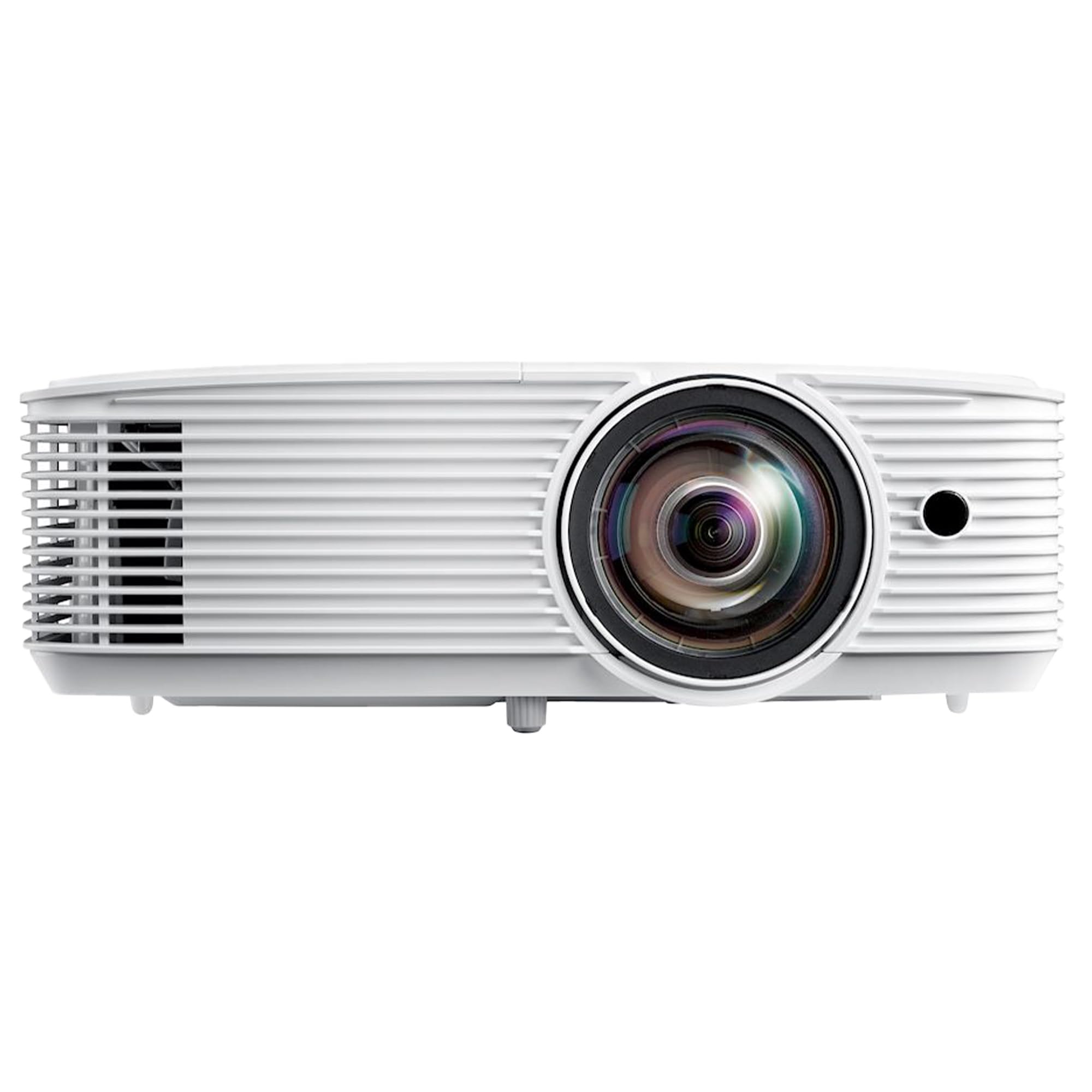
3. Optoma GT1080HDR Projector
A 100-inch picture from just over three feet, built for fast motion and simulator swings.
The pitch here is proximity. The GT1080HDR puts a 100-inch image on the wall from just over three feet away, which is as tight as a short throw gets before you cross into ultra short throw territory. In a smartboard room that means the projector can sit almost on top of the board, so nobody in the room blocks the light.
Brightness runs 3,800 lumens, enough to hold a visible image with the lights on for daytime sports or a family movie. Resolution is native 1080p at 1920 x 1080 pixels with 4K HDR input support, so a 4K source gets tone-mapped down rather than ignored. A 50000:1 contrast ratio beats the BenQ TH671ST’s 10000:1, and gaming gets low input lag for responsive console and PC play. The maker rates its lamp at up to 15,000 hours in Eco+ mode.
Here is the part a careful buyer should hear. Durability is the soft spot — lamp failure short of the advertised life shows up in owner feedback, and a dead speaker or a lost primary color appears among the complaints. Picture quality draws mixed reactions, with a washed-out image called out alongside praise for a bright, vivid display. Treat this as a strong performer with a real lifespan question, and buy with a warranty you trust.
For the simulator crowd: a 3,800-lumen, low-lag short throw is a natural fit for garage golf and gaming, and it beats the PS502W on resolution while matching its brightness class.
Good fit: a fast-motion room — simulator bays, gaming setups, and daytime sports viewing where proximity matters most.
Think twice: if you want to run it eight hours a day for years, because lamp and component longevity is the known weak point.
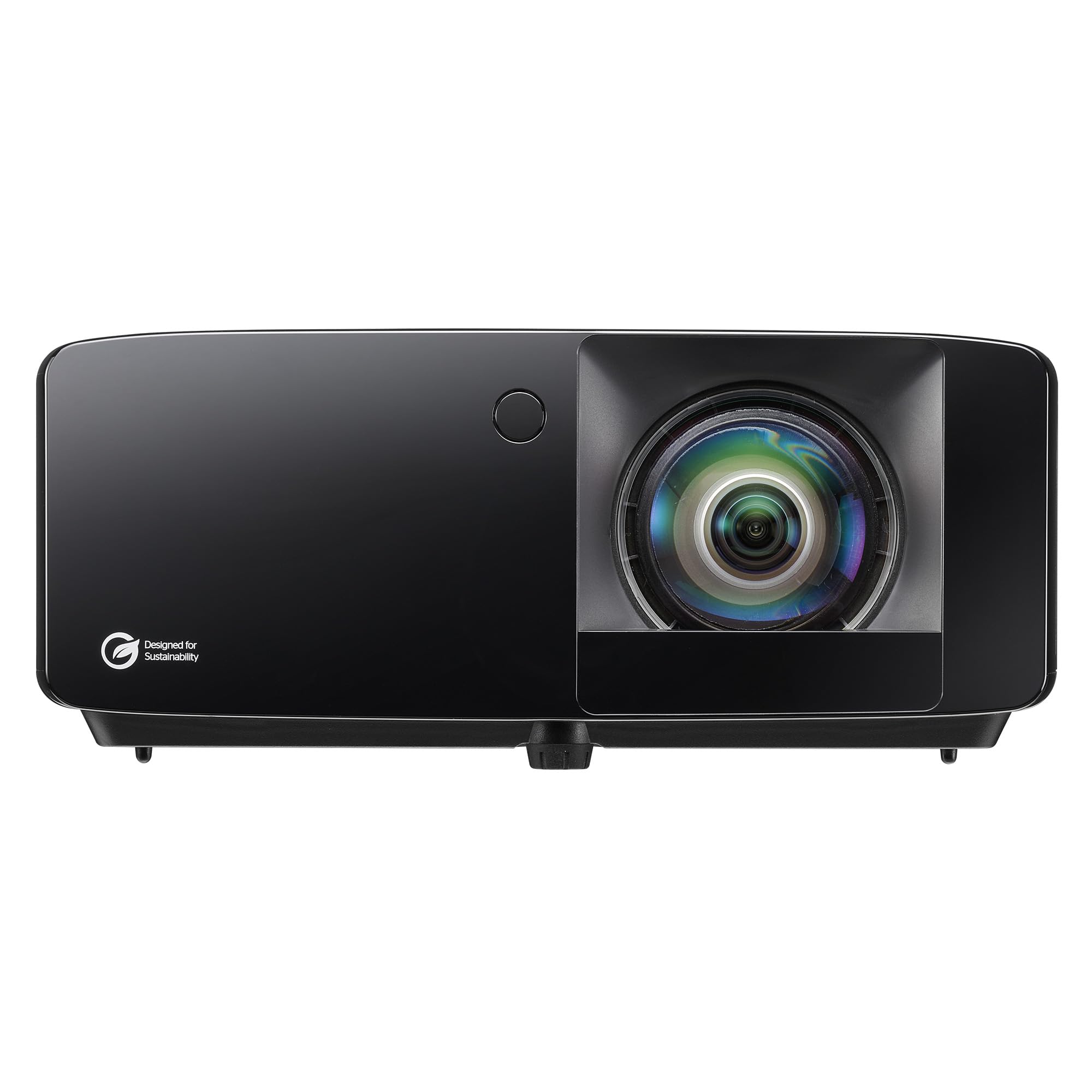
4. Optoma GT2400HDR Projector
A laser light source sealed against dust, rated to outlast a lamp by a wide margin.
Two specs define the GT2400HDR. The first is the 30,000-hour DuraCore laser light source, which removes the bulb-replacement chore entirely for most owners. The second is the IP6X dust rating, a sealed-body standard that matters in a shop classroom or a garage simulator where chalk dust and grit are part of the air.
Brightness comes in at 4200 ISO lumens, and the ISO label measures light output under a stricter test than a raw marketing number, so the classroom image should hold against moderate ambient light. Resolution tops out at 3840 x 2160 pixels. It connects over HDMI, USB, VGA, and Ethernet, so a smartboard’s cabling and a laptop or console all have a home.
This is a young listing with a small pool of owner reviews so far, so long-term reliability is the open question rather than a documented pattern. What the spec sheet promises is a genuinely long-lived light engine. If your board runs all day, or lives in a room that collects dust, that combination of laser life and sealed protection is the reason to pay attention here.
Pick it for: a workshop, shop classroom, or simulator bay where dust and daily hours would chew through a lamp projector.
Wait on it: if you want a deep track record of owner reports, since this model has not built one yet.
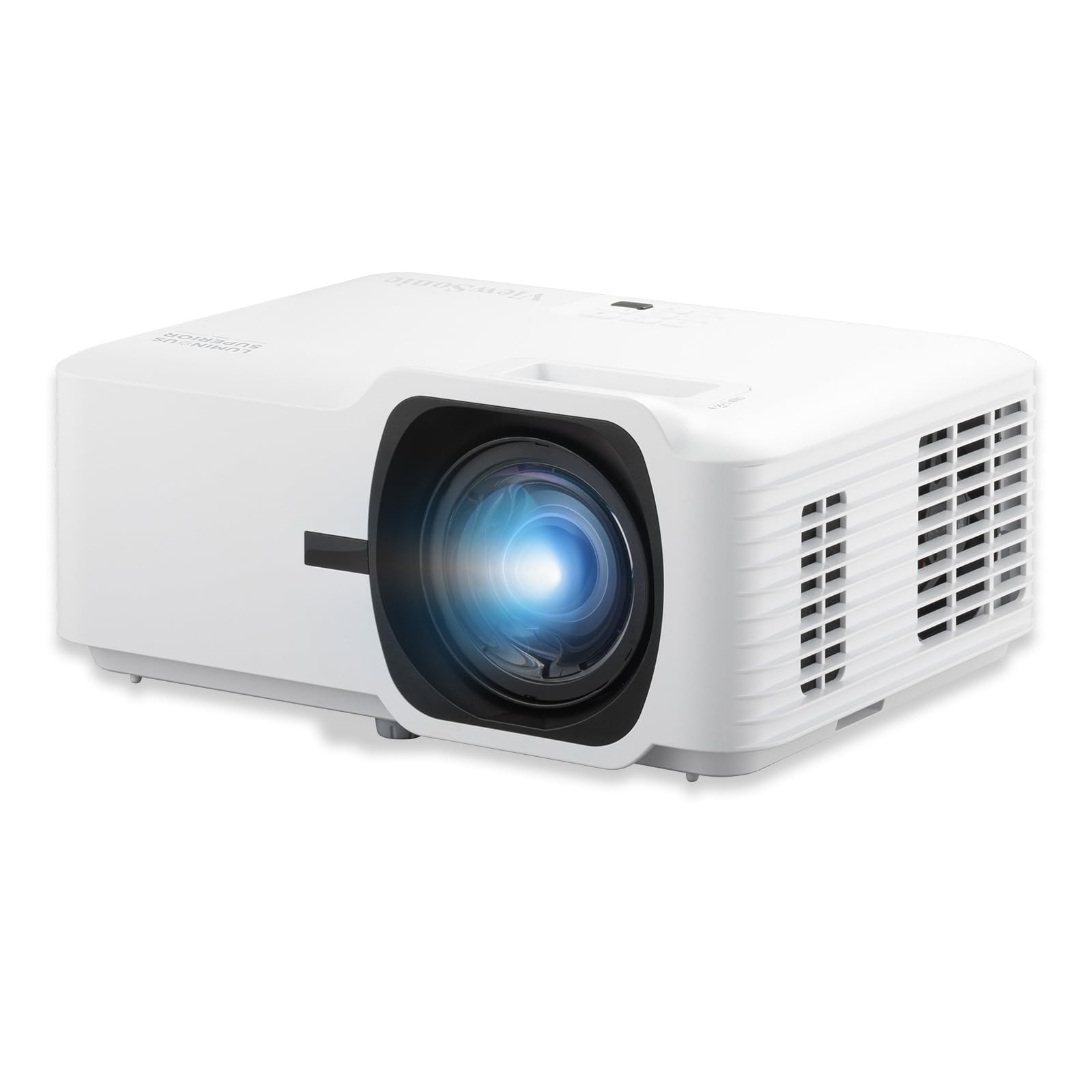
5. ViewSonic LS711HD Projector
Built to run nonstop, all day, in a room with the lights on.
The LS711HD is the one you leave on. Its spec sheet lists non-stop 24/7 operation, and it pairs that with a laser light source rated for long lamp life — a combination that suits a room where the projector is the board and the board is always on. A 0.49 throw ratio puts a theater-scale 100-inch image on the wall from just 3.6 feet.
Brightness hits 4,200 ANSI lumens against the PS502W’s 4000 lm, so it is the brighter of the two ViewSonic short throws here — but the resolution gap is the bigger story. This one is native 1080p at 1920 x 1080 pixels, while the PS502W stays at 1280 x 800, so fine text on a spreadsheet is noticeably sharper here. The 3,000,000:1 contrast ratio dwarfs the BenQ TH671ST’s 10000:1, giving shadows far more depth.
Setup is where this earns its keep in an awkward room. Horizontal and vertical keystone plus four-corner adjustment let you square up each corner independently, and 360-degree projection with a portrait mode means you can mount it at angles a flat-footed projector cannot manage. Build quality is the trait that draws the steadiest praise. The honest caveat is brightness perception — some viewers find it dimmer than the 4200 figure suggests, so audition it in your actual room if you can.
Where it shines: permanent installs and long sessions, with mounting flexibility that handles a wall that is not perfectly aligned.
Where to be careful: the brightness figure reads optimistic in practice, so plan your room lighting around that.
Built for you if: the projector lives mounted and runs through the whole teaching day or training schedule.
Less compelling if: every bit of speed and price matters more than a permanent, adjustable install.
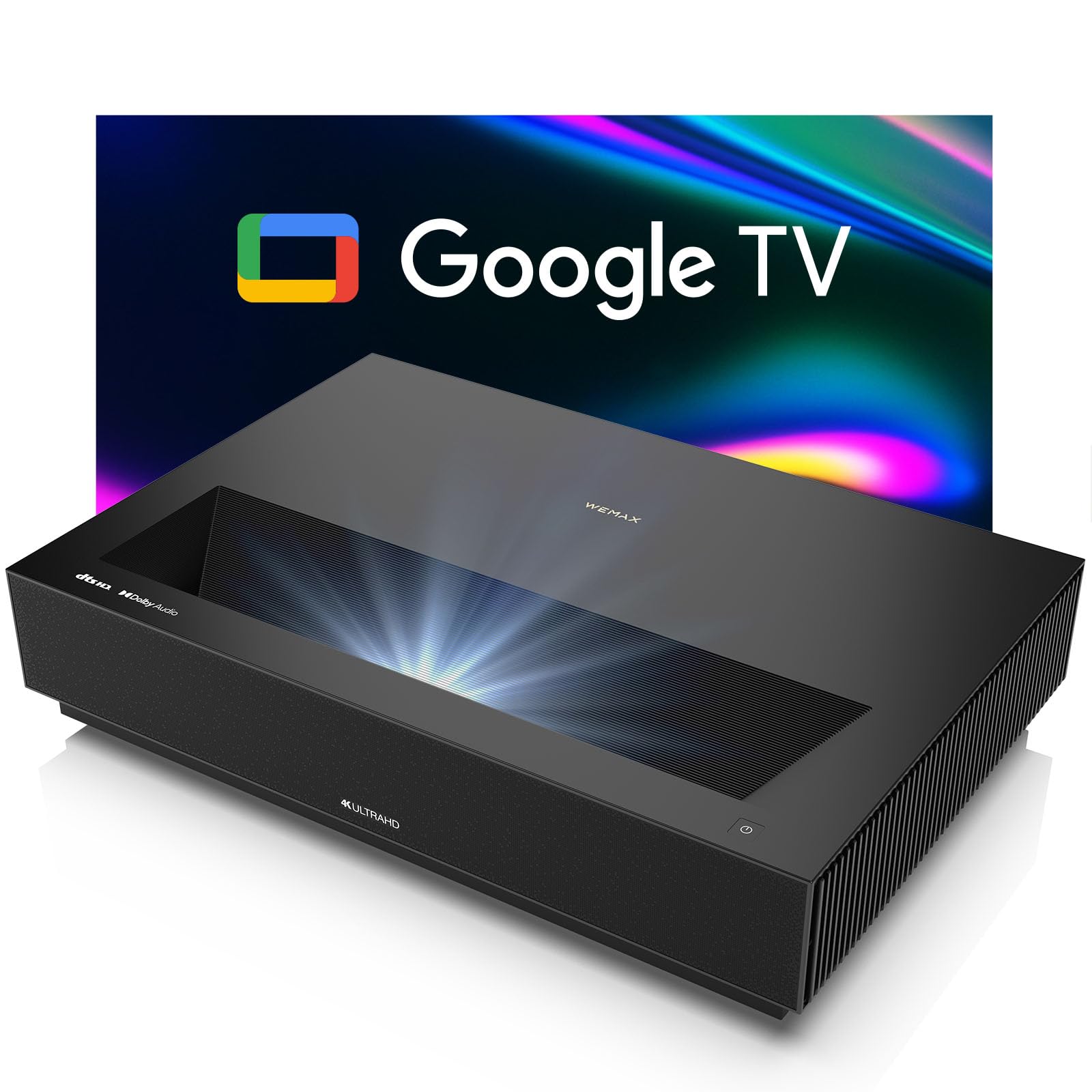
6. WEMAX Nova Pro Projector
A 0.23:1 lens that turns a bare wall into a 150-inch screen from 19 inches away.
This is the shortest throw on the list. The 0.23:1 ratio casts a 150-inch image from 49cm (19 inches), and it runs 4K UHD at 3840 x 2160 pixels with ALPD laser technology and a 110% Rec.709 color gamut. For a smartboard room that means the projector sits almost flush against the board, out of the way of feet and sightlines.
Google TV is baked in, so you stream without a stick, and the spec sheet claims Netflix, Hulu, and Disney+ support through the built-in apps — the sort of wiring that keeps a classroom or family room from needing five remote controls. Two 15W speakers handle sound. It is a 4K display against the BenQ TH671ST’s native 1080p, so 4K content looks sharper, though its 2100 ISO lumens are the lowest optical output among the short-throw picks here.
Reliability is the mixed story. Much of the owner feedback reports zero performance issues and calls it the best value in UST projectors, but there are also reports of it stopping unexpectedly and failing after a couple of years. Brightness is another honest variable — it wants a dimmed room or an ALR screen to look its best. This is a beautiful picture in a dark room, not a daytime classroom champion.
Buy it for: a light-controlled room where you want a giant 4K image and streaming without an external box.
Skip over it: if the room stays bright all day, because 2100 lumens wants some help from the lighting.
7. BenQ TK710STi Projector

The 4K upgrade where individual pixels stop being a thing you notice.
A 150-inch screen is where resolution shows up. Packed with 3840 x 2160 pixels, the TK710STi makes an image that owners describe as a huge upgrade over a 1080p BenQ — on a 150-inch wall you stop spotting individual pixels unless you look for them. The 3200 lumens come from a laser light source, so images stay bright and punchy with the lights on, matching what the PS502W achieves in brightness class while running at far higher resolution.
Color coverage sits at 95% Rec.709, and the 600,000:1 contrast ratio is well above the TH671ST’s 10000:1, so dark scenes hold their depth better. For gaming, the maker claims 4ms response at 1080p@240Hz — fast enough for competitive play and for a simulator or quiz game to track your inputs without lag.
Google-certified Android TV comes built in, so streaming apps run without a stick. Two honest notes: a small number of units have been reported with the lamp cutting out, and some buyers find the value hard to justify. It is a premium unit, so the picture has to earn that. Where it earns it best is in a simulator bay or a 4K movie room, not a basic board that only ever shows slides.
The case for 4K here: it is the picture-quality pick — you are buying crispness at large sizes, faster response than the laser cinema units, and a built-in smart platform.
Ideal for: a simulator or 4K media room where pixel detail at 120-150 inches is the point.
Overkill for: a document-only smartboard, where the PS502W renders the same slides for far less.
8. NexiGo Aurora Pro MKII Projector

A dynamic-iris laser cinema that carves deep blacks out of a bright 4K image.
Black levels are where projector buyers usually give up ground, and this is where the Aurora Pro MKII makes its stand. Its Scene Adapt Engine drives a dynamic iris and laser dimming to hit a >30,000:1 contrast ratio, and it does that by adjusting laser output in real time to match the scene. That is a different approach from the BenQ TK710STi’s 600,000:1 static figure — this one dials the light down when the content goes dark.
The ALPD 5.0 laser engine runs 2,400 lumens across a 107% BT.2020 color gamut with ΔE≈1 color accuracy, so skin tones and saturated scenery stay true. Resolution is 4K at 3840 x 2160 pixels, and the 0.21:1 throw ratio puts a 150-inch image within inches of the wall. Gamers get 4K at 120 Hz and latency between 4.2ms and 8ms in Gaming Mode, among the lowest input lag in this lineup. A 60W speaker system with Dolby Atmos covers the audio side.
What owners keep circling back to is how it looks in a lit room — bright, sharp, and crisp even without total darkness. The compact body makes it easy to move. The honest caveat is color tuning: fine-tuning the alignment and color takes a little work to get the best out of it. The laser engine is rated at 30,000 hours, which the maker translates into 18+ years of average classroom viewing.
The bright-room cinema argument: 2,400 lumens of tri-color laser, a 0.21 throw, and real-time laser dimming make it a strong home theater pick that behaves well with ambient light.
Best matched to: a dark or dim home theater where contrast and color accuracy matter as much as brightness.
Second thoughts if: you want to set it and never adjust again — this one rewards a patient setup.
9. Epson Lifestudio Grand Projector
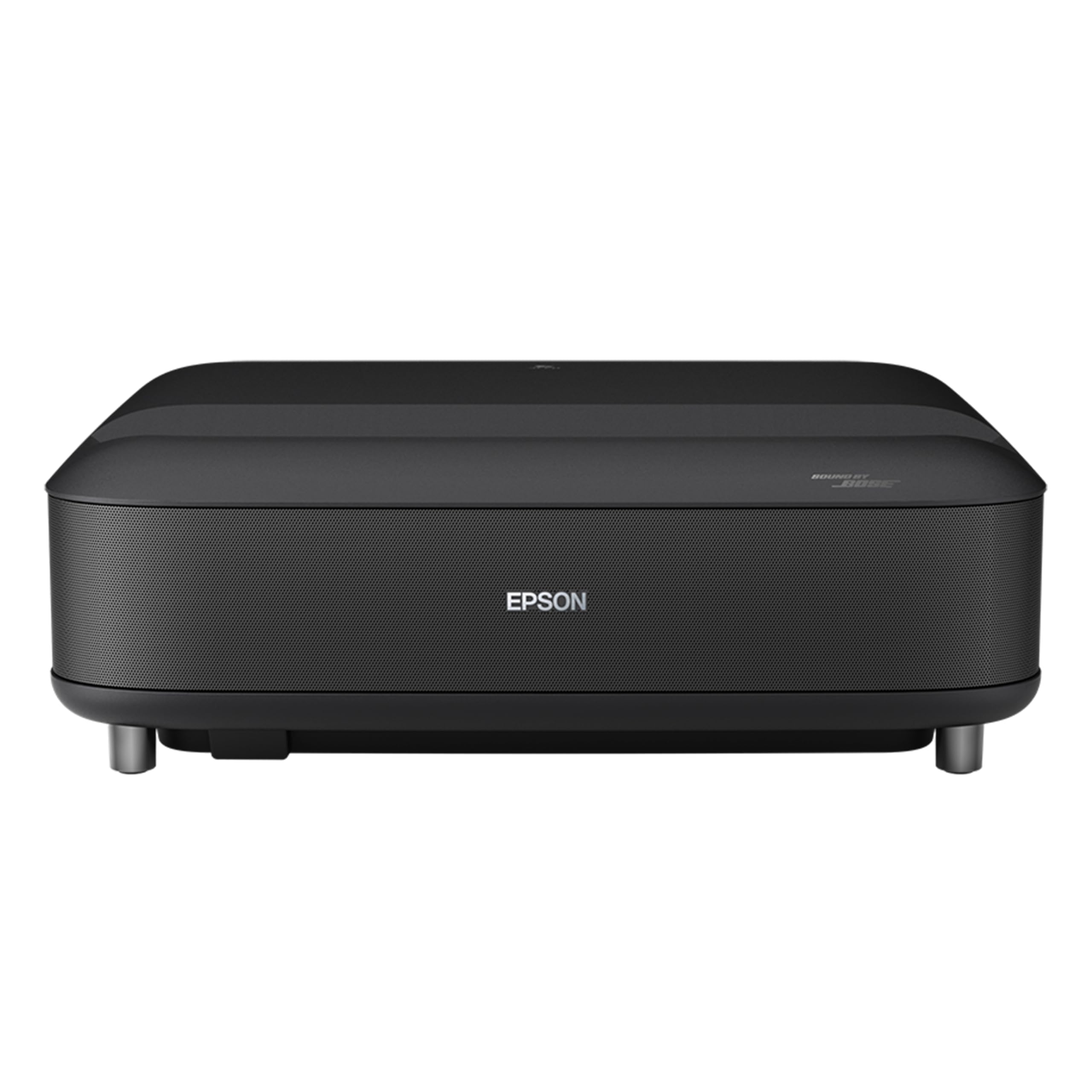
Three-chip brightness and a Bose-tuned sound system in an ultra short throw body.
The Lifestudio Grand leans on 3-chip 3LCD technology to deliver 3,600 lumens of color brightness (IDMS rated) and 3,600 lumens of white brightness (ISO rated). That is well above the WEMAX Nova Pro’s 2100 ISO lumens, so a brighter room stays usable — especially useful in a training room where you cannot always kill the overhead lights.
4K PRO-UHD uses advanced processing to sharpen detail to 3840 x 2160 pixels without cutting brightness, and the ultra short throw design lets it sit close to the wall for an image up to 120 inches. Built-in Google TV opens over 10,000 streaming apps, including Netflix, Disney+, and Hulu. The headline feature is the sound — Bose technology built in, with deep bass the maker promises will fill a room, which may save you a sound bar purchase.
This is a newer listing with a thin pool of owner reviews so far, so treat long-term durability as an open question rather than a proven record. What the spec sheet delivers is a bright, three-chip image with strong audio in a compact install. If your smartboard room doubles as a presentation and movie space, the audio and brightness combination is the draw.
Worth it for: a multi-purpose room where sound matters and you want a bright 3LCD image without adding speakers.
Look on if: you need documented long-term owner reports before committing to a new model.
10. Hisense PX3-PRO Projector

A triple-laser engine tuned to put colors on the wall that look like nature, not a filter.
Color is the whole reason to consider the PX3-PRO. Its LPU triple laser runs red, blue, and green separately to reach a 110% BT.2020 color gamut at ΔE≈0.9 accuracy, which the maker says shows colors without the oversaturated look of some digital displays. The 3000 lumens put a bright image on an 80-150 inch wall, and the ultra short throw body sits on a stand near the wall — no ceiling mount required.
Native 4K at 3840 x 2160 pixels pairs with an AI upscaler that sharpens lower-resolution content, and a 3000:1 contrast ratio with Dolby Vision and IMAX Enhanced support keeps the picture balanced in both dark and bright scenes. The spec sheet adds a native 240 refresh rate, Google TV, Dolby Atmos, and Harmon Kardon speakers.
On a plain light gray wall it makes an image owners love, and it holds up as a TV replacement for everyday streaming. Two honest limits show up: a few users report 3D and app glitches, and sound draws mixed reactions — some find it fine, others quieter than expected. Setup can also take a bit longer than a plug-and-play stick. Get it for the colors and the streaming platform; plan a sound bar if audio is a priority.
Strong on: a premium 4K living-room replacement where color accuracy and a big Google TV library drive the decision.
Weaker on: app glitches and modest built-in audio keep it from being a flawless all-in-one.
Choose this for: a wall near a stand where accurate, vivid color on a 100-plus-inch image is the goal.
Think of another pick if: you need flawless 3D and thunderous built-in sound right from the start.
11. AWOL VISION Aetherion Max Projector

A triple-laser UST that skips the blackout curtains and still looks vivid.
The Aetherion Max is built around daylight viewing. Its 3,300 ISO lumens of RGB triple-laser light aim for a vivid image in open-plan spaces and soft daytime light without blackout curtains, and the 110% Rec.2020 gamut delivers the greens and skin tones a lamp projector struggles to reach. Brightness sits above the WEMAX Nova Pro’s 2100 ISO lumens, so it handles a lit living room with more room to spare.
Contrast comes from the Noirscene System II with a 7-level IRIS and EBL algorithm, rated for up to 6,000:1 native contrast and up to 60,000:1 viewing contrast. Dolby Vision, HDR10+, and Dynamic Tone Mapping keep highlights balanced and dark scenes deep. The 0.2:1 throw ratio sits inches from the wall, and at 200 inches it puts up a screen far larger than any 85-inch TV from a fraction of the wall space.
Gaming is a big pitch here — 1ms-class input latency at 240Hz, plus VRR and ALLM, backed by three HDMI 2.1a ports and DisplayPort 1.4a for console and PC. Owners praise the razor-sharp detail and clean contrast on a plain wall. The recurring trade-off is installation finesse: keystone adjustments take patience, and a small number of buyers report a remote and 3D glasses of their own. Build quality draws a mixed mention too, so handle the setup with care. It is a heavyweight display that rewards a careful install.
What you get: daylight-capable triple-laser brightness, 4K at 240Hz for gaming, and a screen that dwarfs a large TV on the same wall.
Match it to: a bright living room where movies and sports play through the day and gaming speed counts.
Not for: a buyer who wants zero adjustment hassle and stock accessories for everything.
Know the Specs
Throw ratio and where the projector lives
Throw ratio is the lens-to-screen distance divided by image width. A 0.5 ratio means the lens sits half the screen’s width away, so a 100-inch image needs about 4.5 feet; a 0.23 ratio brings that down to 19 inches. For a smartboard you want the unit close enough that your body never enters the light path. Lower ratio means a bigger image from closer in, and it means the projector can sit on a shelf or a short stand instead of a ceiling mount.
Lumens and why the rating type matters
Lumens measure how much light the projector throws, and brighter is better in a room you cannot darken. But a bare “lumens” number and an ISO or ANSI rating are not the same measurement — ISO and ANSI test light output under defined conditions, so they read closer to what you actually see on the wall. A 3,000-lumen unit can look dim next to a 4,000-lumen one at midday, while both look similar in a dark room. Match the number to your brightest lighting condition.
Contrast ratio and black-level depth
Contrast ratio compares the brightest white to the darkest black the projector can produce. A higher number means deeper blacks and more pop in dark scenes, and the numbers span a huge range — from a few thousand to one up into the millions. Static contrast is one fixed figure, while dynamic systems like dynamic iris and laser dimming adjust in real time to deepen blacks. For a daytime classroom, brightness matters more; for a night movie room, contrast wins.
Laser versus lamp light sources
A lamp bulb is cheap but dims over time and needs replacement, and its rated hours are the ceiling you plan around. A laser light source holds brightness longer and carries a much longer rated life, which suits a projector that runs all day. Laser units usually cost more upfront. If your board or simulator runs daily, the laser engine earns back its premium on fewer replacements; for occasional weekend use, a lamp model may be the wiser spend.
Common Questions
Will a short throw projector work over an interactive smartboard without casting a shadow?
How bright does a projector need to be for a classroom with windows?
What is the difference between short throw and ultra short throw?
Do I need a ceiling mount for a smartboard projector?
What does keystone correction do and do I need it?
Will a 4K projector make text on a smartboard easier to read?
How long does a laser projector light source last compared with a lamp?
Does a projector for a smartboard need built-in streaming apps?
Can I connect a laptop and a gaming console to the same projector?
Why does my projector look dimmer than its lumen rating suggests?
The Bottom Line
For most buyers mounting a projector for smartboard, the winner is the BenQ TH671ST because its 100-inch image from five feet keeps you clear of the beam while 3000 lumens handles a lit room and low input lag covers console duty. If daylight is your enemy and budget matters, the ViewSonic PS502W pushes 4000 lumens for the entry-level tier. And for a 4K simulator or theater wall, the BenQ TK710STi is the one to reach for. One last nudge: the TH671ST is the crowd favorite here at 4.5+ stars across 600+ ratings, and that many owner reports outweigh any spec-sheet promise.
How we choose
We do not accept paid placement. Every pick is matched to a real buyer and a real use-case; we do not hands-on test units.
Sources
Specifications: manufacturer listings and product documentation. Review insights: verified customer reviews, as of November 2026. Pricing: not shown on this page (it changes often); check the current price via the retailer link.
As an Amazon Associate, Tactical Gear Guy earns from qualifying purchases. This does not affect which products we feature.