Specs are compiled from manufacturer listings and verified buyer reviews and can change over time — please confirm the key details on the product page before buying.
You want to run real desktop software — Excel macros, AutoCAD, full OneNote — not a stripped-down app version. That means one thing above all: the tablet has to run the Pro edition of Windows, not the Home version and not the locked-down S-mode (a restricted Windows mode that only runs apps from the Microsoft Store). Every pick here clears that bar. The rest of the choice depends on how much RAM (working memory) and storage you need, if you want a keyboard cover or a rugged shell, and how bright the screen has to be for where you actually work.
This guide is built by comparing the manufacturers’ published specifications and the patterns across verified customer reviews, so you get each pick’s real strengths and trade-offs instead of marketing spin.
You will see the trade-offs that matter: which machines ship renewed, where the processor speed really lands, and which screens stay readable outdoors. My breakdown of the windows pro tablet field separates the workhorses from the ones that stall under a heavy app load.
Top Picks

How To Choose The Best Windows Pro Tablet
A Windows Pro tablet is a full computer in a slab you can hold. The trick is matching the internals to what you actually run. Here are the four things that decide whether a machine feels quick or sluggish in daily use.
Pro edition versus Home — the line that matters
Windows 11 Pro adds management and security tools plus support for virtualization and remote access, which is why businesses standardize on it. If you connect to a work network, run a virtual machine, or remote into a desktop, you need Pro. A Home-edition tablet will fight you on all three.
Processor speed and core count
The clock speed (measured in GHz — billions of cycles per second) tells you how fast a single task finishes. Core count tells you how many tasks run at once. A 4-core, 8-thread chip like the Intel Core i5-1135G7 handles a browser with a dozen tabs plus a spreadsheet without gasping. A lower-wattage chip like the Intel N100 trades peak speed for battery life.
RAM and SSD: what stays open
RAM is your workspace — everything open at once lives there. 8GB is fine for browsing, email, and documents. 16GB keeps a virtual machine or a big spreadsheet happy alongside your browser. The SSD is storage, and 256GB is a comfortable working amount for apps and files.
Screen brightness and touch
Brightness is measured in nits, and it decides whether you can read the screen near a window or outdoors. A brighter panel costs more but saves your eyes on a job site. Refresh rate in hertz (Hz) describes how many times per second the screen redraws — 60Hz is the standard for office work.
Side-by-Side Comparison
| Model | Best For | RAM | Storage | Processor | Amazon |
|---|---|---|---|---|---|
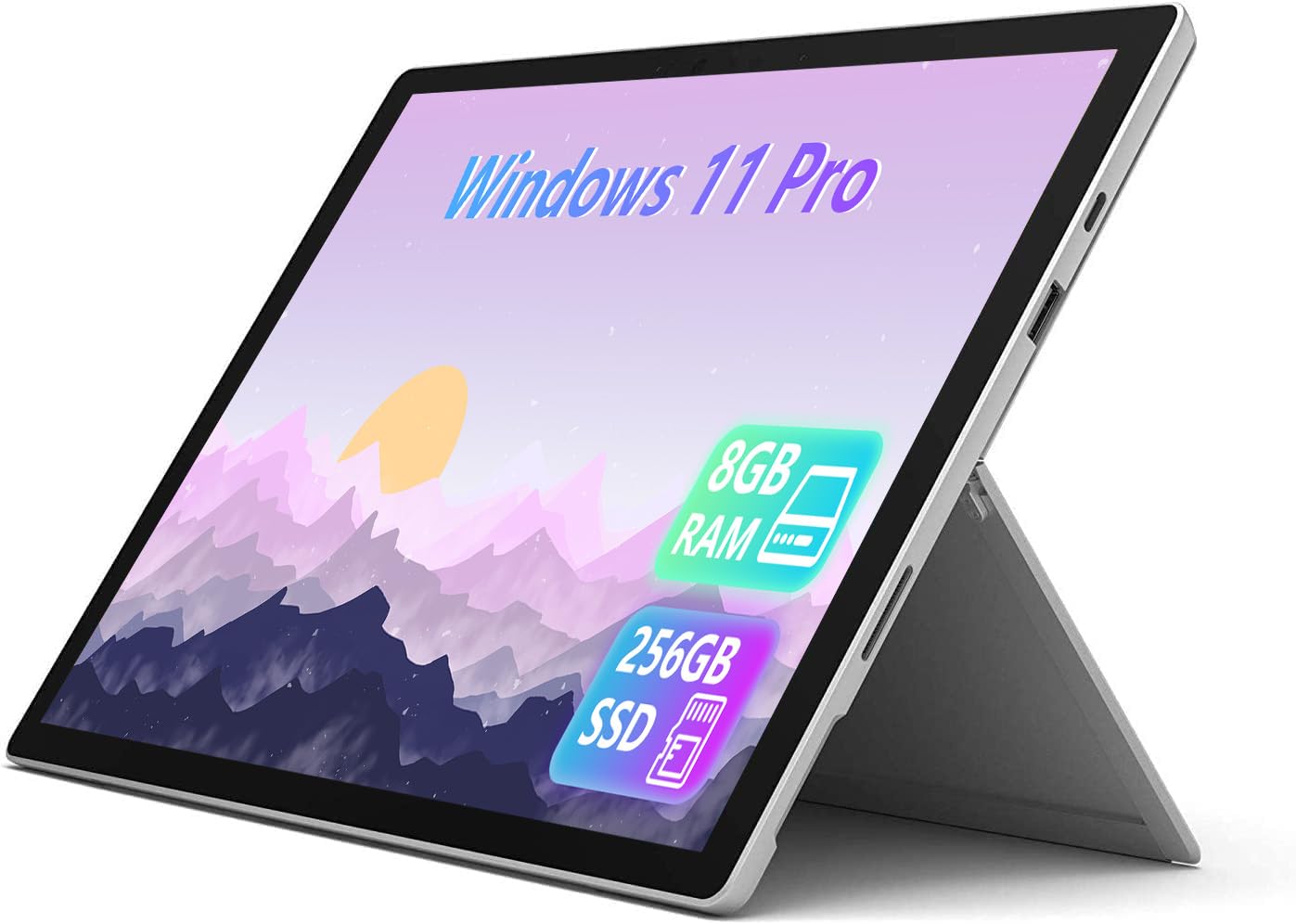
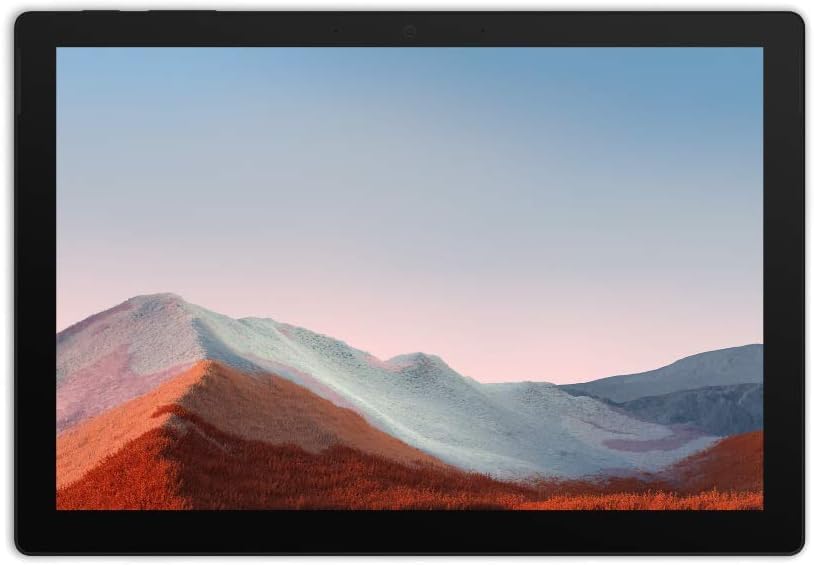
| Microsoft Surface Pro 7+ (i5, Renewed)★ Best Overall | Everyday work and study | 8GB | 256GB SSD | Core i5-1135G7, up to 4.2 GHz | Amazon |
| Microsoft Surface Pro 7 (i7, Renewed)Top Performer | Heavy multitasking | 16GB | 256GB SSD | Core i7, 10th Gen | Amazon |
| Fusion5 232 Pro N5Best Value | Travel and note-taking | 8GB | 256GB SSD | Intel N100, up to 3.4 GHz | Amazon |
| Fusion5 Helios 10 | Speed on a smaller screen | 12GB DDR5 | 512GB SSD | Intel N150, up to 3.6 GHz | Amazon |
| MUNBYN Rugged IRT08 | Industrial outdoor work | 8GB | 128GB | Intel N5100, up to 2.8 GHz | Amazon |
Detailed Reviews
1. Microsoft Surface Pro 7+ Tablet
Our pick — 4.5+★ from 20+ verified ratings; the strongest balance of quality and price.
The desk-work Surface that pairs a sharp anti-glare screen with a genuinely quick Core i5.
This is the pick for most people who want a full Windows machine for documents, browsing, and note-taking. The processor is an Intel Core i5-1135G7 that runs at 2.4GHz and boosts to 4.2GHz across 4 cores and 8 threads, with 8MB of Intel Smart Cache. In plain terms: it finishes everyday tasks fast and keeps several programs running side by side. The 12.3-inch screen carries a 2736 x 1824 pixel resolution, and the anti-glare finish is there to cut down eye strain during long sessions.
That resolution keeps text crisp enough for spreadsheet columns and small print. It also leaves room for two windows side by side without shrinking everything to a squint. Storage is a 256GB solid-state drive, which holds your apps and files and boots far quicker than an old spinning drive. Memory sits at 8GB, which is comfortable for browser tabs, email, and Word at the same time.
What owners describe most is the “as described” experience — the machine arrives matching the listing. Setup is quick, the exterior is clean, and it runs the way a new unit of this generation did. The catch is performance consistency. Some buyers report the tablet stalling or hanging during OneNote during a lecture, so back up your notes as you write. Treat it as a competent work machine that occasionally needs patience, not a powerhouse for heavy creative apps. And because it is renewed, buy from a seller with a clear return window.
What earns its place
- 4.2GHz boost across 8 threads keeps browser, notes, and spreadsheet open together.
- 2736 x 1824 anti-glare screen reduces fatigue on long work sessions.
- Windows 11 Pro with virtualization and remote-access support built in.
- Renewed units arrive clean and ready to set up, by owner accounts.
Where it asks patience
- Performance is described as mixed — occasional hangs under sustained note-taking load.
- 8GB RAM is the ceiling, so a virtual machine plus heavy apps will feel tight.
- Renewed status means cosmetic wear varies unit to unit.
Reach for this if: you want a full desktop Windows machine with a sharp, low-glare touchscreen for study or office work.
Look elsewhere if: you plan to run a virtual machine all day — that wants the 16GB memory of the i7 model below.
2. Microsoft Surface Pro 7 Tablet
Double the memory of the pick above, in the same 1.70-pound frame.
If your work lives in a dozen browser tabs, a big spreadsheet, and a video call at once, this is where to look. The 16GB of RAM is double the 8GB on the Core i5 model above, and 16GB is what keeps a virtual machine, a browser, and an editor open without swapping to disk. The processor is a 10th Gen Core i7 paired with a 256GB SSD, and Windows 11 Professional comes installed. The screen is a 12.3-inch PixelSense panel at 2736 x 1824 for 267 pixels per inch — that pixel density is what keeps small text sharp on a design layout.
It carries both USB-C and USB-A, so you can plug into a monitor and still connect a legacy mouse without a dongle. There is also a Surface Connect port, a Type Cover port, a microSDXC reader, and a 3.5mm headphone jack. Wi-Fi 6 and Bluetooth 5.0 cover the wireless side. At 1.70 pounds, it slips into a bag with room to spare. The 60Hz refresh rate is standard for office work — smooth enough for scrolling documents, not built for gaming.
Where it shines: raw multitasking headroom. The 3:2 aspect ratio screen gives you more vertical space for document reading than a widescreen tablet.
The honest limit: 256GB of storage is workable but not roomy if you keep large video files locally. And as a renewed unit, expect the occasional scuff on the housing.
Best for: power users who want maximum memory in the Surface body.
Think twice if: you rarely push past a single browser and a document — the i5 model above covers that for less.
3. Microsoft Surface Pro 7 Plus Tablet
A compact 10.1-inch slab that trades screen size for a bag-friendly shape.
The 10.1-inch screen is the smallest here, and on paper that size gap is the biggest differentiator. The 12.3-inch Surface panels run about a fifth larger in screen size than this Fusion5, and you feel that difference in spreadsheets and split-screen work. On the plus side, 10.1 inches at 1920 x 1200 in a 16:10 aspect ratio is a genuinely portable shape. The 6000mAh battery is rated at 5 hours of average use, which covers a flight or a short workday away from an outlet.
Internally it runs an Intel Alder Lake 13th Gen N100 at up to 3.4GHz, with 8GB of LPDDR5 RAM and a 256GB M.2 SSD. Those are real desktop specs in a small body. Connectivity covers USB, USB Type-C, and Micro HDMI, with a Micro SD slot that takes cards up to 512GB. Fusion5 backs it with a 12-month USA warranty.
Buyers are split on this one, and the split is worth knowing. Some find it a convenient, carry-anywhere tablet that does exactly what they need. Others hit problems — one report notes the speaker was barely audible at 100% volume, and another had Bluetooth devices fail to pair. The takeaway: it is a solid small work tablet for documents, but its audio and wireless pairing are the weak points to check early while the return window is open.
The reasons it earns a spot
- Intel N100 at 3.4GHz plus 8GB LPDDR5 RAM and a 256GB SSD is real desktop hardware.
- 10.1-inch 1920 x 1200 IPS screen in a comfortable 16:10 travel shape.
- 6000mAh battery rated for 5 hours keeps it running through a flight.
- Micro SD slot expands storage up to 512GB.
The honest trade-offs
- Audio and Bluetooth pairing are the recurring friction points in owner feedback.
- Smaller screen than the Surface models makes split-screen work tighter.
- Keyboard is sold separately, so plan for that addition.
Made for: carrying daily between home, office, and hotel room without a laptop bag bulging.
Not for: anyone who needs loud built-in speakers or relies on wireless peripherals — verify both in the first week.
4. Microsoft Surface Pro 7+ LTE Tablet
A faster-ticking N150 chip and an active cooling fan to keep it from throttling.
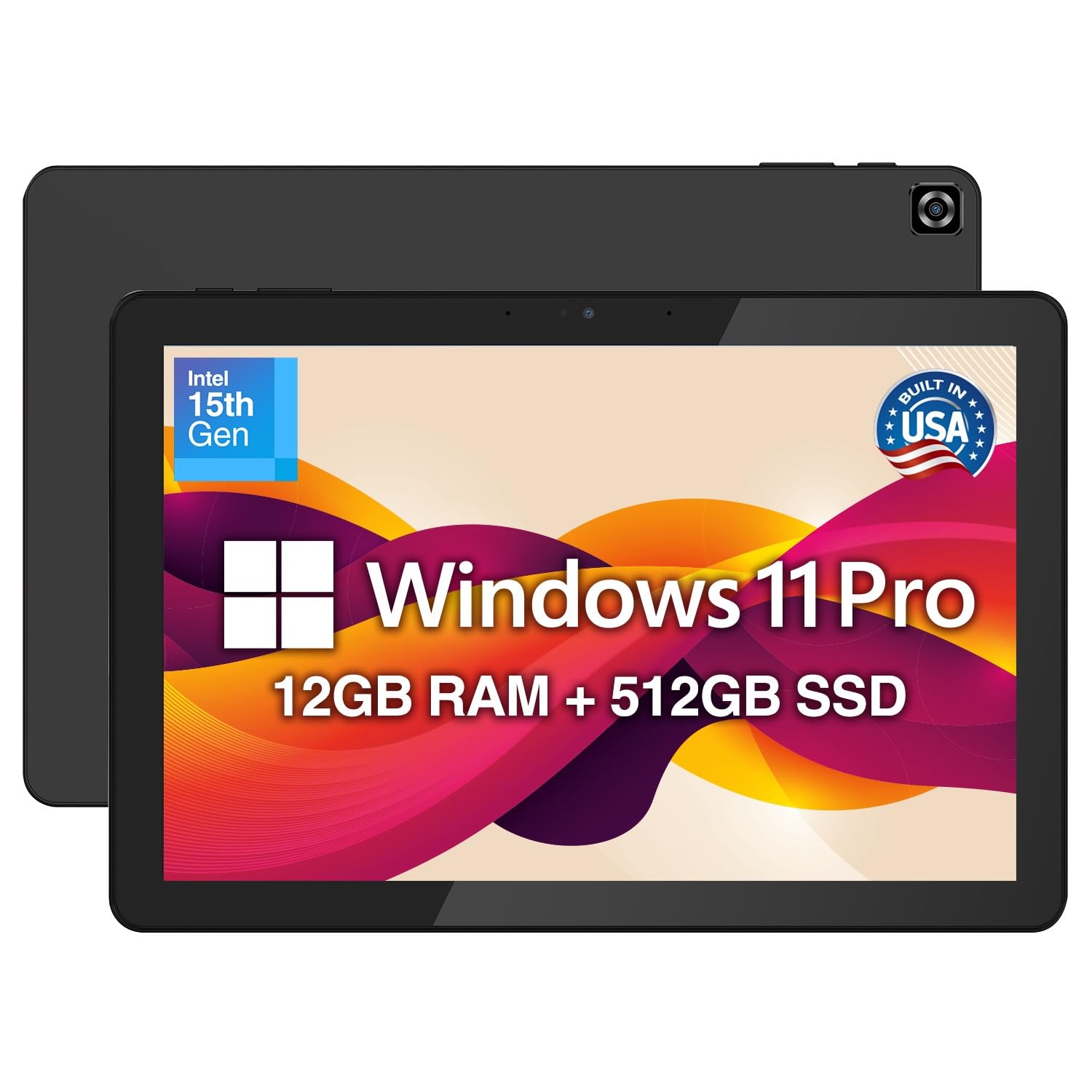
The Intel N150 here tops out at 3.6GHz, a step above the 3.4GHz N100 in the rugged model below — which sounds small until you pair it with 12GB of DDR5 RAM. DDR5 is the newer memory generation, and it keeps heavy apps and many browser tabs running smoothly. The active cooling fan is the standout feature: on a low-power chip, heat throttling is what kills speed after an hour of work, and a fan keeps the clock speed steady. Fusion5 claims a 158% speed gain over its older model, but that is a maker’s figure, not an independent test.
Storage is a 512GB SSD, and the metal body houses two full-function USB-C ports, a USB 3.0 port, Micro HDMI output, and a 3.5mm headphone jack. The 10.1-inch 1920 x 1200 FHD+ screen hits 400 nits in a tall 16:10 shape. It runs a 7.6V 4500mAh battery with 36W USB-C Power Delivery for quick top-ups, rated at 4 hours average life. CE and FCC compliant materials round out the spec sheet.
That 4-hour battery rating is the honest constraint — it is a desk or short-trip machine, not an all-day field companion. Charge it at lunch and it keeps up.
The speed argument: 3.6GHz N150, DDR5 memory, and a cooling fan add up to the snappiest Fusion5 here for sustained work.
The battery trade: 4 hours rated run time is shorter than the rugged Fusion5 below, so it favors plug-in work over all-day roaming.
Suits: buyers who want steady speed and 12GB of fast DDR5 memory in a compact slab.
Skip if: you need a full day off the charger — this one is built for a desk and a wall outlet.
5. MUNBYN Rugged Tablet IRT08

Certified for drop impact and built to read in direct sun, with a battery you can swap.
This is for the construction site, the warehouse, and the outdoor survey. It carries MIL-STD-810G certification, a military durability standard covering 4-foot drops and water-jet resistance. The sunlight visibility film is what lets you read the screen in harsh sunlight without squinting. That combination of drop certification and sunlight readability is rare, and it puts this at the top of the rugged tier.
Internally, the Intel Jasper Lake N5100 runs up to 2.8GHz, paired with 8GB of RAM and 128GB of storage. Connectivity is the deep bench here: 2.4G and 5.8G dual-band Wi-Fi, a SIM slot for 4G LTE, Bluetooth 5.1 with a transmission distance up to 32.8 feet, plus NFC. The U-Blox NEO-7 GPS ties into mapping software like Google Earth Pro, QGIS, and Autodesk AutoCAD Map 3D for accurate field positioning. The 5000mAh battery is detachable — swap it without a screwdriver — and rated for up to 6.5 hours of use.
What owners value is steady performance in rough environments. One report flags the battery not holding a charge after about a year, so keep the detachable-swap design in mind as a long-term fix. Others note fast boot and quick app response. The screen and the tough build in a dusty factory setting are the consistent story. The honest constraint is raw speed — the 2.8GHz N5100 is the slowest chip on this list, and 128GB of storage is the smallest. That is the price of the durability, GPS, and LTE package.
Why it earns its keep
- MIL-STD-810G certified for 4-foot drops and water-jet resistance.
- Sunlight-readable display keeps the screen usable outdoors.
- 4G LTE, GNSS via U-Blox NEO-7 GPS, and Bluetooth 5.1 at up to 32.8 feet.
- Detachable 5000mAh battery swappable without tools, rated to 6.5 hours.
The trade-offs you accept
- 2.8GHz N5100 is the slowest processor here, so it is for field apps, not heavy editing.
- 128GB of storage fills fast without a card.
- Rugged build adds weight and bulk compared to the Surface picks above.
Built for: construction, warehouse, and mapping crews who need a screen that survives and reads in the sun.
Given all this: the slow chip and modest storage rule it out as a general office machine — it does one job superbly.
Know the Specs
Processor speed (GHz) and cores
Clock speed in gigahertz (GHz — billions of cycles per second) describes how fast a single task finishes; core count describes how many run at once. A chip that boosts to 4.2GHz across 8 threads, like the Core i5-1135G7, handles several open programs without slowing. A low-power chip like the Intel N100 trades peak speed for longer battery life.
RAM and SSD size
RAM is the workspace where open programs live — 8GB covers browsing, email, and documents, while 16GB keeps a virtual machine or a big spreadsheet running alongside them. The SSD is storage, and a 256GB solid-state drive boots fast and holds your apps and files. DDR5 is the newer memory generation tested on the Helios 10 for smoother multitasking.
Screen resolution and nits
Resolution counts the pixels across and down; 2736 x 1824 keeps small text sharp, which is why Surface panels carry 267 pixels per inch. Brightness is measured in nits — a 500-nit panel stays legible in daylight where a dimmer one washes out. A 60Hz refresh rate redraws the screen 60 times a second, standard for office work.
Renewed versus new
A renewed tablet is a pre-owned unit that a seller has inspected and cleaned before resale. The internals tend to perform like new, but the housing shows wear, which is why the Surface picks here carry a range of cosmetic notes. Check the housing as soon as it arrives, and confirm the return window before you settle in.
Common Questions
Does Windows 11 Pro matter over Windows 11 Home on a tablet?
What does renewed mean on a Surface Pro tablet?
Can I use a keyboard case and pen with these tablets?
How much RAM do I need for a Windows Pro tablet?
Why does screen brightness in nits matter for outdoor work?
Is a smaller 10-inch tablet better than a 12.3-inch one?
Do any of these tablets support cellular data on the go?
What is the difference between an N100 and a Core i5 processor?
Can I swap the battery in a rugged Windows tablet?
Are these tablets good enough for office software like Excel and OneNote?
The Bottom Line
For most people, the windows pro tablet to buy is the Microsoft Surface Pro 7+ (i5, Renewed). It gives you a 2736 x 1824 anti-glare display (that resolution keeps text and spreadsheets sharp), a 4.2GHz Core i5 processor, 8GB of RAM, a 256GB SSD (solid-state drive, fast flash storage), and Windows 11 Pro in a 1.70-pound frame. If you push your machine harder, grab the Surface Pro 7 (i7, 16GB) for double the memory, or the Surface Pro 7+ LTE when you need mobile data in the field. And for the job site, the Fusion5 FWIN232 Pro N5 Rugged brings 12GB of RAM, a 512GB SSD, and drop-and-dust protection. Match the RAM to your workload and the chassis to your work site, and this list has you covered.
How we choose
We do not accept paid placement. Every pick is matched to a real buyer and a real use-case; we do not hands-on test units.
Sources
Specifications: manufacturer listings and product documentation. Review insights: verified customer reviews, as of November 2026. Pricing: not shown on this page (it changes often); check the current price via the retailer link.
As an Amazon Associate, Tactical Gear Guy earns from qualifying purchases. This does not affect which products we feature.