Specs are compiled from manufacturer listings and verified buyer reviews and can change over time — please confirm the key details on the product page before buying.
You want a big curved screen that redraws faster than your eyes can track, and you want to know which one to buy. The KTC H32S5E is the one to start with, and the two others below earn their spots for different reasons. One honesty note first: this list matches loosely on “about 32 inch” (a 31.5-inch panel counts, because that is the nearest size sold) and on “over 240 Hz” (a 240 Hz panel qualifies next to a 260 Hz one). Each pick is the nearest same-type screen that does the same job, so you always know what you are getting.
This guide is built by comparing the manufacturers’ published specifications and the patterns across verified customer reviews, so you get each pick’s real strengths and trade-offs instead of marketing spin.
Curvature, response time, and panel type decide whether a fast curved screen feels smooth or smeary, so here is a straight comparison of the over 240 hz 32 inch curved gaming monitor options that actually deliver.
Top Picks
How To Choose The Best Over 240 Hz 32 Inch Curved Gaming Monitor
A big curved screen that refreshes above 240 times a second is a serious purchase, and the specs that matter are not the ones the box shouts loudest about. Here is what to weigh before you commit.
Curvature: how tight a wrap do you want
Curvature is written as an “R” number (the radius of the bend), and a lower number means a tighter curve that hugs your view. A 1000R panel bends more sharply than a 1500R, which is tighter than a 1700R. Sit close and want the edges to wrap toward you? Pick the lower number. Sit farther back or share the screen? A gentler curve suits you better.
Response time: the anti-smear number
Response time, measured in milliseconds (ms), is how fast a pixel changes color. Lower is better for fast camera movement. A 1 ms rating keeps motion crisp, and a 0.03 ms rating on an OLED panel is about as quick as pixels get. This is the spec that decides whether a hard flick of the mouse leaves a ghost trail behind your target.
Panel type and brightness
The panel is the light-making layer behind the glass. VA panels like the KTC deliver strong contrast from a 4000:1 ratio, while OLED panels switch individual pixels on and off for deep blacks. Brightness is measured in candela per square meter (also called nits), and it decides how punchy highlights look in a bright room — a higher figure fights glare better than a lower one.
Connections and Adaptive Sync
To actually reach the top refresh rate, plug in with DisplayPort rather than HDMI on most of these panels, because the fastest mode is carried there. Adaptive Sync (branded FreeSync or G-Sync Compatible) keeps the screen and your graphics card in step so frames do not tear or stutter. Check which version a monitor supports before you pair it with your card.
Side-by-Side Comparison
Detailed Reviews
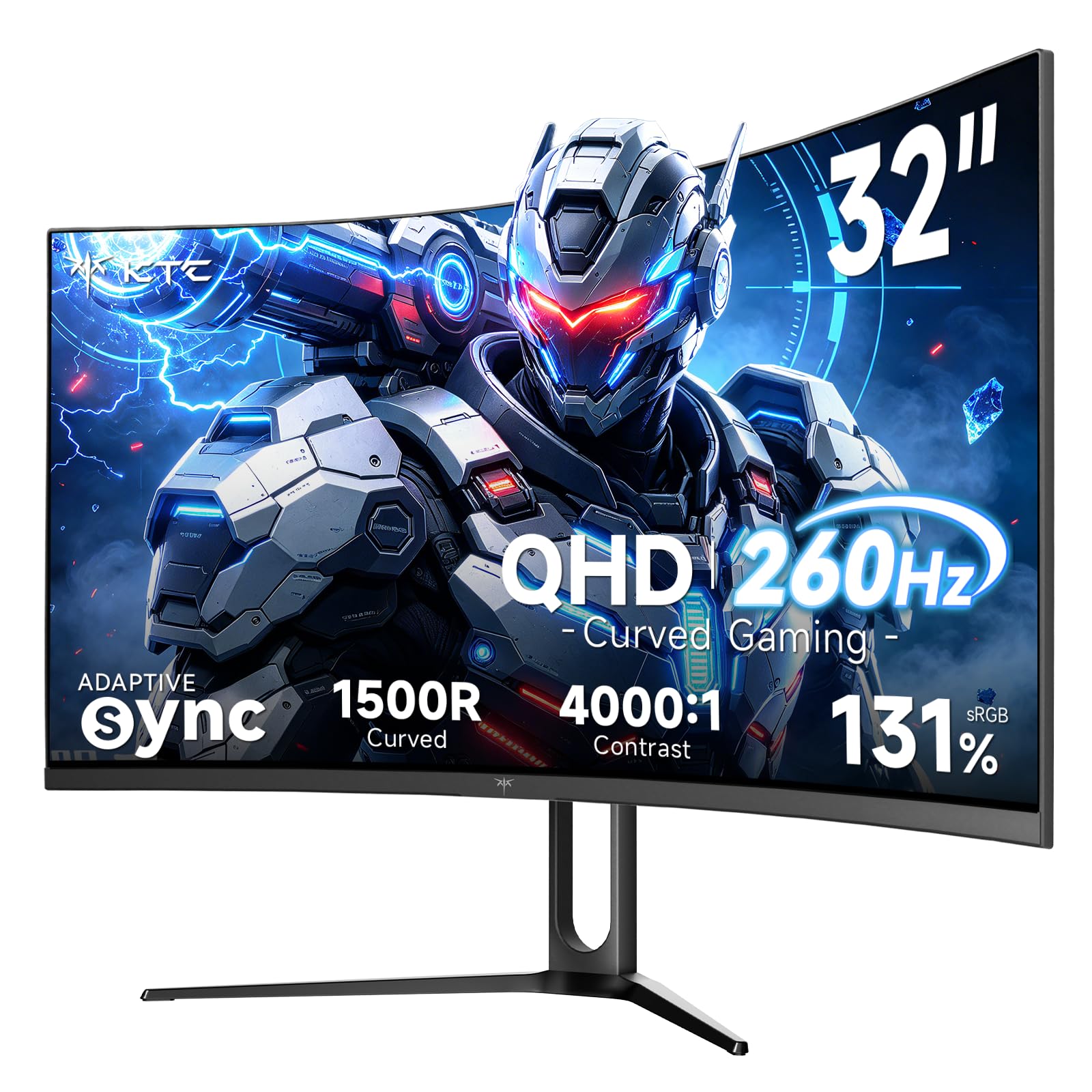
1. KTC 32 Inch 260Hz Curved Gaming Monitor, 2K QHD H32S5E
Our pick — 4.5+★ from 900+ verified ratings; the strongest balance of quality and price.
The cheapest way into 260 Hz on this list, and the fastest refresh of the three.
The number that wins this pick its spot is 260 Hz — that is how many times per second the panel redraws, which is the fastest refresh in this group. Picture a fast battle-royale flick: the frame lands a beat earlier, so your target stays glued to the crosshair instead of skating behind it. Pair that with a 1 ms response time, and the smear you normally get on quick pans is kept short.
The resolution is 2K QHD at 2560 x 1440 pixels, which is the everyday sweet-spot for a 32-inch panel — sharp enough that text and shadows stay legible without demanding the GPU muscle a 4K screen would. For reference, the Acer and Samsung both push 3840 x 2160 pixels, so this KTC trades some pixel density for speed and value. A 4000:1 contrast ratio and 131% sRGB coverage back it up: dark corners in a dim corridor stay deep, and colors come through vivid rather than washed out.
The 1500R curve is the gentlest of the three here, bending the wide canvas around your desk without the aggressive wrap of a 1000R panel. Adaptive-Sync (listed as both FreeSync and G-Sync Compatible) is what stops the image tearing and stuttering as your card’s frame rate bounces around. Around the back you get two DisplayPort 1.4 ports, two HDMI 2.0 ports, and one USB 2.0 — with DisplayPort carrying the full 260 Hz. A tilt range of -5° to 20° lets you line the panel up with your eye line, and 100mm x 100mm VESA support means you can wall-mount it.
What earns it the top slot
- Fastest refresh of the three at 260 Hz, with a 1 ms response to keep panning clean
- 131% sRGB coverage with a 4000:1 contrast ratio for colors that hold up in dark scenes
- DisplayPort 1.4 x2 and HDMI 2.0 x2 cover a console, laptop, and desktop in one setup
- VESA 100mm x 100mm and a tilt range of -5° to 20° for flexible placement
Trade-offs to weigh
- 2K resolution means fewer pixels than the 4K Acer and Samsung panels
- Brightness tops out at 300 candela per square meter, the lowest of the three
Go for this if: you want the highest refresh rate on the list and can live without 4K — it is the value play of the group.
The honest limit: at 300 candela per square meter it is the dimmest here, so a sunlit room will test it more than the brighter panels.
2. Acer Predator X32 Gaming Monitor
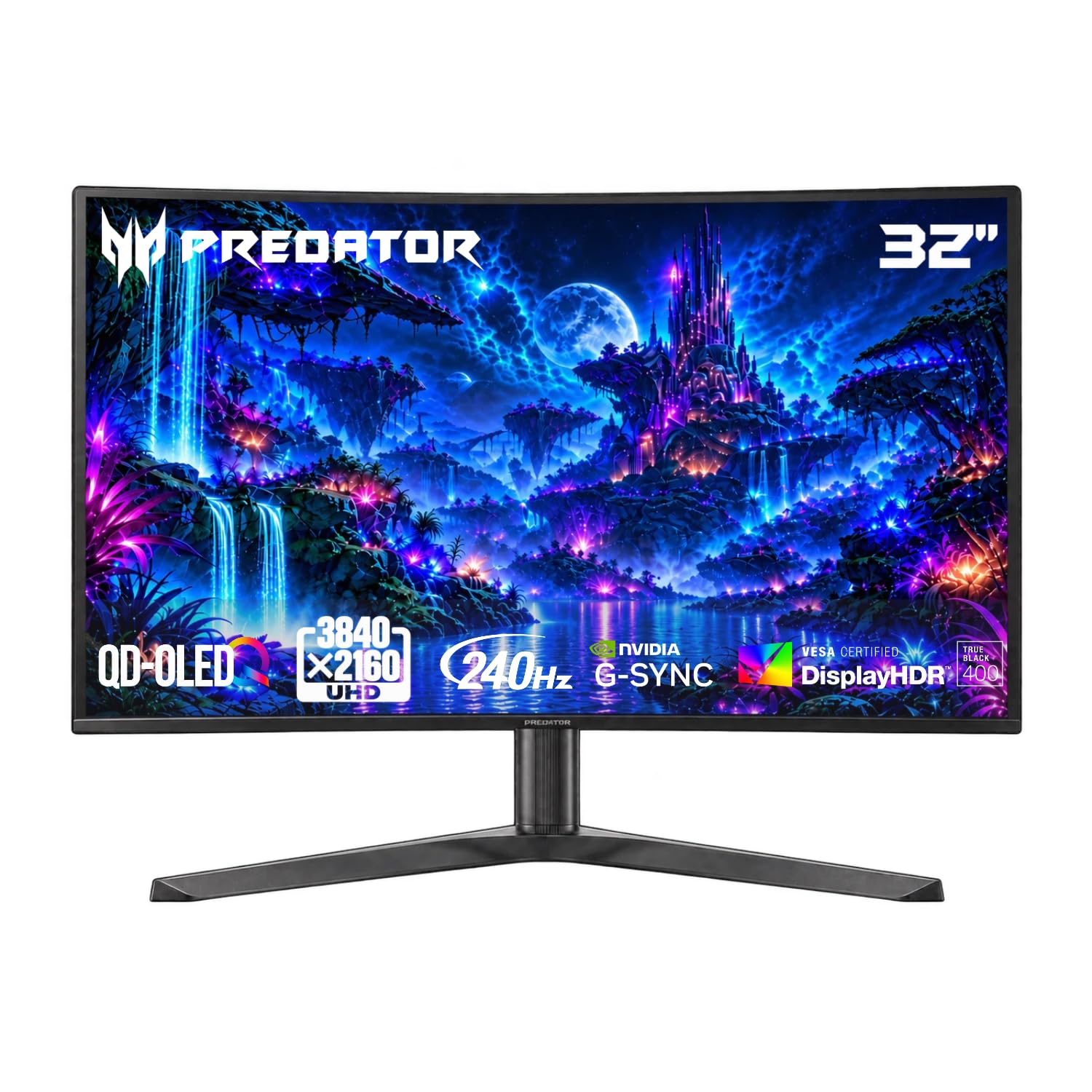
A QD-OLED panel with a 0.03 ms response and true-black contrast the two VA panels can’t match.
If pixel speed is the thing you chase, this Acer is the outlier: a 0.03 ms response time versus the 1 ms of both the KTC and the Samsung. At 0.03 ms, fast diagonal strums and quick-scope turns stay sharp with almost no ghost trail. It is the smoothest motion response of the three, and that is the headline.
Dark scenes go truly black rather than dark grey, because the quantum-dot OLED layer (organic pixels that switch off for true black) with true 10Bit color drives contrast to near-infinite. The 4K UHD resolution (3840 x 2160 pixels) matches the Samsung pixel for pixel, so fine detail holds up. Colors cover a DCI-P3 99% gamut (a wide color range), and VESA DisplayHDR True Black 400 (a certification for deep blacks) backs up the low-black performance. The 1700R curve is the most relaxed here — the Samsung is tighter at 1000R — so it suits a player who sits a bit farther back and wants a broad, wrap-around field rather than a tight hug.
Treat the 31.5-inch size as your 32-class option, since it is the nearest size sold to a 32-inch screen. Brightness is what buyers keep circling back to: the spec tips 1000 candela per square meter (a measure of screen brightness), well above the KTC’s 300, so daytime scenes stay punchy. But the picture can arrive with the top brightness setting switched off, so you may need to dial it up yourself. Buyers describe deep blacks and vivid tones, while a few find the white background a touch dull from the start. Adaptive Sync (a feature that syncs the screen to your graphics card to stop tearing) is FreeSync Premium here, and the stand adjusts for tilt, swivel, and height. You also get built-in speakers and DisplayPort, HDMI, and USB-C on the back.
Why OLED earns its keep: the 0.03 ms response and 4K resolution together give you the crispest, fastest-moving dark scenes of the three — that combo is the reason to pick it. The deep blacks and DCI-P3 99% color are what buyers praise most.
The one thing to check: brightness runs mixed — turn the default-capped setting up, and be ready for a slightly flatter white background than some OLEDs render.
Reach for this if: you want 4K OLED contrast and the fastest pixel response here and do not mind a gently curved 31.5-inch panel.
Look elsewhere if: you want maximum brightness straight from the start with no menu fiddling.
3. Samsung Odyssey Neo G8 Gaming Monitor

The tightest 1000R curve here, wrapped around a 4K 240 Hz matte panel.
The defining trait here is a 1000R curve — the sharpest bend on this list, tighter than the 1500R KTC and the 1700R Acer. That lower number curves the edges toward your eyes, so the sides of a 32-inch 4K screen stop feeling like distant corners and start feeling like they surround you. Sit close and the 1000R bend pulls the screen edges into your peripheral vision.
Fast motion stays crisp at a 240 Hz refresh (the screen redraws 240 times a second) with a 1 ms (GTG) response (grey-to-grey pixel switch time). That is the same 4K UHD pixel count as the Acer at 3840 x 2160 pixels, but a slower response time, so it does not match the OLED’s near-instant 0.03 ms. Quantum Matrix Technology with Quantum Mini LEDs is the backlight trick behind the contrast: it dims and brightens zones of the screen in fine steps, so bright objects stand out against dark ones. The spec lists a 1,000,000:1 contrast ratio and, per the maker, 2,000 nit peak brightness from HDR2000 — hold that loosely, since the brightness spec on the sheet reads 350 cd.
Daytime play holds up because the matte screen absorbs rather than reflects light, so a window or lamp behind you will not wash out the picture the way a glossy panel can. Adaptive Sync covers both AMD’s FreeSync Premium Pro and NVIDIA GeForce cards, and the stand mounts on a 100mm x 100mm VESA pattern (the standard wall-mount hole spacing). The chief worry buyers report is long-term reliability — a handful of panels have developed flicker or a backlight leak down the line. Buyers like the sharp, bright picture and the white chassis, but some grumble about auto-dimming in dark zones.
The draw, in one line: A 1000R curve, 4K at 240 Hz, and a matte finish that shrugs off glare — no other pick here combines all three.
Where it asks patience: this is a premium-tier panel, and the reliability stories are a mixed bag, so factor in a warranty plan and a careful setup.
Best fit for: the competitive player who wants the sharpest curve, 4K detail, and a glare-fighting matte screen all at once.
Think twice if: long-term reliability confidence ranks above the wrap and resolution, given the mixed durability reports.
Know the Specs
Refresh Rate and Response Time
Refresh rate is how many times per second the screen redraws the image, written in hertz (Hz). Everything here sits at 240 Hz or 260 Hz, which is the “over 240 Hz” territory this category is built around — the higher the number, the less gap between what your input does and what you see. Response time, in milliseconds (ms), is how quickly a pixel shifts color; lower means less ghosting on fast motion, which is why the 0.03 ms OLED feels cleaner than a 1 ms VA panel during a hard whip-pan.
Resolution, Curvature, and Brightness
Resolution is the pixel count of the picture, and 2560 x 1440 (2K) versus 3840 x 2160 (4K) is the main split here — the 4K panels show finer detail but ask more of your graphics card. Curvature in “R” describes the bend, with a lower number like 1000R wrapping tighter than 1700R. Brightness in candela per square meter (nits) decides how well the screen fights a bright room; the panels here range from 300 up to 1000, so the higher figure stays punchy under more light.
Common Questions
Does a 240 Hz monitor actually make a visible difference over 144 Hz?
Will my graphics card push 240 frames per second at 4K?
Is a 31.5-inch screen really the same as 32 inch?
Do I need DisplayPort to get the full refresh rate?
How tight a curve should I pick between 1000R, 1500R, and 1700R?
Is OLED better than VA for a fast curved gaming monitor?
Why does my new monitor look dark from the start?
Can I wall-mount these curved monitors?
What is image retention and should I worry about it on OLED?
Will a curved 32-inch screen fit a normal desk?
The Bottom Line
For most players shopping this category, the over 240 hz 32 inch curved gaming monitor to start with is the KTC H32S5E. Its 260 Hz refresh is the fastest here, and it pairs a 1 ms response with a 1500R curve without the 4K price jump. If deep-black OLED contrast and the near-instant 0.03 ms pixel response matter more to you, the Acer Predator X32 X is the picture-first pick. And for the tightest 1000R wrap with 4K detail and a glare-cutting matte finish, reach for the Samsung Odyssey Neo G8 — just keep an eye on the long-term reliability reports before you commit.
How we choose
We do not accept paid placement. Every pick is matched to a real buyer and a real use-case; we do not hands-on test units.
Sources
Specifications: manufacturer listings and product documentation. Review insights: verified customer reviews, as of November 2026. Pricing: not shown on this page (it changes often); check the current price via the retailer link.
As an Amazon Associate, Tactical Gear Guy earns from qualifying purchases. This does not affect which products we feature.