Specs are compiled from manufacturer listings and verified buyer reviews and can change over time — please confirm the key details on the product page before buying.
You want faster Windows boots and games that load before the splash screen finishes. The short answer: the Samsung 990 PRO 2TB is the strongest overall pick here, and the Crucial P310 1TB is the smarter value if you mostly game and browse. Both are M.2 2280 drives, meaning they are the 80mm-long stick that slides into the slot on your motherboard, so check your slot length before you buy anything on this list.
This guide is built by comparing the manufacturers’ published specifications and the patterns across verified customer reviews, so you get each pick’s real strengths and trade-offs instead of marketing spin.
Below you will find nine drives sorted by what they do best, from a 7,450 MB/s flagship to budget-friendly sticks built for daily work. Each one is a true M.2 2280 drive, and each entry spells out the trade-off so you can pick the right one for your slot and your workload with the best M.2 2280 SSD shortlist here.
Top Picks


How To Choose The Best M.2 2280 SSD
The first thing to settle is physical fit, because an M.2 2280 drive is exactly 80mm long and slides into a keyed slot on your board. A shorter 2230 or 2242 drive will physically drop into some slots but leave a gap, and a full-size drive will not seat in a slot cut for a shorter card. Check your motherboard or laptop manual for “M.2 2280” support before you fall in love with a speed number.
Interface: Gen 3 vs Gen 4
PCIe Gen 4 roughly doubles the ceiling of Gen 3, and the drives here advertise reads from 1,850 MB/s up to 7,450 MB/s. A Gen 4 drive will still run in a Gen 3 slot, but it caps at the older speed — so if your board is Gen 3, a cheaper Gen 3 stick wastes less of your money. If your board is Gen 4, a flagship like the 990 PRO is what lets you feel the difference in game loads and large file copies.
DRAM, HMB, and SLC cache
Some drives carry their own DRAM cache chip, and others are DRAM-less and lean on Host Memory Buffer (HMB), which borrows a slice of your system RAM to cache the drive’s mapping table. DRAM-less drives also use SLC cache, a fast writing mode that fills up during long transfers and then slows down. For gaming and everyday work this is fine; for constant huge video exports, a DRAM drive holds speed longer.
Heatsink or bare stick
A bare M.2 2280 stick relies on your motherboard’s own heatsink or airflow. A drive sold with a built-in heatsink, like the Lexar NM790, is the simpler pick for a PS5 or a slot with no cover. Thin laptops often cannot fit a heatsinked drive at all, so measure clearance before choosing.
Side-by-Side Comparison
| Model | Best For | Capacity | Rated Read | Interface | Amazon |
|---|---|---|---|---|---|
| Samsung SSD 990 PRO 2TB★ Best Overall | Overall flagship speed and capacity | 2 TB | Up to 7,450 MB/s | PCIe 4.0 | Amazon |
| Kingston NV3 1TBBest Balance | Balanced everyday Gen 4 upgrade | 1 TB | Up to 6,000 MB/s | PCIe 4.0 x4 | Amazon |
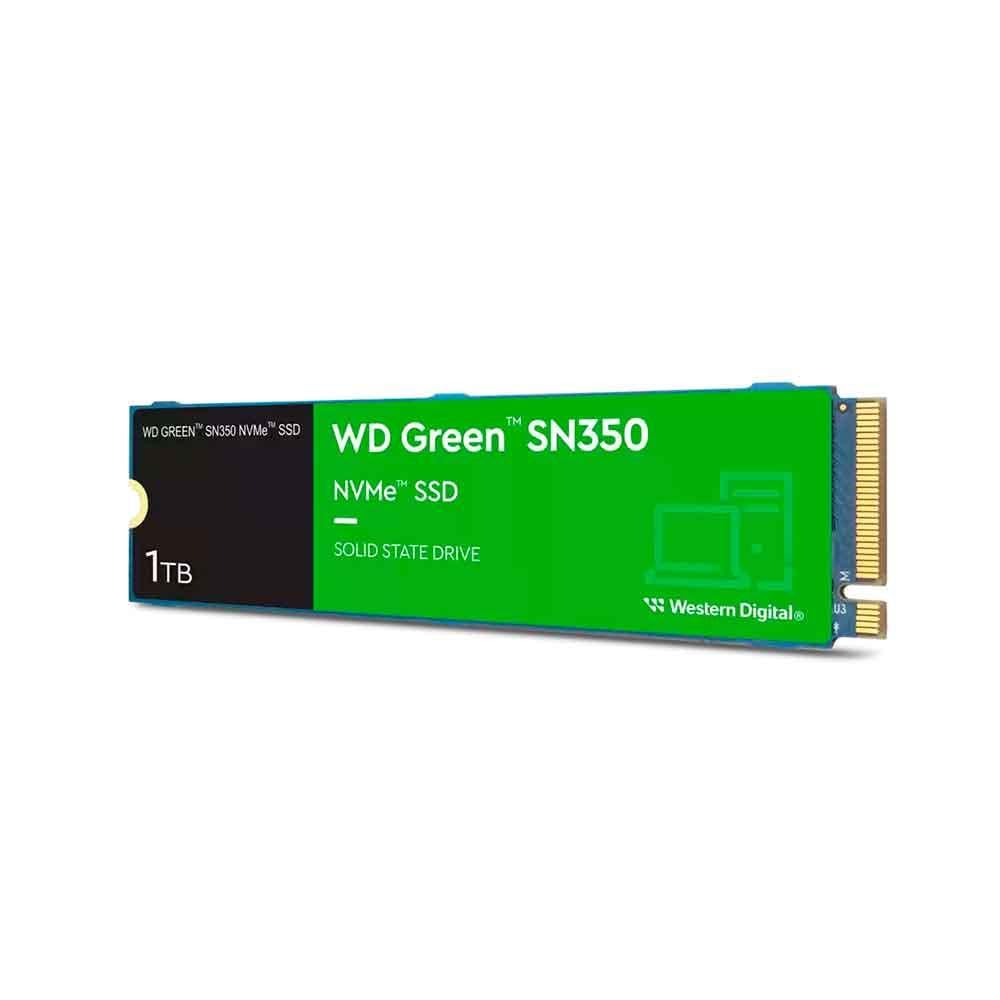
| WD Green SN350 1TBBudget Workhorse | Budget daily-computing drive | 1 TB | 1,850 MB/s | PCIe NVMe 3.0 x4 | Amazon |
| Patriot P400 Lite 1TB | Entry Gen 4 with a slim heatshield | 1 TB | Up to 3,500 MB/s | PCIe 4.0 x4 | Amazon |
| Crucial P310 1TB | Handheld and laptop gaming value | 1 TB | Up to 7,100 MB/s | PCIe 4.0 | Amazon |
| SANDISK Optimus 5100 1TB | Creator workloads and endurance | 1 TB | Up to 7,100 MB/s | PCIe 4.0 | Amazon |
| Samsung 990 1TB | Power-efficient Gen 4 performance | 1 TB | Up to 7,150 MB/s | PCIe 4.0 | Amazon |
| Lexar NM790 1TB with Heatsink | PS5 and heat-conscious builds | 1 TB | Up to 7,400 MB/s | PCIe 4.0 x4 | Amazon |
| Acer Predator GM7 1TB | Enthusiast gaming and creator builds | 1 TB | Up to 7,400 MB/s | PCIe 4.0 x4 | Amazon |
Detailed Reviews
1. Samsung SSD 990 PRO 2TB
Our pick — 4.5+★ from 13,500+ verified ratings; the strongest balance of quality and price.
The 2TB flagship that boots Windows in seconds and holds a full game library.
If your goal is the fastest-feeling PC on this list, this is where you end up. The 2TB of storage is double what the Kingston NV3 1TB offers, so a library of large games and 4K footage fits with room to spare. The PCIe 4.0 interface speaks the modern NVMe language your board expects, and the published read speed tops out at 7,450 MB/s — the highest figure here, just ahead of the Lexar and Predator at 7,400 MB/s.
What owners notice first is the lack of waiting. Windows is up and running in roughly the time it takes to sit down, and games that used to hang on a loading bar now open almost the moment you click them. The drive also earns its keep as a working drive: photo and video projects scrub without stutter, and apps launch the instant you tap them.
Samsung also publishes a power-efficiency figure and a random-performance improvement over its older 980 PRO, which means the drive does heavy lifting without running hot or flat. The honest catch is that this is the premium end of the list, and if your motherboard only runs Gen 3, most of that 7,450 MB/s ceiling is locked away. Buy it if you have a Gen 4 slot and want to buy once.
Speed and space it earns
- Reads up to 7,450 MB/s — fastest rated drive on this page
- 2TB stores a large game library plus high-resolution media
- Pages and programs open with no perceptible delay
Before you click buy
- Needs a Gen 4 slot to reach its rated speed
- Sits at the high end of the price ladder here
Reach for this if: you have a PCIe 4.0 board and want the fastest boot and game loads with 2TB of headroom.
Think twice if: your slot is Gen 3 — you will pay for speed your board cannot deliver.
2. Kingston NV3 1TB M.2 2280 NVMe SSD
The Gen 4 daily upgrade with included cloning software for reviving an older laptop.
The spec that matters most for a straightforward upgrade is the balance between read and write. Kingston rates this Gen 4×4 drive at up to 6,000 MB/s read and 4,000 MB/s write, which sits comfortably above the WD Green SN350’s rated 1,850 MB/s without reaching flagship pricing. It is backward compatible, so it drops into Gen 3 slots too, though it will cap at the older speed there.
The included Acronis cloning software is the quieter selling point. It lets you copy your old drive across before you swap the stick, so you avoid reinstalling Windows from scratch. Owners of aging laptops report the drive dragging machines back into usable territory, and it is a common pick for small home servers and controllers where fast, low-power storage is the whole point.
The fine print is a 5-year limited warranty rather than anything longer, and the 1TB ceiling means heavy video workers will want more room. For a gaming rig or a revived laptop, though, it is one of the easiest calls on this list.
What wins people over: the cloning software — it turns a scary drive swap into a copy job.
The compromise: 1TB is the whole capacity, so big libraries fill up faster than on the 2TB Samsung.
Best fit for: laptop and desktop upgrades where you want Gen 4 speed and a free cloning path.
Look elsewhere if: you store hours of raw 4K footage and need more than a terabyte.
3. WD Green SN350 1TB M.2 2280 Internal SSD
Gen 3 storage rated at 1,850 MB/s for a home office or a hand-me-down laptop.
Not every machine needs a 7,450 MB/s rocket. This drive runs on PCIe NVMe 3.0 x4 and is rated at 1,850 MB/s, which is plenty for Windows, spreadsheets, and a browser with a dozen tabs open. It carries 1TB of capacity, matching the Kingston and Crucial, and adds shock resistance so a bump to the laptop does not threaten your files.
The included Western Digital SSD Dashboard software is a small but useful extra — it lets you watch drive health and usage over time instead of guessing. If you are putting new life into an older desktop with a Gen 3 slot, this stick matches what the board can actually deliver.
Here is the honest part. At 1,850 MB/s it is the slowest rated drive on this page by a wide margin, and a Gen 4 board would leave most of its capability unused. That is not a fault; it is a fit question. Match it to a Gen 3 machine and it does exactly what you paid for.
Where it earns its spot: budget-tier value and a health-monitoring app in the box.
The real limit: 1,850 MB/s rated read is the lowest here, so it is a daily-work drive, not a speed showcase.
Made for: older desktops and laptops with a Gen 3 slot and a tight budget.
Not the right call if: you are building a new Gen 4 machine and want headroom to grow.
4. Patriot P400 Lite 1TB PCIe Gen 4 x4 SSD

An entry Gen 4 drive rated at 3,500 MB/s with a slim graphene heatshield.
This is the drive you pick when your board has a Gen 4 slot but your budget is entry-level. It uses a PCIe 4×4 controller and is rated at up to 3,500 MB/s read and 2,700 MB/s write — well below the 7,000-plus club, but a clear step above the Gen 3 WD Green. The slim graphene heatshield is the interesting feature, since a thin heat spreader fits places a chunky aluminum block cannot.
Owners generally find the drive performs to expectation, with the general sense being it does what a spec sheet promises. The one thing to know is that speed feedback is mixed — most report faster performance, but some units show serious read-speed slowdown. Treat that as a reason to buy from a seller with an easy return, not as a blanket verdict.
End-to-end data path protection is a solid reliability feature at this tier. For a secondary games drive or a home PC that mostly browses and streams, it is a reasonable entry point into Gen 4.
What it brings
- PCIe 4×4 controller at an entry-level tier
- Slim graphene heatshield helps in tight slots
- End-to-end data path protection built in
Where it holds back
- 3,500 MB/s rated read trails the flagship drives by a wide margin
- Speed results are mixed across owners — buy where returns are easy
Worth it when: you want a cheap Gen 4 secondary drive and a low-profile heatshield.
Pass if: you need guaranteed sustained speed for heavy file work.
5. Crucial P310 1TB SSD, PCIe Gen4 NVMe M.2 2280
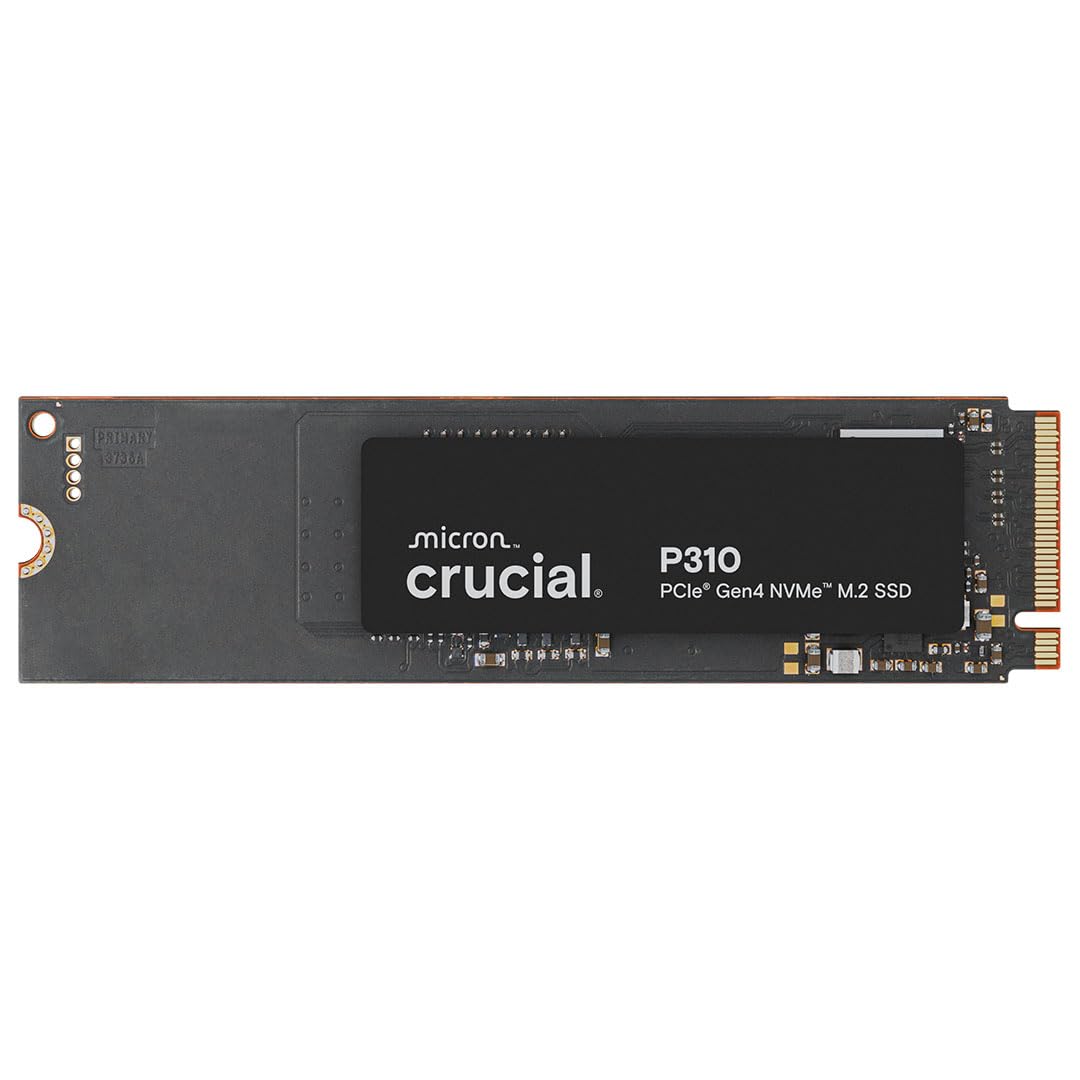
A 7,100 MB/s Gen 4 stick that also fits the ROG Ally X, Legion Go, and AYANEO Kun.
Here is a drive that splits the difference smartly. It is rated at up to 7,100 MB/s read and 6,000 MB/s write — a step below the Samsung 990 PRO’s 7,450 MB/s, but close enough that most games and apps feel identical in daily use. The form factor is standard 2280 M.2, so it fits desktops, laptops, and the handheld consoles Crucial names: the ROG Ally X, Lenovo Legion Go, and AYANEO Kun.
The reliability story is what wins people over here. The drive works right from the start, boots Windows quickly, and launches apps the instant you tap them. Owners also note it is one of the easier sticks to install, and that it plays nicely with a range of systems rather than just the obvious ones. A clean, problem-free install counts for a lot when you are upgrading a handheld you cannot easily open twice.
It is backward compatible with PCIe Gen 3 systems too, which means it survives a future board upgrade without replacing the drive. The catch is that 1TB fills quickly if you hoard AAA titles on a handheld, and there is no built-in heatsink, so check your slot has its own thermal cover. Those are fair trade-offs for a drive this competent at the mid-range.
Why it converts: near-flagship read speed plus broad handheld and laptop compatibility.
Fair warning: no heatsink in the box, and 1TB is the ceiling here.
Pick it for: handheld gaming consoles and laptops where you want Gen 4 speed without flagship money.
Skip the match if: you need a drive that arrives with its own heatsink.
6. SANDISK Optimus 5100 1TB NVMe SSD
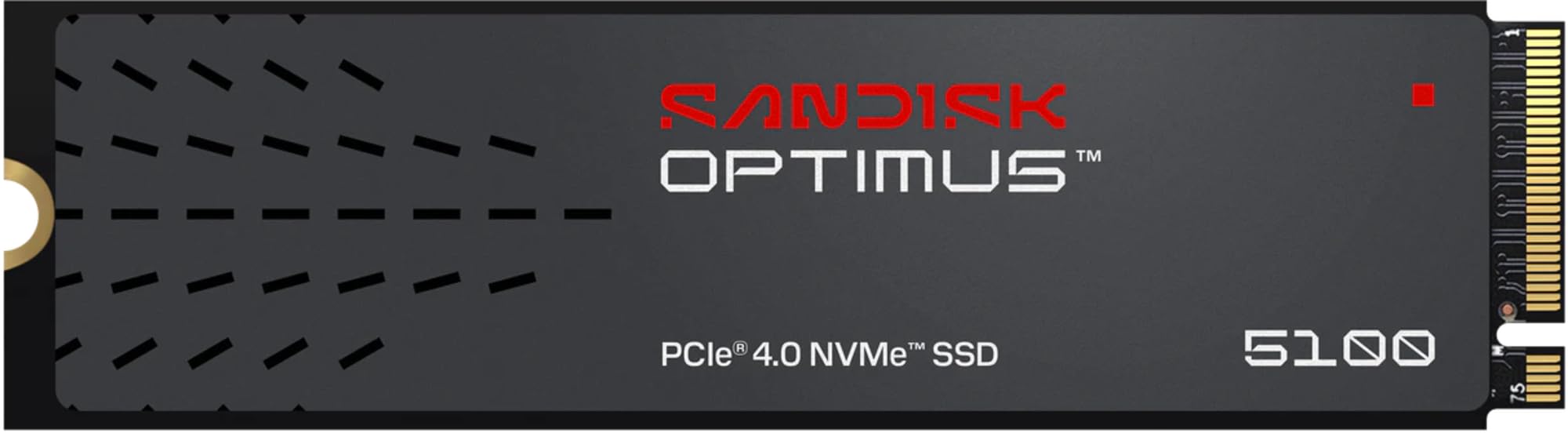
Built for editors who export large projects daily and need sustained write speed.
Video editors and photographers have a different priority than gamers: sustained writes. This drive is rated at up to 7,100 MB/s read and up to 6,700 MB/s write, and it carries an endurance rating of up to 1,200 TBW on the 4TB model — a published number that tells you how much data the drive is designed to write over its life. The 2280 stick is built on Sandisk’s 8th generation BiCS QLC 3D CBA NAND across 500GB to 4TB capacities.
Owners describe smooth, responsive performance on creative workloads, and games like Diablo show clear improvements after the swap. The power-efficient design matters on a laptop, where less draw means longer battery while you edit. The downloadable Sandisk Dashboard app lets you check the drive and pull firmware updates.
The realistic note: the 1TB model is the entry point of this family, so the biggest endurance figure belongs to the 4TB version. If your work is occasional rather than daily, a cheaper drive covers you. If you export large projects regularly, the durability story here is worth paying for.
Endurance angle: up to 1,200 TBW published for the 4TB model, a solid claim for heavy writers.
Honest context: this 1TB version carries less headroom than the 4TB version the endurance number describes.
Built for: editors and photographers who stress a drive with frequent large exports.
Consider a cheaper drive if: your workload is mostly browsing and light gaming.
7. Samsung Internal SSD 990 1TB
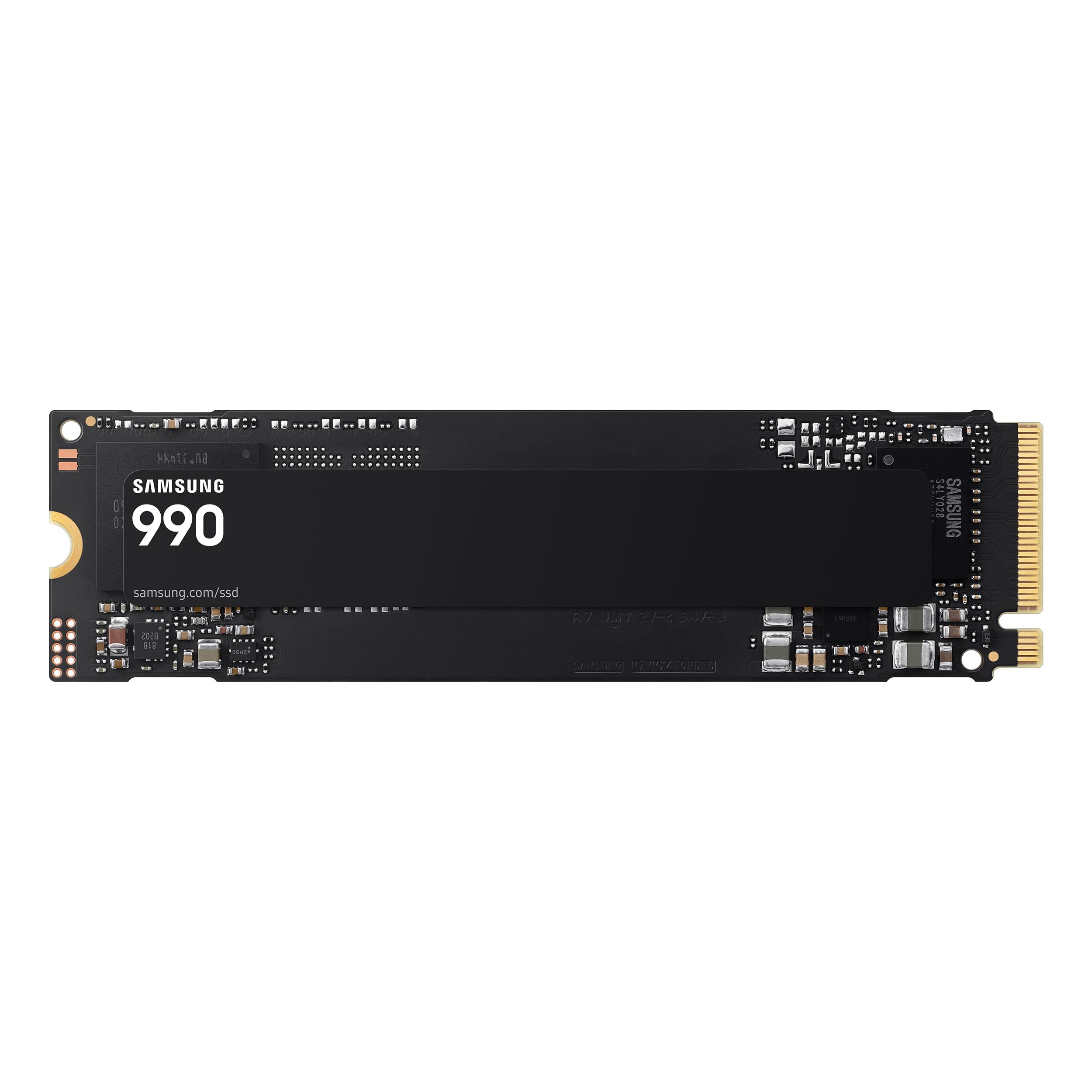
The laptop-friendly Samsung rated at 7,150 MB/s with a power-efficient design.
Samsung positions this drive around power per watt rather than a headline read figure, and it gets close on speed too — up to 7,150 MB/s read and 6,450 MB/s write. The published random read/write figures are up to 700K and 1,100K IOPS, which translate to snappy app launches and fast small-file work. Hardware encryption and TRIM support are built in for security and long-term health.
The efficiency claim is the real story for laptops: the drive is designed to deliver its performance while drawing less power, which means fewer fan spins and less heat in a thin chassis. Owners running it in small servers and desktops report it works smoothly, and the general read is that quality and speed are where they should be.
It is a 1TB drive, so the capacity ceiling will matter if you keep a huge game library. And at this price tier, a buyer who does not need the encryption features could save by stepping down. For a mobile rig or a quiet build, the efficiency focus is the reason to choose it.
The reasons it fits
- Up to 7,150 MB/s read and 6,450 MB/s write keeps pace with flagships
- Power-conscious design suits laptops and quiet builds
- Hardware encryption and TRIM support built in
Where it asks for care
- 1TB capacity means less room for a large library
- You pay for efficiency features a basic desktop may not use
Good match for: laptop owners and quiet-build fans who value power efficiency alongside speed.
Look at a cheaper 1TB if: you only need plain speed and nothing more.
8. Lexar 1TB NM790 NVMe SSD with Heatsink

The PS5 stick that arrives with the cooling plate already bolted on.
For a PlayStation 5 upgrade, the heatsink is the feature that matters, and this drive comes with one attached. It is rated up to 7,400 MB/s read and 6,500 MB/s write with a 1,000 TBW endurance figure, and it uses Host Memory Buffer 3.0 — a DRAM-less design that borrows system memory to keep transfer speeds smooth. The maker also cites up to 40% less power draw than DRAM cache-equipped Gen 4 drives.
The people who own it tend to land in the same place: it performs well in a PS5, installs without fuss, and runs cool. Speed is fast on both reads and writes, and the capacity gives plenty of room for a console library. The one recurring wrinkle is compatibility, which lands on the mixed side — a reminder to confirm your exact model and slot before ordering.
Against the Crucial P310, this Lexar leads on one concrete point: the built-in heatsink, which the Crucial lacks. On raw read speed it sits at 7,400 MB/s versus the Crucial’s 7,100 MB/s. For a bare-slot build, that combination makes it the easier install.
The pickup: a heatsink in the box, 1,000 TBW endurance, and 7,400 MB/s rated read.
Worth checking: compatibility feedback is mixed — verify your console or slot model fits before buying.
The right pick when: you are upgrading a PS5 or a slot with no cover of its own.
Keep looking if: your laptop cannot fit a heatsinked stick.
9. Acer Predator GM7 1TB SSD
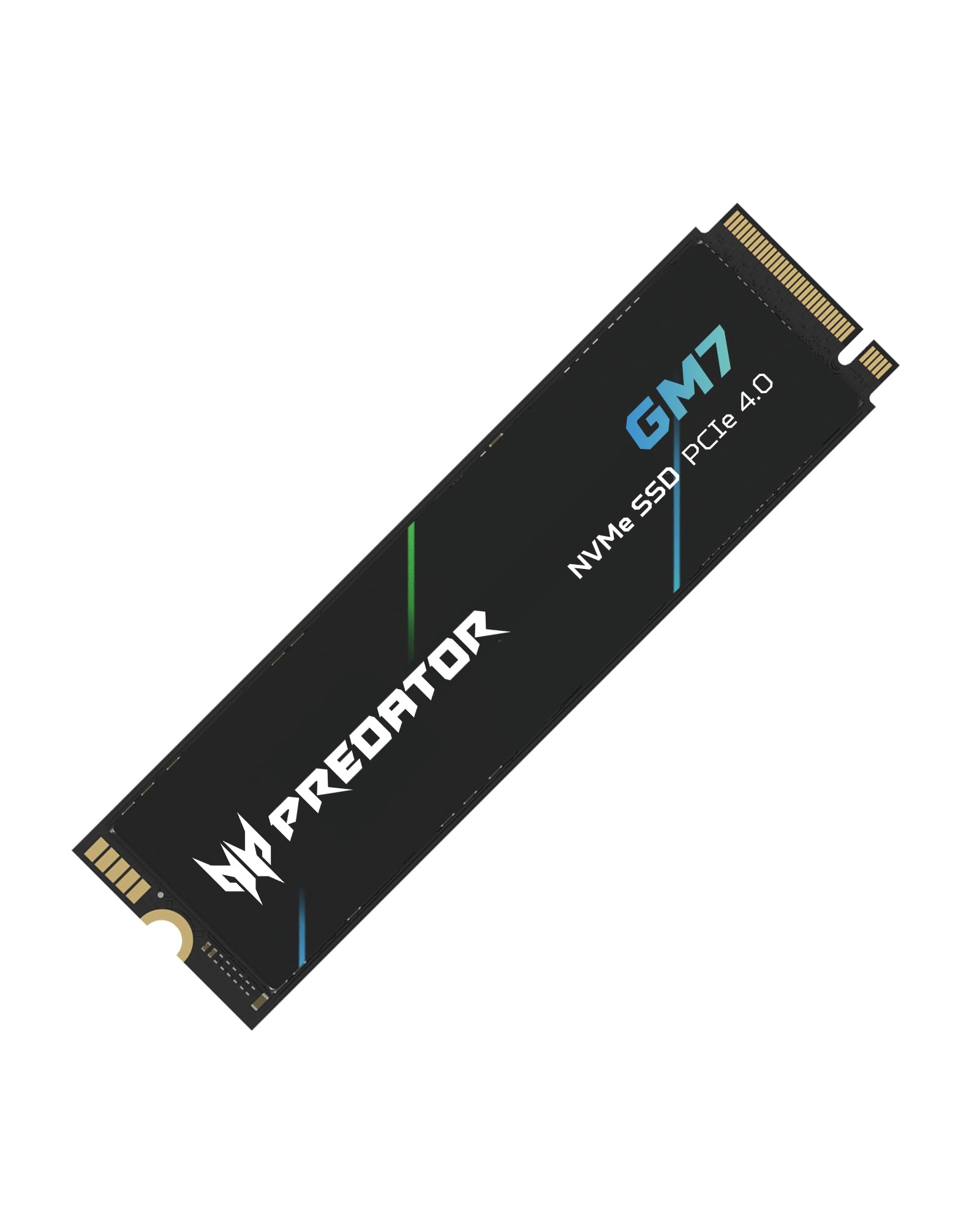
A gaming-branded Gen 4 drive with SLC cache and thermal control on its side.
Predator positions this as an enthusiast stick, and the numbers back the framing: up to 7,400 MB/s read and 6,500 MB/s write on the PCIe 4.0 and NVMe 2.0 interface. It pairs a DRAM-less HMB design with SLC cache, so it can absorb bursts of writes quickly before settling into its steady state. TLC NAND and thermal throttling help keep it behaving under load.
Buyers report the drive works with no issues, installs easily, and delivers extra storage without drama. The gaming angle is real for people who want a Predator badge on a build and a management utility — Biwin Intelligence handles performance tests, data migration, and drive cloning. Temperature control via thermal throttling and power management is the kind of detail that matters when a heavy workload spins up heat.
The trade-off is that the DRAM-less design means long sustained writes eventually slow as the SLC cache drains, and the 1TB capacity caps how much you can store. Buy it for gaming and creative bursts; look to a DRAM drive only if you write enormous files in constant sequence.
What you are paying for: 7,400 MB/s rated read, NVMe 2.0, and built-in thermal control.
Where the ceiling sits: DRAM-less architecture and 1TB capacity limit very heavy sustained workloads.
Built for: gamers and enthusiasts who want flagship-ish speed with a management suite.
Choose a DRAM drive instead if: you run nonstop large-file writes.
Know the Specs
Read and Write Speed (MB/s)
Megabytes per second tells you how fast the drive moves data — higher means a big file copies faster and a game loads sooner. The drives on this list range from 1,850 MB/s up to 7,450 MB/s. Match the drive’s rated speed to your interface: a Gen 3 slot caps out well below a Gen 4 drive’s ceiling, so you only feel the extra speed on a Gen 4 board.
TBW Endurance
TBW stands for terabytes written — the published amount of data a drive is designed to write over its life. A higher TBW means more headroom for daily editing and large exports. Video creators who move big files constantly should care about this number; casual gamers much less so, because their write load is far lighter.
DRAM vs HMB
A DRAM drive has its own cache chip to hold the drive’s mapping table. A DRAM-less drive leans on Host Memory Buffer (HMB), which borrows a slice of your system RAM to do the same job. Both are fine for games and everyday apps; a DRAM drive tends to hold speed longer during huge sustained writes.
Heatsink and Clearance
A heatsink spreads heat away from the drive so it does not throttle under load. A built-in heatsink simplifies PS5 and bare-slot installs but adds thickness. In a thin laptop, there may not be room for one, so measure the slot clearance or check whether the machine ships with its own cover.
Common Questions
Will an M.2 2280 SSD fit my laptop?
Is a Gen 4 SSD worth it on a Gen 3 motherboard?
What is the difference between DRAM and DRAM-less SSDs?
Do I need a heatsink on my M.2 SSD?
How long does an M.2 2280 SSD last?
Can I use an M.2 2280 SSD in a PS5?
How do I move my old data to a new SSD?
Does a 2280 drive work in a 2230 slot?
Is a Gen 4 SSD faster than Gen 3 in real use?
Does an M.2 SSD need a screw to install?
The Bottom Line
For most buyers, the winning m.2 2280 ssd is the Samsung 990 PRO 2TB — it pairs the highest rated read on this list with double the capacity of the 1TB picks. If you want near-flagship speed at a friendlier tier, the Crucial P310 is the value play, and its handheld compatibility makes it the obvious upgrade for a console you carry. And if you are fitting a PS5 or a bare slot, the Lexar NM790 arrives with the heatsink already on board. Pull the trigger once you have confirmed your slot length and PCIe generation; the picks above do the rest.
How we choose
We do not accept paid placement. Every pick is matched to a real buyer and a real use-case; we do not hands-on test units.
Sources
Specifications: manufacturer listings and product documentation. Review insights: verified customer reviews, as of November 2026. Pricing: not shown on this page (it changes often); check the current price via the retailer link.
As an Amazon Associate, Tactical Gear Guy earns from qualifying purchases. This does not affect which products we feature.