Specs are compiled from manufacturer listings and verified buyer reviews and can change over time — please confirm the key details on the product page before buying.
You want a 2 x 3 print in your hand before the moment passes, not a photo stuck on a screen. The wrong pocket printer hands you faded colors, a dead battery, or a paper tray that clogs on vacation. This guide separates the printers that deliver a clean 2 x 3 print from a phone in under a minute from the ones that clog, fade, or die on the shelf.
This guide is built by comparing the manufacturers’ published specifications and the patterns across verified customer reviews, so you get each pick’s real strengths and trade-offs instead of marketing spin.
Below you’ll find eight compact photo printers ranked by how they perform in real hands, from fast dye-sub units to tiny Zink machines that need no ink at all. Each pick is matched to a specific buyer — party host, scrapbooker, crafter — so you can stop comparing spec sheets and start printing. This breakdown of the best pocket sized photo printer covers print size, battery life, and paper costs so you pick the right one first time.
Top Picks


How To Choose The Best Pocket Sized Photo Printer
The first decision is paper technology, because it changes everything downstream — how the photo looks, how long it lasts, and how much each print costs you.
Zink vs. dye-sub: the ink question
Zink (Zero Ink) paper carries tiny dye crystals inside the sheet, so the printer needs no cartridge at all — you just load paper and go. Dye-sub printers use a ribbon cartridge that transfers color onto the paper in layers, which tends to give deeper, more photo-like color and a protective coating on top. Zink is simpler to pack and cheaper to start; dye-sub usually looks better on skin tones and landscapes.
Print size and what fits in a pocket
Most of these printers output 2 x 3 inch photos — the size of a business card, and genuinely pocketable. A few run larger at 2.3 x 3.4, which gives you noticeably more image area but a thicker stack in your bag. If you plan to stick photos into a journal or scrapbook, measure the space you have before you fall for a bigger print.
Battery, charging, and printing away from an outlet
A pocket printer lives or dies on its battery, so check the rated photos per charge before you buy. Look for a stated photos-per-charge figure and a fast recharge time — one model here promises 80 prints per charge with a 120-minute full refill, and another tops up in as little as 45 minutes. If you print at parties or on trips, printing while charging is a feature worth checking.
Side-by-Side Comparison
| Model | Best For | Print Size | Paper Type | Connection | Amazon |
|---|---|---|---|---|---|
| Fujifilm INSTAX Mini Link 3★ Best Overall | All-round instant printing with film | 2 x 3″ | INSTAX Mini film | Bluetooth 5.1 | Amazon |
| KODAK Step SlimBest Value | Slim carry and sticky prints on a tighter budget | 2 x 3″ | Zink sticky-back | Bluetooth | Amazon |
| Nelko FlowCraft Specialist | Crafters and sticker projects | 2 x 3″ | 6 paper types incl. magnetic | Bluetooth | Amazon |
| HP Sprocket (Blush Pink) | Bundled starter kit with case | 2 x 3″ | Zink sticky-back | Bluetooth | Amazon |
| HP Sprocket Select | Bigger prints from a proven line | 2.3 x 3.4″ | Zink sticky-back | Bluetooth / USB 2.0 | Amazon |
| Polaroid Hi-Print Bundle | Dye-sub color with 40 sheets included | 2 x 3″ | Dye-sub cartridge | Bluetooth / USB-C | Amazon |
| Canon Ivy 2 Mini | Big 110-sheet bundle for heavy printers | 2 x 3″ | Zink sticky-back | USB | Amazon |
| Canon SELPHY Square QX10 | Coated prints that resist splashes and fading | Square format | Dye-sub cartridge (CB-43G) | USB / app | Amazon |
Detailed Reviews
1. Fujifilm INSTAX Mini Link 3 Smartphone Printer Bundle
Our pick — 4.5+★ from 500+ verified ratings; the strongest balance of quality and price.
Real instant film, app tricks, and a party-ready bundle in one sage-green box.
The reason this takes the top slot is simple: it prints genuine INSTAX Mini instant film rather than an ink-free sheet, and it does it from your phone over Bluetooth 5.1. Photos are 2 x 3 inches, so the finished print slides straight into a wallet or a jacket pocket. A firmware-free connection means you pair once and print again without hunting through menus.
The app is where the personality lives. INSTAX AiR Studio lets you add 3D augmented-reality effects, you can drop text and frames onto a shot, and you can even pull still prints out of video clips. Collage photobooth mode turns the printer into a party prop, and remote live viewing means a friend can frame the shot from their own phone. The box ships with a USB-C to USB-A cable and 20 exposures of film.
What wins people over is the print quality itself — it reads like a proper instant photo rather than a washed-out receipt. The honest catch is running cost: film is the pricier route versus ink-free paper, and an INSTAX sheet is smaller than a Zink sheet, so you get less image area per print. Connectivity is also a mixed bag in owner feedback — pairing works for most, but a few find the app handshake fussier than a straight cable.
What makes it the champ
- True instant film at 2 x 3 inches for a real photo feel
- Bluetooth 5.1 plus an app packed with AR effects, frames and collage mode
- Print-from-video feature turns clips into keepsakes
- Bundle includes 20 exposures so you can print the same day
Where it asks patience
- Film refills cost more per print than ink-free paper
- Pairing through the app frustrates a small handful of owners
- INSTAX sheets give less image area than a 2.3 x 3.4 print
Go this route if: you want a pocket printer that feels like a real instant camera with app extras for parties and travel.
Think twice if: you plan to print dozens of photos a week — the film cost adds up faster than ink-free paper.
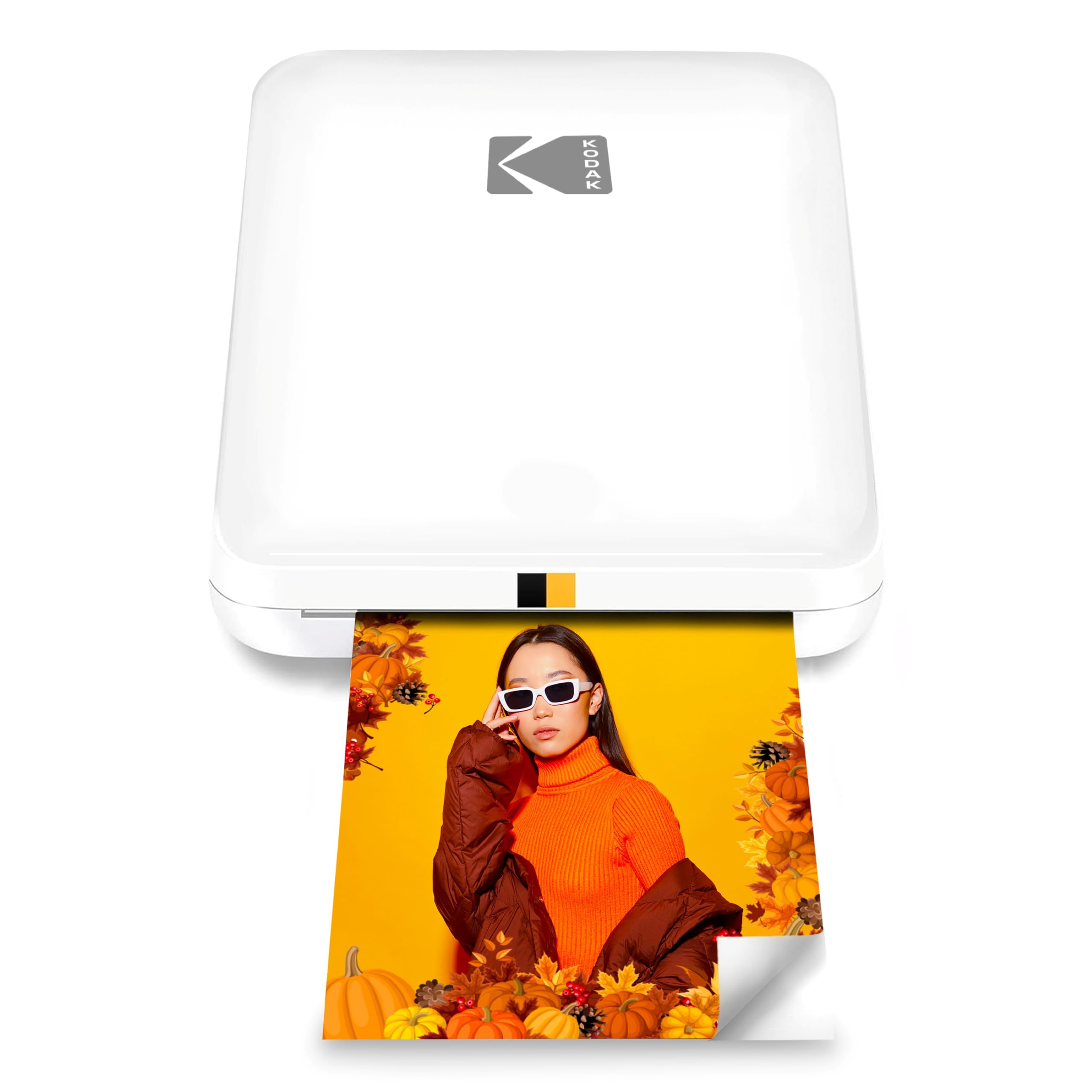
2. KODAK Step Slim Instant Smartphone Photo Printer
A thin, wireless printer that sticks a 2 x 3 photo anywhere before the coffee cools.
If the pocket is the priority, this is the one to look at first. The Step Slim measures 0.9 inches deep, 3.25 inches wide and 4.9 inches tall — thin enough to sit in a jacket pocket without a bulge. It prints 2 x 3 inch photos on Zink ink-free paper, so there’s no cartridge to buy or swap. KODAK claims prints land in under a minute, and the paper rate is listed at 1 page per minute.
Setup is the app, then Bluetooth, then print. The free KODAK STEP Prints app handles frames, stickers and edits, so your photos go out personalized rather than plain. Every sheet carries sticky backing, which is where this printer earns its keep: walls, lockers, laptops and scrapbook pages all take a print with a peel. Zero ink means nothing dries out in storage either.
The trade-off to know about is color and reliability. Owner feedback flags off-color prints on some units, and a subset of printers stop working early enough to frustrate their buyers. That’s not everyone — plenty of buyers report prints that look great and a printer that’s simply been fine. Treat this as a fun, slim sticker printer rather than a color-accurate photo lab, and it makes sense.
Why it earns a spot: 0.9-inch depth and ink-free Zink paper make this the easiest of the group to carry and reload, with sticky backs as standard.
Sizing the caveat: color drift and early failures show up in enough feedback to mention, so check the printer as soon as it lands rather than weeks later.
Made for: scrapbookers and sticker fans who want a thin Zink printer without paying for film.
Better elsewhere for: anyone who needs spot-on color match on every single print.
3. Nelko Flow Photo Printer with 60 Sheets of 6 Paper Types
Six kinds of paper in the box turn a mini printer into a DIY craft station.
Most pocket printers give you one paper: sticker. The Nelko Flow ships with 60 sheets split across six types — 10 each of transparent, macaron sticker, white sticker, magnetic, heat transfer and water transfer. That means the same 2 x 3 print can become a fridge magnet, an iron-on tee graphic, a water-slide decal for a mug, or a plain keepsake. For crafters and parents running party projects, that variety is the whole pitch.
The hardware is built for a full event rather than a quick session. The internal battery is rated for up to 80 photos per charge, refills fully in 120 minutes, and supports printing while charging so a party doesn’t stall at 40 percent. Loading is a snap-in magnetic all-in-one cartridge — no spills, no fussy alignment. It pairs over Bluetooth to iOS and Android with the free NELKO app.
Here’s the speed reality. The Nelko is rated at 0.65 color pages per minute, while the HP Sprocket 2×3 manages 1 page per minute — so if you’re churning out stickers fast, the HP wins on throughput. The Nelko asks you to print at least once every 3–5 days to keep the cartridge from drying out, which is a real maintenance habit if the printer lives on a shelf. Heat-transfer sheets are decorative wear only, dark cotton, iron at 356°F with steam off, cool before peeling — and the prints aren’t washable or dry-cleanable.
The craft case: nowhere else in this list gives you magnetic, heat-transfer and water-transfer sheets in the box, and 80 prints per charge covers a full party.
The maintenance note: that cartridge wants regular use to stay healthy, so this suits a busy maker more than an occasional one.
Reach for this if: your projects run past the fridge door — magnets, tees, mugs and scrapbooks from one printer.
Look elsewhere if: you want the fastest possible print cadence and zero upkeep on a cartridge.
4. HP Sprocket Portable 2×3 Instant Photo Printer (Blush Pink)

A blush-pink starter kit that puts a case, paper and printer in one box.
For a first pocket printer, the box matters as much as the hardware. This HP Sprocket bundle includes the printer, a 20-sheet paper pack and a deluxe case, so you’re printing the same afternoon you unbox it — no second order for consumables. It prints 2 x 3 inch photos from iOS or Android over Bluetooth and sticks them anywhere thanks to Zink paper’s sticker backing.
The Zink paper is the quiet hero here: color sits inside the sheet, so there’s no cartridge to buy. Zink embeds color inside the sheet, so there’s no toner or ribbon to replace, and HP says it resists water, smudges and tears reasonably well. The HP app handles the creative side: filters, borders, stickers and emojis, plus a tag-to-print flow that pulls a social media photo straight to the printer. An augmented-reality layer hides extra content behind some prints, which anyone under twelve will find genuinely fun.
Owners are split on two fronts. Print quality mostly lands well, but a recurring note is an orange tint on some prints, and a subset of units stop working after a while. That’s a minority view against the printer’s broader success, but it’s worth checking the color on your first pack. The 1 page per minute rate is exactly the same as the higher-capacity HP Sprocket Select below, so here you’re choosing portability and a lower starter cost rather than speed.
What buyers come back for
- Case and 20 sheets included — a true out-of-the-box start
- Ink-free Zink paper with sticky backs on every print
- App filters, stickers and AR content add creative range
- Bluetooth 5.5 pairing for iOS and Android
What to check early
- An orange color cast shows up in some prints
- A minority of units fail after limited use
- Same 1 page per minute as the larger HP — no speed edge
Tailored to: gift buyers and first-timers who want everything in one box and an excuse to use the AR features.
Pass on it if: you need the biggest print in the HP range or a faster per-page cadence.
5. HP Sprocket Select 2.3×3.4 Instant Photo Printer
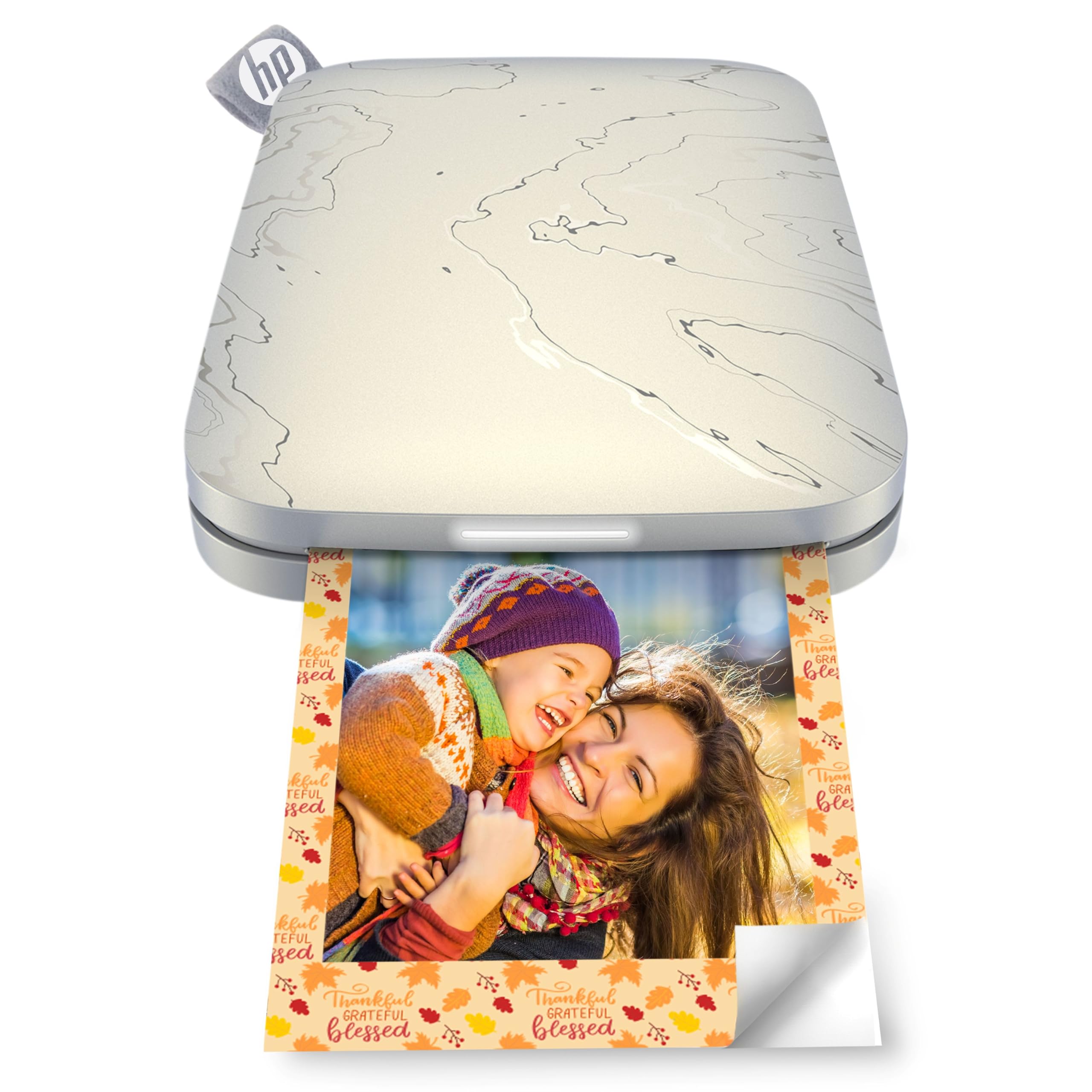
Larger prints from the HP line, at 2.3 x 3.4 inches rather than the standard 2 x 3.
It outputs 2.3 x 3.4 inch photos — measurably larger than the Nelko Flow and most others on this list, which stop at 2 x 3. HP describes the area as 30 percent larger than the original Sprocket. Those extra inches are the difference between a business-card keepsake and a print that actually shows faces at arm’s length.
The Eclipse finish is a dark, slim body that carries like a paperback. Printing runs over Bluetooth through the HP Sprocket app, and the first print takes around 68 seconds — competitive for a Zink printer. The app’s tag-to-print flow lets you grab a social media photo and send it straight to paper, and you can turn your own doodles into custom stickers using the free app. Zink paper means no cartridge, and the sticker backing applies anywhere flat.
The risk with this one is volume, not features. Owner feedback splits on functionality and value — many units run fine, others stop working, and some find the paper cost steep. That’s the honest picture of a product with a huge install base: even a small failure rate produces a large raw count of complaints. Buy it for the bigger print and the polished app, and test it hard in the first weeks.
The size argument: this is the pick if 2 x 3 feels cramped — 2.3 x 3.4 brings noticeably more picture into the print, and the first page prints in about 68 seconds.
The ownership note: reliability is the swing factor, so keep the packaging and exercise the printer early.
Suits: scrapbookers and journal keepers who want the biggest print available in a genuinely portable printer.
Consider the alternative if: you want the smallest possible footprint and don’t mind a smaller photo.
6. Polaroid Hi-Print 2nd Generation Bundle with 40 Photos
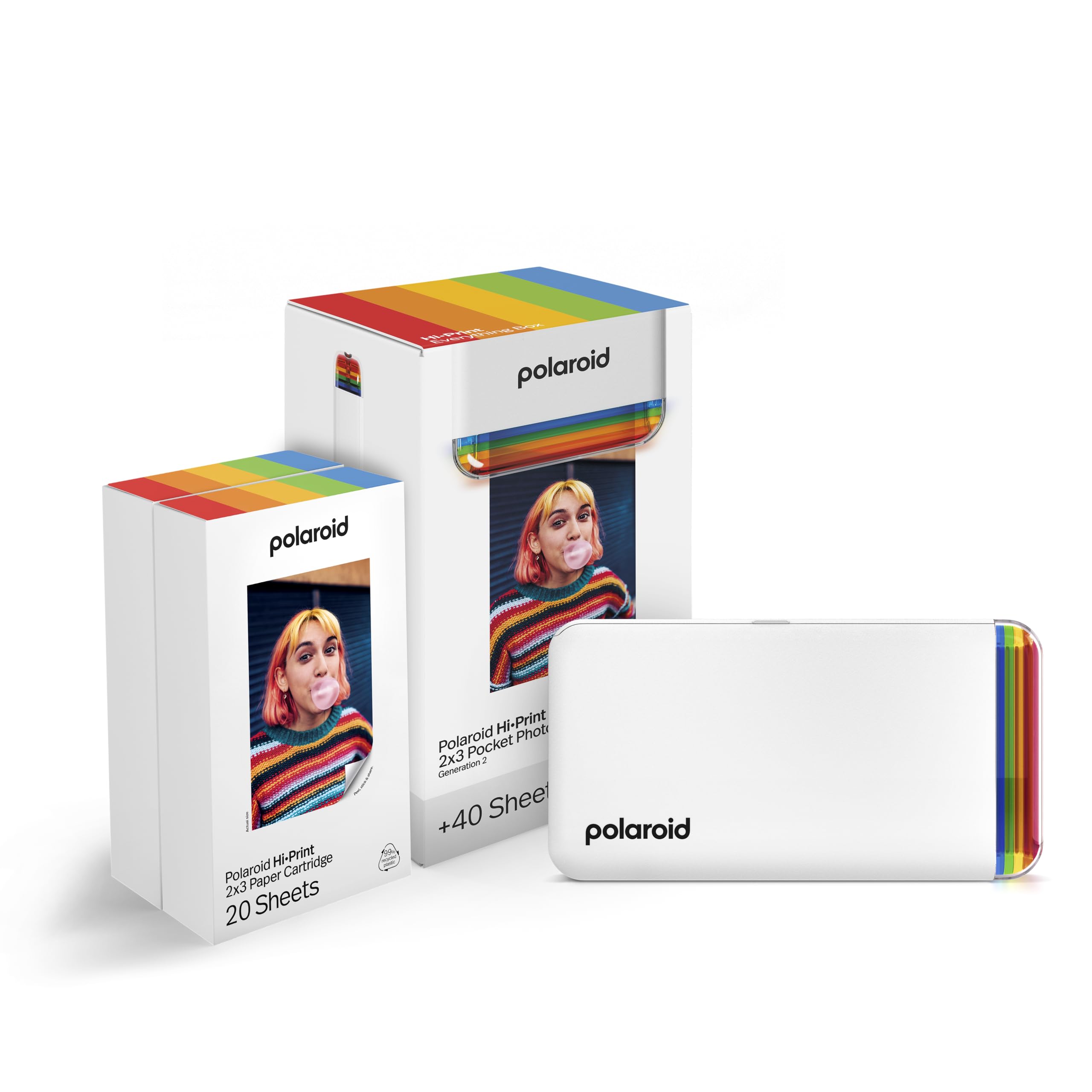
Dye-sub color in a pocket body, with a full 40-sheet box to get you printing.
This is the pick for anyone who cares how the color looks. Polaroid uses dye-sub cartridge technology rather than ink-free Zink paper, and claims vibrant prints in under 50 seconds. The output is 2 x 3 inches, business-card size, with a sticky back you can attach anywhere. The “Everything Box” ships with the printer and two packs of paper — 40 sheets total — so you’re not paying for a second consumable order on day one.
Connecting is Bluetooth to the Polaroid Hi-Print app on iOS or Android, where you add frames, filters, text and emoticons before sending a print. The hardware interface also lists USB-C, so a wired option exists alongside the wireless route. For photos of people and landscapes, dye-sub usually handles gradients better than Zink — fewer banded skies, richer skin tones.
Where this falls short of a true photo lab is consistency. Print quality feedback is mixed; some owners love the results, others find images come out off in a way they didn’t expect. Reliability also draws a mixed split, so a subset of units doesn’t hold up. The bundle softens the value question by throwing 40 sheets in, and the app is easy to live with. Just don’t expect every print to match the screen perfectly.
Why the color case holds: dye-sub cartridges give richer gradients than ink-free paper, and the sub-50-second print time keeps the flow quick.
What to plan around: mixed reports on print consistency mean you should test a pack before committing to a big project.
Works best for: people who want dye-sub color depth and a starter supply without hunting for paper.
Wrong fit when: perfect repeatability from print to print is non-negotiable.
7. Canon Ivy 2 Mini Photo Printer Bundle with 110 Prints

One hundred and ten prints in the box — the longest run between paper orders.
If you print a lot, this bundle is the practical pick. Canon packages the IVY 2 Mini printer with 110 Zink sheets of paper, split into two packs of 50 plus 10 sheets already inside the printer. Add a protective case and a USB-A to USB-C cable and you have the whole kit. Fewer reorders means fewer interruptions when you’re sticking photos into a journal or prepping a party photo booth.
The printer itself uses Zink paper with peel-and-stick backing and no ink, so nothing dries out or needs replacing. Canon says the IVY 2 improved print quality over its predecessor with tune skin-tone colors, better photo contrast and sharper detail. Printing runs through the Canon Mini Print app over Bluetooth, and the first page prints in about 1 minute. A fast-charge route gets the battery topped up in as little as 45 minutes.
What wins people over is the output and the flexibility. Owners praise the picture quality and the compact design, and the app’s 4-to-a-sheet collage template is a favorite for turning four shots into one print — ideal for a party photo booth. Color quality draws a mixed split, with some noting drift, and value for money is debated since the paper supplies are consumable. That’s a fair reading of a big bundle: pay once, print often, and accept the occasional tint.
The bundle that keeps printing
- 110 Zink sheets included — hours of printing before a reorder
- Protective case and USB-C cable in the box
- 45-minute fast charge gets you back in action quickly
- Collage template lets one sheet carry four photos
What to weigh honestly
- Paper is consumable, so the low per-print cost argument depends on the bundle
- Color quality gets a mixed response from owners
- Bluetooth pairing takes a moment on first setup
Fits: journal keepers, party hosts and anyone who prints enough to care about a long paper supply.
Not the one for: buyers who only want a dozen prints a year and would rather not pay for the bundle.
8. Canon SELPHY Square QX10 Compact Portable Photo Printer

Square dye-sub prints with a protective coating that shrugs off splashes and fading.
The headline here is the finish, not the format. Each SELPHY Square QX10 print carries a special coating that Canon says protects against splashes, spills and fading — a real advantage if your photos end up in a scrapbook, on a fridge or in a kid’s hands. It uses a CB-43G dye-sub cartridge with CMYK color and outputs square-format prints. The compact black body is designed to travel, and printing runs from a phone or tablet — no computer, cables or wires needed.
The app side includes AirPrint support and adhesive backing on the paper, so you can print a social media shot and stick it on the wall. A small LCD shows the printer’s status at a glance. For a holiday album or gift set, that dye-sub coating is what keeps a print looking like a photo ten months later instead of a faded receipt.
Two things need sizing honestly. Connectivity is the standout weakness in owner feedback — some find pairing harder than they’d like, so check your device compatibility before you commit. Reliability also splits, with some units reported as not working. The upside is that image and color quality draw praise from people who like the results. If your plan is to print and stick, and splashproof durability is the deciding factor, the QX10 makes real sense.
The case for it: a coating that resists splashes and fading is worth paying attention to, especially for gift and scrapbook work.
The follow-up question: is your phone going to pair cleanly? That’s the real test here, so verify before you buy.
Best matched with: gift-makers and scrapbookers who want prints that hold up to handling and a little moisture.
Not ideal if: you’ve had trouble pairing older devices and want the simplest Bluetooth setup possible.
Know the Specs
Page Rate (Pages Per Minute)
This figure refers to how many photos the printer can crank out in one minute. Rates around 1 page per minute mean a print roughly every minute; one model here lists 0.65 color pages per minute, which is slower but still practical for a photo at a time. For party use where you print in bursts, a faster rate keeps the line moving.
Paper Type: Zink vs. Instant Film vs. Dye-Sub
Zink paper has the color inside, so there’s no ink or toner to buy. Instant film is a chemical sheet that develops into a print. Dye-sub uses a cartridge that transfers color in layers and often adds a protective coat. Each route trades convenience, color quality and running cost differently, so pick the paper you’ll actually enjoy buying again.
Battery and Charging
A pocket printer’s battery determines how many prints you get between charges and how quickly you can print again. One model promises up to 80 photos per full charge with a 120-minute refill; another recharges in as little as 45 minutes. Look for printing-while-charging support if you’ll be using it in bursts at events.
Print Size and Sticky Backing
Most printers here output 2 x 3 inches. One runs larger at 2.3 x 3.4, which gives more image area but a thicker stack in a bag. Sticky backing lets you peel and stick a print to walls or pages. Check the print size against the surface you plan to fill before you lock in a printer.
Common Questions
Will a pocket photo printer work with my iPhone?
Do I need to buy ink for a pocket photo printer?
How long does a printed photo last before it fades?
Can I print a photo directly from Instagram or social media?
Which paper type gives better color: Zink or dye-sub?
Is a 2 x 3 print the same size as a business card?
How many photos can I print on a single charge?
What paper do I need for the Polaroid Hi-Print?
Can these printers make stickers and magnets?
The Bottom Line
For most buyers, the pocket sized photo printer worth starting with is the Fujifilm INSTAX Mini Link 3 because it prints real instant film at 2 x 3 inches and backs it with Bluetooth 5.1 and an app full of AR tricks. If you want dye-sub color depth with 40 sheets included, the Polaroid Hi-Print is the better fit for people and landscapes. And if your prints are destined for a scrapbook that gets handled, the coated Canon SELPHY Square QX10 is the one to reach for. Match the paper type to how often you print, and the printer will earn its spot on your shelf.
How we choose
We do not accept paid placement. Every pick is matched to a real buyer and a real use-case; we do not hands-on test units.
Sources
Specifications: manufacturer listings and product documentation. Review insights: verified customer reviews, as of November 2026. Pricing: not shown on this page (it changes often); check the current price via the retailer link.
As an Amazon Associate, Tactical Gear Guy earns from qualifying purchases. This does not affect which products we feature.