Specs are compiled from manufacturer listings and verified buyer reviews and can change over time — please confirm the key details on the product page before buying.
If you want the short answer: an OLED panel (a screen type where each pixel lights itself, so motion stays crisp) is what separates a good 27-inch gaming monitor from a truly fast one. The Samsung Odyssey OLED G6 is the pick that gets you there without paying the top tier. Everything else on this page is a different balance of panel type, refresh rate (how many times per second the screen redraws), and resolution (how many pixels fill the screen). Get those three right and the rest of the spec sheet barely matters.
This guide is built by comparing the manufacturers’ published specifications and the patterns across verified customer reviews, so you get each pick’s real strengths and trade-offs instead of marketing spin.
Panel type changes everything here — an OLED reacts far faster than an IPS, so your crosshair tracks where you point it. Below, every pick gets the same plain-English breakdown, so scroll to the specs only if a number needs decoding. These are the 27 inch gaming monitors worth comparing before you commit to one on your desk.
Top Picks

How To Choose The Best 27 Inch Gaming Monitor
Every 27-inch gaming monitor on this page refreshes fast enough for competitive play. What separates them is the panel underneath the glass, and that panel decides how your games look and how quickly your inputs register. Here is what actually separates them.
Panel type comes before any refresh-rate number
A liquid-crystal panel (IPS or VA) uses a backlight behind the pixels, so black levels never go fully dark. An OLED panel lights each pixel on its own, so blacks are genuinely black and pixel response is measured in hundredths of a millisecond. The Samsung Odyssey OLED G6 quotes 0.03ms, while the LG 27G640A-B quotes 1ms — that gap is the difference between a trail-free flick and the faint smear you notice in a fast pan.
1440p versus 4K on a 27-inch screen
QHD (2560 x 1440 pixels) is the balance at this size — sharp enough for text and detail, and light enough on your graphics card to actually hit high frame rates. A 4K panel like the KTC packs 3840 x 2160 pixels into the same 27 inches, so it looks crisper for stills and desktop work. The trade is that your GPU (graphics card) has far more pixels to push, which is why the KTC tops out at 160Hz while the QHD speed panels reach 240Hz and 300Hz.
Reading HDR numbers without the marketing
HDR (high dynamic range) lets a monitor show bright highlights and dark shadows in the same scene. DisplayHDR 400 is the entry tier and mostly a brightness floor. DisplayHDR 1000 on the AOC Q27G3XMN is a much higher target, and on an OLED panel the blacks behind those highlights stay truly dark. A DisplayHDR 1000 rating on a panel that cannot dim its backlight is a label, not a picture.
Sync tech and the ports that feed it
Adaptive sync stops the image from tearing when your frame rate dips. G-SYNC works with NVIDIA cards, FreeSync with AMD cards, and several picks here list both. Check the port too: HDMI 2.1 and DisplayPort 1.4 are what let a 240Hz or 300Hz panel actually reach its rated speed, so a monitor with only an older port may cap lower than its spec sheet suggests.
Side-by-Side Comparison
| Model | Best For | Refresh Rate | Resolution | Panel Type | Amazon |
|---|---|---|---|---|---|
| Samsung Odyssey OLED G6 (G61SH)★ Best Overall | Fastest-feeling all-rounder | 240Hz | 2560 x 1440 | QD-OLED | Amazon |
| Samsung Odyssey G5 (G50F)Best Value | Value QHD starter | 180Hz | 2560 x 1440 | IPS | Amazon |
| Alienware AW2725DMEntry Esports | Entry-level esports | 180Hz | 2560 x 1440 | Fast IPS | Amazon |
| AOC Q27G3XMN | Bright HDR on a budget | 180Hz | 2560 x 1440 | VA Mini-LED | Amazon |
| LG 27G640A-B | Highest refresh for the tier | 300Hz | 2560 x 1440 | IPS | Amazon |
| KTC 27 Inch 4K | 4K detail and desktop work | 160Hz | 3840 x 2160 | Fast IPS | Amazon |
| ASUS TUF VG27AQM5A | Blur-reduction features | 300Hz | 2560 x 1440 | Fast IPS | Amazon |
| LG 27GR83Q-B | Console and 240Hz balance | 240Hz | 2560 x 1440 | IPS | Amazon |
| AOC Q27GAZD | QD-OLED on a tighter budget | 240Hz | 2560 x 1440 | QD-OLED | Amazon |
| ASUS ROG XG27AQDMGR | Glossy OLED for HDR | 240Hz | 2560 x 1440 | WOLED | Amazon |
| Alienware AW2725DF | Fastest OLED for esports | 360Hz | 2560 x 1440 | QD-OLED | Amazon |
Detailed Reviews
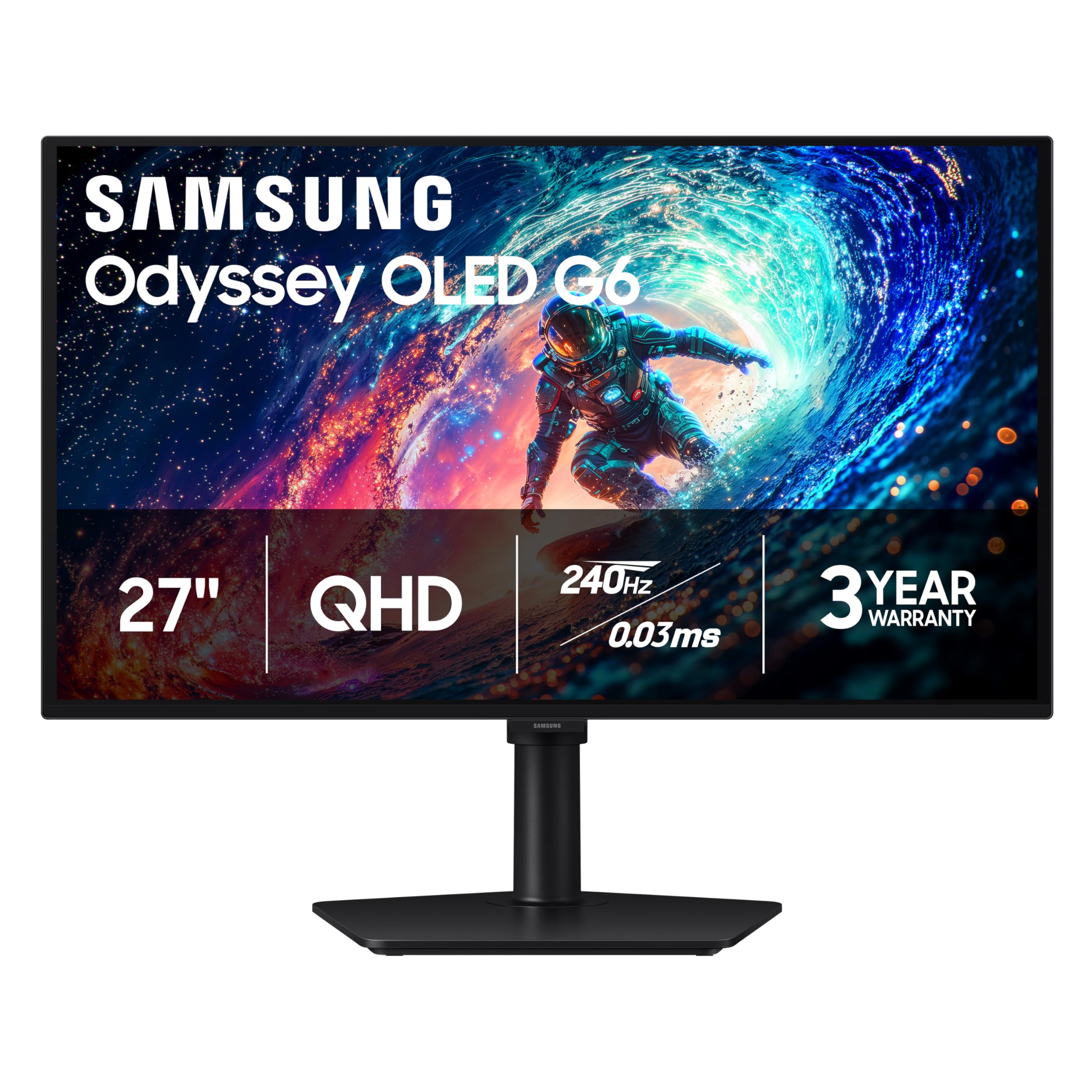
1. Samsung Odyssey OLED G6 G61SH
Our pick — 4.5+★ from 450+ verified ratings; the strongest balance of quality and price.
The panel that makes 1ms look slow, without asking the top-tier price.
Here is the number that decides your aim: 0.03ms response time. That is how fast a pixel on this QD-OLED panel changes colour, and it is the reason fast camera pans stay crisp instead of smearing. Compare it to the LG 27G640A-B at 1ms and the gap is huge — you will notice it in a quick corner flick, where an IPS panel leaves a faint trail and this one does not.
Contrast is the other headline. This screen lists a 1,000,000:1 contrast ratio against the Samsung Odyssey G5’s 1000:1 — a thousandfold gap on paper, and in practice it means blacks that actually look black next to a lit HUD element. The 240Hz refresh rate with AMD FreeSync Premium keeps motion fluid, and Samsung’s OLED Safeguard uses a thermal modulation system to help guard the panel against burn-in.
What wins people over beyond raw speed is colour and build quality. The panel is Pantone Validated (a colour accuracy certification) with 2100+ colours and 110+ skin tone shades, so faces in a cutscene look natural rather than tinted. Glare Free technology keeps reflections down in a bright room, so you can game near a window without seeing yourself. The height-adjustable stand pivots, tilts and swivels to get the screen where your eyes want it. The one honest note the spec sheet flags: text clarity is a touch softer than an IPS panel (a screen type known for sharp text) at this size. So if you split your day between spreadsheets and shooters, an IPS pick like the Alienware AW2725DM reads sharper for documents.
Why it takes the top spot
- 0.03ms response time — the fastest pixel behaviour on this list short of the 360Hz Alienware.
- 1,000,000:1 contrast ratio for true blacks that make HDR highlights pop.
- Pantone Validated with 2100+ colours and 110+ skin tone shades.
- Glare Free screen and a fully height-adjustable, pivot, tilt and swivel stand.
What to know before you buy
- Text clarity is slightly softer than an IPS panel at 27 inches.
- A small number of units show flickering in certain settings.
Reach for this if: you want OLED speed and black depth as your main gaming screen and you mostly play, not type.
Look elsewhere if: your monitor doubles as a document workstation where razor-sharp text matters most.
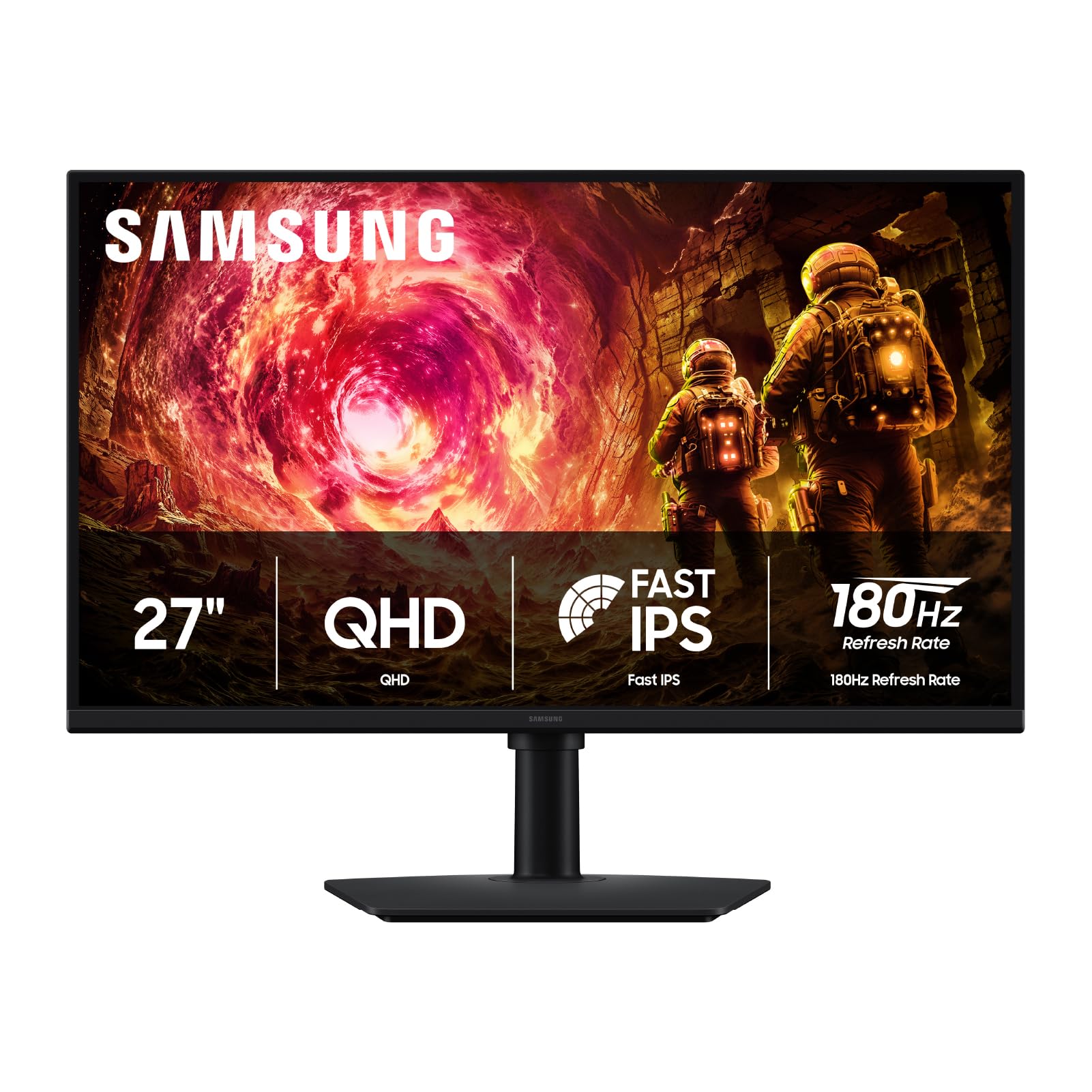
2. Samsung 27” Odyssey G5 (G50F) Series QHD Gaming Monitor
The QHD starter that gets you real 180Hz speed without the premium panel tax.
Start with the resolution, because that is where this one earns its place. QHD (2560 x 1440) packs a lot of detail into a 27-inch screen, so distant enemies read as shapes rather than blobs. The IPS panel holds a wide 178° viewing angle, which matters if you game from a couch or share the screen — colours stay consistent from the side.
Speed lands at 180Hz with a 1ms response time (GtG, or grey-to-grey, the standard way pixel speed is measured). Put it next to the LG 27G640A-B at 300Hz and the gap is real: the LG’s extra frames show up in a fast 180 turn. For most players, though, 180Hz is the point where motion stops feeling steppy, and G-Sync compatibility keeps the image tear-free when your card dips.
The features that help most in-game are Black Equalizer, which lifts visibility in the deepest shadows so a camper in a dark corner stops being invisible, and Virtual Aim Point, which sharpens your aim assist. Auto Source Switch+ flips instantly between connected devices. The recurring gripe is brightness — the panel is rated 300 cd/㎡, so a sunlit room can look washed out. Keep it in a shaded setup and the 1000:1 contrast reads as solid, deep blacks for an IPS screen.
The value math: you are getting QHD, 180Hz, 1ms and both G-Sync and FreeSync support in one of the more affordable packages here.
The honest catch: 300 cd/㎡ brightness means this is a dim-room monitor, not a sunroom one.
Best for: a first serious gaming setup where QHD smoothness matters more than peak brightness.
Think twice if: your desk sits in direct daylight and you need a screen that fights glare.
3. Alienware AW2725DM
Colour coverage that punches well above its price tier, wrapped in an esports shell.
The standout spec here is colour: DCI-P3 95% coverage, measured as 95 in the data against the Samsung Odyssey OLED G6’s 0.99 gamut figure. In plain terms, this screen renders a very wide slice of the colour spectrum, so richly graded game worlds look saturated and alive rather than flat. Combine that with VESA DisplayHDR 400 and you get genuinely bright, punchy highlights.
Speed comes from a Fast IPS panel at 180Hz with a 1ms grey-to-grey response. It is a step behind the 240Hz OLED Samsung up top, but for an entry-level esports screen it holds its own — 180Hz is smooth enough to track a strafing target without the image ghosting behind them. Both FreeSync and G-Sync are listed, so NVIDIA and AMD cards are covered.
Durability of the setup is a theme in the feedback: this monitor is reported working cleanly with a 5060 Ti and an Xbox Series X, which tells you it handshakes fine across PC and console. A dedicated console mode and a hardware-based low blue light solution round it out — the low blue light cuts eye strain on long sessions without washing the colour out. The honest caveat is IPS glow, a faint corner haze that some panels show in dark scenes. It is a panel-type trait, not a fault, and it fades in a dim room.
What earns it a place
- DCI-P3 95% colour coverage for vivid, well-graded game worlds.
- Works cleanly across PC and console, including Xbox Series X.
- Both FreeSync and G-Sync support plus a dedicated console mode.
- Hardware-based low blue light that keeps colours intact.
Where it holds back
- Some panels show faint IPS glow in dark scenes.
- 180Hz trails the 240Hz and 300Hz picks if maximum frames is the goal.
The short verdict: a colour-rich 180Hz panel that suits a mixed PC-and-console desk.
The trade-off: if you chase the highest refresh rate here, this is not that pick.
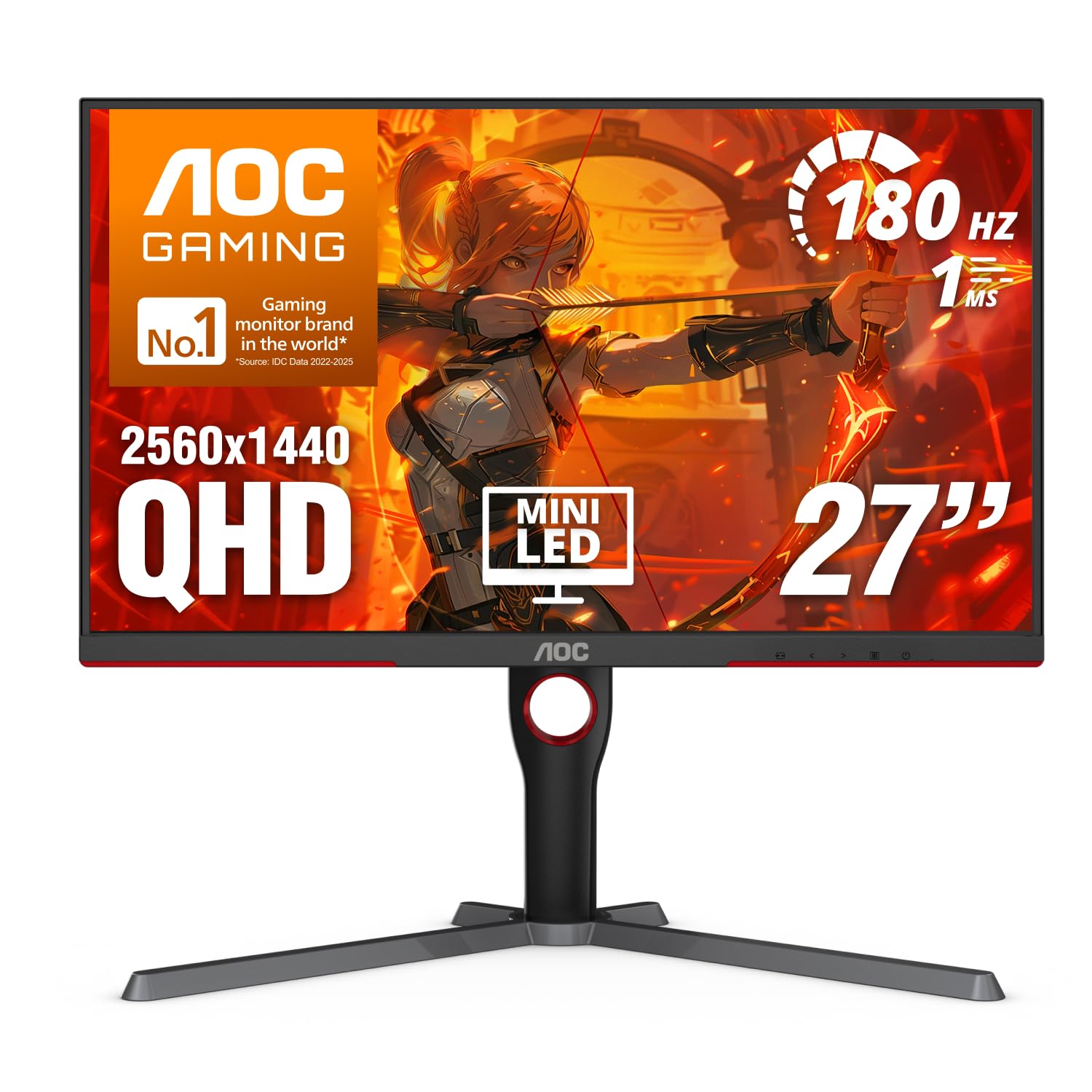
4. AOC Q27G3XMN
Mini-LED backlighting that brings true HDR punch to a mid-range panel.
Most monitors in this range fake HDR. This one uses a Mini-LED backlight split into 336 individual dimming zones — each zone can brighten or darken on its own, so a bright explosion against a dark sky stays bright without the whole screen glowing grey. That is why it carries VESA DisplayHDR 1000, a far higher brightness target than the 400 tier most rivals list, and why night scenes in a game read with real contrast depth.
The panel itself is VA at 180Hz with a 1ms GtG response, and it overclocks to 180Hz through DisplayPort 1.4. Adaptive-Sync (AOC’s version of tear-free sync) keeps team fights smooth. Colour runs wide at 134% sRGB, so the frameless three-sided display renders saturated, calibrated colour that suits both games and creative work.
The one trade to weigh is panel type. A VA panel (a screen type with deep blacks) delivers the dark levels Mini-LED backlighting feeds off, but VA pixels are the slowest of the bunch in the very fastest transitions — the picture stays clean for most play, yet the OLED picks here are simply quicker. Adjustability is the other mixed note: the stand is not the most flexible on this list. If you mount the screen on an arm, neither matters. For a bright-room HDR (high dynamic range, for punchier contrast) showcase, this is the value play of the group.
The HDR case: 336 dimming zones and DisplayHDR 1000 give it the strongest highlight-to-shadow contrast of the mid-range LCDs.
The fit note: a VA panel is slower in the sharpest transitions than an OLED, and the stand is not very adjustable.
Pick this one for: a bright room and a love of punchy HDR in single-player games.
Pass if: you need the absolute fastest pixel response for twitch shooters.
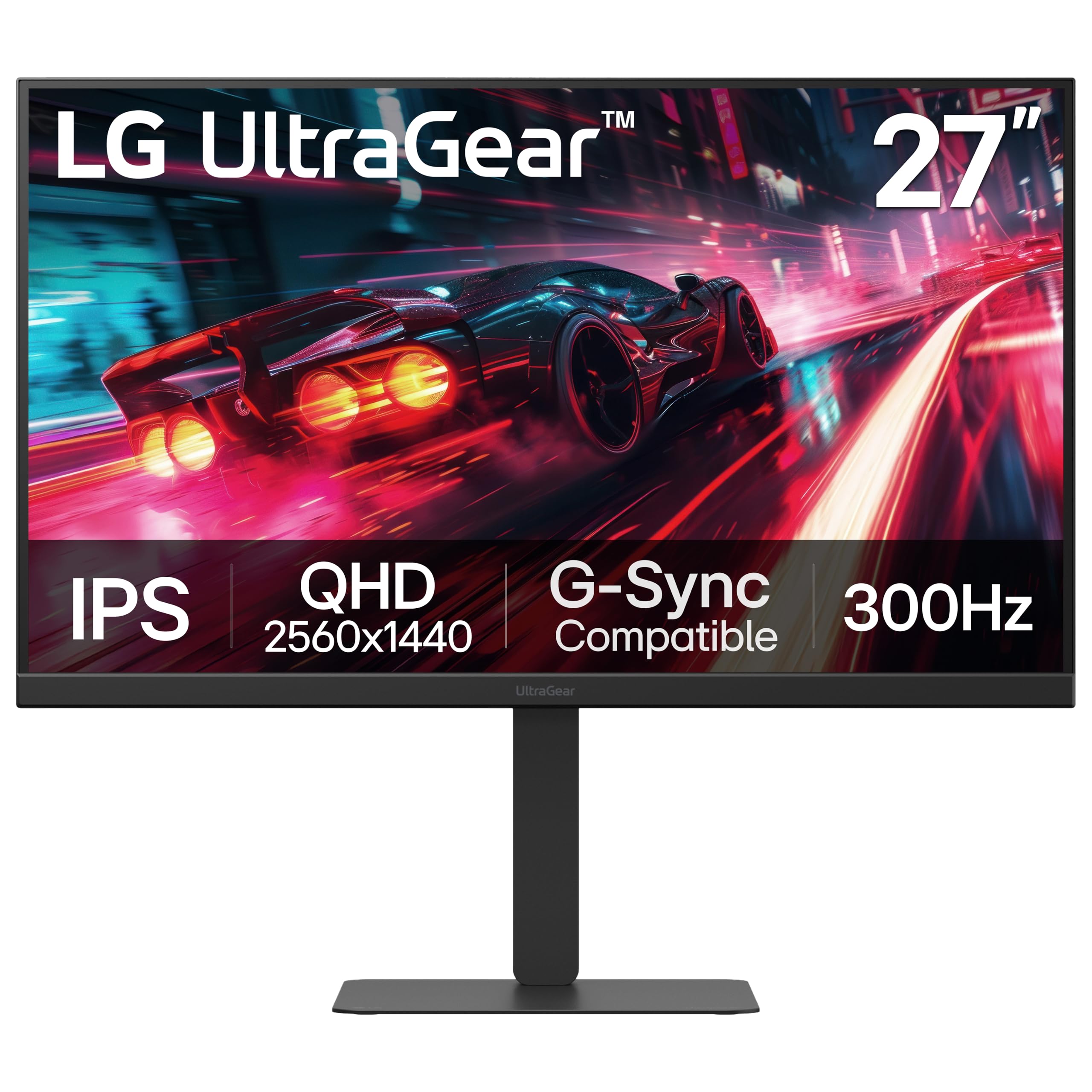
5. LG 27G640A-B Ultragear QHD IPS Gaming Monitor, 300Hz, 1ms
The highest refresh rate on any IPS panel here — 300 frames of pure smoothness.
Three hundred hertz is the draw. At 300Hz the screen redraws 300 times a second, and against the Samsung Odyssey G5’s 180Hz that extra fluidity shows up the instant you swing a rifle across a doorway. The QHD IPS panel pairs it with a 1ms GtG response, so motion stays clean at speed. If competitive frames are your priority and you do not want OLED, this is the number to beat.
Colour and brightness are not sacrificed for the speed. It covers up to 95% DCI-P3 with VESA DisplayHDR 400, so highlights pop and hues stay rich. Both AMD FreeSync Premium and NVIDIA G-SYNC compatibility are on board, covering either graphics card. Connectivity is generous: USB Type-C with 15W power delivery, dual HDMI 2.1 ports and DisplayPort 1.4, so you can run a laptop and a console and still have a port free to charge a phone.
Gaming extras here are aimed at precision — Dynamic Action Sync cuts input lag, Black Stabilizer brightens dark corners, an FPS counter shows your real frame rate, and a crosshair overlay sharpens aim. The honest downsides cluster around reliability and sound. Some units flicker or reboot, and the built-in speakers are thin. Buy it for the panel and plan to use a headset, and it delivers its speed promise.
What it does best
- 300Hz refresh on an IPS panel — the smoothest non-OLED motion here.
- USB-C with 15W power delivery plus dual HDMI 2.1 and DisplayPort 1.4.
- DCI-P3 95% colour with DisplayHDR 400.
- Precision features: Dynamic Action Sync, Black Stabilizer, crosshair overlay.
Where it can stumble
- A few units flicker or reboot, so check it thoroughly on arrival.
- Built-in speakers are weak — a headset is the smarter plan.
Who it beats: any 180Hz or 240Hz IPS panel, on refresh rate alone.
Who should skip: buyers who want a simple plug-and-forget screen and never touch settings.
6. KTC 27 Inch 4K Gaming Monitor, UHD 160Hz 3840×2160 Fast IPS
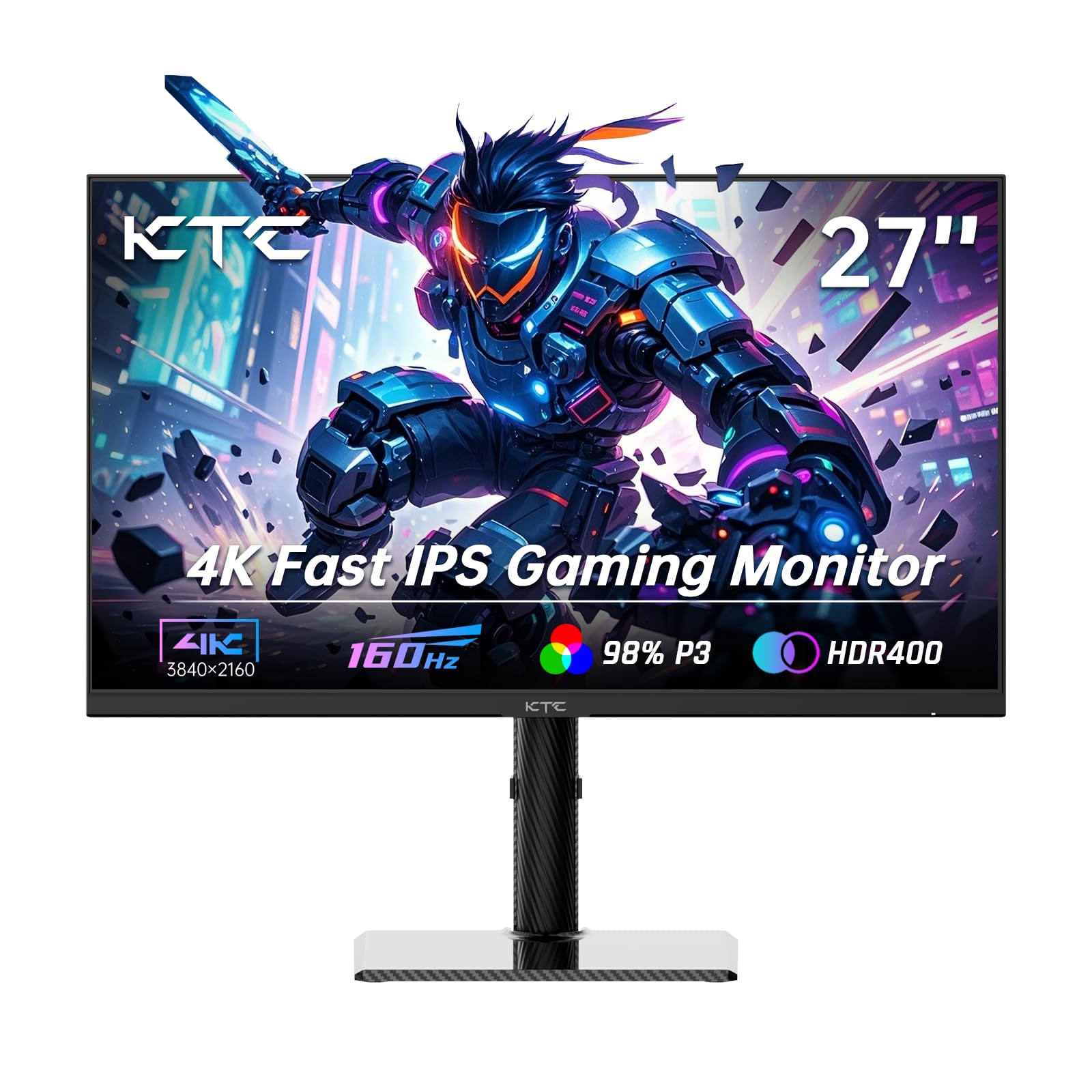
The only 4K panel here — sharper than every QHD pick, at 160Hz.
Four thousand pixels wide is the whole story. This screen runs 3840 x 2160, which is a big jump in detail over the 2560 x 1440 every other pick on this page uses. Text on a desktop looks crisp, and 27 inches packed with that many pixels hides aliasing (the jagged stair-step edges) that QHD screens show at this size. If your monitor does double duty for work and play, that sharpness is worth real money.
The Fast IPS panel handles fast motion at 160Hz with Adaptive Sync, which cuts screen tearing. It is a slower refresh than the 240Hz and 300Hz panels here, and that is the honest trade — 4K pixels are heavier to push, so your graphics card works harder to hit high frame rates. Colour is generous, though: 140% sRGB gamut and 1.07 billion colours, with HDR400 and ΔE<2 colour accuracy, meaning colours land close to the reference the creator intended.
Build and mounting are practical. A carbon fiber backplate keeps it sturdy, the stand supports height, tilt, swivel and side swivel, and 75×75mm VESA mounting lets you put it on an arm. Ports run HDMI 2.1×2, DisplayPort 1.4×2 and USB 2.0×1 — plenty for a PC plus a console. A low blue light mode eases eye strain on long sessions. Just know that to feed this resolution at high frames you need a serious graphics card, because 4K frames are expensive to render.
Sharpness payoff: 3840 x 2160 detail makes desktop text and distant game geometry crisper than any QHD option in this list.
The honest trade: 160Hz is slower than the 240Hz-plus speed panels, and 4K asks more of your graphics card.
Made for: the player who wants one sharp screen for both spreadsheets and slower-paced games.
Not ideal if: you want the fastest possible refresh rate and your GPU is mid-tier.
7. ASUS TUF Gaming VG27AQM5A 27 Inch 1440p 300Hz G-SYNC Monitor
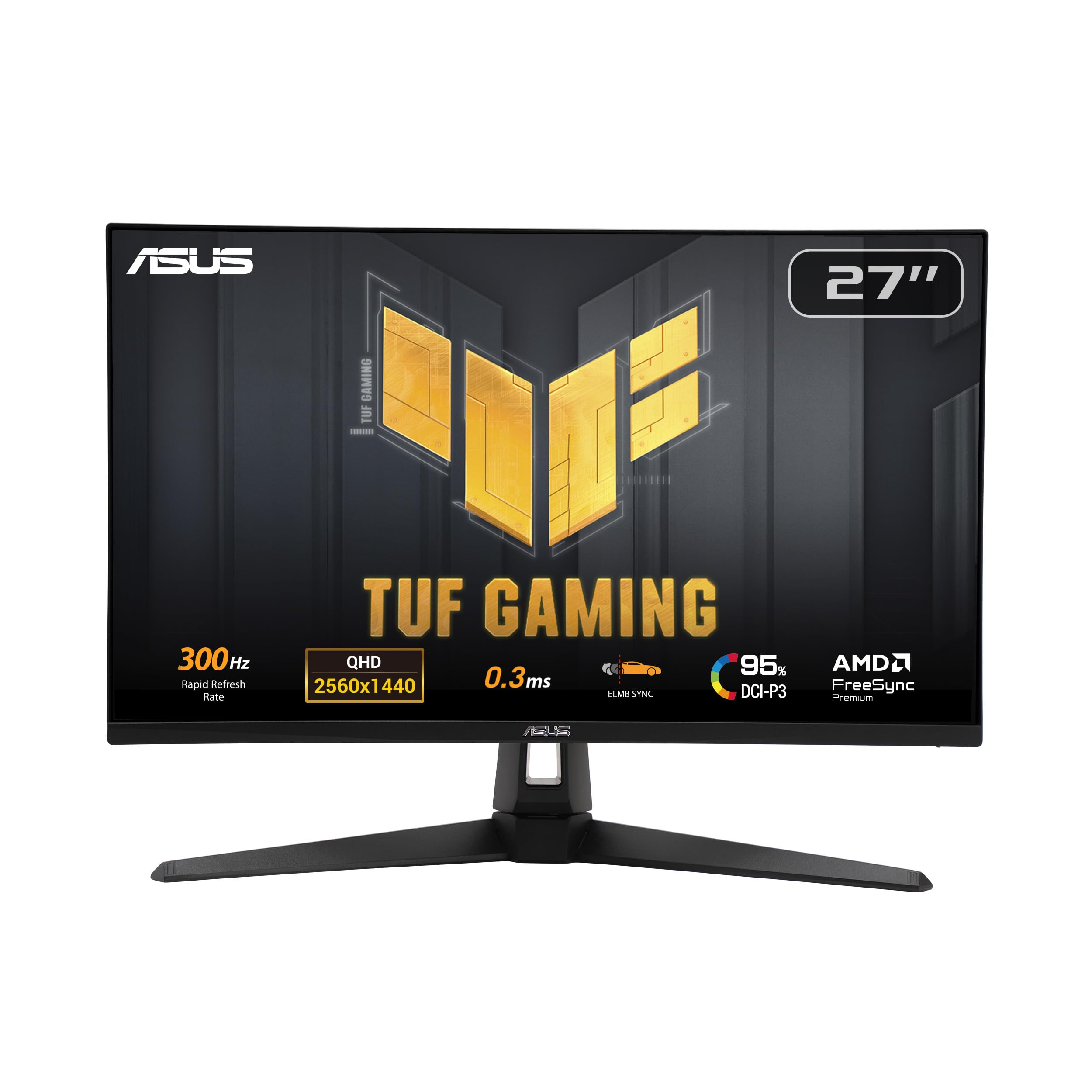
ELMB Sync and a 0.3ms response turn high frame rates into visibly sharp motion.
What sets this TUF apart is ELMB Sync — ASUS Extreme Low Motion Blur Sync, a feature that lets a blur-reduction strobe and variable refresh rate work at the same time. Most monitors make you choose one or the other. Here you get reduced ghosting and tear-free sync together, which is exactly what a fast strafing fight needs. The 0.3ms GTG response is among the quickest here on an LCD panel.
Refresh rate sits at 300Hz on a QHD Fast IPS panel, matching the LG 27G640A-B on speed. Colour covers 95% DCI-P3, so games look vibrant and accurate, and Shadow Boost brightens dark scene details without blowing out brighter areas. DisplayWidget Center lets you tweak settings with a mouse instead of fussing with joystick buttons.
Bundled with a 3-year manufacturer warranty, this one is aimed at buyers who want confidence alongside speed. The mixed note is reliability: most units run flawlessly, but a portion of panels arrive not powering on at all — so buy from a seller with an easy return path and test it immediately. Integrated speakers cover basic audio, so you do not need a separate set for everyday use.
The case for the TUF
- ELMB Sync runs blur reduction and variable refresh together.
- 0.3ms GTG response for clean high-frame-rate motion.
- 300Hz QHD Fast IPS with 95% DCI-P3 colour.
- 3-year manufacturer warranty plus built-in speakers.
The caveat worth knowing
- A share of units arrive dead on power-up — test on day one.
- Gaming extras like Shadow Boost need menu tuning to feel dialed in.
Go for this if: you want blur reduction and adaptive sync working at once for competitive play.
Consider a different pick if: you want the lowest chance of a dead panel from the start.
8. LG 27GR83Q-B Ultragear QHD IPS Gaming Monitor, 240Hz

A 240Hz IPS panel with the audio and port smarts for a full console rig.
HDMI 2.1 is what makes this one sing with a console. Through HDMI 2.1 or DisplayPort 1.4 you get the full 240Hz refresh at QHD, something many HDMI 1.4 monitors cannot do. That makes it a fit for a next-gen console or a PC on the same desk. The IPS panel runs a 1ms GtG response, so motion at 240Hz stays crisp without the smear that slower panels show.
Audio is the sleeper feature. DTS Headphone:X provides spatial sound over headphones — it places enemy footsteps and gunfire around you in three dimensions, which in a shooter is a genuine competitive edge. A 4-pole headphone jack lets a stereo signal and a mic share one connector. Colour looks rich too, with up to 95% DCI-P3 and VESA DisplayHDR 400 for vivid highlights.
NVIDIA validates it as G-SYNC Compatible and AMD FreeSync Premium is included, so both card brands get tear-free frames. An enhanced gaming GUI offers Gamer, FPS and RTS modes, and Dynamic Action Sync, Black Stabilizer, an FPS counter and a crosshair round out the toolkit. The honest weak spot is pixel quality — a share of buyers report dead pixels, so inspect the panel on arrival. Otherwise it is a well-rounded 240Hz performer.
Sound edge: DTS Headphone:X spatial audio gives this an audio advantage no other pick here lists.
Inspect on arrival: dead pixels turn up often enough that a quick unboxing check is worth doing.
The natural fit: a PC-and-console combo where 240Hz and good headphone audio both matter.
Not the pick if: you cannot easily return a panel that arrives with a bad pixel.
9. AOC 27″ Gaming Monitor QHD 240Hz QD-OLED Q27GAZD
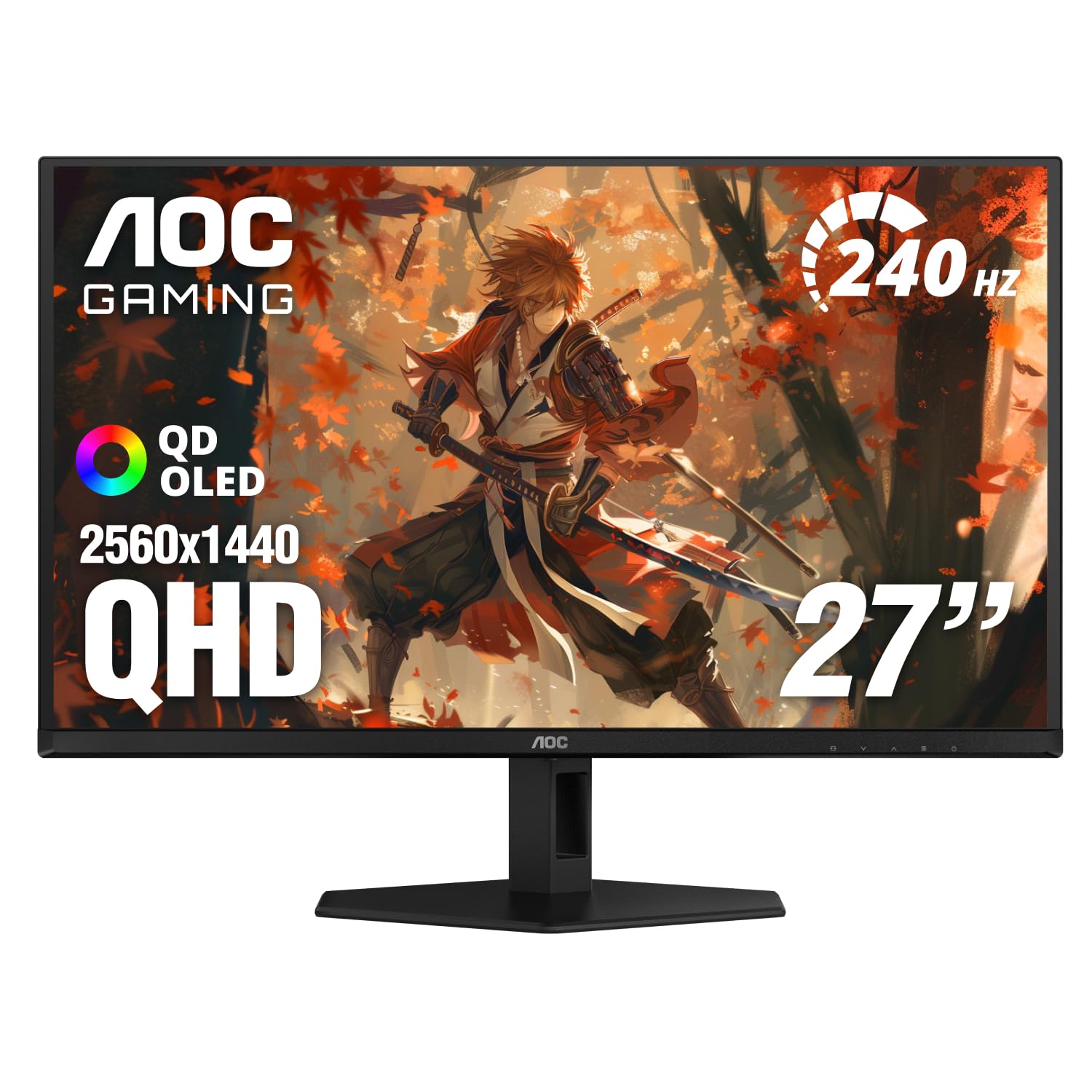
OLED black depth and 0.03ms speed, priced a notch below the flagship OLEDs.
OLED is the reason this one is here, and the numbers back it. A 0.03ms grey-to-grey response is right at the top of what any panel can do, matched only by the Samsung up top and the Alienware below. At 240Hz with QD-OLED technology, fast pans stay smear-free and every fast flick reads clean. The listed 1,500,000:1 contrast ratio means blacks are genuinely black next to bright HUD elements.
HDR400 True Black certification is the specific feature to note. True Black is a stricter HDR tier than plain HDR400 because it demands deep blacks alongside bright highlights, which only OLED can truly deliver. The QHD resolution keeps detail sharp, and G-Sync compatibility plus Adaptive-Sync keep the image tear-free. The glossy finish adds a pop of depth to colour, though you will see reflections in a bright room.
What wins people over most is the display quality, especially the sustainable 240Hz OLED motion and the crisp, deep-black picture. The trade-offs are brightness and port layout — peak HDR brightness on OLED panels trails a bright Mini-LED, and this unit leans on DisplayPort and HDMI. For a first OLED gaming screen, it gets you the panel tech without the highest price on the list.
The OLED payoff: 0.03ms response and a 1,500,000:1 contrast ratio deliver the motion clarity and black depth LCDs cannot match.
Dim-room note: the glossy finish and OLED brightness mean you want some control over room light.
Right for you if: you want true OLED blacks and near-zero response time without paying top-tier money.
Wrong for you if: your room is bright and reflections would bother you daily.
10. ASUS ROG XG27AQDMGR
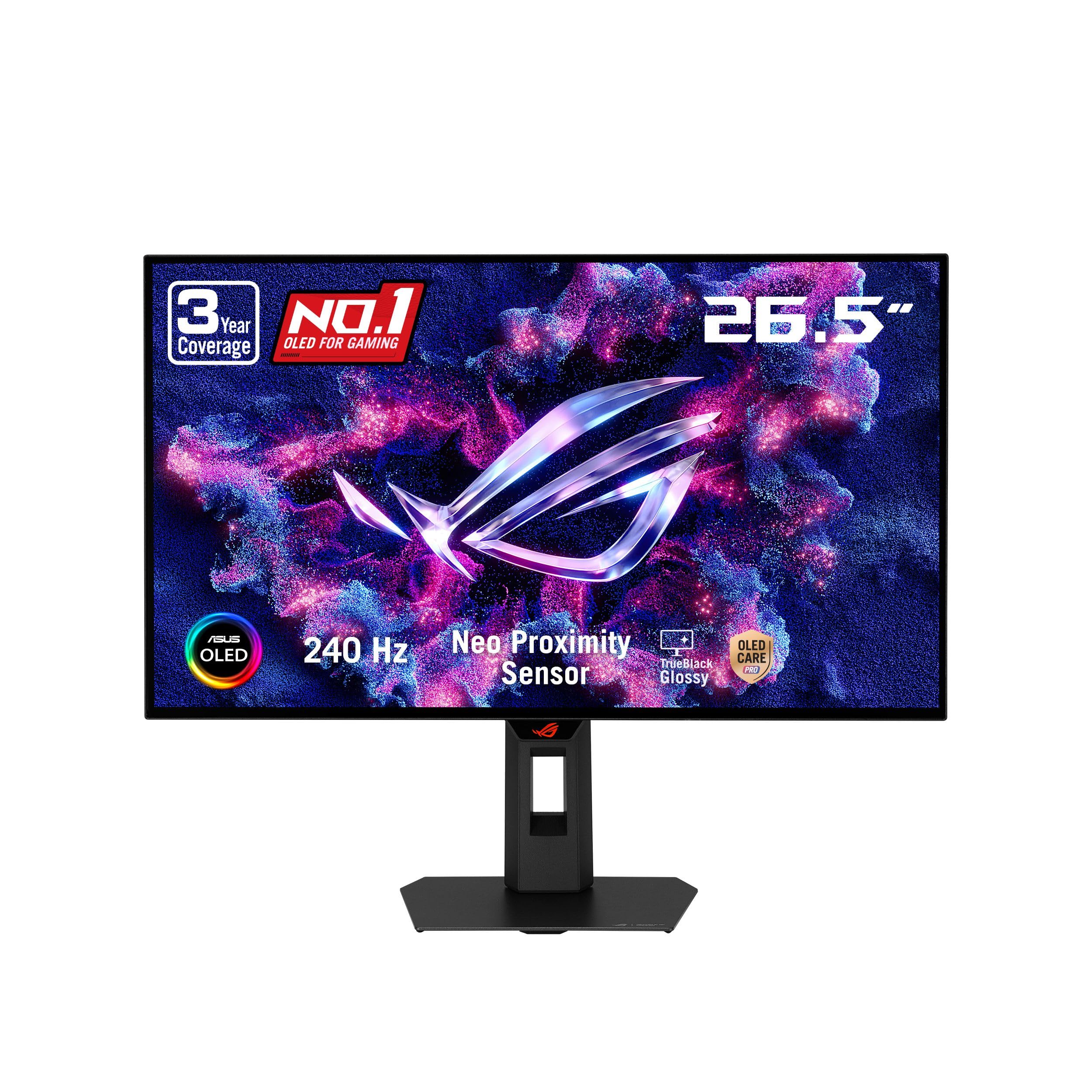
A glossy TrueBlack WOLED that makes games look like they are on a big TV.
Glossy OLED is a look, not just a spec. This 26.5-inch TrueBlack Glossy WOLED panel pairs 240Hz with a 0.03ms response, and the glossy coating gives the picture a depth and pop that matte screens flatten out. Colour runs to 99% DCI-P3 with true 10-bit colour and Delta E < 2 accuracy, so scenes render the way the artist graded them. That combination is exactly what makes the footage feel cinematic.
ASUS OLED Care Pro is the quiet hero for long-term ownership. Its Neo Proximity Sensor detects when you step away from the desk and switches the screen to black, cutting burn-in risk while you are not looking at it. DisplayWidget Center lets you manage those settings with a mouse. For a buyer worried about OLED longevity, that protection stack plus a 3-year warranty with burn-in coverage is meaningful reassurance.
G-SYNC compatibility keeps fast action tear-free, and ROG Gaming A.I adds AI-driven features to tune the experience. The honest note is brightness: VESA DisplayHDR 400 True Black keeps blacks deep but peak brightness is modest, and a glossy panel shows room reflections. Dark-room play is where this screen looks its best, so plan your lighting around it.
Standout strengths
- Glossy WOLED gives extra depth and colour pop over matte panels.
- Neo Proximity Sensor cuts burn-in risk when you walk away.
- 0.03ms response and 240Hz for clean fast motion.
- 3-year warranty with burn-in coverage.
The honest limits
- Peak brightness trails Mini-LED and bright LCD options.
- The glossy finish mirrors light sources in a bright room.
Made for: dark-room players who want that glossy, TV-like OLED image and burn-in protection built in.
Skip the gloss if: a window or lamp reflects straight into your screen.
11. Alienware AW2725DF OLED Gaming Monitor, 360Hz 0.03ms QHD

Three hundred sixty hertz on a QD-OLED — the fastest screen on this page.
If refresh rate is your religion, this is the altar. A 360Hz refresh rate makes it the quickest monitor here, and it pairs with a 0.03ms grey-to-grey response for virtually zero blur between frames. Motion clarity is the payoff: in a fast duel, 360Hz shows you the target’s movement in finer slices than the 240Hz Samsung or the 300Hz LG. That is the edge competitive players chase.
Under it sits QD-OLED technology at QHD (2560 x 1440), so you get quantum-dot colour with self-lit pixels. The unit is graded at DCI-P3 99.3% coverage with Delta E < 2 accuracy, so colour lands true to source. An infinite contrast ratio and VESA DisplayHDR True Black 400 keep blacks deep and highlights bright in the same scene. AMD FreeSync Premium Pro and VESA AdaptiveSync handle tear-free gaming.
The honest counterargument is value and brightness. Some buyers call it the best 2K monitor going, while others say it is not worth the premium — and OLED brightness can look dim next to a bright LCD. Adjustability gives you height, tilt, swivel and pivot, so you can set it exactly. It is the pick for someone who wants the top frame rate and will not compromise, and it delivers on that.
The competitive angle: 360Hz plus 0.03ms makes it the highest-refresh screen in this lineup full stop.
Weigh the premium: the brightness can feel dim beside a bright LCD, and the price asks you to really want that 360Hz.
The final call: the esports flagship for someone who will spend on the fastest possible OLED frames.
Think again if: you want a brighter panel for daytime use over raw refresh speed.
Know the Specs
Refresh Rate (Hz)
Refresh rate is how many times per second the panel redraws, measured in hertz. A 240Hz screen redraws 240 times a second; a 180Hz one redraws 180. Higher numbers mean smoother fast motion, which helps you track a moving target. You also need a graphics card that can actually output those frames, or the monitor sits waiting. Buy for the frames your GPU actually produces, not the number on the box.
Response Time (ms)
Response time is how fast one pixel changes colour, quoted in milliseconds. A lower number means less ghosting — the faint trail left behind a fast-moving object. OLED panels hit 0.03ms, while IPS and VA panels sit around 1ms. A 0.03ms OLED and a 1ms IPS look similar in slow games, but the gap widens in a fast pan where trails become visible.
Panel Type (IPS, VA, OLED)
Panel type decides contrast, colour and speed together. IPS gives wide viewing angles and accurate colour but weaker blacks. VA gives deep blacks and strong contrast but slower pixels. OLED lights each pixelindividually for true blacks and the fastest response, with the trade-off of potential burn-in over time. Pick OLED for a dim room and fast games, VA for deep blacks on a budget, IPS for bright rooms and sharp text.
Adaptive Sync (G-SYNC and FreeSync)
Adaptive sync matches the monitor’s refresh to your graphics card’s frame output, which stops tearing and stutter when frames fluctuate. G-SYNC is NVIDIA’s version and FreeSync is AMD’s, and many panels support both. Look for the compatible label for your card, and check the port — HDMI 2.1 and DisplayPort 1.4 are what let a high-refresh panel reach its rated speed.
Common Questions
Is a 27-inch monitor big enough for gaming?
Should I pick 1440p or 4K at 27 inches?
Does OLED really beat IPS for gaming?
Do I need G-SYNC or FreeSync on my monitor?
Will a 300Hz monitor help if my PC cannot hit 300 frames?
How long do OLED gaming monitors last before burn-in?
Can a 27-inch gaming monitor work with a PS5 or Xbox?
What does a Mini-LED backlight add to a gaming monitor?
Is a glossy or matte screen better for gaming?
Do I need a DisplayPort or HDMI cable for high refresh rates?
The Bottom Line
For most people, the 27 inch gaming monitors winner is the Samsung Odyssey OLED G6 because its 0.03ms QD-OLED response and 1,000,000:1 contrast give you the fastest, deepest picture without the top-tier price. If you want the highest refresh rate on an LCD panel, grab the LG 27G640A-B at 300Hz. And for pure esports speed in an OLED, the 360Hz Alienware AW2725DF is the one to reach for. Whichever you pick, panel type and refresh rate are the two specs you will feel in every match.
How we choose
We do not accept paid placement. Every pick is matched to a real buyer and a real use-case; we do not hands-on test units.
Sources
Specifications: manufacturer listings and product documentation. Review insights: verified customer reviews, as of November 2026. Pricing: not shown on this page (it changes often); check the current price via the retailer link.
As an Amazon Associate, Tactical Gear Guy earns from qualifying purchases. This does not affect which products we feature.