Specs are compiled from manufacturer listings and verified buyer reviews and can change over time — please confirm the key details on the product page before buying.
The short answer: buy a 27-inch 4K panel if your budget allows, because a 24-inch 1080p screen shows visible pixels in text at close range. Below are eleven compact monitors that plug into a Mac Mini without drama — some for students and spreadsheet work, some for photo and video editing, and a couple that can charge your laptop through the same cable. The winner for most people is the Dell 27 Plus QHD, which pairs a 144Hz refresh rate with USB-C that feeds 65W of power back into a connected laptop.
This guide is built by comparing the manufacturers’ published specifications and the patterns across verified customer reviews, so you get each pick’s real strengths and trade-offs instead of marketing spin.
Start with the panel type and resolution before anything else. A 27-inch 4K screen gives you sharp text, while a 1080p panel at 24 inches works for email and spreadsheets but shows visible pixels. If you want crisp text and full-size windows without a huge desk footprint, this is the shortlist for a small monitor for mac mini.
Top Picks
How To Choose The Best Small Monitor for Mac Mini
The Mac Mini has no built-in screen, so the panel you pick sets your text sharpness, desk footprint, and cable count. You sit close to a compact panel, which is why a crisp pixel count beats a bigger panel that looks soft up close. Think size first for your desk, then resolution, then the ports that let one cable do the work.
Resolution decides whether text looks sharp
A 4K panel packs 3840 x 2160 pixels into the screen, so small text and menu bars stay clean when you sit a couple of feet away. A 1920 x 1080 panel spreads far fewer pixels over the same space, which can make letters look slightly jagged. Both types work with a Mac Mini; the difference shows up when you stare at spreadsheets and code for hours.
USB-C power delivery clears the cable clutter
Some monitors feed power out through a USB-C cable, so the same wire carries video and charges a connected laptop. Dell lists 65W on two of its panels, LG lists 90W, ASUS lists 96W, and INNOCN lists 90W on the CB27U1. A Mac Mini itself plugs into the wall, but if you also use a MacBook, a single-cable setup keeps the desk tidy.
Ergonomics decide how your neck feels at 6 p.m.
A height-adjustable stand lets you set the screen top near eye level, which matters on a small monitor you sit close to. Look for tilt at minimum, and swivel, pivot, or height adjustment if you plan to work long sessions. If the stock stand feels short, check the VESA pattern so you can mount the panel on an arm later.
Side-by-Side Comparison
| Model | Best For | Resolution | Refresh Rate | Panel | Amazon |
|---|---|---|---|---|---|
| ViewSonic VA2448-MH★ Best Overall | Budget second screen | 1920 x 1080 | 120Hz | IPS | Amazon |
| Dell 27 Plus QHD S2725DCAlso Great | All-around desk work | 2560 x 1440 | 144Hz | IPS | Amazon |
| Samsung S40GD 24”Compact Pick | Small-desk office work | 1920 x 1080 | 100Hz | IPS | Amazon |
| Samsung FT45 24-Inch | Multi-device desks | 1920 x 1080 | 75Hz | IPS | Amazon |
| INNOCN 27C1U-D | 4K on a budget | 3840 x 2160 | 60Hz | IPS | Amazon |
| LG 27UP650K-W | Sharp text for Mac users | 3840 x 2160 | 60Hz | IPS | Amazon |
| Dell S2725QC 4K | Mac-friendly USB-C setup | 3840 x 2160 | 120Hz | IPS | Amazon |
| LG 27UP850K-W | Ports and color depth | 3840 x 2160 | 60Hz | IPS | Amazon |
| ASUS ProArt PA279CRV | Photo and video editing | 3840 x 2160 | — | IPS | Amazon |
| INNOCN CB27U1 | Work and gaming hybrid | 3840 x 2160 | 120Hz | IPS | Amazon |
| BenQ PD2706U | Two-machine workflows | 3840 x 2160 | — | IPS | Amazon |
Detailed Reviews
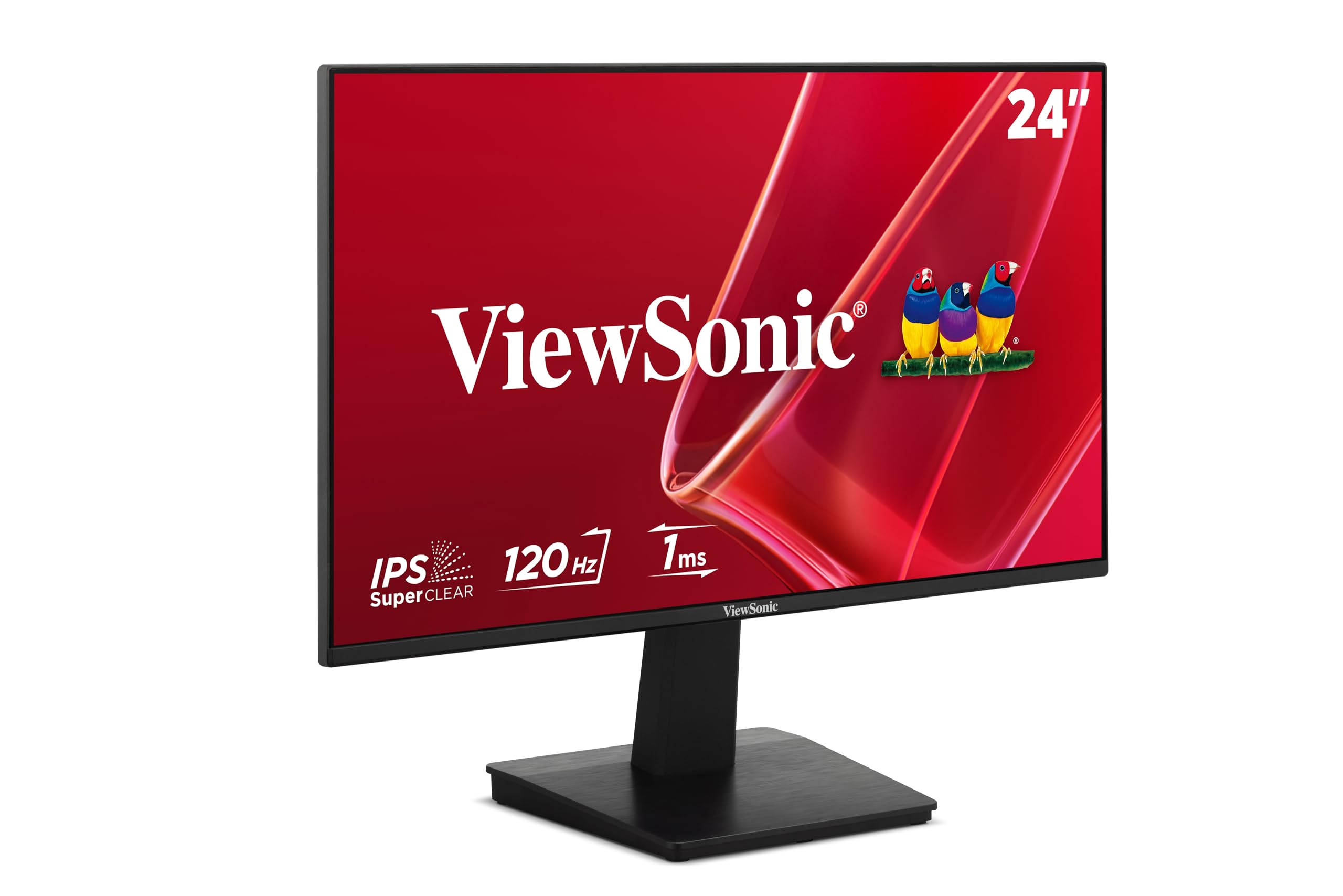
1. ViewSonic VA2448-MH 24 Inch 1080p Computer Monitor
Our pick — 4.5+★ from 400+ verified ratings; the strongest balance of quality and price.
The 24-inch 1080p screen that does 120Hz for a fraction of the 4K price.
A tight budget is the main reason to pick this one. The 24-inch 1920 x 1080 panel spreads fewer pixels than a 4K screen, so small text looks a touch softer up close — but for email, spreadsheets, and video calls it holds up. The IPS panel (a type that keeps colors steady when you view from an angle) holds its 178-degree viewing angles, and 300 nits of brightness (a measure of how bright the screen gets) with an anti-glare finish keeps things readable near a window. The Dell S2725DC is a little brighter in a sunlit room at 350 nits.
The surprise here is motion. A 120Hz refresh rate over HDMI with a 1ms response time and Variable Refresh Rate (a syncing feature that stops torn frames) makes scrolling and casual games smoother than the 75Hz Samsung FT45. Two built-in 2W speakers and 3.5mm audio in and out keep calls simple. Frameless on three sides, it lines up nearly gap-free if you add a second panel later.
What owners value most is build quality and picture, with the price close behind. The honest note is sound — the pair of 2W speakers is the weak spot, so plan on headphones or a small speaker for anything beyond a video call. For a starter screen or a second display, this is the least risky way to get a Mac Mini running.
What you actually get: a frameless 24-inch IPS panel at 1080p and 120Hz, with HDMI 1.4 and VGA so your new Mac Mini and an older tower can share one screen, plus a 3-year limited warranty.
Suits you best when: you need a working Mac Mini display now and text sharpness at close range is not the priority.
Worth a rethink if: you plan to read dense documents all day — the 1080p grid will show before a 4K one does.
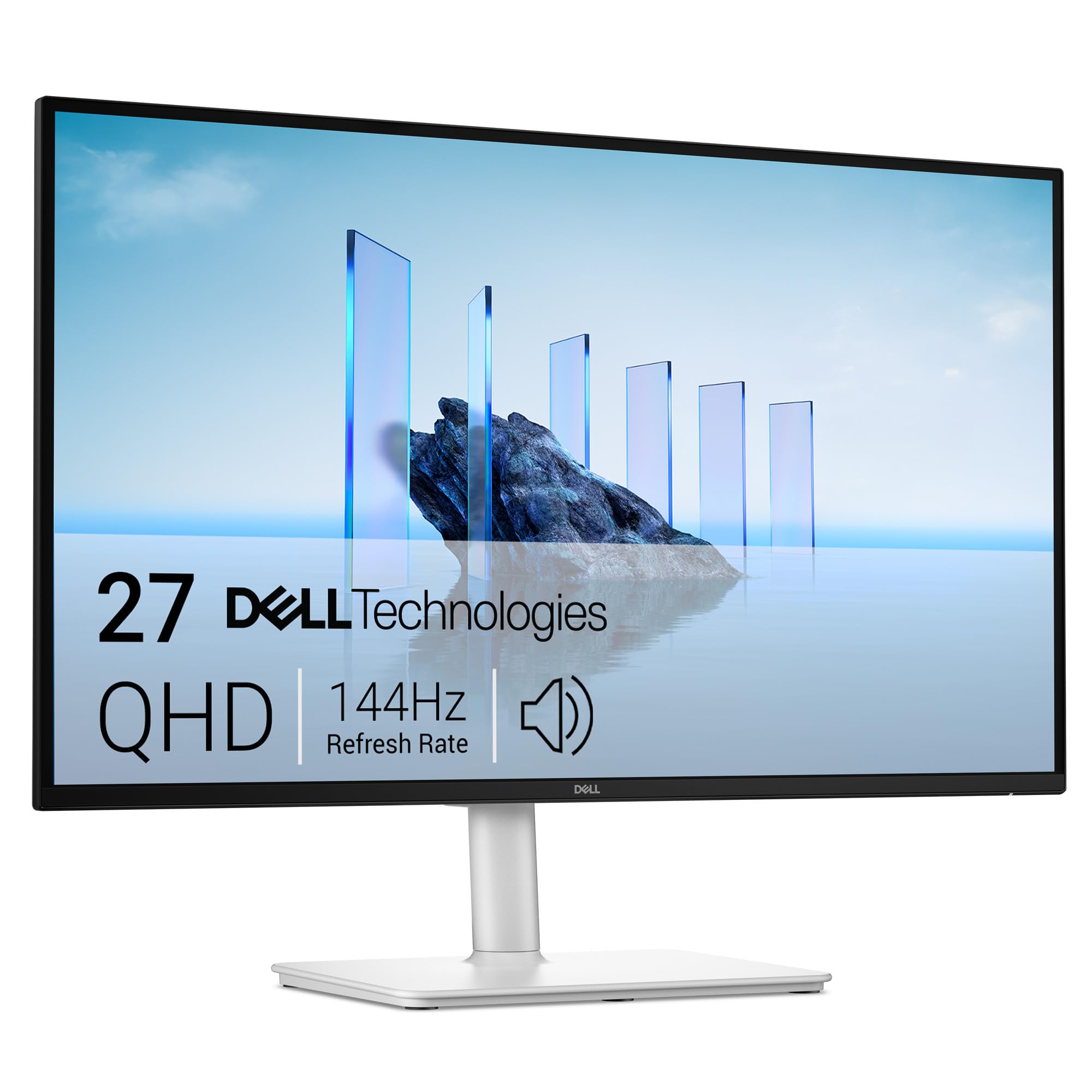
2. Dell 27 Plus QHD USB-C Monitor – S2725DC
The 144Hz QHD panel that makes scrolling and window drags feel fluid on a Mac Mini.
If you want one screen that handles spreadsheets, video, and a little casual gaming without compromise, this is the balanced pick. Its 2560 x 1440 resolution (QHD — a pixel count between basic 1080p and full 4K) gives you noticeably more room for windows than a 1080p panel. The 144Hz refresh rate (how many times per second the picture redraws) makes scrolling through long pages and dragging windows feel fluid rather than steppy. Compare that to the INNOCN 27C1U-D at 60Hz and the difference in cursor motion is easy to spot.
One cable is all your Mac Mini needs here. A single USB-C cable carries the picture and sends up to 65W of power out to a connected laptop, so you can drop the separate charger brick. That same cable handles the display signal, so the pair of 3W built-in speakers and the pop-out quick-access port — a USB-C at up to 15W plus a USB Type-A — sit right where your hand expects them. The 1500:1 contrast ratio (the gap between the darkest black and brightest white) gives you deeper blacks than the Samsung S40GD’s 1000:1, so dark-mode windows and video look less washed out.
What wins buyers over is the overall monitor quality and the picture, with the value close behind. The recurring note in reviews is how clean the single-cable desk looks once the power block disappears. One trade-off to size honestly: this is QHD, not 4K, so if your work is fine-detail photo retouching at close range, the 3840 x 2160 panels further down this list will show more pixel-level detail. For everyday Mac Mini work, the extra refresh rate and USB-C power more than cover that gap.
What earns its spot
- 144Hz refresh rate keeps scrolling and window drags smooth
- 65W USB-C means one cable for video and laptop charging
- 1500:1 contrast ratio outruns the 1000:1 Samsung S40GD
- Height, tilt, pivot, and swivel adjustment in the stand
What to weigh first
- QHD, not 4K — fine-detail editing wants more pixels
- Built-in 3W speakers are modest for serious audio work
Reach for this if: you want a fast, sharp-enough Mac Mini screen and one clean USB-C cable on your desk.
Look elsewhere if: your day job is pixel-perfect photo editing at 27 inches and you need full 4K detail.
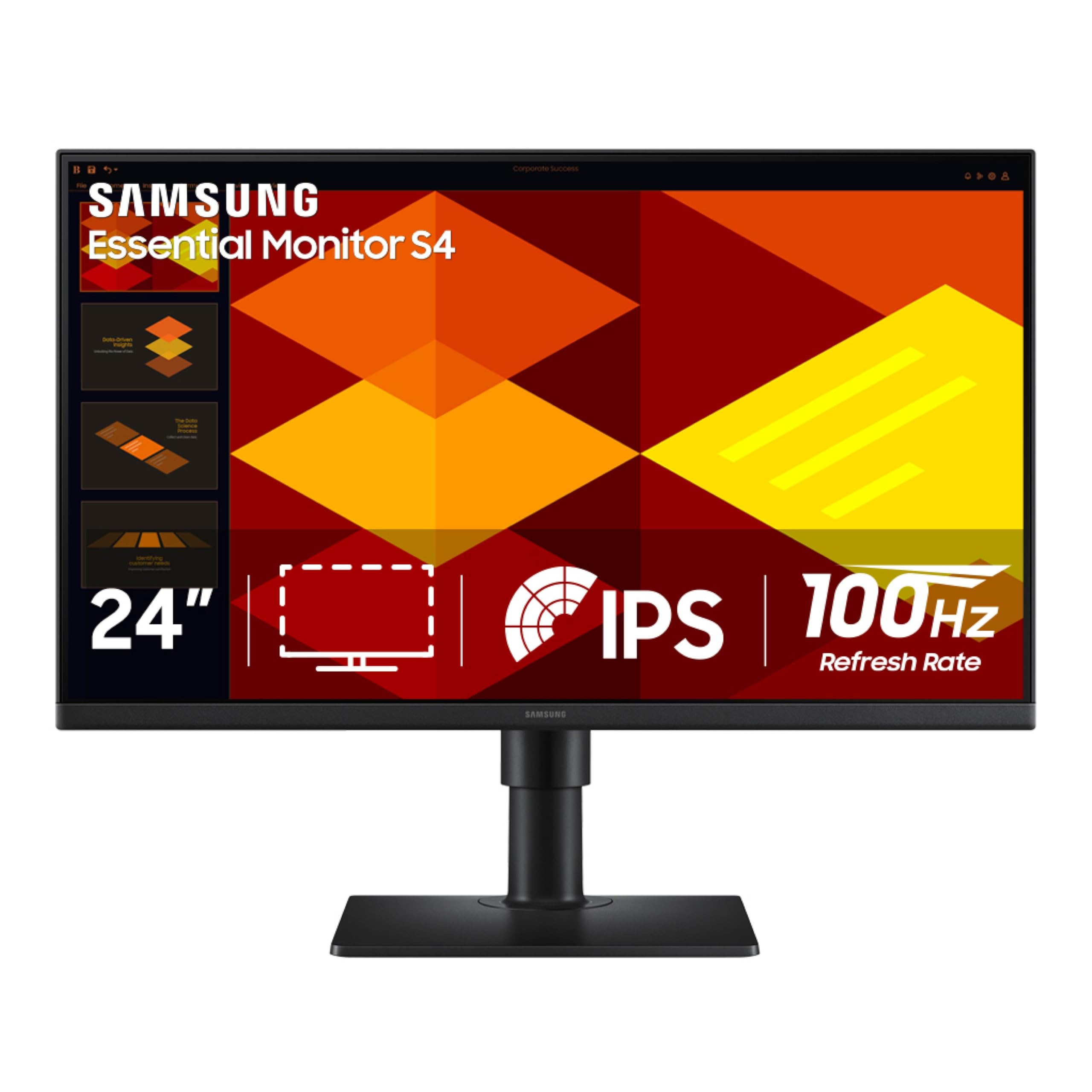
3. Samsung S40GD 24 Monitor
A 24-inch panel that pivots to portrait for long code and documents.
This one is for the small desk. At 24 inches, the 1920 x 1080 IPS panel fits on a narrow table beside a Mac Mini without crowding you. The height-adjustable stand and pivot let you swing the screen into portrait — a real convenience for reading long pages, scrolling code, or working in a split view. Brightness is rated at 250 cd/m² (a measure of screen luminance), and the ultra-thin borders push the picture right to the edge so nothing feels boxed in.
The panel runs 100Hz, which is smoother than basic 60Hz screens for cursor motion and short videos, and it carries FreeSync for tearing-free playback. A built-in USB hub saves you reaching behind the Mac Mini for ports. Blue light reduction and flicker-free tuning round out the long-day comfort angle. The catch is resolution and brightness: this is 1080p at 250 cd/m², so against the 4K LG 27UP650K-W the fine text and bright-room punch both fall short. That is a fair trade if the desk is tight and the work is light.
Most owners focus on how good the display looks and how easy setup is, with height and rotation adjustment getting steady praise. The picture quality gets a mixed read — some find the 1080p crisp, others want more pixels. Think of this as a tidy office workhorse rather than an editing panel.
Where it earns the seat: the pivot and height adjustment turn a cramped corner into a usable vertical workspace, and the USB hub keeps cables off the floor.
Pick this when: your desk is small and you want to rotate the screen upright for reading.
Hold off if: you need a bright, high-pixel panel for detailed creative work.
4. SAMSUNG FT45 Series 24-Inch FHD Computer Monitor

A 24-inch office panel with a full articulating stand and a USB hub built in.
This is the flexible desk pick. The IPS panel at 1920 x 1080 delivers vibrant color and wide 178-degree viewing angles, and the 75Hz refresh rate is a small step beyond 60Hz. The real draw is the stand: it swivels, tilts, pivots, and adjusts for height, so you can dial in eye level for long sessions or flip it vertical. Ports are generous for the size — two HDMI, one DisplayPort, and a two-port USB hub — so a Mac Mini plus a second device can both stay plugged in.
Long desk days are easier on your eyes here. Eye Saver Mode (which lowers blue light) and Flicker Free tuning cut the strain when the screen lives on your desk all day. The ultra-slim three-sided bezel keeps a dual-monitor setup nearly smooth. Brightness sits at 250 cd/m², the same figure the Samsung S40GD carries, so neither is the bright-room champion of this list.
Owners tend to praise the picture quality and the adjustability, especially the vertical and horizontal movement, and say it works right from the start. The honest limit is the 1080p resolution and 75Hz refresh: fine for documents and calls, underpowered against the QHD Dell S2725DC’s 144Hz for anything motion-heavy. If your work is text and tabs, that gap rarely shows.
The case for it
- Two HDMI plus DisplayPort and a USB hub for multi-device desks
- Swivel, tilt, pivot, and height adjustment in the stand
- Eye Saver Mode and Flicker Free for long workdays
The tempered view
- 1080p at 75Hz — not a match for 4K or high-refresh panels
- 250 cd/m² brightness is average for sunny rooms
Built for: desks running a Mac Mini alongside a second device that both need to stay connected.
Less ideal if: you want a single high-resolution screen for detailed editing.
5. INNOCN 27″ 4K USB-C Monitor for Laptop MacBook/Mac mini

Full 4K detail and 65W USB-C power without the premium-tier tag.
The jump to 4K matters most at close range, and this is where an editor gets real detail. Its 3840 x 2160 IPS panel gives four times the pixels of a 1080p screen, so fine type and photo detail stay crisp. Brightness reaches 400 nits with a 1000:1 contrast ratio, and the panel covers 1.07 billion colors (an 8-bit plus FRC panel) for smooth gradients. It is also a 12% larger screen than the 24-inch ViewSonic — 27 inches versus 24 — which makes split-screen work far more comfortable.
Ports are strong for the tier: one DisplayPort, one USB-C, one HDMI, and a 3.5mm audio jack, with the USB-C carrying 65W of power and video in a single cable. The stand swivels, tilts, pivots, and adjusts for height, and the VESA 75 x 75 mount lets you hang it on an arm. This is the pick where color accuracy and the price meet in the middle.
What earns the most praise is the quality and the value, with the picture close behind — owners describe accurate RGB color and clean 4K text. The catch to know: it runs 60Hz, so the 144Hz Dell S2725DC and the 120Hz Dell S2725QC will feel smoother in motion. Port connectivity reads mixed in reviews, so match your cable to the task. For editing and document work, that refresh gap rarely matters.
The color case: Delta E under 2 (a measure of how close on-screen color sits to real color) plus HDR400 support and 1.07 billion colors make this the value favorite for photo and design work.
Choose it when: you want true 4K detail and 65W USB-C charging without paying premium-tier money.
Think twice if: you also want high-refresh motion — 60Hz is the ceiling here.
6. LG 27UP650K-W 27-inch Ultrafine 4K UHD IPS Monitor

The 27-inch 4K panel that owners say matches the look of a Mac screen.
Crisp text is the reason to buy this one. The 27-inch 3840 x 2160 IPS display with up to 95% DCI-P3 color coverage keeps text, fonts, and small interface elements sharp — the clarity you want when your Mac Mini feeds a screen you stare at all day. HDR content gets a lift from VESA DisplayHDR 400 support, and the 1200:1 contrast ratio gives a little more depth than the 1000:1 Samsung S40GD. Brightness reaches 400 cd/m², matching the INNOCN 27C1U-D’s ceiling.
For long sessions, the ergonomic stand handles height, tilt, and pivot so you can set eye level and switch to portrait for reading. Black Stabilizer brightens dark scenes, and Dynamic Action Sync reduces input lag if you catch a game after work. It runs 60Hz, so the 144Hz Dell S2725DC will feel slicker in fast motion, but for document and photo work the sharper 4K grid wins.
Owners describe the text and fonts as clear and sharp, with the display close to Mac screen quality and good contrast. Some lean on it for multiple spreadsheets at once, which is exactly where 4K earns its keep over 1080p. The white finish also keeps a bright desk looking clean.
Why Mac users gravitate here: the 4K resolution with 95% DCI-P3 means small text looks native-crisp and colors stay faithful for both writing and light photo work.
Fits you if: you read dense text and want the screen to look as clean as your Mac’s own display.
Pass if: you need high-refresh gaming smoothness — 60Hz is where this stops.
7. Dell 27 Monitor S2725QC, 4K UHD IPS, 120Hz
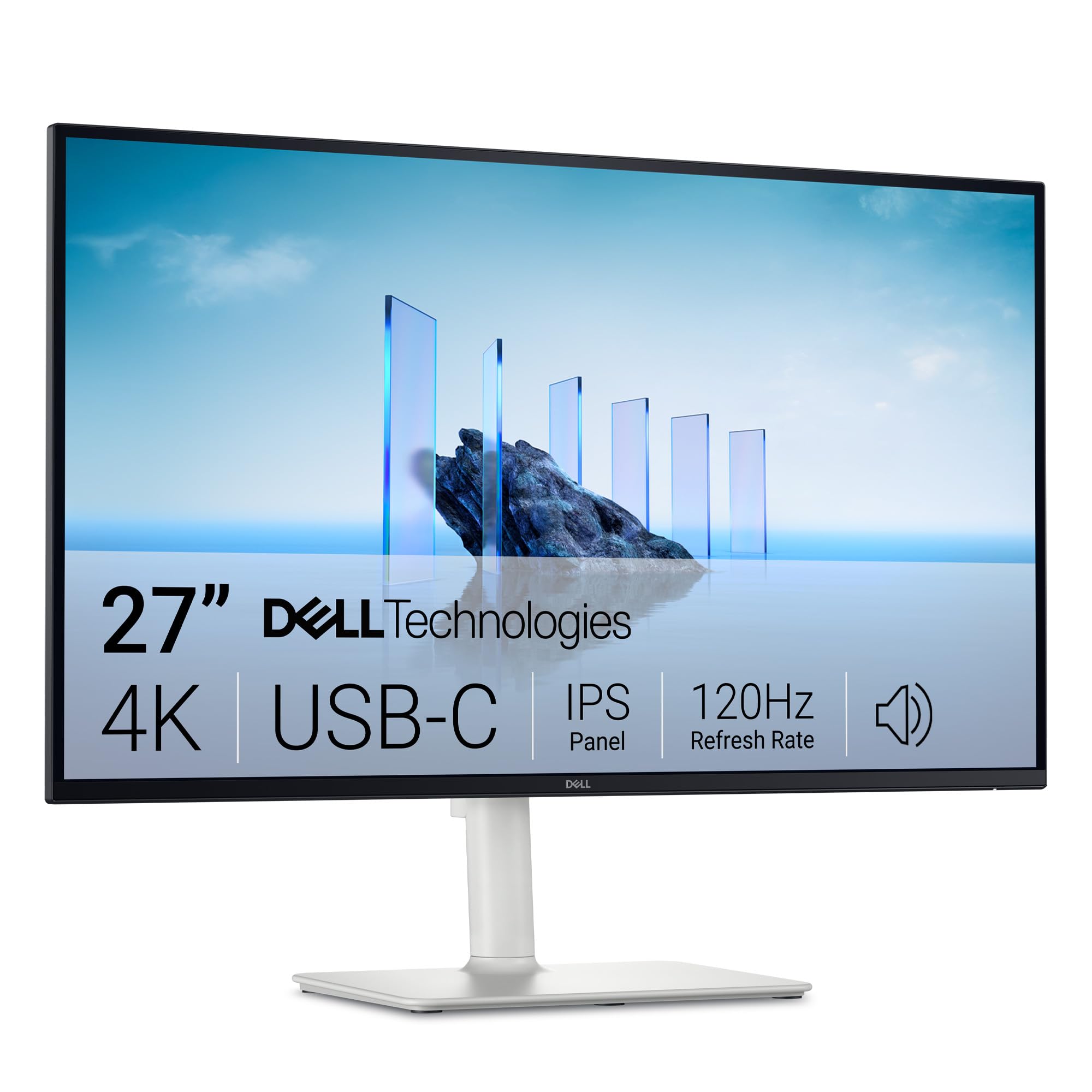
The 27-inch 4K panel that pairs 120Hz smoothness with 65W USB-C.
This is the one to look at if you want both sharpness and fluid motion. Its 3840 x 2160 IPS display carries a 1500:1 contrast ratio and 99% sRGB coverage, so photos and video keep accurate, vivid colors and deep blacks. The 120Hz refresh rate with AMD FreeSync Premium steadies fast scenes while you work or unwind. One USB-C cable carries video and sends up to 65W of power to a connected laptop, matching the Dell S2725DC on the single-cable front.
ComfortView Plus keeps blue light at 35% or less without washing out the color, which helps on long sessions behind the Mac Mini. The re-engineered speakers aim for deeper frequency response than the previous generation, so quick calls and clips sound fuller. The stand tilts, pivots, swivels, and adjusts for height, and VESA mounting keeps your options open.
Buyers report a sharp picture with crisp colors and deep blacks, and the monitor works with both PC and Mac systems. It lands as a strong budget 4K 120Hz pick with USB-C convenience. The fair caveat: it is 4K at 120Hz, not the 144Hz the QHD Dell S2725DC runs on a lighter pixel load, so pure gaming smoothness favors the QHD model while sharpness favors this one.
What stands out
- 4K resolution at 120Hz for sharp detail in motion
- 1500:1 contrast ratio for deep blacks
- 65W USB-C single-cable convenience
- 99% sRGB and 35% blue-light reduction
Where it gives ground
- Refresh tops out at 120Hz against the QHD model’s 144Hz
- Speakers are upgraded but still not a substitute for a real set
This is your pick if: you want full 4K detail and 120Hz smoothness from a Mac Mini over USB-C.
Look past it if: a 65W single-cable setup and 120Hz already exceed what your work needs.
8. LG 27UP850K-W 27-inch UltraFine 4K UHD IPS Monitor

The dock-style 4K panel with more ports and 90W charging than most rivals.
If you want your monitor to be the hub of the desk, start here. The 27-inch 3840 x 2160 IPS display covers up to 95% DCI-P3 with 400 cd/m² brightness and VESA DisplayHDR 400, so color work and HDR video both look right. The bigger story is connectivity: USB Type-C for data and power delivery up to 90W, plus DisplayPort, two HDMI connections, two USB 3.0 ports, and a headphone jack. Plug in and forget the adapters.
That 90W delivery outruns the 65W on the Dell S2725DC and the INNOCN 27C1U-D, which matters if you power a laptop through the screen. Built-in stereo speakers get Waves MaxxAudio tuning, and the Switch app splits the screen into up to six sections or leaps between your PC and the built-in webOS streaming platform. The ergonomic stand adjusts height, tilt, and pivot.
Owners praise the crisp, vibrant visuals and easy setup with a MacBook Pro, and the color quality holds up for streaming camera output. The mixed notes are the speaker sound and USB connectivity, so wire the important gear and let audio come from a dedicated source. It is a 60Hz panel, meaning the 120Hz Dell S2725QC feels quicker in fast motion, but the port count here is hard to match at this size.
The dock angle: 90W USB-C plus DisplayPort, two HDMI, and two USB 3.0 ports turn one cable into a workstation hookup for a Mac Mini and a laptop side by side.
Best match for: a busy desk that wants one 4K screen to drive everything, with 90W laptop charging built in.
Skip if: you want high-refresh motion for gaming — this panel stays at 60Hz.
9. ASUS ProArt PA279CRV 27 Monitor

A factory-calibrated 4K panel built for color-critical editing work.
Color accuracy is the headline. The 27-inch 3840 x 2160 IPS display covers 99% DCI-P3 and 99% Adobe RGB, and it ships factory calibrated with Calman Verified, Delta E under 2 accuracy. Pair that with a 3000:1 contrast ratio — well beyond the 1500:1 on the Dell S2725DC — and shadows and highlights in photos and footage show more separation. Brightness reaches 400 candela per square meter, which pairs well with HDR editing.
Hooking up a Mac Mini takes one cable, and the ports go further than that. You get DisplayPort over USB-C with 96-watt power delivery, plus DisplayPort, HDMI, and a USB hub. That 96W outruns the 65W on the Dell S2725DC and the 90W on the LG 27UP850K-W. DisplayPort daisy-chain support lets you feed a second monitor through a single cable. The stand offers tilt, swivel, pivot, and height adjustment, and a five-year warranty (three years plus two more with online registration) adds confidence.
Display quality, color accuracy, and suitability for editing are the points owners return to, along with the value. The mixed signals come from functionality, brightness, and connectivity — a few find the brightness or the ports short of expectation. As a color-first workstation panel for someone who edits every day, it earns the premium spot.
Why editors choose it
- Factory calibration at Delta E under 2 with Calman verification
- 99% DCI-P3 and 99% Adobe RGB coverage
- 3000:1 contrast ratio for deep shadows
- 96W USB-C plus DisplayPort daisy-chaining and a five-year warranty
The parts to weigh
- Brightness and connectivity read mixed for some owners
- Premium-tier panel — overkill if you only write documents
Made for: photo and video work where on-screen color must match the final output.
Not needed if: your Mac Mini desk day is spreadsheets and web browsing.
10. INNOCN 27″ 4K 120Hz HDR500 USB-C 90W Monitor – CB27U1

One screen that flips between 4K sharpness and a 240Hz gaming mode.
Two screens in one is the reason to look at this one. By day the 3840 x 2160 IPS panel runs sharp 4K at 120Hz for spreadsheets, coding, and design. Switch to 1920 x 1080 and it climbs to 240Hz for fast gaming. Factory calibration lands at Delta E under 1 with HDR500, so color accuracy sits at the top of this list — tighter than the Delta E under 2 on the INNOCN 27C1U-D and the Delta E under 2 on the ASUS ProArt. Brightness reaches 500 cd/m², well above the 400 on the LG 27UP650K-W.
A single USB-C cable carries 4K video, data, and up to 90W of laptop charging at the same time, so you walk away with a full battery. HDMI, DisplayPort, and USB-C all stay connected at once, which lets you bounce between a Mac Mini, a laptop, and a console without re-cabling. The 100 x 100mm VESA mount lets you raise it on an arm to standing height.
This one is newer to the market and carries a small pool of ratings so far, so weigh the specs heavily and treat the track record as young. The specs themselves — Delta E under 1, HDR500, and the dual 4K 120Hz and FHD 240Hz modes — are the strongest combination on this list for someone who wants one panel for both work and play.
The dual-mode read: 4K at 120Hz handles detail work while FHD at 240Hz handles fast games, and 90W USB-C keeps the laptop topped up on the same cable.
Great fit for: a desk that needs serious color for work and a fast gaming mode after hours.
Consider the others if: you want a long track record behind the panel before you commit.
11. BenQ PD2706U Mac-Ready 27” 4K UHD Monitor

The 4K designer panel that runs two computers through one keyboard and mouse.
This pick is built for the dual-machine desk. A built-in KVM switch (a box that lets one keyboard and mouse control two computers) lets you jump between a Mac Mini and a second PC on the same screen without swapping cables. Color is handled by AQCOLOR technology covering 95% P3 and 99% sRGB/Rec.709 with Delta E under 3 accuracy, and the panel is Pantone and Pantone SkinTone Validated plus Calman Verified. The IPS panel keeps skin tones and shades steady across the screen.
Power and cabling come through 90W USB-C, matching the LG 27UP850K-W’s 90W and outrunning the 65W on the Dell S2725DC, so one cable syncs video and data while charging a Mac laptop. BenQ ICCsync switches color profiles in about a second through the Display Pilot software, and a HotKey Puck speeds up switching your go-to settings. Flicker-Free, anti-glare, and low blue light tuning handle the eye-comfort side.
Monitor quality is what buyers focus on most, with photo editing a common use, while value for money reads mixed — some find it worth the premium tier and others question the price. Brightness is a more modest 250 nits and contrast is 1000:1, so it is not the brightest or deepest-contrast panel here. If you run two machines and care about calibrated color, the KVM and 90W cable make the trade worthwhile.
Where the KVM earns it: one keyboard and mouse across two computers, 90W USB-C charging, and factory-calibrated color in one 27-inch 4K panel.
Built for you when: you share one desk between a Mac Mini and a second computer and want calibrated color.
Less compelling if: you work on a single machine and want the brightest panel — 250 nits trails the 400-nit options above.
Know the Specs
Resolution and pixel density
Resolution is the number of pixels across and down the screen, written like 3840 x 2160. A 4K panel packs far more pixels into 27 inches than a 1920 x 1080 panel does into 24, so small text and icons stay crisp when you sit close. Since a Mac Mini feeds whatever screen you attach, the resolution you pick decides how sharp everything looks day to day.
Refresh rate
Refresh rate is how many times per second the picture redraws, measured in hertz. A 60Hz panel is fine for documents; a 120Hz or 144Hz panel makes scrolling and dragging windows feel smoother. Higher refresh helps fast motion look less choppy, but it does not sharpen still text — that is the resolution’s job.
IPS panel and viewing angles
IPS is a panel type that keeps colors consistent when you look from an angle. That 178-degree viewing range means the picture does not wash out if you lean to one side or share the screen. It also tends to give steadier color across the whole surface than cheaper panel types.
USB-C power delivery
USB-C power delivery is a feature where the monitor sends power back through the cable to charge a device. The figures here run from 65W on the Dell and INNOCN 27C1U-D up to 90W on the LG 27UP850K-W and 96W on the ASUS ProArt. A Mac Mini plugs into the wall itself, but a MacBook charged through the same cable means fewer bricks on the desk.
Common Questions
Is a 4K monitor worth it for a Mac Mini, or is 1080p enough?
Do I need a USB-C monitor if I only have a Mac Mini?
Will a 4K monitor make text too small to read on a Mac Mini?
What does refresh rate actually change when I am not gaming?
Is an IPS panel better than other panel types for a Mac Mini desk?
Can one monitor serve both a Mac Mini and a work laptop?
How bright should the screen be if my desk sits near a window?
Do I need a stand with height and pivot adjustment?
What does Delta E mean on a monitor marketed for creators?
The Bottom Line
Most people setting up a small monitor for mac mini should start with the Dell 27 Plus QHD S2725DC — 144Hz smoothness, a 1500:1 contrast ratio, and a single 65W USB-C cable that declutters the desk. If sharp 4K text is your priority, grab the LG 27UP650K-W, which owners describe as matching Mac screen quality. For color-critical editing with two machines on one desk, the BenQ PD2706U brings a KVM switch and factory-calibrated accuracy to the same 27-inch footprint. That Dell’s high owner rating makes it the safest place to start.
How we choose
We do not accept paid placement. Every pick is matched to a real buyer and a real use-case; we do not hands-on test units.
Sources
Specifications: manufacturer listings and product documentation. Review insights: verified customer reviews, as of November 2026. Pricing: not shown on this page (it changes often); check the current price via the retailer link.
As an Amazon Associate, Tactical Gear Guy earns from qualifying purchases. This does not affect which products we feature.