Specs are compiled from manufacturer listings and verified buyer reviews and can change over time — please confirm the key details on the product page before buying.
Your PS5 holds a handful of big games and then tells you it’s full. The fix is a USB drive plugged into the back, and the best USB drives for PS5 are the ones that move game files fast without corrupting them. That’s the whole job: more room, quick transfers, and no drama. This guide covers nine drives that actually work with a PlayStation 5, sorted by what matters — speed, capacity, and whether the thing survives a year in your console.
This guide is built by comparing the manufacturers’ published specifications and the patterns across verified customer reviews, so you get each pick’s real strengths and trade-offs instead of marketing spin.
One honest note before you shop: this list uses flexible, human-like matching for compatibility, so not every pick is the exact model number you typed into the search bar — the nearest same-type drive serves the same purpose. usb drives for ps5 come down to matching connector, speed, and capacity to how you actually play.
Top Picks

How To Choose The Best USB Drives for PS5
The PS5 will only talk to a drive that meets its baseline. Get that wrong and your console simply won’t see the drive, no matter how much you paid for it.
Start with the port and the standard
The console needs USB 3.0 or higher — that’s the third-generation USB standard, and it’s the floor for a drive to be readable. A USB 2.0-only stick will fit the slot but crawl. You want the drive’s package to say USB 3.0, USB 3.1, or USB 3.2, because those all talk to the PS5 at modern speeds.
Read speed is what you feel
Read speed is measured in megabytes per second (MB/s) — how fast data comes off the drive when the console loads it. A 150MB/s drive feels fine for moving a save file. A drive rated at 550MB/s or 1000MB/s is built for shifting big game installs. Write speed is the reverse direction, and it’s usually lower, so check both numbers if you plan to dump lots of footage onto the stick.
Connector shape decides how versatile it is
A straight USB-A plug is all your PS5 needs. A dual drive adds a USB-C plug on the other end, so the same stick also empties your phone or laptop. That costs nothing extra in most cases and saves carrying a second drive.
Capacity against how many games you keep
A modern game install can run dozens of gigabytes, so 128GB fills up quickly. If you’re archiving rather than playing off the drive, 256GB is a comfortable middle, and 512GB lets you park a real library. Buy for the number of games you actually rotate, not the biggest number on the shelf.
Side-by-Side Comparison
| Model | Best For | Capacity | Read Speed | USB Standard | Amazon |
|---|---|---|---|---|---|
| SANDISK 256GB Ultra Flair★ Best Overall | Plug-and-stay storage | 256 GB | Up to 150MB/s | USB 3.0 (Type-A) | Amazon |
| JOIOT USB C Flash Drive 128GBTop Performer | Fastest transfer on a budget | 128 GB | 450 MB/s | USB 3.2 Gen 2 (A C) | Amazon |
| Lexar D50E 128GBBuilt Like a Tank | Toss-in-bag durability | 128 GB | Up to 400MB/s | USB 3.2 Gen 1 (A C) | Amazon |
| JOIOT 256GB Dual USB 3.0 | Phone and console in one | 256 GB | Up to 130MB/s | USB 3.0 (A C) | Amazon |
| Amazon Basics 256 GB | Simple archive stick | 256 GB | Up to 130.0 MB/s | USB 3.0 / 2.0 (Type-A) | Amazon |
| MOVE SPEED 256GB WD10 | Fastest all-round pick | 256 GB | Up to 1000MB/s | USB 3.2 Gen 2 (A C) | Amazon |
| EAGET 512GB | Capacity with a case | 512 GB | Up to 560MB/s | USB 3.2 Gen 1 (A C) | Amazon |
| PNY 512GB Elite-X Fit | Leave-it-in console duty | 512 GB | Up to 200MB/s | USB 3.1 Gen 1 (Type-A) | Amazon |
| Tyllon 512GB SSD Flash Drive | Big library, high speed | 512 GB | Up to 550MB/s | USB 3.2 Gen 2 (A C) | Amazon |
Detailed Reviews
1. SANDISK 256GB Ultra Flair
Our pick — 4.5+★ from 212,000+ verified ratings; the strongest balance of quality and price.
The dependable workhorse that has quietly sat in a million consoles without a fuss.
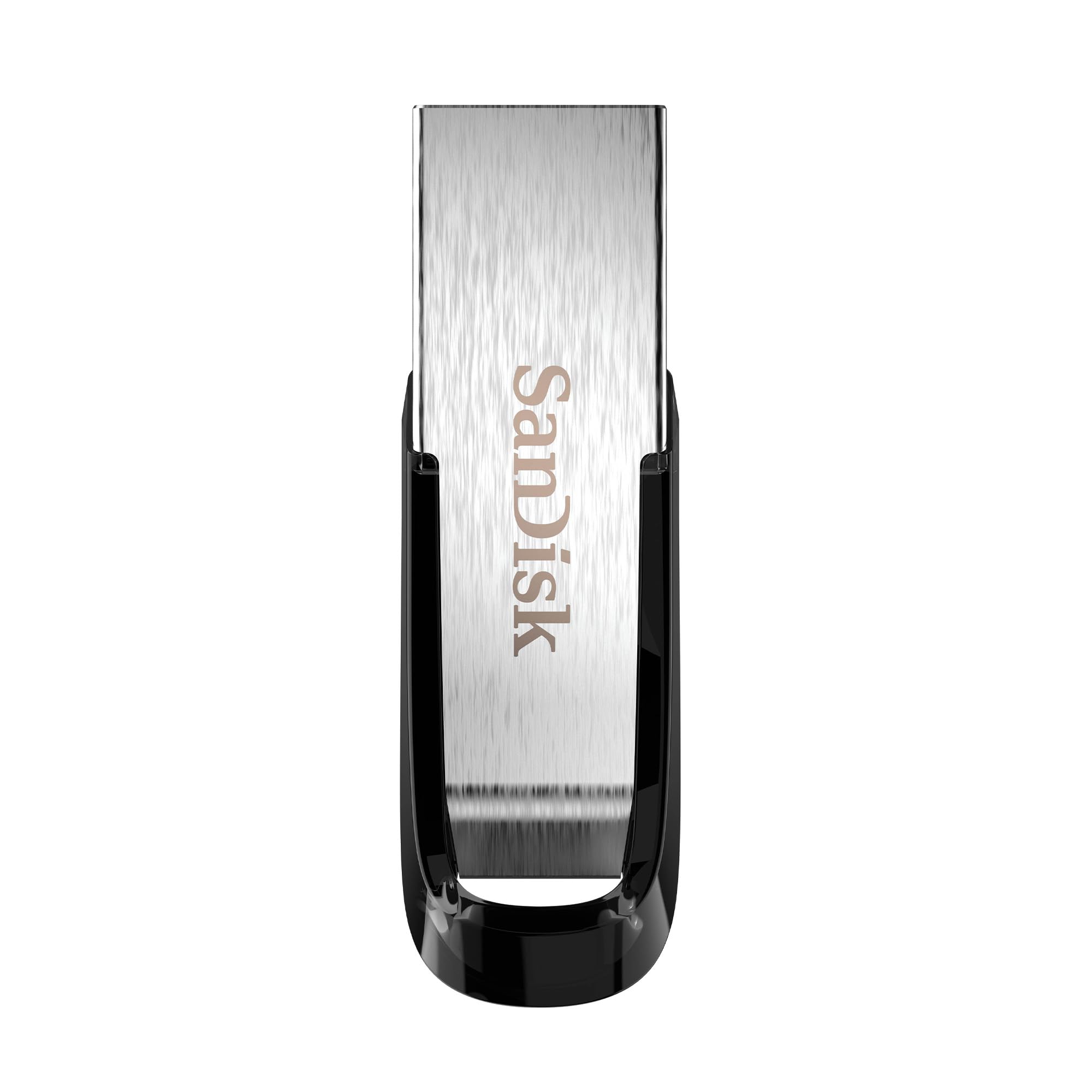
The SanDisk Ultra Flair is the pick that just works. It carries 256GB of storage and reads at up to 150MB/s over a USB 3.0 Type-A connector — the standard plug your PS5 takes without an adapter. In practice that speed is plenty for shifting saves, screenshots, and a game install off the console when you need space back.
What earns it the top spot is the track record. It holds 4.5+ stars across 210,000+ ratings, so the design has been tested by a huge base of everyday buyers. Owners tend to describe it as reliable and easy to live with, and the metal casing means it survives being knocked around in a bag or left dangling from the console’s front port. There’s also easy password protection for your private files, which is a nice extra if the drive holds work documents alongside game data.
The trade-off is honest: read speed is decent, but this is not a drive you buy to move a 100GB game in a flash. The write side is the slower direction, and speed is one of the more debated points in feedback — fine for occasional transfers, not the tool for a constant back-and-forth.
Why it earns the top spot
- 256GB of room at a genuinely friendly price point.
- Up to 150MB/s read over USB 3.0, so the PS5 sees it immediately.
- Metal casing takes everyday knocks.
- Password protection for private files is built in.
Where it asks for patience
- Speed isn’t its strength — big transfers take their time.
- USB-A only, so no direct phone or tablet connection.
Buy it if: you want a proven 256GB drive to park games and saves on, plugged into the back of the console and forgotten.
Pass if: raw transfer speed is your main reason for buying.
2. USB C Flash Drive 128GB
Four hundred and fifty megabytes a second from a stick this small is the headline here.
This JOIOT drive pairs a Type-C plug and a USB-A plug on one body, and the USB-A side is what feeds your PS5. The read speed is rated at 450MB/s and the write speed at 400MB/s over USB 3.2 Gen 2 — put simply, that’s a drive that shifts a large game file in a fraction of the time an ordinary stick needs. For reference, this drive is rated at up to 450 MB/s, versus 130 MB/s for a drive further down this list.
What people seem to value most is solidity. The zinc alloy body feels like a tool rather than a toy, and the integrated protective covers mean there are no loose caps to lose in the sofa. Plug-and-play across Windows, Android, Linux, and Mac means the PS5 picks it up with no setup.
The catch is capacity. At 128GB, this fills faster than the 256GB and 512GB options here, so it suits a player who cycles one big game at a time rather than archiving a library. It’s also the smaller-capacity drive — meaning if you’re downloading several modern releases, you’ll be clearing space sooner than you’d like.
The approachable read: this is the fastest small-capacity drive here, and the dual connector makes it the one you also hand to your phone when you need photos off it.
Reach for this if: you move big files often and want a fast drive that also connects to your phone or laptop.
Look elsewhere if: you’d rather store a shelf of games on one stick.
3. Lexar D50E 128GB
Metal housing, swivel design, and enough speed to make the console breathe easier.
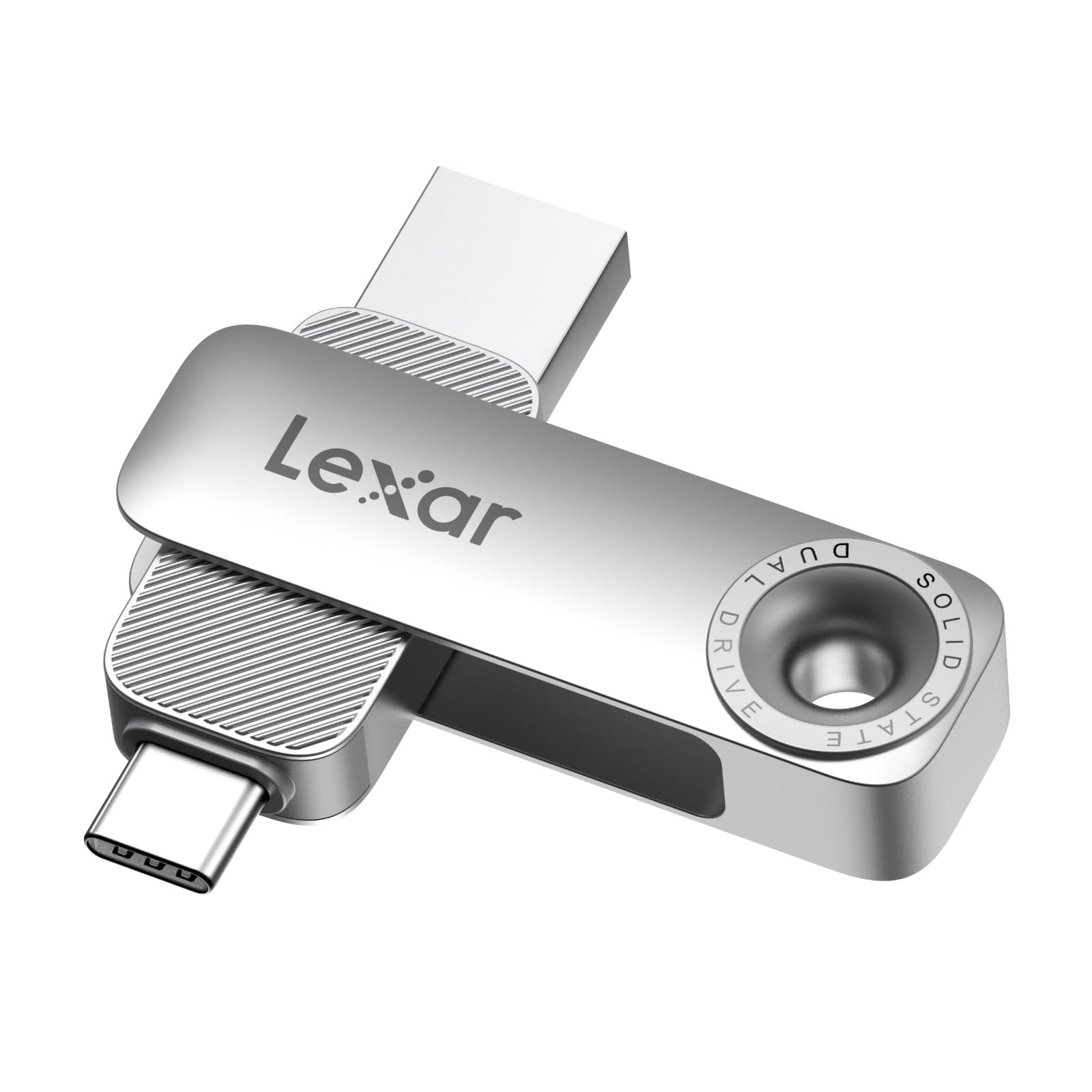
Durability is the reason this Lexar sits high on the list. The metal housing protects both the USB-A and USB-C connectors, and the swivel design keeps them covered between uses. Build quality is the most-praised trait in feedback, with nearly 64 mentions for a small accessory. One story that stuck: a drive came out of a washing-machine cycle and kept working.
Specs line up nicely for PS5 duty. You get up to 400MB/s read and 360MB/s write over USB 3.2 Gen 1, which makes shifting a large file a matter of seconds rather than minutes. It’s rated 4.5+ stars from 400+ ratings, with reliability the recurring theme in feedback.
There’s a caveat worth knowing: it’s compact in hand but not the smallest here, and at 128GB you’re trading capacity for that build quality. It’s the drive you choose when the stick lives in a bag and gets dropped, not the one for hoarding a whole library.
What makes it worth owning
- Metal housing and swivel covers protect both connectors.
- Up to 400MB/s read and 360MB/s write for snappy transfers.
- Dual USB-A and USB-C covers console and phone in one stick.
- Survives real-world abuse, the washer included.
The honest limits
- 128GB goes fast with modern game sizes.
- Not the tiniest drive if pocket space is your priority.
The right call for: handheld, bag-carried use where a drive gets dropped and knocked about.
Not the one for: archiving a deep game collection in one place.
4. 256GB USB C Flash Drive
A pocket-sized 256GB that covers your console and your phone in one trip.
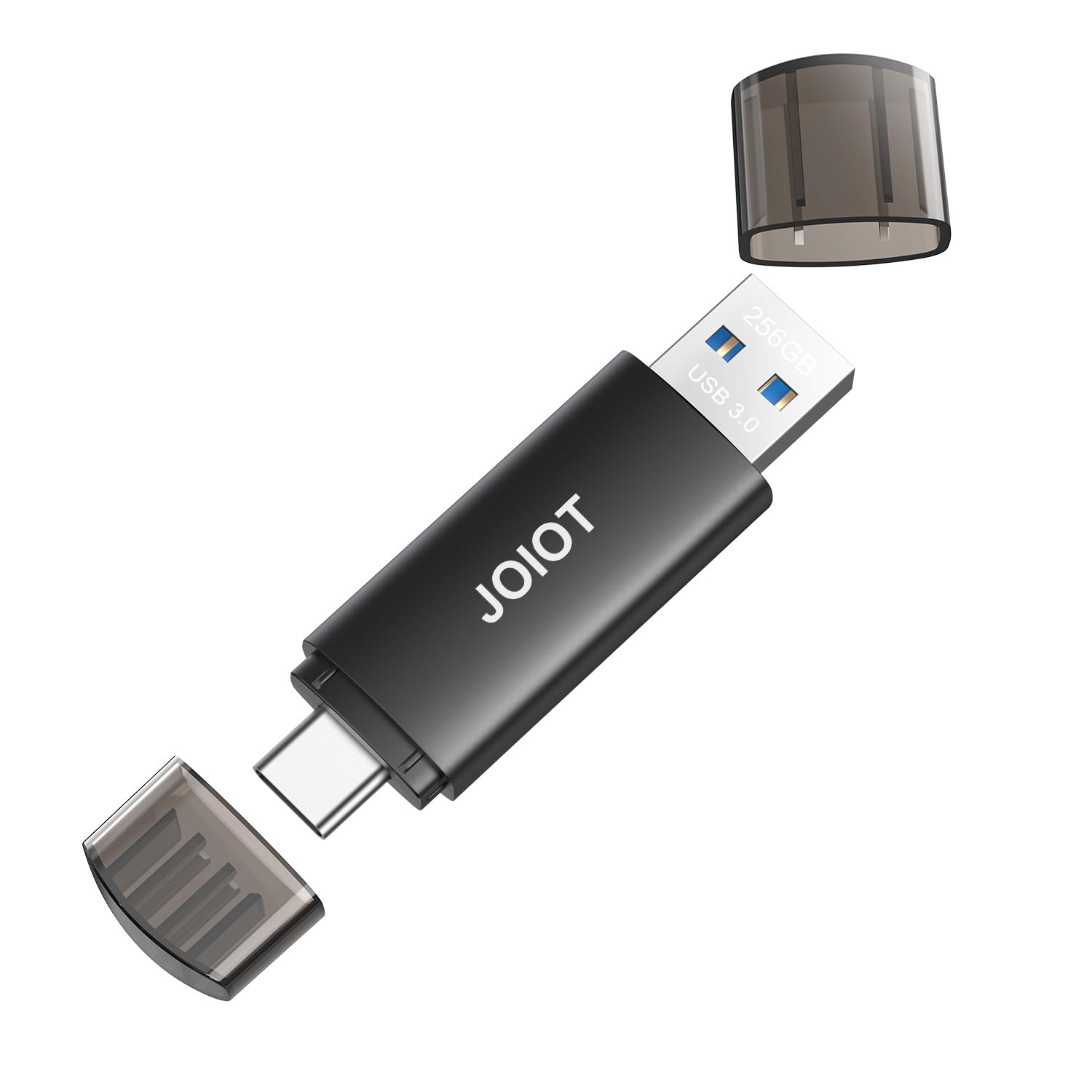
This JOIOT drive puts a Type-C plug at one end and a USB-A plug at the other, so the same stick that feeds your PS5 can also empty a phone or laptop. The capacity is 256GB, and read speed tops out at up to 130MB/s with write at up to 35MB/s over USB 3.0 — modest numbers, but fine for shifting saves and the odd game install.
The plastic enclosure is built for heat dissipation, which matters when you’re writing a large file and the drive warms up. The cap keeps dust off the connector, and the whole thing slips into a pocket without a bulge. Buyers generally find it easy to use and appreciate the storage room for travel photos.
The honest sticking point is compatibility. This drive doesn’t play nice with every phone — plenty of feedback notes it just doesn’t work on their handset. Paired with a PS5 it’s straightforward, but if your reason for buying is phone backup, this may not be the one.
What you’re really paying for: 256GB of portable room that’s genuinely small enough to forget about.
Pick this if: you want a light 256GB drive for console saves that also travels to your computer.
Skip the phone dream: if phone backup is a must, check the compatibility list first.
5. Amazon Basics 256 GB

No frills, no cap to lose, and 256GB of room for game backups.
The Amazon Basics stick is the sensible choice for one job: holding a lot of data without drama. It carries 256GB and reads at up to 130.0 MB/s with write speeds up to 30.0 MB/s over USB 3.1, which is enough for backing up saves and moving game files off the console. Drop it into the PS5’s Type-A port and it registers as a storage device like any other.
The retractable telescopic body means there’s no cap to lose — slide it out to use, push it back to protect the connector. A keyhole lets you hang it on a lanyard, and the black body is small enough to live in the console permanently. It scores 4.5+ stars across 34,000+ ratings, and feedback keeps repeating that it works and the price feels fair.
Two things to sort out on day one. The drive comes formatted FAT32, so if you’re moving any file over 4GB — which a game install will be — reformat it to exFAT or NTFS first. And there’s no LED indicator, so activity is silent. The write speed is also on the slower end, meaning a big transfer will take a while.
The practical wins
- 256GB is plenty for saves and game archives.
- Retractable body means no lost caps.
- Keychain hole keeps it tracked.
- Works with Windows and Mac from the start.
Prepare for this
- FAT32 factory format needs swapping to exFAT or NTFS for large files.
- No LED light to show activity.
- Slow write speed makes big transfers drag.
Go for it when: you want a plain, roomy 256GB archive drive and don’t mind reformatting once.
Think twice if: you need speed for frequent large transfers.
6. MOVE SPEED 256GB External SSD

One thousand megabytes a second — this is the drive that makes waiting feel overdone.
If speed is why you’re shopping, this is the peak of the list. MOVESPEED rates the WD10 at up to 1000MB/s read and write over USB 3.2 Gen 2, with both a USB-A and a Type-C interface. The maker says a 1GB file moves in roughly a second, and that kind of pace turns a bulky game transfer into a coffee-sip job rather than a wait.
The 3-stage push-pull case solves the oldest problem with thumb drives — losing the cap. Push the button forward and it clicks; push the button to the center and the connector retracts. The zinc alloy shell and SSD-grade chip help manage heat, and it’s rated for a peak temperature of 122°F. It also handles PS5 game expansion directly, which is exactly what you want it for.
What’s genuinely mixed is longevity. Performance and speed both land well, but durability and reliability feedback is split — while some find it sturdy, others had the drive come apart after four months. It’s rated 4.0+ stars, a notch below the top pick, and that split durability feedback is why it isn’t number one.
The trade you’re making: 1000MB/s speed against a small question mark over long-term toughness. If you handle your gear carefully, this is the fastest stick on the page.
The speed-first answer: pick the WD10 when transfers happen often and you want them done now.
A fair warning: the push-pull mechanism and body are the parts to watch over months of use.
7. EAGET 512GB

Half a terabyte of storage for a whole game library, with a case that keeps it safe.
The EAGET gets you 512GB — enough to hold a real collection of games rather than a couple — and reads at up to 560MB/s over USB 3.2 Gen 1. Plug it into the PS5’s Type-A port and it also serves as extra game storage, exactly as the maker suggests. The zinc alloy body is built to take shock and physical stress, and the included leather case covers the drive for travel.
It’s rated 4.0+ stars from 90+ ratings, with quality feedback broadly positive. Feedback is broadly positive on quality — the “solid USB drive” description sums up the physical impression — and the dual USB-C and USB-A ports make it a flexible partner for a phone as well as a console.
The wrinkle is reliability, which draws a genuinely mixed read in feedback: some buyers report zero issues, others hit problems. It’s the sort of minor uncertainty common to newer drives, not a reason to panic, but worth bearing in mind if you plan to use it for irreplaceable save data.
Why the capacity is the draw
- 512GB holds a substantial library.
- Up to 560MB/s read keeps game installs moving.
- Zinc alloy body and included leather case.
- Dual USB-C and USB-A ports for console and phone.
What to weigh up
- Reliability feedback is mixed, so back up what matters.
- USB 3.2 Gen 1 tops out well below the 1000MB/s drive above.
Worth it for: players who want a fat 512GB of game space and like having a case in the box.
Not ideal for: anyone using it as the only home for saves they can’t lose.
8. PNY 512GB Elite-X Fit USB 3.1 Flash Drive – 200MB/s

So small it stays plugged in and nobody notices it’s there.
The Elite-X Fit’s whole idea is to be forgettable — in a good way. It’s a micro-sized, low-profile drive designed to stay in a host device permanently, so you never need to plug and unplug it. If you want a stick to live in your PS5 as always-on storage, this is the shape for it. It holds 512GB and reads at up to 200MB/s over USB 3.1 Gen 1, which is the same speed as USB 3.0 under a different name.
The crush-resistant body is the other practical detail. Owners tend to talk about the size — small enough to hang on a necklace or slip into a pocket without noticing — and the room for holding a lot of files, movies included. It’s rated 4.0+ stars from 900+ ratings, with owners praising the tiny size and file room.
The trade is straightforward: at 200MB/s it sits well behind the SSD-style drives here for raw transfer speed, and the low profile means it’s a little fiddly to pull out if you do need to move it. It’s an archive drive, not a speed demon.
The real reason to buy: a 512GB drive that disappears into the console and stays there. That’s what the low-profile shape is for.
Ideal if: you want permanent, out-of-sight storage in the PS5 with a big 512GB capacity.
Hold off if: you move large files daily and want speed to match.
9. Tyllon 512GB SSD Flash Drive
An SSD in a thumb drive’s body, with half a terabyte to fill.
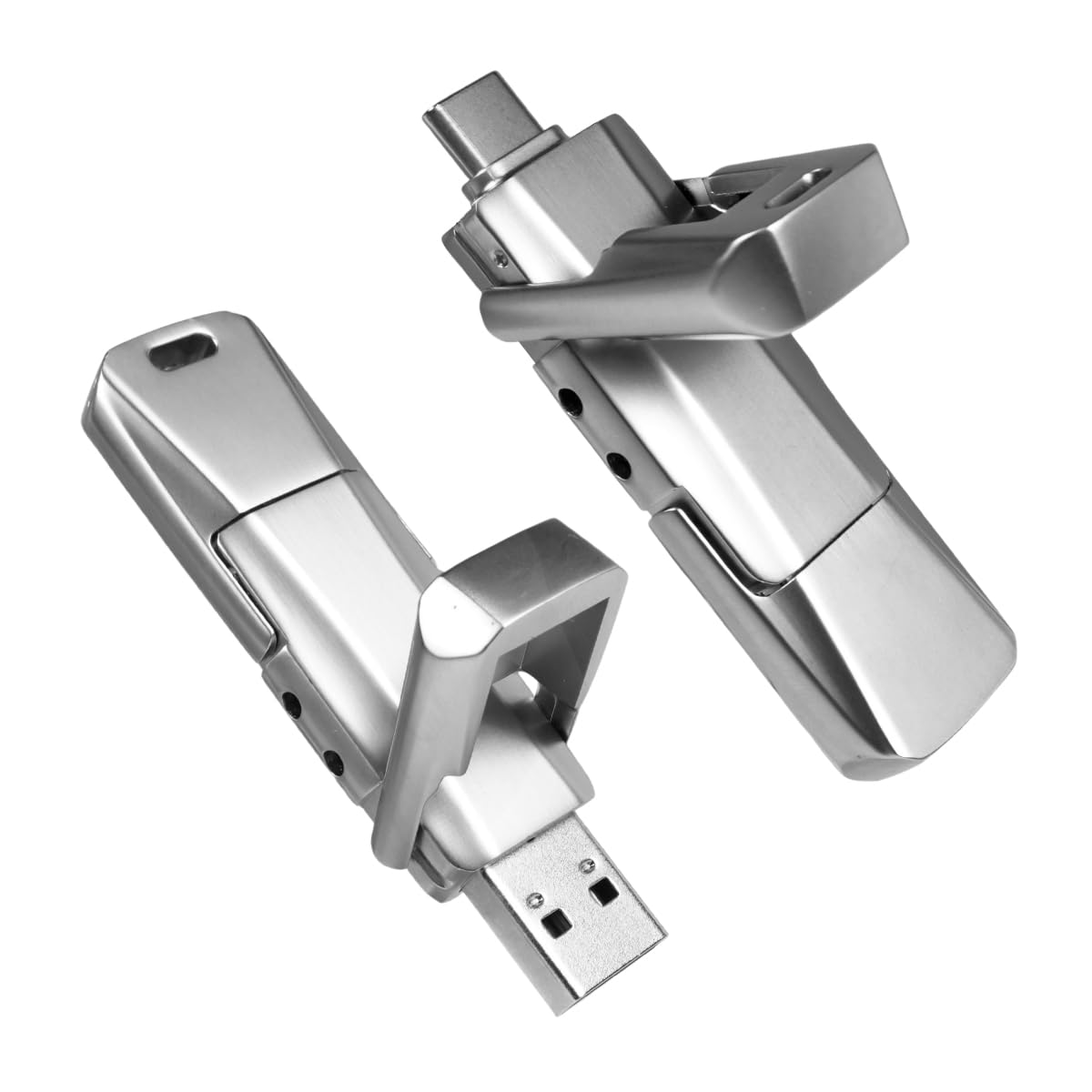
The Tyllon is the big-capacity speed pick. Inside is proper solid state storage — the same kind of memory a phone uses — rather than a plain flash chip, and it reads at up to 550MB/s with write speed up to 450MB/s over USB 3.2 Gen 2. The maker claims a 1GB file moves in two seconds, and notes that the peak speed occurs only in the first seconds before the cache fills and speed drops. That’s an honest caveat, not a red flag.
The 512GB capacity is built for people who keep a lot installed. Dual USB-C and USB-A ports mean it’s equally at home in your PS5 or your phone, and the zinc alloy body adds four heat-dissipation vents for stability during long writes. It’s rated 4.0+ stars from 50+ ratings, a small but solid base.
The most important thing to know is the fine print. Some Android phones need OTG enabled in settings before the drive shows up, and it won’t work with Lightning-port iPhones at all. For a PS5 that’s a non-issue, but check your other devices before relying on it for everything.
What makes it fit a big library
- 512GB holds a full slate of game installs.
- Up to 550MB/s read with SSD storage inside.
- Dual USB-C and USB-A covers console and phone.
- Heat-dissipation vents help stability under load.
Read the fine print
- Peak speed drops once the cache fills.
- Android may need OTG enabled; no Lightning support.
Your pick if: you want half a terabyte and near-SSD speed in a single stick.
Look elsewhere if: you need it to work with an older iPhone or a Lightning device.
Know the Specs
Read vs Write Speed
Read speed is how fast data comes off the drive — that’s what the PS5 uses when it loads a game or a save. Write speed is how fast data goes on, which matters when you dump a big install or a batch of screenshots. A drive can read at 550MB/s and write at 450MB/s, so always check both numbers. The read side is the one that decides how snappy the console feels with a stick plugged in.
USB 3.0 vs USB 3.2
USB 3.0, 3.1, and 3.2 are all modern standards your PS5 understands — the number roughly tracks how much bandwidth the connection offers. A USB 3.2 Gen 2 drive like the MOVESPEED or Tyllon can push far more data than a plain USB 3.0 stick. If your drive is USB 2.0 only, the console will still recognize it but transfers will be painfully slow, so avoid those.
Connector Types
USB-A is the classic flat rectangle plug your PS5 takes directly. USB-C is the smaller reversible oval found on phones and newer laptops. A dual drive includes both, so one stick covers the console and your other gear. A USB-A-only drive is all you technically need for PS5 duty, but the dual option adds flexibility at little extra cost.
Capacity and Game Sizes
Game installs are measured in gigabytes (GB), and they’re big — think tens of GB for a single modern title. A 128GB drive fills with a couple of games, while a 256GB or 512GB drive gives you real archiving room. If you only shuffle saves and screenshots, the smaller sizes are fine. If you want to keep a library on the drive, buy capacity you’d be comfortable living with.
Common Questions
Will any USB drive work with a PS5?
Can I play PS5 games directly from a USB drive?
What read speed do I actually need for PS5 storage?
Should I reformat the drive before using it on the PS5?
Is a solid state drive better than a flash drive for PS5?
Do I need a USB-C drive or a USB-A drive for my PS5?
How long should a PS5 USB drive last?
Can I use the same USB drive for my phone and my PS5?
Why does my USB drive get warm when plugged into the PS5?
Is a 128GB drive enough for extra PS5 storage?
The Bottom Line
For most people shopping for the best USB drives for PS5, the SanDisk Ultra Flair 256GB is the safe, proven pick — 4.5+ stars from a massive owner base, 256GB of room, and a metal body that survives life in a console. There’s no mystery to it, and that’s the point. If you move big files and want speed first, the MOVESPEED 256GB at up to 1000MB/s is the fastest stick here. For a fat library in one place, the Tyllon 512GB or EAGET 512GB gives you the room. Decide whether speed, capacity, or plain reliability is your priority, then choose the drive that fits that one job.
How we choose
We do not accept paid placement. Every pick is matched to a real buyer and a real use-case; we do not hands-on test units.
Sources
Specifications: manufacturer listings and product documentation. Review insights: verified customer reviews. Pricing: not shown on this page (it changes often); check the current price via the retailer link.
As an Amazon Associate, Tactical Gear Guy earns from qualifying purchases. This does not affect which products we feature.