Specs are compiled from manufacturer listings and verified buyer reviews and can change over time — please confirm the key details on the product page before buying.
You want free local channels on the monitor or TV hooked to your computer, and you want the picture to stop breaking into squares every time a cloud rolls past. The short answer: start with an amplified indoor antenna that covers both VHF and UHF (the two bands broadcast TV uses), comes with a coax run (the round antenna cable) long enough to reach a window, and lets you switch the amplifier off when you sit close to the towers. That combination covers most computer setups; the picks below match one to your room and your distance from the broadcast towers.
This guide is built by comparing the manufacturers’ published specifications and the patterns across verified customer reviews, so you get each pick’s real strengths and trade-offs instead of marketing spin.
What follows separates antennas that actually pull stations from ones that only promise to. You will see which models protect against power surges, which give you the longest coax run, and which are honestly limited by range. Everything here is aimed at one job: picking the right TV antenna for computer use without wasting an afternoon on returns.
Top Picks
How To Choose The Best TV Antenna for Computer
An antenna feeding a computer is not quite the same job as one feeding a living-room television. Your tuner might be a USB stick, a capture card, or a network tuner box, and the cable has to travel from a window to a desk. That changes which specs actually matter.
Start with where your computer sits
Reception is decided by the path between the antenna and the broadcast tower. A desk against an interior wall with concrete behind it blocks more signal than one beside a window. If your machine sits far from any exterior wall, look for the longest coax cable you can get. The Rnovdux model runs 33ft where the Vansky runs 16.4ft, which is the difference between reaching a good window and settling for a bad spot.
The amplifier switch is not a gimmick
An amplifier boosts a weak signal, but it also boosts noise. Close to the towers, an always-on booster can overload your tuner (the chip that turns the signal into a picture) and cost you channels. Models like the Vansky give you a detachable booster you can remove when you are within 35 miles of the transmitters. That toggle is among the most useful features on this list, and it is easy to overlook.
Check the connector before you buy
Antennas hand off signal through a 75 ohm coaxial connection, the same round screw-on fitting used on the back of a TV. If your computer tuner takes coax, you are set. If you are feeding a capture card or a set-top box, confirm the input matches before you commit to a cable route across the room.
Side-by-Side Comparison
| Model | Best For | Cable Length | Range | Channels | Amazon |
|---|---|---|---|---|---|
| Upgraded TV Antenna with Surge Protection★ Best Overall | Best overall for computer desks | 16.5 ft | — | — | Amazon |
| Rnoudux 2026 Indoor/Outdoor AntennaLongest Reach | Longest cable run | 33 ft | 80 miles | — | Amazon |
| RCA Amplified Flat Antenna ANT1360E | Most channels named | 15 ft | 40 miles | 82 | Amazon |
| Vansky Digital Amplified Indoor Antenna | Switchable amplifier | 16.4 ft | — | 50 | Amazon |
| SHERRIVA Indoor Antenna for Smart TV | Thin wall-mounted profile | 16 ft | 65 miles | — | Amazon |
| NewFoot 2026 Indoor Antenna | Widest channel claim | 38 ft | — | 400 | Amazon |
| Intelbras TV Antenna for Smart TV Indoor | Budget desktop pick | 16.5 ft | — | — | Amazon |
Detailed Reviews
1. Upgraded TV Antenna
Our pick — 4.5+★ from 1,500+ verified ratings; the strongest balance of quality and price.
The desk antenna that guards your tuner while it quietly pulls in the networks.
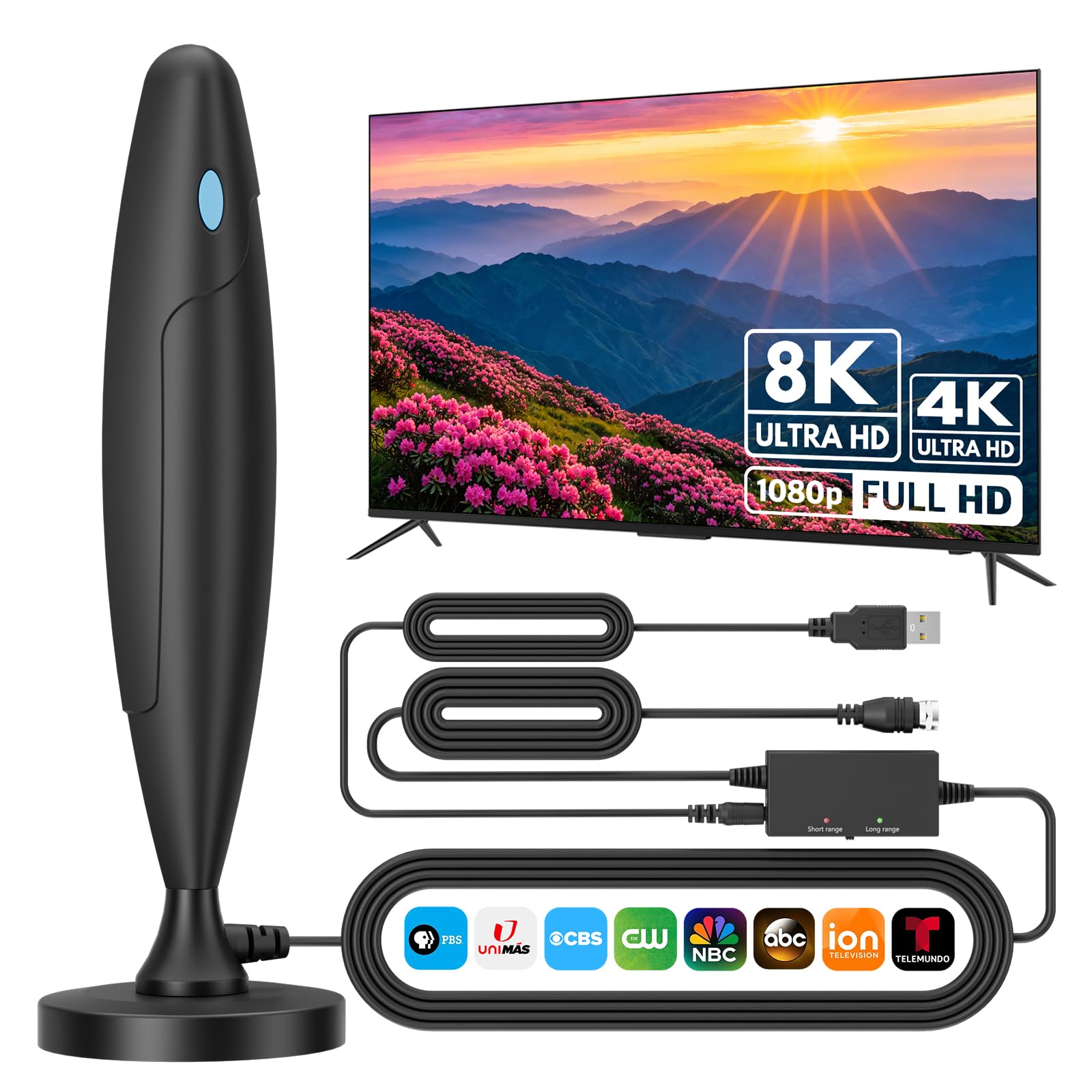
This is the one to buy if your computer sits near a window but you worry about what a storm could do to the electronics behind it. The headline feature is a built-in surge protector paired with a full-layer isolated structure, which is a physical barrier between the incoming signal line and the parts that carry power. In plain terms, a lightning strike or a power spike on the line is aimed away from your tuner instead of straight into it. That is a rare thing to find on an indoor antenna.
Under the hood you get an upgraded amplifier chip feeding an 8-stage filter system, which is a chain of filters that strips out electromagnetic interference from nearby devices before the signal reaches your tuner. The payoff is a steady 4K or 1080P picture with clean audio and no freezing or pixelation. It covers both VHF and UHF bands, which are the two frequency groups local stations broadcast on, so you are not locked out of the major networks. It holds a 4.5+ star average across 1,800+ ratings, and reviewers keep returning to the same point: reception that holds up.
Setup is genuinely tool-free. You screw the coax into your tuner, run a channel scan, and you are watching within minutes. The 16.5 FT flame-retardant cable is sized for a reasonable desk-to-window run, so you can reach the glass without an extension. The UV-resistant shell and rust-proof aluminum bracket mean it does not fall apart after a season by the glass. The magnetic base is the part that wins people over — it grips a metal shelf or the side of a case so the antenna stays put instead of sliding around. The catch is the cable length itself: at 16.5 FT it matches the Vansky and falls short of the 33 FT on the Rnovdux, so a long room may force you to move the computer rather than the antenna.
Where it earns its keep
- Surge and lightning protection built into the antenna body, not bolted on as an accessory
- 8-stage filter and upgraded amplifier chip block interference for a stable 4K/1080P picture
- Strong magnet holds placement on metal surfaces so it does not drift
- 16.5 FT flame-retardant cable and rust-proof aluminum bracket for long indoor life
- Tool-free plug-and-play setup with a channel scan
What to weigh first
- 16.5 FT cable is shorter than the 33 FT run on the Rnovdux
- No published mileage rating, so you cannot pre-check range against your tower distance
Reach for this if: your computer lives near a window and you want storm protection plus interference filtering without adding a separate surge strip.
Look elsewhere if: your desk is far from any exterior wall, because the 16.5 FT cable will not stretch across the room.
2. Rnovdux 2026 Indoor/Outdoor Antenna with 33Ft Coaxial Cable
Double the cable of most rivals, so the antenna reaches the window your desk cannot.
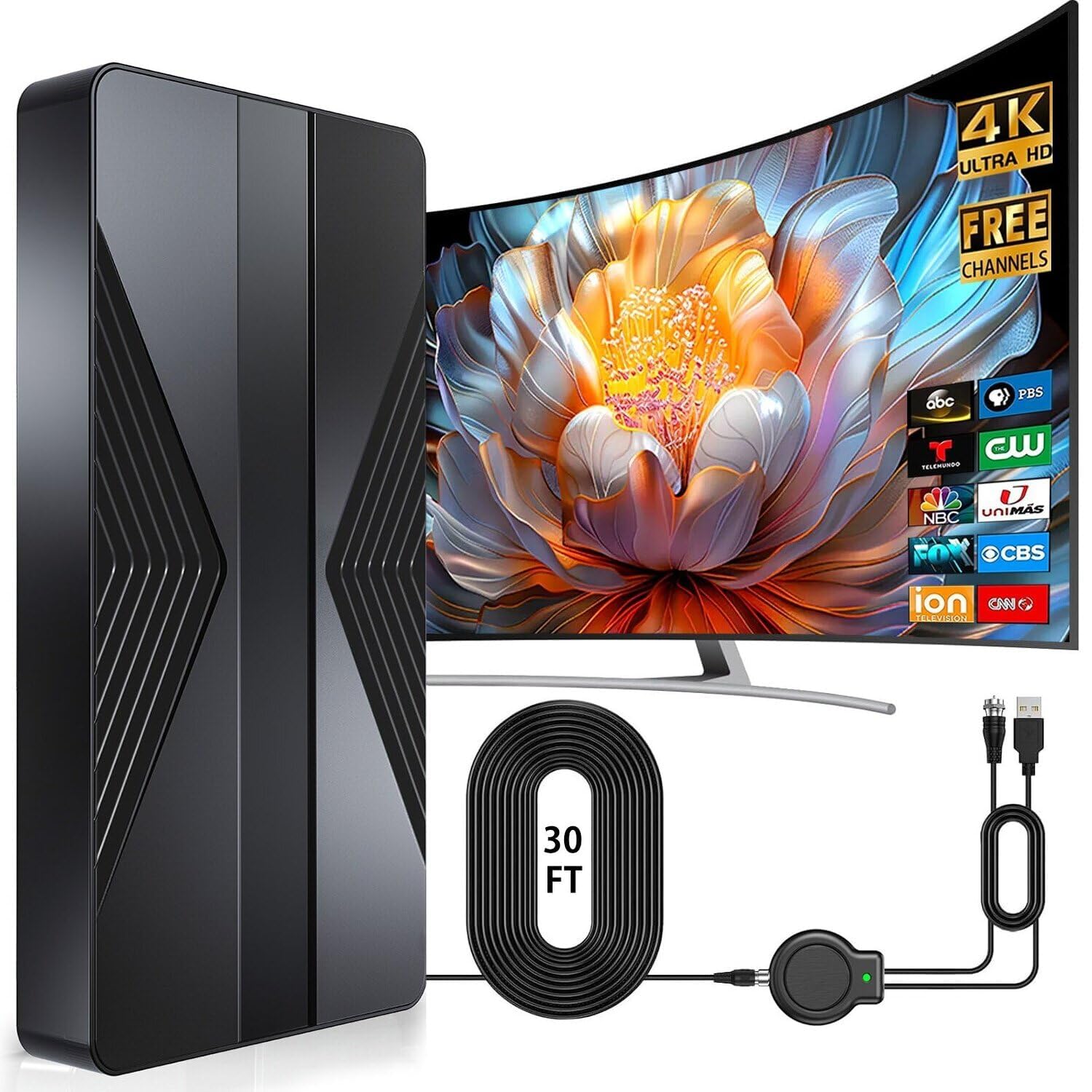
The cable is the whole story here. This antenna ships with 33 FT of coaxial cable, which is twice the 16.4 FT you get on the Vansky. If your computer sits in a back bedroom and the only decent reception is at the front window, that extra distance is what makes this pick work at all. The 80-mile maximum range rating also puts it out front of the RCA’s 40-mile figure, giving you room to pick up transmitters further out.
Around that cable sits a high-gain amplifier built to resist interference from nearby electronics, which keeps free local channels like ABC, CBS, NBC, PBS and FOX coming through without pixelation. The chip inside is an anti-interference IC designed for 360° stable pickup, meaning it pulls from every direction rather than demanding a careful aim. It is also waterproof and UV-resistant, so a spot outside on a balcony or by an RV window is fair game. That flexibility matters when the best line of sight to the tower is not inside the house.
What buyers consistently note is how straightforward it is to get running — the instructions are thorough enough to walk a first-timer through a channel scan without guesswork, and the HD channels come in clear once placed well. Buyers report the picture stays clean without interruptions. Keep expectations sensible on the range figure: an 80-mile rating is a ceiling, and terrain and walls still decide what you actually receive. Treat the published range as a best case, not a guarantee.
Cable-first thinking: the 33 FT run is the widest gap on this entire list against a direct rival, and it solves the single most common computer-setup problem — an antenna that cannot reach the good window.
The weatherproof build and 360° chip are what you are buying.
Best matched to: a computer tucked into a back room where the antenna must travel to reach a front window or a balcony rail.
Think twice if: you want a large body of long-term owner feedback before committing, since this model has a thin review history.
3. RCA Amplified Indoor Flat HDTV Antenna ANT1360E

A flat panel that grabs stations from every angle so you stop nudging it.
Here is the number buyers fixate on: 82 channels. That is the highest published channel count on this list outside the NewFoot’s inflated-looking 400, and it comes attached to a brand most people recognize from the back of a television. The Vansky lists 50 by comparison. Both numbers are claims rather than guarantees, but the RCA backs its figure with a patented 360° multi-directional design that captures signals from every direction, which removes the constant repositioning that plagues flat antennas on a desk.
The underlying tech is Dual-Stage Amplification with Auto Gain Control, which is a two-step boost that self-adjusts its strength to the signal it is receiving. That adjustment is what keeps a strong local station from overwhelming your tuner while a distant one still gets lifted. It handles 4K, 8K and 1080 HDTV (the common broadcast picture formats) across both UHF and VHF up to 40 miles from the tower, so a station across the county still comes in. In practice, owners mention a clean picture, correct sound, easy installation, and value for the price.
Placement is where this one separates from the pack. The flat profile is paintable and hangs on a wall, lies flat, or stands on a shelf using the built-in easel stand. It ships with a 15 foot coax cable, an amplifier, and a 3 inch USB power cable with adapter. The 40-mile range is the honest limit — the Rnovdux advertises 80 miles — so if you are well out in the country, this may miss the weaker transmitters. For suburban and city desks, though, it is a strong, well-known option.
Placement flexibility: paintable flat panel with a built-in easel stand means it can live on a shelf beside your monitor without looking like lab equipment.
The range reality: 40 miles is a modest ceiling, so rural buyers should look hard at their tower distance before choosing it.
Pick it when: you want a known brand, a paintable flat panel, and multi-directional pickup for a suburban desk setup.
Leave it if: you live far from the towers and need the longer advertised reach of a different model.
4. Vansky Digital Amplified Indoor HDTV Antenna

The antenna that lets you switch the booster off when you sit close to the towers.
Most amplified antennas make you choose between too little signal and too much. This one hands you the control. The external signal booster detaches, and the maker’s own rule is simple: if your home sits more than 35 miles from the towers, leave the amplifier on. If you are inside 35 miles, pull it off or switch it off to avoid signal saturation. That is the detail that solves the most frustrating computer-tuning problem — an overloaded tuner that silently drops channels while the antenna looks fine.
Once the booster is set correctly, the numbers do the work. The 16.4 ft coaxial cable gives you reach to a window, and the published channel count sits at 50, below the RCA’s 82. It receives the major networks — ABC, CBS, NBC, Fox, Univision and more — depending on what actually broadcasts near you. Reviewers focus on picture quality and functionality, repeatedly citing a clear picture, good sound, and a channel count that surprises them. Reception elsewhere is honestly mixed, because indoor signal depends on walls, terrain and weather more than on the antenna itself.
The Vansky also carries built-in lightning protection and a grounding structure, so a spike on the line has somewhere to go. One practical note before you order: the maker states it is built for modern Smart TVs and HDTVs with digital tuners made after 2009. An older analog set needs a separate digital converter box, which is not included. If you are feeding a computer tuner, confirm that your hardware has its own digital tuner so the antenna has something to talk to.
The toggle advantage: a detachable amplifier you can remove by distance is genuinely useful, and no other pick here spells out its own on/off mileage rule so clearly.
Honest limitation: at 50 channels it trails the RCA’s 82, and indoor reception stays dependent on your building’s walls and terrain.
Buy it if: you want control over amplification and know roughly how far you sit from the broadcast towers.
skip it if: you are feeding an older analog set, since you would also need a converter box that is not in the box.
5. SHERRIVA Indoor TV Antenna for Smart TV

Featherweight fabric panel that hides behind the monitor and powers off USB.
At 7.68 ounces this is the lightest antenna on the list, and it is built to disappear. The soft fabric finish and ultra-thin profile let it mount on a wall, a window, or slip behind your TV without drawing a second glance. That matters if your computer setup shares a desk with a monitor and you would rather not add another black plastic box to the clutter. The 65 mile maximum range rating also gives it more reach than the RCA’s 40 miles.
The convenience angle runs deeper than looks. The amplifier plugs straight into your TV’s USB port, so there is no wall adapter, no batteries, and no extra cord to route. One cable does the whole job. Reception runs through a dual-stage amplifier with low-noise filtering to cut down on repositioning, and it captures signals from multiple angles. It receives uncompressed digital broadcasts up to 4K, and it works with any HDTV or Smart TV that has a coaxial input. Setup is a coil-to-scan job: connect the 16 ft cable, run a channel scan, and you are done in minutes.
The trade-off you should know about is the power source. USB power is clean and clutter-free when your tuner or television has a free port to spare, but it ties the amplifier to that port. If your USB outlets are already crowded with drives or a keyboard, plan for a splitter or a spare port. The 16 ft cable is also shorter than the 33 FT on the Rnovdux, which matters for a long room. This one earns its spot on tidy desks, not sprawling ones.
Desk-clean design: a 7.68 ounce fabric panel that hides behind the monitor and sips power from a USB port is the tidy-desk answer.
The USB catch: no adapter is included, so the amplifier needs a free USB port on your TV or tuner to run at all.
Fits best with: a monitor-first desk where a discreet behind-the-screen antenna and no wall adapter are the priorities.
Second-guess it if: your USB ports are spoken for or you need a long cable run across the room.
6. NewFoot 2026 Indoor Antenna with 38FT Coax Cable

The longest cable and the boldest channel count, for reaching the far window.
Two published figures set this one apart, and both are the biggest on the page. If your computer sits in an attic office or a back room where signal only exists at one window, the cable alone justifies a look. That 400 figure is a manufacturer claim and should be read as a ceiling, not a promise, but the cable length is a hard spec you can measure before you buy.
Inside, the antenna uses 360° all-round reception to pull signals from every direction without manual adjustment, which is the feature that keeps you from fiddling with aim. It supports up to 8K, 4K and 1080P resolution, and it is compatible with smart TVs, traditional TVs and digital set-top boxes. It finishes setup in three steps with no extra tools: connect the coaxial cable, scan for channels, and start watching. The maker also backs it with a two-year warranty, the longest stated coverage on this list.
The mounting is genuinely versatile — desktops, walls and windows, and the maker lists living rooms, bedrooms, attics, RVs and camping. Buyers tend to highlight the installation: thorough instructions and a clear signal once the antenna is placed. The one thing to keep in mind: an 8K and 400-channel claim rests on your local transmitters actually broadcasting those channels. In practice you receive what your area offers, not the number on the box.
Length and warranty: 38 FT of coax plus a two-year warranty is a real combination for a room that needs both distance and confidence — enough cable to cross a long desk and still reach the window.
Claim versus reality: the 400-channel figure and 8K support depend on local broadcast availability, so treat them as upper limits.
Worth grabbing if: you need the longest cable run and want the longest stated warranty while you are at it.
Hold off if: the 400-channel figure is your main reason for buying — local broadcast availability, not the box, decides what you get.
7. Intelbras TV Antenna for Smart TV Indoor

An entry-level antenna with a magnet base and a color kit for the price-conscious.
This is the budget route, and it is honest about what it offers. You get a compact 12 ounce antenna that ships with 16.5 ft of long cable, a magnetic base, and two interchangeable color accessories — blue and orange — that you can swap for looks. The rubber rings are decoration only and do not change reception. It receives full HD channels like ABC, CBS, NBC, PBC and Fox, and supports 4K, 1080p and other digital formats.
The build leans on eco-friendly flame-retardant double PC soft material rather than PVC, which the maker frames as moisture and lightning protection for an indoor antenna. It can be used indoors or outdoors, and the maker notes it is not affected by thunderstorms. Placement options are wide: stick it on a wall or table, use nylon to fix it outside, or screw it to a wall. Hanging it on a window or outdoors helps pull a more stable signal. The frequency rating is the standard 75 ohm, so it talks to any coax tuner.
One practical heads-up before it arrives: assembly is required. You must remove the red rubber sleeve from the magnetic base and screw it onto the antenna linkage to finish the setup. And if you scan and find few or no channels, move the antenna and rescan — a step the maker repeats because indoor reception swings with position. At 4.0+ stars, this sits at the practical end of the lineup rather than the polished end. It is the pick for a first antenna on a tight budget, not a collector’s piece.
Entry-level value: a magnet base, a 16.5 ft cable and a two-color ring kit make this a low-commitment way to test whether your area gets good over-the-air coverage.
The catch: it needs partial assembly from the start, and the rubber rings are pure decoration — no reception benefit.
Good starting point for: a first-time antenna buyer who wants to spend the least and test local channels before upgrading.
Not for you if: you want a ready-to-run unit with no assembly or a larger published channel listing.
Know the Specs
VHF, UHF and Why Both Matter
VHF and UHF are the two frequency bands local stations broadcast on. VHF tends to carry some of the major networks, while UHF holds a large share of local and specialty stations. An antenna that covers both — like the top pick, the Rnovdux and the RCA — casts a wider net than one that favors a single band. If you only need a few well-known networks, a VHF-focused antenna can work, but coverage of both is the safer bet for a full lineup.
Amplifier On or Off
An amplifier is a signal booster, and when it is always on it can do as much harm as good. Close to the towers, a strong booster overloads your tuner and you lose channels. Far away, it lifts weak signals into usable range. A switchable or detachable booster, like the Vansky’s, lets you match the amplification to your distance. Models with Auto Gain Control, like the RCA, adjust the boost on their own to avoid the same problem.
Coax Cable Length and Connectors
The coaxial cable is the round, screw-on line that carries signal from the antenna to your tuner. Its length decides where you can place the antenna — a 33 FT or 38 FT run can reach a far window where a 16 FT run cannot. All the picks here use the standard 75 ohm connector, so they fit any tuner with a coax input. Check that input before you buy, because a mismatched connection means a trip back to the store.
Range Ratings and Surge Protection
Advertised range — the 40, 65 and 80 mile figures here — is a best case from the maker, not a guarantee. Walls, terrain and weather cut into it. Treat range as a starting point and confirm what broadcasts near you. Surge and lightning protection is about safety: it routes a power spike away from the antenna and your connected gear. An antenna with built-in surge protection, like the top pick, spares you a separate protector on the line.
Common Questions
Can I connect a TV antenna to my computer instead of a television?
Do I need an amplifier for my indoor antenna?
How many channels will I actually receive?
What do the VHF and UHF bands mean for my channel lineup?
Where should I place the antenna for the best signal?
Do I need a digital converter box for my TV?
What does surge and lightning protection actually do on an antenna?
Can I mount these antennas outdoors?
How long does it take to set up and scan for channels?
Why would I pick an antenna with USB power over one with a wall adapter?
The Bottom Line
For most computer desks, the tv antenna for computer to start with is the Upgraded TV Antenna with Surge & Lightning Protection, because it pairs built-in surge protection and an 8-stage interference filter (a circuit that screens out unwanted signals) with a 4.5+ star standing among a large body of buyers. It is the calm, protective choice for a setup that shares a desk with a monitor and a computer. If your desk is far from any window, the Rnovdux Indoor/Outdoor Antenna earns its keep with 33 FT of coax and an 80-mile range rating, so a distant tower is still in reach. And if you want a slim, USB-powered panel that hides behind the screen, the SHERRIVA Indoor Antenna is the tidy answer.
How we choose
We do not accept paid placement. Every pick is matched to a real buyer and a real use-case; we do not hands-on test units.
Sources
Specifications: manufacturer listings and product documentation. Review insights: verified customer reviews, as of November 2026. Pricing: not shown on this page (it changes often); check the current price via the retailer link.
As an Amazon Associate, Tactical Gear Guy earns from qualifying purchases. This does not affect which products we feature.