Specs are compiled from manufacturer listings and verified buyer reviews and can change over time — please confirm the key details on the product page before buying.
You have a slim laptop with no video-out except USB-C, and a conference room, hotel TV, or classroom projector that only speaks VGA. The fix is a single cable that turns your USB-C port into a full 1080p video feed — and the best one here is the Plugable USB-C to VGA Cable, a 6-foot, driverless cable that needs no software install and no second adapter. Below you get six real options, what each one actually does on a desk, and the one spec that decides whether it will work with your laptop at all.
This guide is built by comparing the manufacturers’ published specifications and the patterns across verified customer reviews, so you get each pick’s real strengths and trade-offs instead of marketing spin.
Some laptops simply cannot output video over USB-C, so checking one feature before you order saves you a return trip. Read on for the honest shortlist of every vga to usb-c adapter worth your desk space.
Top Picks

How To Choose The Best VGA to USB-C Adapter
The single thing that decides whether your adapter works is not the brand or the price tier. It is whether your laptop’s USB-C port carries video at all. That feature is called DisplayPort Alternate Mode (often shortened to DP Alt Mode) — it lets a USB-C port send a picture signal, not just data and power. A phone or tablet with a plain data-only USB-C port will not drive a VGA display no matter which cable you plug in.
Check for DisplayPort Alt Mode before anything else
Laptops built around Thunderbolt 3, Thunderbolt 4, or USB4 almost always carry this video signal, and so do most modern USB-C laptops. Older budget tablets and many phones do not. One of the picks below states plainly that it will not work with tablets or cellphones, which is a useful honesty signal rather than a flaw. If you are unsure, check your device’s spec sheet for “DisplayPort Alt Mode” or “video output over USB-C” before ordering.
The resolution number that matters for old projectors
Every product on this list tops out at 1920×1200 or 1080p at 60Hz, which is the ceiling for a VGA connection. That is plenty for slides, spreadsheets, and video on a projector. What you should confirm is what your display accepts — a projector that only handles 1080p will show a clean picture even if the adapter can push 1920×1200. Buying more VGA resolution than your screen supports gains you nothing.
Cable, dongle, or dongle with charging
A fixed-length cable like a 6-foot run gives you slack to reach a projector across a table. A short dongle fits in a laptop bag and takes up almost no room, but you supply the VGA cable that runs to the display. A dongle with pass-through charging matters most on a laptop with a single USB-C port, because you can power the laptop and drive the screen at the same time instead of choosing one.
Remember that VGA carries no sound
VGA is a picture-only connector, so nothing on this list will send audio to the projector through the VGA plug. Plan to play sound from the laptop’s own speakers or a separate audio cable. Budget for that now so you are not caught silent mid-presentation.
Side-by-Side Comparison
| Model | Best For | Max Resolution | Length | Weight | Amazon |
|---|---|---|---|---|---|
| Plugable USB-C to VGA Cable★ Best Overall | Everyday desk and meeting-room use | 1920×1200 @ 60Hz | 1.8 m | — | Amazon |
| CableDeconn USB-C to VGA CableBudget Champion | Laptops only, tight budget | 1920×1200 / 1080p | 1.8 m | 81 g | Amazon |
| Belkin USB-C to VGA Adapter with Charging | Single-port laptops that need power | 1920×1200 (1080p) @ 60Hz | Short dongle | 0.04 kg | Amazon |
| Thzzhnno USB C to VGA Cable | Travel and pocket carry | 1080p @ 60Hz | 3.3 ft | 0.05 kg | Amazon |
| Cable Matters USB C to VGA Cable | Dell and conference-room setups | 1080p | 6 ft | 0.09 kg | Amazon |
| StarTech USB-C to VGA Adapter | Hot-desk and travel kits | 1920×1200 | Compact dongle | 0.02 kg | Amazon |
Detailed Reviews
1. Plugable USB C to VGA Cable 6 Feet
Our pick — 4.5+★ from 600+ verified ratings; the strongest balance of quality and price.
One cable, no dongle to lose, and enough reach to cross a conference table.
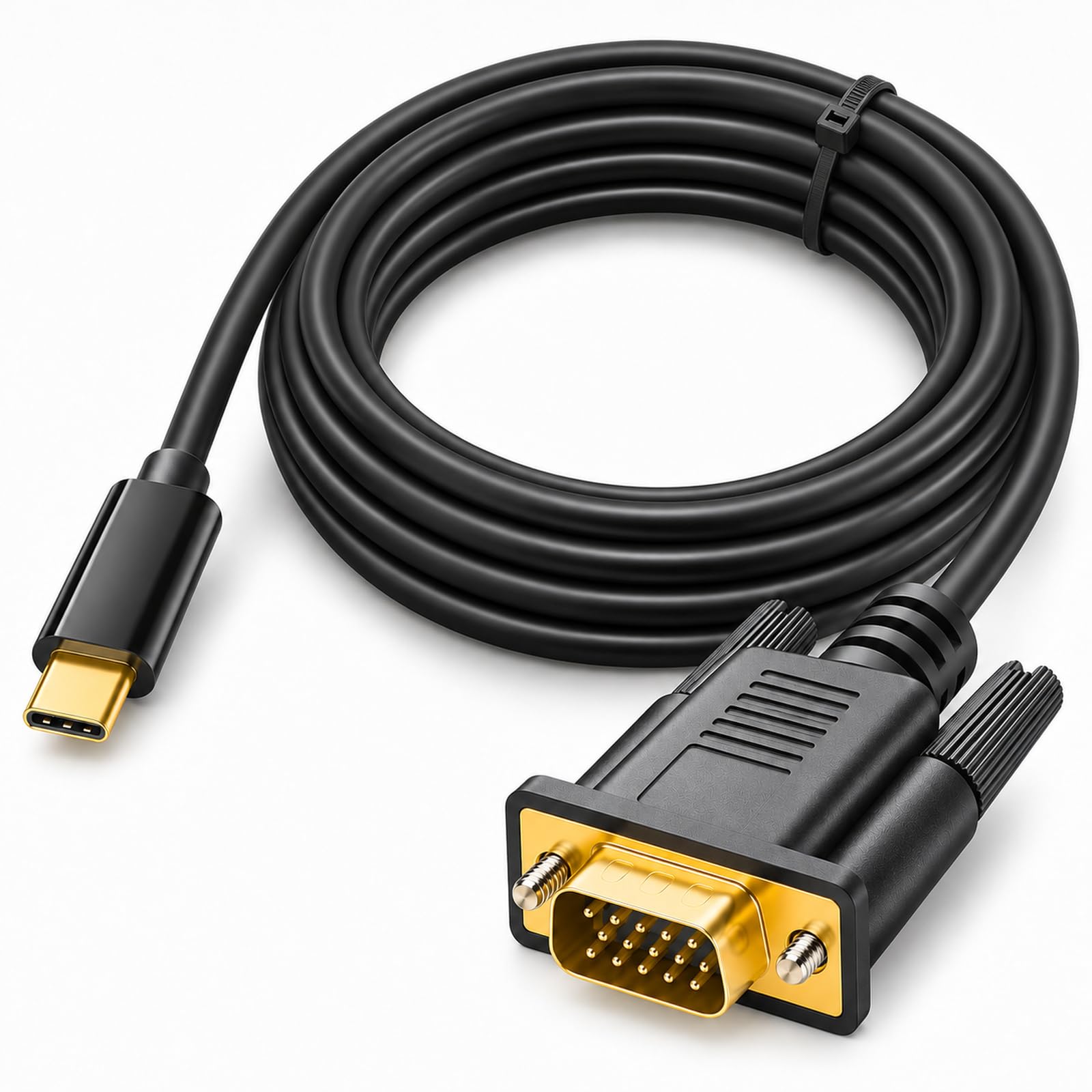
What makes this the one to buy first is the reach combined with a built-in adapter: the cable itself measures 1.8 meters (about 6 feet), so you can sit at your laptop and still reach a projector at the far end of a table without hunting for an extension. The picture ceiling is 1920×1200 at 60Hz, which means full-HD slides and video arrive sharp on any VGA monitor or projector. It needs no software install: plug the USB-C end into your laptop and the VGA screen lights up.
The work it is built for is the mixed office: Windows, macOS 11 and newer, Chrome OS, and Linux all run it, and it feeds USB-C devices that carry Thunderbolt 3, Thunderbolt 4, USB4, or DisplayPort Alt Mode — including the iPhone 15 line and machines like the Dell XPS, HP Spectre x360, and Surface. That is the widest device list on this list, and it is why the cable handles both a home-office monitor and a client’s old boardroom projector. Its appeal is plain reliability: a 6-foot cable that survives being plugged and unplugged in a shared meeting room.
Why it takes the top spot
- 1.8 m of reach means no stretching to the projector
- Full 1920×1200 at 60Hz, the VGA ceiling
- Driverless on Windows, macOS 11+, Chrome OS, and Linux
- Covers Thunderbolt 3, Thunderbolt 4, USB4, and DisplayPort Alt Mode devices
- Lifetime support from a North American connectivity team
Where it asks a little of you
- No pass-through charging, so a single-port laptop must pick video or power
- It is a fixed 6-foot run, which is long for a tight bag
- Won’t help a device without video-over-USB-C support
Get this if: you move between a desk monitor and shared meeting-room projectors and want one cable that does both without fuss.
Think twice if: your laptop has only one USB-C port and needs to charge at the same time — the Belkin below handles that better.
2. CableDeconn USB-C to VGA Cable 1.8M
Laptop-only, no-frills, and it knows exactly what it is.
Here is the plainest value on the list: a full 1.8-meter cable that pushes up to 1920×1200 and 1080p, needs no drivers, and runs off your laptop’s own power. At 81 grams it slips into a bag and disappears until you need it. The reversible USB-C end clicks into place, so the connection stays snug when you shift the laptop around on a desk.
The catch is compatibility, and the maker states it up front: this one works with laptops like the 2016 MacBook Pro, MacBook 12-inch, Chromebook Pixel, Dell XPS 15 and 13, Acer V15 Nitro, ASUS GA-Z170X, Huawei MateBook — and it will not work with tablets or cellphones. It also names the Lenovo YOGA 900/910 and Samsung S8 as unsupported. So if your plan is to mirror a phone screen to an old monitor, this is not the cable for you. For a laptop-to-projector job at 1080p, it delivers.
What it does well: plug and play on a laptop, with a lightweight 81 g build that travels easily and a gold-finished connector that signals a quality-minded assembly.
The honest limit: audio travels separately, so bring your own sound — VGA carries no audio on this or any cable here.
Best for: laptop owners who want a dependable 1.8-meter run at an entry-level price and never plan to hook up a phone or tablet.
Steer clear if: a tablet or phone is part of your setup — the manufacturer says it won’t work with those.
3. Belkin USB-C to VGA Adapter with Charging

For the laptop with one USB-C hole and no spare, it splits the job.
If your machine has a single USB-C port, this is the design that solves your real problem. It gives you a VGA port for the screen plus a second USB-C port for power, so the laptop charges while it displays — pass-through charging up to 60 watts means you don’t have to choose between the projector and the battery. Picture quality tops out at 1920×1200 (1080p) at 60Hz, matching the rest of the list.
It also shows how small a dongle can be. Note the size difference against the Thzzhnno cable: this Belkin weighs 0.04 kg while that cable weighs 0.05 kg, so the Belkin is the lighter throw-in-the-bag option. It is plug-and-play across Mac and Windows laptops, and it reaches devices from MacBook Pro and Surface Pro to iPad Pro. At 0.04 kg, it drops into a pocket and goes.
The standout feature: that 60-watt pass-through is the reason to pick Belkin over a plain cable — a single-port laptop stays topped up through a long presentation instead of dying on the last slide.
One thing to plan around: this is a short dongle, so you’ll need to supply the VGA cable that runs from the dongle to the projector.
Reach for this if: power and picture through one port is exactly the squeeze you’re in — thin laptops, long meetings, no wall socket nearby.
Look elsewhere if: you want a single cable that already reaches the projector without adding a VGA lead.
4. Thzzhnno USB C to VGA Cable 3.3FT

A pocket-sized 3.3-foot run with a gold-plated plug built to last.
Travel is the whole point here. The cable measures 3.3 feet, short enough to coil into a pocket or backpack and light enough at 0.05 kg that you won’t feel it. The 24K gold-plated connector resists corrosion and oxidation, and the wear-resistant shell is rated for a long plug-in life. Output is 1080p at 60Hz — sharp slides, video, and business presentations with clear color.
For a compact travel cable it also carries a useful safety net: a 12-month warranty and support that answers within 24 hours, though the maker asks you to contact them through Amazon messaging. For a 3.3-foot travel cable, a 12-month warranty with 24-hour support is a fair reason to look past an unfamiliar brand.
Why it earns a place: the 24K gold plating and wear-resistant shell target the exact failure of cheap cables — plugging in and out until the connection dulls.
The trade-off: take the “does it support video?” step seriously. Some phones and tablets won’t drive a display through USB-C, so confirm your device carries the signal before you pack it.
Fits you if: you want a compact backup cable that lives in a laptop bag and only needs to span a short distance to a monitor or hotel TV.
skip it if: you need to cross a big boardroom table — the 3.3-foot length won’t get you there.
5. Cable Matters USB C to VGA Cable, 6ft
Built around the Dell-heavy conference room and the classroom projector.
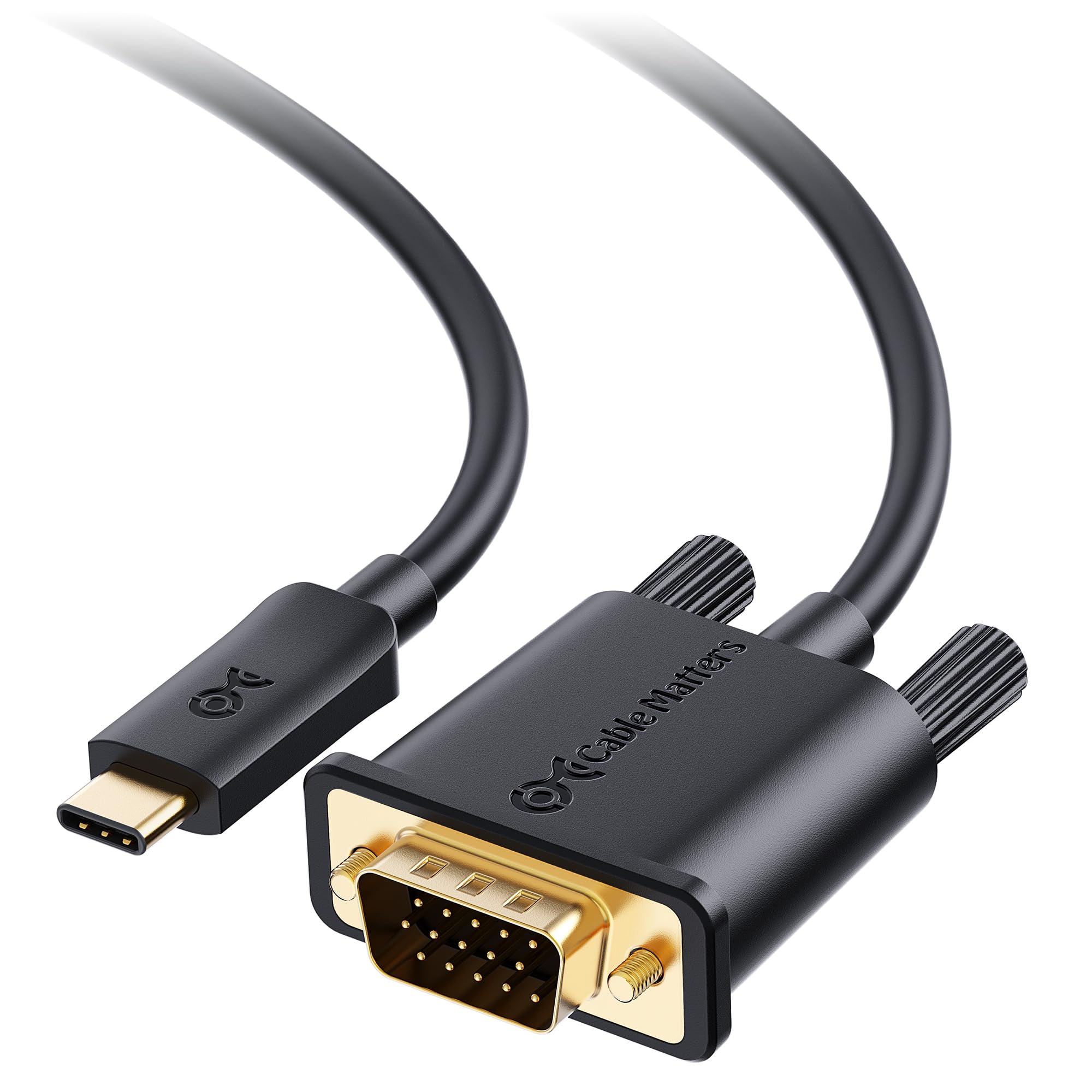
Where this one shines is compatibility with work machines. The 6-foot run connects a USB-C laptop to a VGA monitor, and both ends click into place — the USB-C connector snaps in on your device and the VGA connector sits snug in the display. It moves data at 5 Gbps and refreshes at 60Hz at 1080p, enough for smooth slides and video. It weighs 0.09 kg, the heftiest cable here, which is the price of a long, sturdy run.
The device list is the real story: this is a Dell companion built for Thunderbolt 3 machines — XPS 12, 13, and 15, Latitude models, Precision and Alienware lines — and it also covers MacBook, MacBook Air, MacBook Pro, iMac, iPad Pro, Pixelbook, Surface Book 2, Razer Blade, and a long roll-call of ThinkPad and Yoga models. The maker is upfront that Windows computers may need updated drivers to work properly, so treat a driver check as step one on an office PC.
The deciding factor: if you’re standardizing cables across a fleet of Dell laptops in conference and classroom rooms, this is the run that was designed for it.
Worth knowing: it needs DisplayPort Alt Mode support on the host device to pass video, so verify that on anything unusual.
The one for you if: your room is full of Dell and Thunderbolt 3 laptops and you want a long cable that snaps tight at both ends.
Pass on it if: you’re on a Mac or mixed fleet and can’t be bothered with a possible driver update on Windows.
6. StarTech USB-C to VGA Adapter (CDP2VGA)

A tiny hot-desk dongle tested and certified, at the premium end of the shelf.
For hot-desking, this dongle is the smallest footprint here at just 0.02 kg, so it lives in a bag and barely registers. It pushes up to 1920×1200 to a VGA display or projector, and it works with both Windows and Mac on USB-C and Thunderbolt 3 machines. It’s built for the bring-your-own-device desk — walk up to any legacy VGA screen and connect.
What separates it from the pack is certification: CE, FCC, and REACH marks show the dongle passed standardized testing rather than simply shipping. For a workplace hot-desk kit or a go-anywhere adapter, that certification is worth paying for. The maker also notes an upgraded model, CDP2VGAEC, with a 12-inch (30cm) attached host cable if you want extra reach — worth knowing before you buy the base version.
Where it justifies itself: a certified, 0.02 kg dongle is the lightest and most travel-friendly way to connect a legacy VGA screen to a modern laptop.
The caveat to note: it’s a short adapter dongle, so plan for the VGA cable too — and this is a premium pick, so it trades value for certification and build.
Choose this if: you work across shared desks and want a certified, featherweight dongle that connects to any old VGA display you meet.
Think about the cable instead if: you’d rather not carry a separate VGA lead to the projector.
Know the Specs
DisplayPort Alternate Mode
This is the feature that lets a USB-C port send a video signal, not just data and power. If your laptop, tablet, or phone has it, a VGA to USB-C adapter will drive the screen. If it doesn’t, no adapter on this page will help — the port simply has no picture to give. Laptops built around Thunderbolt 3, Thunderbolt 4, or USB4 almost always carry it, and the device lists in these reviews let you confirm before you buy.
1920×1200 and 1080p at 60Hz
These are the resolution and refresh numbers you’ll see on every product here. Resolution is how many dots make up the picture — 1920×1200 is slightly taller than 1080p, and both are the high end for a VGA connection. The 60Hz figure is how many times per second the picture refreshes, which is smooth enough for slides, spreadsheets, and video. Buying more than your projector can show gains you nothing.
Cable length and weight
Length decides how far your laptop can sit from the display: a 6-foot run crosses a conference table, while a 3.3-foot cable suits a short hop to a monitor. Weight matters for travel — the dongles here range from 0.02 kg to 0.04 kg, while the cables run 0.05 kg to 0.09 kg. Shorter and lighter is easier to carry; longer and heavier is easier to reach.
Pass-through charging and audio
Pass-through charging lets a dongle feed power to your laptop while it displays, measured in watts — the Belkin here handles up to 60 watts. That saves a single-port laptop from choosing between the screen and the battery. Audio is separate across the board: VGA carries picture only, so sound must travel another way, such as the laptop’s own speakers.
Common Questions
Will a VGA to USB-C adapter work with my laptop?
Can I connect my phone to a VGA monitor with one of these?
Will sound come through the VGA cable to the projector?
What is the difference between a 6-foot cable and a short dongle?
Do I need to install drivers for these adapters?
What resolution can a VGA connection actually display?
Can I charge my laptop while it’s connected to a VGA display?
Which adapter is best for a Dell laptop in a conference room?
Is a more expensive adapter better than a budget one?
The Bottom Line
For most people, the vga to usb-c adapter that earns the top spot is the Plugable USB-C to VGA Cable — 1.8 meters of reach, 1920×1200 at 60Hz, driverless on every major system, and compatibility with the widest device list here. If a single USB-C port forces you to pick between power and picture, the Belkin USB-C to VGA Adapter with Charging gives you both with 60-watt pass-through. And for a certified, featherweight dongle for hot-desk and travel duty, the StarTech USB-C to VGA Adapter at 0.02 kg is the one to reach for. Whichever you pick, verify DisplayPort Alt Mode on your device and you’ll be showing that old projector a clean full-HD picture on the first plug-in.
How we choose
We do not accept paid placement. Every pick is matched to a real buyer and a real use-case; we do not hands-on test units.
Sources
Specifications: manufacturer listings and product documentation. Review insights: verified customer reviews, as of November 2026. Pricing: not shown on this page (it changes often); check the current price via the retailer link.
As an Amazon Associate, Tactical Gear Guy earns from qualifying purchases. This does not affect which products we feature.