Specs are compiled from manufacturer listings and verified buyer reviews and can change over time — please confirm the key details on the product page before buying.
Most gaming laptops are sealed boxes — the memory is soldered to the board, so the day you want more RAM is the day you buy a new machine. An upgradable gaming laptop breaks that rule. It gives you accessible SO-DIMM memory slots and spare M.2 SSD bays, so you can add RAM and storage yourself years after purchase. Every pick below has those doors still open.
This guide is built by comparing the manufacturers’ published specifications and the patterns across verified customer reviews, so you get each pick’s real strengths and trade-offs instead of marketing spin.
The picks run from entry-level to premium, and each one lets you reach the internals without fighting a glued chassis. Read on for the full breakdown of the best upgradable gaming laptop options, ranked by real specs and owner experience.
Top Picks
How To Choose The Best Upgradable Gaming Laptop
Upgradability is a physical property: either the chassis has reachable memory slots and a free drive bay, or it doesn’t. Either a laptop has spare memory slots and an empty drive bay you can reach with a screwdriver, or it does not. The four checks below separate the two groups before you spend a dime.
Count the memory slots, not just the gigabytes
Look for the phrase “2 DDR5 Slots Total” or an explicit maximum like “upgradeable up to 64GB.” That maximum tells you how far the machine can stretch in a few years. A laptop that ships with 32GB across two slots is a different situation from one with 32GB in a single slot and one empty bay — the second gives you a free upgrade path later without pulling working sticks out.
Find the spare M.2 bay
Storage fills up faster than anything else on a gaming laptop. Games run large. A listing that names an available M.2 slot — not just a total capacity — means you can add a second drive instead of cloning your old one to a bigger disk. That saves you a drive-cloning session and the risk of losing your installed games.
Match the GPU tier to the screen
A 180Hz panel only pays off if the graphics card can push that many frames. A lower-tier GPU feeding a high-refresh display leaves the screen waiting. Check the GPU name and generation against the refresh rate in the spec sheet, and buy the pair that matches your games.
Budget your battery time honestly
Upgradable gaming laptops trade some portability for serviceability. Battery figures on these machines range from a couple of hours to roughly half a day depending on the model. Decide up front whether the laptop stays on a desk near an outlet or rides in a backpack daily.
Side-by-Side Comparison
| Model | Best For | Memory Slots | Refresh Rate | Storage | Amazon |
|---|---|---|---|---|---|
| Acer Nitro V 16S AI★ Best Overall | Overall power and upgrade headroom | 2 DDR5 slots, max 32GB | 180Hz | 1TB Gen 4 SSD | Amazon |
| Lenovo LOQStorage Monster | Big storage expansion | Up to 64GB DDR5 | 144Hz | Up to 8TB M.2 SSD | Amazon |
| Acer Nitro V ANV16-72 | Port selection and cooling | 2 DDR5 slots, max 32GB | 180Hz | 1TB Gen 4 SSD | Amazon |
| HP Victus 15 (32GB) | Fast RAM right from the start | Upgradeable to 64GB | 144Hz | 1TB NVMe SSD | Amazon |
| HP Victus 15.6 (RTX 3050) | Budget-friendly 16GB start | Up to 64GB DDR4 | 144Hz | Up to 2TB SSD | Amazon |
| MSI Katana 15 HX | Top-end CPU and QHD display | 1 available M.2 slot | 165Hz | 1TB NVMe SSD | Amazon |
| HP Victus 15.6 (8GB) | Entry-level and light gaming | 1 available M.2 slot | 144Hz | 512GB SSD | Amazon |
Detailed Reviews
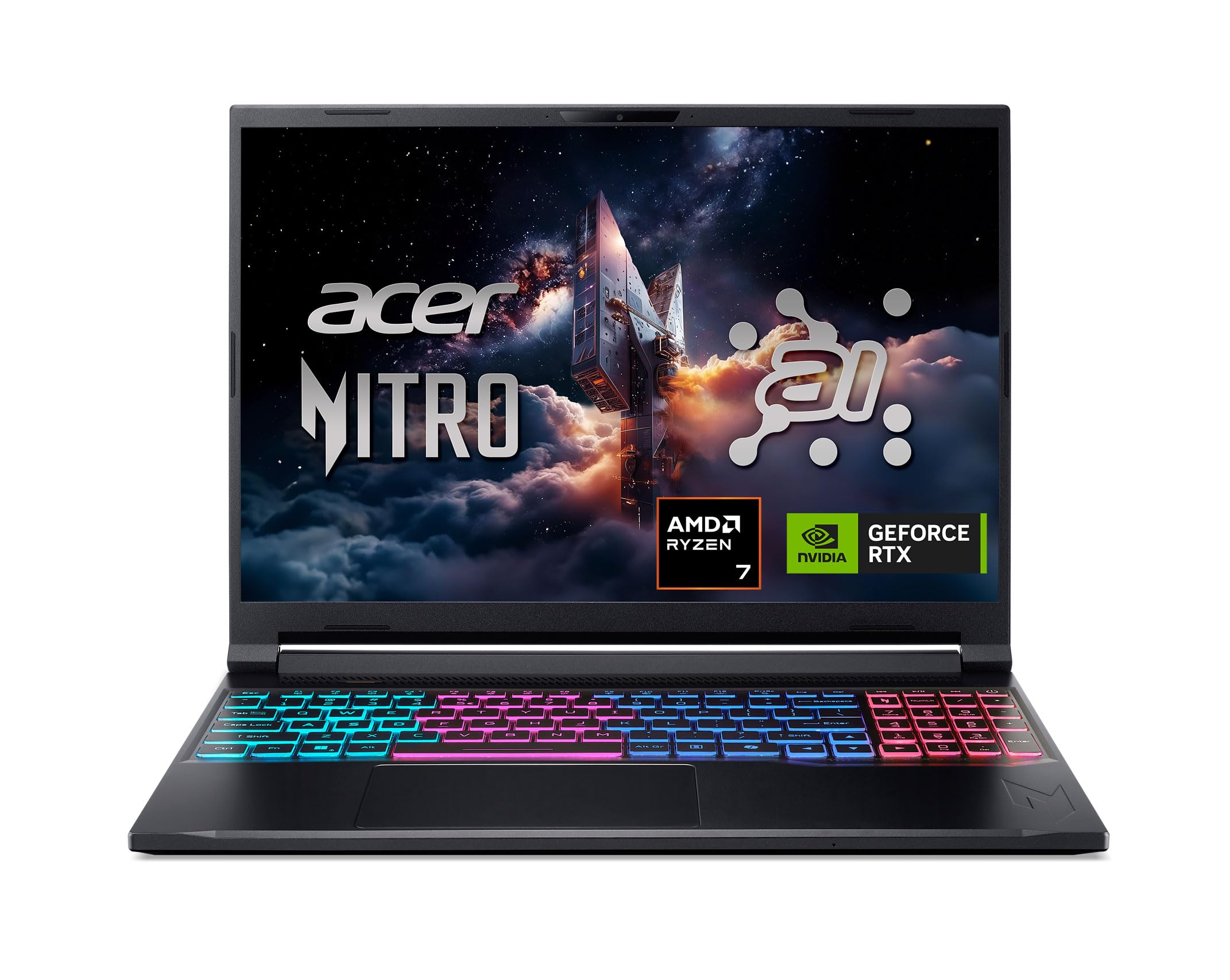
1. Acer Nitro V 16S AI Gaming Laptop (ANV16S-41-R2AJ)
Our pick — 4.0+★ from 350+ verified ratings; the strongest balance of quality and price.
Two memory slots, a spare M.2 bay, and 180Hz — the whole upgrade package in one chassis.
If you want a machine that stays serviceable after the warranty runs out, start here. The Nitro V 16S ships with 32GB of DDR5 5600MHz across two DDR5 slots total, giving you a maximum of 32GB — meaning the memory is already maxed but you can still swap sticks if one fails. Storage is more generous: a 1TB PCIe Gen 4 SSD sitting alongside two PCIe M.2 slots, with one slot left open for a second drive.
It is a 16″ WUXGA panel at 1920 x 1200 pixels (WUXGA is the wider 16:10 shape rather than the older 16:9), covering 100% sRGB for accurate color.
The CPU and GPU round it out. An AMD Ryzen 7 260 processor with 24 MB of CPU L3 cache (a fast scratch pad the chip uses to avoid waiting on slower memory) outpaces the Lenovo LOQ’s 8 MB by a 3.0x gap — a real edge when you stream and play at once. The NVIDIA GeForce RTX 5060 Laptop GPU carries 572 AI TOPS (trillions of AI calculations per second, the number that drives DLSS frame-boosting). Reviewers praise how smoothly it runs their favorite games and how solid the chassis feels. A 4.0+ star score across 350+ ratings backs that up.
Nitro speed edge
- 32GB DDR5 already installed, plus two M.2 slots with one free for a second SSD.
- 180Hz WUXGA display at 100% sRGB — smooth motion and accurate color at once.
- 24 MB L3 cache and 5.1 GHz max boost give it a clear lead over the LOQ on paper.
fan noise load
- Memory maxes at 32GB across the two slots — no path beyond that.
- Wi-Fi 6 rather than the newer standard used on some rivals.
strong pick: you want maxed memory, a spare drive bay, and a fast 16″ panel on a mid-range spend.
check cooling: your games need more than 32GB of memory someday.
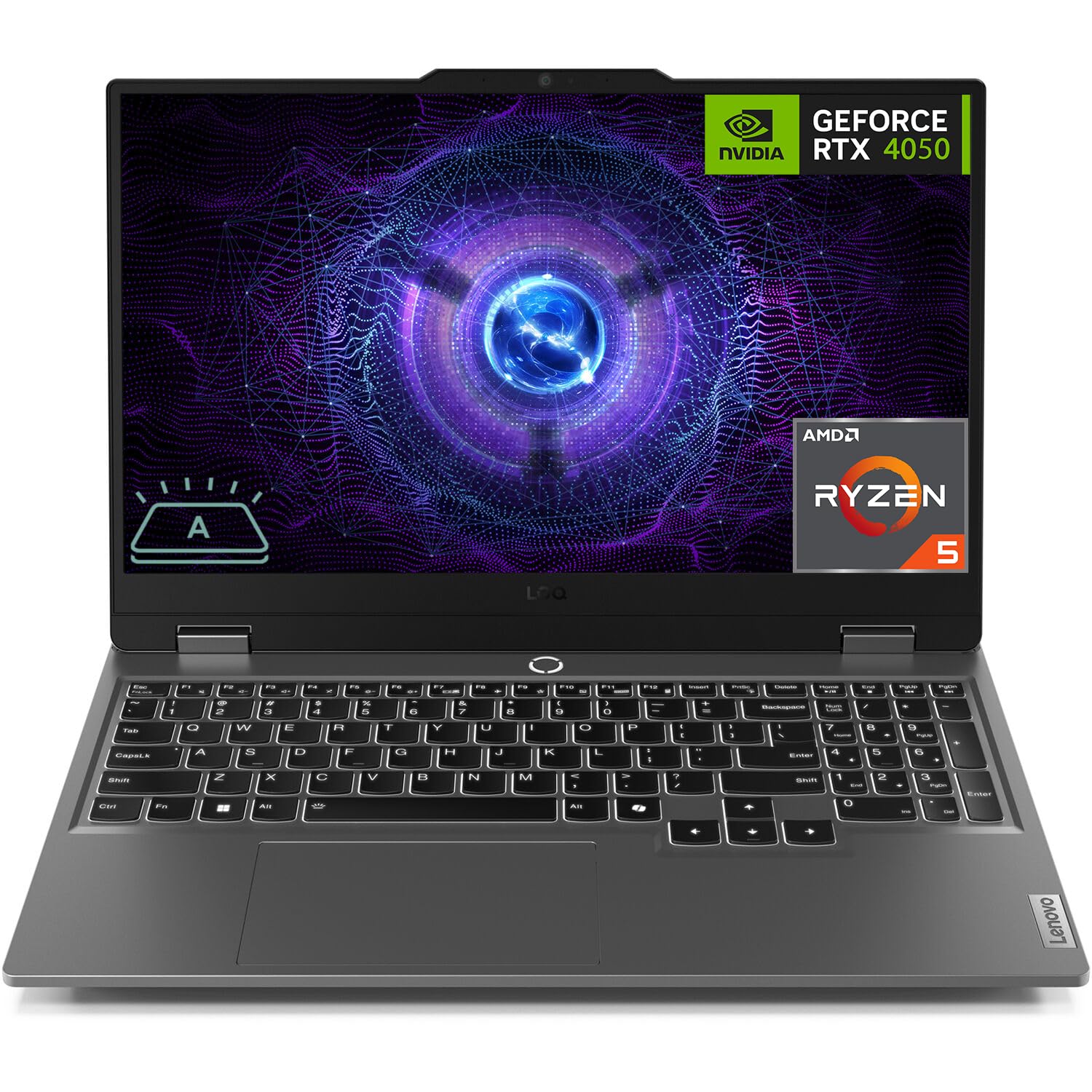
2. Lenovo LOQ Gaming Laptop (RTX 4050, Ryzen 5 7235HS)
The laptop that swallows an 8TB drive — if you can live with a slower chip.
Here is the pick for the game hoarder. Lenovo says this LOQ takes up to 64GB of DDR5 memory and up to 8TB of PCIe M.2 SSD storage across its bays — a figure that dwarfs most gaming laptops. That headroom means you can keep a library of AAA installs without ever deleting one to make room.
For display and graphics, you get a 15.6″ FHD 1920 x 1080 IPS anti-glare panel at 300 nits (brightness roughly suited to indoor rooms) with a 144Hz refresh rate and G-SYNC, which syncs frames to the screen to kill tearing. The GPU is an NVIDIA GeForce RTX 4050 with 6GB of GDDR6, and the processor is an AMD Ryzen 5 7235HS with four cores and eight threads.
That CPU is the honest catch. Its 8 MB L3 cache is the smallest on this list, and its 4.2 GHz max boost trails the Acer Nitro V 16S’s 5.1 GHz. Reviewers praise its game performance most, noting it runs titles without stutter. The value question is where buyers split: some call it a great bang for your buck, others want more for the money. Ports are a genuine strength — USB-C, three USB-A, HDMI, Ethernet RJ45, plus Wi-Fi 6 and Bluetooth 5.2.
balanced budget build: an 8TB ceiling is the reason to pick this LOQ over any other laptop here. No rival states a matching figure.
modest graphics ceiling: you are buying bays and ports, not a fast chip — the RTX 4050 and 8 MB cache sit at the lower end for gaming.
solid value: a big library, a wired Ethernet setup, and no patience for uninstalling games.
weigh upgrades: you chase high frame rates on demanding titles.
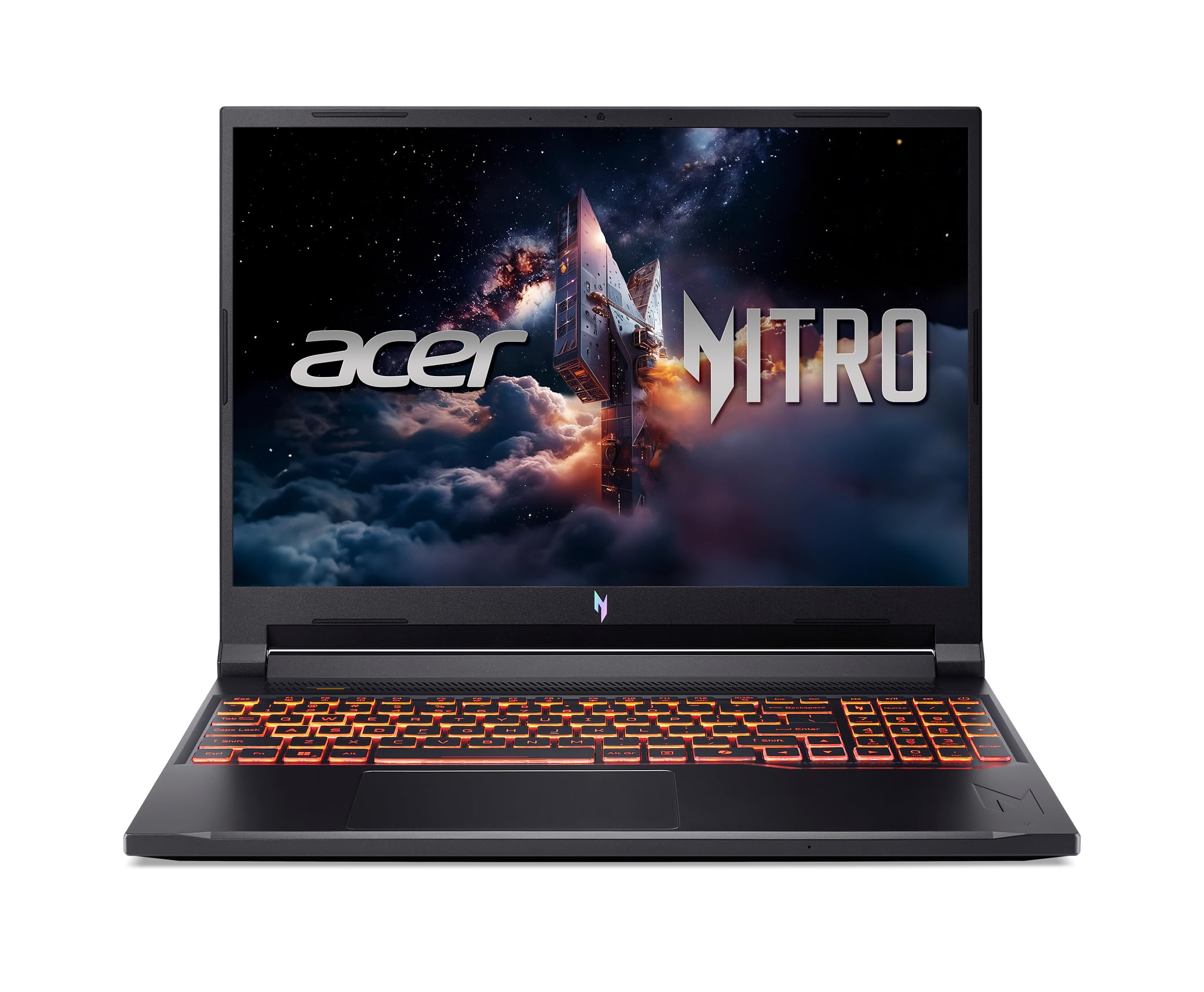
3. Acer Nitro V 16″ Gaming Laptop (ANV16-72-73EW)
A 180Hz screen, two memory slots, and a Thunderbolt 4 port for docking a whole desk.
The second Acer here plays a different game: connectivity. You get a Thunderbolt 4 USB-C port (a single cable that can drive a display and charge at up to 65W), HDMI 2.1 at 48 Gbps, three USB-A ports, Ethernet RJ45, and a microSD card reader for offloading gameplay clips. Docking this to a monitor and keyboard takes one cord.
Inside, an Intel Core 7 processor 240H with a 5.2 GHz max boost pairs with an NVIDIA GeForce RTX 5050 Laptop GPU rated at 440 AI TOPS. Memory is 16GB of DDR5 across two DDR5 slots total with a 32GB maximum, and storage is a 1TB PCIe Gen 4 SSD. The cooling system uses dual fans with four intake and four exhaust vents, which is why it can hold steady frames across long sessions. It weighs 5.29 lbs.
The screen is the same recipe as its sibling: a 16″ WUXGA 1920 x 1200 IPS panel at 180Hz, with 300 nits and a 3ms overdrive response time (overdrive is a trick that speeds up pixel color changes to cut ghosting). Both Acers hold that 180Hz edge over the 144Hz HP machines. It earns a 4.5+ star read across a smaller pool of 20+ ratings, so the track record is younger.
desk favorite: you plug into a desk setup and want Thunderbolt 4 plus a 180Hz panel in one mid-range machine.
mind the weight: memory stops at 32GB, and the review history is short compared to the top pick.
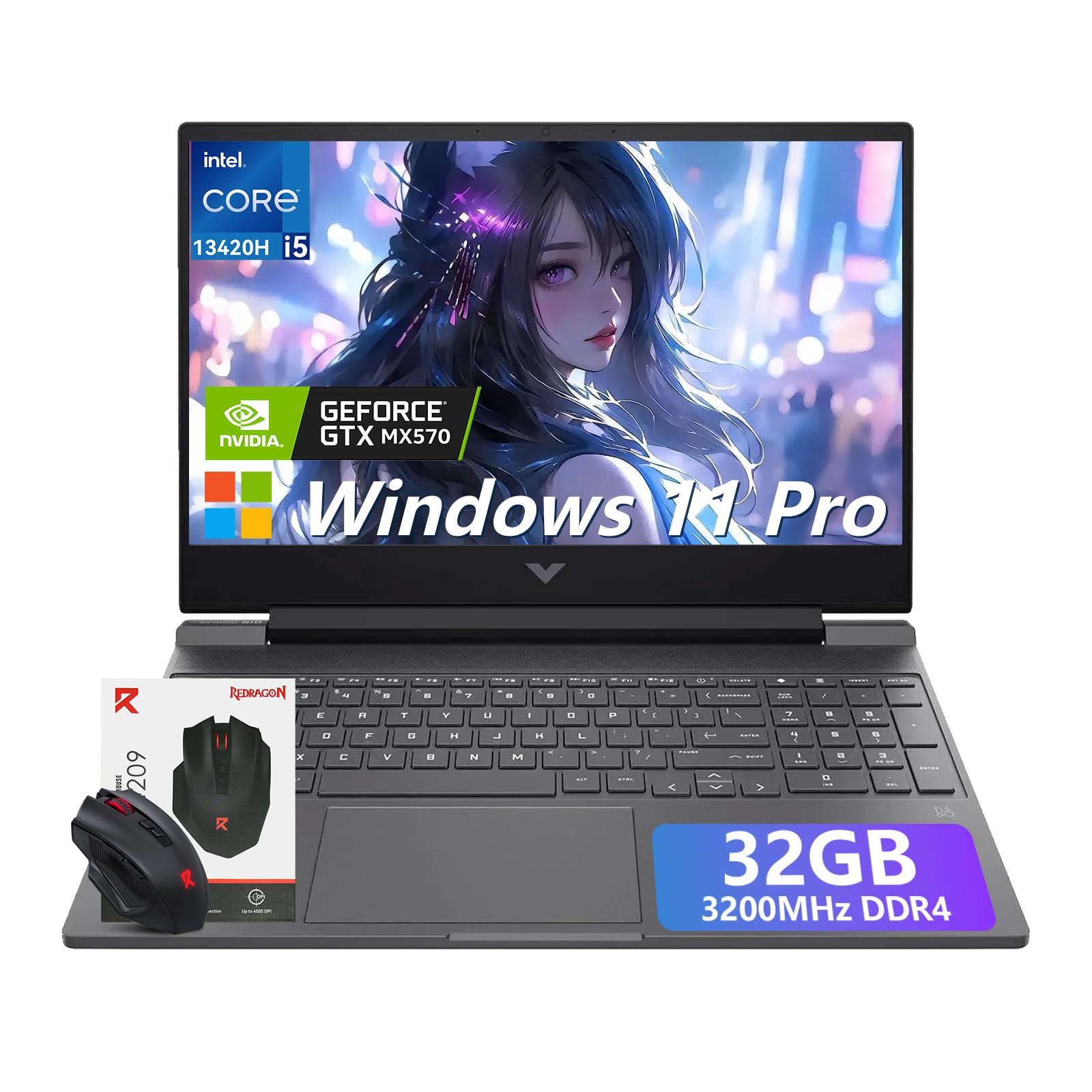
4. HP Victus 15 Gaming Laptop (32GB, i5-13420H)
Ships with 32GB installed and a clear road to 64GB — the memory ceiling most rivals lack.
Where the Acer Nitro V 16S caps out at 32GB, this Victus 15 keeps going. It ships with 32GB of DDR4 3200MHz memory and explicitly supports upgradeable memory up to 64GB — the highest stated ceiling among the memory-slot picks here. A 1TB PCIe NVMe SSD handles storage. If multitasking across a game, a browser, and a render queue is your day, that ceiling is the reason to pick it.
The CPU is an Intel Core i5-13420H with eight cores and up to 4.6GHz, and the GPU is an NVIDIA GeForce RTX 3050 with 6GB of GDDR6. The screen is a 15.6″ FHD 1920 x 1080 anti-glare IPS panel at 144Hz, which cuts motion blur and screen tearing in fast shooters. HP builds in tune airflow for sustained sessions, and it weighs just 5.06 lbs — light enough to slip into a backpack. A backlit keyboard and a wireless mouse come in the box.
This one carries the highest score in the group — 4.5+ stars, though from a smaller field of 20+ ratings, so treat the number as promising rather than proven. The trade-off is graphics generation: the RTX 3050 is older silicon than the RTX 5060 and 5070 found on the Acers and MSI here, so it will not match their frame rates on demanding titles.
multitask ready: you want a long memory upgrade runway and a lighter carry weight without stepping into premium tier.
GPU limits: buyers who need the newest GPU architecture for heavy ray-traced games.
5. HP Victus 15.6″ Gaming Laptop (i5-12450H, RTX 3050, 16GB)

The entry ticket to upgradability that still stretches to 64GB and 2TB.
You do not need to spend up to start upgrading. This Victus 15.6 arrives with 16GB of RAM but HP states support for up to 64GB of DDR4-3200, and its storage can grow to a 2TB solid state drive. Two numbers worth holding beside each other: this model claims 10 hours of battery life versus the 6 hours of the other Victus 15.6 listed lower down — 67% more time away from a wall outlet.
The CPU is an Intel Core i5-12450H from the 12th Generation, boosting to 4.4 GHz, paired with an NVIDIA GeForce RTX 3050 with 6GB of GDDR6. The 15.6″ FHD IPS anti-glare panel runs at 144Hz. Wi-Fi 6 and a backlit keyboard round it out, and it adds an available M.2 slot. Reviewers praise build quality first and game performance second, naming Arc Raiders and Street Fighter 6 as titles that run flawlessly.
Memory here is DDR4 rather than DDR5, and the graphics card is a generation behind the RTX 50 Series machines. Neither stops you from playing; both explain why this sits below the Acer on frame-hungry titles. It scores 4.0+ stars across 80+ ratings.
proven budget formula: a 64GB memory ceiling and a 2TB storage path at the entry-level tier — genuine upgrade room without premium spend.
entry graphics only: DDR4 memory and RTX 3050 graphics mean it trails the newer architectures on demanding games, and the battery figure is a rated claim rather than a guarantee.
starter gaming: you want upgrade headroom and a long battery rating on the smallest outlay here.
expect tradeoffs: you need DDR5 speeds and the latest GPU generation.
6. MSI Katana 15 HX (i9-14900HX, RTX 5070, 32GB)

A 24-core i9 and an RTX 5070 behind a QHD 165Hz panel — the top of this ladder.
This is the machine for someone who wants the fastest silicon here and accepts the cost. The Intel Core i9-14900HX runs a 24-core hybrid design up to 5.8 GHz — the highest max speed of any laptop on this page. The NVIDIA GeForce RTX 5070 handles ray tracing and DLSS 4 upscaling, and the display is a QHD 165Hz panel at 100% DCI-P3 (a wide color range that makes game worlds look richer). Games like The Last of Us and Red Dead Redemption 2 run well on it.
Cooling is the design story: Cooler Boost 5 uses dual fans and a 5-heat-pipe share-pipe layout to hold frame rates across long sessions. You get 32GB of DDR5 and a 1TB NVMe SSD, a 4-zone RGB keyboard with highlighted WASD keys, USB-C Gen 2, HDMI up to 8K, Wi-Fi 6E, and Bluetooth 5.4. Memory and storage are fixed at what ships; the available M.2 slot count is one.
Cooling is also where opinions divide. Plenty find it runs cool under pressure; others say the chassis struggles to shed heat, and noise and reliability come in for mixed notes. Battery is the other reality check — you get 2 hours of rated runtime, so this wants a desk and an outlet. It scores 4.0+ stars across 350+ ratings.
high refresh muscle
- 24-core i9-14900HX at 5.8 GHz — the fastest CPU here by spec.
- RTX 5070 with DLSS 4 and a QHD 165Hz, 100% DCI-P3 display.
- Wi-Fi 6E and Bluetooth 5.4 for the newest wireless standard in this group.
premium price tag
- 2 hours of rated battery — it is a desk machine.
- One available M.2 slot and fixed 32GB memory limit the upgrade path.
- Cooling draws mixed opinions; some chassis run hotter than others.
power play: elite frame rates and a QHD color-rich panel matter more than battery or expansion.
budget stretch: you plan to add drives or need a laptop that leaves the desk.
7. HP Victus 15.6″ Gaming Laptop

The lowest rung: 8GB to start, one free M.2 bay, and a 144Hz screen.
Start at the bottom of the ladder and the upgrade path matters most. This Victus 15.6 ships with 8GB of DDR5 memory — half the 16GB found in the Victus listed above — alongside a 512GB PCIe NVMe SSD. HP fits an available M.2 slot for adding a second drive. If you plan to grow into a machine rather than buy the biggest one now, this is the angle to weigh.
The engine is an AMD Ryzen 5 7535HS with an NVIDIA GeForce RTX 2050, and the screen is a 15.6″ FHD anti-glare IPS panel at 144Hz. It adds Wi-Fi 6 and Bluetooth 5.3, a backlit keyboard with a numeric pad, an enlarged touchpad, and HP Fast Charge. This one claims 6 hours of battery life — versus 10 hours on the other Victus 15.6 above, so it is worth deciding which matters more to you.
Performance is what draws positive comments — the laptop plays games smoothly without lag or hiccups. The RTX 2050 and 8GB starting memory are the honest limits, though, and the GPU is the oldest on this page. That makes it a light-gaming and first-upgrade pick, not a heavy-title machine. It reads 4.0+ stars across 200+ ratings.
casual choice: you play lighter titles and want a low entry point with a free drive bay to expand later.
demanding titles: you want at least 16GB installed from day one — the RTX 3050 Victus models start there.
Know the Specs
Memory Slots and Ceiling
The number of DDR5 or DDR4 SO-DIMM slots tells you whether you can add memory yourself. A “2 slots total” listing or a stated maximum like 64GB means the laptop can grow. This matters because games, browsers, and creative tools all share that pool, and the ceiling sets how far the machine can stretch over its life.
M.2 Storage Bays
An “available M.2 slot” means there is a free connector for a second SSD. Games take up large amounts of disk, and adding a drive avoids cloning your existing one. Look for a model that names an open bay rather than only a total capacity, so storage expands without erasing what you have.
Refresh Rate and Response
Refresh rate is how many times per second the screen redraws. A 144Hz panel is smoother than a standard 60Hz display, and a 180Hz or 165Hz screen goes further. It only helps if the GPU can push those frames, so pair a high-refresh display with a graphics card that can drive it.
GPU Tier and AI TOPS
The graphics card decides how well games run. Newer RTX 50 Series cards support DLSS 4, which uses AI to raise frame rates, and AI TOPS (AI operations per second) is the number that describes that capacity. An older card like the RTX 3050 or 2050 runs games but at lower settings on demanding titles.
Common Questions
How do I know a gaming laptop’s RAM is actually upgradable?
Can I add a second SSD to these laptops?
Is DDR5 memory worth it over DDR4 on a gaming laptop?
Does a higher refresh rate matter if my GPU is entry-level?
How many hours of battery should I expect from an upgradable gaming laptop?
Is a gaming laptop with more L3 cache faster?
What does an available M.2 slot count of one mean for me?
Can I upgrade the GPU on these laptops later?
Why do some gaming laptops weigh more than others here?
Should I buy a laptop with 16GB or 32GB of memory?
The Bottom Line
The strongest pick for most buyers is the Acer Nitro V 16S AI, because it pairs maxed DDR5 memory, a spare M.2 bay, and a 180Hz WUXGA panel with the largest L3 cache here. If storage is your priority, the Lenovo LOQ lets you fit up to 8TB of SSD. And if you want the longest memory upgrade runway, the HP Victus 15 with 32GB stretches to 64GB. One honest nudge: the Nitro V 16S holds the top spot on the strength of its full package, but its review history is younger than the Katana’s, so the track record comes from a smaller field.
How we choose
We do not accept paid placement. Every pick is matched to a real buyer and a real use-case; we do not hands-on test units.
Sources
Specifications: manufacturer listings and product documentation. Review insights: verified customer reviews, as of November 2026. Pricing: not shown on this page (it changes often); check the current price via the retailer link.
As an Amazon Associate, Tactical Gear Guy earns from qualifying purchases. This does not affect which products we feature.