Specs are compiled from manufacturer listings and verified buyer reviews and can change over time — please confirm the key details on the product page before buying.
You want to play Xbox games on a big screen without buying a console, and a Chromebook can genuinely do it — if you pick one with the right screen and enough processor muscle. The catch is that most Chromebooks are built for spreadsheets, not game streaming. This guide separates the Chromebooks that keep up with Xbox Cloud Gaming from the ones that leave you fighting input lag and a dim panel.
This guide is built by comparing the manufacturers’ published specifications and the patterns across verified customer reviews, so you get each pick’s real strengths and trade-offs instead of marketing spin.
The picks below range from entry-level workhorses to a dedicated cloud-gaming machine, each matched to a specific buyer. Here is the honest breakdown of the best Xbox Cloud Gaming Chromebook for your setup.
Top Picks
How To Choose The Best Xbox Cloud Gaming Chromebook
Xbox Cloud Gaming streams the game to your screen over the internet, so the machine in your hands is really a video player with a controller attached. That reverses the usual laptop shopping logic: the display and the wireless connection matter more than the CPU. A fast CPU helps, but the display and the wireless connection decide whether the game feels smooth or soupy.
Start with the screen refresh rate
Refresh rate is how many times per second the screen redraws the picture, measured in hertz (Hz). A 60 Hz panel updates 60 times a second, while a 144 Hz panel updates 144 times. For fast shooters and racing games, the higher number means less smear behind moving objects, so you track targets instead of guessing where they went.
Then check the wireless standard
Wi-Fi 6E adds a 6GHz band (a less crowded radio lane for your data) on top of the usual 2.4GHz and 5GHz bands. Wi-Fi 7 goes further with MLO, which lets the laptop hold more than one band at once. In a house full of phones and streaming sticks, that extra lane is often the difference between a clean stream and a frozen frame.
Match the processor to your second screen habit
Cloud gaming leans on the network, but you will still run Discord, a browser tab of guides, and maybe a video on the side. An Intel Core i3 or i5 from the 12th or 13th generation gives you headroom for that. Budget N-series chips handle a single game tab fine but feel the squeeze once you pile on background apps.
Decide how you hold it
A 2-in-1 hinge lets the screen flip into tent or tablet mode, which is genuinely useful when you want the display propped up and a controller in both hands. If you only ever play at a desk with a gamepad, a standard clamshell saves you the hinge and often some weight.
Side-by-Side Comparison
| Model | Best For | Processor | Display | Memory & Storage | Amazon |
|---|---|---|---|---|---|
| Lenovo Chromebook Plus Touchscreen 2-in-1★ Best Overall | All-round family pick | Intel Core 3 N355, up to 3.3 GHz | 14″ touch, 1920 x 1200 | 8GB RAM / 128GB | Amazon |
| ASUS Chromebook CX15Budget Champion | Budget desk workhorse | Intel N50, up to 3.4 GHz | 15.6″ FHD anti-glare, 1920 x 1080 | 8GB LPDDR5 / 128GB | Amazon |
| Acer Chromebook Spin 314 | Rugged convertible | Intel Core i3-N305, up to 3.8 GHz | 14″ WUXGA touch, 1920 x 1200 | 8GB LPDDR5 / 128GB eMMC | Amazon |
| Acer Chromebook Plus 515 | Raw processing and storage | Intel Core i3-1305U, up to 4.5 GHz | 15.6″ FHD touch, 1920 x 1080 | 8GB LPDDR5X / 256GB SSD | Amazon |
| ASUS Chromebook Vibe CX34 Flip | Purpose-built for cloud gaming | Intel Core i5-1235U, up to 4.4 GHz | 14″ 144 Hz touch, 1920 x 1200 | 8GB RAM / 256GB SSD | Amazon |
Detailed Reviews
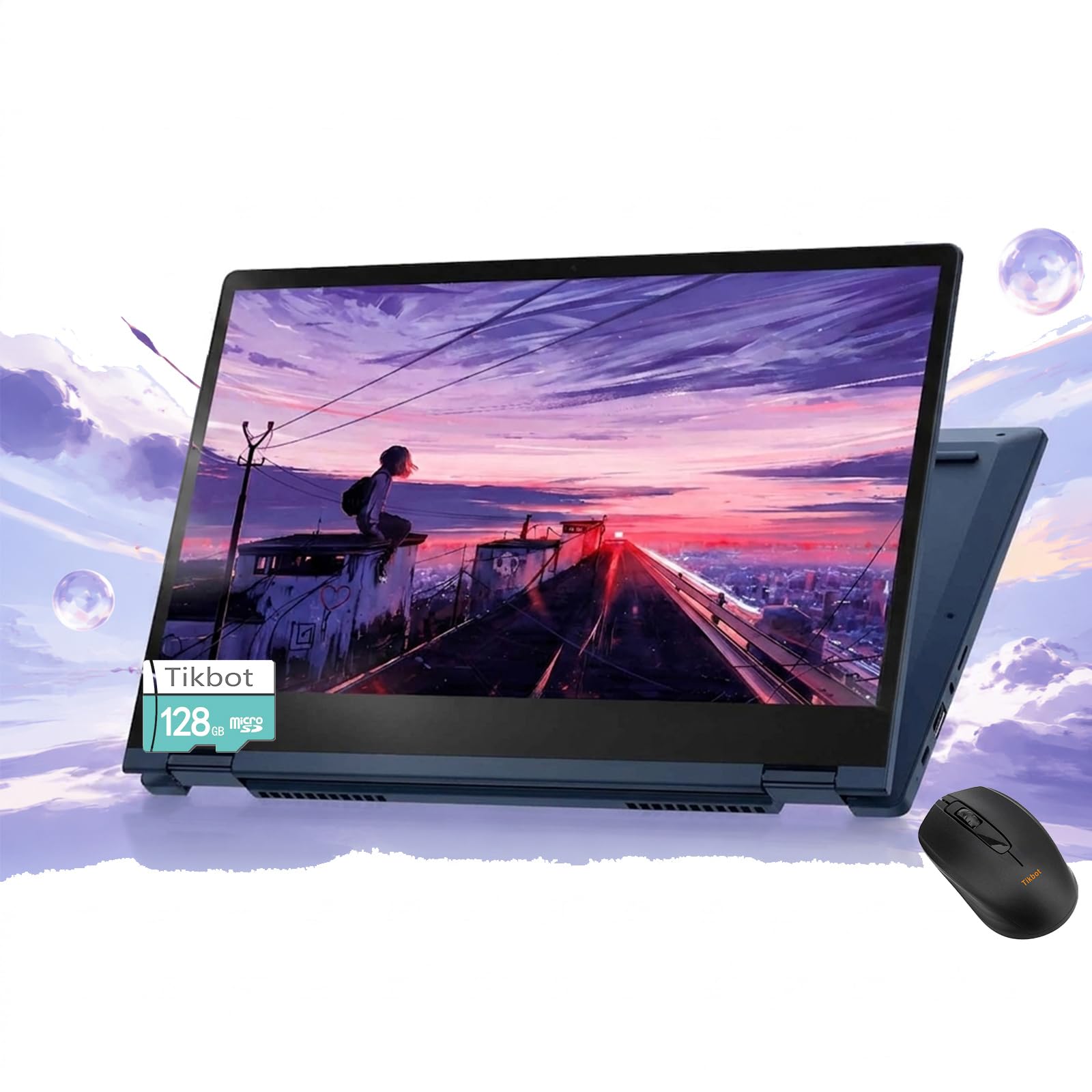
1. Lenovo Chromebook Plus Touchscreen Laptop 2-in-1
Our pick — 4.0+★ from 150+ verified ratings; the strongest balance of quality and price.
The flip-and-fold all-rounder that covers gaming, homework, and everything after.
If one machine has to serve the whole household, this is the one to put in the cart. The 2-in-1 hinge folds the 14-inch touchscreen into four positions — laptop, tablet, tent and stand — so you can prop it on a desk for a controller session and then flip it flat for a video call. The panel itself runs WUXGA resolution (1920 x 1200, a taller-than-1080p picture) at 300 nits of brightness, which is bright enough to hold up in a normally lit room.
The processor is an 8-core Intel Core 3 N355 running up to 3.3 GHz, and Lenovo pitches it directly at people who want to run several Chrome tabs plus some Android apps in the background. That matters for cloud gaming, because you are usually streaming the game while a walkthrough tab and a chat window sit open beside it. The 8GB of RAM keeps that juggling act from collapsing, and the 128GB of onboard storage pairs with 128GB of SD card space plus 2TB of cloud storage. There is a real SD card reader here too, which the Acer Chromebook Plus 514 does not offer.
Buyers mention speed first: the stream renders smoothly instead of lagging behind the action. The catch is the battery, rated at 10 hours but with mixed feedback; a heavier gaming session will drain it faster than that number suggests, so keep the charger nearby on long days. Lenovo also includes Wi-Fi 6E (a faster Wi-Fi standard that reduces lag), Bluetooth 5 (a wireless standard for connecting controllers and headphones), a webcam with a privacy shutter (a cover that blocks the lens), and a numeric keyboard.
What earns its place
- Four-position 360° hinge turns it from gaming screen to tablet in one motion.
- WUXGA 1920 x 1200 display at 300 nits keeps the picture crisp in a lit room.
- 8-core Intel Core 3 N355 with 8GB RAM handles a game tab plus background apps.
- SD card reader, webcam privacy shutter, and numeric keyboard all included.
Where it asks for patience
- The 10-hour battery figure has drawn mixed feedback; heavier streaming shortens it.
- 128GB of onboard storage is the leanest of the mid-range picks here.
Reach for this if: you want one flexible machine that flips into a gaming screen and still handles school or office tabs.
Look elsewhere if: you need the largest storage closet or a display that holds 60 Hz at full brightness all day.
2. ASUS Chromebook CM15
A 15.6-inch canvas that-lede”>The one that keeps playing long after you expected the charger.
Eleven hours of rated battery is the headline, the longest figure in this lineup. The screen is the thing that drains a laptop, and Lenovo rates this one at 11 hours against the 10-hour figure on the Acer Chromebook Plus 515 and the 10-hour figure on the Lenovo 2-in-1 above. A full day of mixed use between gaming sessions and email is the realistic picture rather than a stretch.
It is also slender in a way you feel in a bag. The chassis is 0.69 inches thick and 3.3 lbs, so sliding it into a rucksack next to a controller is no chore. The 14-inch WUXGA IPS touchscreen runs 1920 x 1200 at 60 Hz, which is the standard smoothness you want for streamed gameplay. Lenovo adds military-grade durability to the build and a 65W USB-C charger that fills it back up quickly.
Where this one quietly beats its stablemate is security and ports. There is a fingerprint reader for quick open up and a physical shutter on the FHD webcam, plus two USB-C, two USB-A, and HDMI — enough to plug in a monitor, a controller receiver, and a headset at once. Storage lands at 256GB of UFS, which is faster to read than the eMMC on the Acer Spin 314 and double the 128GB on the ASUS CX15.
Reasons it stands out
- 11-hour battery rating is the longest in this lineup for a gaming-and-work day.
- 0.69-inch chassis at 3.3 lbs makes it genuinely portable.
- Fingerprint reader plus webcam privacy shutter for quick, private logins.
- 256GB UFS storage and two USB-C ports with HDMI on board.
The fair caveat
- The N355 tops out at 2.9 GHz, below the Core i3 and i5 machines further down.
- 60 Hz touchscreen is smooth but does not chase high-refresh gaming.
Pick this one if unplugging for a full day of gaming and schoolwork matters more than benchmark bragging rights.
Pass on it if your session strategy leans on high frame rates and the fastest processor in the lineup.
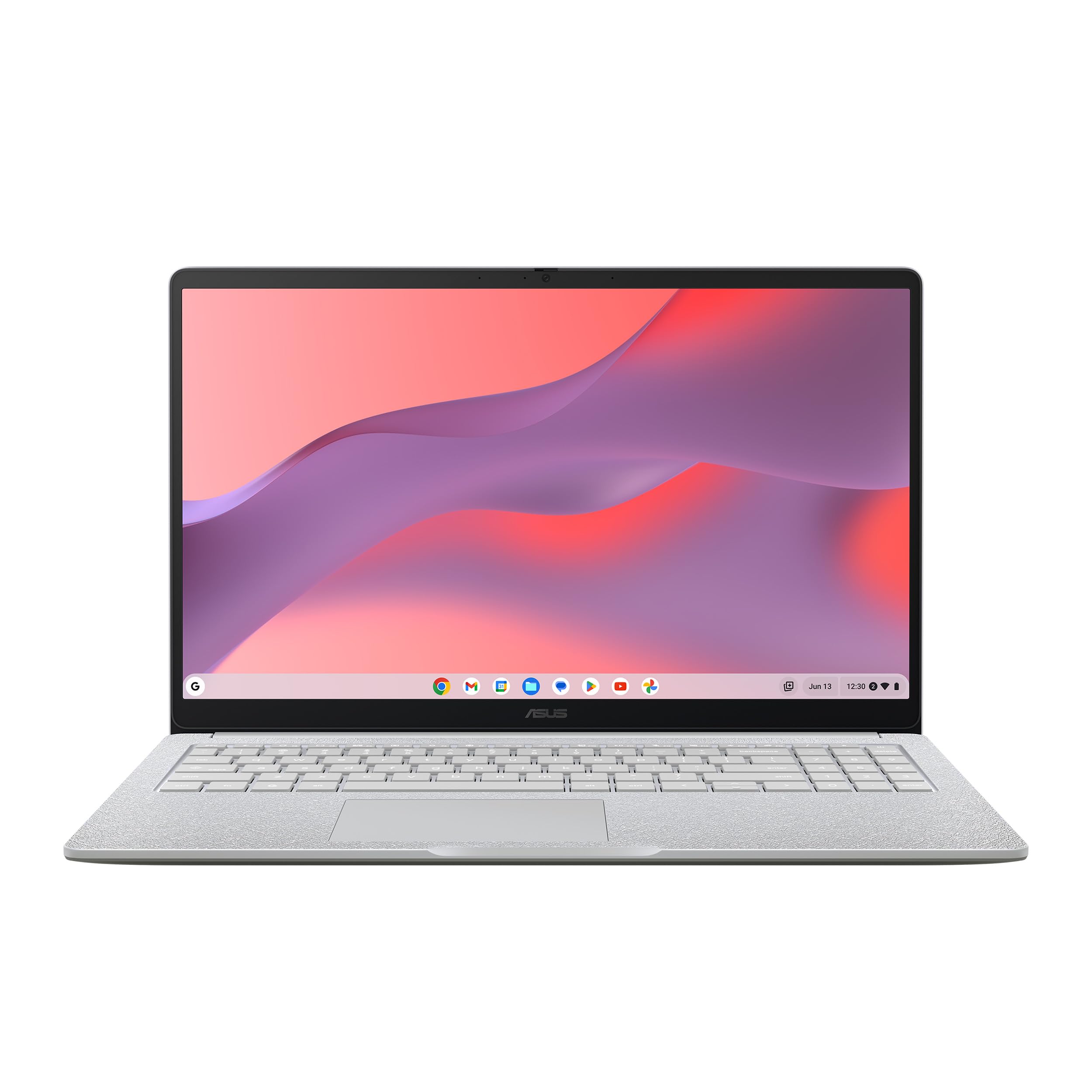
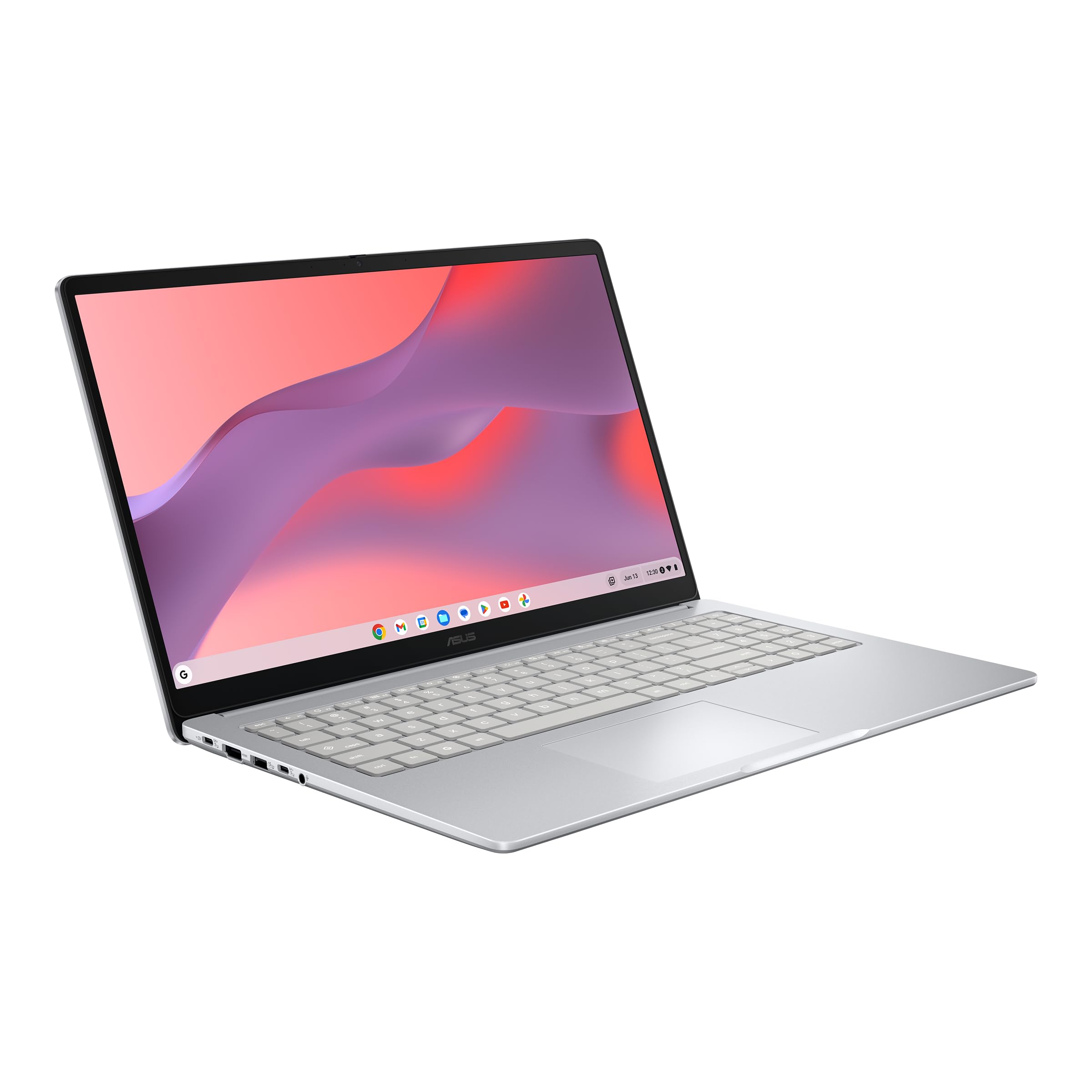
3. ASUS Chromebook CX15
A 15.6-inch anti-glare panel for buyers watching the budget line.
Value is the reason this one shows up so often in the reviews, and the 15.6-inch Full HD 1920 x 1080 NanoEdge anti-glare display is where your money goes. Anti-glare coating means the screen fights back against window light rather than mirroring it, which is exactly what you want if your gaming spot is near a window. The Intel Processor N50 runs up to 3.4 GHz, and with 8GB of LPDDR5 memory it handles the everyday load efficiently.
The pairing here is speed and simplicity. ChromeOS boots in under 10 seconds per ASUS, so there is no long wait between deciding to play and actually playing. The Titan C2 security chip sits behind the scenes to handle protection, and Bluetooth plus Wi-Fi keep the controllers and headsets connected. A numeric keypad is on the keyboard, so number entry for school or work is quick.
At 3.53 lbs this is the heavier of the two 15.6-inch ASUS models in this lineup; the CM15 above is 3.26 lbs. Durability is certified to Military Grade standard MIL-STD 810H, so it takes back-in-the-bag life without fuss. One honest note to size properly: an occasional unit has arrived that would not power on, so buy from a seller with a straightforward return path and you have nothing to worry about.
Why buyers like it: the anti-glare 15.6-inch panel shows up as the star, and buyers report getting up to 9 hours of use out of it on a mixed day of tabs and video.
What to keep in mind: the N50 processor at up to 3.4 GHz is built for a game tab and a browser, not a stack of background apps fighting for memory.
Made for you if you want the biggest screen in the budget tier and can live with one game tab at a time.
Think again if your session involves several heavy apps running behind the stream.
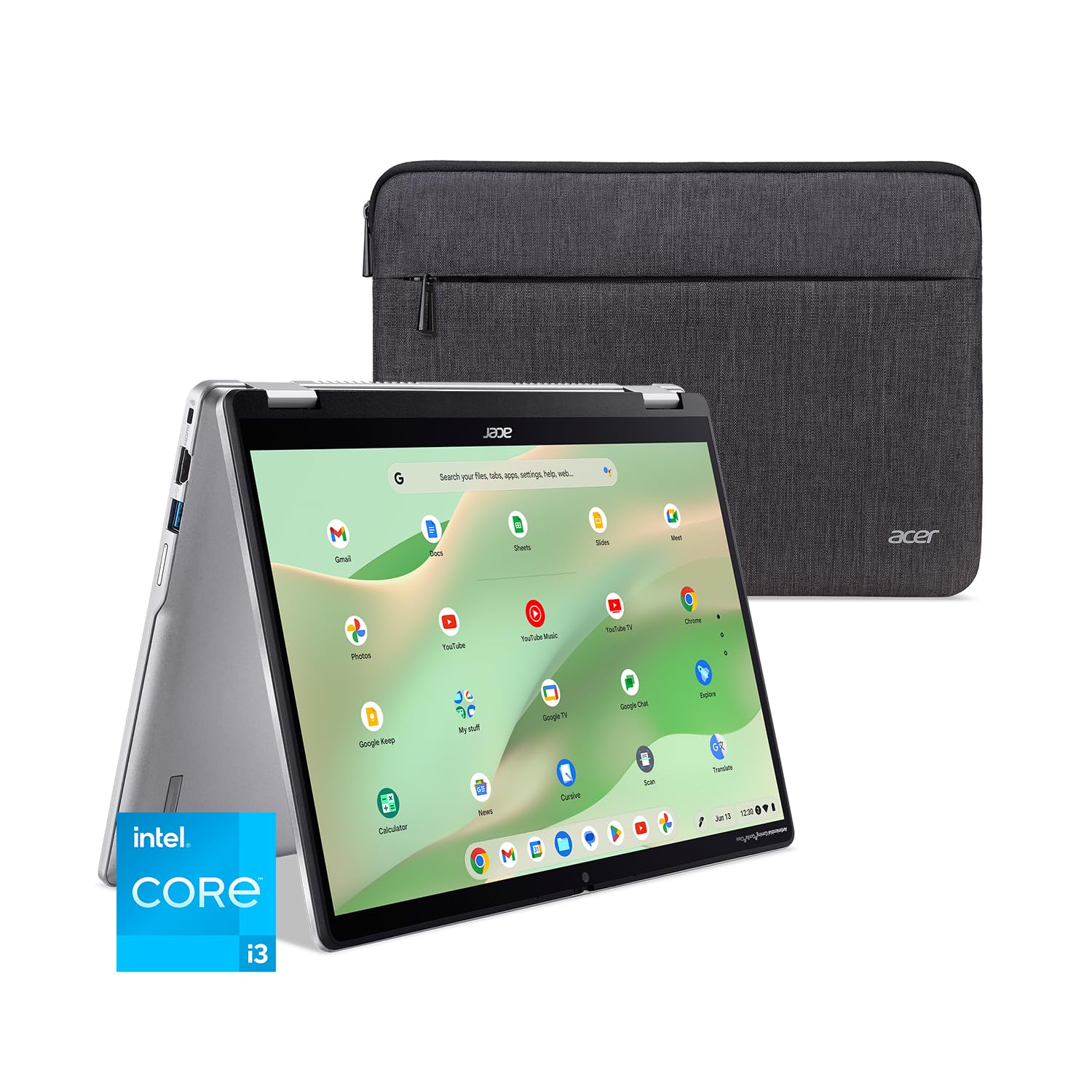
4. Acer Chromebook Plus Spin 514
A matte touchscreen under Gorilla Glass, built to survive a backpack.
Matte plus Corning Gorilla Glass is a combination worth calling out: the 14-inch WUXGA 1920 x 1200 panel (a sharp, high-definition screen) is a touchscreen covered in Gorilla Glass, which is toughened glass made to resist scratches and scuffs from fingers and stylus tips. The matte finish means less glare when the screen catches a lamp or window, and it supports a USI stylus (a pen that works with the touchscreen) for notes and drawing. The 16:10 aspect ratio gives you a taller picture than a standard widescreen.
Inside sits an Intel Core i3-N305 running at 1.8GHz with Turbo Boost up to 3.8GHz, paired with 8GB of LPDDR5 memory and 128GB of eMMC storage. That is a practical pairing for a browser-based gaming session with a few tabs around it. Acer rates the battery to keep a full day going, and the 360-degree hinge gives you the flip, tent, and tablet modes for propping the screen up with a controller in hand.
The camera is genuinely strong for a Chromebook: an FHD 1920 x 1080 sensor with 1080p video at 60 FPS, temporal noise reduction, a blue glass lens to cut lens flare, and a privacy shutter. Wi-Fi 6E and Bluetooth 5.2 handle the wireless side, and you get one USB-C plus two USB-A ports with HDMI. A protective sleeve comes in the box, which covers the rough-and-tumble life this machine is built for.
Why it earns a slot
- Corning Gorilla Glass touchscreen with matte finish handles fingers, stylus, and glare at once.
- FHD 1080p webcam at 60 FPS with privacy shutter beats typical Chromebook cameras.
- 360-degree hinge for flip, tent, and tablet modes.
- Wi-Fi 6E and Bluetooth 5.2 for clean wireless.
The honest limit
- 128GB eMMC storage is the smallest capacity tier here and reads slower than an SSD.
- i3-N305 at up to 3.8 GHz is below the i5 models for heavy multitasking.
Right for a student or commuter who wants a tough touchscreen that flips and does not mind carrying a sleeve.
Wrong for anyone who needs a big local drive for downloaded content.
5. Acer Chromebook Plus 515
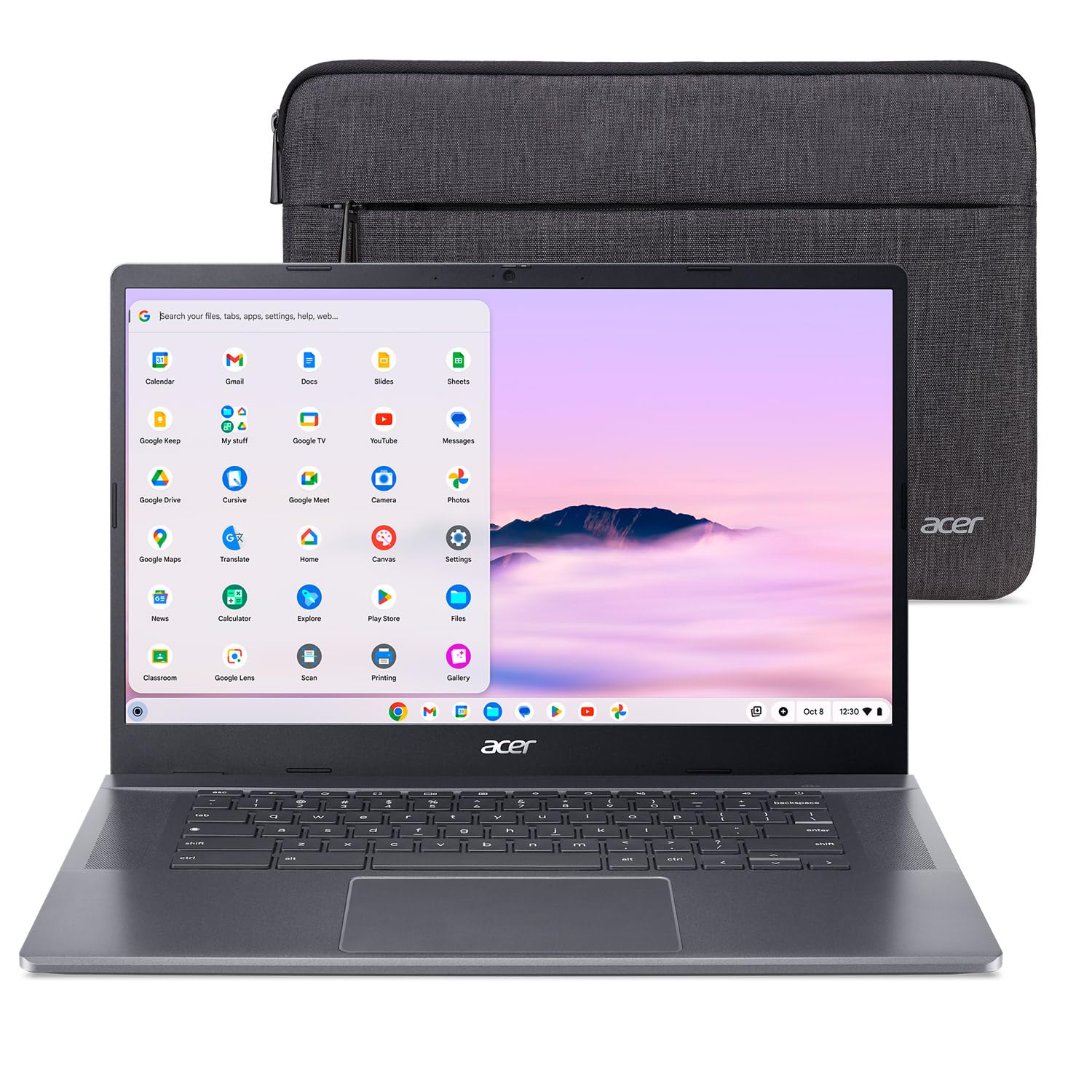
A big touchscreen and a fast SSD for people who game with a browser open.
Pure capacity is the story: 256GB of PCIe Gen4 SSD here against 128GB on the Lenovo 2-in-1 above — a 2x gap in local storage. The drive runs at Gen4 speeds, so a cloud game launches from a clean slate without a long wait. The screen is a 15.6-inch Full HD 1920 x 1080 ComfyView touch display at a 60 Hz refresh rate, and the anti-glare-adjacent ComfyView finish cuts reflections during long sessions.
The processor is an Intel Core i3-1305U running up to 4.5 GHz, with Intel UHD Graphics and 8GB of LPDDR5X memory. That memory type is a newer, faster variety of laptop RAM, so tab-juggling and app switching feel immediate. Intel Wi-Fi 6E AX211 covers the 2.4GHz, 5GHz, and 6GHz bands with 2×2 MU-MIMO, which is the wireless foundation you want for a stable stream. Acer rates the battery at up to 10 hours.
Build quality is what holds up under scrutiny — the chassis feels solid, and buyers call out the crisp display and easy setup. The one consistent note is the keyboard, which lacks backlighting; in a dim room you will be typing by feel. For gaming that is rarely a problem, since your hands are on a controller, but it is worth knowing if you also write at night.
What buyers notice: the build quality and the crisp 15.6-inch panel are the parts that land, and setup is quick enough to be forgettable.
The genuine downside: the keyboard has no backlighting, so late-night typing sessions are a hunt-and-peck affair.
The pick for someone who wants a large screen, a fast SSD, and a solid-feeling chassis for gaming and office work together.
Not the one if a backlit keyboard is non-negotiable for your evening routine.
6. ASUS Chromebook Vibe CX34 Flip

The only 144 Hz screen on this list, and the only one built for cloud gaming first.
That 144 Hz refresh rate is the reason this laptop exists. Where every other machine here runs a 60 Hz panel, this one redraws the picture 144 times a second on a 14-inch 1920 x 1200 NanoEdge touch display. For fast shooters and racing games, that means less motion smear and a picture that tracks the action instead of lagging behind it. ASUS built the machine specifically for cloud gaming rather than adapting a general-purpose laptop.
The rest of the hardware backs it up: an Intel Core i5-1235U running from 1.3 GHz up to 4.4 GHz across 10 cores with 12MB of cache, 8GB of RAM, and a 256GB M.2 NVMe PCIe 3.0 SSD. Wi-Fi 6 and Bluetooth 5.0 handle the wireless link. The keyboard is a backlit chiclet gaming-grade design with anti-ghosting, which means simultaneous key presses all register — useful for the times you are not on a controller. A USI stylus stores in its own garage in the chassis.
Ports are plentiful: one USB 3.2 Gen 2 Type-A, two USB 3.2 Gen 2 Type-C that support display and power delivery, HDMI 2.1, a 3.5mm combo jack, and a Micro SD card reader. Honest sizing on performance: that is the most-discussed topic in the reviews, and it swings both ways, with the machine drawing split feedback while some buyers call it outstanding. It is the pick to choose for the screen and the gaming intent, not for a flawless track record.
The case for it
- 144 Hz touch display is the only high-refresh panel on this list.
- Built and tune for cloud gaming from the ground up.
- Backlit anti-ghosting gaming keyboard and a garaged USI stylus.
- HDMI 2.1, two USB-C, USB-A, and a Micro SD reader.
The things to weigh
- Performance draws mixed feedback across the reviews, unlike the steadier picks here.
- Wi-Fi 6 and Bluetooth 5.0 are a step behind the 6E and 5.2 machines in this lineup.
Worth it if you want the smoothest picture in this lineup and will accept mixed reports on long-term reliability.
Better to pass if you want a machine with a steadier track record and newer wireless.
Know the Specs
Refresh rate (Hz)
Measured in hertz, this is how many times per second your screen redraws. A 60 Hz panel updates 60 times a second, while a 144 Hz panel updates 144 times. Higher numbers mean less blur behind fast-moving objects, so a 144 Hz display like the one on the Vibe CX34 Flip gives you a cleaner picture in a fast shooter than a 60 Hz panel does. This matters more for cloud gaming than raw processor speed, because the game itself runs on a server far away.
Wireless standard
Wi-Fi 6E adds a 6GHz band — an extra radio lane with less traffic — to the usual 2.4GHz and 5GHz bands. Wi-Fi 7 builds on that with MLO, which lets the laptop stay connected on more than one band at a time, plus 4K QAM for denser data. In a house where several people stream at once, the newer standard gives your game a better shot at a clean run. Remember that you need a matching router to use the extra bands.
Processor and RAM
The processor is the engine and RAM is the desk space it works on. An Intel Core i5 with 10 cores and 8GB of RAM like the Acer Chromebook Plus Spin 514 can keep a stream, a chat window, and a browser of guides running at once. A budget N-series chip with 8GB still handles a single game tab fine but slows when you pile background apps on top. Pick the processor for how many apps you keep open beside the stream, not for a benchmark score.
Display finish and brightness
Anti-glare and matte finishes scatter room light so it does not bounce back at you as a reflection. Brightness, given in nits, is how much light the panel throws — 300 nits like the Acer Chromebook Plus 514 and the Lenovo 2-in-1 holds up in a normally lit room. If your gaming corner faces a window, an anti-glare panel at a decent nit rating is worth more to your eyes than a slightly sharper resolution.
Common Questions
Can I play Xbox Cloud Gaming on a Chromebook?
Does refresh rate or processor speed matter more for cloud gaming?
Do I need Wi-Fi 6E or Wi-Fi 7 to stream games smoothly?
Can I plug a Chromebook into a TV for cloud gaming?
Is 8GB of RAM enough for a cloud gaming Chromebook?
Is a Chromebook better than a Windows laptop for Xbox Cloud Gaming?
What is MLO on Wi-Fi 7 and why does it matter?
How long does the battery last when I stream games?
Can I use a controller with a Chromebook?
Why does the Vibe CX34 Flip get mixed performance feedback?
The Bottom Line
For most buyers, the xbox cloud gaming chromebook that covers the widest range of situations is the Lenovo Chromebook Plus Touchscreen 2-in-1, because its four-position hinge, 300-nit WUXGA touchscreen (a screen bright enough to see clearly indoors), and 8-core Intel Core 3 N355 (a processor with eight cores for smooth multitasking) handle both a controller session and a homework night without complaint. If a long day away from a socket is your reality, the Lenovo Chromebook Plus 2-in-1 gives you the longest battery rating in the lineup at 11 hours. And if the picture is the whole point, the ASUS Chromebook Vibe CX34 Flip is the only machine here with a 144 Hz screen (a display that refreshes 144 times per second for smoother motion), built for cloud gaming from the first sketch.
One caveat: the Vibe CX34 Flip scores 4.5+ stars, but from the fewest ratings of any pick here, so weigh that against the steadier Acer and Lenovo track records before you commit to the 144 Hz panel.
How we choose
We do not accept paid placement. Every pick is matched to a real buyer and a real use-case; we do not hands-on test units.
Sources
Specifications: manufacturer listings and product documentation. Review insights: verified customer reviews, as of November 2026. Pricing: not shown on this page (it changes often); check the current price via the retailer link.
As an Amazon Associate, Tactical Gear Guy earns from qualifying purchases. This does not affect which products we feature.