Specs are compiled from manufacturer listings and verified buyer reviews and can change over time — please confirm the key details on the product page before buying.
You want a 27-inch screen that looks sharp without paying flagship money. A 27-inch WQHD panel packs 2560 x 1440 pixels, so text stays crisp and games show real detail instead of a stretched 1080p picture. This guide covers eleven 27-inch WQHD monitors and who each one suits.
This guide is built by comparing the manufacturers’ published specifications and the patterns across verified customer reviews, so you get each pick’s real strengths and trade-offs instead of marketing spin.
Refresh rate and panel type decide how a 27-inch monitor feels in daily use, so both get weighed heavily below. Every option here is judged on how it actually performs as a wqhd 27 inch monitor.
Top Picks

How To Choose The Best WQHD 27 Inch Monitor
Start with resolution, since it is the one spec you cannot upgrade later. A 27-inch panel at 2560 x 1440 has far more pixels than a 1080p screen of the same size, so a document looks clean instead of slightly fuzzy at arm’s length.
Refresh rate is the second decision
The refresh rate is how many times per second the screen redraws, measured in Hz. A 180Hz panel redraws 180 times a second, which makes a fast game feel fluid and a fast scroll look less smeared. Anything at 100Hz or above already feels noticeably smoother than a standard office screen.
Panel type sets the contrast you live with
IPS panels hold colour well across wide viewing angles. VA panels push a deeper contrast ratio, which helps dark scenes look black rather than grey. OLED panels switch each pixel on and off individually, so black is genuinely black — with a burn-in care routine to manage over time.
Do not skip the stand and ports
A stand with height, tilt, swivel and pivot adjustment keeps the panel at eye level during long sessions. Check the ports too: DisplayPort usually open up the top refresh rate, while HDMI is what a console and a laptop will use.
Adaptive sync keeps motion clean
Adaptive sync (marketed as AMD FreeSync or NVIDIA G-SYNC Compatible) matches the screen’s refresh to your graphics card’s frame output. That pairing cuts the tearing and stutter that appear when a game’s frame rate dips below the refresh rate.
Side-by-Side Comparison
| Model | Best For | Refresh Rate | Panel Type | Contrast Ratio | Amazon |
|---|---|---|---|---|---|
| Samsung Odyssey G5 (G51F)★ Best Overall | Balanced all-rounder | 180Hz | VA | 3000:1 | Amazon |
| AOC Q27G41ZETop Value | Competitive gaming on a budget | 240Hz native / 260Hz OC | IPS | 1000:1 | Amazon |
| Acer Nitro XV272U W2bmiiprxBuilt-In Audio | High refresh with built-in speakers | 240Hz (DisplayPort) | IPS | 1000:1 | Amazon |
| Acer Nitro XV271U M3bmiiprx | Popular value pick | 180Hz (DisplayPort) | IPS | 1000:1 | Amazon |
| ASUS TUF VG27AQM5A | Fastest non-OLED motion | 300Hz | Fast IPS | 1300:1 | Amazon |
| Dell S2725DS | Office and mixed work | 100Hz | LED | 1500:1 | Amazon |
| LG 27GR83Q-B UltraGear | Colour work plus gaming | 240Hz | IPS | 1000:1 | Amazon |
| LG 27GX704A-B UltraGear OLED | OLED contrast, careful budget | 240Hz | OLED | 1500000:1 | Amazon |
| Samsung Odyssey OLED G6 (G61SH) | Glare-free OLED colour | 240Hz | QD-OLED | 1,000,000:1 | Amazon |
| MSI MAG 271QPX | Highest refresh on OLED | 360Hz | QD-OLED | — | Amazon |
| ASUS ROG Strix XG27ACDNG | Premium OLED with burn-in cover | 360Hz | QD-OLED | — | Amazon |
Detailed Reviews
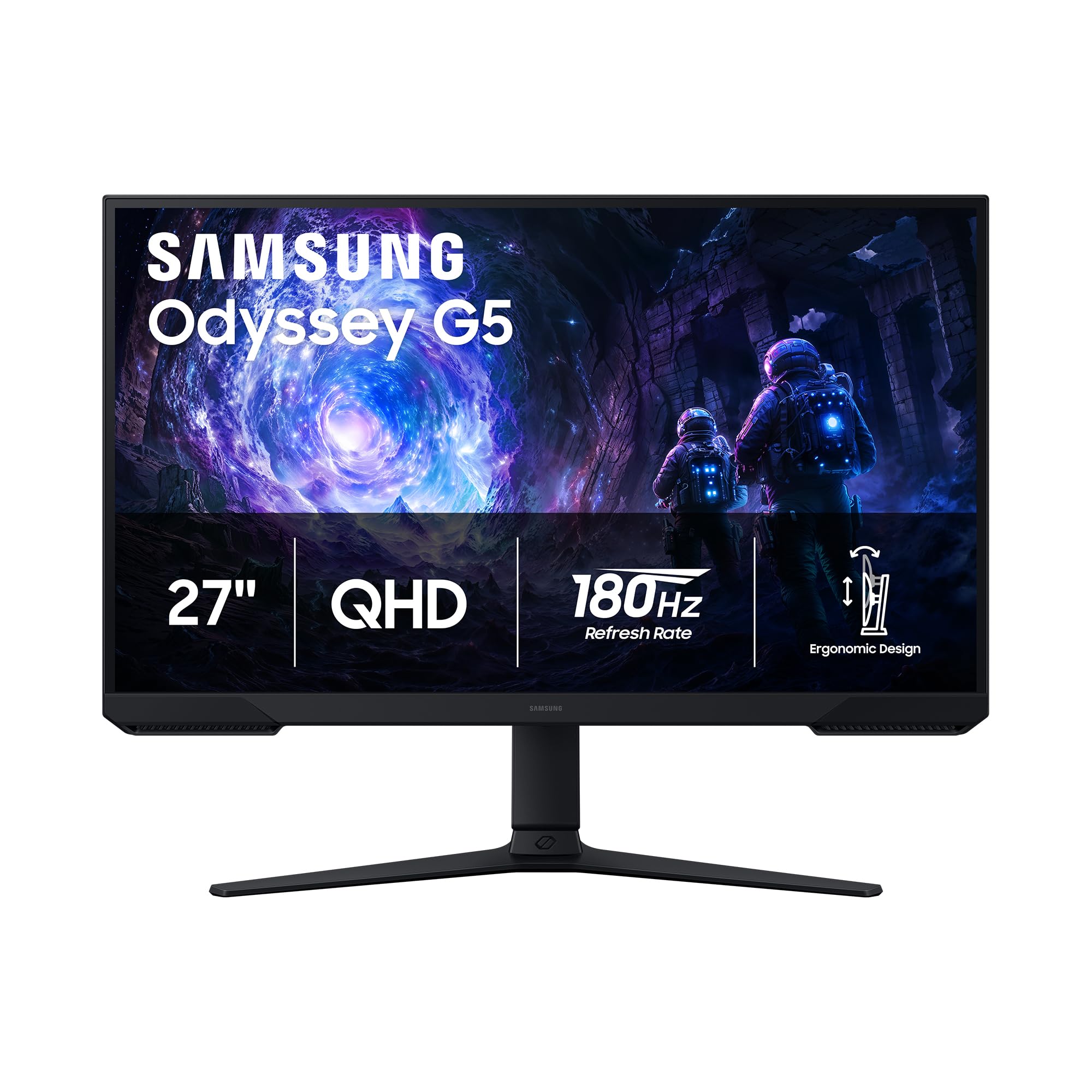
1. Samsung 27″ Odyssey G5 (G51F) Series QHD Gaming Monitor
Our pick — 4.5+★ from 950+ verified ratings; the strongest balance of quality and price.
The screen that keeps dark corners dark and fast frames smooth at the same time.
The G5’s defining trait is its VA panel, which delivers a 3000:1 contrast ratio. In plain terms, that is how much brighter the white parts of a picture are than the black parts. A high number means night scenes in a game look genuinely dark instead of washed grey — you spot an enemy hiding in a shadow rather than guessing. For comparison, the AOC Q27G41ZE below sits at 1000:1, while the Samsung’s panel is rated 3000:1.
You get that depth without giving up speed. The panel runs at 180Hz (it redraws the image 180 times a second), and a 1ms response time (how fast a pixel changes colour) keeps fast movement crisp. AMD FreeSync (a sync feature that matches the screen to your graphics card) is on board to stop the tearing and stutter that appear when the two fall out of step. Samsung also includes Black Equalizer, a setting that lifts the dark areas without blowing out the bright ones, so you can spot a target in a dim room. The resolution is QHD at 2560 x 1440, which Samsung rates at 1.7 times the pixel density of Full HD — that is the difference between slightly soft text and genuinely sharp text on a 27-inch screen.
The stand tilts, pivots and adjusts for height, so you can raise the panel to eye level instead of tilting your chin down all day. HDR10 is supported for brighter highlights and more depth in scenes. What wins people over here is the overall picture quality and the easy, tool-free setup, and the adjustable stand gets consistent appreciation. A small number of less happy buyers point to the usual VA trade-off — viewing angles are tighter than an IPS panel, so the picture holds up best when you sit roughly centred. That is a “know before you buy” note, not a defect.
The case for the G5
- 3000:1 contrast ratio gives real depth to dark scenes
- 180Hz refresh rate and 1ms response time keep action clean
- Height, tilt and pivot adjustment on the included stand
- Black Equalizer lifts shadow detail for spotting targets
What to weigh first
- VA viewing angles are narrower than IPS on this panel
- HDR10 delivers added depth but not a true deep-black HDR experience
Buy it for: a single monitor that handles games, streaming and document work without a visible weakness.
Think twice if: you routinely sit off to the side of the screen, where a VA panel loses colour and contrast.
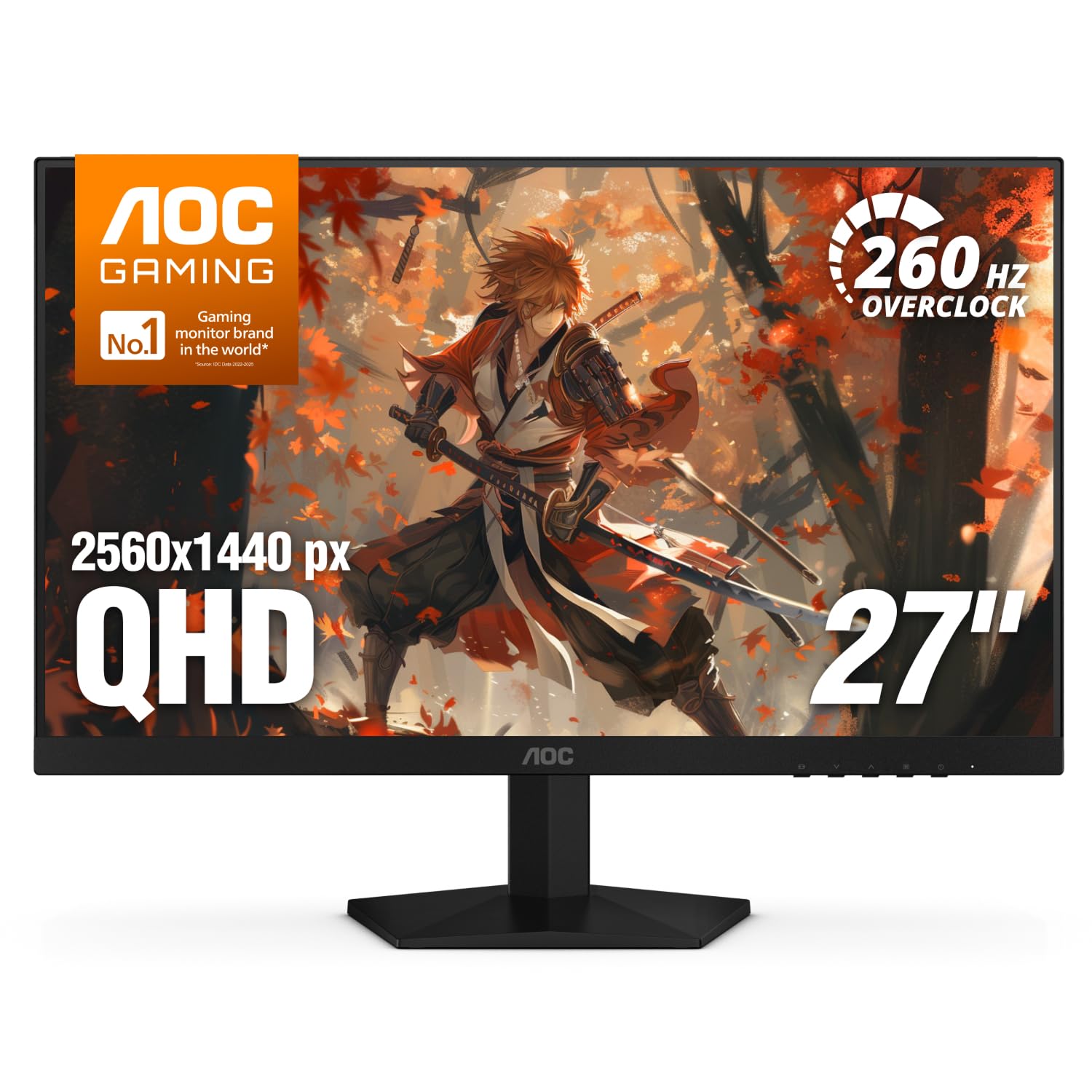
2. AOC 27″ QHD 260Hz Overclocked IPS NVIDIA G-SYNC Q27G41ZE
A 0.3ms response time in an IPS panel is the number that turns heads here.
If you chase fast, competitive shooters, the figure to notice is 0.3ms MPRT — the motion picture response time, which rates how quickly a moving image clears between frames. The Acer Nitro XV271U M3bmiiprx further down the list sits at 1ms, so the AOC moves the image clean at a speed the Acer does not match. In a quick flick-shot you see less smearing and less blur trailing across the target, which is the whole point of a competitive panel.
Fast motion stays smooth here: the screen runs at 240Hz natively over DisplayPort (the video connection), with an overclocked 260Hz mode offered on top. That is a lot of frames, and the 2560 x 1440 resolution means you are not paying for that speed with a soft image. Adaptive-sync (a feature that matches the screen to your card’s frame rate) covers both AMD and NVIDIA graphics cards, so the tearing stops. Brightness sits at 300 nits (a measure of screen brightness), which is comfortable in a normally lit room. The 1000:1 contrast ratio (the gap between the darkest black and brightest white) is standard for IPS — against the Samsung Odyssey G5 above at 3000:1 from its VA panel. In trade, you get IPS colour and wide viewing angles.
A three-sided frameless design with a black and red finish keeps a multi-monitor desk looking tidy, and the tilt range runs from -3° to +21° so you can angle the panel slightly back. There is no height adjustment on the included stand, which is the honest catch — if you need the screen at precise eye level, plan on a VESA mount or a riser. What buyers consistently value is the crisp 1440p image paired with that overclockable refresh, described as a clear step up from a 60Hz screen. The shadow control and game-mode presets let you tune a dark map without digging through menus.
Speed against contrast: for motion clarity, its 0.3ms response time and 260Hz overclocked ceiling beat the Acer XV271U M3 — 0.3ms against 1ms. For dark-scene depth, its 1000:1 contrast ratio trails the Samsung Odyssey G5 well behind.
The honest trade-off: tilt is the only ergonomic adjustment on the stand, so VESA mounting is the practical route for anyone who wants a raised screen.
Reach for this if: competitive shooters are the main event and you want the fastest image at an entry-level point.
Look elsewhere if: you want the stand to do the height work for you without adding a mount.
3. Acer Nitro XV272U W2bmiiprx Gaming Monitor
Two built-in speakers save you a desk accessory, and 240Hz keeps the picture moving.
Most gaming monitors make you supply your own sound. This Nitro does not — it carries two speakers at 2 watts each, so a quick console session or a video call works without a separate set of desktop speakers taking up space. Picture quality is the trait that holds up best over the long run, and that is the foundation of its reputation. The panel is a 27-inch WQHD at 2560 x 1440, running 240Hz over DisplayPort (144Hz over HDMI) for genuinely smooth motion.
The response time is listed at 1ms GtG, with a rated low of 0.5ms. The ergonomic stand is the fuller package on this Acer than on the cheaper M3 below: height adjustment over a 4.7-inch range, 360° swivel, a ±90° pivot (so the screen turns portrait), and tilt from -5° to 15°. A 100 x 100mm VESA pattern lets you hang it on an arm. Brightness is the honest weak point in the feedback — colour and brightness draw mixed reactions, with some finding the picture good and others calling the brightness low. Treat that as a panel-lottery note: check your set early and use the warranty if it looks off.
What the stand buys you: full four-way adjustment is rare at this tier — height, swivel, pivot and tilt all come in the box, so neck strain and cramped desks get solved without extra spend.
The value caveat: colour and brightness feedback splits, so it is worth buying from a seller with an easy return path.
Best for: a duel-purpose desk where monitor speakers and a rotating stand earn their keep.
Skip if: you want a panel with consistently bright colour from the start.
4. Acer Nitro XV271U M3bmiiprx Gaming Monitor

The monitor that quietly became the default pick for a first 1440p setup.
Owners talk about this panel’s overall build first and its value second, and that pairing is why it sells so well relative to the rest of the list. The hardware behind that reputation: a 27-inch WQHD IPS panel at 2560 x 1440, 180Hz over DisplayPort (144Hz over HDMI), and a response time of 1ms G to G with a rated floor of 0.5ms. AMD FreeSync Premium keeps the image steady when your frame rate moves. A 0.233mm pixel pitch is the spacing between pixels — the smaller it is, the tighter and cleaner fine text renders, which matters for spreadsheets as much as games.
The stand is the full ergonomic set: height adjustment across 4.7 inches, 360° swivel, ±90° pivot, and a wider tilt sweep from -5° to 25° than the 240Hz twin above. It also includes DisplayPort and HDMI cables in the box, so you are not hunting for a cable on day one. Colour accuracy and crisp image quality are the two things buyers keep returning to, and HDR with FreeSync gets specifically singled out as looking strong.
Where it asks patience is brightness: the 250-nit rating is dimmer than several options here, so a room with strong daylight will want curtains or a lower window blind. A few owners also note the occasional dud pixel. Neither is a pattern worth avoiding the monitor over — the overwhelming majority are happy — but buy from a shop with a painless return if a bright spot lands on your panel.
Why it keeps selling
- 180Hz refresh with a 1ms response time and FreeSync Premium
- Cables included, so setup is a plug-in job
- Full height, swivel, pivot and tilt adjustment
- Strong reported value for a 1440p IPS panel
The narrow misses
- 250-nit brightness is on the dim side for a bright room
- Dead pixels turn up on a small number of units
The safe first buy: a sharp 1440p image, real ergonomic adjustment, and the best odds of a happy result.
Hold off if: your desk faces a window and brightness is your top priority.
5. ASUS TUF Gaming VG27AQM5A Gaming Monitor
Three hundred refreshes a second is the biggest number on this entire page.
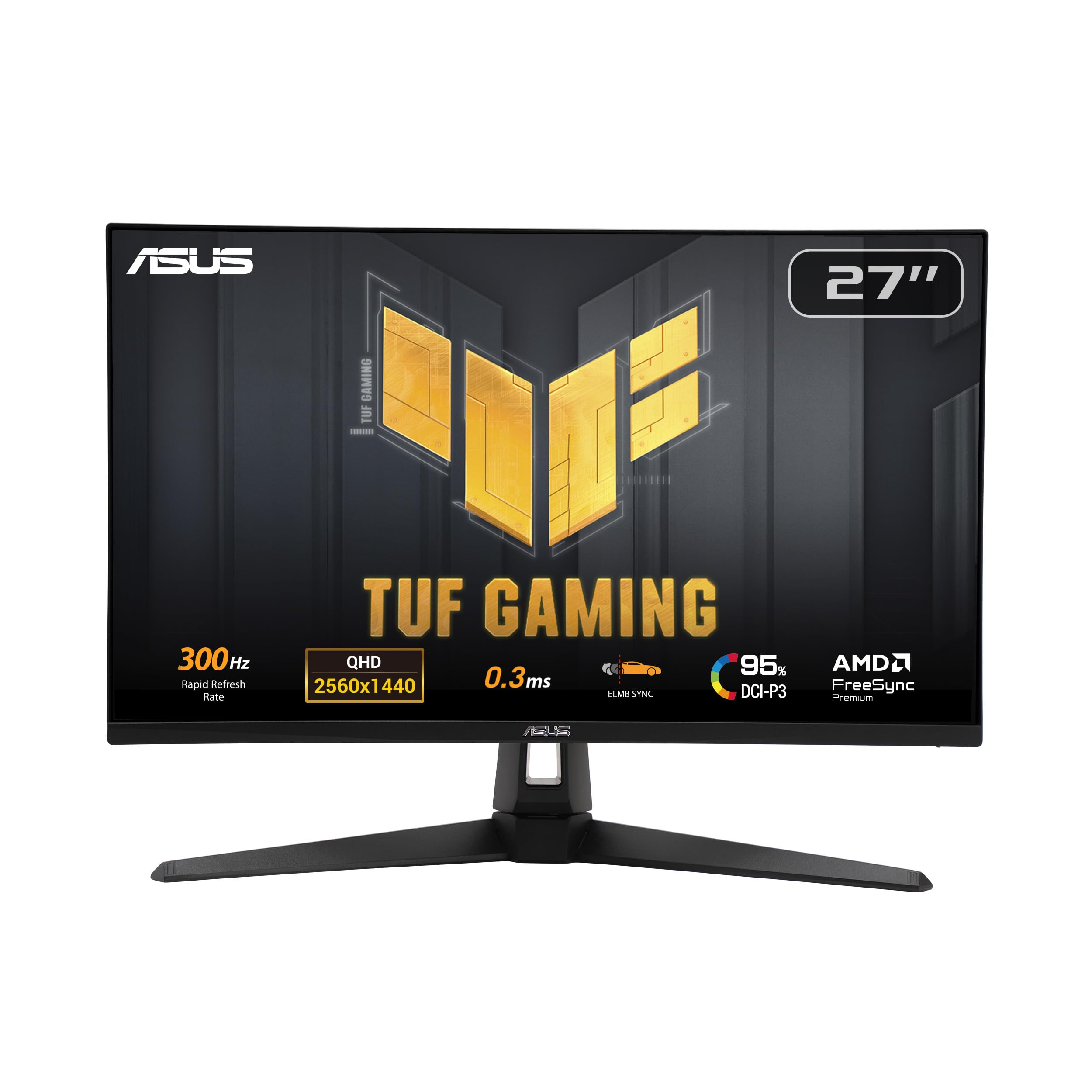
If motion clarity is the whole point for you, this is the highest refresh rate available without stepping into OLED. It runs 300Hz against the 180Hz of the Samsung Odyssey G5. In a fast shooter that translates to a smoother, less blurred picture during a quick turn, and the Fast IPS panel backs it with a 0.3ms GTG response time so the image clears between frames.
ELMB Sync lets the motion-blur reduction and variable refresh work at the same time, which is unusual — normally you pick one or the other. Shadow Boost brightens hidden detail in dark areas without overexposing the lit ones, and the 1300:1 contrast ratio is a little above the 1000:1 typical for IPS. Colour coverage is 95% DCI-P3, the wide gamut used for games and creative work, so reds and greens read vivid and accurate. DisplayWidget Center means you adjust settings with a mouse rather than fiddling with buttons on the bezel.
The biggest question buyers have flagged is brightness consistency — some find it plenty bright and others darker than expected. A smaller group reports units that would not power on, which is a QC issue worth checking inside the return window. ASUS backs the panel with a three-year warranty and includes a complimentary three-month Adobe Creative Cloud subscription. Integrated speakers are present for quick audio, and HDMI, DisplayPort, USB and USB Type-C all appear on the connectivity list.
The headline: 300Hz and 0.3ms together deliver the cleanest non-OLED motion here, and ELMB Sync keeps blur reduction and adaptive sync running in tandem.
Worth knowing: brightness and initial reliability are the two things to verify on arrival, so open it early and test it fully.
Made for: a competitive player who wants maximum frames per second from an IPS panel.
Pass if: you prefer OLED’s black levels over the highest possible refresh rate.
6. Dell S2725DS Monitor — 27 Inch QHD, 100Hz, 1500:1 Contrast

Dual 5-watt speakers and a 1500:1 panel made for the desk that is not a battlestation.
Not every 27-inch screen needs 300Hz. If your day is spreadsheets, code, video calls and the odd game after hours, the S2725DS is built for exactly that rhythm. The 2560 x 1440 resolution gives you 1.77 times more detail than Full HD, so a wide document stays readable side by side. The 1500:1 contrast ratio sits above the 1000:1 typical of IPS, giving darker blacks and cleaner separation between text and background.
Two integrated 5-watt speakers do the audio work, and buyers describe the sound as surprisingly strong for a monitor — good enough to skip a soundbar for meetings and casual listening. The panel holds TÜV Rheinland 4-star eye comfort certification, an industry standard for reduced eye strain during long sessions, paired with an anti-glare screen and flicker-free backlight. The stand adjusts for height, tilt, swivel and pivot, and setup is tool-free.
Screen quality is what people praise most here, and reliability follows close behind — it tends to simply work from the start, which is the quiet virtue of an office monitor. The honest limit is refresh rate: 100Hz is smooth for daily use but well short of the gaming-focused panels on this page. And the ash white finish is a style choice worth seeing before you commit, since it reads lighter than a black bezel.
Where it fits: a work-first desk that wants strong built-in audio and eye comfort without paying for refresh rate it will never use.
The trade-off: at 100Hz it is the slowest panel reviewed here, so serious gaming belongs elsewhere.
Pick this for: all-day productivity, clear sound and a clean, bright screen that will not fatigue you.
Leave it if: competitive gaming is on your calendar.
7. LG 27GR83Q-B UltraGear 27-inch QHD IPS Gaming Monitor, 240Hz
A 240Hz panel that also cares how your photos and video footage look.
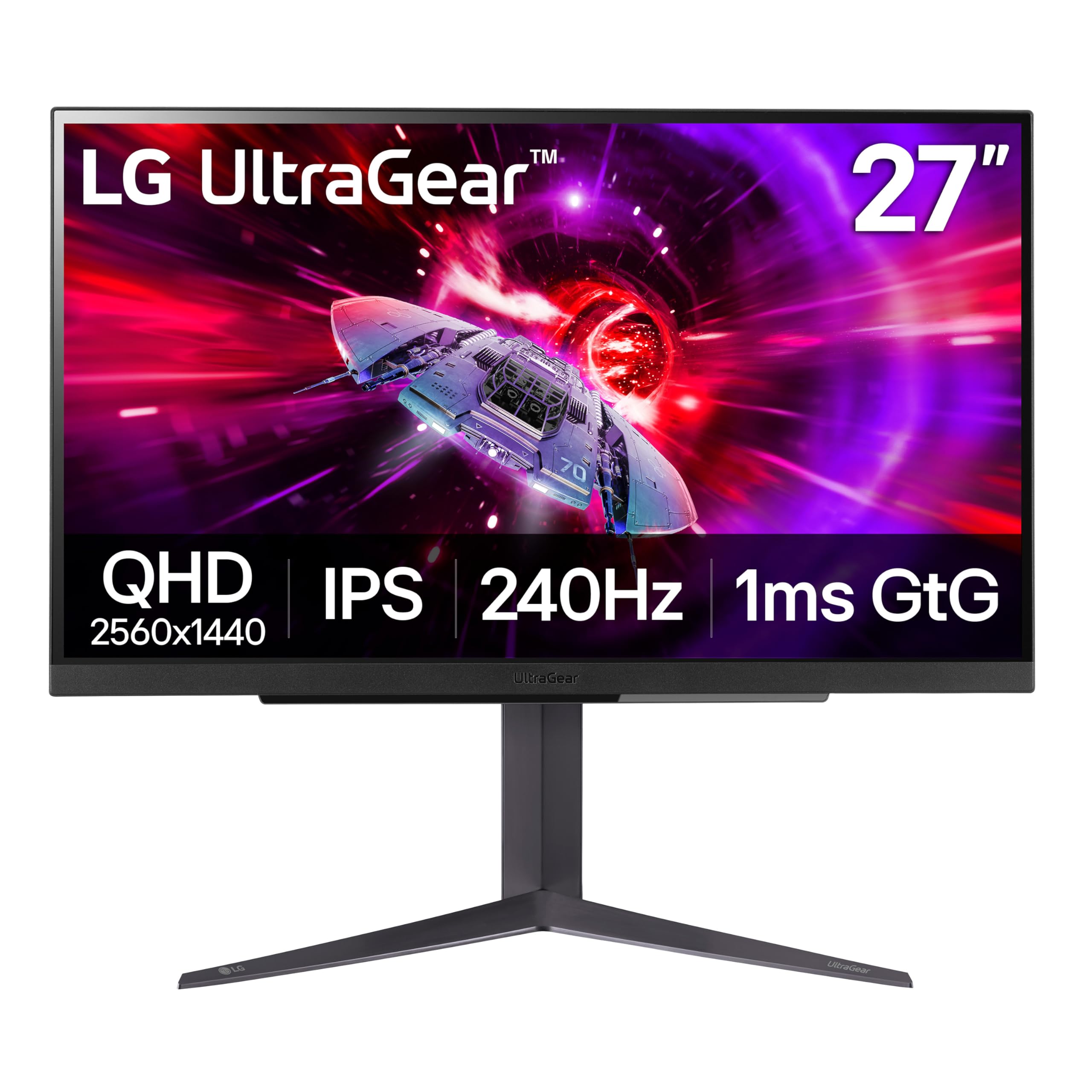
The UltraGear name comes from its colour coverage: 95% of the DCI-P3 gamut, the wide colour space used for film and game production. On top of that sits VESA DisplayHDR 400, which means highlights reach a level the display can show without clipping. In practice you get richer reds and greens in a game world and more accurate tones in edited footage. The panel is a 27-inch QHD IPS at 240Hz, refreshed either over DisplayPort 1.4 or HDMI 2.1 — both ports support the full 240Hz, so a modern console or a laptop can hit that ceiling without a cut.
Response time is 1ms G to G for the IPS panel. NVIDIA G-SYNC Compatible and AMD FreeSync Premium are both supported, so the screen matches up whether you run an RTX card or Radeon. Gaming helpers include Dynamic Action Sync for reduced input lag, Black Stabilizer for dark scenes, an FPS counter, and a crosshair overlay you can switch on for aim reference. A DTS Headphone:X output and a 4-pole headphone jack handle spatial audio and a microphone signal together.
Build quality drives the sentiment here, with dead pixels the recurring gripe to look for on arrival. Check the panel inside your return window — that single step covers the one risk that matters. Otherwise this is the pick for the desk that edits video by day and plays by night.
The fit: creators who game and need wide-gamut colour alongside a 240Hz panel.
The caveat: open it and scan for dead pixels within the return period.
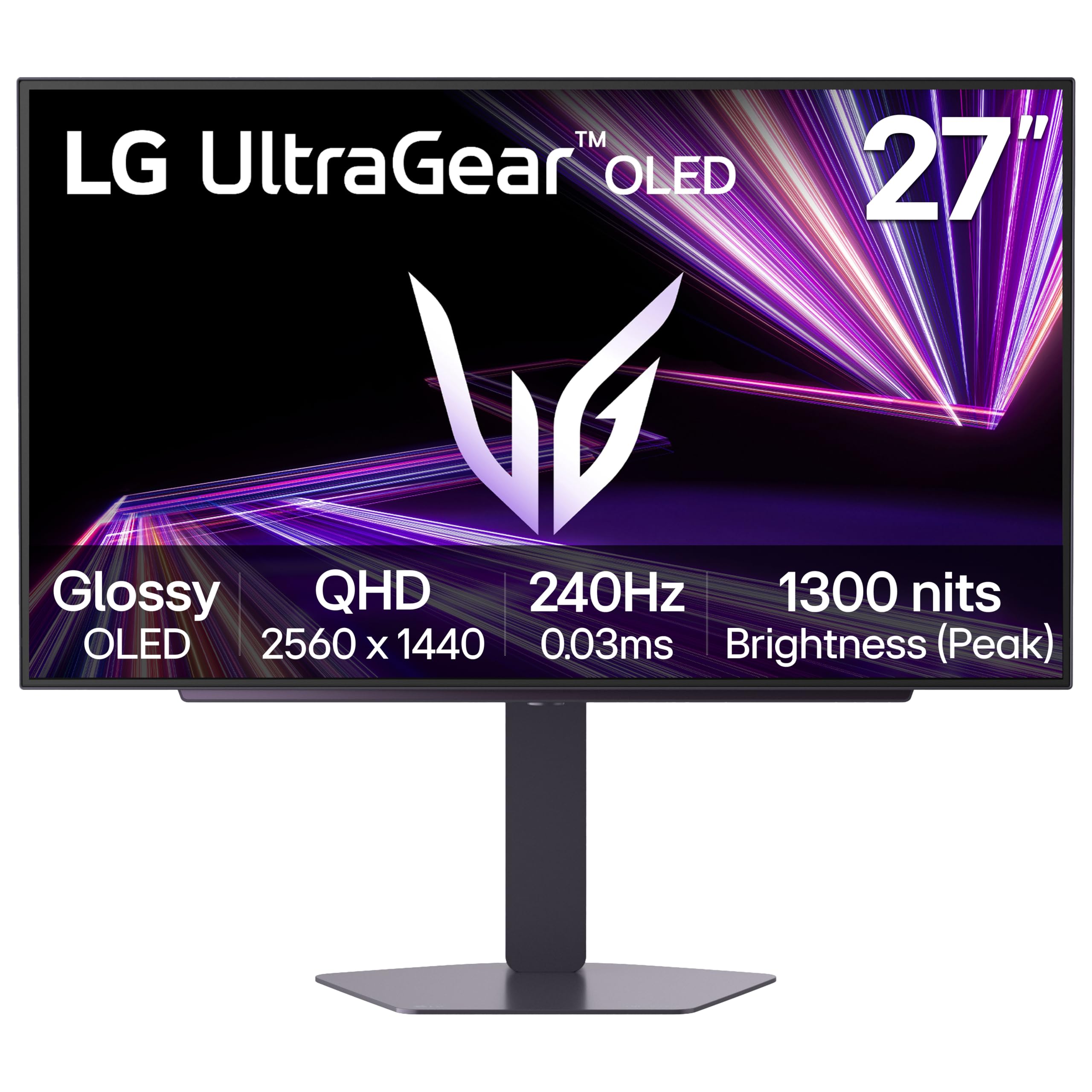
8. LG 27GX704A-B UltraGear Gaming Monitor
The lowest-priced route to a true-black OLED panel at 27 inches.
OLED is the reason the contrast column jumps from a few thousand to one to a 1.5M:1 ratio here. Each pixel lights itself, so black is genuinely off, not a dimmed grey. Pair that with VESA DisplayHDR True Black 400 and a DCI-P3 coverage of up to 98.5%, and dark scenes in a game or a film carry depth that an IPS or VA panel cannot reproduce. Response time is 0.03ms, essentially instantaneous next to the 1ms typical of LCD panels.
The glossy finish is central to the look. It sharpens clarity, and combined with three UL certifications — anti-glare, flicker-free and low blue light — it holds up over long sessions. Brightness is 275 nits standard with peaks up to 1300 nits, so highlights in an explosion or a bright sky punch through. Refresh is 240Hz with NVIDIA G-SYNC Compatible and AMD FreeSync Premium Pro support. Dual HDMI 2.1, DisplayPort 1.4 and USB 3.2 upstream with two downstream ports cover a console, a PC and peripherals.
OLED Care handles the one thing that worries buyers: automatic pixel-care cycles run during standby or shutdown, and you can tune the protection from the On-Screen Control menu. The stand adjusts for height, tilt, swivel and pivot. The honest catch is the glossy coat — it looks superb in a controlled room, but a bright window behind you will show up as a reflection more readily than on a matte panel.
What the OLED buys: a 1.5M:1 contrast ratio and 0.03ms response time deliver black levels no LCD on this list touches, at the lowest OLED entry point here.
Plan for the glare: glossy screens want a room with the light beside or behind the monitor, not facing it.
Worth it if: you want true blacks and instant motion without jumping to the top OLED tier.
Reconsider if: your desk sits against a bright window.
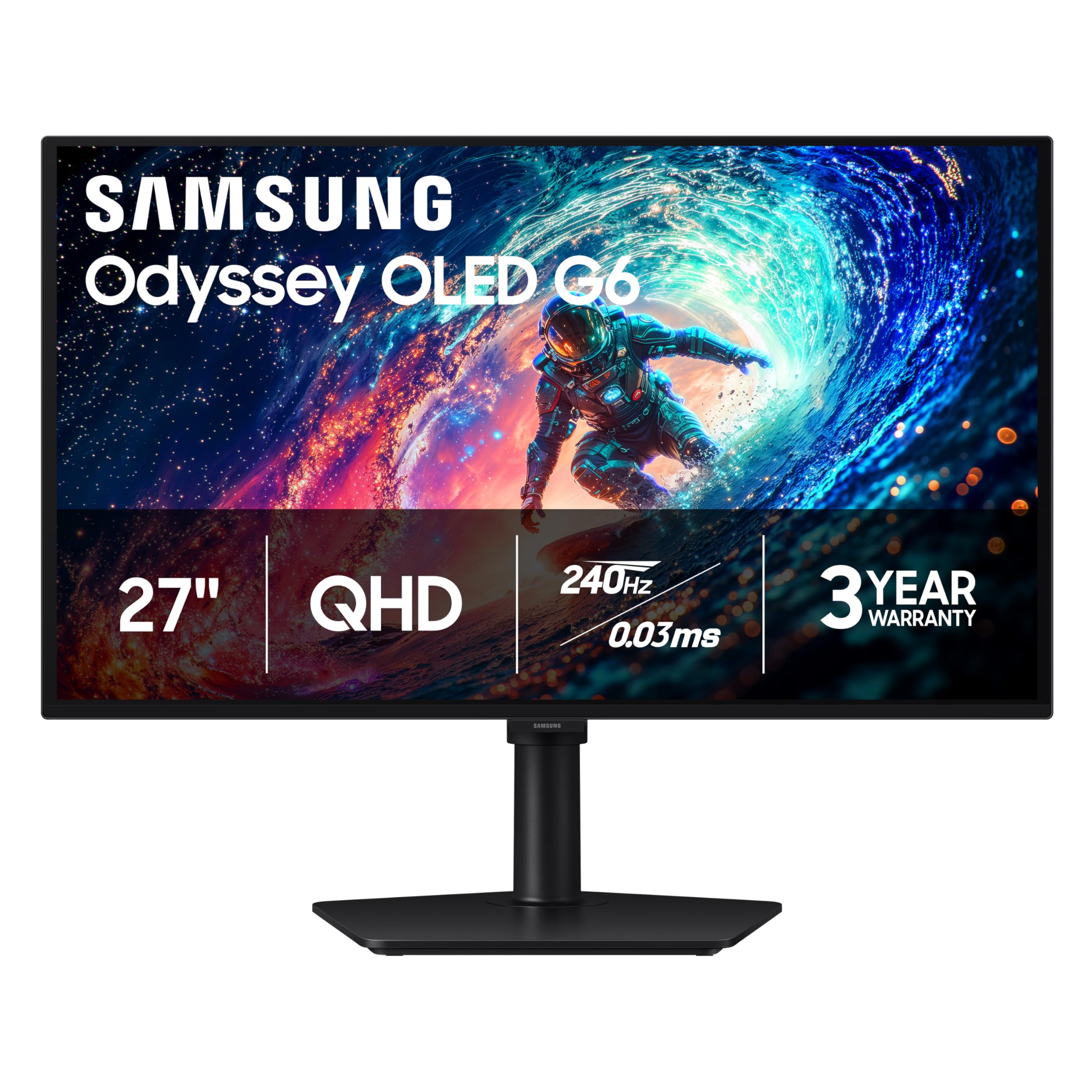
9. Samsung Odyssey OLED G6 G61SH Gaming Monitor
An OLED that fights back against the room — and against burn-in.
Most OLED panels are glossy, and the G6 takes the opposite path with Glare Free technology that keeps reflections off the screen. That single feature is why this is the OLED to consider for a room you cannot fully dim. The QD-OLED panel is a 27-inch QHD at 2560 x 1440, running 240Hz with a 0.03ms response time. For dark scene depth the contrast ratio is listed at 1,000,000:1, which is the OLED advantage in one figure.
Samsung’s own OLED Safeguard uses a thermal modulation system to help prevent burn-in, the ghost image that can linger on an OLED when a static element sits on screen too long. The panel is Pantone Validated, reproducing 2100+ lifelike colours and 110+ skin tone shades — useful for photo work where skin must look right. HDR10 adds brighter highlights and more shadow detail. AMD FreeSync Premium keeps the motion steady, and the height-adjustable stand pivots, tilts and swivels.
Colour and monitor quality are what win people over, and the overall package is judged strong for what it is. Performance and image-quality scores are more divided in the feedback, and flickering swings between reports — but many note no flickering at all, so it is worth a quick test on arrival rather than a blanket concern.
Suits you if: you want OLED depth and a screen that stays clear in a room with light around it.
Test first if: you are sensitive to brightness flicker, since reports split.
10. MSI MAG 271QPX QD-OLED 27-inch QHD Gaming Monitor, 360Hz

OLED blacks and a 360Hz ceiling — the fastest combination in this lineup.
The 271QPX is the pick for the player who refuses to give up either speed or contrast. A third-generation QD-OLED panel drives a 360Hz refresh rate and a 0.03ms GtG response time, so motion clears between frames almost instantly. Contrast is OLED-deep with VESA DisplayHDR True Black 400 on top, so dark corners stay black and bright explosions stay bright. Colour is held to Delta E≤2, a measure of colour deviation — the smaller the number, the closer the on-screen colour is to the intended reference.
Console players get HDMI 2.1 running WQHD at 360Hz with the full 48 Gbps of bandwidth, so a current-gen console can actually feed this panel properly. MSI OLED Care 2.0 reduces the risk of burn-in, the long-session image ghost that OLED buyers rightly watch for. The stand tilts and adjusts for height, so you can angle it to eye level.
The design is understated — a plain black frame rather than gaming-red accents — and the OLED panel is the trait buyers return to, from inky blacks to accurate colour. The practical downside is burn-in responsibility: OLED Care helps, but you should let the pixel-care routines run and avoid parking a static toolbar on screen for hours.
Why it earns the tier: it pairs 360Hz with a 0.03ms response time on a QD-OLED panel (a screen type that lights each pixel itself), the highest combination of speed and contrast in this guide.
The upkeep: run MSI’s OLED Care routines and keep static elements moving to protect the panel over years.
For the frame chaser: competitive players who want OLED depth and a 360Hz ceiling in one screen.
Not for the set-and-forget desk: OLED needs the care routines respected.
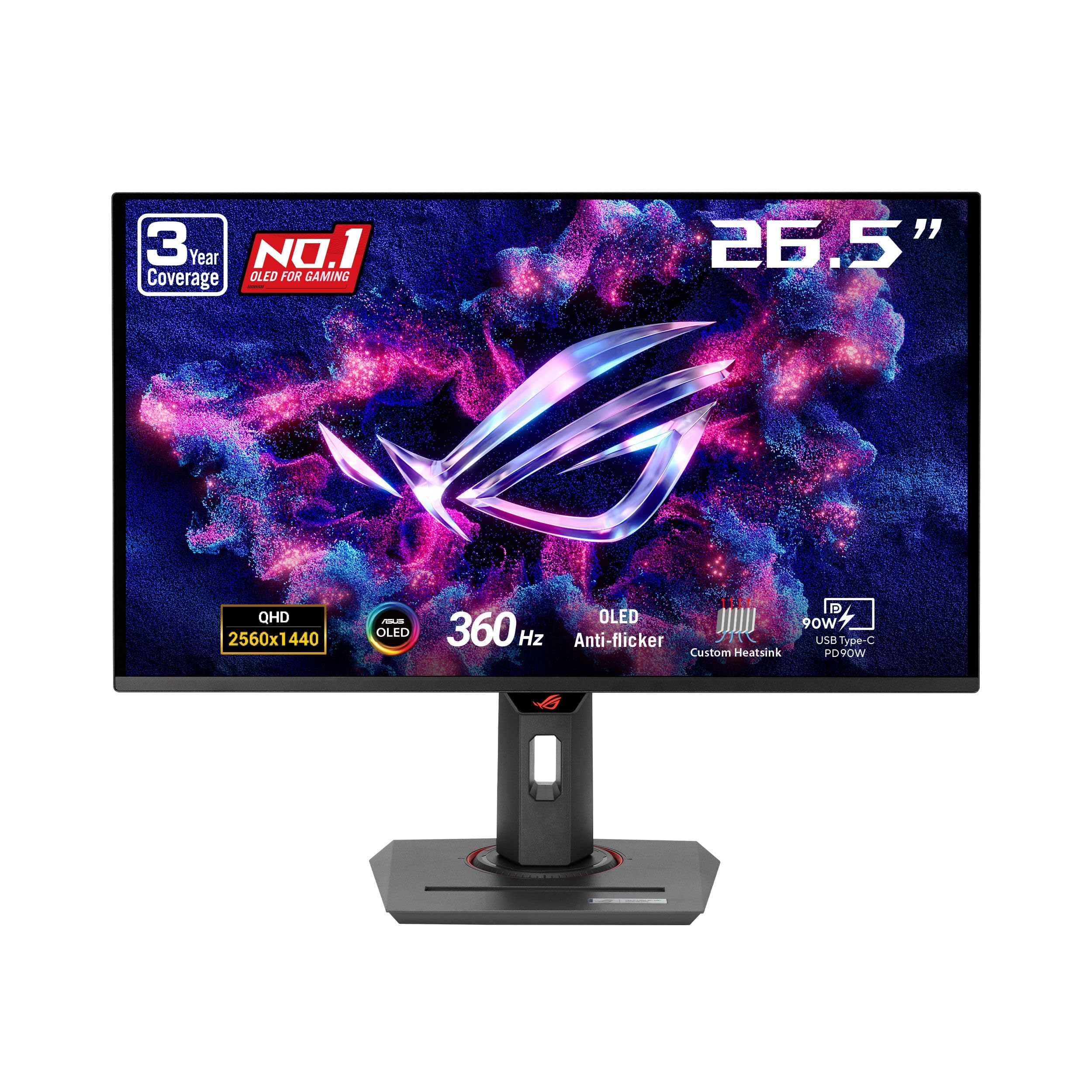
11. ASUS ROG Strix XG27ACDNG 26.5” 1440P QD-OLED Gaming Monitor
The OLED for the buyer whose biggest fear is a burn-in mark across a pricey panel.
ASUS put a custom heatsink and an advanced airflow design behind this QD-OLED panel — hardware aimed squarely at moving heat away from the pixels that are vulnerable to burn-in. That is then backed by ASUS OLED Care+ and a three-year warranty that includes burn-in coverage, which is the rare reassurance in this category. The panel itself is 26.5 inches at 2560 x 1440, running 360Hz with a 0.03ms response time.
Colour and HDR are the other strengths: VESA DisplayHDR 400 True Black, 99% DCI-P3 coverage, true 10-bit colour and a Delta E under 2 colour difference. What that means in practice is a wide palette with tones that closely match the reference. ROG-exclusive OLED Anti-flicker technology reduces the flicker that can occur when the refresh rate shifts. DisplayWidget Center lets you adjust settings and OLED Care functions with a mouse, and AI Gaming features tune the experience automatically. The stand and ports cover HDMI, DisplayPort and USB Type-C.
Buyers report the picture quality is the star — vibrant colour and deep blacks draw the praise — and the responsiveness lands well with players who favour FPS and fast action. Owners mention the value is strong for what the panel delivers. The honest tension is between OLED brightness expectations and this display’s True Black 400 rating (a VESA brightness grade for OLED); if you want a searing-bright HDR image, an LCD at similar size with a higher nits rating will be the better fit, while OLED’s strength is in the dark.
Where it stands out
- Three-year warranty with burn-in coverage
- Custom heatsink and airflow for heat control
- 99% DCI-P3 and Delta E under 2 for accurate colour
- 360Hz refresh at a 0.03ms response time
Where to set expectations
- True Black 400 HDR favours dark scenes over searing brightness
- Static on-screen elements still call for OLED care habits
The peace-of-mind pick: OLED speed and colour with actual burn-in cover behind it.
Look elsewhere if: you need the brightest possible HDR image rather than the deepest blacks.
Know the Specs
Resolution: what 2560 x 1440 changes
Resolution is the number of pixels across and down the panel. A 27-inch WQHD screen runs 2560 x 1440, so text, UI elements and fine detail render more cleanly than on a 1080p screen of the same size. Samsung rates QHD against Full HD as 1.7 times the pixel density on the G5 and 1.77 times the detail on the Dell — either way, you are getting a denser image, not a stretched one.
Refresh rate and response time
Refresh rate, in Hz, is how many times a second the image redraws: 100Hz for everyday work, 180Hz and 240Hz for gaming, 300Hz and 360Hz for competitive play. Response time, in milliseconds, is how fast a pixel shifts colour — 1ms is fast, 0.03ms on OLED is near-instant. Together they decide whether fast motion looks clear or smeared. Adaptive sync (FreeSync or G-SYNC Compatible) matches the refresh to your graphics card’s output.
Panel type: IPS, VA and OLED
IPS gives wide viewing angles and strong colour. VA pushes a higher contrast ratio — the G5’s 3000:1 is the clearest example here. OLED switches each pixel individually, giving a true-black image and figures like 1,000,000:1 or 1.5M:1 contrast. Contrast ratio is simply how much brighter white is than black, so higher is deeper.
Stand, ports and mounting
Tilt, height, swivel and pivot onthe included stand let you position the screen at eye level. Many monitors also carry a VESA pattern — such as the 100 x 100mm on the Acer Nitro XV272U W2bmiiprx — so you can hang the panel on a wall arm or a gas-spring mount instead. Ports matter just as much: DisplayPort usually open up the top refresh rate, while HDMI is the simpler link for a laptop, console or streaming stick. Check the port version before you buy, because the fastest mode often lives on one connector only.
Common Questions
Is 2560×1440 worth it on a 27-inch screen over 1080p?
Do I need DisplayPort to reach the advertised refresh rate?
What does a 1ms versus 0.03ms response time actually change?
Is OLED burn-in a real risk for a gaming monitor I use every day?
Will a FreeSync monitor work with an NVIDIA graphics card?
Do I need a VESA mount, and will these monitors fit one?
Is 100Hz enough, or do I need 180Hz or higher?
Can I run a console on a WQHD 27-inch monitor?
Should I care about HDR on a WQHD 27-inch monitor?
Do these monitors include speakers, or do I need separate audio?
The Bottom Line
For most people buying a wqhd 27 inch monitor, the winner is the Samsung Odyssey G5. Its 3000:1 VA contrast gives dark scenes genuine depth, and its 180Hz refresh covers gaming and daily work in one panel. If a pure competitive frame rate is your priority, the AOC Q27G41ZE brings a 0.3ms response time at a budget-friendly tier. And for a true-black OLED image with burn-in cover behind it, the ASUS ROG Strix XG27ACDNG is the one to reach for.
If you are still deciding, the G5’s 3000:1 contrast, 180Hz refresh and mid-tier price make it the safest default. If you need brighter HDR or a 360Hz panel, step up to the OLED picks above.
How we choose
We do not accept paid placement. Every pick is matched to a real buyer and a real use-case; we do not hands-on test units.
Sources
Specifications: manufacturer listings and product documentation. Review insights: verified customer reviews, as of November 2026. Pricing: not shown on this page (it changes often); check the current price via the retailer link.
As an Amazon Associate, Tactical Gear Guy earns from qualifying purchases. This does not affect which products we feature.