Specs are compiled from manufacturer listings and verified buyer reviews and can change over time — please confirm the key details on the product page before buying.
You bought the Series S because it fits in a backpack. Then you tried to play it on a hotel TV and got input lag you could feel in your thumbs. The fix is a second screen built for console duty — one with a real HDMI port, a stand that holds an angle, and enough brightness to survive a sunny window. This guide walks through the screens that actually pair with the Series S, from snap-on attachments to 2.5K panels that double as a laptop second display.
This guide is built by comparing the manufacturers’ published specifications and the patterns across verified customer reviews, so you get each pick’s real strengths and trade-offs instead of marketing spin.
You want a screen that travels with your Series S, and the choice depends on three shapes: snap-on shells that bolt straight to the console, travel panels that share a cable with your laptop, and the trade-offs between refresh rate and resolution that decide which one belongs in your bag. This breakdown of the xbox series s portable monitor market covers all three.
Top Picks
How To Choose The Best Xbox Series S Portable Monitor
The Series S outputs over HDMI, so the first filter is simple: the screen must have an HDMI input. A USB-C-only panel will not talk to the console without an adapter, and adapters are the number one source of “it worked at home, not in the hotel” headaches. After that, you are balancing four things: how the screen attaches, how bright it gets, how fast it refreshes, and how much it weighs in your bag.
Snap-on shell versus freestanding travel panel
A snap-on design clips the screen directly to the Series S body, so the console and display travel as one unit. That is the most packable option and the fastest to set up on a hotel desk. A freestanding panel is bigger, usually brighter, and works with a laptop or a PS5 too — but you are carrying two separate pieces and a stand. If the screen never leaves the house, freestanding wins on picture. If it lives in a backpack, snap-on wins on setup time.
Refresh rate and resolution on a small screen
Refresh rate is measured in hertz (Hz) — how many times per second the panel redraws the image. Higher hertz means less motion blur in fast games. Resolution is the pixel count, and on a 16-inch panel a 2560 x 1600 image looks visibly sharper than 1920 x 1080. The catch is that high refresh and high resolution together cost more, and the Series S itself caps many games well below the panel’s ceiling, so a 144Hz screen will not make every game run at 144 frames per second.
Brightness and the room you play in
Brightness is measured in nits (candela per square meter). A 250-nit panel is fine in a dim room and washes out near a window. A 400-nit or 500-nit panel holds up much better in daylight. If you play in a bright living room or a sunlit hotel room, prioritize nits over hertz.
Ports, power, and cable count
Check for a full-size HDMI port where possible — mini-HDMI works but the connectors are more fragile and you need the right cable. Also check whether the panel ships with its cables and power adapter. A screen that needs a separate power brick is one more thing to lose; a screen that draws power over USB-C from your console or laptop is simpler, provided the device supplies enough.
Side-by-Side Comparison
| Model | Best For | Resolution | Refresh Rate | Brightness | Amazon |
|---|---|---|---|---|---|
| cocopar 18.5″ 2K QHD 120Hz★ Best Overall | Biggest picture for a shared desk | 2560 x 1440 | 120Hz | 500 nits | Amazon |
| ARZOPA 16.1″ 144Hz Z1FCFastest Refresh | Fastest refresh on a budget | 1920 x 1080 | 144Hz | 300 nits | Amazon |
| ARZOPA 17.3″ 1080P FHDBig Screen Travel | Large screen for travel work | 1920 x 1080 | — | 300 nits | Amazon |
| HotYeah 16″ 2.5K 144Hz | Sharpest picture per ounce | 2560 x 1600 | 144Hz | 400 nits | Amazon |
| InnoView 15.6″ 1440p 120Hz | Colour-accurate work screen | 2560 x 1440 | 120Hz | 300 nits | Amazon |
| CAPERAVE 16″ 2.5K 120Hz | Full-size HDMI convenience | 2560 x 1600 | 120Hz | 400 nits | Amazon |
| ViewSonic VX1654 | Single-cable power delivery | 1920 x 1080 | 144Hz | 250 nits | Amazon |
| G-STORY 12.5″ for Series S | Compact console companion | 1920 x 1080 | — | — | Amazon |
| VisionOwl 16″ 2.5K 144Hz | Brightest travel panel | 2560 x 1600 | 144Hz | 470 nits | Amazon |
| UPspec xScreen | True snap-on, no cables | 1920 x 1080 | 60Hz | 350 nits | Amazon |
| G-STORY 15.6″ 4K | 4K detail for Series S | 3840 x 2160 | — | — | Amazon |
Detailed Reviews
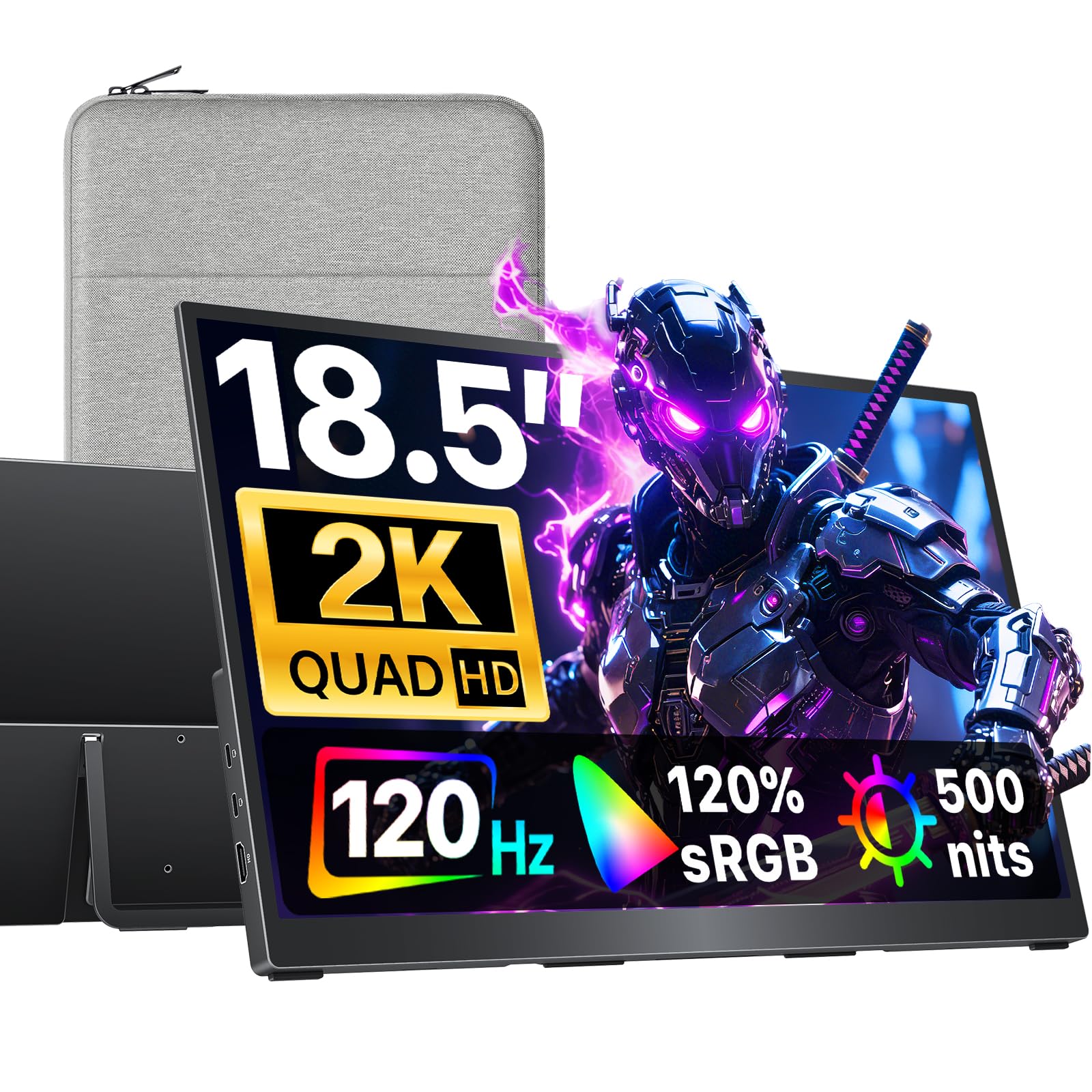
1. cocopar Portable Monitor 18.5 Inch 2K QHD 120Hz
Our pick — 4.5+★ from 6,000+ verified ratings; the strongest balance of quality and price.
The biggest, brightest travel screen here — and the one that survives a sunlit room.
The headline figure is 500 nits, which is daylight territory. That is 67% more brightness than the ARZOPA Z1FC at 300 nits, and it is the difference between squinting at a washed-out hotel window and seeing the whole HUD clearly. Add a 2560 x 1440 panel at 120Hz and you get a picture that holds detail in motion rather than smearing it.
At 18.5 inches this is the largest screen in the group, so it earns a permanent desk rather than a backpack pocket. The 120% sRGB coverage means colours read richly rather than flat, and the built-in kickstand sets a steady angle on a table. You also get dual USB-C and a standard HDMI port, so the Series S plugs straight in with a normal cable while your laptop uses the other route.
Weight lands at 2.48 lb — noticeably heavier than the HotYeah at 1.57 lb — so treat this as a screen you carry to a destination and set down, not one you balance on a train tray. The thickness figure of 0.25 inches describes the panel edge rather than a chunky body, which keeps it easy to slide into a laptop sleeve. It is a big, bright, sharp second screen that makes console gaming on the road feel like a proper setup.
Where this panel pays off
- 500 nits keeps the image readable in bright rooms
- 2560 x 1440 at 120Hz holds detail through fast motion
- Standard HDMI plus dual USB-C covers console and laptop duties
- Built-in kickstand means no separate stand to pack
What to weigh first
- 2.48 lb is the heaviest body in this lineup
- 18.5 inches takes real desk space on a hotel table
- 120Hz is a step below the 144Hz panels here
Settle in with this: a bright, large, sharp travel screen for a fixed desk setup or a shared living room.
Think it over if: you pack light and need a screen that disappears into a bag pocket.
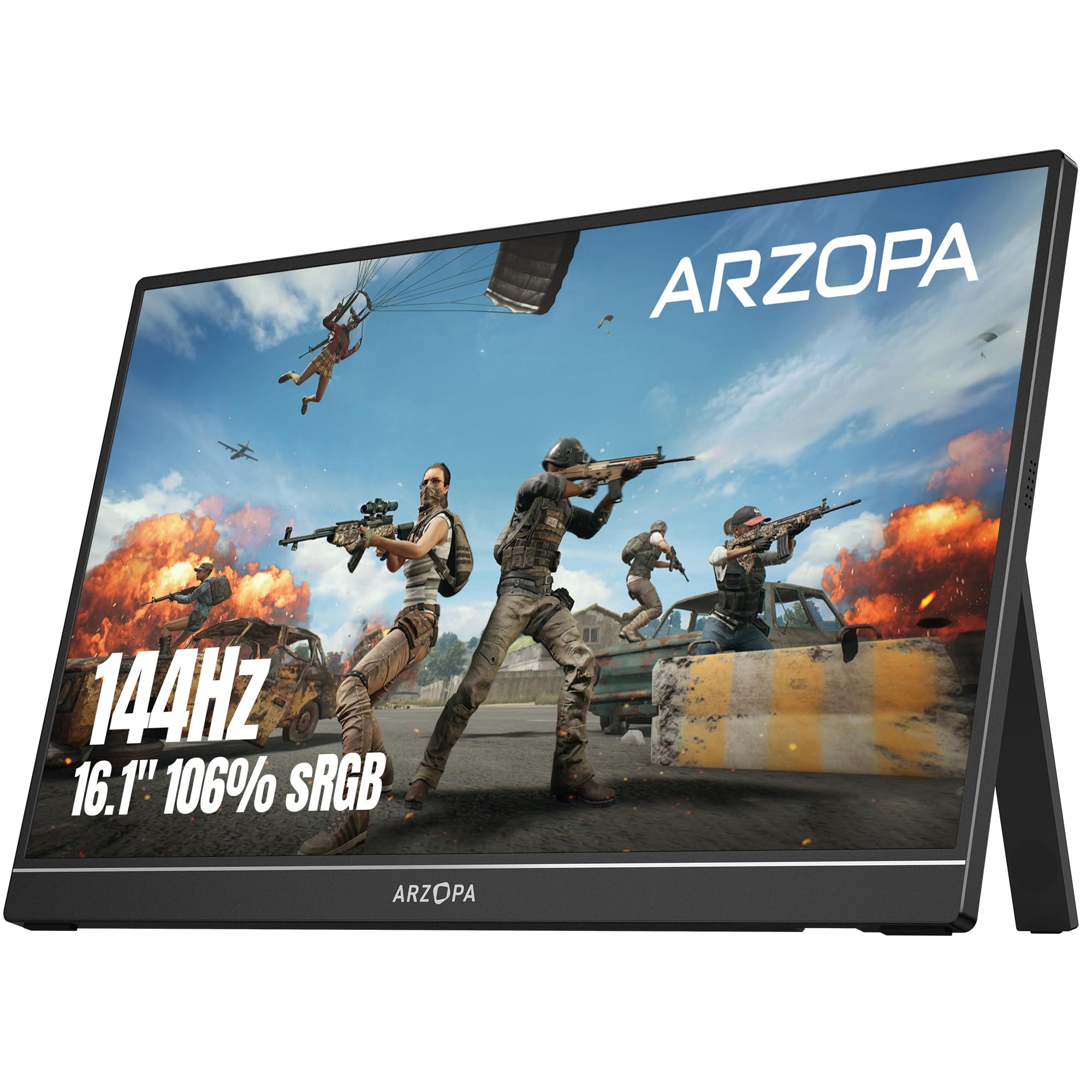
2. ARZOPA 16.1” 144Hz Portable Gaming Monitor 106% sRGB – Z1FC
The entry ticket to 144Hz gaming on a screen that folds into a backpack.
Motion clarity is the whole pitch here. The 16.1-inch panel runs at 144Hz, which smooths fast pans in shooters and racers far beyond a 60Hz screen. It does that at 1920 x 1080, so you trade pixel density for speed — a fair deal if the games you play care more about frames than fine text.
Coverage sits at 106% sRGB with a 1000:1 contrast ratio, so colours look lively and blacks stay reasonably deep for an IPS panel. There is a built-in stand for tilt adjustments, and two full-function USB-C ports plus a Mini HDMI input let the Series S connect straight through. Plug-and-play across laptop, Xbox and Steam Deck means no driver hunting.
The trade-off worth knowing: there is no adaptive sync here, so the panel will not match its refresh to the console’s frame output. A few buyers have also reported durability issues, with the stand and body being the recurring weak point over time — worth treating gently rather than tossing loose into a bag. For anyone chasing smooth motion on a tight budget, it is a genuinely compelling starting point.
Honest read on the frame rate: 144Hz is the highest refresh in this lineup, and at 300 nits it matches the InnoView and ARZOPA 17.3 panels for brightness.
The catch: no adaptive sync, so expect occasional tearing when the console’s frame rate drifts off the panel’s fixed refresh.
Reach for this if: fast-motion games matter most and you want the frame rate without stretching the budget.
Look elsewhere for: a screen you will routinely knock around — the body is the part to baby.
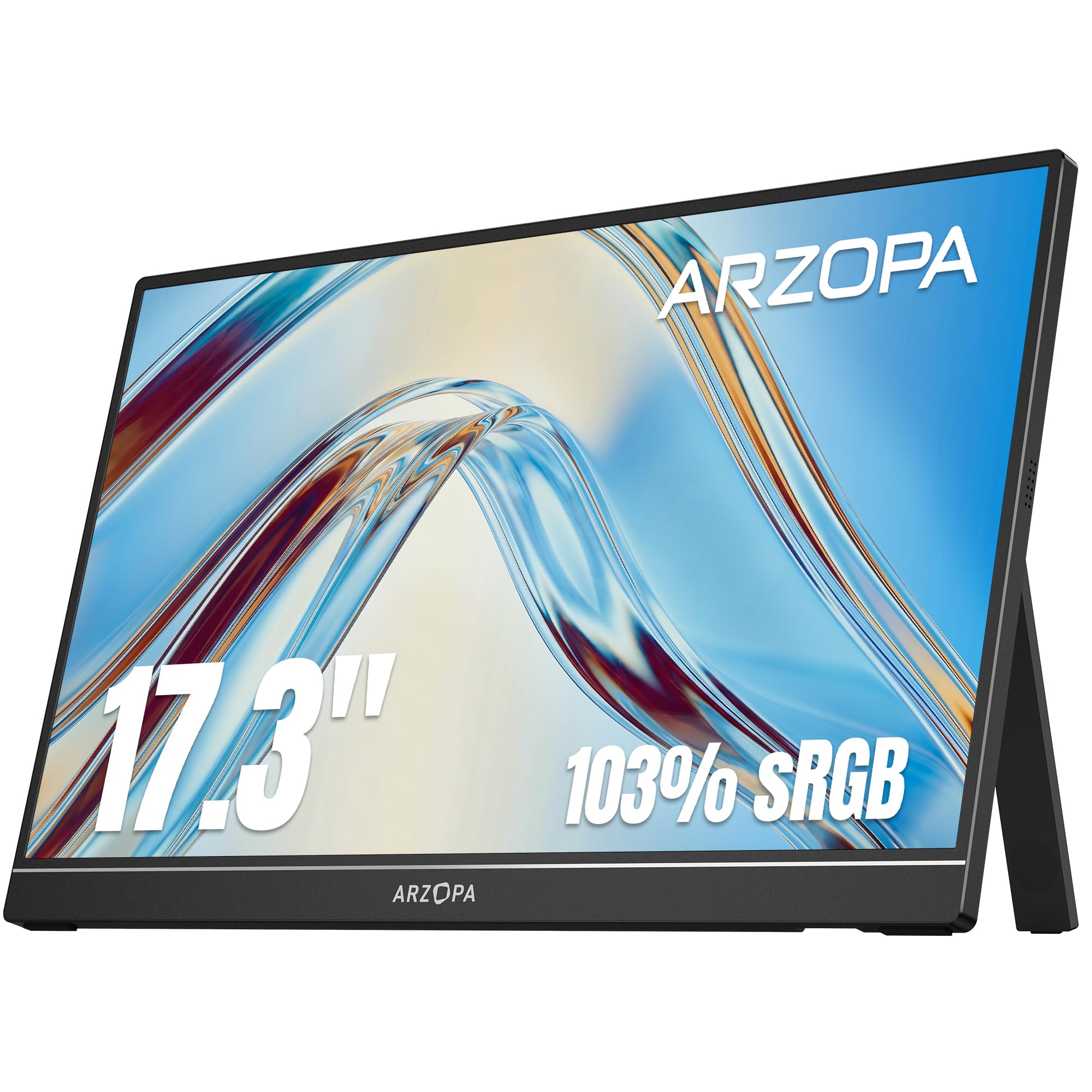
3. ARZOPA 17.3″ Portable Monitor, 1080P FHD 103% sRGB IPS
A 17.3-inch panel that trades pocketability for elbow room on the desk.
Screen real estate is the reason to pick this one. The 17.3-inch IPS display at 1920 x 1080 gives you a wide field for split-screen play or a spreadsheet beside a game feed, and the 103% sRGB coverage keeps colours accurate rather than oversaturated. This is the panel that beats the ARZOPA Z1FC on size, 17.3 inches against 16.1, though it gives up the 144Hz refresh in exchange.
A built-in stand flips between landscape and portrait and sets adjustable viewing angles, which helps on a fold-out hotel desk. G-Sync compatibility is listed for tear reduction, and the port set covers USB-C and mini HDMI for the Series S, a laptop, or a phone. One USB-C cable can carry both signal and power on phones with full-featured ports.
Two display modes matter for work: extend and duplicate. Mirror your laptop for a presentation, then extend for a proper dual-screen session. The body is heavier than the compact picks simply because the screen is bigger, so plan around a sleeve rather than a side pocket. For someone who wants the most screen without stepping up to an 18.5-inch panel, this is the middle ground.
Why the extra size earns its space
- 17.3-inch IPS screen at 1080P for wide layouts
- Flip stand does landscape and portrait
- 103% sRGB keeps colours honest
What you give up
- No 144Hz speed of the Z1FC
- 300 nits washes out in direct daylight
- Mini HDMI, not a full-size connector
Pick this for: a large travel screen for work and console play in the same bag.
Pass if: you need the fastest refresh or a genuinely pocketable panel.
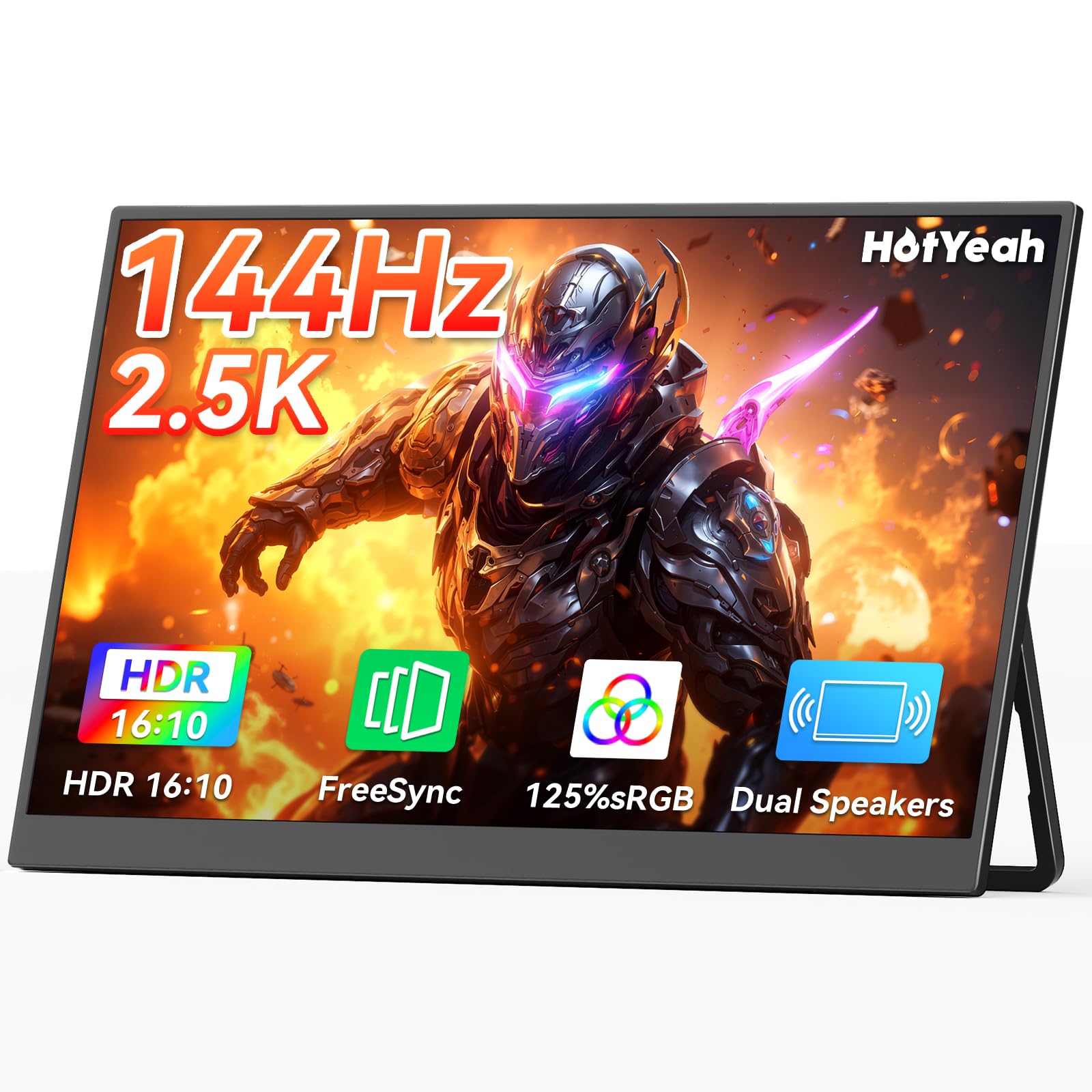
4. HotYeah 16″ 2.5K 144Hz Portable Gaming Monitor
The lightest panel here that still gives you a 2.5K picture and 144Hz motion.
At 1.57 lb, it slips into a daypack without a second thought.
Brightness sits at 400 nits with a 1200:1 contrast ratio and a 178° viewing angle, so the picture holds up from an off-centre seat on the couch. FreeSync is on board for tear reduction, and the 16:10 aspect ratio gives you a bit more vertical space for menus and subtitles. A 180° adjustable metal kickstand plus 75×75 mm VESA holes mean you can set it on a desk or hang it on a shelf.
You get two full-function USB-C ports plus Mini HDMI, with both USB-C cables and a Mini HDMI to HDMI cable in the box, along with a power adapter. The one thing to plan for is the Mini HDMI connector — it needs the supplied cable, so do not lose it. Beyond that, this is the value balance of the whole group.
The density argument: 2560 x 1600 at 144Hz in a 1.57 lb frame is the best resolution-to-weight balance on this list.
Watch the cable: Mini HDMI means the included cable is your lifeline to the Series S.
This is your bag screen: maximum sharpness and speed for the least carry weight.
Be ready for: keeping track of a Mini HDMI cable rather than using any spare full-size one.
5. InnoView 15.6-Inch Portable Monitor 1440p 120Hz
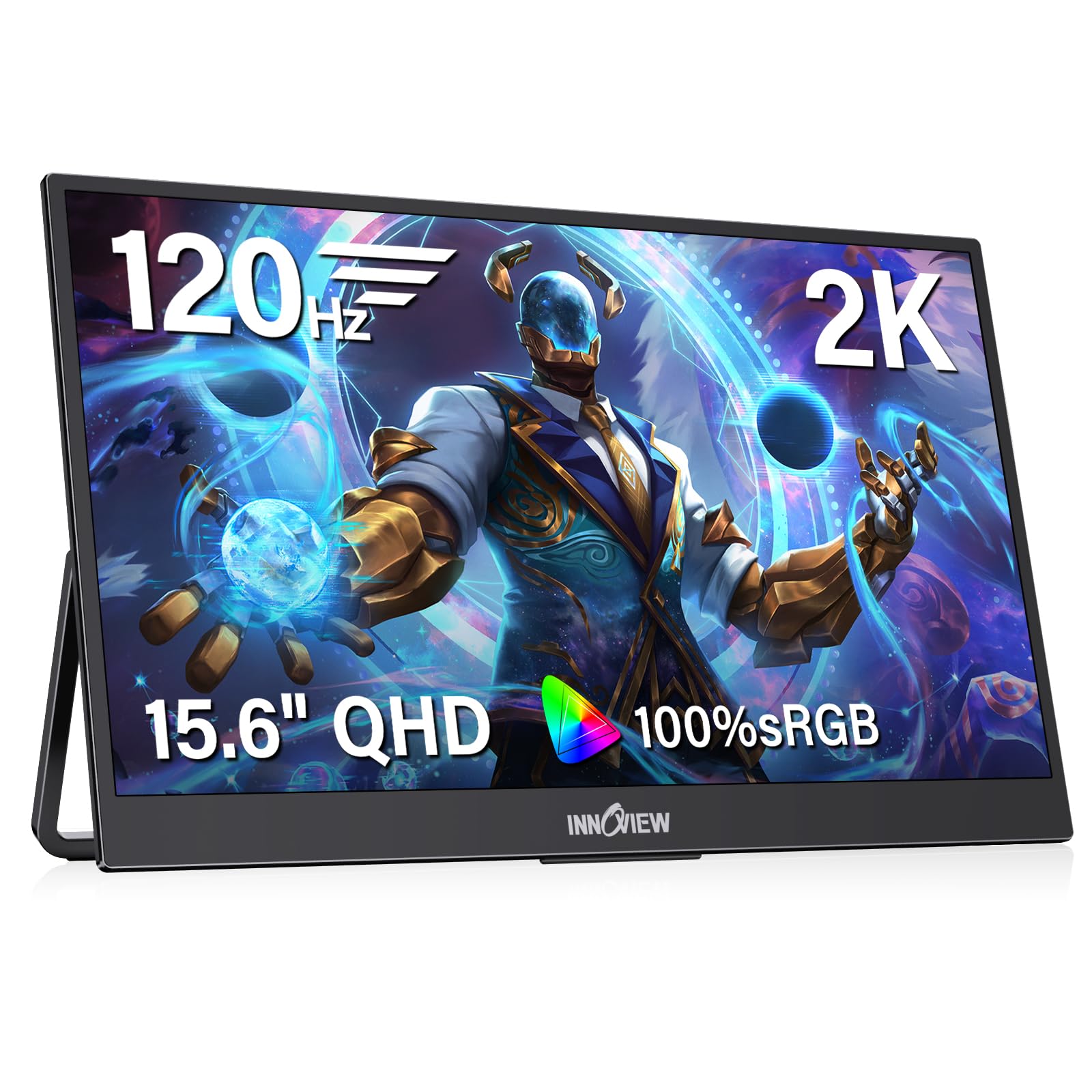
A 2K panel tuned for accurate colour, with 120Hz speed for the games in between.
The 2560 x 1440 resolution and 100% sRGB coverage are the core of this screen. That full sRGB figure means colours land where they should, so photos and design work look right rather than slightly off. HDR and 16.7 million colours add contrast depth, and the 120Hz refresh with FreeSync keeps motion smooth and tear-free once your source is running an HDMI 2.0 port or later.
At 15.6 inches and 1.65 lb with a metal stand, it fits the backpack-and-hotel-desk routine without fuss. A hardware low-blue-light mode is built in, which helps on long sessions. Ports cover two USB-C (one-cable capable) and HDMI, and it plays with laptop, phone, Switch, PS5 and Xbox without drivers.
One practical note from the spec sheet: if the connected device cannot supply enough power, the image can flicker, and a 20W or higher adapter is the recommended fix. That is a real consideration with the Series S setup — plan to power the monitor from its own adapter rather than lean entirely on the console’s USB output. Backed by an 18-month warranty, it is a solid pick for someone who splits time between work and play.
What makes it a work-and-play screen
- 2560 x 1440 with full 100% sRGB colour
- 120Hz plus FreeSync for smooth motion
- Low-blue-light mode for long sessions
- 18-month warranty
Where it holds you back
- 300 nits is modest in bright light
- 120Hz needs an HDMI 2.0 or later source
- Flicker risk if the host device under-supplies power
Best fit for: buyers who care about colour accuracy as much as frame rate.
Before you commit: budget for its own power adapter so the panel never flickers mid-game.
6. CAPERAVE Portable Monitor Gaming 2.5K 120Hz, 16″
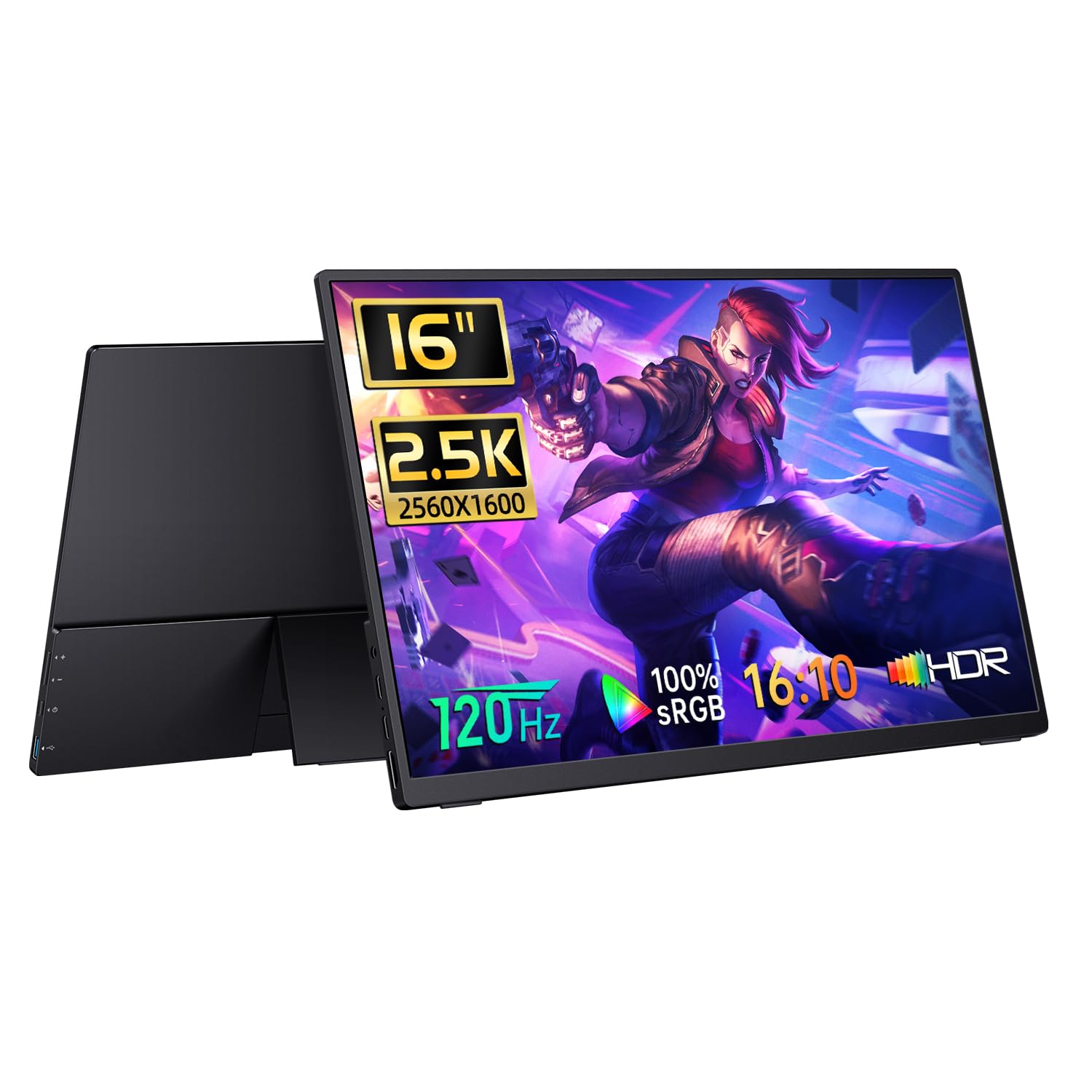
A 16:10 2.5K panel with a proper full-size HDMI port and a sleeve case in the box.
Text and game menus read cleanly thanks to the resolution and ratio: 2560 x 1600 across a 16:10 panel, with a 1200:1 contrast ratio and 400 nits to hold up in a lit room.
The connector choice is a genuine convenience. A full-size HDMI port takes any standard cable you already own, so the Series S setup does not hinge on a fragile mini connector. FreeSync handles tearing, and a built-in speaker means you get audio without plugging in headphones. Weight and footprint are modest enough to slip beside a laptop in a bag.
The catch to weigh is that a full-size HDMI port and a thicker body come together — this is not the slimmest shell here. It is a good middle pick for the buyer who wants 2.5K detail plus a familiar connector and does not need the absolute lightest package.
The one-spec pitch: full-size HDMI on a 2560 x 1600 panel means any spare cable works when you are away from home.
Second thought: if portability is the priority, the 1.57 lb HotYeah undercuts it on carry weight.
Good match for: anyone with a drawer full of standard HDMI cables and a 2.5K preference.
Skip if: every ounce in the bag counts and you want the lightest panel possible.
7. ViewSonic VX1654 16 Inch Portable Gaming Monitor

One cable carries the picture and charges your laptop at the same time.
The standout here is power routing. Single-cable USB-C delivers 60W two-way power, which means the monitor can push charge back into a laptop or phone while it displays the image. Fewer cables on a hotel desk is a real comfort, and it makes the setup quick to break down. Add a 144Hz refresh on a 1920 x 1080 IPS panel and FreeSync for tear-free play, and the gaming side holds up too.
At 1.5 lb and 0.7 inches thick, it slides into a backpack side pocket without a fight. The included cover doubles as a kickstand for portrait and landscape, and an anti-glare screen coating plus a blue-light filter help with long sessions under hotel lighting. Ports include USB-C, mini HDMI and a 3.5mm audio jack.
Here is the honest limit: 250 nits is the dimmest panel in this lineup, and the 800:1 contrast ratio is on the low side. In a bright room, the picture will look flatter than the 400 and 500-nit options. That trade is fine if your play happens in the evening or in a dim room — less so if you game by a window in the afternoon.
What the single cable buys you
- 60W two-way USB-C power keeps devices topped up
- 1.5 lb and 0.7 inches thick
- 144Hz with FreeSync for smooth motion
- Cover doubles as a stand
The dim-room caveat
- 250 nits is the lowest brightness here
- 800:1 contrast ratio trails the 1200:1 panels
- Colour gamut is not the focus of this panel
Choose it for: a one-cable, evening-gaming setup that also tops up your laptop.
Not the one for: daytime play near a window, where 250 nits shows its limit.
8. G-STORY 12.5″ 1080P Portable Gaming Monitor

Purpose-built for the Series S body, with a cable-free mode that skips the wall outlet.
This screen is designed to integrate with the Series S itself, so it travels as a single package rather than a monitor plus console plus stand. The 12.5-inch panel gives you FHD 1920 x 1080, and two HDMI ports mean the console takes one input while a laptop or Switch takes the other. FreeSync and HDR are both on board, so tearing and stutter are handled.
The clever bit is the cable-free attachment. With a USB-to-DC IN cable and no external power, you can run the screen straight off the console — with the caveat that brightness needs to stay below 30% and speaker volume below 50% in that mode. If you turn the volume down further, you can nudge brightness up. The exact range depends on the game, so plan for a little tuning.
It is the most console-specific pick in the group, and the trade for that integration is size and picture — 12.5 inches is small for a shared couch view, and the resolution sits at 1080P rather than 2.5K. For someone who wants the Series S to feel like a handheld console, that is the point.
Why it stands out: the only screen here engineered to attach to the console itself, so setup is one motion rather than a cable-and-stand routine.
Fair caveat: the power-free mode caps brightness below 30%, which is dim — plug into DC power when you want a bright picture.
This one is for: Series S owners who want the console to feel like a suitcase console.
Look past it if: you want a big, bright panel for a living-room seat.
9. VisionOwl Portable Monitor 16 Inch 2.5K QHD 144Hz
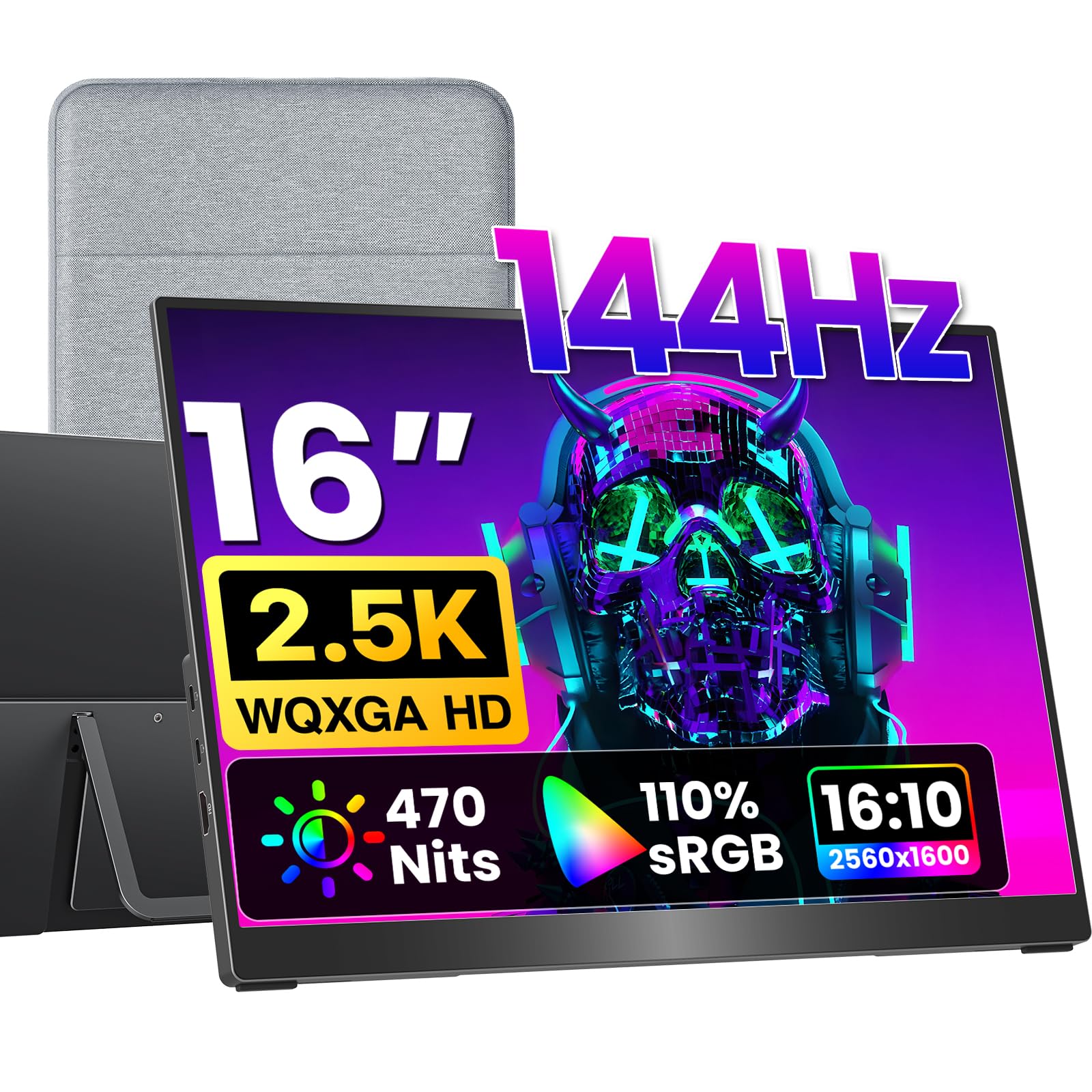
470 nits of brightness behind a 2.5K 144Hz panel — daylight is not a problem.
Brightness is the differentiator: 470 nits puts this ahead of the 400-nit HotYeah and CAPERAVE panels, and well ahead of the 300-nit screens. That is a picture that stays visible in a bright hotel room or a sunlit living room. Behind it sits a 2560 x 1600 IPS panel at 144Hz with a 1200:1 contrast ratio and 110% sRGB coverage, using 8-bit plus 2FRC to reach up to 1.07 billion colours.
The connector choice is thoughtful — a full-size standard HDMI port rather than Mini-HDMI, so the Series S plugs in with a normal cable that will not bend. The 16:10 ratio matches MacBooks for a full-screen mirroring look with no black bars, and dual USB-C ports handle single-cable laptop duty where the device supports Thunderbolt 3/4 or DP Alt Mode. A built-in kickstand, dual VESA holes, and included sleeve case, adapter and cables round out the kit.
It weighs 1.48 lb from a metal body, and a zero-dead-pixel panel grade is stated for the screen itself. The one thing to respect is the single-cable requirement: for power and video over one USB-C cable, your device must support DP Alt Mode (a USB-C mode that carries video), and the Series S does not — so the HDMI cable is your route with the console. Everything else is genuinely complete from the start.
What wins people over
- 470 nits keeps the image visible in daylight
- 2560 x 1600 at 144Hz with 1200:1 contrast
- Full-size HDMI instead of fragile Mini-HDMI
- Sleeve, adapter and cables included
Plan around this
- Series S needs the HDMI cable, not single-cable USB-C
- Metal body adds weight versus the 1.57 lb HotYeah
- Premium positioning relative to the mid-tier picks
Made for: buyers who play in bright rooms and want the highest brightness with 2.5K detail.
Keep in mind: you will use HDMI with the Series S, not the single-cable USB-C route.
10. UPspec Gaming xScreen for Xbox Series S

The only screen here that turns the Series S into a single clamshell unit with zero cables.
The design is the whole story. The xScreen is built to fit within the Xbox Series S footprint, with the USB and HDMI ports built into the shell itself. That means the console and screen clip together and travel as one object — no stand, no cable, just the original Xbox power cable. The 11.6-inch 1080P 60Hz IPS panel is sized to match.
Integrated stereo speakers, built-in controls for screen and volume, and a crosshair overlay for FPS games complete the portable-console feel. There is a safety function too: the screen powers the console off when closed, using HDMI-CEC, to prevent overheating. Contrast sits at 1500:1 and brightness at 350 nits, which is solid for a small panel.
The obvious trade is speed and size. At 60Hz and 1080P on 11.6 inches, this is not the screen for competitive shooters or big-screen movie nights — it is the screen for playing your Series S on a plane tray or a friend’s kitchen table. The engineering is the sell here, not the numbers.
The craft is the point: a shell that integrates the USB and HDMI ports removes the entire cable-and-stand routine that every other pick requires.
Honest limit: 60Hz caps the motion smoothness well below the 120Hz and 144Hz panels in this list.
Right for: the Series S owner who wants the console to be genuinely portable, cable-free.
Wrong for: anyone who wants 144Hz speed or a larger picture.
11. G-STORY 15.6″ Portable Monitor for Xbox Series S 4K

The only 4K panel in the lineup, sized to the Series S and built to integrate with it.
Resolution is the headline: 3840 x 2160 on a 15.6-inch IPS screen, which is four times the pixel count of the 1080P picks and the sharpest image on this list. FreeSync and HDR handle tearing and contrast, and two HDMI ports let the console share the screen with a laptop or Switch. Like the other G-STORY, it is designed to integrate with the Series S body for a single-package carry.
The kit is generous — a remote controller, power adapter, HDMI cable and combination parts are all in the box. Brightness and contrast are not published, so the 4K detail is the clear reason to choose this one over the smaller G-STORY. That detail pays off in slower, scenic games far more than in fast competitive play, where a higher refresh rate matters more than extra pixels.
Realistically, this is the specialist pick. It costs the most of anything here and gives you 4K, which the Series S will not fully feed in every game. If you want the crispest possible image and the integrated console fit, it delivers. If you want speed per dollar, the 144Hz panels above are the smarter spend.
Why 4K attracts some buyers
- 3840 x 2160 native — sharpest panel here
- Dual HDMI for console plus laptop
- FreeSync and HDR
- Integrates with the Series S body
The honest counterweight
- Highest cost in this lineup
- No published brightness or contrast figures
- Refresh rate is not the selling point
Go for it if: you want the sharpest picture and the integrated console fit, and speed is secondary.
Hold off if: you need high refresh for competitive games or want the most screen for the spend.
Know the Specs
Refresh Rate (Hz)
Hertz is how often the panel redraws each second. A 60Hz screen redraws 60 times; a 144Hz screen redraws 144 times, which noticeably smooths fast camera pans. On the Series S, the console’s own frame output often sits below the panel’s ceiling, so a 144Hz screen mostly buys you headroom and cleaner motion rather than a guaranteed 144 frames.
Resolution and Aspect Ratio
Resolution is the pixel count: 1920 x 1080 is FHD, 2560 x 1440 is 2K QHD, 2560 x 1600 is 2.5K, and 3840 x 2160 is 4K. More pixels means sharper text and finer detail. Aspect ratio is the shape — 16:9 is widescreen, 16:10 is slightly taller, which is why 16:10 panels mirror a MacBook more naturally without black bars.
Brightness (Nits)
A nit is a unit of brightness. A 250-nit panel looks fine in a dark room and washed out near a window. A 400 or 500-nit panel holds contrast in daylight. If you play in a bright room, spend on nits before you spend on hertz.
Ports: HDMI, USB-C and Power
The Series S outputs over HDMI, so a full-size or mini HDMI input is the safe route. USB-C can carry video only where the device supports DP Alt Mode or Thunderbolt, which the Series S does not. Some panels also draw power over USB-C; check the voltage requirement and whether a separate adapter is needed.
Common Questions
Can the Xbox Series S run a portable monitor with just a USB-C cable?
Do I need a separate power adapter for a portable monitor?
Will a 144Hz portable monitor make my Series S games run at 144 frames per second?
Is 1080P enough on a portable monitor or should I go 2.5K?
What does nits mean and how bright should a portable gaming monitor be?
Can I use a snap-on screen like the xScreen and still connect other devices?
What is the difference between Mini HDMI and full-size HDMI on these monitors?
Do these portable monitors work with the PS5 and Nintendo Switch too?
How much does a portable monitor weigh and will it fit in a backpack?
What is FreeSync and does it matter for Series S games?
Can I set up a portable monitor in portrait mode for certain games?
The Bottom Line
For most buyers, the strongest pick here is the cocopar 18.5-Inch 2K QHD 120Hz panel — 500 nits of brightness, a 2560 x 1440 picture, and a 120Hz refresh that holds detail in motion, all on a screen that docks to a desk rather than a pocket. If you want the lightest sharp screen in the group, the HotYeah 16-Inch 2.5K 144Hz delivers 2560 x 1600 at 144Hz in a 1.57 lb body, and if you want the console to travel as one cable-free unit, the UPspec xScreen is the only design that clips straight onto the Series S. Whichever you choose, check the HDMI input first, then match nits and hertz to the room you actually play in — that combination decides whether a screen earns its place in your bag.
How we choose
We do not accept paid placement. Every pick is matched to a real buyer and a real use-case; we do not hands-on test units.
Sources
Specifications: manufacturer listings and product documentation. Review insights: verified customer reviews, as of November 2026. Pricing: not shown on this page (it changes often); check the current price via the retailer link.
As an Amazon Associate, Tactical Gear Guy earns from qualifying purchases. This does not affect which products we feature.