Specs are compiled from manufacturer listings and verified buyer reviews and can change over time — please confirm the key details on the product page before buying.
Before you buy storage for a modern Xbox, know this: most external hard drives cannot play your Xbox Series X games. They can only store them. So the real question is not which drive is biggest. It is which drive does the job you actually need, and if you want to shuttle games back and forth or just play them straight off the drive. This guide separates the plug-and-play expansion card that runs current-gen titles from the high-capacity archive drives that hold your whole library, and tells you plainly which one fits your setup.
This guide is built by comparing the manufacturers’ published specifications and the patterns across verified customer reviews, so you get each pick’s real strengths and trade-offs instead of marketing spin.
The nine drives below split into two clear jobs: fast storage you can play from, and huge storage you park games on. Every pick here is confirmed compatible with the Series X, so the choice depends on speed, capacity, and how much you mind moving files around when you want to play. Here is how to pick the right Xbox Series X External Hard Drive for your shelf.
Top Picks


How To Choose The Best Xbox Series X External Hard Drive
The first decision you make is not brand or capacity — it is drive type. An external USB hard drive gives you lots of room for the money, but on a Series X it works as an archive: you copy a current-gen game off it onto the console’s internal storage before you play. An NVMe expansion card (a small solid-state module that drops into a dedicated slot on the back of the console) plays Series X games directly, with no copying. Figure out which of those two jobs you need before you look at anything else.
Play-from versus store-on
If you bounce between several big current-gen titles and hate waiting on transfers, the expansion card is the only one of these that removes the shuffle entirely. Only the SanDisk Optimus GX C50 sits in that play-direct category. If you mostly want a deep shelf for finished games and older Xbox One titles, a USB hard drive handles that job just fine and gives you far more space for the spend.
Capacity math that actually matters
Game sizes vary wildly, so treat any “holds this many games” figure as a rough guide rather than a promise. What you can trust is the raw capacity printed on the drive — 1TB, 2TB, 5TB, 6TB — and how quickly it moves data. A 5TB drive stores a lot of finished campaigns. A 1TB drive is a modest top-up. Match the number to how many games you keep installed at once, not to how many you own.
Speed: when it matters and when it doesn’t
Transfer speed decides how long a copy takes, not how a game runs once it is on internal storage. A drive rated at 130MB/s clears a big game noticeably quicker than one rated at 120MB/s, but neither will touch an NVMe card rated at 1,050 MB/s. If waiting on transfers annoys you, pay for speed. If you copy a game once and play it for weeks, capacity is the better place to put your money.
Setup and formatting
A drive that arrives pre-formatted for Xbox saves you a step — you plug it in and it is recognised. Others need a quick format through the console’s storage menu before they work. Either way, check the maker’s compatibility list covers the Series X specifically, since a drive built only for older Xbox One consoles may not behave the way you expect on current hardware.
Side-by-Side Comparison
| Model | Best For | Capacity | Transfer Rate | Drive Type | Amazon |
|---|---|---|---|---|---|
| WD_BLACK 5TB P10 Game Drive★ Best Overall | Big archive for a mixed console shelf | 5 TB | 130 MB/s | Mechanical HDD | Amazon |
| 1TB USB 3.0 Portable External Gaming Hard DriveBudget Champion | Cheap plug-and-play top-up | 1 TB | 5 Gb/s (USB 3.0) | Mechanical HDD | Amazon |
| GAZELLE 1TB Ultra SlimMost Versatile | Carrying between devices with USB-C and USB-A | 1 TB | 120 MB/s | Mechanical HDD | Amazon |
| WD_Black 2TB P10 Game Drive | Faster transfers in a compact metal shell | 2 TB | 130 MB/s | Mechanical HDD | Amazon |
| Seagate Portable 5TB | Simple cross-device backup and storage | 5 TB | 5,120 Mb/s (USB 3.0) | Mechanical HDD | Amazon |
| Seagate 5TB Game Drive for Xbox | Xbox-certified 5TB archive vault | 5 TB | 120 MB/s | Mechanical HDD | Amazon |
| WD_Black 6TB P10 Game Drive | Maximum archive room in one drive | 6 TB | 130 MB/s | Mechanical HDD | Amazon |
| KIOXIA EXCERIA PLUS G2 Portable SSD | Fast copying for creators and big libraries | 2 TB | 1,050 MB/s read | Solid State Drive | Amazon |
| SANDISK 2TB Optimus GX C50 | Playing Series X games with no copying | 2 TB | NVMe | Expansion Card (SSD) | Amazon |
Detailed Reviews
1. WD_BLACK 5TB P10 Game Drive, Portable External Hard Drive
Our pick — 4.5+★ from 25,000+ verified ratings; the strongest balance of quality and price.
Five terabytes of breathing room, and 130MB/s to move a big game onto your console without a long wait.
If your problem is a library that keeps outgrowing the console’s internal space, this is the drive that solves it most cleanly. You get 5TB of storage — enough shelf for years of finished campaigns and older Xbox One titles — and a metal-topped shell that sits cool and tidy next to the console. It works with the Series X as an archive drive: you park games on it, then copy the ones you want back onto internal storage to play.
The headline number is 130MB/s, and it is the reason this beats slower rivals on the copy step. The GAZELLE 1TB in this list is rated at 120MB/s, so the WD_BLACK moves data at a higher rate — a small edge per file that adds up when you are shuttling several large games in one sitting. Contrast that against the 1TB pre-formatted drive’s 1TB capacity: 5TB versus 1TB, which means you will not be uninstalling to make room any time soon.
What buyers consistently notice is how little fuss it makes — plug it in, the console sees it, and you are moving games within minutes. The metal top also reads as more substantial than the plastic shells on cheaper drives, which matters if it lives on a shelf beside the console rather than in a drawer. It is a mechanical drive, so it is not silent the way a solid-state drive is, and it cannot launch Series X games directly. For archiving, neither of those is a problem.
What earns its place
- 5TB of archive space — the most room here alongside the Seagate 5TB picks
- 130MB/s transfers move big files noticeably quicker than 120MB/s drives
- Metal-topped shell feels sturdier than budget plastic enclosures
- Works across Xbox and PlayStation, so it survives a console change
Where it draws the line
- Cannot play Series X games directly — archive only, so you copy before you play
- Mechanical drive, so it hums faintly while spun up
Reach for this if: your console storage keeps filling and you want a large, tidy archive that moves files without a long wait.
Look elsewhere if: you want to launch current-gen games straight off the drive — that calls for the expansion card below.
2. 1TB USB 3.0 External Gaming Hard Drive
Arrives already formatted for Xbox — plug it in and the console sees it, no menu digging required.
This is the entry point: a 1TB drive aimed at buyers who want a quick capacity top-up without spending much. The pre-formatting is the real selling point. Instead of wrestling with the console’s storage settings, you connect the included USB cable and the drive is recognised for what it is. The maker lists it as compatible with the Series X, Series S, and Xbox One, and a 2-year warranty card comes in the box.
The honest catch is reliability, which is where this drive polarises people the most. Some units work flawlessly from day one; others have left owners frustrated when the console refuses to recognise them. Treat that as a fit note rather than a blanket verdict: it is a budget drive, and a percentage of budget drives arrive less dependable than premium ones. If you want the safest possible pick, spend more. If you want a cheap second shelf for a handful of older games, it does the job.
There is also a 1TB-versus-5TB question worth sitting with before you buy. This holds 1TB — roughly a modest handful of modern titles once you account for reserved space. The WD_BLACK 5TB above holds 5TB instead. If you expect to archive a big library, the small drive will feel tight fast; if you only want somewhere to park a couple of last-gen games, 1TB is plenty.
Straight talk on value: it is the cheapest route to extra Xbox space in this list, and the pre-formatting spares you setup fiddling — but you are trading some confidence for the low outlay.
Best fit for: a casual player who wants a low-cost extra shelf and can accept the odd hiccup.
Steer clear if: your library is large or you rely on the drive working first time, every time.
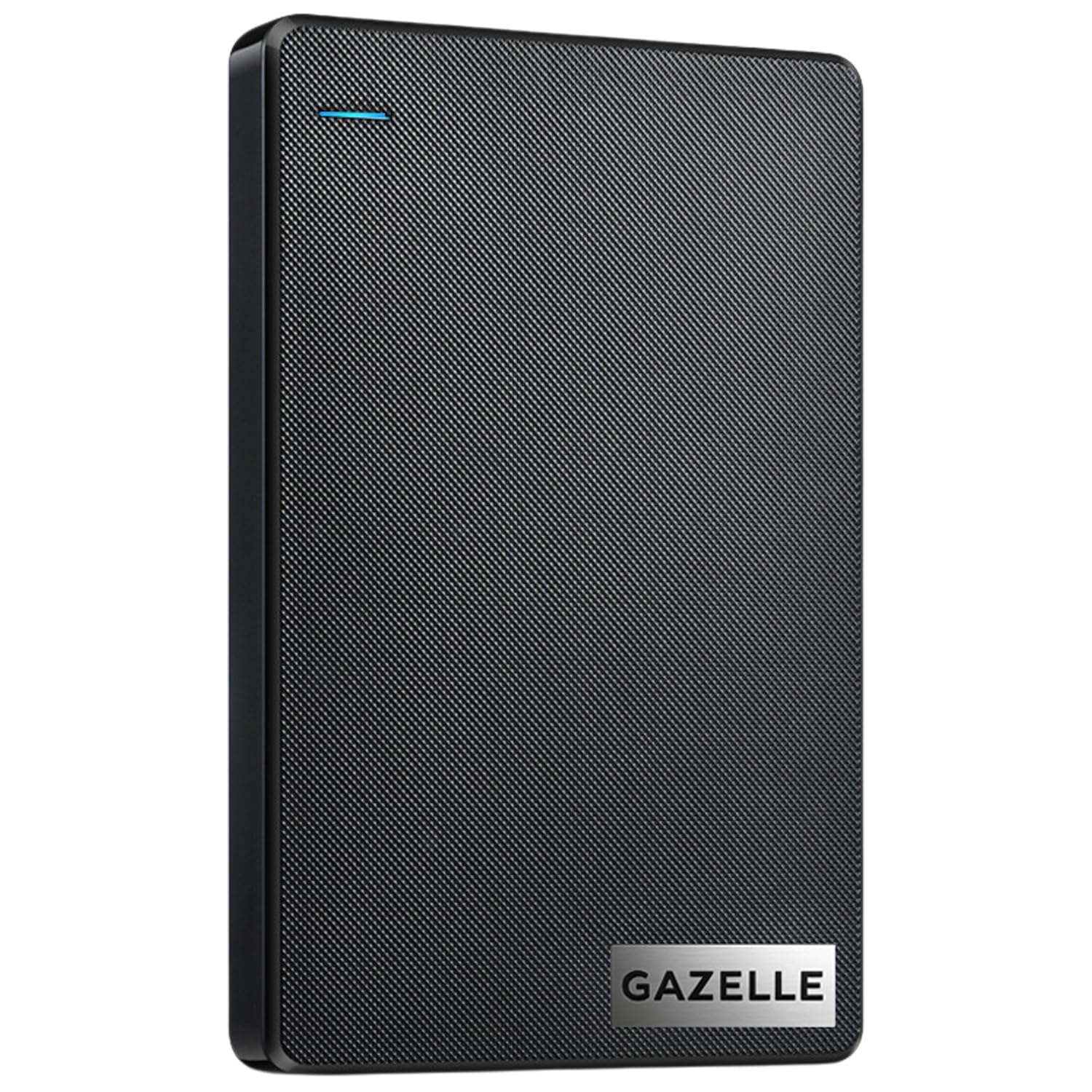
3. GAZELLE 1TB Ultra Slim External Hard Drive
One drive that slips from console to laptop to tablet, thanks to a USB-C adapter in the box.
Most Xbox drives live in one spot. This one is built to travel. At roughly 150g it drops into a laptop bag without weighing you down. The dual interface — USB 3.0 plus a Type-C adapter included — means it connects to newer laptops and older Xbox ports without you hunting for a different cable. That flexibility is why it stands out on a shelf full of single-purpose drives.
What wins people over is performance as a general-purpose drive: it is rated at 120MB/s (megabytes per second, a measure of how fast files copy) and handles everyday copying of files, photos, and games without drama for most users. The speed and connectivity do split opinion, though. As buyers report, “others report it’s really slow and keeps disconnecting from PCs every 10 minutes” — so if you intend to park sensitive work files on it, be aware it is not a rock-solid always-connected drive for everyone. For moving game archives between machines, it is a tidy, lightweight choice.
It carries a 1-year warranty and an LED indicator that shows power and transfer activity at a glance, which is handy when the drive is tucked behind a TV. The 1TB capacity is on the modest side — the WD_BLACK 5TB holds far more — so it fits the carry-around role better than the deep-archive role.
The travel case: light enough to forget in a bag, with both cable types covered — genuinely useful if you copy games from a desktop onto your console on a regular loop.
The caveat worth knowing: mixed reports on staying connected mean it is better as a move-files-between-devices drive than a permanent, always-plugged-in console companion.
Go for this if: you want one small drive that works with your Xbox, laptop, and tablet with no cable swapping.
Think twice if: you need it to sit plugged into a single PC around the clock.
4. WD_Black 2TB P10 Game Drive, Portable External Hard Drive
The middle child that punches above its size — 2TB, 130MB/s, and a metal top that shrugs off a shelf life.
If 1TB feels tight and 5TB feels like overkill, this sits right in the balance. You get 2TB of archive space and the same 130MB/s rating as its bigger sibling, so copies are quick. The sleek metal top makes it feel more premium than a plain plastic enclosure, and it comes with the same three-year limited warranty as the rest of the WD_BLACK line. It handles Xbox One games and archive duty on the Series X without fuss.
The number that decides it for a lot of buyers is 130MB/s versus the GAZELLE’s 120MB/s — a small edge that shows up when you are copying several large games back to back. Against the 5TB WD_BLACK, of course, it trades capacity for a more compact, more affordable package: 2TB versus 5TB of storage. If your library is a dozen or so games rather than fifty, 2TB is comfortable.
The durability and speed threads split opinion across the reviews, so treat it as a well-made drive rather than an indestructible one — drop it on a hard floor often enough and any mechanical drive will eventually object. The thing that most consistently impresses is how smoothly it runs in daily use, spinning quietly and not getting in the way. It is a mechanical drive, so it cannot play Series X games directly; it is there to hold them until you copy them back.
Why it earns the spot: 2TB is the practical middle ground for most setups, and 130MB/s copies keep the transfer waits short without the deep-archive spending.
The right call if: you want fast transfers and enough room for a good-sized library without buying maximum capacity.
Not your drive if: you hoard dozens of games and want to never think about space again.
5. Seagate Portable 5TB External Hard Drive HDD
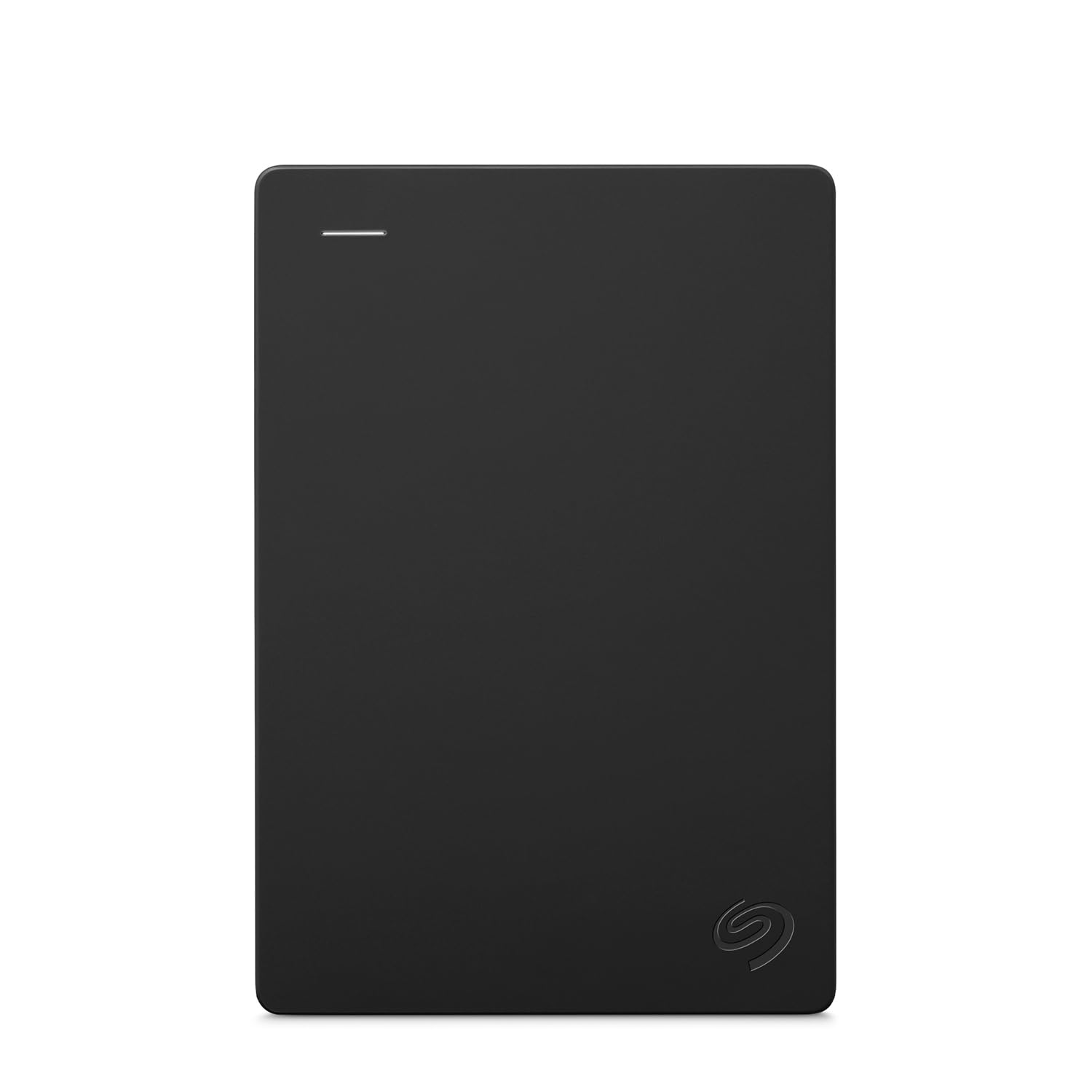
A plain, roomy, drag-and-drop drive that treats your Xbox like any other folder.
This is the workhorse of the bunch, and the appeal is its simplicity. You get 5TB of space, an 18-inch USB 3.0 cable in the box, and a drive that Windows or Mac recognises on first plug-in. There is no flashing LED bar and no gamer styling — just storage that works. It is listed as compatible with the Series X, Series S, Xbox One, and Xbox 360, so it covers the whole Xbox family plus PC and Mac.
Because it is a general-purpose desktop drive first, it behaves best with a computer. It carries hardware encryption, so you can keep backups reasonably private, and it works as a drag-and-drop archive for finished projects, photos, and game files alike. On the Series X it functions as a store-only archive — copy games onto it to free up internal space, then copy the ones you want back to play.
One practical note: it is rated at 5,120 Mb/s over USB 3.0, which is the interface ceiling rather than a real-world copy rate, so do not expect magic speed. On a machine that struggles to recognise a fresh drive, the maker’s advice is to connect it to a computer first so it registers before you use it on the console. Plug it into a PC, let it wake up, then move it across.
The no-nonsense read: huge 5TB room and a straightforward drag-and-drop workflow for anyone who also uses the drive on a computer — it is storage first, gaming second.
Pick it if: you want maximum space and a simple setup you also use for PC backups.
Choose differently if: you want a drive tuned specifically for the console from the start.
6. Seagate 5TB Game Drive for Xbox | USB 3.0
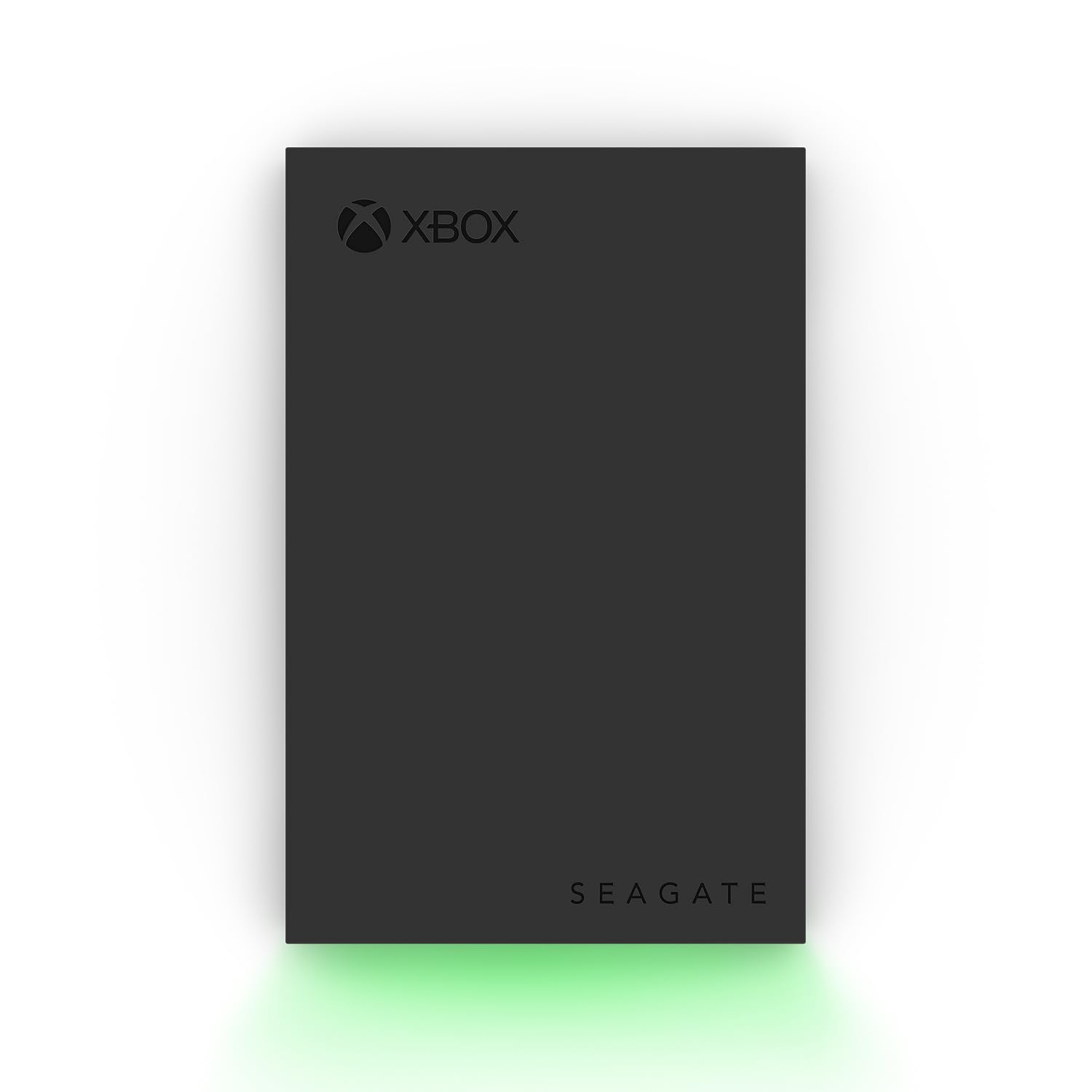
Built to sit beside the console, down to the green LED bar and the Xbox-certified badge.
This is the drive Xbox owners notice first, and not just for the lighting. It is officially certified for the Series X, Series S, and every generation of Xbox One, so you know the console will recognise it without a fuss. The 5TB capacity gives you a deep vault, and the aluminium enclosure plus a built-in LED bar in Xbox green make it look like part of the setup rather than an add-on. It comes with three-year Rescue Data Recovery Services and a one-year limited warranty.
One point on the box is stated plainly and worth repeating: games cannot be played directly off this external drive. It is an archive — you store titles on it, then move them onto the console’s internal storage to play. That is true of every USB hard drive on this list except the expansion card, so if play-direct is your goal, look at the SanDisk card. If deep storage is your goal, 5TB here is difficult to argue with.
Where opinions diverge is transfer speed. It runs at 120MB/s, a step below the WD_BLACK drives’ 130MB/s, and some find that plenty fast while others find it a touch slow when moving large files. For archiving finished games and shuffling a few titles at a time, it is fine. If you repeatedly copy huge games, that small speed difference will be noticeable against the faster WD_BLACK drives.
Why Xbox owners rate it
- Officially Xbox-certified — recognition is reliable on Series X, Series S, and Xbox One
- 5TB vault for a big library
- Aluminium shell and green LED bar look purpose-built for the console
- Three-year Rescue Data Recovery Services included
What to weigh first
- Cannot play Series X games directly — archive only
- 120MB/s is slower than the 130MB/s WD_BLACK drives
Made for: the Xbox owner who wants a certified, good-looking 5TB vault that the console trusts instantly.
Skip this one if: the fastest possible copy speed is your priority.
7. WD_Black 6TB P10 Game Drive, Portable External Hard Drive

The most storage you can hand a console in one drive, and 130MB/s to move it — the maker bills it as the first 6TB 2.5-inch portable drive.
If you are the type who keeps every game you have ever bought, this is your drive. At 6TB it offers the most archive space on this list, and the maker quotes room for up to 150 games. The metal-topped shell and 130MB/s rating match the rest of the WD_BLACK line, so it looks and moves like the smaller models — it just holds more. It archives Series X games and stores and plays Xbox One games directly.
What buyers appreciate most is the sheer capacity: room to hoard old favourites and still take on new arrivals without uninstalling anything. Some note the drive is a little slower and less durable than the specs imply, so treat it as a well-made drive rather than a rugged one — mechanical drives and hard drops are never a good mix. It is also the largest capacity here, so if you have a small library this is more room than you need.
The playability question is worth heading off. Like every USB drive here except the SanDisk card, it cannot launch Series X games straight from the drive. It is a vault you copy out of. For most people that is exactly the job they want; if it is not the job you want, see the expansion card below.
When 6TB makes sense: if you own a large library and want to stop uninstalling games to make room, the extra 1TB over the 5TB drives means you stop uninstalling games to make room — for a small library it is simply more room than you will use.
Right for: the big-collection owner who wants one drive that can hold essentially everything.
Overkill if: you keep a modest handful of games installed.
8. KIOXIA EXCERIA PLUS G2 Portable SSD – 2TB, USB 3.2 Gen 2

A solid-state drive with no moving parts, so a big copy finishes while the hard drives are still spinning up.
This one is for buyers who care about speed more than sheer volume. It reads at up to 1,050 MB/s and writes at up to 1,000 MB/s over its USB 3.2 Gen 2 interface — miles clear of the 130MB/s ceiling on the external hard drives here. That is the difference between a game transferring during a coffee break and a game transferring during a full meal. It is built with KIOXIA BiCS FLASH 3D flash memory and an aluminium housing.
Because it is a solid-state drive, there are no moving parts to be jolted during a transfer, and that shock-resistant design matters if you move the drive around. It is also the only drive here with a KIOXIA utility app for managing and password-protecting the content, using 256-bit AES hardware encryption. It connects via USB-C to USB-C and USB-C to USB-A cables, and it is listed as compatible with Windows, macOS, iOS, Android, PS5, and Xbox Series X/S.
The honest limit is on your console’s side, not the drive’s: on a Series X, this SSD (solid-state drive, storage with no moving parts) still works as a fast external store rather than a direct-play card, so the huge speed advantage shows up in transfer times rather than in-game. It also carries 2TB rather than the 5TB or 6TB the hard drives offer, so you are trading capacity for speed. If both capacity and play-direct are your goals, the SanDisk expansion card sits at the top of the tree.
The speed case: if you routinely move large files between a gaming PC and the console, the SSD’s read speed turns a chore into a quick task — that is where the money goes.
Ideal for: creators and gamers who copy big files often and want transfers to be over in seconds, not minutes.
Not the one if: you want the maximum amount of storage for your outlay.
9. SANDISK 2TB Optimus GX C50 Storage Expansion Card for Xbox
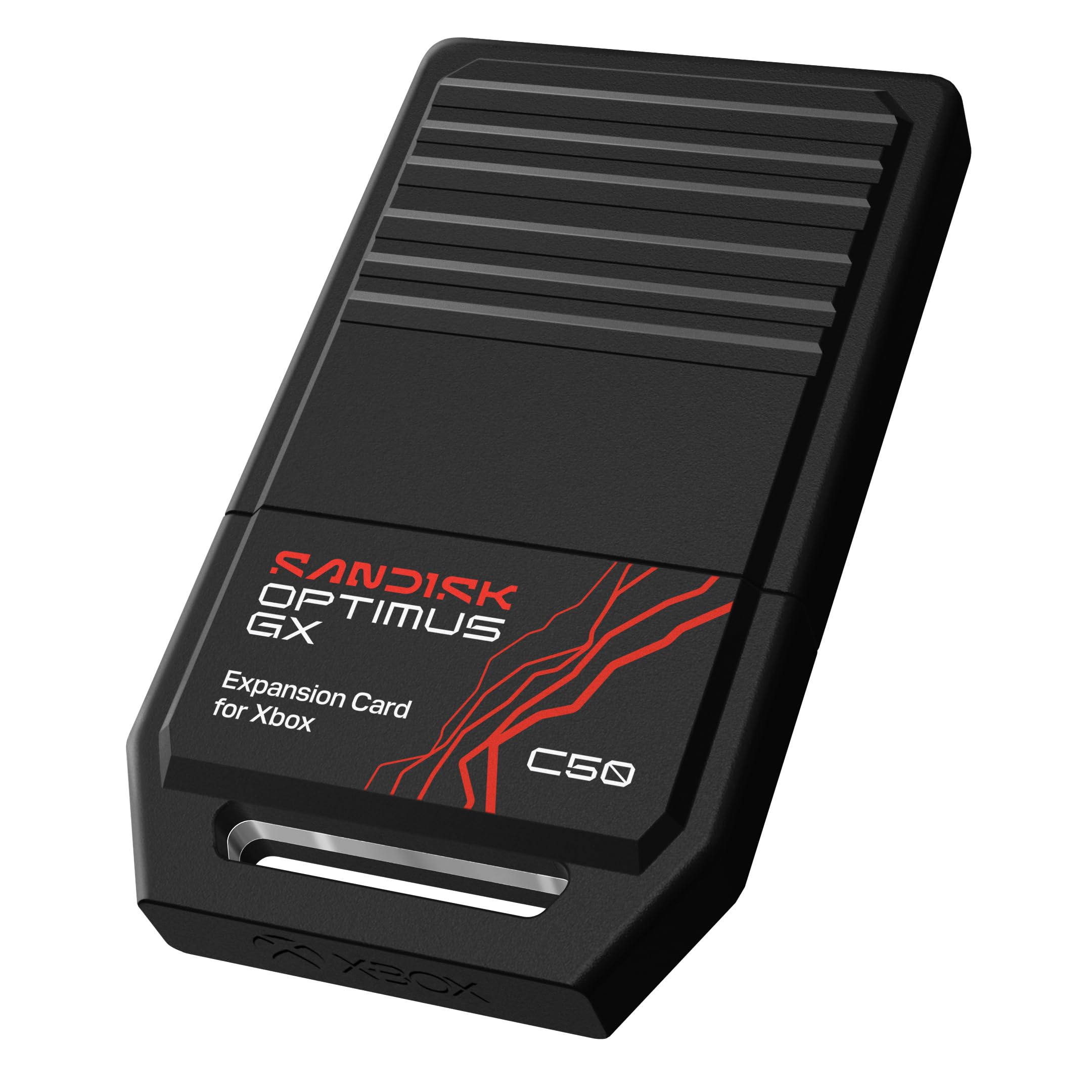
The one drive here that plays Series X games directly — no copying, no waiting for a transfer to finish first.
Every pick above this one shares a limitation: they store Series X games but cannot launch them. This card breaks that rule. It is officially licensed for Xbox Series X|S and slots into the console’s dedicated expansion port. Its NVMe storage matches the Xbox Velocity Architecture, the console’s internal game-loading system, so games play directly from the card. That is the whole point: no more copying a game onto internal storage before you can play it.
It also supports Quick Resume, letting you jump between suspended games without a reload. It gives you up to 2TB, which the maker estimates as room for up to 50 more games on the card, plus a one-month Xbox Game Pass Ultimate trial in the box. If you want the simplest possible setup and menu-free play, the plug-and-play nature of this card is its biggest draw.
The trade-off is value, which is the point buyers raise most. It is a premium purchase, and some find it well worth the outlay while others find it a little pricey. What you are paying for is the direct-play capability and the speed — neither of which any external hard drive here can match. If you simply need deep storage for older games, a 5TB hard drive offers far more room for less. But if you want current-gen games on the drive and playable in an instant, this is the one that does it.
Why it’s the play-direct pick
- Plays Series X games straight from the card — the only pick here that can
- NVMe storage matches the console’s Velocity Architecture for direct play
- Quick Resume compatible, so switching games is instant
- Officially licensed for Series X|S — no compatibility guesswork
The premium you pay for
- 2TB only — far less archive space than the 5TB and 6TB drives here
- The value question divides opinion; it is the most expensive route to space
This is the pick if: you want to play current-gen games from the drive with zero copying.
Hold off if: you mainly need a huge cheap archive for older titles.
Know the Specs
Capacity (TB)
Capacity is simply how much a drive can hold — 1TB, 2TB, 5TB, or 6TB here. Bigger numbers mean more games kept at once, but they do not affect how fast anything loads. Match capacity to how many games you keep installed, since a huge drive is wasted if you only play a handful of titles.
Transfer Rate (MB/s)
Transfer rate is the speed at which data moves, measured in megabytes per second. A 130MB/s drive copies a game faster than a 120MB/s one, and a solid-state drive rated at 1,050 MB/s leaves the hard drives behind. This affects copy times only — not how the game runs once it is on internal storage.
Drive Type: HDD vs SSD
A mechanical hard drive (HDD) uses a spinning disk and delivers lots of space for the money. A solid-state drive (SSD) has no moving parts, is faster, and shrugs off bumps during transfers. Most picks here are HDDs; the KIOXIA and the SanDisk card are solid-state, which is where the extra speed comes from.
Expansion Card vs USB Drive
An expansion card slots into a dedicated port and plays Series X games directly. A USB drive plugs into a normal port but can only store Series X games, not launch them. This is the single most important spec to understand before you buy, because it decides whether you will be copying games every session or playing them straight away.
Common Questions
Can I play Xbox Series X games straight from an external hard drive?
Is an expansion card worth it over a cheaper hard drive?
How much storage do I actually need for the Series X?
Will a drive made for Xbox One work on the Series X?
Does a faster external drive make games load faster?
What does pre-formatted mean and does it matter?
Can I use these drives on a PC as well as the console?
Is a portable SSD better than a portable hard drive for Xbox storage?
How long do these external drives typically last?
What is Quick Resume and which drives support it?
The Bottom Line
For most people, the xbox series x external hard drive that strikes the best balance is the WD_BLACK 5TB P10 Game Drive — 5TB of archive space, a sturdy metal shell, and 130MB/s transfers that keep the copy step short. If playing current-gen games straight off the drive is your real goal, the SanDisk Optimus GX C50 is the only pick here that does it, with NVMe speed and Quick Resume support. And if you want speed over storage for moving big files, the KIOXIA EXCERIA PLUS G2 Portable SSD transfers at up to 1,050 MB/s. Whichever you choose, match the drive type to your actual habit — archive if you store, expansion card if you play.
How we choose
We do not accept paid placement. Every pick is matched to a real buyer and a real use-case; we do not hands-on test units.
Sources
Specifications: manufacturer listings and product documentation. Review insights: verified customer reviews, as of July 2026. Pricing: not shown on this page (it changes often); check the current price via the retailer link.
As an Amazon Associate, Tactical Gear Guy earns from qualifying purchases. This does not affect which products we feature.