Specs are compiled from manufacturer listings and verified buyer reviews and can change over time — please confirm the key details on the product page before buying.
If your Xbox keeps telling you there’s no room for the next download, the fix is simpler than you think: a portable external hard drive that plugs into a USB port and holds your older games so your console’s built-in storage stays free. The catch most buyers hit is assuming every drive works the same way — they don’t, because on an Xbox Series X|S you can play Xbox One games straight from the drive, but Series X|S titles can only be archived there until you move them back. Pick a drive with enough capacity and the right format, and you stop deleting games just to make space.
This guide is built by comparing the manufacturers’ published specifications and the patterns across verified customer reviews, so you get each pick’s real strengths and trade-offs instead of marketing spin.
Below you’ll find how each drive handles Xbox storage, which capacities actually free up your console, and what to expect from setup. These are the drives worth considering when you want the best Xbox portable hard drive for your setup.
Top Picks


How To Choose The Best Xbox Portable Hard Drive
The single decision that shapes everything else is capacity. Xbox games are large, and a drive that fills up in a month only pushes the problem down the road. Buy the biggest drive your budget comfortably allows, because a mechanical hard disk holds its games without any monthly cost or online connection.
Play versus archive: what the drive can actually do
On an Xbox Series X|S, a USB hard drive plays Xbox One, Xbox 360, and original Xbox games directly. Series X|S games can be stored on it but must be moved back to the console’s internal drive before you can run them. That means the drive’s job is to keep your back catalog ready and your internal space clear.
Pre-formatted versus reformatting yourself
Several drives here ship pre-formatted for Xbox, so you plug the USB cable in and the console recognizes it right away. A drive formatted for Windows or Mac usually needs a quick reformat on the console before it becomes game storage, which takes a few minutes but is permanent — the drive becomes Xbox-only until you wipe it again.
Speed, spinning disks, and what you’ll feel
These are mechanical hard disks, not solid-state drives, so transfer speed is measured in MB/s (megabytes per second) for moving a game on or off the drive. The drives here rate between 130MB/s and 600MB/s on paper from their own listings. In daily play, the difference shows up mostly during installs and moves, not in how a game runs once it’s loaded.
Portability and knock protection
A portable drive gets moved, tossed in a bag, and bumped on a desk. A rubber or aluminum enclosure and a shockproof or IPX4 rating give you some margin against that. Cable management matters too — a built-in cable-carry slot saves you hunting for the lead.
Side-by-Side Comparison
| Model | Best For | Capacity | Transfer Speed | Interface | Amazon |
|---|---|---|---|---|---|
| WD_BLACK 5TB P10 Game Drive★ Best Overall | Big library, console or PC | 5 TB | Up to 130MB/s | USB (Type-A to Micro-B) | Amazon |
| Seagate 2TB Game Drive for XboxXbox-Ready Pick | Xbox-certified, built-in look | 2 TB | 600MB/s | USB 3.0 | Amazon |
| Toshiba Canvio Gaming 2TBAll-Rounder | Console and PC gaming mix | 2 TB | 5 Gbps | USB 3.0 | Amazon |
| SP Silicon Power Armor A60 2TB | Rugged travel and durability | 2 TB | 5000 Mbps | USB 3.1 Gen1 | Amazon |
| Avolusion 2TB HD250U3 | Pre-formatted Xbox One value | 2 TB | 5 Gbps | USB 3.0 | Amazon |
| WD_Black 6TB P10 for Xbox | Maximum storage, one cable | 6 TB | 130MB/s | USB 3.2 Gen 1 | Amazon |
| Seagate Portable 1TB | Simple backup and PC use | 1 TB | — | USB 3.0 | Amazon |
| Avolusion 1TB HD250U3-X1 | Entry-level Xbox One storage | 1 TB | 5 Gbps | USB 3.0 | Amazon |
Detailed Reviews
1. WD_BLACK 5TB P10 Game Drive
Our pick — 4.5+★ from 25,000+ verified ratings; the strongest balance of quality and price.
The drive that ends the storage argument: 5 TB for a console or a PC.
The headline here is sheer room. A 5 TB drive means five terabytes of game storage — and by Western Digital’s own listing, that figure is pitched at holding up to 150 games, so you can park old favorites and still have space for whatever drops next. That capacity is the reason to lead with this pick: it beats the Avolusion 1 TB options on space in a way no feature compensates for. At 5 TB versus 1 TB, you simply aren’t going to hit the storage wall in the same way.
It sits in a 2.5-inch enclosure with a metal top, and it connects over a USB Type-A to Micro-B cable — a standard plug that works with your console or laptop. Western Digital rates it at speeds up to 130MB/s for moving data on and off the drive. On Xbox Series X|S you play and store Xbox One games, and archive Series X|S games; on PlayStation 5 the split is PS4 games playable and PS5 games archived. A three-year limited warranty covers the drive hardware.
Owners consistently praise the capacity-to-convenience balance: set it up once and it quietly holds a big game library. The honest limit is the same one every mechanical drive here shares — this is a spinning hard disk, so it is not a way to speed up your console. What you’re buying is room and reliability, not faster loading. Exactly how well the price holds against newer options changes often, so check the Amazon listing before you decide, since listings with this many ratings tend to shift.
Where the P10 earns its slot
- 5 TB of storage — enough to hold a very large installed library
- Up to 130MB/s transfer in a 2.5-inch metal-topped enclosure
- Works across Xbox, PlayStation, and PC with one USB cable
- Three-year limited warranty covers the drive itself
The parts to weigh first
- It’s a mechanical hard disk, so it won’t load games noticeably faster than your console
- Series X|S games must be archived and moved back to internal storage to play
Reach for this if: you keep a sprawling library and want one drive that covers Xbox, PlayStation, and PC.
Look elsewhere if: you only ever play a handful of titles and would rather spend on speed than volume.
2. Seagate 2TB Game Drive for Xbox | USB 3.0 (STKX2000400)
Built to sit beside your Xbox and glow in the same green.
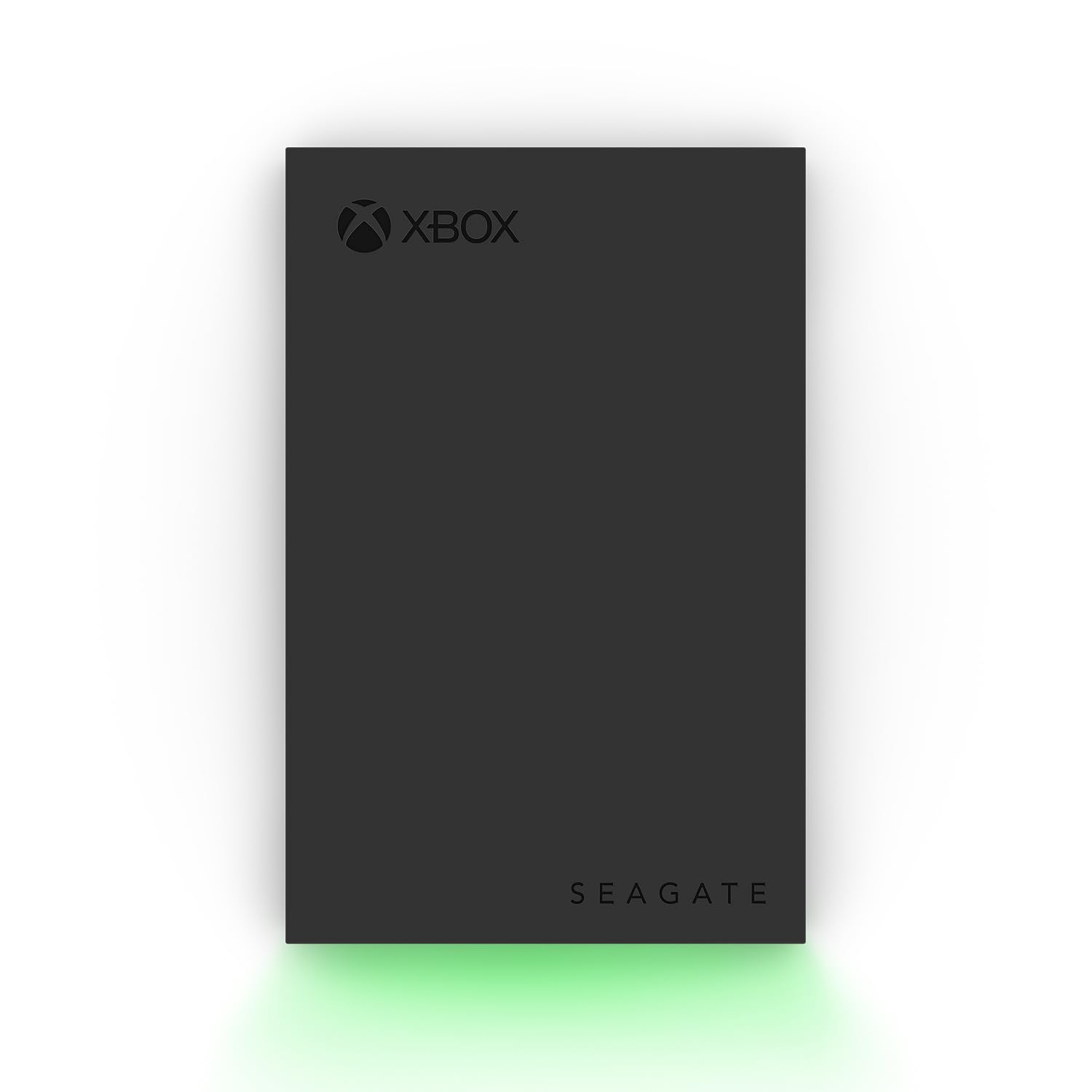
This is the drive that’s been officially cleared for the console — it’s Xbox-certified and compatible with Xbox Series X, Xbox Series S, and all generations of Xbox One. That certification matters more than any cosmetic detail, because it means the console recognizes the drive without fuss. The 2 TB capacity is the working number, and Seagate rates transfer at 600MB/s. The boldest bit is the design: a built-in LED bar that lights your gaming setup in Xbox green. If your shelf is all Xbox black and green, this matches it.
Seagate’s own listing is blunt about one limit, and it’s worth reading twice: games cannot be played directly off the external hard drive for Series X|S titles. You use this as a Game Vault — a holding space for the library you aren’t playing today — and move titles to internal storage to run them. It includes 3-year Rescue Data Recovery Services and a 1-year limited warranty. Note the split warranty lengths: three years on recovery services, one year on the drive hardware.
This is the pick for someone who wants the plumbing to disappear: an Xbox-branded drive, a green glow, and a home for a healthy library that’s easy to spot on the shelf. If your setup is a living-room console and you value the matching look, it’s a natural fit. The trade-off is that you pay for the certification and the styling rather than raw capacity, and Series X|S games still have to move back before play.
Why it looks right at home: the green LED bar and black shell were designed alongside the console, so it reads as part of the setup rather than an add-on.
What to keep in mind: the 2 TB space is generous for Xbox One titles, but it doesn’t change the Series X|S rule — those still archive and move back.
Pick this for: an Xbox-forward setup where matching design and official compatibility matter.
Think twice if: you’re on Series X|S and expect every game to launch straight from USB.
3. Toshiba Canvio Gaming 2TB Portable External Hard Drive
A gaming-first drive with firmware tuned to stay awake and respond.
Toshiba built this one specifically for consoles: it runs a firmware-customized “Always-On” mode aimed at keeping the drive responsive during play. The 2 TB capacity is pitched at holding up to 50 games, based on an estimated 36 GB per game, so you get a clearer picture of what fits than a bare capacity figure gives you. It covers PlayStation 5 (play and store PS4 games, store PS5 games) and Xbox Series X|S (play and store Xbox One games, store Series X|S games). Setup is USB 3.0, in a 2.5-inch aluminum-and-glass body.
The gaming focus shows in what owners notice most: performance is the thing people talk about, with storage capacity close behind. Owners describe no lag when accessing games, which lines up with the Always-On firmware. It’s also compact — the kind of drive that slips into a bag next to a controller. A two-year manufacturer’s limited warranty backs it.
Here’s where it fits and where it doesn’t. If you move between Xbox and PlayStation, this is the more flexible choice than the Xbox-certified Seagate. The catch is that PlayStation users should check Toshiba’s compatibility page first, since how the drive behaves can vary by hardware and OS. And the 50-game estimate is just that — an estimate based on 36 GB per game, so a library of large titles will fill it faster.
Standout strengths
- Always-On firmware keeps it responsive for gaming
- 2 TB at an estimated 50 games of storage
- Covers both Xbox Series X|S and PlayStation 5
- Compact aluminum-and-glass build with a two-year warranty
Worth knowing before you buy
- PS5 games can only be stored, not played, from the drive
- The 50-game figure assumes 36 GB per game — big titles eat more
- Toshiba recommends checking console compatibility before purchase
Best match for: gamers who split time between Xbox and PlayStation and want one flexible drive.
Skip the wait if: you need it to hold a wall of huge PS5 titles — archive-only limits the plan.
4. SP Silicon Power 2TB Armor A60

The one you can toss in a backpack without holding your breath.
Rugged is the whole point here. Silicon Power gives the Armor A60 military-grade shockproof protection plus IPX4 water resistance — an IPX4 rating means it shrugs off splashes, which is the realistic risk for a drive that lives in a bag or near a drink. There’s also a cable-carry design so the USB lead stows with the drive instead of disappearing into a drawer. Capacity is 2 TB in a plastic-and-rubber body, and connectivity is USB 3.1 Gen1. It’s listed as compatible with Xbox One, Xbox 360, PS4, PS4 Pro, and PS4 Slim.
Buyers consistently praise its durability over long stretches of use and its strong performance. The plug-and-play nature is a recurring point of praise: no installation required, plug it in and it appears. Storage capacity also gets noticed, including one report of it handling large 3D modeling files and game development builds. That’s a good sign for anyone who moves big files, not just game installs.
One thing to sort out before you buy: the drive ships pre-formatted as NTFS, so it’s ready on Windows but needs reformatting for Mac. And the compatibility picture is mixed — this is a broad-compatibility drive rather than an Xbox-certified one, so if your priority is a guaranteed Xbox Series X|S fit, the certified Seagate is the safer bet. The upside is that you get solid knock protection and 2 TB at a fair point in the range.
Why it earns the rugged label: shockproofing and IPX4 splash resistance, plus a built-in cable slot, make it the one that survives being carried around.
The realistic trade-off: it’s formatted for Windows and broad in compatibility rather than Xbox-certified, and Mac users must reformat before use.
Go with this one: if the drive travels with you and rough handling is a given.
Consider another route: if you want zero setup and a guaranteed console fit from the start.
5. Avolusion 2TB HD250U3-X1-2TB-XBOX

Already formatted for Xbox One, so there’s no setup ritual at all.
The appeal here is that the work is done for you. Avolusion pre-formats this 2 TB drive for the game console, so you plug in the USB 3.0 cable and it’s recognized — no reformatting step. It’s rated to work with Xbox One X, Xbox One S, and the original first-generation console, and it’s slim and light enough to move around the room. Data moves at 5 gigabits per second, which is the USB 3.0 interface speed rather than a measure of how fast games launch.
Owners describe it as easy to use with Xbox One, with the storage capacity drawing the most attention — including the kind of feedback that a single drive can hold a lot of Xbox One titles. It’s positioned as the straightforward choice: pre-formatted, plug-in, sorted. Its two-year warranty ties for the longest hardware coverage in this list.
Who should think about it twice? Anyone on a Series X|S who wants to run current-gen games from the drive — the compatibility list here centers on Xbox One, and Series X|S titles would archive-and-move like on any of these drives. And 2 TB is a solid middle ground, but if you have a sprawling library the 5 TB WD_BLACK holds far more. For a clean, pre-formatted Xbox One solution, this is a sensible pick.
Why buyers like it
- Pre-formatted for Xbox One — plug it in and go
- 2 TB of storage for a healthy Xbox One library
- Slim, light, and easy to relocate
- Two-year warranty, tied for the longest hardware coverage here
Set your expectations
- Compatibility is centered on Xbox One, not Series X|S play
- 5 Gbps is interface speed, not faster game loading
The easy call if: you’re on Xbox One and want zero setup friction.
Not the one for: a large Series X|S library that needs maximum room.
6. WD_Black 6TB P10 Game Drive for Xbox

Six terabytes for Xbox — the drive for a library you never want to prune.
If capacity is your deciding spec, this is the biggest one on the list: 6 TB, built specifically for Xbox, with USB 3.2 Gen 1 connectivity and a rated 130MB/s transfer. It’s compatible with Xbox 360, Xbox One, Xbox One S, Xbox One X, Xbox Series S, and Xbox Series X — a broad Xbox-only spread. It comes with a 1-month Xbox Game Pass code, which is a nice head start for filling all that room. The enclosure is a 2.5-inch external in black.
What buyers celebrate is the room, plainly: a 6 TB drive handles a massive library and moves games on and off quickly enough for a good workflow. The value perception is strong for the amount of space you get, and transfer speed gets a positive nod. Game playability is where the reports split — a drive this size tempts people to try running games straight off it, and one report says new games wouldn’t run from it. That’s the same Series X|S archive-only rule showing up in a buyer’s experience.
Durability feedback is also mixed, with long-life reports on one side and real-world wear on the other. That’s typical for any mechanical disk and not a reason to rule it out — it’s a reason to keep it on a stable surface and not to sling it in a bag. For the gamer who refuses to delete anything and wants everything on Xbox, this is the roomiest answer here. Compared with the 5 TB WD_BLACK, you’re paying for 6 TB instead of 5 TB, plus the Xbox-specific packaging with a Game Pass code.
Where the 6 TB shines
- 6 TB — the largest capacity in this list
- Covers every Xbox generation from 360 through Series X|S
- USB 3.2 Gen 1 at 130MB/s
- Includes a 1-month Xbox Game Pass code
The catch to plan for
- New Series X|S games still can’t run off it — they archive and move
- Durability reports are mixed, so treat it as a desk drive, not a travel drive
The right fit for: Xbox players with a huge library who want the most storage available.
Look at the 5 TB instead if: you want nearly as much room and don’t need the Xbox branding or Game Pass code.
7. Seagate Portable 1TB External Hard Drive
The straightforward 1 TB Seagate that just works with everything.
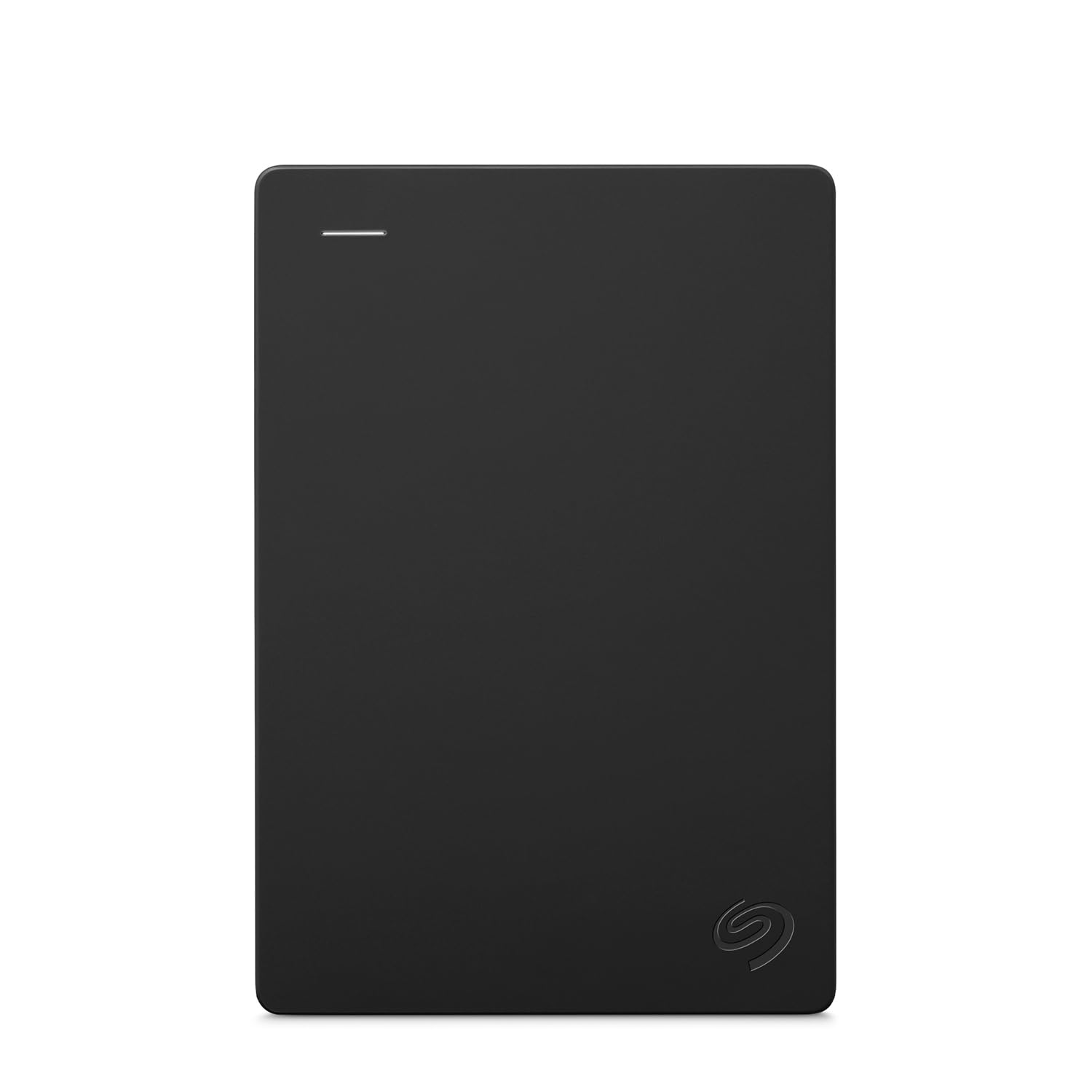
This is Seagate’s general-purpose portable, and its charm is that it doesn’t pretend to be a console-specific product. It’s a 1 TB USB 3.0 external drive that works with Windows or Mac computers — drag and drop, no software — and lists Xbox One among compatible consoles. The included 18-inch USB 3.0 cable is short enough to keep things tidy on a desk and long enough to reach a nearby port. It includes a 1-year Rescue Data Recovery Service.
Mac users need to know the fine print: reformatting may be required for Mac, so the drive gets its full use on a Mac only after that step. Setup on Windows is automatic recognition — plug it in and it appears. That makes it the easiest entry point for someone who wants a reliable portable drive that isn’t locked to one console’s ecosystem.
Where it fits in an Xbox list: it’s a fine second drive for backing up saved games and media, and a fine 1 TB for light use. But for a growing Xbox library, 1 TB fills fast, and this drive lacks the pre-formatted console setup or the storage headroom of the 2 TB and 5 TB picks above. It’s the budget-friendly choice — best for general use and casual Xbox One storage, not for someone who downloads every big release.
Why it’s the safe starter: 1 TB of USB 3.0 storage that Windows recognizes instantly, with a short 18-inch cable and a 1-year Rescue Service.
Where it runs thin: 1 TB won’t carry a serious console library, and Mac users must reformat first.
Choose this if: you want a no-fuss portable drive for PC, Mac, or light Xbox One use.
Pass if: you’re building an Xbox library that needs to grow — the 2 TB drives above make more sense.
8. Avolusion 1TB HD250U3-X1-1TB-XBOX
The cheapest ticket into pre-formatted Xbox One storage.
This is the simplest, most affordable path to adding Xbox One storage. The 1 TB drive is pre-formatted on the game console, so it’s plug-n-play — connect the USB 3.0 cable, and it becomes game storage without a reformat step. It’s slim and lightweight, and it’s rated for Xbox One X, Xbox One S, and the original first-generation console. Data moves at 5 gigabits per second over USB 3.0, and the drive carries a two-year warranty.
Owners describe it as easy to use and appreciate the added console storage — the go-to phrasing being a really simple way to get more room. The catch is that 1 TB is the smallest capacity in this list, and for a modern library it fills up reasonably fast. That’s the honest limit: it solves the immediate space problem on Xbox One without giving you much future headroom. Reliability feedback is mixed, so a mechanical disk deserves gentle handling either way.
Where it wins is the no-thought setup. If you’re on Xbox One, you want a small capacity bump, and you don’t want to reformat anything, this is the budget-friendly way in. If you want to future-proof against a growing Series X|S library, the 2 TB and 5 TB drives above give you the room you’ll actually use.
The case for the entry model
- Pre-formatted for Xbox One — plug-n-play
- 1 TB of extra console storage
- Two-year warranty on the drive
- Slim and lightweight enough to tuck away
What you give up
- The smallest capacity here — fills fast with big games
- Mixed reliability feedback means handle it with care
Best for: Xbox One owners who want a quick, cheap storage boost with no setup.
Skip if: you need room to grow — 1 TB is a short-term fix.
Know the Specs
Capacity in TB
Capacity is the number that decides how many games you can keep installed. A mechanical drive’s games sit on it until you move them back to internal storage, so more terabytes means fewer deletes. Drive makers often translate capacity into a game estimate based on an assumed file size — Toshiba, for example, estimates up to 50 games at 2 TB based on 36 GB per game. Real titles vary widely, so treat those estimates as a guide, not a guarantee.
Transfer speed in MB/s and Gbps
You’ll see speed quoted two ways here: megabytes per second (MB/s) for actual data moving, and gigabits per second (Gbps) for the USB connection’s ceiling. They measure the interface differently, so don’t compare a 5 Gbps figure directly with a 130MB/s one — the drives rate themselves on different scales. What matters in practice is that speed affects installs and moving games on or off the drive, not how a loaded game plays. These are spinning disks, so they won’t rival a solid-state drive.
Pre-formatted versus reformatting
A drive “pre-formatted for Xbox” arrives ready to store console games — plug it in and it’s recognized. A drive formatted for Windows (NTFS) works on PC straight away, and one built for Mac may require reformatting. Reformatting is quick but wipes the drive and ties it to that platform until you wipe it again, so buy the format that matches where you’ll use it.
Shockproof and IPX4 protection
A mechanical disk has moving parts, so physical protection is worth checking if the drive travels. Shockproof protection guards against knocks, while an IPX4 rating covers splashes rather than submersion. Neither makes a hard drive indestructible, but together they add margin for a drive kept in a bag or on a busy desk.
Common Questions
Can I play Xbox Series X|S games directly from a portable hard drive?
Do I need to reformat a portable hard drive to use it on Xbox?
Will a portable hard drive make my games load faster?
How many games fit on a 2 TB Xbox drive?
Is a 1 TB drive enough for an Xbox library?
Can I use the same drive on Xbox and PC?
What does IPX4 water resistance actually mean on a hard drive?
Is a rugged shockproof drive worth it for a console setup?
Why is the drive speed listed as both MB/s and Gbps?
Does an Xbox portable hard drive work on PlayStation too?
The Bottom Line
For most players, the xbox portable hard drive to beat is the WD_BLACK 5TB P10 Game Drive, because its 5 TB capacity lets you stop deleting games and its USB connection covers Xbox, PlayStation, and PC with one cable. If console certification and a matching look matter to you, grab the Seagate 2TB Game Drive for Xbox. And for a drive that can survive travel and rough handling, the SP Silicon Power Armor A60 2TB is the rugged choice. Whichever you pick, match the drive’s capacity to your library and remember that Series X|S games archive rather than play — choose the drive for the games you’ll actually keep.
How we choose
We do not accept paid placement. Every pick is matched to a real buyer and a real use-case; we do not hands-on test units.
Sources
Specifications: manufacturer listings and product documentation. Review insights: verified customer reviews, as of November 2026. Pricing: not shown on this page (it changes often); check the current price via the retailer link.
As an Amazon Associate, Tactical Gear Guy earns from qualifying purchases. This does not affect which products we feature.