Specs are compiled from manufacturer listings and verified buyer reviews and can change over time — please confirm the key details on the product page before buying.
Your XPS 15 will charge from a weaker USB-C plug, but it will crawl while you work and it may drain faster than it fills. The fix is a 130W USB-C adapter rated 20V at 6.5A, the spec the XPS 15 was built to pull. That 6.5A figure is what separates a charger that keeps up with video edits and dual monitors from one that leaves you watching a progress bar. Below you’ll find the replacement adapters worth carrying, sorted by what each one actually does well.
This guide is built by comparing the manufacturers’ published specifications and the patterns across verified customer reviews, so you get each pick’s real strengths and trade-offs instead of marketing spin.
A replacement XPS 15 adapter only has to nail three things: 130W output, a USB-C plug, and your model number on the fit list. Get those three right and the charger stops being something you think about. This breakdown of the xps 15 charger market shows you which ones do exactly that.
Top Picks

How To Choose The Best XPS 15 Charger
A charger for an XPS 15 is not a universal phone brick. The laptop expects a specific wattage over a USB-C connector, and the wrong adapter behaves politely at first — it powers the machine, but the battery creeps up instead of filling.
Start with the wattage, then check the amps
Look for 130W output stated as 20V at 6.5A. That is the full-speed figure for the XPS 15 family. An adapter rated 4.5A delivers less current, so heavy workloads can outrun the charge. The amperage is the tell — the PULINA runs 6.5A, while the JIONR replacement lists 4.5A.
Match your exact model against the fit list
Dell spread the XPS 15 name across several model numbers. The 9500, 9510, 9520, 9530, and the 9575 2-in-1 all appear on different adapters’ compatibility lists. Find your number on the adapter’s own list before you commit. This is the step people skip, and it is the one that causes most returns.
Think about where the cable has to reach
A short cord is fine at a desk and annoying everywhere else. Standard adapters ship with roughly a 3ft or 6ft cord. The PULINA lists a total 10.83ft of pure copper cable, which changes how you can sit in a hotel room or at a conference table. Cable length does not change charge speed, but it decides whether you can reach the outlet from the couch.
Decide if you want a spare or a replacement
If your original Dell brick died, a faithful replacement keeps your setup identical. If you are building a second kit for travel, weight and bulk start to matter. GaN (gallium nitride, a chip material that packs the same power into a smaller shell) is the design to look for when you want the bag lighter.
Side-by-Side Comparison
| Model | Best For | Output | Amperage | Cable / Cord | Amazon |
|---|---|---|---|---|---|
| Easy Style 130W USB-C Replacement★ Best Overall | Widest model coverage | 130W | — | 6ft | Amazon |
| KUANTEN 130W ReplacementBudget Spare | Low-cost spare | 130W | — | — | Amazon |
| PULINA 130W USB-C Charger | Long cord and listed safety certs | 130W | 6.5 A | 10.83ft total | Amazon |
| JIONR 130W USB-C Replacement | Budget backup | 130W | 4.5 A | — | Amazon |
| BULL-TECH 130W USB-C Adapter | Straight replacement fit | 130W | 6.5 A | — | Amazon |
| Dell DA130PM170 Genuine Adapter | Keeping the OEM part number | 130W | 6.5 A | 3ft | Amazon |
| Dell 130W USB-C GaN Slim Adapter | Smallest bag footprint | 130W | — | 3ft | Amazon |
Detailed Reviews
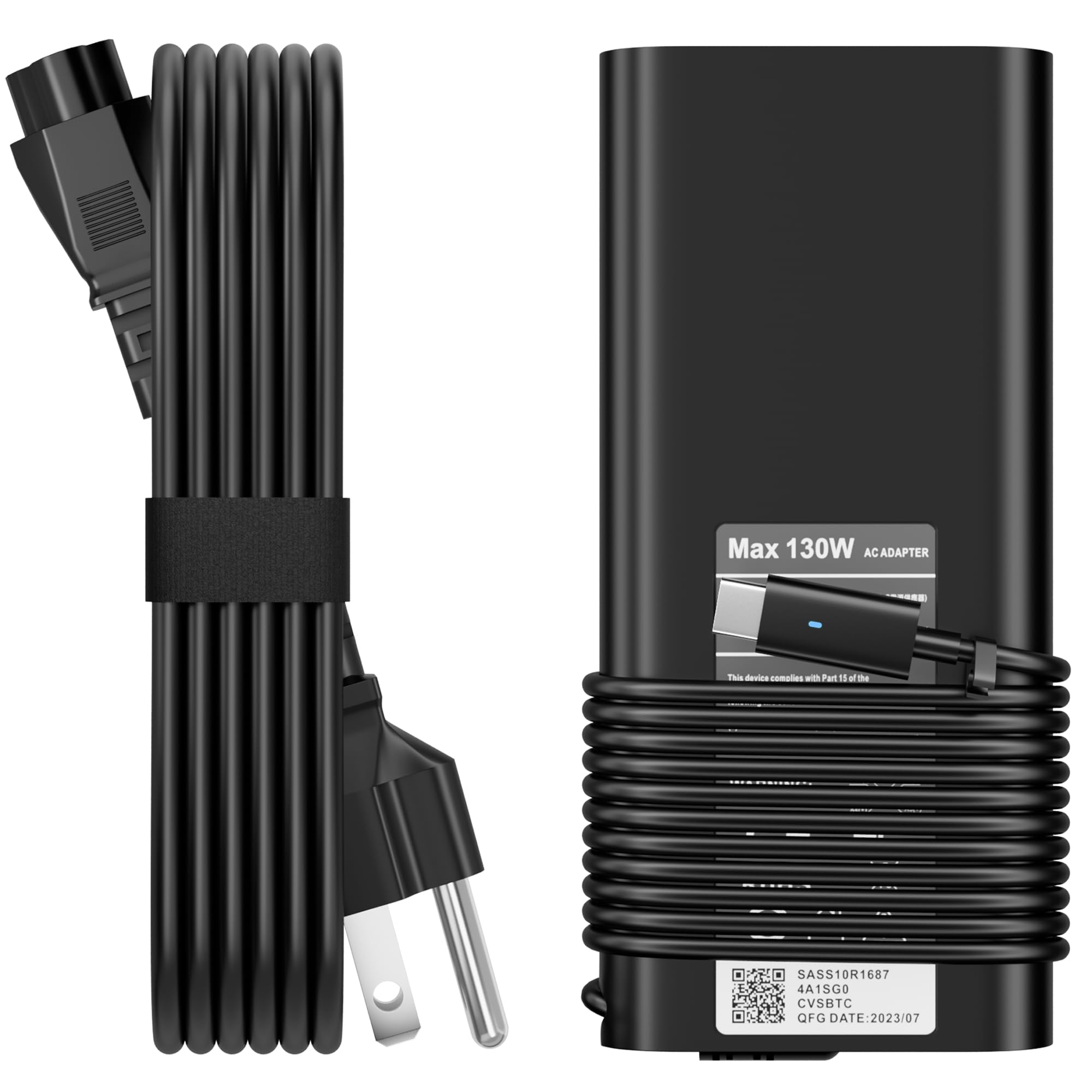
1. Replacement for Dell 130W Laptop Charger USB C Slim Adapter
Our pick — 4.0+★ from 850+ verified ratings; the strongest balance of quality and price.
The broadest fit list here, which is exactly what a nervous replacement buyer wants.
If your XPS 15 is one of several Dells in the house, this is the adapter that does not make you keep a spreadsheet. It is listed against XPS 15 models 9500, 9510, and 9520, plus the XPS 17 line and a long sweep of Precision and Latitude machines. The output is the full 130W over a USB-C plug, so the laptop pulls what it was designed to pull rather than settling for a trickle.
What wins people over is build quality — the housing and cord have held up under daily commuting far better than the price suggests. The 6ft AC cord gives you useful slack at a desk or a café table. It also ships as a set: the slim 130W adapter, a 3-prong US cable, and a user manual, so you are not hunting for a separate cord the day it arrives.
The honest catch is connector fit. This adapter’s reviews split on whether the connector seats snugly in every port, and charging speed draws a similar split — some machines fill quickly, others creep. It is worth confirming your exact model appears on the compatibility list before you order. Nothing here is broken; it is a matter of matching the plug to your specific XPS 15.
What earns it the top spot
- Full 130W over USB-C, so the XPS 15 charges at its intended rate
- Compatibility list covers XPS 15 9500, 9510, and 9520 directly
- Includes the adapter, a 3-prong US cable, and a manual in one box
- 12-month coverage on defects
Where it asks for care
- Connector fit is the recurring split in feedback — check your port
- Not every buyer sees fast charging, so verify your model first
- Plastic housing, not the slim GaN build of the premium pick
Buy this if: you own more than one Dell laptop and want a single adapter that covers the family.
Look elsewhere if: you want the lightest possible brick for a carry-on bag.
2. KUANTEN 130W Replacement Dell USB-C Charger
A cheap second charger for the office drawer, so your good one stays in the bag.
It is listed for the XPS 15 9530, 9575, 9500, 9510, and 9520 2-in-1, along with the XPS 17 line and a batch of Precision and Latitude models.
If you are replacing a dead brick and want to confirm it matches the label on the old one, that list is useful. Built-in protection against short circuits, overvoltage, overcurrent, and overheating is stated, and a 12-month guarantee backs it.
Two things to weigh. This is a small-volume listing, so the long-term track record is thinner than the top pick’s, and the weight — 15.5 ounces — is not the lightest to carry. Functionality is what gets talked about most, and for a spare that lives on a desk, that is enough.
The value read: as a stationary backup, it earns its place. You get the full 130W and the right plug for a modest outlay.
The trade to accept: fewer owners have lived with it long enough to prove durability, and 15.5 ounces in a backpack is noticeable next to the GaN option.
The right call for: a desk-bound second adapter, not your primary travel charger.
3. PULINA 130W USB C Laptop Charger
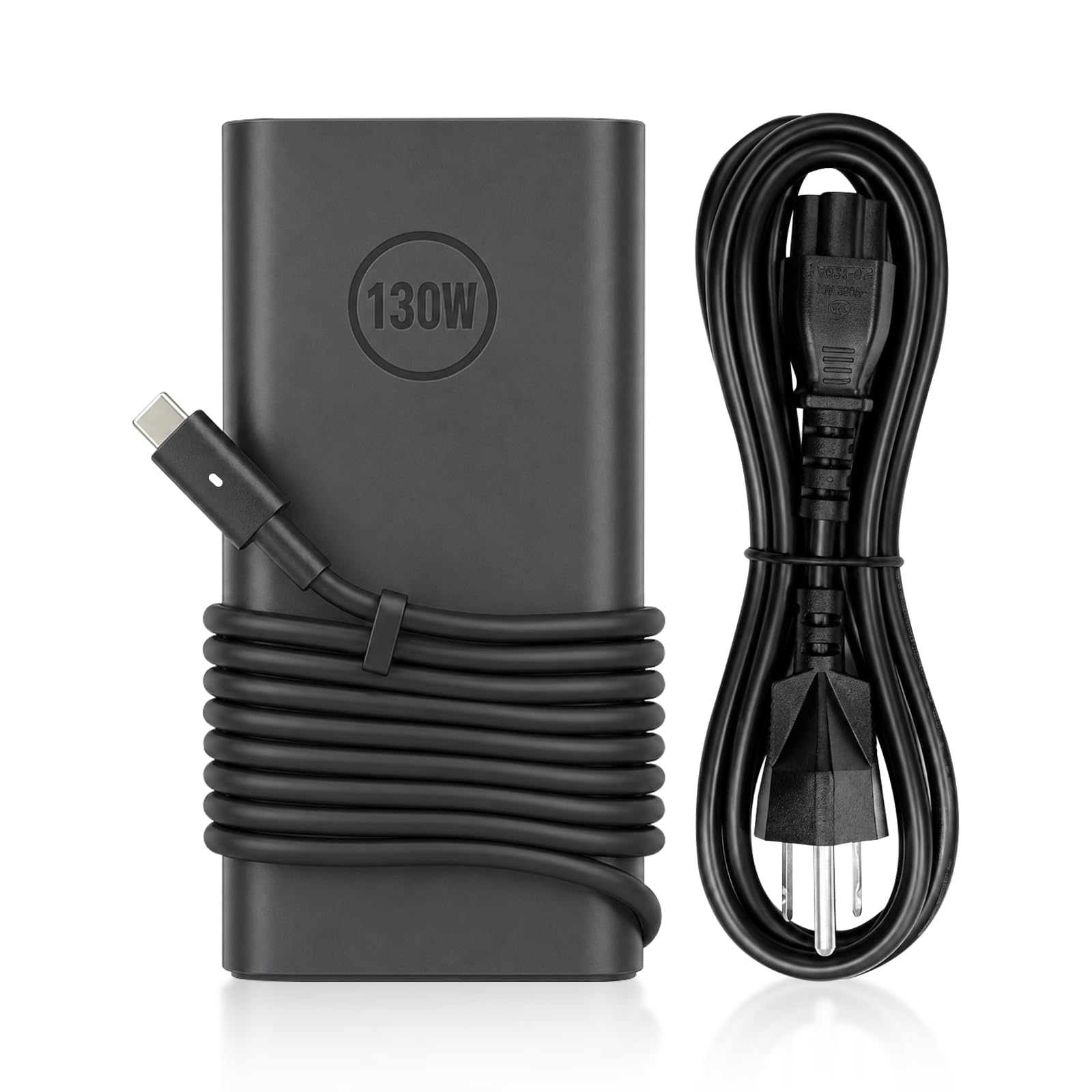
A ten-foot reach and the full 6.5A current — the desk charger that stops short-changing you.
Here is the head-to-head that matters. The PULINA delivers 6.5A at 20V, while the JIONR replacement further down runs 4.5A. That gap is the whole difference between an XPS 15 that genuinely fast-charges under load and one that politely tops up. If you work with the laptop open and a monitor attached, you want the 6.5A figure.
Then there is the cable. Total reach is 10.83ft of pure copper, versus a standard 6ft cord. That means you can sit on a hotel bed with the outlet across the room, or reach the floor socket under a conference table without dragging the adapter. The USB-C connector also carries an LED indicator, so you can confirm power at a glance instead of realizing an hour later that nothing charged.
You get built-in safety for your laptop: the PULINA is stated as UL Listed and FCC Certified, with protection against over-voltage, over-current, short-circuit, and over-heating, plus a 2-year limited warranty. Owners talk about reliability more than anything else, and that fits. One fair caution: the compatibility list is long but specific, so check your exact XPS 15 model before ordering instead of assuming. One honest quirk — the listing’s own review summary includes feedback from people who tried it outside the Dell ecosystem and found it did not fit their machine, a reminder that this is a Dell-focused adapter.
Why it leads on paper: 6.5A output plus 10.83ft of cable is the most practical combination in this group for anyone who actually works on a desk all day.
The honest limit: it costs slightly more than the entry replacements, and the long cord means more cable to coil when you pack up.
Reach for this if: outlet placement has ever dictated where you sit with your laptop. The 10.83ft cord ends that problem.
Think twice if: you want the absolute smallest brick — this prioritizes reach, not miniaturization.
4. JIONR 130W USB-C Laptop Charger Replacement

A long Dell part-number match list, but the amperage figure is the one to read twice.
This adapter’s strength is paperwork-level compatibility. It names XPS 15 9500, 9510, 9520, and 9530 directly, plus the XPS 17 line, Precision 5550, 5560, and 5570, and a long run of Dell P/N codes from 0TDK33 to 0M0H25. If you want to cross-check against the label on your dead charger, that list is thorough.
The number to slow down on is 4.5A. The top pick and the PULINA both list 6.5A. Lower current means the adapter may keep the laptop alive while you work rather than quickly refilling it, and owners describe exactly that split — some see quick charging, others see a slow climb. It also notes that the Latitude 3520 is supported via the USB-C PD port only and cannot charge through its original barrel jack, so read the fit notes for your model.
Quality is the strongest recurring theme, with a strong showing on value for money, so it stands up as a desk spare or a replacement that does not break the bank. The caveat worth knowing is that fit and charging speed both draw mixed reports — this is a charger, not a cure-all, and matching it to your machine is on you.
What it gets right: a genuinely thorough Dell model and part-number list, plus a low outlay for a working 130W adapter.
What to accept: 4.5A rather than 6.5A, so heavy workloads may outpace the charge rate.
Best fit for: buyers replacing a failed OEM brick on a limited budget who mostly work near the charger anyway.
5. BULL-TECH 130W USB-C Slim AC Power Adapter
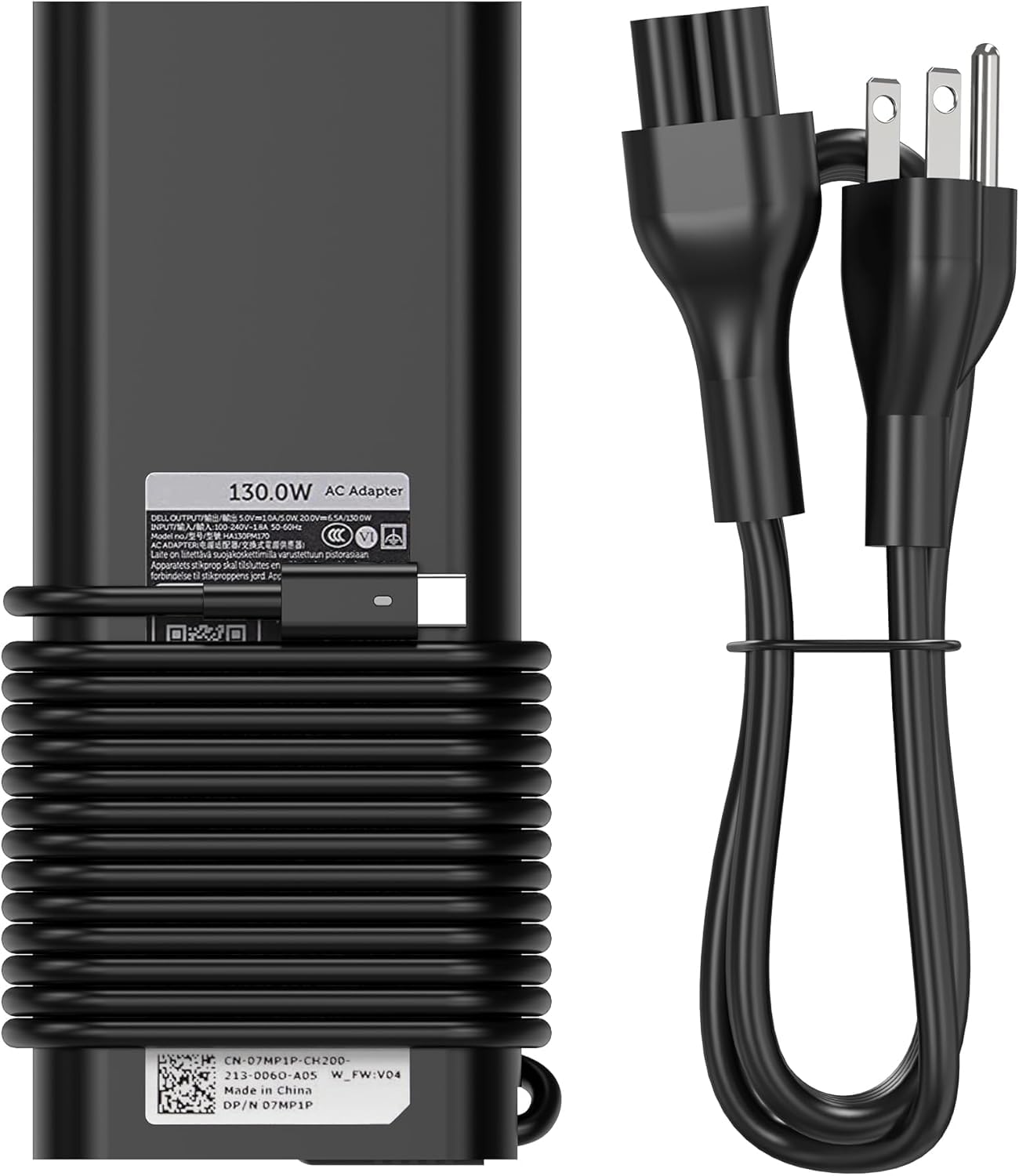
Full amperage, slim shell — the middle ground for someone who wants both.
BULL-TECH lists the output plainly: 5V/20V at 1A/6.5A, 130W, through a USB Type-C connector. That is the full-strength number, and it is the reason this adapter can keep an XPS 15 running through a long editing session rather than merely holding the battery steady. Input spans 100-240V at 50-60Hz, which is the range that makes an adapter usable on overseas trips with a plug adapter.
The model list is broad in the usual Dell way — XPS 15 9500, 9510, 9520, XPS 17 9700 through 9730, plus Precision and Latitude lines and the Dell part numbers 0K00F5, 0M0H25, T4V18, DA130PM170, and HA130PM170. Compatibility is the aspect praised most, and that tracks: it covers the models most XPS 15 owners actually have.
Where a buyer should pause is longevity. Durability is the one negative thread in this listing’s feedback, with several reports of failure inside a year. Treat that as a reason to keep your receipt and to favor this as your desk adapter rather than the only charger you own. The value question splits the same way — some find it worthwhile, others less so.
The case for it
- Full 6.5A output at 20V — 130W in practice, not just on the label
- Covers XPS 15 9500, 9510, and 9520 plus Precision and Latitude ranges
- 100-240V input suits travel with the right plug adapter
- Slim form factor keeps a desk tidy
Where the risk sits
- Durability is the weak point — failures reported within a year
- Value for money draws split feedback
- Buy it as a second charger, not your single point of failure
Worth it for: desk use where full 130W matters more than a decade-long lifespan.
Not the one for: anyone who wants one charger to last them through several laptops.
6. Dell Laptop Charger 130W USB C Type C AC Adapter DA130PM170

The genuine Dell part, for anyone who refuses a third-party brick on principle.
Some buyers will not put a non-Dell adapter on a machine this expensive, and that instinct is reasonable. This is presented as a new genuine Dell AC adapter, shipped in non-retail packaging, with the DA130PM170 part number and a 3ft power cord. Output is 130W at 20V-6.5A plus 5W at 5V-1A over a USB Type-C tip.
You get the tightest, most trustworthy fit here because the compatibility comes from Dell itself: XPS 15 9500, 9510, 9520, and 9530, plus XPS 17 9700 through 9730, with the SKU list covering 0K00F5, 0CT1P3, 0M0H25, 07MP1P, and 0MW1G8. If matching the original exactly is your goal, this is the one that does it without a compatibility gamble.
Now the part most shoppers will want to know. The reliability picture is genuinely mixed, with reports of units that serve high-power laptops fine and units that stop working after a few months. That is the tension of buying OEM through a marketplace rather than a Dell direct channel — you get the right part number, but you still lean on the seller’s support if something fails. The 3ft cord is also short for anything but a desk.
The reason to pick it: a genuine Dell part number, a Dell-authored compatibility list, and the exact spec Dell specifies for the XPS 15.
The reason to hesitate: mixed long-term reliability reports and a short 3ft cord make it a desk charger, not a traveler’s.
Choose it when: the Dell name on the brick is non-negotiable for you and the laptop stays mostly in one room.
7. Dell 130W USB-C GaN Slim Adapter

Dell’s own GaN brick — barely three-quarters of a pound for the daily commute.
If the charger lives in your bag rather than on your desk, this is the shortlist winner. The GaN construction trims the shell to 5.04 x 2.17 x 0.87 inches and the weight to 0.728 pounds, which you feel every time you pick up a backpack. It still pushes the full 130W at 20V/6.5A, with selectable 5V, 9V, 15V, and 20V outputs for other USB-C gear you carry.
The travel details are thought through. Input runs 100 to 240 VAC for worldwide use, it operates from 32° to 104°F, and it includes a 3ft power cord with a cable clip so the cord does not tangle around your laptop. Built-in over-voltage protection is stated across all power modes. The XPS 15 compatibility covers the 9500, 9510, 9520, and 9575 2-in-1, plus XPS 16 9640 and the XPS 17 range.
What you accept for the small size is a premium outlay and the shortest track record in this group. It is a newer listing with far fewer owners behind it than the top pick, so durability is not yet proven over years. That is the honest trade: 0.728 pounds and a 5.04 x 2.17 x 0.87-inch shell, paid for at a premium price.
The daily-commuter answer: 0.728 pounds of GaN and a cable clip in a bag that already feels full.
Hold off if: you want a long, well-documented reliability record before you spend on a premium adapter.
Know the Specs
Wattage and amperage (130W, 20V, 6.5A)
Wattage is the total power the adapter can send, and 130W is what the XPS 15 family expects for full-speed charging. Amperage is the flow rate that delivers it — 6.5A at 20V reaches 130W. An adapter rated 4.5A sends less current, which can leave a busy laptop charging slowly or holding steady rather than filling. When you compare adapters, the amp figure tells you more than the watt number on the box.
Connector and fitment
Every adapter here uses a USB Type-C plug, which is the connector the XPS 15 charges through. The risk is not the connector type but the model match — Dell used several XPS 15 model numbers, and each adapter lists its own supported set. Confirm your number (9500, 9510, 9520, 9530, or 9575 2-in-1) against the listing’s list. A loose or imperfect seat is the most common fit complaint in this category.
Cable length and cord design
Cord length shapes where you can actually sit. Adapters with a 3ft cord suit a fixed desk; ones with 6ft or longer give you room to reach a floor outlet or a far wall socket. The PULINA lists a total 10.83ft of pure copper cable, the longest here. A cable clip, like the one on the Dell GaN adapter, keeps a short cord organized in a bag.
Build material and weight
GaN (gallium nitride) lets an adapter run cooler and smaller than a plastic-housed brick of the same wattage. The Dell GaN Slim measures 5.04 x 2.17 x 0.87 inches at 0.728 pounds. A standard plastic adapter like the KUANTEN lists 15.5 ounces. A desk-bound charger can weigh 15.5 ounces without complaint; a backpack charger should be closer to the Dell GaN’s 0.728 pounds.
Common Questions
Will a 130W USB-C charger work with my XPS 15 9500 or 9520?
What happens if I use a 4.5A adapter instead of a 6.5A one?
Is a third-party Dell replacement charger safe for my laptop?
How does the Dell DA130PM170 compare to a third-party adapter?
Does the XPS 15 9575 2-in-1 use the same charger as the 9500?
Can these chargers power other USB-C devices like a phone or tablet?
Why does my replacement adapter’s plug feel loose in the port?
How long should a laptop charger like this last?
Does a longer cable affect charging speed?
Can I use these adapters while traveling abroad?
The Bottom Line
For most people shopping for the xps 15 charger, the Easy Style 130W replacement is the sensible pick: its compatibility list covers the XPS 15 9500, 9510, and 9520 directly, and it ships as a complete set. If you need more outlet reach or the full 6.5A current, take the PULINA and its 10.83ft cable. And if the charger has to live in a backpack, reach for the Dell GaN Slim at 0.728 pounds.
How we choose
We do not accept paid placement. Every pick is matched to a real buyer and a real use-case; we do not hands-on test units.
Sources
Specifications: manufacturer listings and product documentation. Review insights: verified customer reviews, as of November 2026. Pricing: not shown on this page (it changes often); check the current price via the retailer link.
As an Amazon Associate, Tactical Gear Guy earns from qualifying purchases. This does not affect which products we feature.